


Your organization runs on dozens of apps — Slack for chat, spreadsheets for tracking, email for approvals, and a project management platform that only half the team actually uses.
Work gets done, but visibility stays fragmented, leaders spend hours compiling status updates, and teams duplicate effort because no one knows what’s already in progress. Work management software exists to solve this exact problem by connecting strategy, projects, and daily execution in one place, giving everyone from individual contributors to executives a shared view of what’s happening across the business.
The right platform becomes the central operating system for your business, linking strategic goals to tangible outcomes and turning scattered activity into coordinated progress. This guide breaks down 15 work management platforms across pricing, features, and fit for different team sizes, helping you identify the platform that matches how your teams actually work.
Try monday work managementQuick look: 15 top work management platforms
Navigating the crowded market of work management platforms isn’t just about picking a tool; it’s about identifying the operating system that best fits your team’s unique rhythm and scale. It is less about finding a generic “best” option and more about discovering the software that aligns with how your cross-functional units actually operate.
Each platform brings its own approach: from sprawling visual canvases to tight, grid-based systems. Your job? Figure out which one actually connects your big-picture strategy with the daily grind. Here’s a quick look at the best work management software on the market today:
| Platform | Use case | Key strength | Team size | Starting price |
|---|---|---|---|---|
| monday work management | Cross-functional work coordination | AI-powered workflows | 10–10,000+ | $9/user/month |
| ClickUp | All-in-one customization | View flexibility | 5–500 | $7/user/month |
| Deltek Replicon Time | Professional services | Time tracking | 50–5,000+ | Custom pricing |
| Smartsheet | Spreadsheet-based management | Familiar interface | 50–10,000+ | $9/user/month |
| Quickbase | Custom application development | Low-code platform | 100–10,000+ | $35/user/month |
| Hive | Project analytics | Native analytics | 10–1,000 | $12/user/month |
| Zoho Projects | Zoho ecosystem users | Ecosystem integration | 10–500 | $4/user/month |
| Todoist | Personal productivity | Task simplicity | 1–50 | $5/month |
| Bonsai Agency Software | Agencies and freelancers | Agency workflows | 1–50 | $9/month |
| Miro | Visual collaboration | Whiteboarding | 5–1,000 | $8/user/month |
| Nifty | Project milestones | Milestone tracking | 5–200 | $7/user/month |
| MeisterTask | Kanban workflows | Kanban focus | 5–100 | $13/user/month |
| Kintone | Database-driven apps | Custom databases | 50–5,000+ | $24/user/month |
| Teamwork.com | Client-facing projects | Client collaboration | 10–500 | $10.99/user/month |
| ProjectManager | Traditional PM | Gantt charts | 20–1,000 | $13/user/month |
What is work management software?
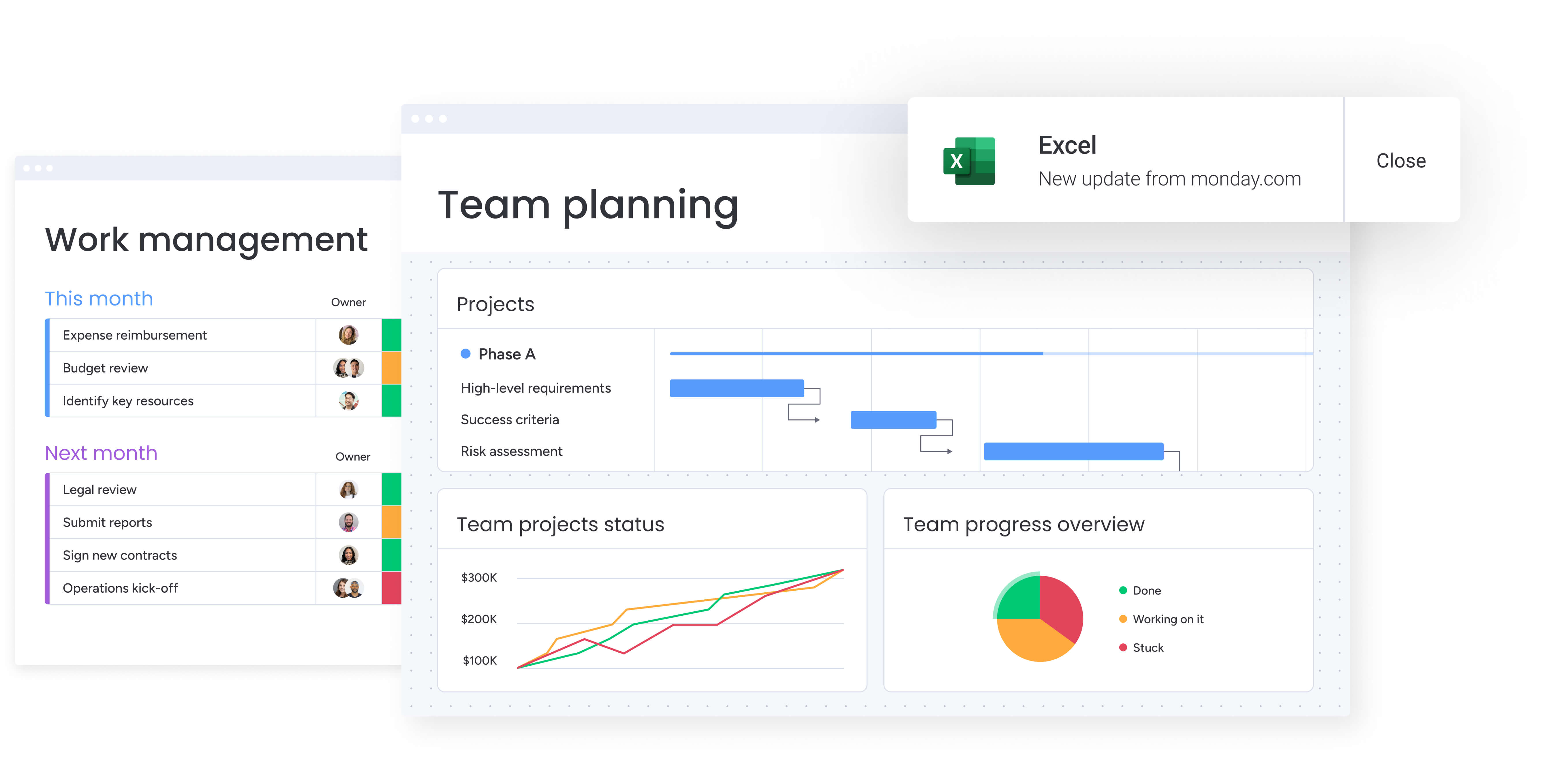
When your teams work across time zones and departments, basic project platforms just can’t keep up. You end up drowning in disconnected apps, never-ending email threads, and spreadsheets that are outdated the second you hit save.
Work management software fixes this mess by connecting everything — resources, goals, and tasks — across your whole company. It’s not just about tracking anymore; it’s your complete business operating system. Instead of hunting through 5 different tools for answers, you get one reliable version of reality.
When everything’s in one place, leaders can actually see what’s happening and make smarter calls. You can assign the right people to the right work and ditch the constant back-and-forth that slows everyone down. The payoff? Your day-to-day tasks finally connect directly to your big-picture goals.
Work management vs. project management vs. task management

Distinguishing between these categories is essential for selecting the right tool. Each serves a different tier of organizational needs, with work management offering the broadest scope.
| Scope | Primary focus | Key capabilities | Typical users | |
|---|---|---|---|---|
| Task management | Individual and small team workflows | Personal productivity and simple tracking | To-do lists, deadlines, reminders | Individuals, small teams |
| Project management | Discrete projects with defined timelines | Planning and delivery of specific initiatives | Gantt charts, dependencies, milestones, budgets | Project managers, project teams |
| Work management | Enterprise-wide coordination | Strategic alignment and cross-functional execution | Portfolio oversight, resource planning, automation, goal tracking | Entire organization |
Task tools support individual productivity and simple workflows. Project management software excels at planning and delivering time-bound initiatives. Work management platforms unify projects, recurring processes, and strategic goals into a single system, giving organizations a continuous, real-time view of execution across teams.
6 ways work management software drives alignment
Robust platforms bridge the gap between vision and execution by addressing the core operational friction points that stall progress.
They provide a unified foundation to tackle 5 critical areas:
- Eliminating information silos: Teams operate from a single source of truth rather than disjointed apps, ensuring a complete view of organizational activity.
- Defining team capacity: Real-time insights into workloads allow managers to allocate resources effectively, preventing burnout and answering the question of bandwidth definitively.
- Linking strategy to execution: Abstract goals transform into actionable workflows, ensuring every team member sees how their daily tasks contribute to the bigger picture.
- Automating coordination: By handling routine updates and approvals, automation frees teams to focus on high-impact work rather than administrative maintenance.
- Empowering leadership visibility: Executives gain immediate access to portfolio health, enabling confident decisions without the need to chase down reports.
- Predictive execution: AI anticipates delays, workload risks, and bottlenecks so teams act before issues escalate.
15 top work management software solutions for teams
Great work management goes way beyond checking off items on a list. It connects what people do every day to your biggest goals, turning random activities into coordinated progress. The right platform doesn’t just track work — it powers your entire business.
Identifying the right fit requires a deep dive into your organization’s specific habits, from how departments collaborate to your requirements for enterprise-grade security. While the platforms listed below offer varied strengths, they all share the objective of providing a holistic view of operations.
The best platforms bend to fit your team’s actual workflows — not the other way around. They give leaders real-time insights to make quick calls, so you can stop obsessing over task lists and start delivering results.
1. monday work management
With monday work management, you can gather your strategy, projects, and daily work in one place, giving you instant access to every update. Built on our Work OS, it helps mid-to-large organizations run complex workflows across departments, giving leaders the control they need while teams keep the flexibility they want.
In practice, this means teams can handle everything from resource allocation and portfolio management to OKRs and approvals while allowing every department to maintain a flexible, customized process.
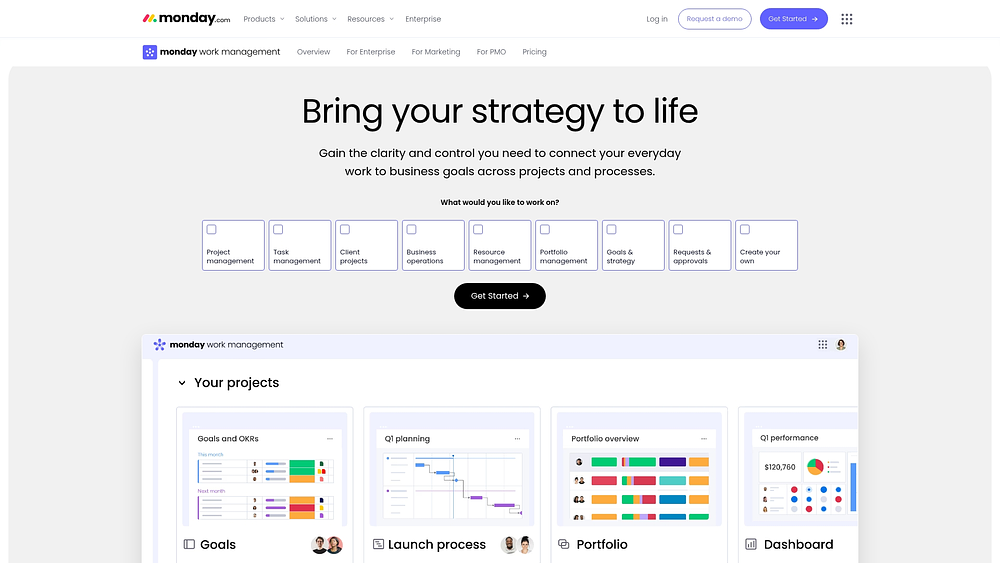
Use case: Enterprise organizations coordinating cross-functional work and connecting strategic goals to daily execution while maintaining flexibility for diverse team workflows
Key features
- Custom workflow builder: Launch and iterate rapidly using pre-built templates, flexible boards, and configurable columns, then standardize successful patterns across business units.
- 200+ integrations: Ensure updates flow naturally by connecting with tools like Microsoft Teams, Slack, Jira Cloud, Gmail, Outlook, Google Drive, and Zoom.
- Resource management and capacity planning: Leverage Workload View to identify capacity bottlenecks and rebalance assignments before deadlines are impacted.
Pricing
- Basic: $9/user/month (billed annually) for core features
- Standard: $12/user/month adds timeline views and calendar capabilities
- Pro: $19/user/month includes advanced automation and formula columns
- Enterprise: Custom pricing for advanced security and large-scale deployments
- Minimum 3 seats required: Additional seats in groups of 5
Why users choose monday work management
- AI Blocks: Integrate AI into columns to handle high-volume tasks like Categorize, Summarize, Extract information, Translate, and Detect sentiment, or use a Custom block for specific needs.
- Recognized performance: Awarded Highest User Adoption for Enterprises by G2 and recognized as a Leader in the 2025 Gartner® Magic Quadrant™ for both Collaborative Work Management and Adaptive Project Management.
- Measurable results: Customers report outcomes like a 20% increase in client satisfaction and $4.14M saved via optimization, demonstrating the value of a connected workspace.
2. ClickUp
Consolidation is the core promise of ClickUp. This all-in-one workspace brings documents, goals, and communication under one roof, offering deep customization for teams that refuse to settle for rigid workflows. With over 15 view types, it caters to organizations looking to reduce tool sprawl while tailoring the environment to their exact specifications.
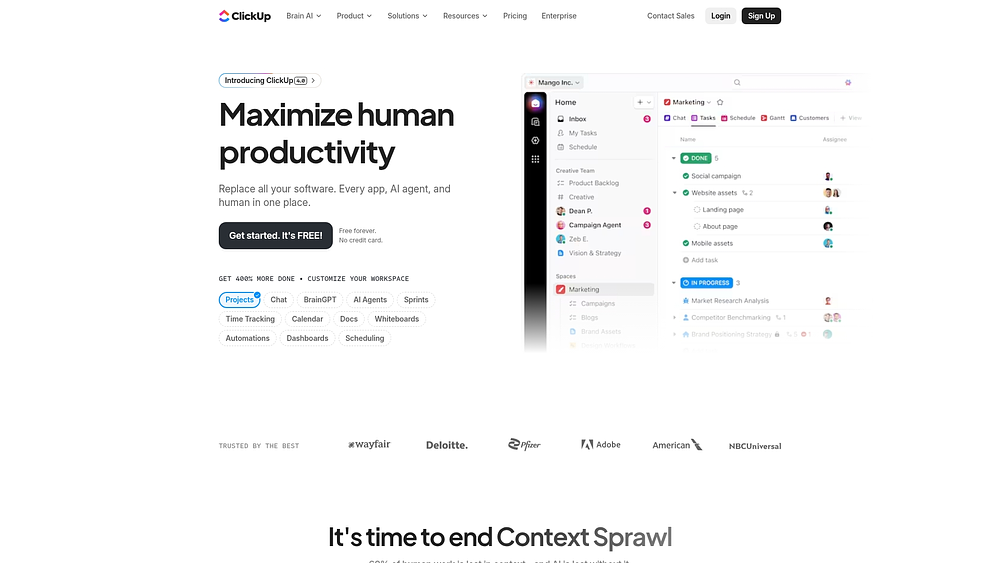
Use case: Teams requiring a highly configurable environment that scales from simple task tracking to complex, multi-level portfolio management
Key features
- Multiple view options: Visualize work through list, board, calendar, Gantt, timeline, and workload views to suit different preferences.
- Hierarchical work structure: Organize work via Spaces, folders, and lists to manage everything from single projects to complex portfolios.
- Native time tracking: Capture effort data directly within tasks for accurate costing without needing external tools.
Pricing
- Free Forever: $0 (60MB storage, unlimited tasks)
- Unlimited: $7/user/month (annual)
- Business: $12/user/month (annual)
- Enterprise: Custom pricing with advanced security and support
- AI add-ons: Standard ($9), Autopilot ($28) per member
Considerations
- The extensive customization options require a thoughtful approach during initial setup.
- Users occasionally report performance lag with large datasets and inconsistencies between mobile and desktop experiences.
3. Deltek Replicon Time
For professional services firms, accurate time capture is more than an administrative function; it’s a financial necessity. Deltek Replicon Time leverages AI to automate this critical function, ensuring compliance and precise project costing. It is specifically engineered for organizations that need to manage billable hours across complex client engagements with absolute precision.
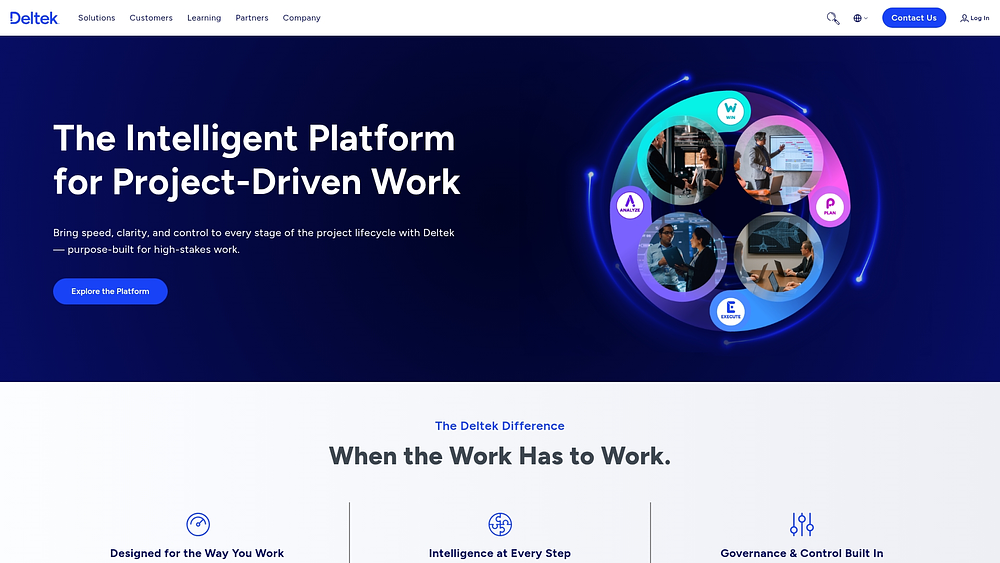
Use case: Professional services firms focused on billable hours, project budgets, and resource utilization
Key features
- AI-powered time capture: ZeroTime technology harvests work signals from 100+ apps to pre-populate timesheets, drastically reducing manual entry.
- Global compliance engine: Built-in libraries covering 145+ jurisdictions ensure labor law compliance for distributed teams.
- Real-time project costing: Monitor labor costs against budgets instantly to track profitability.
Pricing
- Project Time Tracking: $39/user/month (annual)
- Workforce Management: $19/user/month (annual)
- Time & Attendance: $12/user/month (annual)
- Custom pricing for large deployments
Considerations
- Lacks the broad project management features found in generalist platforms.
- The pricing reflects its specialized nature for professional services.
4. Smartsheet
If your team lives in grids but needs enterprise governance, Smartsheet bridges that gap. It takes the intuitive nature of a spreadsheet and layers on powerful project management capabilities, scaling from individual tasks to enterprise portfolios. Trusted by 85% of Fortune 500 companies, it is particularly effective for managing complex, multi-stakeholder initiatives.

Use case: Organizations handling complex projects requiring detailed planning and executive reporting across departments
Key features
- Spreadsheet-native interface: Familiar grid views with Gantt charts, Kanban boards, and timelines offer versatile visualization.
- Control Center: Project creation from blueprints is automated and provides portfolio-level reporting.
- Dynamic View: Get selective data sharing with stakeholders without exposing sensitive underlying information.
Pricing
- Pro: $9/month/member (annual)
- Business: $19/month/member (annual)
- Enterprise: Custom pricing
- Premium add-ons (Dynamic View, Data Shuttle): Additional cost required
Considerations
- Sheet limits (500,000 cells) may constrain massive datasets.
- Advanced governance and integration features often require higher tiers or paid add-ons.
5. Quickbase
When off-the-shelf software falls short, Quickbase offers a low-code alternative. It empowers operations-heavy industries — like construction and manufacturing — to build custom applications tailored to their specific, complex workflows. With a focus on dynamic work management, it serves organizations needing deep system integrations and enterprise-grade governance.
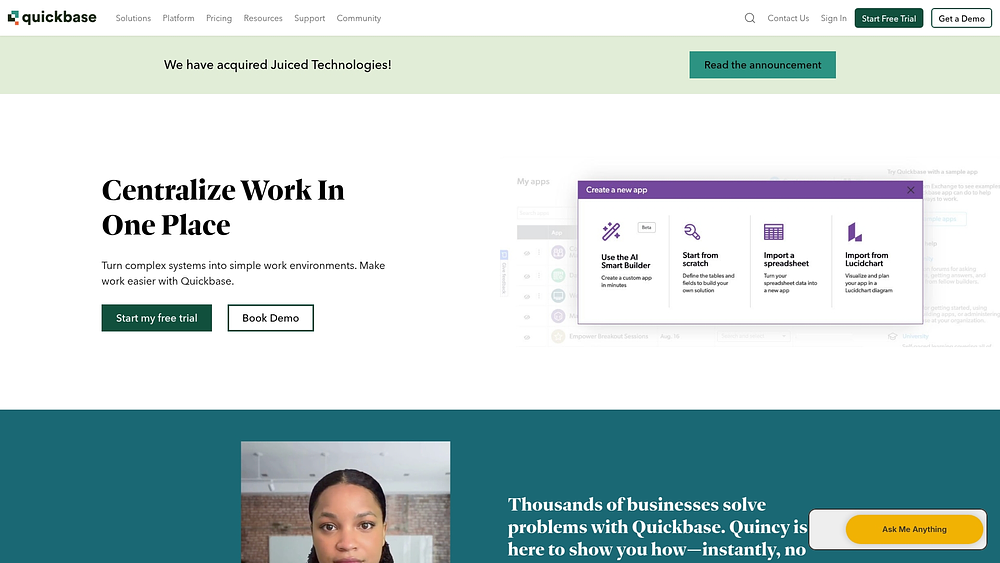
Use case: Companies with specialized operational processes requiring custom apps and deep integration with existing systems
Key features
- Low-code application builder: Visual tools allow business users to create custom apps without extensive coding.
- Enterprise integrations: Pipelines connect to 40+ systems like Salesforce and Snowflake.
- Dynamic work management: Verticalized apps accelerate deployment for specific industries.
Pricing
- Team: $35/user/month (annual)
- Business: $55/user/month (annual)
- Enterprise: Custom pricing
- Usage-based licensing available
Considerations
- The learning curve for advanced customization can be steep.
- Costs rise significantly as users and features scale.
6. Hive
Built directly on user feedback, Hive operates as a community-driven platform. It merges flexible project visualization with native analytics, catering specifically to agencies and marketing teams that need client collaboration baked into their daily process.
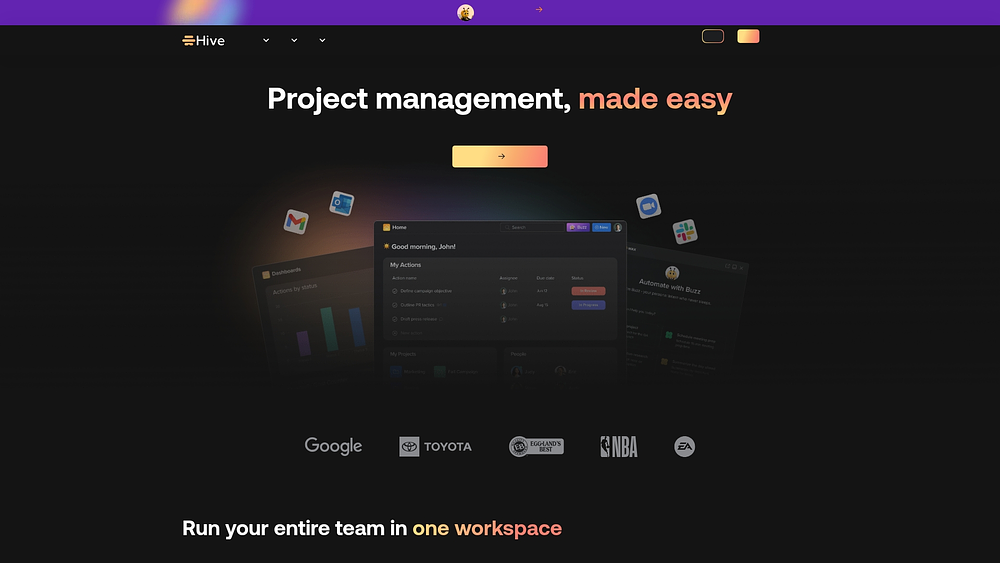
Use case: Agencies and creative teams needing integrated analytics, approvals, and client communication
Key features
- Native analytics dashboards: Monitor productivity and progress without external BI tools.
- Flexible project views: Access 11+ visualization options including Gantt and portfolio views.
- Integrated proofing: Streamline creative reviews with built-in annotation tools.
Pricing
- Free: Up to 10 users
- Starter: From $5/user/month
- Teams: From $12/user/month
- Enterprise: Custom pricing
- Extra features: Add-ons available
Considerations
- Key features like proofing and automations are paid add-ons.
- The software requires constant connectivity; no offline mode.
7. Zoho Projects
For organizations already entrenched in the Zoho suite, Zoho Projects is the logical keystone. It integrates deeply with CRM, finance, and analytics tools, creating a seamless flow of data across business functions while providing robust project planning capabilities.

Use case: Businesses within the Zoho ecosystem needing project management that syncs with CRM and financial apps
Key features
- Ecosystem integration: Get native connections to Zoho CRM, Books, and Analytics.
- Task management: Get support for dependencies, milestones, and Gantt charts.
- Time tracking: The software connects directly to billing systems for invoicing.
Pricing
- Free: Up to 5 users
- Premium: $4/user/month
- Enterprise: $9/user/month
Considerations
- Primary value is tied to the Zoho ecosystem, so it’s less compelling as a standalone tool.
- The interface may feel less current compared to other platforms.
8. Todoist
Simplicity drives Todoist. By utilizing natural language processing, it allows individuals and small teams to capture tasks instantly, bridging the gap between personal productivity and light team coordination without the weight of enterprise features.

Use case: Individuals and small teams needing straightforward task tracking
Key features
- Natural Language Input: Add tasks and dates using everyday speech.
- Flexible Organization: Use projects, labels, and priority levels to structure work.
- Cross-Platform Sync: Access tasks across all devices and wearables.
Pricing
- Beginner: Free
- Pro: $5/month (annual)
- Business: $8/user/month (annual)
Considerations
- Lacks enterprise-grade reporting and complex project management features.
- Some analytics and filtering features are platform-dependent.
Learn more: Jira alternatives for small teams: free and paid tools
9. Bonsai Agency Software
Managing the entire client lifecycle — from proposal to payment — is Bonsai’s specialty. It unifies project management with the financial and contractual realities of running an agency or freelance business, eliminating the need for disjointed systems.
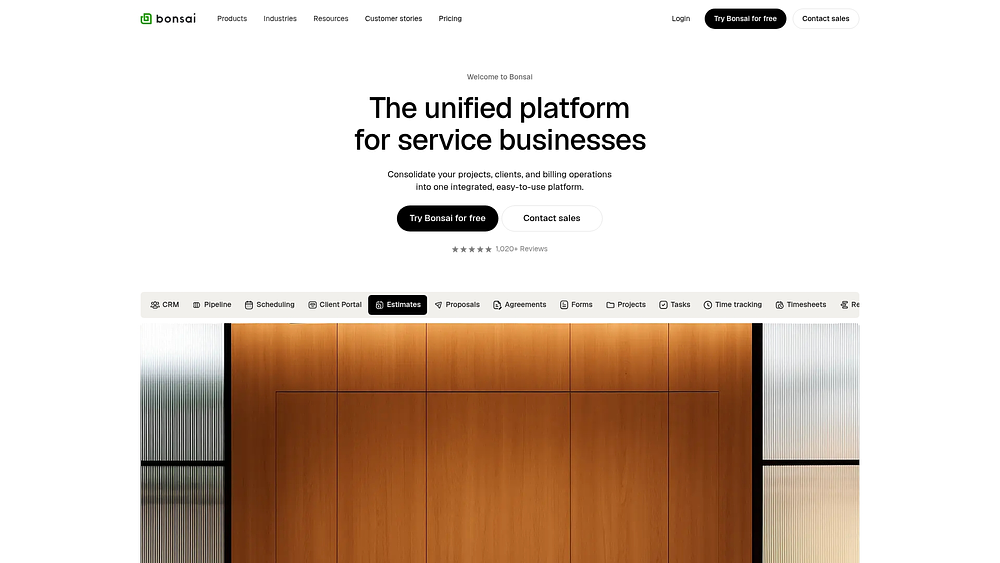
Use case: Agencies and freelancers managing client projects, contracts, and billing in one place
Key features
- Integrated contracts: Streamline onboarding with templates and e-signatures.
- Time and expense tracking: Connect work directly to invoicing and profitability views.
- Client portal: Give clients visibility into progress.
Pricing
- Basic: $9/month (annual)
- Essentials: $19/month (annual)
- Premium: $29/month (annual)
- Elite: $49/month (annual)
Considerations
- Less scalable for complex internal workflows beyond client work.
- Some advanced features are still on the roadmap.
10. Miro
Miro takes a canvas-first approach, turning visual collaboration into structured workflows. It excels at the messy beginning stages of planning, helping teams move from sticky-note brainstorming to trackable execution through 2-way syncs with tools like Jira.
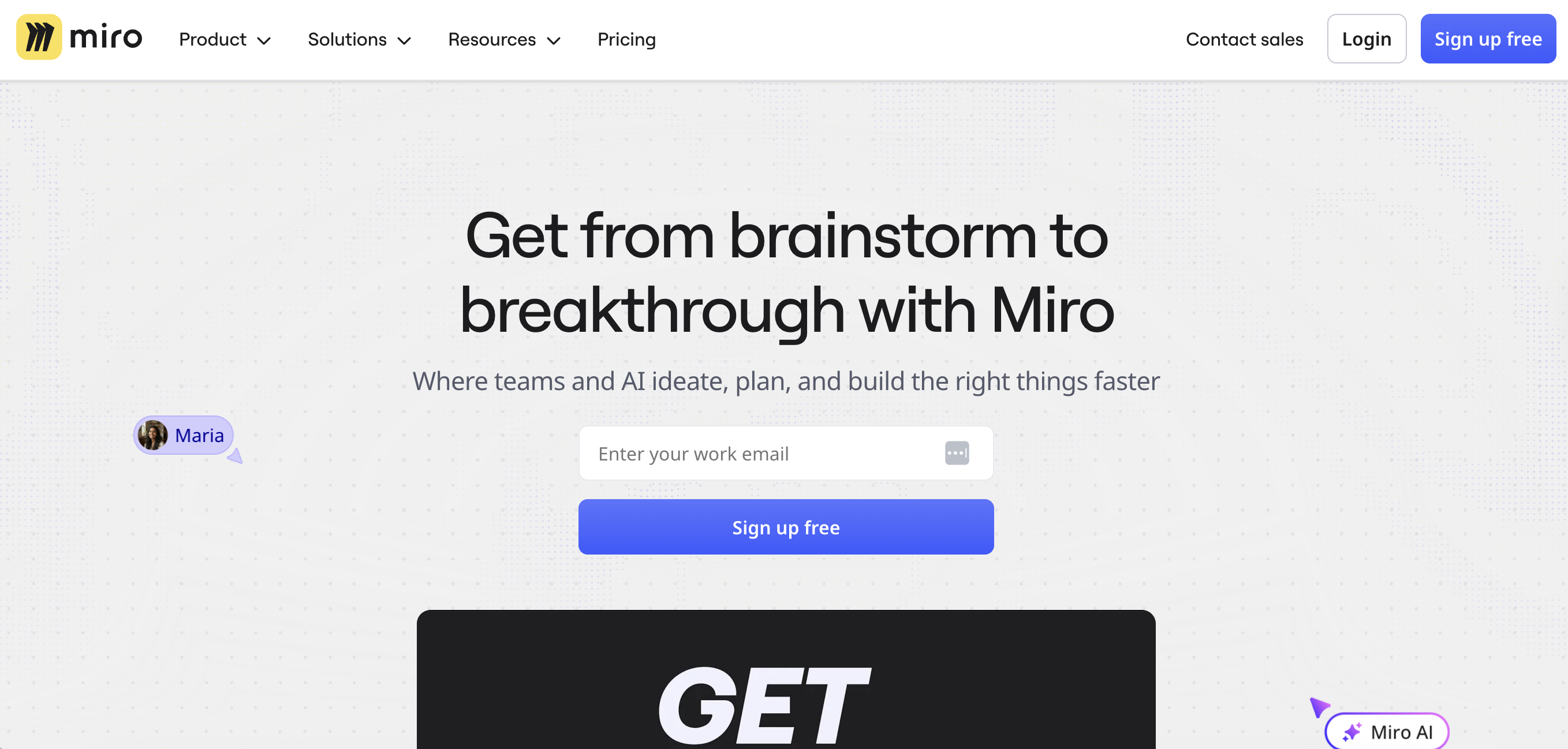
Use case: Teams needing to bridge visual ideation with structured project tracking
Key features
- Canvas-first management: Convert visual notes into Kanban boards and timelines.
- Two-way sync: Integrate real-time with execution platforms like Jira.
- AI workflows: Automate summarization and prioritization on the canvas.
Pricing
- Free: 3 boards
- Starter: $8/user/month (annual)
- Business: $16/user/month (annual)
- Enterprise: Custom pricing
Considerations
- Task notifications are less robust than dedicated PM tools.
- Advanced planning features are locked behind higher tiers.
11. Nifty
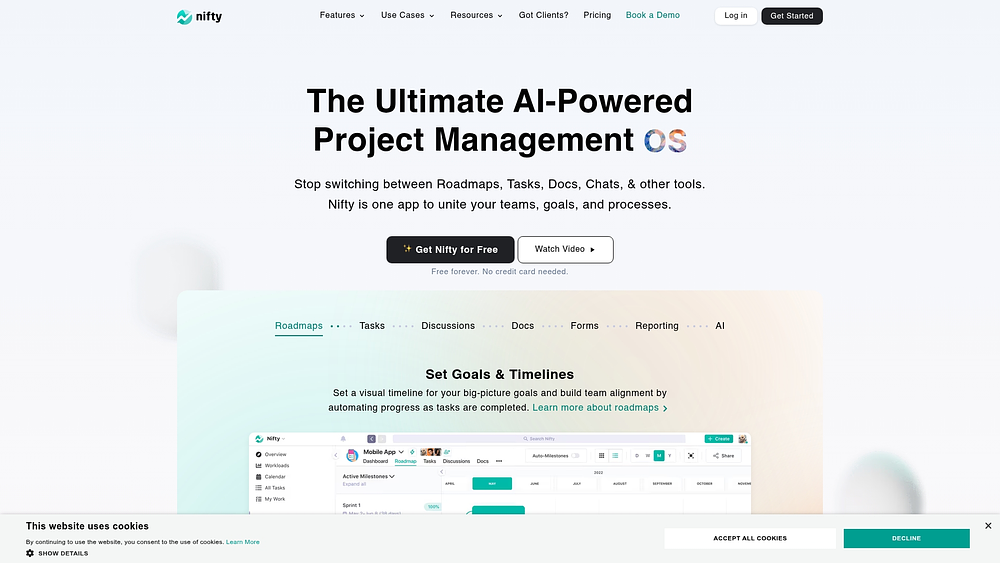
Milestone-driven execution defines Nifty. This platform consolidates planning and communication, offering agencies a way to automate progress tracking based on task completion. It combines discussions, file proofing, and roadmaps into a single hub to reduce context switching.
Use case: Teams managing milestone-based projects with heavy client collaboration needs
Key features
- Milestone planning: Visual roadmaps that update automatically as tasks are completed.
- Integrated collaboration: Built-in chat and file proofing.
- AI setup: Generate project structures from simple prompts.
Pricing
- Free: Unlimited members, 2 projects
- Personal: $7/month/member
- Business: $16/month/member
- Enterprise: Custom pricing
Considerations
- Mobile app performance can be inconsistent.
- Reporting features have historically lagged behind specialized tools.
12. MeisterTask
Security and compliance are the cornerstones of MeisterTask. With EU hosting and ISO 27001 certification, it provides a safe harbor for regulated industries needing Kanban-style management without compromising data privacy.
Use case: Regulated industries requiring secure, compliant task management
Key features
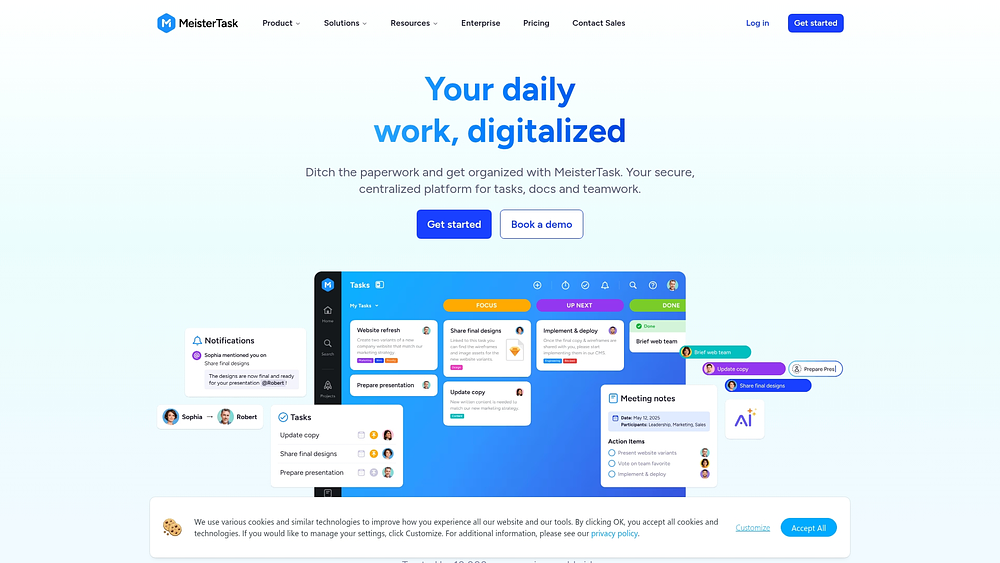
- Kanban & Timeline: Get visual task management with dependency tracking.
- Integrated Notes: Connect documentation directly to tasks.
- Security-first: Gain peace of mind with GDPR compliance and Trusted Cloud certification.
Pricing
- Free: 3 projects
- Pro: $13/user/month
- Business: $25/user/month
- Enterprise: Custom pricing
Considerations
- Desktop apps are being discontinued.
- Custom reporting is restricted to higher tiers.
13. Kintone
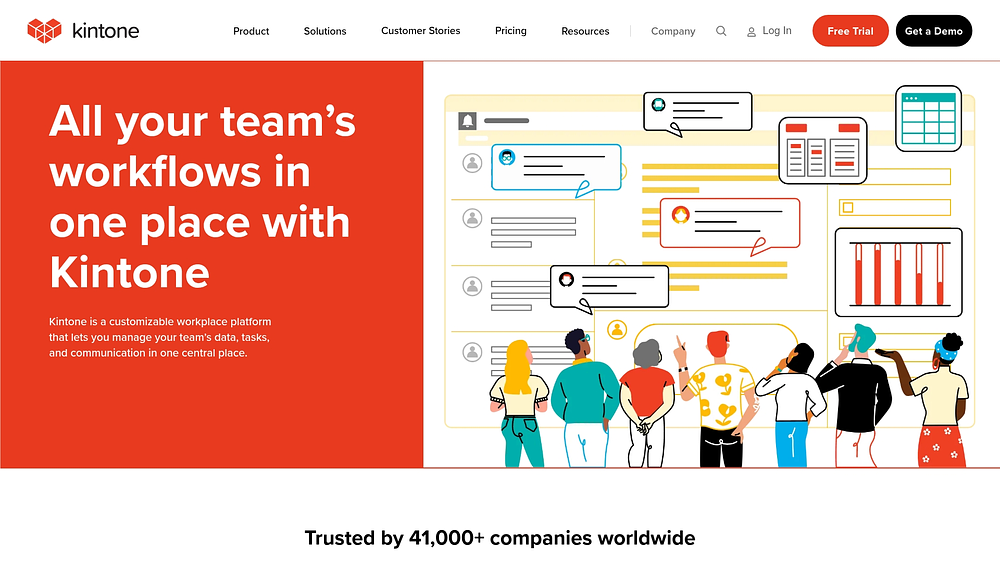
Kintone functions as a no-code database platform, turning scattered data into structured applications. It is particularly effective for teams that need to govern data management while maintaining flexible process automation and embedded team discussions.
Use case: Organizations needing custom database apps for structured workflows and compliance
Key features
- App builder: The drag-and-drop interface allows you to create custom database applications without writing code.
- Process management: You can configure workflows with approval routing to match your specific business processes.
- Contextual collaboration: Team discussions attach directly to specific data records, keeping conversations connected to the work.
Pricing
- Single plan: $24/user/month (5-user minimum)
- Free trial: 30 days
Considerations
- Record and API limits may require architectural planning.
- Some standard features like Gantt charts require third-party plugins.
14. Teamwork.com
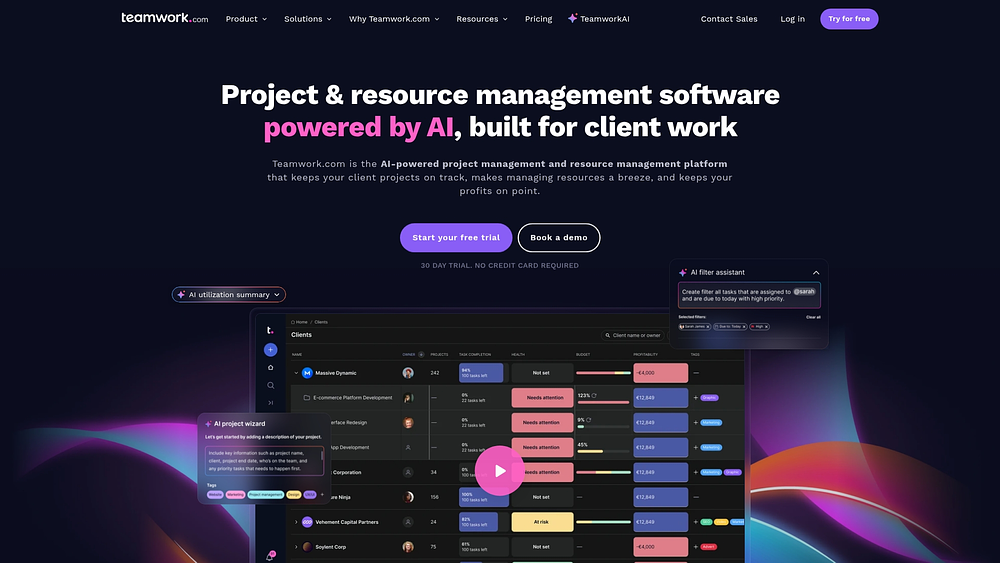
Profitability tracking sits at the heart of Teamwork.com. Designed for client-services businesses, it ensures that project management doesn’t happen in a vacuum, but is constantly checked against budgets, utilization rates, and margins.
Use case: Agencies managing client projects with a focus on budget and profitability
Key features
- Client portals: You can provide unlimited free client users with secure, customized views into their projects.
- Profitability control: The platform tracks budgets and utilization in real time, so you always know where you stand financially.
- Resource planning: Built-in capacity management helps you balance workloads and prevent team burnout.
Pricing
- Free: Up to 5 users
- Deliver: $10.99/user/month
- Grow: $19.99/user/month
- Scale/Enterprise: Custom pricing
Considerations
- Interface can feel dated.
- Advanced features like SSO are locked in higher tiers.
15. ProjectManager
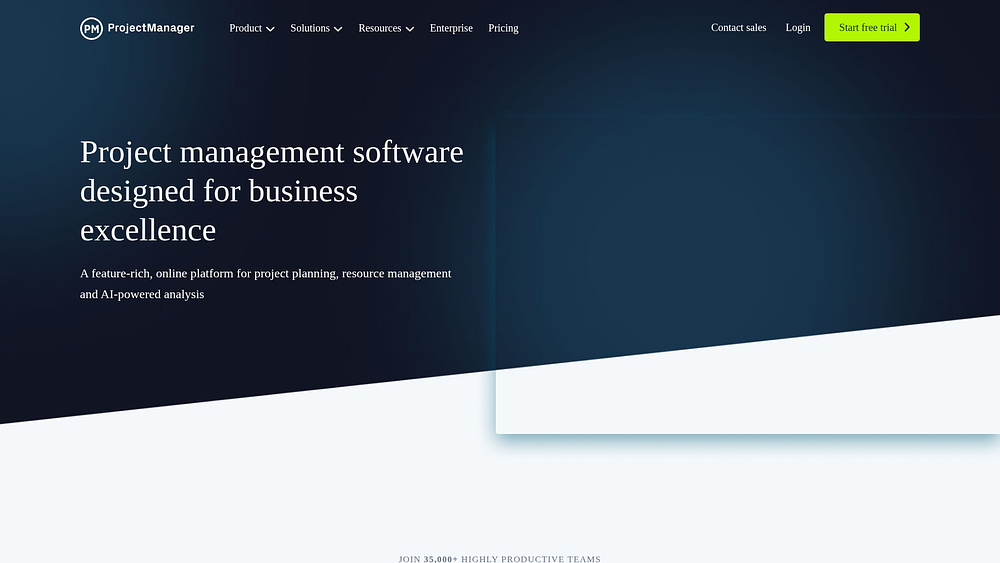
For teams adhering to formal methodologies, ProjectManager offers deep planning capabilities. It combines modern collaboration with traditional tools like earned value management and critical path analysis, making it ideal for structured governance.
Use case: Teams using traditional methodologies requiring detailed planning and governance
Key features
- Gantt charts: Get detailed scheduling capabilities with critical path analysis.
- Resource management: Built-in tools enable workload balancing and capacity planning.
- Portfolio dashboards: Gain real-time visibility into project performance across your entire portfolio.
Pricing
- Team: $13/user/month (annual)
- Business: $24/user/month (annual)
- Enterprise: Custom pricing
- Minimum 5 seats required
Considerations
- The interface leans heavily toward traditional PM methodologies, which may feel rigid for agile teams.
- Advanced features like resource management and portfolio views are locked behind higher pricing tiers.
Essential features every work management platform needs
Not all software is built to power an entire business operation. The distinction lies in a core set of capabilities that convert fragmented tasks into a unified engine for execution.
Visual workflows and real-time dashboards

Executing a plan requires seeing it from multiple angles. Visual workflows translate complex strategies into actionable roadmaps, but since every team operates differently, a robust platform must offer diverse perspectives on the same data. The following flexible views are critical for bringing work to life:
- Gantt charts: Map timelines and dependencies
- Kanban boards: Visualize stages to keep processes flowing
- Workload views: Monitor capacity to prevent overload
- Real-time dashboards: Provide leaders with a live pulse on every initiative
With monday work management, instant switching between view types ensures that everyone — from the intern to the CEO — makes decisions based on live reality, not yesterday’s data.
Automation and no-code customization
Automation reclaims hours previously lost to manual updates. It ensures consistency in processes, from status changes to approval routing, allowing talent to focus on value-driven work.
However, automation requires flexibility. No-code customization empowers teams to build workflows that fit their specific needs without technical debt. This adaptability ensures the platform serves the process, not the other way around.
Resource management and capacity planning
Even elite teams fail when they run on empty. Without visibility into who is doing what, overcommitment is inevitable. Effective resource management provides the insight needed to make sustainable commitments.
By viewing capacity in real time and forecasting future needs, managers can assign the right people to the right tasks. This creates a sustainable pace for execution, ensuring teams can anticipate changes and act quickly.
Integration capabilities and API flexibility
Work platforms cannot exist in isolation. They must serve as the central nervous system of your tech stack, connecting effortlessly with tools like Salesforce, Slack, and internal apps.
Strong API integrations ensure data flows freely, breaking down silos. Leaders use monday work management to unify their ecosystem, enhancing existing investments while gaining the cross-functional visibility required to run the business.
Enterprise security and compliance
Trust is the foundation of scale. For large organizations, security is a prerequisite, not a feature. A platform must protect sensitive data through granular permissions, audit logs, and certifications like SOC 2 Type II and ISO 27001.
The most secure system is one that teams actually use. The best platforms provide robust protection that feels seamless, encouraging adoption while safeguarding critical assets.
Predictive insights and intelligent automation
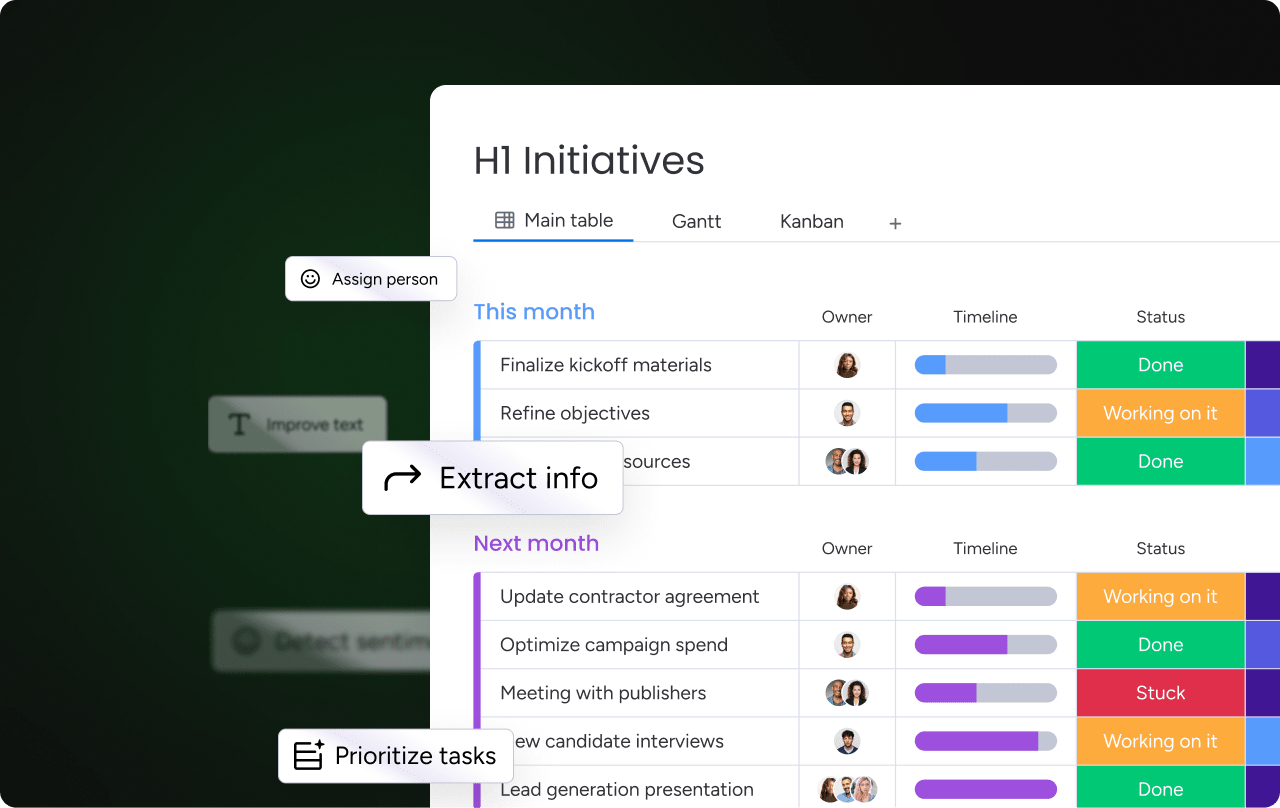
AI shifts work management from reactive tracking to proactive execution. Instead of reporting on what already happened, it anticipates risks, optimizes resources, and surfaces recommendations in real time.
By analyzing patterns across projects, AI helps teams predict delays, budget overruns, and dependency risks before they escalate. Smart software also helps balance workloads and allocate resources based on capacity and skills, while surfacing anomalies, trends, and improvement opportunities automatically
How to select the right work management software
Selecting the right software shapes your operational DNA. It acts as the connective tissue between strategy and execution. Finding the perfect fit requires evaluating your complexity, tech stack, and growth vision.
Step 1: Evaluate your team size and organizational complexity
Size dictates capability needs. A tool for a startup won’t suffice for an enterprise.
- Small teams (10-50): Prioritize intuitive design and fast setup.
- Mid-sized organizations (50-500): Seek customization and automation to handle diverse workflows.
- Large enterprises (500+): Focus on security, governance, and scalability.
Step 2: Assess integration requirements with existing systems
To avoid creating another silo, your platform must connect with daily tools. Map your tech stack and identify essential connections. Beyond pre-built integrations, an open API is crucial for future-proofing.
Step 3: Consider scalability and future growth
Scalability isn’t just about user count. Ask whether the platform can support more complex workflows, additional departments, portfolio-level reporting, and increased automation over time. Avoid tools that work well for one team but break down at organizational scale.
Step 4: Calculate the real cost of ownership at scale
Per-user pricing tells only part of the story. Consider implementation time and effort, training and change management, and required add-ons or premium features. A higher-priced platform with strong adoption often delivers better ROI than a cheaper tool teams avoid using.
7 steps to successful work management implementation
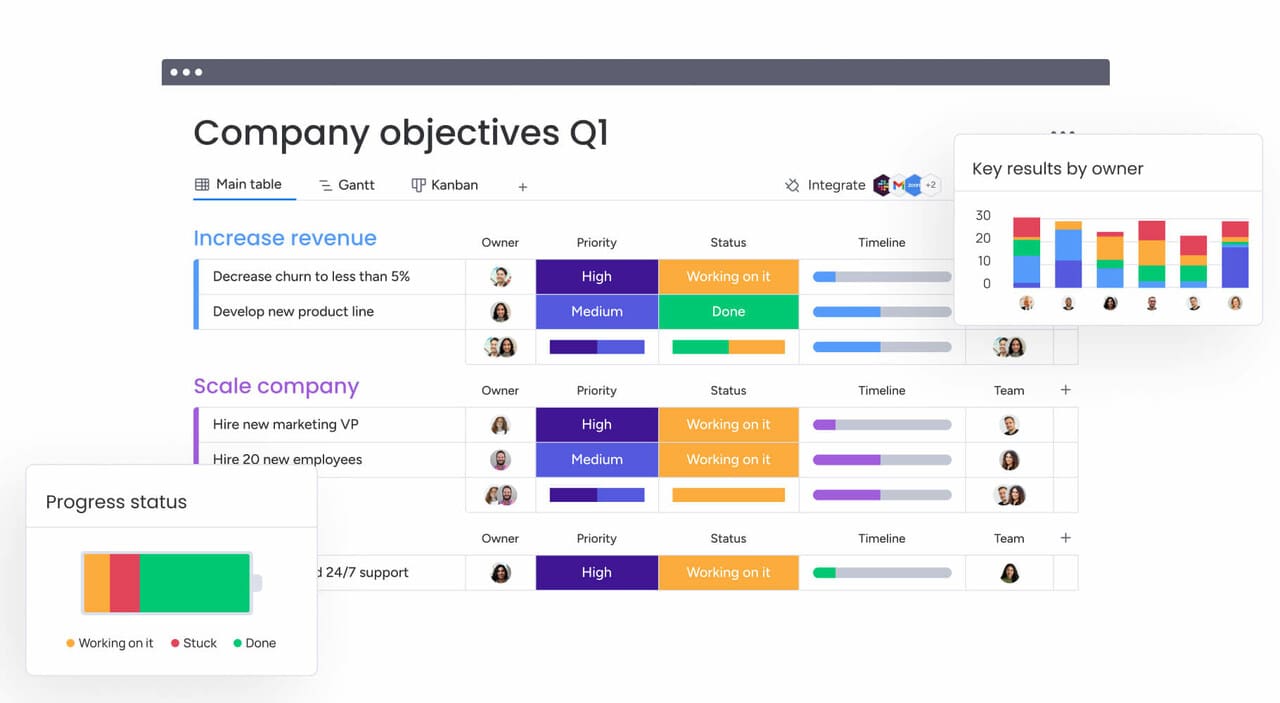
Implementation is about more than installing software; it’s reshaping how your team works together. Get it right, and you’ll see teams align faster and deliver quicker than ever.
- Set clear goals and success metrics: Define what “winning” looks like. Establish concrete objectives — like reducing meeting times by 50% or improving delivery speed by 20% — to measure ROI.
- Launch a strategic pilot program: Test the waters with a pilot. Select a few teams to showcase the platform’s value over 6–8 weeks. These early wins create the social proof needed for broader adoption.
- Invest in user training and change management: Success depends on people. Tailor training to different roles and manage the human side of change by communicating the “why” and building a network of internal champions.
- Connect your existing technology stack: Integrate essential apps immediately. Using libraries of pre-built integrations creates a unified workspace and brings historical context into the new environment.
- Create governance and best practices: Set some ground rules to keep things consistent — like how you’ll name projects or who gets access to what. But don’t go overboard with restrictions. The sweet spot? Enough structure to stay organized, with enough freedom for teams to work their way.
- Monitor adoption and gather feedback: Keep a finger on the pulse. Track usage data and interview users to understand the reality behind the numbers, then address roadblocks with targeted support.
- Scale strategically across departments: Expand thoughtfully. Rolling out one department at a time allows for customization and learning, ensuring sustainable adoption across the enterprise.
How monday work management powers team success
When your tools don’t talk to each other, problems hide in the gaps and everything slows down. Wtih monday work management, you can fix this by putting everything in one place, so your big strategies actually translate into daily tasks that move the needle.
We designed an experience teams enjoy, driving sticky adoption. The platform works proactively, using AI to spot bottlenecks and automate updates. Organizations using monday work management report over 85% on-time delivery and significantly fewer meetings, proving that aligned teams drive better business outcomes.
Building a future-ready business operating system
Moving to comprehensive work management is a strategic evolution. Unifying teams on a single platform creates an agile, aligned organization ready for scale.
Success lies in choosing a partner that grows with you. Whether streamlining a department or connecting a global enterprise, the right platform turns operational friction into a competitive advantage. Start by auditing your tools and envisioning how your teams can achieve more together.
Try monday work managementFAQs
What is the best work management software for small teams?
For small teams, the ideal software combines intuitive design with scalability. monday work management is a strong contender, offering easy adoption that supports future complexity.
How much does work management software cost for enterprise teams?
Enterprise pricing is typically per-user, varying by tier and volume. Total investment also encompasses implementation, training, and integration support.
Can work management platforms integrate with Microsoft Teams and Slack?
Yes, top platforms integrate with Teams and Slack, bringing updates directly into conversations to minimize app switching.
What's the difference between work management and project management software?
Project management focuses on discrete projects with set timelines. Work management covers all organizational activity, including ongoing processes, strategy, and projects.
How quickly can teams see ROI from work management software?
ROI is often visible within 3–6 months through automation and faster coordination, with full strategic benefits realized within a year.
Which work management platform has the most advanced AI capabilities?
Leading platforms now include AI features that offer predictive insights, automated resource allocation, and intelligent workflow suggestions directly within the workspace. For example, monday work management is one platform that integrates these capabilities into its core functionality.

 Get started