

Coordinating a successful webinar involves more than selecting a date and sending invitations. Marketing, sales, product, customer success, and IT teams each manage distinct priorities, content, and workflows — and without clear alignment, last-minute challenges can quickly escalate. The outcome is rushed content, missed deadlines, and webinars that fail to reach their full potential.
A structured webinar plan template transforms this complexity into clarity. By defining strategic goals, mapping timelines, and assigning responsibilities, it ensures each team member understands what to deliver and when. It also provides a repeatable framework for managing multiple webinars efficiently, streamlining routine workflows, and capturing the insights needed to evaluate success and allocate resources effectively.
This definitive guide outlines the essential elements of a comprehensive webinar plan — from strategic alignment and audience segmentation to content creation, promotion, and post-event analysis — enabling organizations to deliver engaging, high-impact webinars consistently and with measurable results.
Key takeaways
- Strategic alignment drives success: Define clear business objectives for each webinar to ensure content and outcomes support revenue, leads, or brand goals.
- Cross-team coordination is essential: Structured workflows and role clarity prevent last-minute scrambles and ensure smooth collaboration between marketing, sales, product, and customer success.
- Audience-focused content improves engagement: Segment attendees, tailor messaging, and include interactive elements like polls, Q&A, and breakout sessions to maximize participation.
- Comprehensive planning templates reduce risk: Using detailed templates with timelines, technical requirements, and promotion schedules standardizes execution and improves repeatability.
- Centralized work management enhances efficiency: Powerful solutions like monday work management provide real-time visibility, automated workflows, and portfolio-level tracking to streamline multi-department webinar execution.
What makes an effective webinar planning template
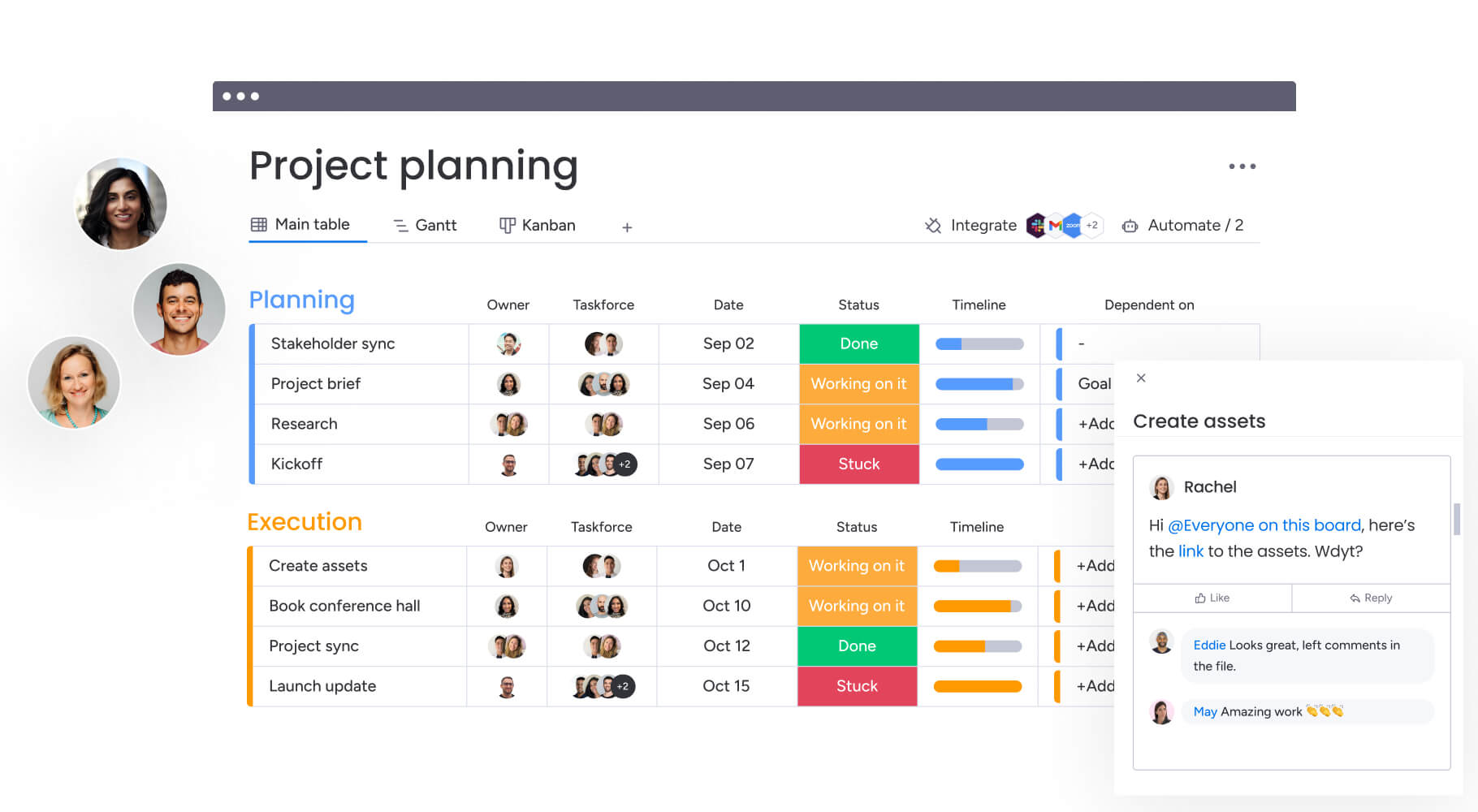
It’s helpful to think of a webinar template as mission control — one place where every team, deadline, and deliverable connects. It transforms cross-team complexity into clear workflows, so everyone understands their responsibilities and timing.
The most effective templates do more than list tasks, they prompt teams to answer one critical question first: what specific business goal does this webinar solve? This prevents content creation for its own sake and ensures the event drives meaningful business outcomes.
Core components of a strategic template
Every strong webinar template rests on three main foundations, each solving a problem that often undermines webinars.
- Strategic alignment: Connects the webinar to revenue targets, lead generation metrics, or brand awareness goals. It answers: what problem does this event solve, and how does it contribute to quarterly objectives? This focus prevents investment in webinars that do not move the business forward.
- Operational structure: Replaces ad-hoc coordination with standardized workflows. The template defines when content is created, tech is set up, and promotion is launched — keeping the team informed and preventing missed steps during busy periods.
- Collaborative framework: Establishes clear handoffs between departments. Marketing passes leads efficiently, product reviews technical content, and IT ensures platform stability. Visibility across teams reduces duplicated work and creates a seamless experience for attendees.
To see how these foundations impact execution in practice, compare a fragmented planning approach with a unified template model:
| Planning approach | Team visibility | Resource utilization | Outcome consistency |
|---|---|---|---|
| Siloed planning | Low; teams work in isolation | High waste; duplicated assets | Variable quality |
| Unified template | High; real-time status updates | Optimized sharing and allocation | Repeatable excellence |
Essential elements of a comprehensive webinar plan template
A strong template covers the full webinar process with eight critical pieces. Missing one puts the event at risk. Each element explored below contributes to a webinar program that performs consistently.
Strategic alignment and business objectives
Every webinar starts by defining the “why.” This section ties the event to tangible outcomes — revenue, leads, or brand awareness. Teams clarify the problem being solved and how the event fits into broader strategy.
This focus ensures resources are invested in meaningful events. Clearly defined objectives guide content creation, speaker selection, and promotion strategy.
Target audience analysis and segmentation
Understanding the audience ensures content resonates. This section breaks down who the webinar is for and what they need at each stage. Go beyond demographics: what challenges do they face, how technical are they, and can they make purchasing decisions?
Detailed segmentation allows for messaging tailored to each audience segment, increasing engagement and relevance.
Speaker coordination and content mapping
High-quality content depends on structured preparation. This workflow defines speaker selection, briefing, content timelines, and review processes.
- Speaker vetting: Criteria for choosing subject matter experts who engage audiences.
- Content guidelines: Templates and standards for slides, scripts, and supporting materials.
- Review cycles: Multi-stage approvals involving stakeholders and brand guardians.
- Backup plans: Contingency protocols for speaker unavailability.
Establish firm deadlines for slide decks, scripts, and supporting materials to avoid last-minute scrambles by creating a detailed action plan.
Multi-channel promotion timeline
Driving attendance requires coordinated campaigns across channels. This section outlines schedules for email sequences, social media posts, partner outreach, and paid advertising.
Synchronizing messaging across all channels amplifies impact. The timeline should include content creation deadlines, approval workflows, and performance tracking checkpoints.
Technical requirements and platform specifications
Technical stability must remain uncompromised. This section addresses bandwidth needs, integration with marketing automation, and accessibility features such as closed captioning. Ensuring these elements are well planned helps prevent disruptions and maintains a seamless attendee experience.
Essential considerations include:
- Platform capacity: Ensuring your chosen platform supports the expected audience size and interaction levels without lag or crashes.
- Integration capabilities: Enabling smooth data flow between webinar platforms and CRM systems.
- Accessibility features: Supporting closed captioning, mobile devices, and screen readers for an inclusive experience.
- Backup systems: Providing redundant connections and contingency streaming options to maintain uninterrupted service.
Following best practices from structured event planning templates ensures that technical decisions align with both audience expectations and organizational requirements.
Team roles and accountability matrix
Clear ownership supports smooth execution and avoids confusion. A RACI matrix (Responsible, Accountable, Consulted, Informed) defines ownership for each major task. This approach clarifies who is delivering what and when, while specifying escalation paths if challenges arise.
The matrix should cover all phases, from planning through post-event follow-up, ensuring that handoffs between departments are seamless. Every team member must understand their responsibilities and deadlines to maintain workflow efficiency.
Budget allocation and resource planning
Financial discipline drives positive ROI. Track both direct expenses, such as advertising and platform fees, and hidden costs, including internal resource hours. Maintaining detailed oversight helps prevent budget overruns while aligning spending with strategic goals.
Budget categories to monitor include:
- Platform and technology costs: Webinar hosting, integration tools, and backup systems.
- Promotion expenses: Paid advertising, email marketing platforms, and design resources.
- Internal resource allocation: Staff time across departments and opportunity costs.
- Contingency funds: Reserved to address unexpected requirements without compromising quality or timelines.
Including contingency funds ensures projects remain on track despite unforeseen demands.
Success metrics and performance KPIs
Measuring outcomes validates your strategy. Define specific data points that indicate success, such as attendance, qualified leads, or influence on pipeline. Focusing on meaningful metrics prevents teams from overvaluing vanity metrics that do not contribute to business outcomes.
Track both leading and lagging indicators:
- Leading indicators: Registration numbers, email open rates, and engagement metrics.
- Lagging indicators: Pipeline generation, deal velocity, and revenue influenced by the event.
Clear ownership supports smooth execution and avoids confusion. A RACI matrix (Responsible, Accountable, Consulted, Informed) defines ownership for each major task. This approach clarifies who is delivering what and when, while specifying escalation paths if challenges arise.
Setting strategic goals for team-wide webinars
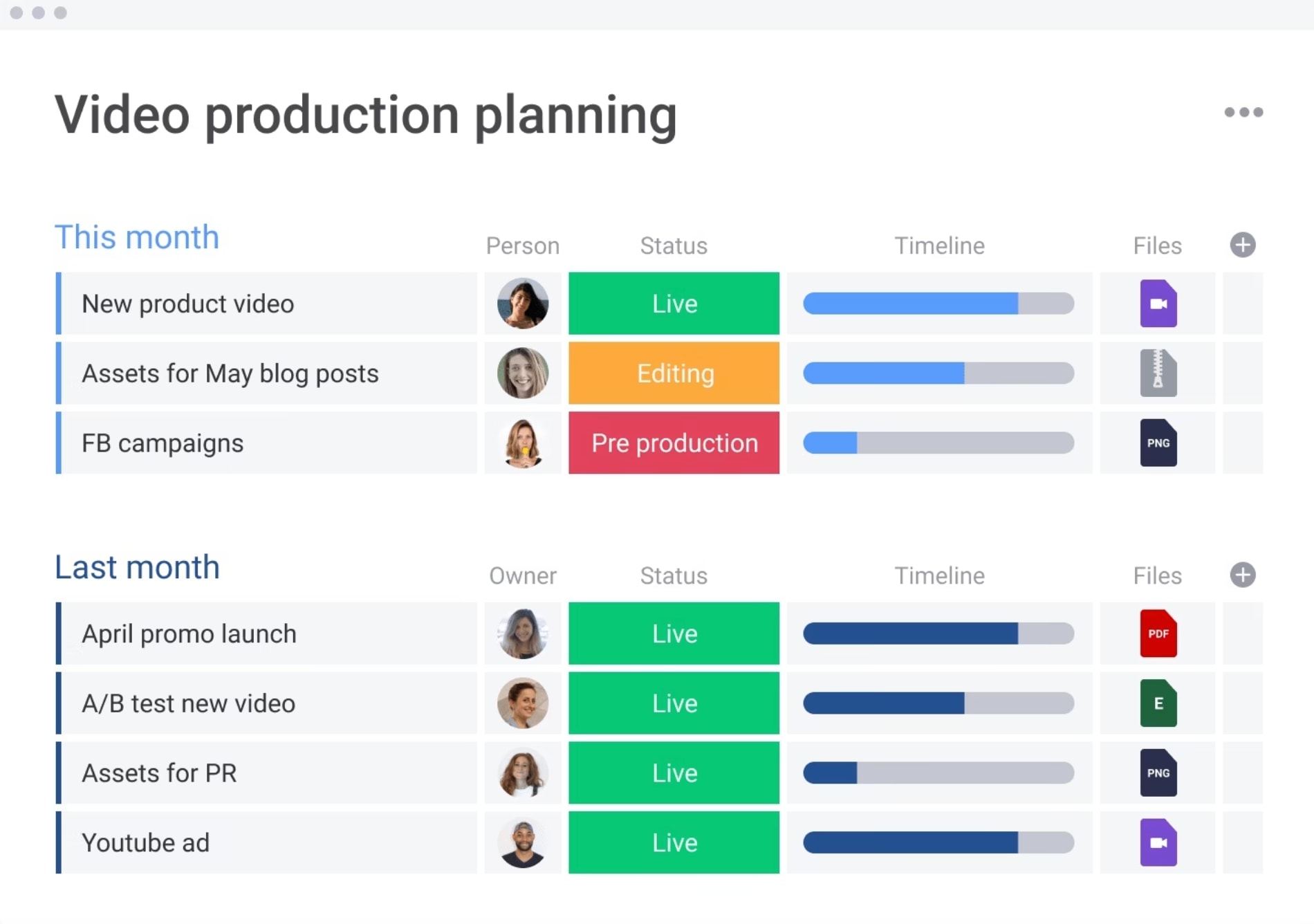
Webinar objectives should support organizational revenue goals to justify the investment of resources. Linking outcomes to pipeline generation, customer acquisition costs, and lifetime value elevates webinars from marketing exercises to revenue-driving initiatives.
Departmental alignment begins with a shared definition of success. Marketing, sales, customer success, and product teams must agree on KPIs and communication protocols before planning begins. Each department contributes unique value:
- Marketing: Owns audience acquisition and brand messaging consistency, measured by registration numbers and cost per lead.
- Sales: Provides prospect pain point insights to shape content, measured by attendee-to-opportunity conversion rates.
- Customer success: Identifies retention risks and upsell opportunities, measured by feature adoption rates.
- Product: Validates technical accuracy and highlights innovations, measured by beta sign-ups and feedback volume.
Quarterly planning cycles align webinar topics with business rhythms, including product launches or fiscal milestones. Following a structured project plan allows teams to pool resources, maintain momentum across multiple events, and treat webinars as part of a broader strategy rather than isolated initiatives.
Understanding your webinar audience across segments
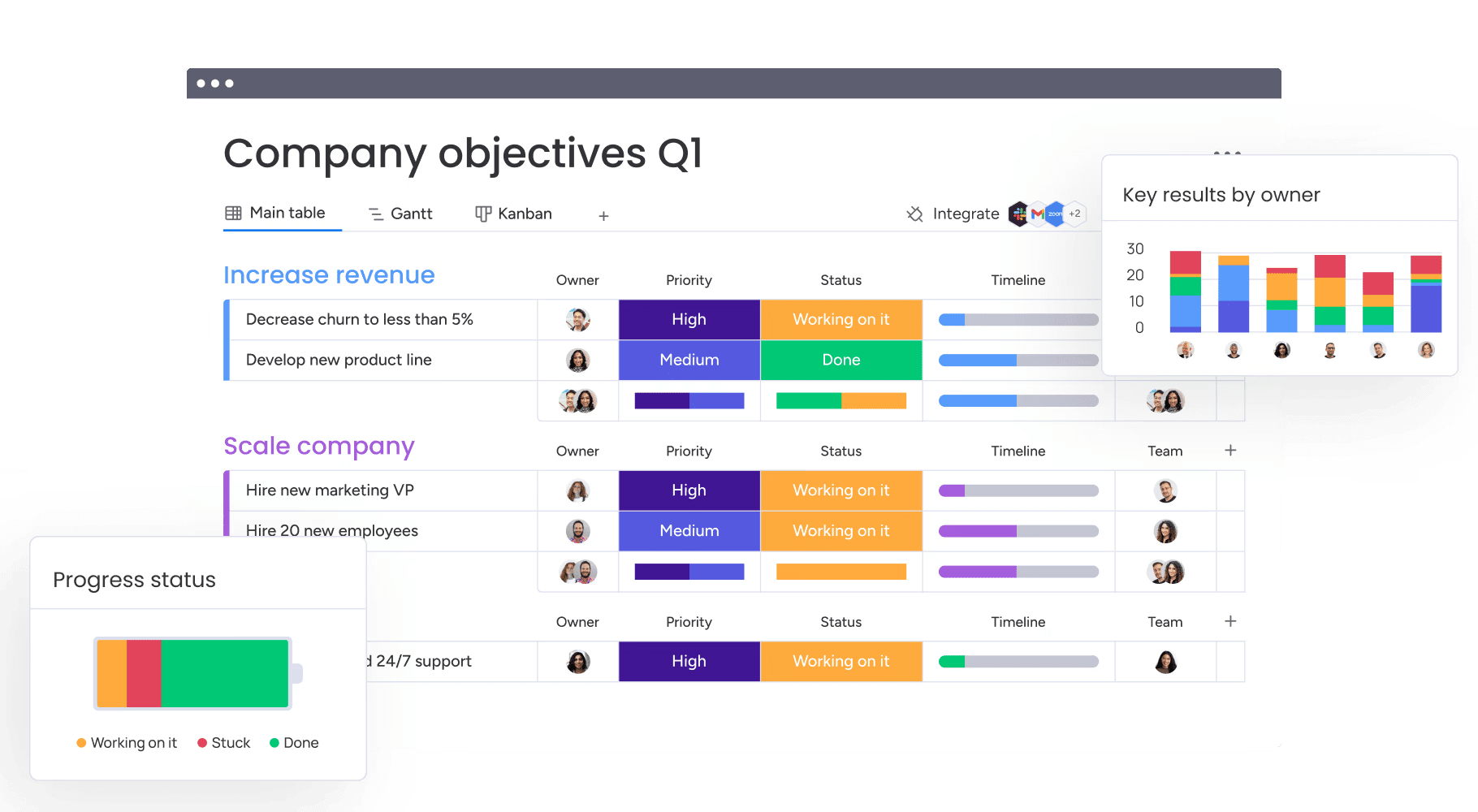
B2B buying groups usually involve multiple stakeholders with distinct needs and priorities. Developing detailed buyer personas allows you to create content that resonates with each decision-maker and influencer in the process.
This multi-stakeholder approach ensures your webinar addresses the concerns of technical evaluators, budget holders, and end users at the same time.
Mapping content to different customer journey stages ensures your webinar delivers relevant value. Prospects in the awareness stage require different insights than those evaluating specific solutions or ready to make a purchase decision. Structuring your webinar around these stages keeps attendees engaged and increases conversion potential.
Methods for understanding your audience
Effective audience research combines quantitative data with qualitative insights to provide a full picture of attendee needs and preferences. Using multiple research methods gives different perspectives on what drives engagement and conversion.
- Pre-event surveys: Gather information during registration about challenges attendees want addressed. Ask focused questions on current processes, biggest frustrations, and desired outcomes to guide content strategy using a marketing plan template.
- Customer interviews: Provide qualitative insights that surveys might miss. These discussions reveal the language, concerns, and topics that resonate most with your target market.
- Behavioral data analysis: Review previous content engagement to predict which formats and topics drive attendance. Look at download rates, video completion rates, and email engagement to understand audience preferences.
Balancing diverse audience segments requires adaptable content. Offer different tracks or breakout sessions for varying maturity levels. Introductory sessions support new leads, while advanced sessions engage power users, ensuring no attendee finds the content too basic or overly complex.
Try monday work managementCreating engaging content for multiple stakeholders
Static presentations no longer hold attention in virtual environments. High-impact webinars use formats that encourage active participation, including panel discussions, interactive workshops, and live product demonstrations. Shifting from passive consumption to active engagement improves both retention and lead quality.
Structuring sessions for maximum value requires careful pacing. Optimal timing balances content delivery with interaction points that re-engage attention and maintain focus throughout the webinar.
Interactive elements serve dual purposes: keeping attendees engaged while qualifying leads through participation.
- Live polling: Gathers real-time data on audience challenges while qualifying leads based on responses.
- Q&A sessions: Allows attendees to direct conversation toward their specific concerns.
- Breakout rooms: Facilitates peer networking and deeper topic exploration.
- Real-time feedback: Provides immediate insight into content resonance.
Content development workflows must balance quality control with speed. Establish approval processes with subject matter experts and brand guardians to prevent bottlenecks. Also develop supporting materials like slide decks and handouts in parallel with the main presentation to maintain consistent messaging through an action plan template.
Executing multi-channel webinar promotion
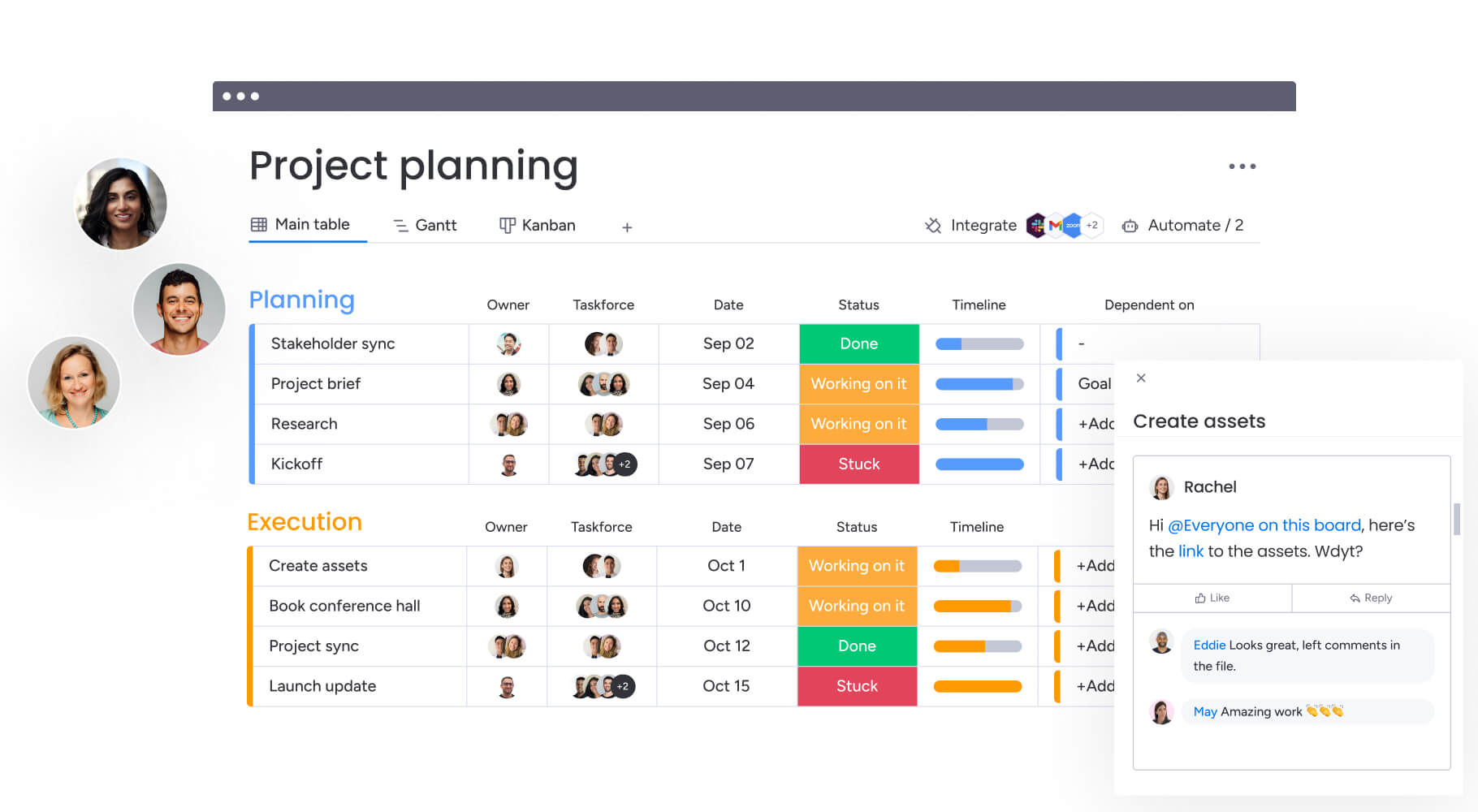
Successful promotion coordinates marketing efforts across teams and channels instead of relying solely on email blasts. Begin by optimizing your registration page through compelling copy, social proof elements, and a frictionless sign-up process as part of an overall marketing plan (this foundation ensures that traffic from all channels converts at the highest possible rate).
Keep in mind that each promotion channel serves a specific purpose in the audience acquisition funnel:
- Email marketing: Uses segmented sequences to nurture leads with tailored value propositions.
- Social media: Leverages organic and paid campaigns to generate buzz through video teasers and speaker quotes.
- Partner outreach: Expands reach to new audiences through co-marketing opportunities.
- Employee advocacy: Amplifies organic reach with pre-written social copy shared across personal networks.
Promotion timelines should be carefully orchestrated. Early campaigns establish initial registration, reminder sequences reduce drop-off, and last-minute pushes capture procrastinators. Throughout, track metrics across channels to reallocate resources to the highest-performing sources in real time, as outlined in your marketing plan.
Managing webinar technology and platform requirements
our webinar platform is more than a hosting tool. It is core infrastructure that shapes attendee experience, data quality, and reporting.
Look for a platform that supports your expected audience size, integrates with your existing systems, and meets your security standards. Bandwidth stability, mobile compatibility, and accessibility features such as closed captioning directly influence how professional your event feels.
Integration is equally important. Your platform should connect with marketing automation, your CRM, and analytics tools so attendee data flows automatically. This allows you to capture, score, and route leads in real time without manual work.
Quality assurance protocols
Even the best platform needs careful preparation. Technical missteps can undermine months of planning, so testing must be deliberate and thorough.
Pre-event testing: run full checks on audio, video, screen sharing, and interactive elements several days before the event.
Backup systems: secure redundant internet access, power sources, and a secondary streaming or pre-recorded option to protect against disruptions.
Engagement tracking: use built-in analytics and scoring features to measure attention, not just attendance, giving you clearer insight into intent and follow-up priority.
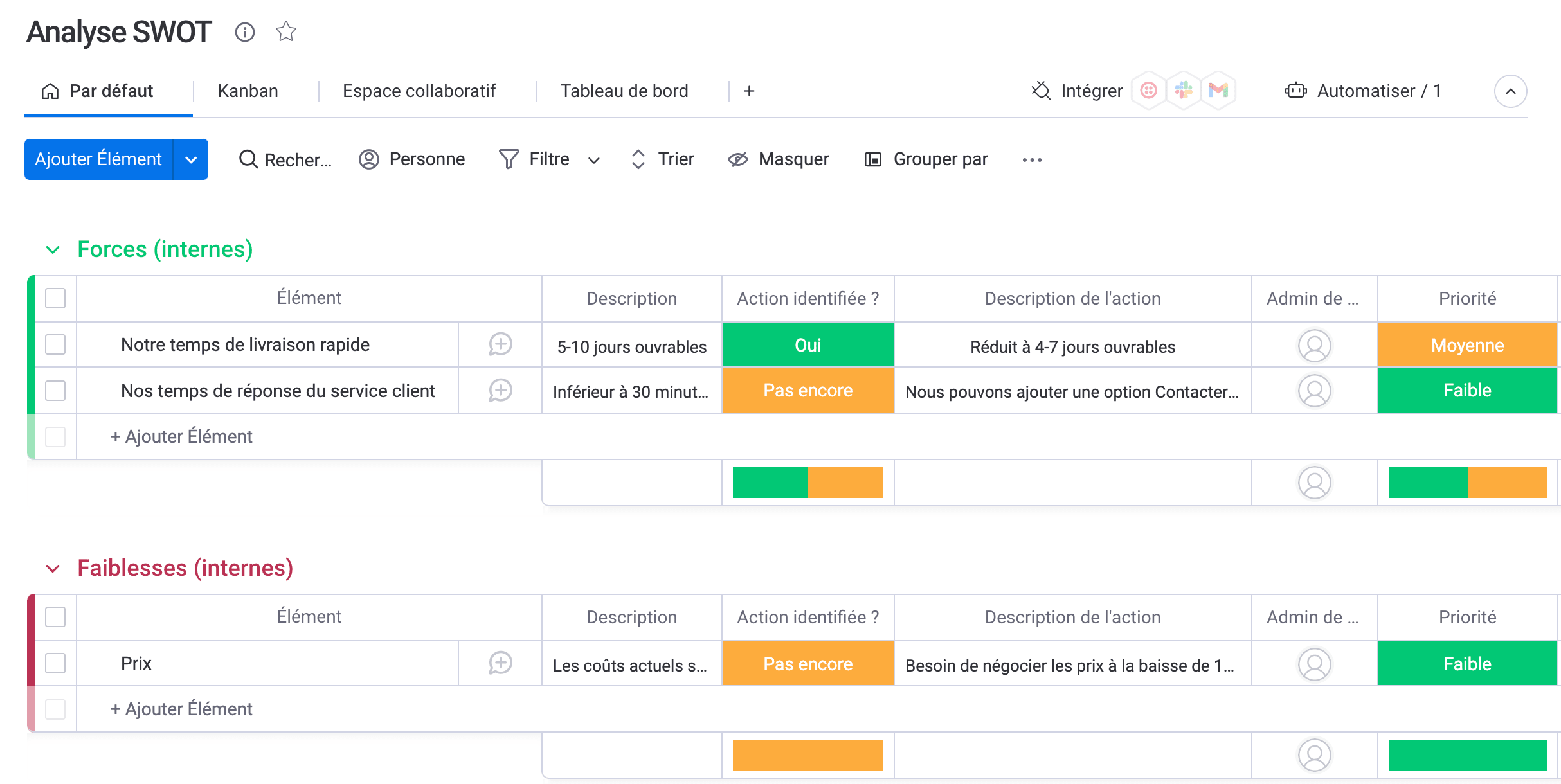
How to orchestrate speakers and cross-functional teams
Speaker management requires both logistical precision and relationship building. Comprehensive workflows for speaker briefings should include content guidelines, technical requirements, and mandatory rehearsal schedules. The quality of speakers directly affects credibility and audience engagement.
Cross-department dependencies create potential bottlenecks: delays in content production stall promotion, and technical issues block registration. Visualizing dependencies helps project leads identify and resolve bottlenecks early.
Supporting speaker success
Subject matter experts often excel in their fields but may need support to deliver compelling virtual presentations. Structured preparation helps speakers feel confident and produce polished experiences that reflect well on your brand.
Presentation coaching refines delivery for virtual audiences. Many experts thrive in-person but require guidance on camera presence and online engagement techniques.
Technical tutorials ensure speakers master the platform interface before going live, contributing to a smooth presentation.
Backup presenter protocols designate understudies ready to step in if primary speakers are unavailable. This contingency planning prevents last-minute cancellations from undermining months of preparation.
Try monday work management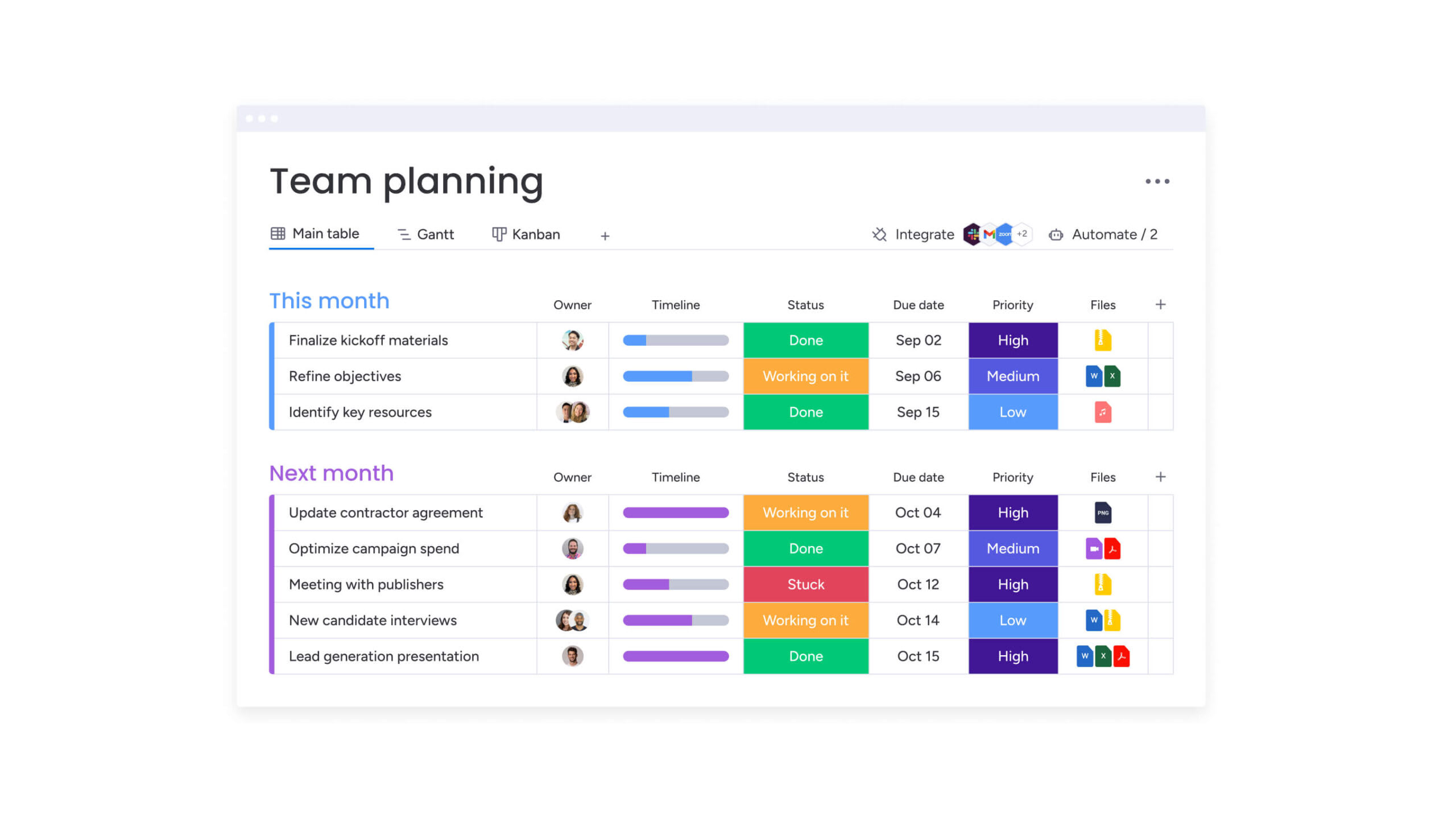
8-week webinar planning timeline
Automating webinar processes for scale
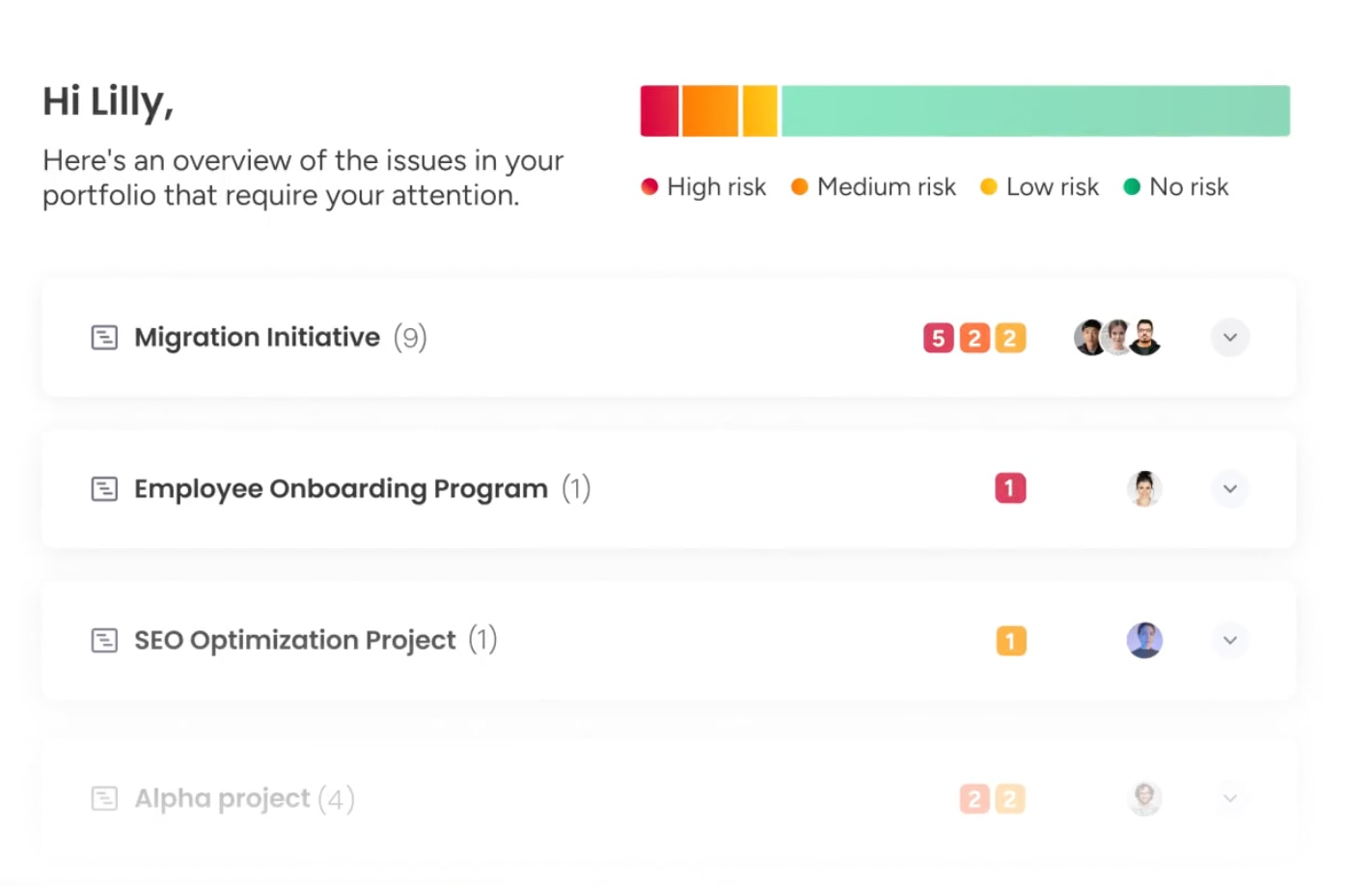
Workflow automation transforms webinar programs from ad-hoc events into consistent revenue drivers. Identifying repetitive activities reduces manual effort and minimizes human error, enabling teams to run multiple webinars without proportionally increasing staff.
Automation opportunities appear across the planning lifecycle:
- Template libraries: Standardized agendas and promotional assets allow teams to launch new events quickly.
- Task generation: Logic-based rules automatically create assignments when webinar dates are confirmed.
- Communication flows: Automated notifications alert stakeholders when dependencies are complete.
AI capabilities improve efficiency further, assisting in drafting session abstracts, suggesting audience segments based on historical data, and categorizing attendee questions for faster follow-up.
Teams using monday work management can leverage AI Blocks to summarize meeting notes, extract key information from documents, and categorize feedback by sentiment automatically.
Maximizing post-webinar impact
The live broadcast is only the beginning of conversion efforts. Immediate, relevant follow-up maintains engagement while content remains fresh. This window is critical for converting interest into measurable pipeline.
Automated sequences should deliver recordings and supplementary resources within 24 hours. Lead scoring and routing workflows ensure high-intent prospects reach the right sales representatives quickly.
Content repurposing strategies
Webinar content extends value across multiple formats, maximizing your investment and reaching audiences with different preferences. Strategic repurposing amplifies messaging and extends content lifespan.
- Blog posts: Summarize key takeaways and Q&A highlights to capture search traffic.
- Social clips: Create short video moments for LinkedIn and other channels.
- Sales enablement: Convert case studies into assets for sales conversations.
Collect attendee feedback to drive continuous improvement. Surveys sent immediately after events capture content quality and technical experience. Nurture strategies for no-shows, often half of registrants, provide on-demand access to re-engage them.
Tracking performance and ROI across your organization
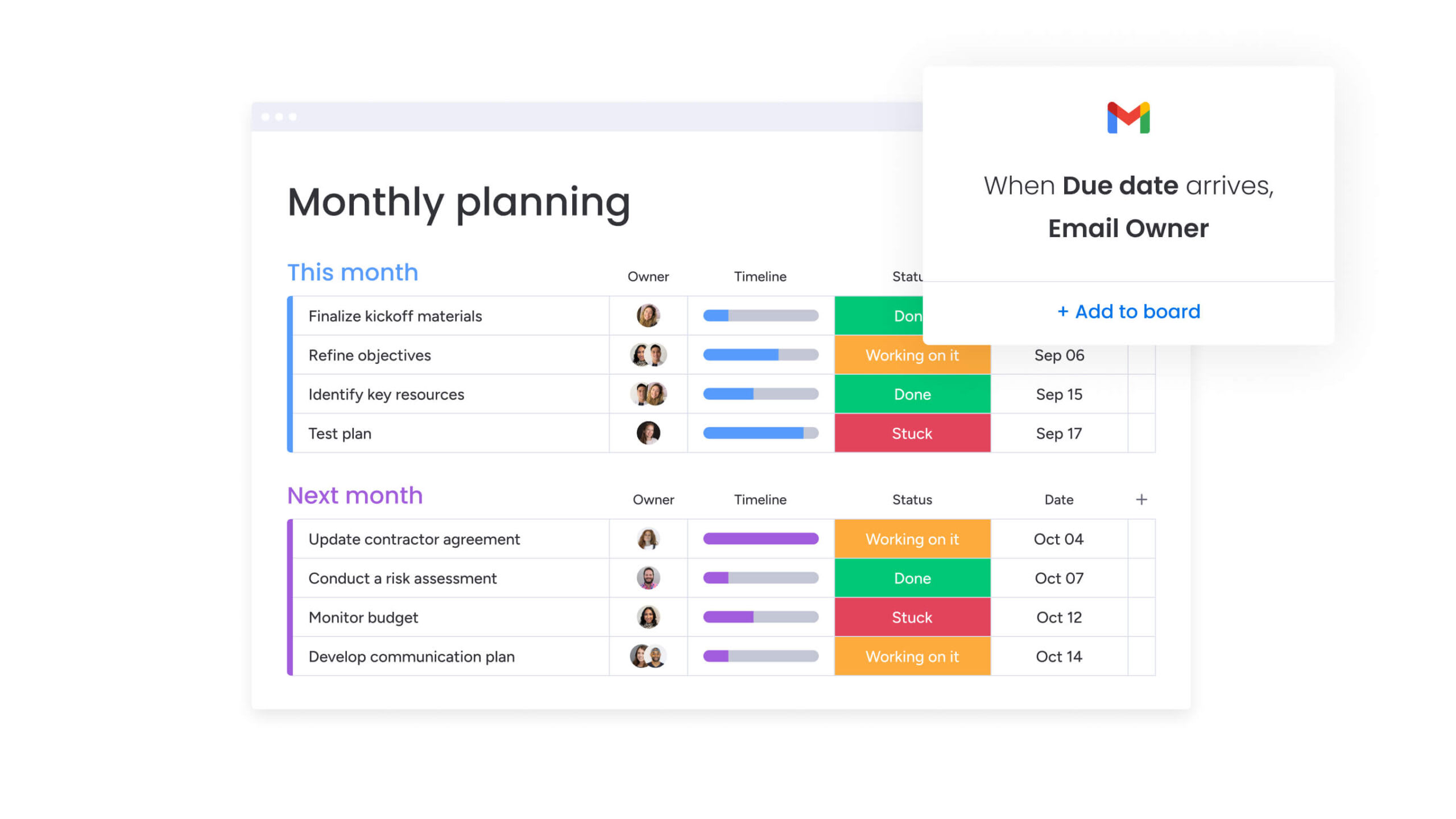
Portfolio-level visibility gives leadership a clear view of how your entire webinar program performs, not just individual events. When departments align on shared outcomes, it becomes easier to understand true impact and allocate resources with confidence.
Each team brings a different lens to performance:
- Marketing: Tracks cost per acquisition, registration-to-attendee conversion rates, and channel engagement to measure audience growth and efficiency.
- Sales: Measures pipeline generated, deal velocity, and win rates influenced by webinar participation.
- Product: Monitors feature adoption, feedback themes, and post-event sentiment to assess education and retention impact.
In longer B2B sales cycles, attribution modeling helps quantify influence even when the webinar is not the first or final touchpoint. Strong reporting frameworks focus on revenue contribution and strategic alignment, not surface-level metrics that look impressive but fail to drive decisions.

“monday.com has been a life-changer. It gives us transparency, accountability, and a centralized place to manage projects across the globe".
Kendra Seier | Project Manager
“monday.com is the link that holds our business together — connecting our support office and stores with the visibility to move fast, stay consistent, and understand the impact on revenue.”
Duncan McHugh | Chief Operations OfficerTransform your webinar planning with monday work management
Effective webinar programs require centralized planning and clear execution. Modern and intelligent platforms like monday work management consolidate planning, collaboration, and analysis into a single workspace: this eliminates friction from fragmented tools and improves coordination, reducing time-to-launch for webinars.
Centralized planning capabilities
Teams manage multiple concurrent webinars on customizable boards that visualize each stage. Dependencies are mapped automatically, updating timelines when content creation is delayed. This visibility allows managers to balance resources across an entire event portfolio.
Automated workflows
Built-in automation removes administrative burdens from webinar coordination. The platform sends speaker reminders as deadlines approach, notifies sales when high-value leads register, and updates project statuses based on completed dependencies. These processes continue without constant manual oversight.
Real-time dashboards
Customizable dashboards provide instant insights into program health. Leaders view data on resource allocation, budget spend, and project status across departments. This transparency enables proactive decision-making and prevents bottlenecks from delaying events.
AI-powered enhancements
AI Blocks accelerate execution by categorizing webinar feedback, extracting actionable insights, and suggesting follow-up actions. Digital Workers analyze performance trends across events and generate comprehensive stakeholder reports.
Integration capabilities
Direct connections with webinar platforms, marketing automation systems, and CRMs create seamless workflows. Data flows automatically from planning through execution to post-event analysis.
| Feature | monday work management | Traditional project management | Spreadsheet planning |
|---|---|---|---|
| Cross-team collaboration | Real-time updates and in-context communication | Fragmented email chains | Manual status updates |
| Automation capabilities | Native workflow automation for tasks and notifications | Limited add-ons required | No automation available |
| Template management | Reusable, customizable templates that scale | Static templates difficult to modify | Manual recreation for each event |
| Performance tracking | Integrated dashboards with real-time data | Separate reporting requiring exports | Manual data compilation |
| Scalability | Handles dozens of concurrent workflows | Becomes cluttered with volume | Unstable at scale |
Customizable dashboards provide instant insights into program health. Leaders view data on resource allocation, budget spend, and project status across departments. This transparency enables proactive decision-making and prevents bottlenecks from delaying events.
Turn your webinar strategy into consistent results
Webinars perform best when they are planned with intention, not managed reactively. A structured template replaces last-minute coordination with a repeatable system that drives measurable outcomes. From strategic alignment to post-event analysis, each of the eight elements works together to improve attendance, lead quality, and overall ROI.
The key is balance. Clear structure creates consistency, while built-in flexibility allows you to refine content based on audience feedback and performance data. This approach makes it possible to scale your webinar program without losing focus or quality.
Teams running webinars on monday work management benefit from shared visibility, automated workflows, and real-time reporting. Instead of chasing updates and managing spreadsheets, you can focus on delivering valuable content and turning engagement into pipeline.
Try monday work managementFrequently asked questions
How far in advance should I start planning a webinar?
Start planning six to eight weeks before the event. This allows time for strategy, content development, speaker coordination, and a four-week promotion cycle.
What's the ideal webinar length for maximum engagement?
Webinars perform best at 45–60 minutes, typically 30–45 minutes of presentation followed by 15 minutes of interactive Q&A.
How many team members should be involved in webinar planning?
A core team of five to eight members covers marketing, content, technical, and business stakeholder perspectives without creating bottlenecks.
Can I reuse webinar templates for different event types?
Yes. Well-designed templates adapt easily to product demos, thought leadership panels, or training sessions while maintaining process consistency.
What's the difference between a webinar planning template and a checklist?
Templates provide a strategic framework including workflows, timelines, dependencies, and collaboration structures. Checklists are linear task lists without context, guidance, or accountability.
How do I coordinate multiple concurrent webinars across teams?
Centralized planning platforms provide portfolio-level visibility and shared resource calendars. Automated workflow coordination ensures resources are allocated efficiently across events without manual intervention.

 Get started