


Your project just got approved, the team is excited, and deadlines are locked in. Then reality hits: your star developer is already committed to three other initiatives, your designer is taking vacation during the critical launch phase, and nobody knows who has bandwidth for the unexpected client request that just landed.
This scenario plays out daily across organizations where resource allocation happens through guesswork, outdated spreadsheets, or scattered conversations. A resource calendar in project management changes this dynamic by creating a centralized view of who’s available, what they can do, and how much work they can realistically handle. It transforms resource planning from reactive scrambling into a proactive strategy that keeps your timeline on track.
This helpful guide walks you through exactly how to build a resource calendar that works. You’ll learn what makes these calendars useful, the concrete steps to set one up, and practical techniques for balancing workloads to keep projects moving forward. You’ll also discover practical techniques for balancing workloads, preventing burnout, and making data-driven staffing decisions that keep projects moving forward.
Key takeaways
- Replace guesswork with real capacity data: Resource calendars show who is available, what they can do, and how much work they can realistically handle across projects.
- Prevent burnout before it starts: Workload visibility highlights overallocation early, helping managers rebalance work and protect team wellbeing.
- Build calendars that reflect real constraints: Effective resource calendars track availability, skills, capacity limits, and time zones in one shared view.
- Make better staffing decisions faster: Clear resource data enables confident assignments, accurate timelines, and proactive planning as priorities change.
- Scale resource planning with monday work management: Visualize capacity, automate updates, and connect resource calendars directly to projects and workflows.
What is a resource calendar in project management?

In simple terms, resource calendar is like your team’s single source of truth — it shows who’s available when, what skills they bring, how much work they can handle, and where they’re already committed across your projects. While your regular calendar just shows meetings and deadlines, a resource calendar goes deeper — revealing exactly who can take on work, what they’re qualified to do, and when they’re approaching their capacity limits.
This system becomes your team’s go-to reference for all resource questions. Everything that matters — from who’s out on vacation to who knows Python to who’s already working 40 hours this week — lives in one clear dashboard anyone can check.
When a project manager needs to staff a new initiative or reallocate resources mid-project, the resource calendar provides immediate answers about who can take on additional work without becoming overloaded.
Understanding resource calendar fundamentals
Resource calendars contain several critical data points that make them functional for project planning. These core elements work together to provide comprehensive visibility into your team’s capacity and capabilities.
- Team availability: Includes standard working hours, vacation schedules, holidays, sick leave, and any flexible work arrangements.
- Skill sets: Document both technical capabilities and experience levels, allowing managers to match the right people to the right projects.
- Current workload: Shows existing commitments across all projects, preventing double-booking and overallocation.
A marketing team managing multiple campaigns illustrates this concept well. The creative director needs to assign three designers to four simultaneous product launches. The resource calendar shows that Designer A is at 90% capacity through month-end, Designer B has availability but lacks experience with the required design software, and Designer C is available but working from a time zone six hours ahead.
This visibility enables informed decisions about task assignment, timeline adjustments, or bringing in contract support.
Why teams need resource calendars
It’s a common scenario — your project falls behind because the developer you need is drowning in work from three other teams. Resource calendars fix this by showing you exactly who’s maxed out before you assign that critical task. When managers can see total workload across all projects, they identify overallocation before it impacts employee wellbeing or project quality — a critical capability given that only 49% of employees globally are ‘faring well’ with good holistic health and no burnout symptoms.
Resource conflicts between competing projects disappear when everyone works from the same resource data. Instead of different project managers unknowingly assigning the same person to multiple projects, the resource calendar flags conflicts immediately and enables proactive resolution. Accurate project timeline estimation becomes possible when resource availability is transparent, leading to more reliable delivery dates and improved client satisfaction.
5 essential components of effective resource calendars

Effective resource calendars require specific data elements to function as reliable planning platforms. Each component contributes to overall resource management success by providing a different dimension of visibility into team capacity and availability. Including all of these components provides complete visibility that supports accurate scheduling, balanced workloads, and efficient resource allocation.
1. Team availability and working hours
Team availability encompasses standard work schedules, vacation time, company holidays, sick leave, and flexible work arrangements. This information prevents scheduling conflicts by showing exactly when each team member is available for project work.
A developer working four ten-hour days needs a different scheduling approach than one working standard five-day weeks. Tracking this data enables realistic project planning that accounts for actual available hours rather than theoretical capacity. When a team member has a two-week vacation scheduled during a critical project phase, the resource calendar surfaces this conflict during initial planning rather than days before the deadline.
2. Skills and expertise mapping
Skills and expertise mapping documents team member capabilities, experience levels, and specializations to enable task assignment that matches abilities to requirements. This goes beyond job titles to capture the nuanced abilities that determine who can effectively complete specific work.
The most valuable skill tracking includes:
- Hard skills: Document technical abilities like programming languages, design software proficiency, or data analysis capabilities.
- Soft skills: Note leadership abilities, communication strengths, and collaboration styles.
- Experience levels: Track seniority to understand who can complete projects with less oversight.
3. Equipment and material resources
Equipment and material resources include physical assets like software licenses, specialized equipment, meeting rooms, and materials that teams need to complete work. Tracking these resources prevents bottlenecks where work stalls because necessary platforms aren’t available.
A video production team needs access to editing software licenses, camera equipment, and studio space. When the resource calendar shows that all editing licenses are in use through Friday, the project manager knows to either adjust the timeline or secure additional licenses before assigning new editing work.
4. Workload and capacity tracking
Workload and capacity tracking shows current commitments and maximum sustainable work levels for each team member. Capacity represents the amount of work someone can handle effectively while maintaining quality and avoiding burnout.
Current workload displays all active commitments across projects, expressed as hours per week or percentage of capacity. This prevents overallocation where someone is assigned 60 hours of work in a 40-hour week. Modern platforms like monday work management leverage a Workload View to display this information visually, with color coding that shows when someone approaches or exceeds their capacity limits.
5. Time zone and location data
Time zone and location data tracks where team members work and when they’re available for collaboration. For distributed teams, this information is essential for scheduling meetings, coordinating handoffs, and planning synchronous work sessions.
A team spanning New York, London, and Singapore has only a few hours of overlapping work time each day. The resource calendar shows these windows, enabling managers to schedule critical collaboration during shared hours while allowing independent work during non-overlapping times — especially important as 33% of employed people worked at home on days they worked in 2024.
Try monday work managementHow to build a resource calendar in 6 steps
Building a resource calendar requires careful data collection, platform selection, and configuration that supports your team’s specific needs. These six steps provide a practical implementation path from initial planning through launch and optimization:
Step 1: Inventory your team and resources
Creating a comprehensive resource calendar starts with documenting everything you need to track. This inventory forms the foundation for all subsequent configuration and planning.
Begin with a complete list of all team members, including their roles, reporting structure, and employment type. For each person, document the following information to ensure your resource calendar captures the full picture of available capacity:
- Core skills: Technical abilities, software proficiencies, methodologies they know.
- Experience level: Years in role, seniority, areas of expertise.
- Availability patterns: Standard working hours, recurring time off, known upcoming absences.
- Current commitments: Active projects, ongoing responsibilities, percentage of time allocated.
Step 2: Select your resource calendar platform
Choose your platform carefully — it can make or break your resource planning. Look for one that connects with tools you already use, shows information in a way that makes sense at a glance, updates automatically — because nobody has time for manual data entry — and scales as you grow from ten to 100 team members.
Organizations gain significant advantages when they choose a platform like monday work management with built-in resource management capabilities designed specifically for this purpose. This eliminates the need to cobble together multiple systems or maintain complex spreadsheets.
Step 3: Map team availability and constraints
With your platform selected, input availability data for each team member. Set up recurring schedules that reflect standard working patterns, whether that’s traditional nine-to-five, compressed workweeks, or flexible arrangements.
Document constraints that affect availability:
- Recurring commitments: Weekly meetings, standing obligations.
- Project-specific allocations: Dedicated time blocks for ongoing work.
- Known absences: Planned vacation, training, conferences.
- Work location patterns: Office days, remote work, hybrid schedules.
Build in processes for handling exceptions and changes so team members can update their availability when circumstances shift.
Step 4: Set workload limits and thresholds
Establish capacity limits that reflect sustainable work levels for different roles and experience levels. A senior team member might handle 35 billable hours per week effectively, while a junior person learning new skills might max out at 25 billable hours to allow time for questions and review.
Configure alerts that notify managers when someone approaches or exceeds their capacity threshold. Set these at 80-85% of maximum capacity to allow time for rebalancing before overallocation becomes a problem. Create buffers for unexpected work, as most teams face unplanned requests that can derail project timelines.
Step 5: Configure automated updates
The reality in 2026 is that nobody keeps spreadsheets updated. That’s why automation is crucial. Set up alerts that ping managers when someone hits 90% capacity or when a key team member books vacation during a product launch.
Integrate your resource calendar with project management systems so that task assignments automatically update workload calculations. Connect to HR systems for automatic updates to team changes, new hires, departures, and official time-off requests.
Teams using connected solutions like monday work management benefit from integrations with 200+ applications, enabling bidirectional data sync that keeps resource information current without duplicate data entry.
Step 6: Launch and optimize your calendar
Roll out your resource calendar with communication about its purpose and how it benefits both managers and team members. Emphasize that the goal is realistic planning and balanced workloads, not micromanagement.
Provide training that covers:
- How to view resource data and interpret capacity indicators.
- How to update availability and communicate schedule changes.
- How to use the calendar for project planning decisions.
- Best practices for maintaining data accuracy.
Establish feedback loops for continuous improvement by scheduling monthly reviews of resource calendar accuracy, usability issues, and feature requests.
Resource calendar vs project calendar
Resource calendars and project calendars serve different purposes in project management, though they work together to support effective planning and execution. Understanding the difference (as outlined below) can really help teams use each appropriately and avoid confusion about which system to reference for specific decisions.
Aspect Resource calendar Project calendar
Primary focus Team member availability, skills, and workload capacity across all projects Specific project timeline, milestones, deliverables, and task deadlines
Information tracked Individual availability, skill sets, current workload, capacity limits, time zones Project phases, task dependencies, milestone dates, deliverable due dates
Typical users Resource managers, department heads, PMO leaders, cross-functional team leads Project managers, project team members, project stakeholders
Update frequency Continuous updates as availability changes or new projects start Updated as project scope changes, tasks complete, or timelines adjust
Key questions answered Who is available? What can they do? How much capacity do they have? What needs to be done? When is it due? Who is responsible?
Keep in mind that you should use resource calendars when making staffing decisions, balancing workload across teams, or planning resource needs for upcoming quarters. On the other hand, use project calendars when managing specific project execution, tracking progress against milestones, or coordinating task dependencies within a single initiative.
4 game-changing benefits of resource calendars
Resource calendars aren’t just nice to have — they deliver real results you can measure: faster project delivery, more engaged teams, and optimal use of your people’s time and talents. The benefits we will discuss below extend beyond simple scheduling improvements to address fundamental challenges in how organizations manage their people.
Eliminate burnout with smart workload distribution
Workload visibility prevents the overallocation patterns that lead to employee burnout and turnover. When managers see total commitments across all projects, they identify team members approaching unsustainable workload levels before stress impacts wellbeing or work quality.
This clarity transforms those awkward “are you too busy?” conversations. Instead of guessing, managers can point to actual numbers: “I see you’re assigned to 55 hours of work this week — let’s talk about what needs to shift.”
Organizations with effective workload management see lower turnover rates and higher employee satisfaction scores.
Maximize team utilization across projects
Resource calendars help identify underutilized team members who have available capacity for additional work. This visibility enables allocation across multiple projects, ensuring that work flows to people with availability rather than consistently overloading the same high performers.
Teams leveraging monday work management’s Workload View can balance resources and quickly adapt to changing priorities. The visual display makes it immediately apparent where capacity exists and where rebalancing is needed.
Enable accurate capacity forecasting
Historical resource data supports project estimation and strategic planning. When organizations track actual time spent on similar projects, they build a knowledge base that improves future estimates.
This data shows how long specific types of work actually take, not how long teams hope it will take. Capacity forecasting also informs strategic decisions about hiring, training, and resource investments. When leadership sees consistent capacity constraints in specific skill areas, they can make informed decisions about whether to hire, train existing staff, or engage contractors.
Accelerate project delivery times
Efficient resource allocation reduces project delays caused by resource conflicts, unclear availability, or poor task assignment. When the right people with the right skills and available capacity are assigned to work from the start, projects move faster through execution phases.
This acceleration creates competitive advantage in markets where speed to delivery matters. Organizations that consistently deliver projects faster than competitors win more business and build reputations for execution excellence.
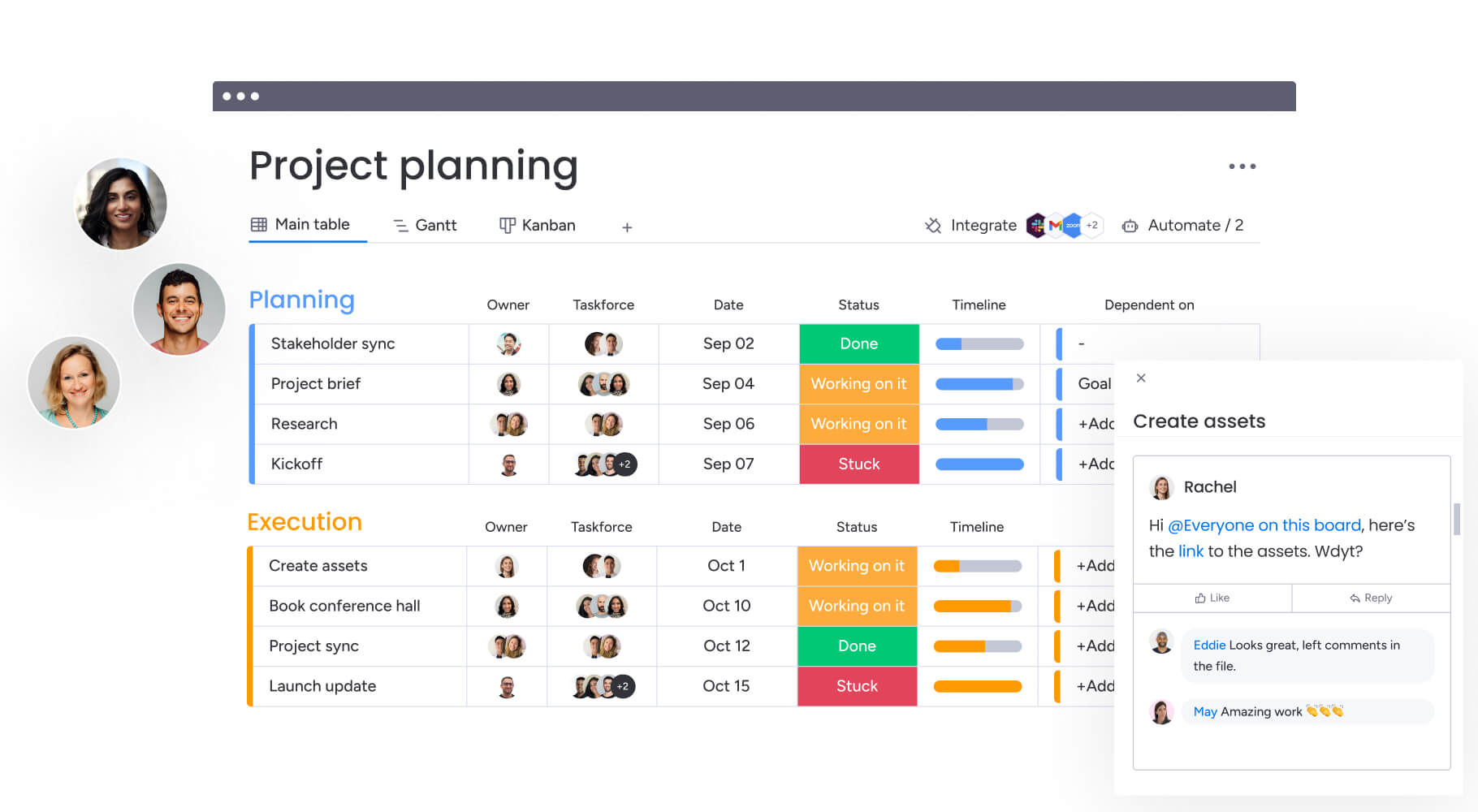
Bring clarity to resource planning with monday work management
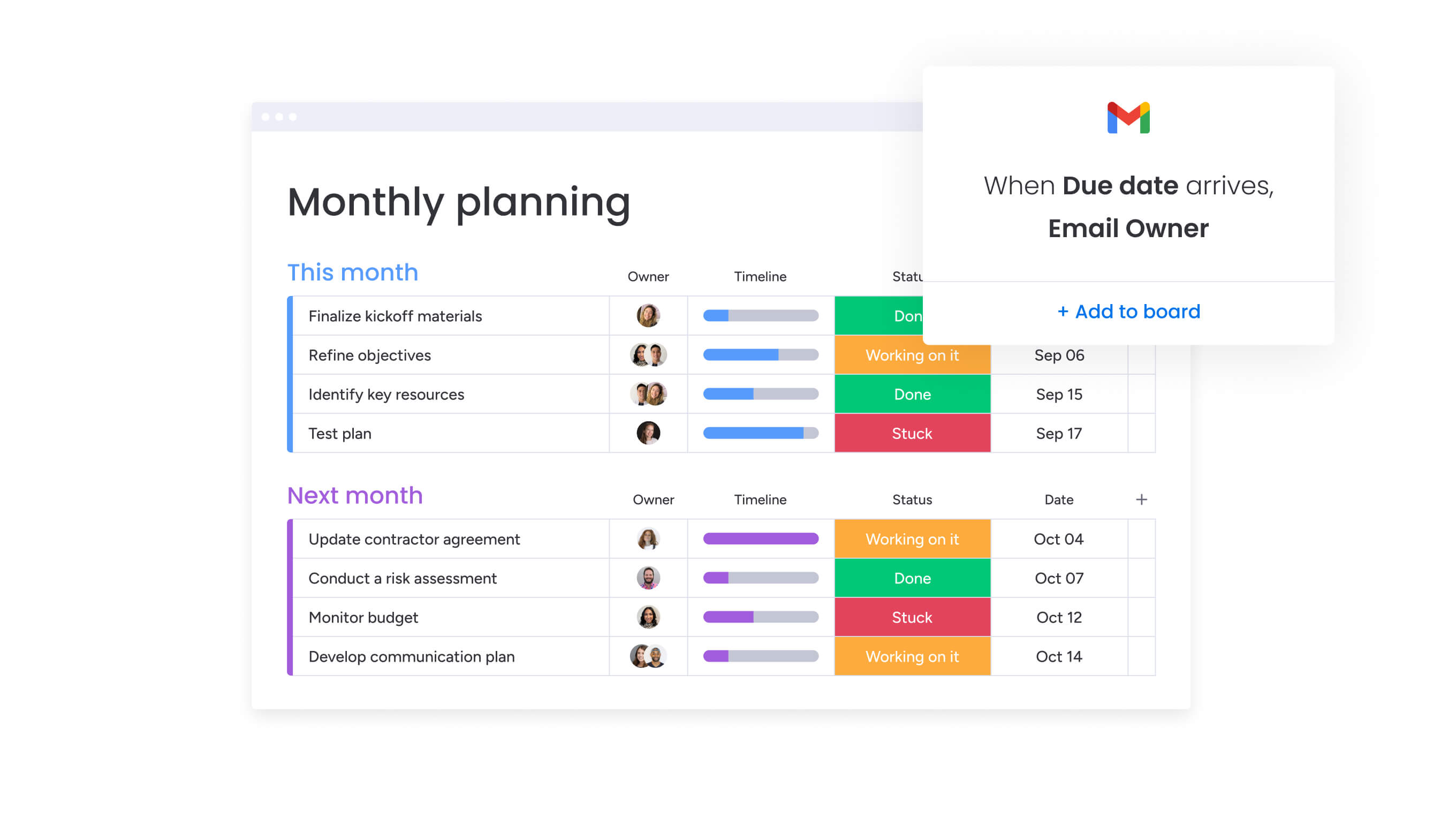
Managing resources gets harder as teams grow. Spreadsheets and static calendars can’t keep up with shifting priorities, changing availability, and competing project demands. That’s why effective resource planning depends on more than seeing dates on a calendar.
monday work management brings together visual workload views, AI-powered resource recommendations, real-time updates, and deep integrations with the tools teams already use. The table below shows how these capabilities compare to traditional resource planning approaches.
The sections that follow then break down each feature in detail, explaining how they help teams balance workloads, spot conflicts early, and adjust plans as work changes.
Feature monday work management Traditional platforms Spreadsheet-based
Visual workload display Color-coded capacity views with real-time updates Text-based lists requiring manual interpretation Static tables requiring manual formatting
AI-powered optimization Intelligent resource recommendations based on skills and availability Rule-based automation with limited intelligence No automation; entirely manual analysis
Integration ecosystem 200+ pre-built integrations with bidirectional data sync Limited integrations requiring custom development No integrations; manual data transfer
Real-time collaboration Simultaneous multi-user editing with instant updates Sequential editing with version conflicts File locking or version conflicts
Scalability Supports teams from five to 5,000+ with consistent performance Performance degradation with team growth Becomes unmanageable beyond 20-30 people
Visual workload views teams actually use
The platform displays resource information through color-coded workload views that make capacity and conflicts immediately apparent. Instead of parsing spreadsheets or navigating complex interfaces, managers see at a glance who has available capacity, who is approaching their limits, and where conflicts exist.
AI-powered resource insights at scale
AI capabilities within monday work management provide intelligent recommendations for resource allocation based on skills, availability, historical performance, and project requirements. When staffing a new project, AI suggests team members who have successfully completed similar work, have available capacity, and possess the required skills.
Predictive analytics forecast future capacity needs by analyzing historical patterns and upcoming project pipelines. Automated conflict detection identifies scheduling overlaps and overallocation immediately, with intelligent suggestions for resolution.
Zero-friction integration with your stack
The platform integrates with existing business systems to create a unified resource management ecosystem. Connections to HR systems provide automatic updates for new hires, departures, and time-off requests.
Integration with time tracking ensures workload calculations reflect actual hours worked, not just planned allocation. The integration ecosystem eliminates duplicate data entry and ensures all systems work from the same resource information. This reduces maintenance burden and improves data accuracy across the organization.
Start building your resource calendar today
Resource calendars change the game for team management. When you can actually see who’s available, what they’re good at, and how much they can handle, you make better decisions — keeping your team productive without burning them out.
Organizations that invest in proper resource calendar systems see immediate improvements in project delivery times, team satisfaction, and strategic planning accuracy. The key is choosing a platform that grows with your needs and integrates seamlessly with existing workflows.
Ready to eliminate resource conflicts and optimize your team’s capacity? monday work management provides the visual interfaces, AI-powered insights, and integration capabilities that make resource calendar management accessible to teams of all sizes.
Frequently asked questions
How often should you update a resource calendar?
Resource calendars require continuous updates as circumstances change. Daily updates occur for task assignments and workload changes, weekly reviews address upcoming availability, and monthly audits verify skills and capacity limits remain accurate.
Can resource calendars handle external contractors?
Resource calendars accommodate contractors, freelancers, and external resources by treating them as team members with specific availability patterns and capacity limits. The system tracks their skills, availability, and current commitments just like internal staff.
What's the best way to resolve resource conflicts?
Resource conflict resolution follows a systematic approach. First identify conflicts through automated alerts, then assess project priorities and evaluate alternative team members with similar skills. Consider timeline adjustments and communicate changes to all affected stakeholders.
Do resource calendars support Agile methodologies?
Resource calendars support Agile methodologies by tracking capacity at the sprint level, showing availability for sprint commitments, and enabling rapid reallocation as priorities shift during sprints. The system adapts to iterative planning cycles.
Which metrics matter most for resource calendars?
The most important resource calendar metrics include team utilization rates, resource conflict frequency, project estimation accuracy, time to fill resource requests, and employee satisfaction scores related to workload balance.
How does monday work management approach resource calendar management differently?
monday work management combines visual workload displays that make capacity immediately scannable, AI-powered recommendations for optimal resource allocation, seamless integration with existing business systems, and intuitive interfaces that require minimal training. The platform transforms resource calendars from static documents into dynamic systems that evolve with your organization.

 Get started