

Modern teams rarely run one project at a time. Product launches overlap with system upgrades. Marketing campaigns compete with hiring plans. Every initiative draws from the same people, budget, and deadlines.
When planning is shallow, complexity takes control. Priorities blur. Dependencies get missed. Teams spend their energy reacting to problems that could have been prevented.
Strong project planning changes the dynamic. It creates clarity before execution starts. It defines what success looks like, maps the path to get there, and surfaces risks while they’re still manageable. Instead of chasing updates, teams move with intent.
Ahead, you’ll see how project planning differs from project management, the essential components every plan should include, and a practical step-by-step framework you can apply immediately.
Planning isn’t paperwork: it’s your competitive advantage in 2026.
Key takeaways
- Connect every task to business goals: Break down objectives into measurable work packages to ensure each action contributes to organizational priorities.
- Invest time in upfront planning: Dedicating 10–20% of project duration to planning reduces scope creep, resource conflicts, and budget overruns.
- Leverage AI and digital planning tools: Modern platforms help detect risks, optimize resource allocation, and create realistic project timelines across multiple projects.
- Visualize work and dependencies: Gantt charts, timelines, and workload dashboards make progress and bottlenecks visible, enabling teams to stay aligned and on track.
- Create repeatable planning frameworks: Standardized templates, workflows, and communication protocols maintain quality and efficiency as project volume and organizational complexity grow.
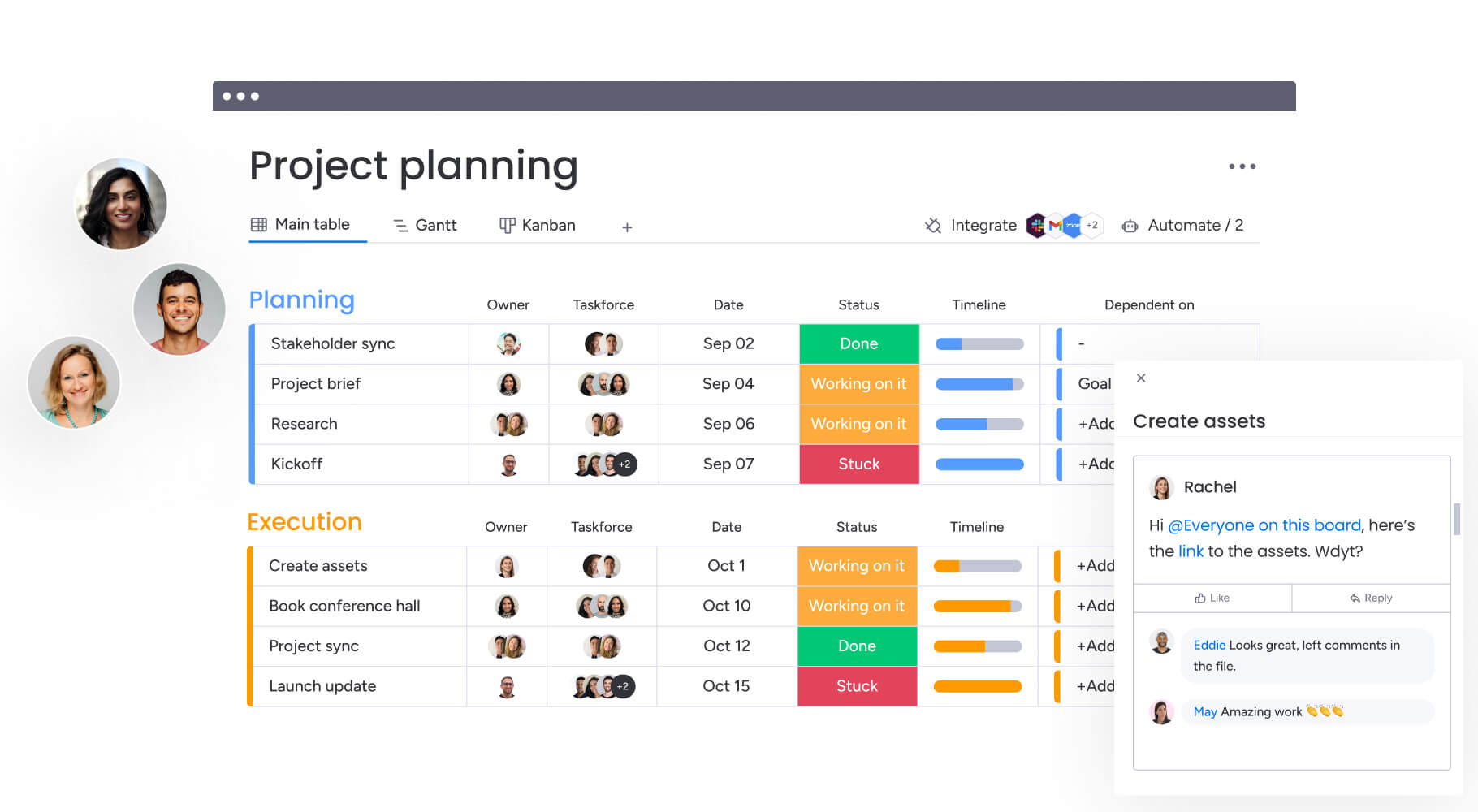
What is project planning?
Project planning involves defining goals, assigning responsibilities, setting deadlines, and outlining the approach before any work begins. It turns ambitious objectives into manageable tasks, timelines, and owners that a team can realistically handle.
Planning acts as a blueprint, keeping everyone aligned. It addresses key questions such as: “what needs to happen?”, “who is responsible?”, “when should it be completed?”, and “which resources are required?” before work starts. This process ensures that daily efforts connect directly to organizational goals, making every task meaningful.
Project planning may vary depending on the project type, but the core principles remain consistent:
- Product launches: Coordinating market research, R&D, marketing campaigns, and supply chain logistics to ensure a synchronized release date.
- Office relocations: Mapping physical logistics, IT infrastructure migration, and employee communication strategies to minimize downtime.
- Software implementations: Defining requirements, scheduling development sprints, planning user acceptance testing, and structuring rollout phases.
Planning acts as a blueprint, keeping everyone aligned. It addresses key questions such as: “what needs to happen?”, “who is responsible?”, “when should it be completed?”, and “which resources are required?” before work starts.
Project planning vs project management
Project planning and project management sit close together, but they play very different roles in how work actually gets done. Planning is where direction is defined, scope is clarified, and the path forward is mapped before execution begins. Management takes that structure and keeps it moving, adjusting in real time as variables shift and challenges surface.
When teams blur the line between the two, things get messy. Strategy ends up being rewritten mid-project. Execution teams are forced to make decisions that should have been resolved earlier. Deadlines tighten not because the work is impossible, but because the groundwork was never fully set.
Understanding the distinction changes how you allocate responsibility, measure success, and structure your teams. The breakdown below shows how planning and management differ across focus, timing, outputs, and core capabilities.
| Aspect | Project planning | Project management |
|---|---|---|
| Primary focus | Strategy, definition, and roadmap creation | Execution, monitoring, and control |
| Timing | Primarily occurs before work begins (and during major pivots) | Ongoing throughout the project lifecycle |
| Key deliverables | Project charter, WBS, resource plan, risk register | Status reports, completed work, quality assurance, final product |
| Core question | What are we doing and how will we do it? | Are we on track and how do we solve this immediate issue? |
| Capabilities used | Forecasting, capacity planners, roadmapping software | Collaboration hubs, time tracking, reporting dashboards |
When planning is strong, management becomes smoother, more predictable, and far less reactive. When it’s rushed, execution turns into constant course correction instead of steady progress.
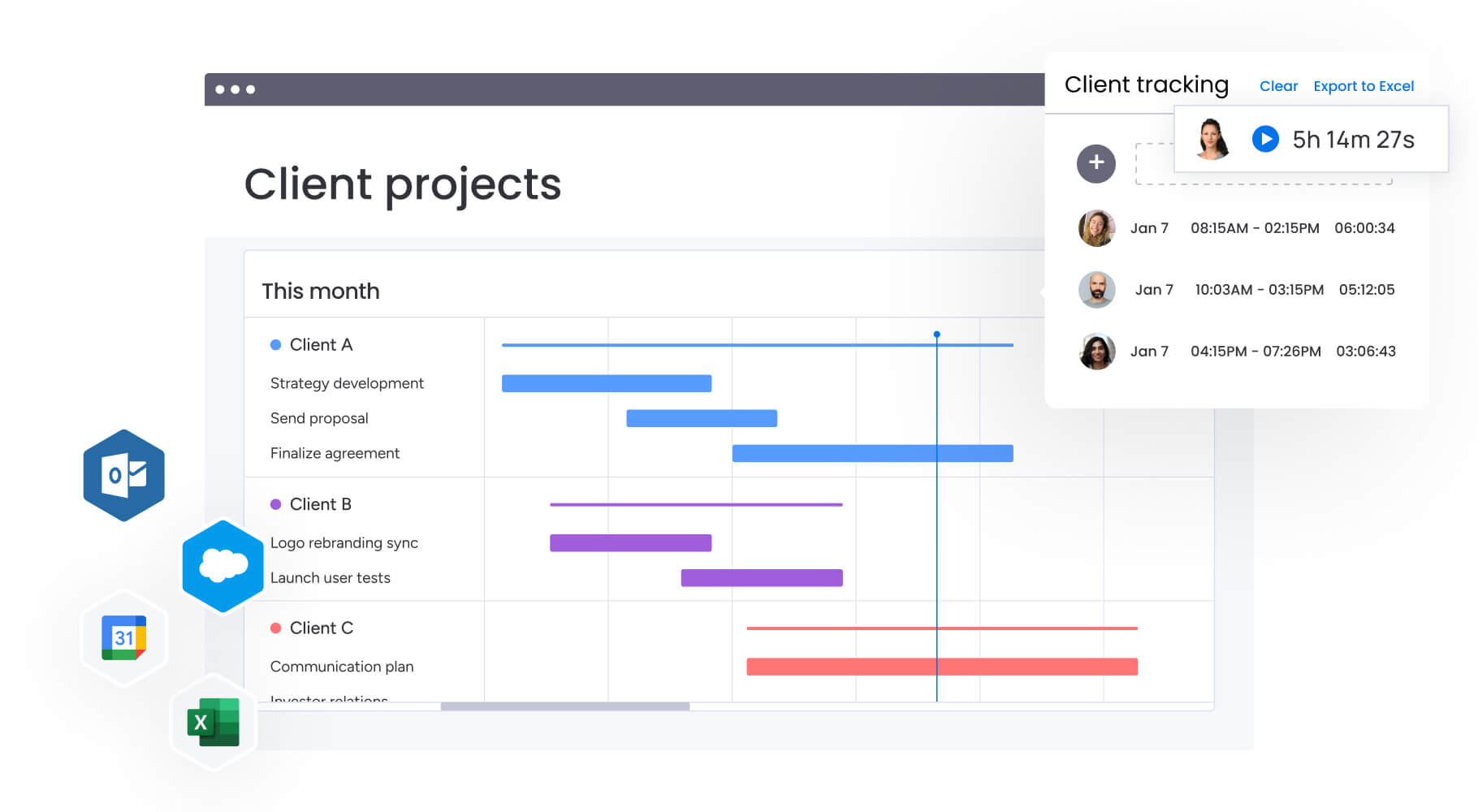
How project planning drives business success
The real value of project planning shows up in outcomes. Faster launches. Fewer surprises. Stronger margins. Better alignment across teams.
Planning shapes how effectively your organization turns strategy into execution. It reduces friction before work begins and creates the structure that allows teams to move quickly without losing control.
Deliver projects on time and budget
Planning upfront stops the two biggest project killers: scope creep and resource conflicts. By defining boundaries early, teams avoid the costly addition of unplanned features that dilute focus and drain budgets.
Smart forecasting spots bottlenecks weeks or months before they turn into full-blown crises. For example, some organizations implementing centralized analytic planning have even achieved 8–20% increases in shipments while cutting expedited-service costs by 30–50%. A critical vendor’s lead time or a developer’s holiday schedule becomes visible during planning, not during execution.
That early warning lets you fix things when it’s cheap, protecting your budget and deadlines.
Increase team alignment and collaboration
Planning gets everyone on the same page, marketing, engineering, sales, all working toward the same goal. Planning shows who owns what and how info moves between teams.
Your plan becomes the one place everyone goes for answers. Teams using monday work management can connect all business units and data in one workspace, reducing inter-departmental conflict and eliminating confusion that arises when teams rely on assumptions rather than agreed-upon facts.
Enable data-driven decision making
A solid plan sets the metrics, milestones, and success markers you need to make smart calls during execution. Without a plan, there’s no baseline against which to measure progress.
Planning defines what ‘good’ looks like, allowing leaders to objectively assess if a project is healthy or at risk. Clear performance measures enable better resource decisions and help organizations avoid missing critical targets. Further, stakeholders can make evidence-based decisions about resource reallocation or scope adjustments rather than relying on gut feelings.
Scale operations without chaos
Standard planning processes let you run multiple projects at once without losing your mind. As companies grow, ad-hoc coordination fails.
Planning frameworks create repeatable processes that maintain quality even as project volume increases. These include:
- Templates: Pre-built structures for common project types.
- Standard operating procedures: Documented workflows for consistent execution.
- Predefined workflows: Automated sequences that reduce manual coordination.
This setup lets leadership grow without drowning in management overhead.
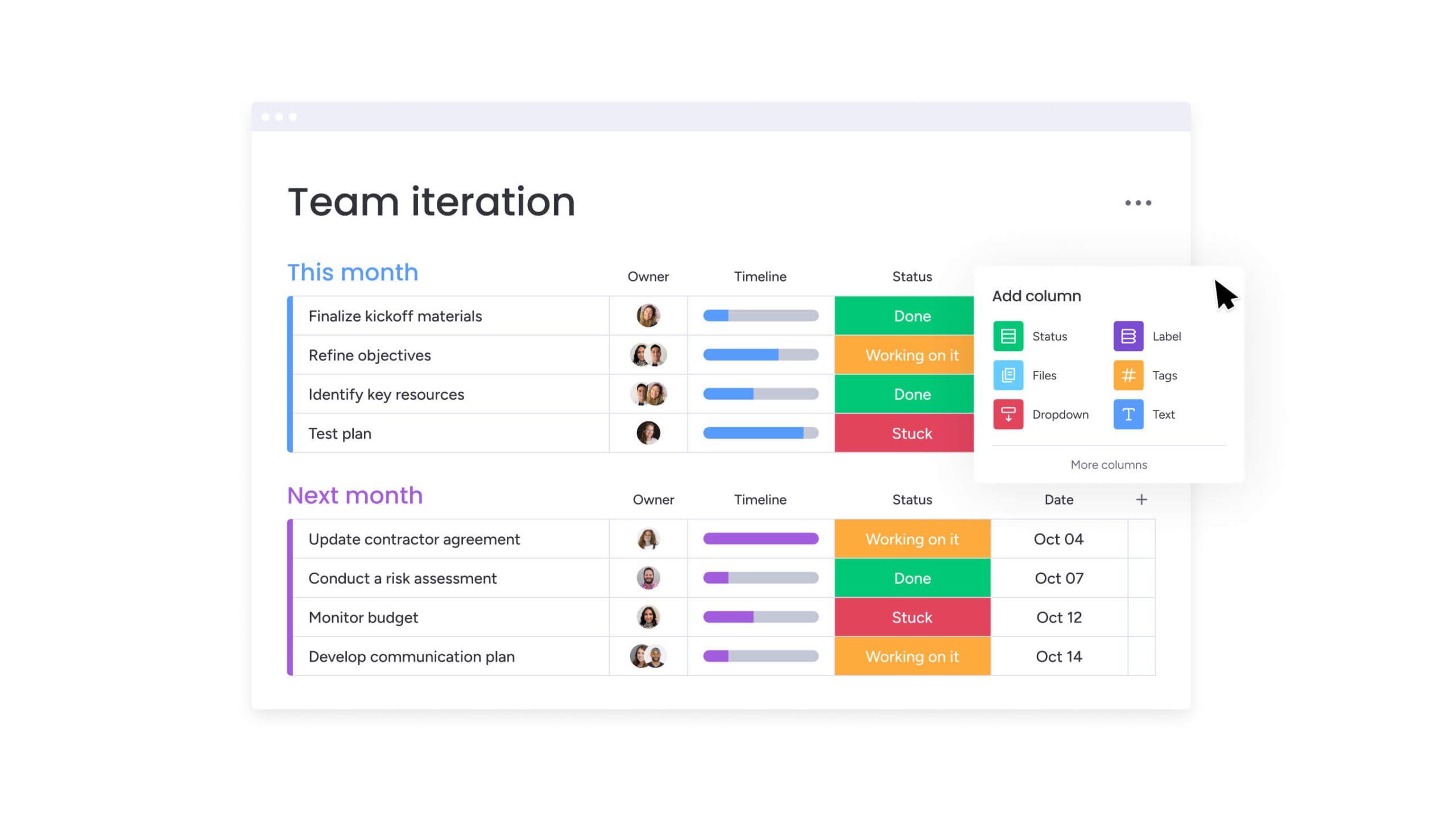
How to build a solid project plan
To build a project plan that works, you’ve got to turn vague goals into specific actions. This seven-step framework works across various different industries, connecting big-picture goals to day-to-day work.
Step 1: Define project scope and objectives
Start by setting clear boundaries for your project. Get everyone aligned on what’s in and what’s out, it stops fights later. Your objectives need to follow the SMART criteria: specific, measurable, achievable, relevant, and time-bound.
Consider these two approaches:
- Vague objective: “Improve the website”.
- SMART objective: “Increase website conversion rates by 15% by Q3 through homepage redesign and checkout optimization”.
The second version tells everyone exactly what success looks like.
Step 2: Identify key stakeholders and roles
Figure out who’s affected by the project and how involved they need to be. A stakeholder analysis (usually an influence vs. interest matrix) shows who needs hands-on management and who just needs updates.
This is also where you set up governance. Many teams use a RACI model to clarify decision-making authority and prevent bottlenecks:
- Responsible: Who does the work?
- Accountable: Who signs off on the work?
- Consulted: Who provides input?
- Informed: Who needs to know about progress?
Step 3: Create work breakdown structure
The Work Breakdown Structure (WBS) breaks big deliverables into smaller, manageable chunks. Can’t schedule what you haven’t defined.
A good WBS breaks work into chunks where you can estimate cost and time reliably, usually eight to 80 hours per package. This breakdown makes sure you don’t miss anything important when assigning resources.
Step 4: Develop timeline and milestones
Once you’ve defined work packages, put them in order based on dependencies. That shows your critical path. That’s the sequence that sets your shortest possible timeline. Estimate durations using techniques like three-point estimation (optimistic, pessimistic, most likely) to account for uncertainty.
Drop milestones at key points so you can check progress along the way. Add buffers to soak up small delays without blowing your deadline. Teams leveraging monday work management leverage Gantt charts to visualize these dependencies and timelines, making the critical path immediately visible.
Step 5: Allocate resources and budget
Resource planning means matching people, equipment, and materials to your schedule. Check capacity so people aren’t stretched too thin across projects.
At the same time, build your budget by adding up costs:
- Direct costs: Labor, materials, equipment.
- Indirect costs: Software licenses, overhead, administrative expenses.
The Workload View on monday work management helps you balance team resources and shift fast when priorities change, matching the right people to the right work based on skill and availability.
Step 6: Map risks and mitigation plans
Good risk management spots threats before they happen. Sort risks into buckets: technical, operational, external, and organizational.
For each big risk, build a plan to either stop it from happening or reduce the damage. Assign an owner to each risk so someone’s watching, before it becomes a crisis.
Step 7: Establish communication protocols
Map out how info moves across your project. A communication plan shows who gets updates, when, and in what format. Documented communication protocols are critical to consistent, compliant execution and prevent costly operational errors.
Figure out who needs high-level summaries and who needs detailed reports. This setup keeps governance strong by getting the right info to the right people at the right time.
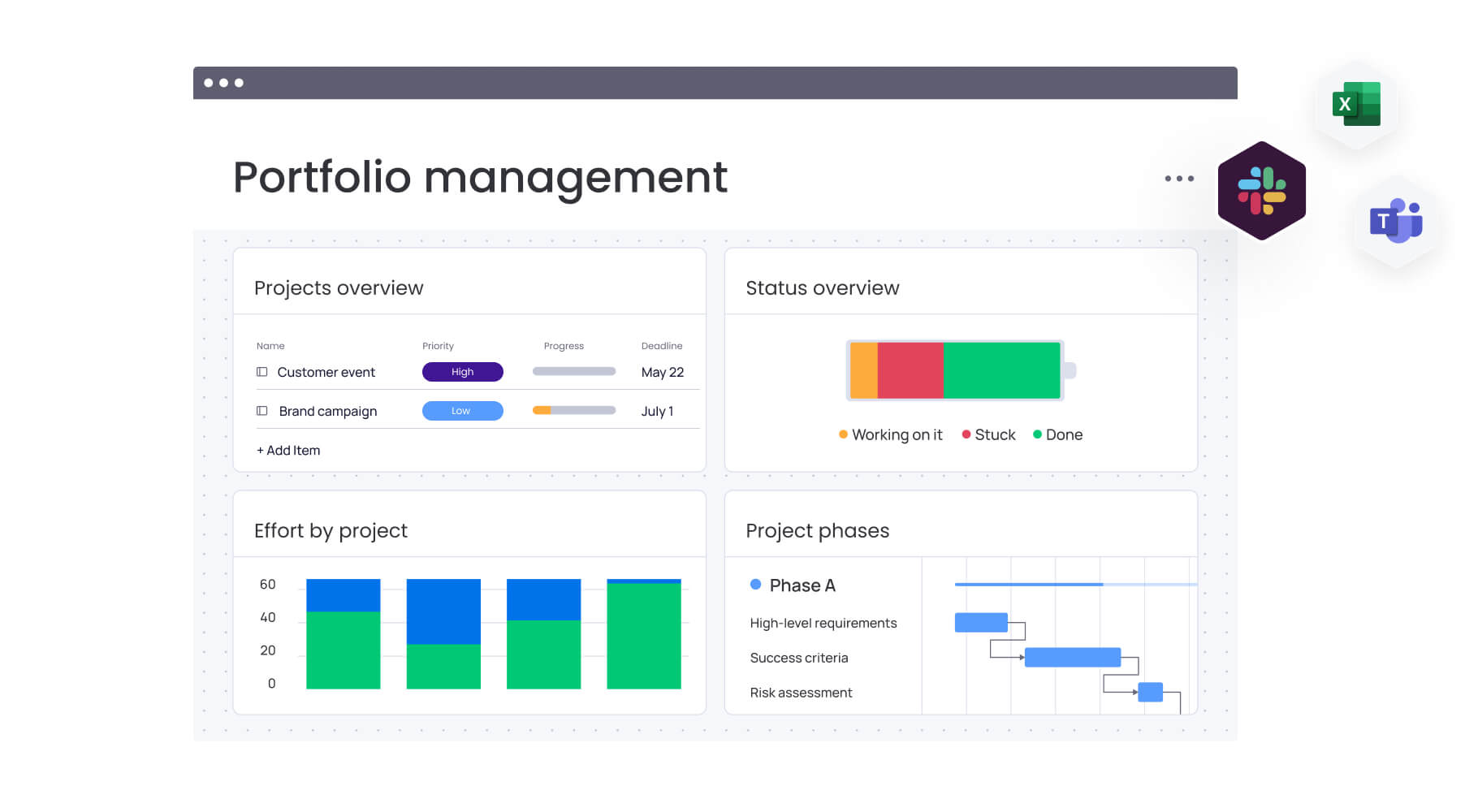
Essential components of a project plan
A great project plan includes several pieces that guide your team through execution. These pieces work together to cover scope, time, cost, and quality, while keeping you aligned with business goals.
Project charter and success criteria
The project charter formally authorizes the project and outlines the business case, high-level objectives, key stakeholders, and the project manager’s authority. It’s your reference point throughout the project, keeping the team focused on the original business case.
Success criteria defined here go beyond “on time and on budget” to include business value realization and stakeholder satisfaction metrics.
Detailed work breakdown structure
The WBS is the foundation for your schedule and budget. It organizes scope into a hierarchy of deliverables and work packages.
Unlike a task list, the WBS focuses on what you’re delivering, not just what you’re doing. It’s a living doc that guides execution and tracks progress on specific deliverables.
Resource management framework
Your resource plan shows all the assets you need to get the work done. This details the allocation of personnel, equipment, and budget across the project timeline.
The framework connects what your project needs to what your org can handle, flagging crunch times and conflicts. Teams using monday work management can plan, schedule, and allocate resources to adapt to changing priorities, estimating current resources and assigning the right people based on skill and availability.
Risk assessment and controls
The risk register documents identified risks, their probability, potential impact, and assigned owners. It includes response strategies (avoid, mitigate, transfer, accept) agreed upon during planning.
This turns risk management from theory into practice, so your team’s ready when things go sideways.
Performance metrics and KPIs
Planning sets up how you’ll measure health and success. This includes Schedule Variance (SV) and Cost Variance (CV) to monitor efficiency, plus quality metrics and team performance indicators.
Teams using monday work management can plan, schedule, and allocate resources to adapt to changing priorities, estimating current resources and assigning the right people based on skill and availability.
How AI is reshaping project planning
AI has turned project planning from static manual work into something dynamic and predictive. AI shifts the focus from data entry to strategy, helping planners spot challenges before they hit, not just record them after.
Automated risk detection across portfolios
AI scans past and current projects to catch risks humans might miss. Machine learning spots patterns, like vendors who always deliver late or team setups that lead to quality problems.
On monday work management, Portfolio Risk Insights scans all project boards, quickly flagging potential risks by severity. This lets you tackle big risks across your whole portfolio before they hit individual projects.
AI-driven resource optimization
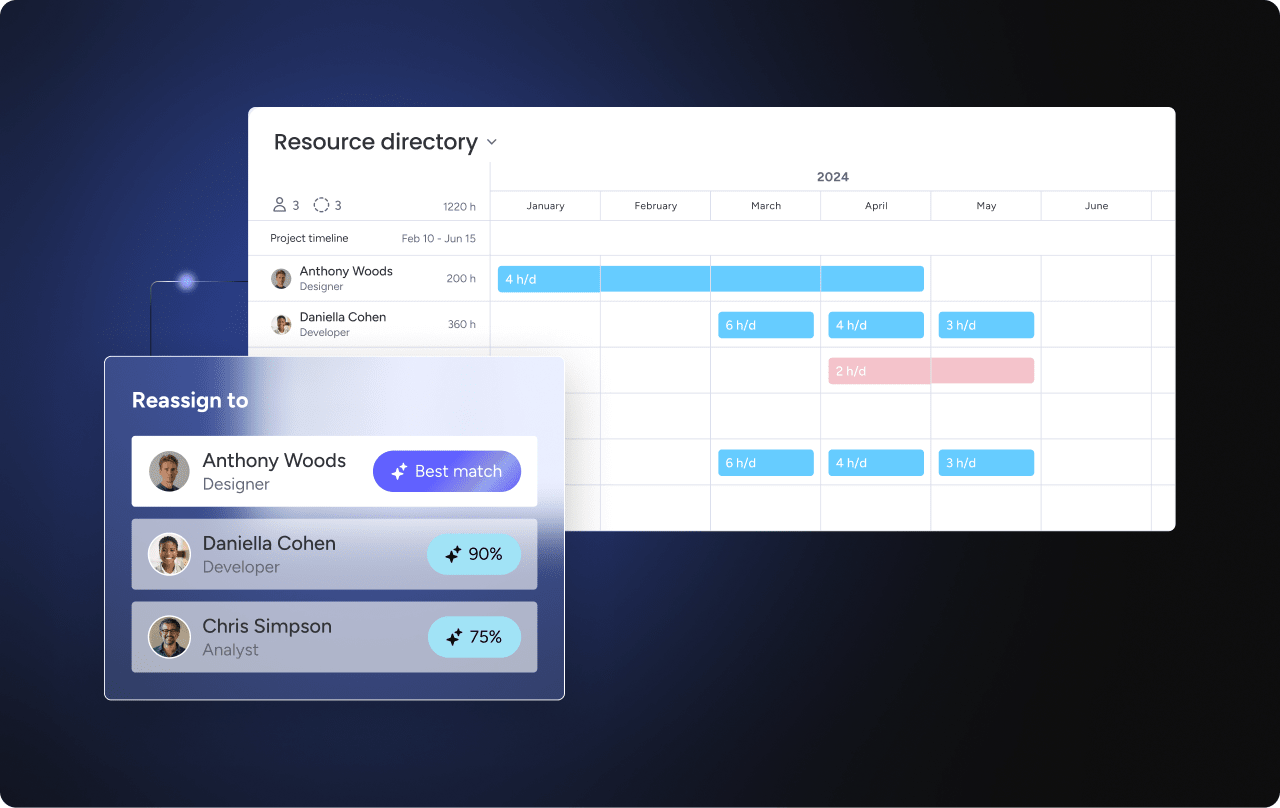
Smart algorithms look at capacity, skills, availability, and project needs to suggest the best assignments. AI weighs multiple factors at once to recommend assignments that balance speed with likelihood of success:
- Vacation schedules: Accounting for planned time off.
- Timezone differences: Optimizing for global team coordination.
- Skill proficiency: Matching expertise to task requirements.
This cuts the admin work of balancing resources and matches talent to work based on data, not just who’s free. The platform lets AI assign the right people to the right projects, taking into account effort, level, availability, and skills.
Predictive timeline intelligence
By leveraging historical data, AI highlights unrealistic deadlines and suggests adjustments, helping teams maintain schedules without disruption.
Modernizing project planning with monday work management
Traditional planning methods often rely on disconnected spreadsheets, static documents, and manual updates. That approach slows teams down and makes it difficult to see risk, capacity, and alignment in real time.
monday work management brings the full planning lifecycle into one connected workspace. Roadmaps, timelines, resource plans, and workflows live side by side, so strategy and execution stay aligned from day one.
The comparison below highlights how modern, connected planning differs from traditional approaches across speed, collaboration, risk visibility, and strategic alignment.
| Aspect | Traditional planning methods | monday work management |
|---|---|---|
| Planning speed | Slow, manual data entry and formatting | Accelerated with templates, AI generation, and automations |
| Collaboration | Siloed in emails and separate files | Contextual communication directly within plan items |
| Risk visibility | Reactive; risks hidden in static documents | Proactive; automated alerts and dashboards highlight risks instantly |
| Resource optimization | Difficult to visualize; prone to conflicts | Real-time workload balancing across multiple projects |
| Strategic alignment | Disconnected from daily execution | Direct line-of-sight from individual work to portfolio-level goals |
Instead of treating planning as a document that gets filed away, the platform turns it into a living system that evolves as projects move forward.
Key planning capabilities on the platform include:
- Visual project views: Gantt charts and Timeline View make dependencies and critical paths immediately visible so teams can adjust before delays cascade.
- Workload management: Capacity views show who is overextended and who has availability, helping prevent burnout and rebalance resources quickly.
- Portfolio dashboards: Connected boards roll up into high-level views, ensuring every initiative aligns with strategic objectives.
- AI-powered planning: Generate project plans from structured inputs, summarize updates, and extract action items without manual effort.
- Integration ecosystem: Sync planning data with development, sales, and service systems to maintain a single source of truth.
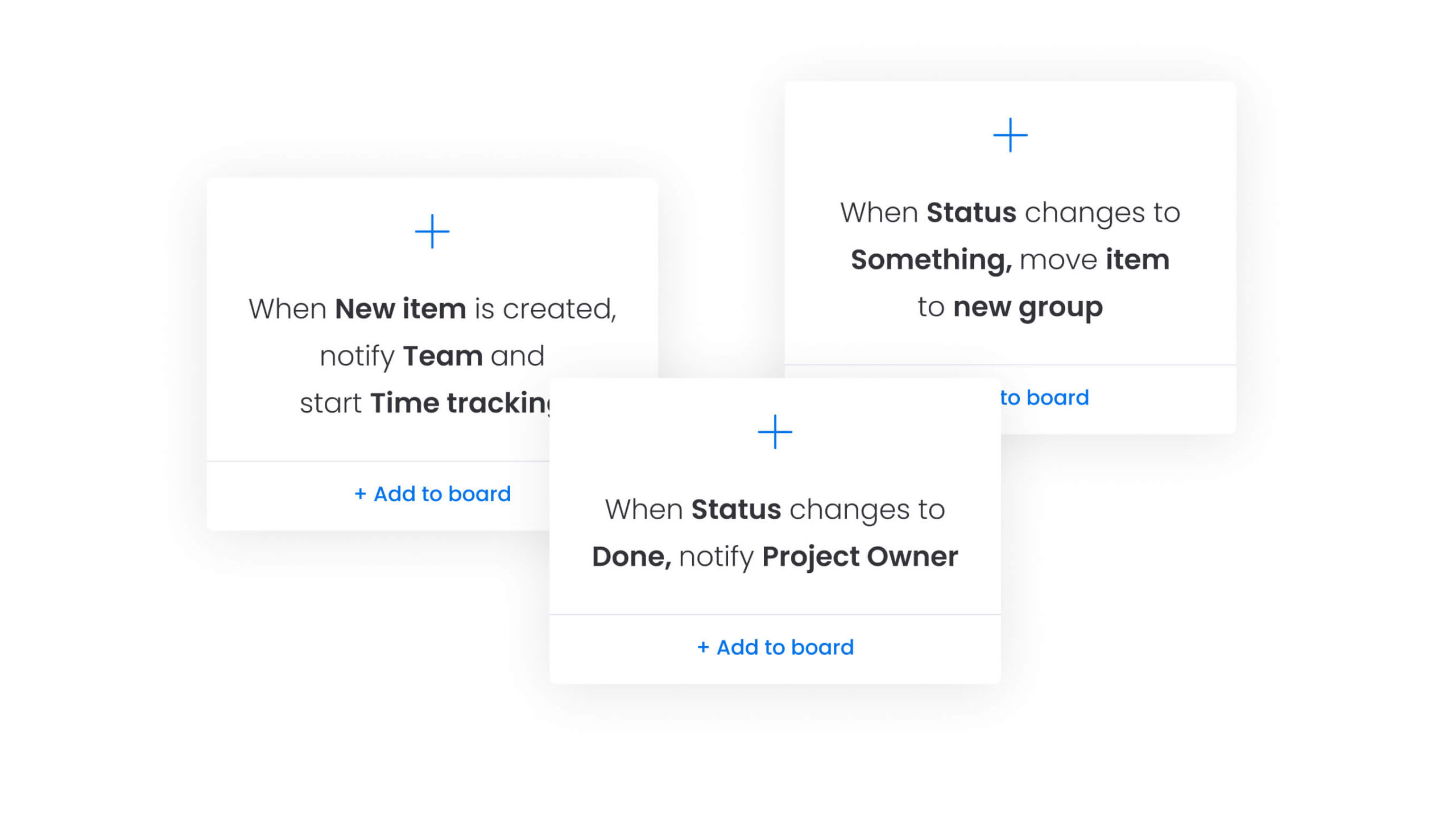
- Intelligent automation: update dependencies, notify stakeholders, and move work through stages automatically to reduce coordination overhead.
The platform lets teams focus on real work instead of admin tasks, speeding up planning while improving quality and flexibility.

“monday.com has been a life-changer. It gives us transparency, accountability, and a centralized place to manage projects across the globe".
Kendra Seier | Project Manager
“monday.com is the link that holds our business together — connecting our support office and stores with the visibility to move fast, stay consistent, and understand the impact on revenue.”
Duncan McHugh | Chief Operations OfficerBuild your competitive advantage through strategic planning now
Effective project planning turns complexity into clarity, aligning teams and resources with broader business objectives. monday work management addresses common planning challenges by connecting daily work to strategic goals while reducing administrative overhead.
Key features and benefits include:
- Visual project views: Track dependencies, milestones, and critical paths across multiple projects for clear progress insight.
- Workload management: Balance team capacity and skills to prevent bottlenecks and optimize resource utilization.
- Portfolio dashboards: Link individual projects to high-level objectives to maintain strategic alignment.
- AI-powered planning: Identify risks, generate actionable plans, and summarize updates for faster, informed decision-making.
- Intelligent automation: Streamline repetitive tasks, notifications, and stage transitions to focus teams on real work.
By integrating these capabilities, teams gain efficiency, alignment, and strategic impact, enabling predictable outcomes and scalable growth without added complexity.
Frequently asked questions
How long does the project planning phase typically take?
The planning phase generally consumes 10-20% of the total project duration, though this varies by complexity. Smaller projects might need just a few days of planning, while enterprise initiatives could require several weeks to properly define scope, resources, and timelines.
What's the difference between waterfall and agile project planning?
Waterfall planning defines the entire scope and timeline upfront, making it rigid but predictable. Agile planning occurs in iterative cycles (sprints), allowing for flexibility and frequent adaptation to change. Waterfall suits projects with fixed requirements, while Agile works best when requirements evolve.
How many projects can one project manager effectively plan?
A single project manager can typically handle 2-3 complex projects or 5-6 smaller, low-complexity initiatives simultaneously. This depends on available support, administrative overhead, and the maturity of planning processes within the organization.
When should you revise an existing project plan?
A project plan requires revision whenever significant changes occur in scope, resources, or timeline that exceed pre-agreed tolerances. Regular review points should be built into the project schedule, with formal reassessment triggered by major milestone completions or external changes.
Which project planning methodology works best for remote teams?
Agile or hybrid methodologies often work best for remote teams because they emphasize frequent communication, visible short-term goals, and digital collaboration. The iterative nature helps maintain alignment despite physical distance, while regular check-ins keep everyone connected.
How does monday work management support project planning workflows?
monday work management supports planning through visual Gantt charts for scheduling, workload views for resource allocation, and AI capabilities that automate risk detection and plan generation. The platform centralizes planning data for real-time alignment between strategy and execution, enabling teams to adapt quickly while maintaining visibility across all project elements.

 Get started