


Most teams no longer work inside a single system. Marketing plans campaigns in one tool, operations tracks workflows in another, and leadership assembles updates from spreadsheets, chat threads, and dashboards scattered across the organization. The result is fragmented visibility, duplicated effort, missed handoffs, and decisions made without a complete picture.
Productivity software exists to solve this problem — but not all tools are built for modern, cross-functional work. Basic task trackers can organize individual projects, but they struggle to support complex workflows, strategic alignment, and real-time collaboration across departments.
The right productivity software changes that equation, connecting planning to execution, centralizing information, and giving teams a shared system for tracking work, automating processes, and reporting progress.
Let’s compare some of the best productivity software tools on the market in 2026, ranging from comprehensive Work Operating Systems (Work OS) to specialized applications.
Key takeaways
- Modern productivity software replaces fragmented tool stacks: Effective platforms centralize planning, execution, and reporting to reduce handoffs, duplication, and decision-making blind spots.
- The best tools go beyond task tracking: High-performing teams benefit from software that supports workflow automation, portfolio visibility, resource management, and cross-functional collaboration at scale.
- Work Operating Systems enable strategy-to-execution alignment: Unlike basic project management tools, a Work OS connects daily work directly to organizational goals through shared data, dashboards, and governance.
- AI is reshaping how teams plan and execute work: Capabilities such as predictive insights, natural-language workflow creation, and autonomous digital workers reduce manual coordination and improve foresight.
- monday work management offers a scalable Work OS approach: The platform combines no-code customization, AI-powered automation, enterprise-grade security, and deep integrations to support organizations running work across multiple teams.
What makes great team productivity software?
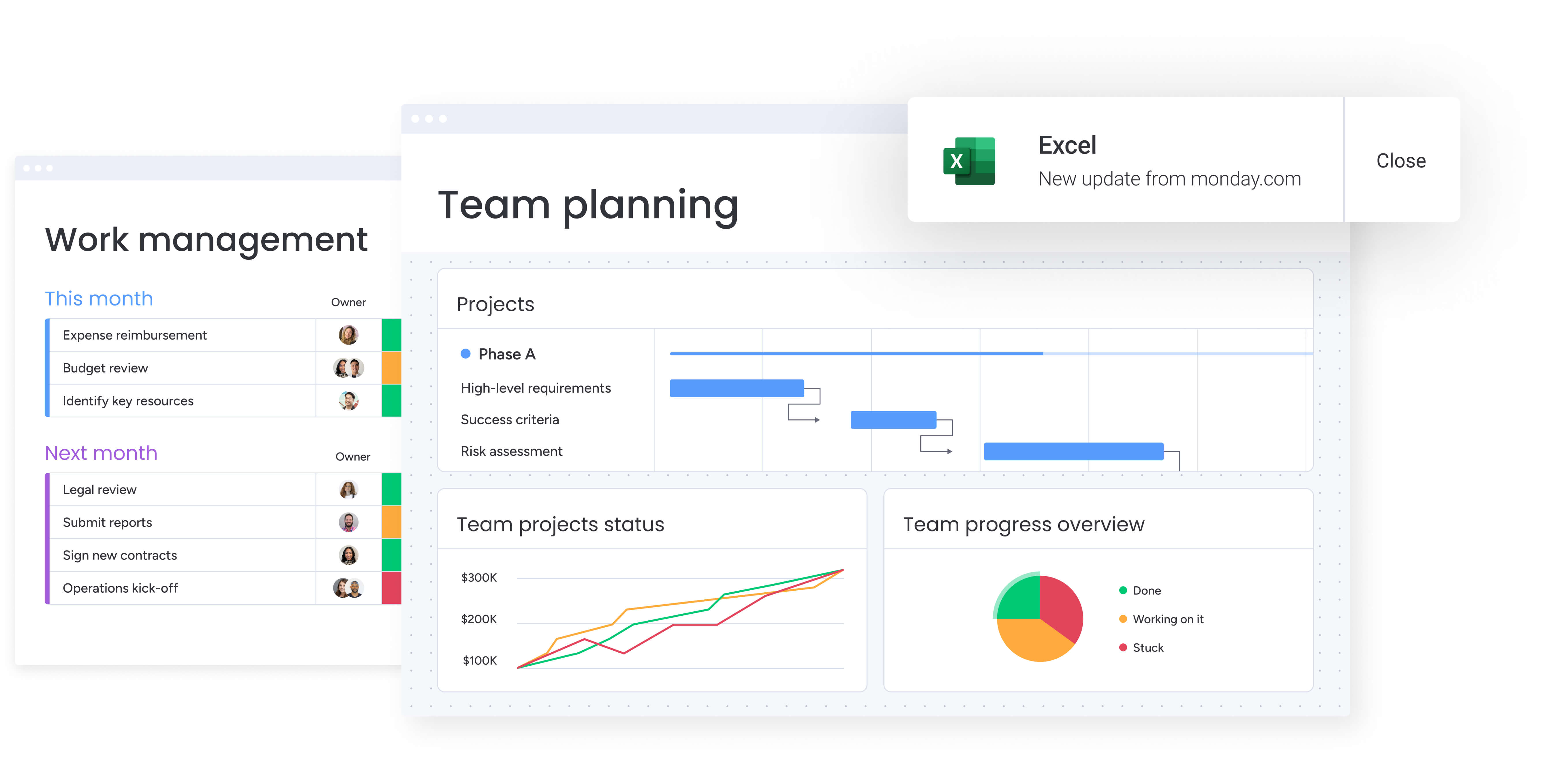
In today’s world, productivity software needs to do more than track projects: it should act as the operational backbone of your organization. By linking high-level strategy with daily execution, the right platform unifies cross-departmental work and gives leaders the visibility they need to make informed decisions.
The market is filled with options, and weeding out a top solution from a glorified to-do list is not always obvious. Remember, you need a platform that adapts to your team’s processes, not one that forces your team to adapt.
To select a solution that scales with your ambition, look out for these four essential qualities:
- True workflow flexibility: The platform should fit your team’s processes instead of requiring changes to how work happens. Flexible solutions offer customizable views, templates, and automations, allowing every department to design workflows that reflect their unique needs.
- Powerful integration capabilities: Rather than replacing existing tools, a strong platform connects them. Teams establish a single source of truth by linking applications, eliminating data silos and automating work across systems.
- Enterprise-grade security: As connectivity grows, trusting a platform with sensitive information is critical. Enterprise-ready software must include robust data encryption, granular permissions, and compliance with standards such as SOC 2 Type II and GDPR.
- Rapid time to value: The best software delivers results quickly. An intuitive interface and high user adoption reduce training costs and accelerate return on investment.
By linking high-level strategy with daily execution, the right platform unifies cross-departmental work and gives leaders the visibility they need to make informed decisions
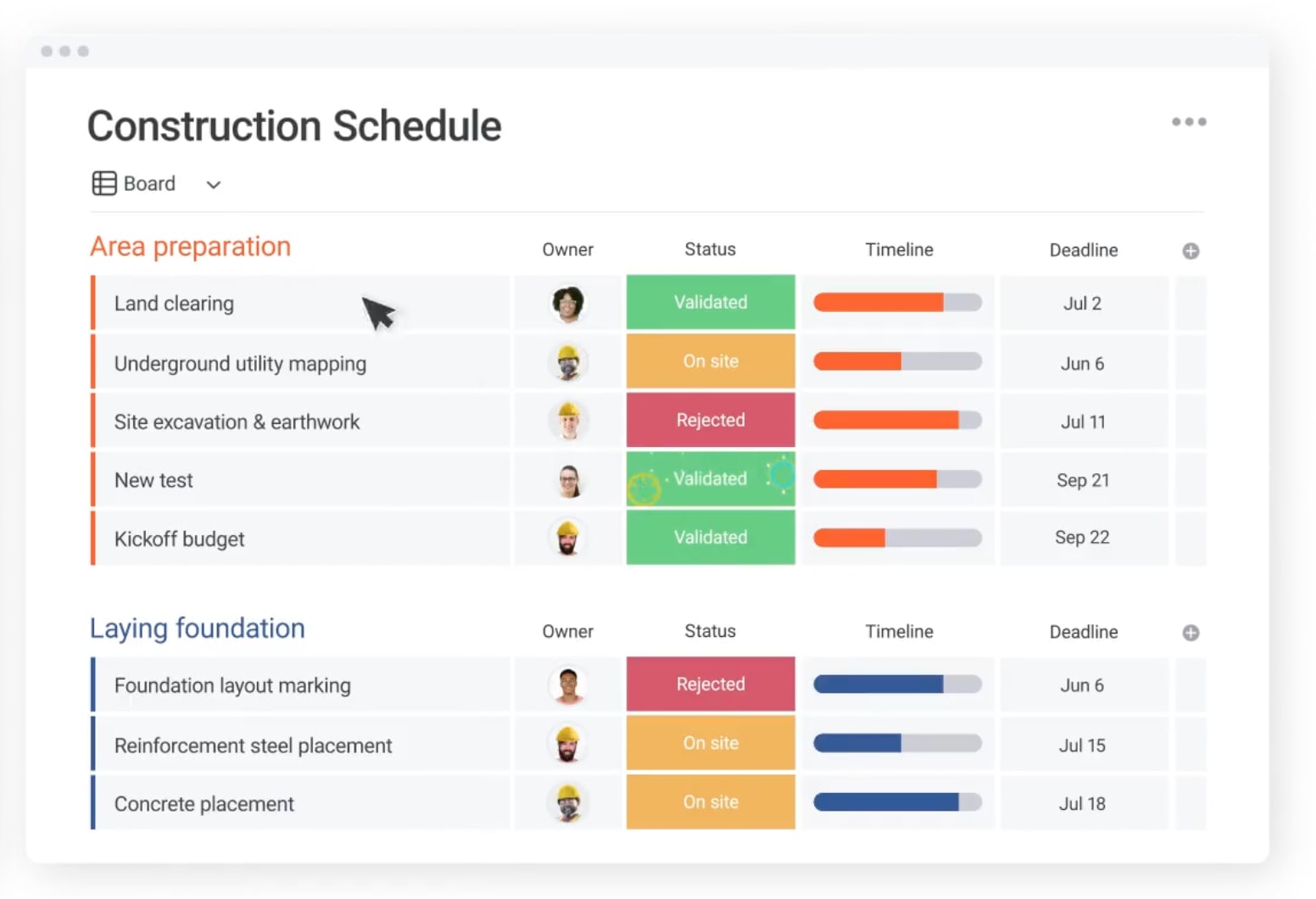
15 essential productivity software solutions for teams
Modern teams need more than digital to-do lists. They require a central workspace where strategy connects to execution. What matters most is how naturally the platform fits your team’s workflow — whether launching products, managing campaigns, or tracking deals.
Finding the right fit is all about looking closely at what drives real results: workflow flexibility, robust integrations, and enterprise-grade security. The platforms below have been assessed for 2026, from specialized apps to full Work OS solutions.
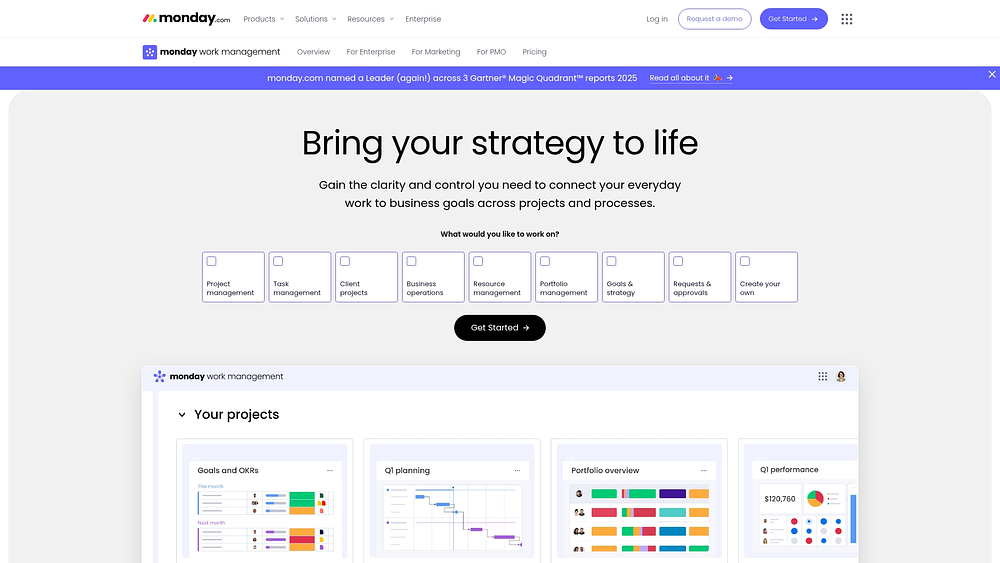
1. monday work management
Modern platforms like monday work management turn scattered workflows into smooth operations. They connect daily work to larger business goals, ensuring teams operate from the same playbook. The platform provides flexible building blocks, boards, views, dashboards, automations, and AI — so teams can shape workflows to match reality.
Use case:
Organizations can standardize project intake using Forms and route approvals automatically. Delivery can be managed through Gantt charts, while executive dashboards aggregate progress. Functional teams maintain their daily operations on boards that feed into portfolio-level views.
Key features:
- No-code workflow builder: Construct workflows using boards, columns, and pre-built templates that allow teams to launch immediately and iterate as needs change.
- Portfolio-level visibility: Generate dashboards and reports that consolidate progress across multiple projects, helping leaders track delivery without chasing updates.
- Cross-departmental coordination: Maintain handoffs using Timeline, Kanban, Calendar, and Workload views, supported by automations that notify stakeholders at the right time.
Advanced AI features:
AI in monday work management supports work directly on boards and automations, not as a separate tool.
- AI Blocks: Embed actions such as categorize, summarize, detect sentiment, translate, extract info, or custom prompts into columns and automations.
- Autofill with AI: Apply AI actions directly to supported columns — including Text, Date, Numbers, Dropdown, People, and Status—to categorize, summarize, translate, or assign owners.
- AI templates and assistant experiences: Start projects with AI templates preconfigured for workflows with AI-ready columns.
Automations:
Automations help standardize execution and maintain accountability across complex, cross-functional initiatives.
- Workflow automations: Set approval notifications, reminders, and handoffs to reduce reliance on manual follow-ups.
- AI automation blocks (Pro and Enterprise): Integrate AI actions like categorize, summarize, extract, translate, or detect sentiment into workflows.
- Run history visibility: Review automation history to refine processes with confidence.
Integrations:
Integrations keep work connected and prevent silos.
- Connect your stack: Integrate with over 200 apps to align systems and reduce context switching.
- Collaboration integrations: Link boards to tools such as Microsoft Teams and Slack, turning conversations into trackable work.
- Work intake from email and files: Import requests from Outlook, Gmail, Google Drive, and Excel directly into workflows.
Productivity software features:
Effective productivity software supports planning, execution, and reporting without unnecessary complexity.
- Project and portfolio planning: Use Gantt charts, milestones, dependencies, baselines, and critical paths to map delivery and manage risk.
- Resource visibility: Leverage Workload view to assess capacity and rebalance assignments before deadlines slip.
- Time tracking: Monitor time spent to refine estimates and analyze effort distribution.
Pricing:
- Free: Up to two seats with basic features.
- Basic: $9/seat/month (billed annually, minimum three seats).
- Standard: $12/seat/month (billed annually).
- Pro: $19/seat/month (billed annually).
- Enterprise: Custom pricing with advanced governance and compliance.
Annual billing provides 18% savings compared with monthly plans. Additional AI credits are available beyond the included 500 monthly credits.
Why it stands out:
Adoption and measurable outcomes make monday work management a long-term solution. Leaders require accurate reporting, teams need a tool that integrates into their workflow, and admins need a scalable platform.
- High adoption: Recognized by G2 for highest user adoption for enterprises, ensuring data stays current.
- Speed to value: A Forrester Total Economic Impact™ study shows a payback period of less than four months.
- Real-world results: Organizations report $4.14M saved through process optimization, 20% higher client satisfaction, and a threefold increase in creative output.
2. Asana
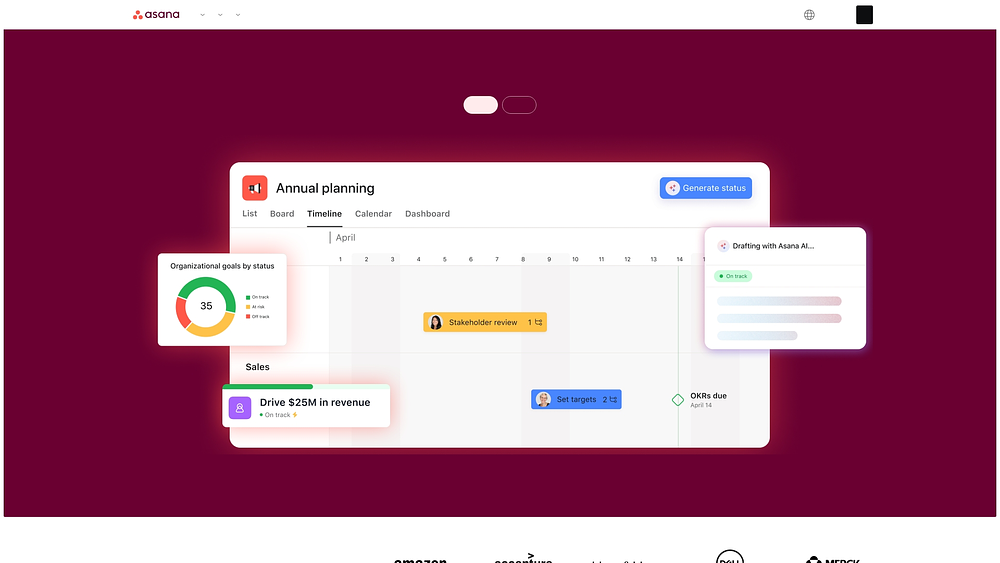
Asana’s proprietary Work Graph connects high-level goals to daily execution. Its AI-driven workflows and cross-functional coordination capabilities support enterprises with complex projects.
With over 170,000 customers and adoption by 85% of the Fortune 500, it provides a reliable option for organizations focused on strategic alignment.
Use case:
Mid-to-large enterprises seeking visibility across departments and strategic alignment while managing complex workflows.
Key features:
- Work Graph architecture: Links goals, portfolios, projects, and tasks for organization-wide visibility.
- AI capabilities: Includes smart status updates, automated insights, and AI teammates for collaboration.
- Enterprise-grade security: SOC 2 compliance, data residency options, and extensive admin controls.
Pricing:
- Personal: Free for up to two users with core project management features.
- Starter: $10.99/month per user (billed annually) with automations and basic project management.
- Advanced: $24.99/month per user (billed annually), including Goals/OKR, portfolios, advanced forms, and native time tracking.
- Enterprise and Enterprise+: custom pricing with enhanced security, SAML/SCIM, 24/7 support, and compliance.
Annual billing offers discounted rates compared with monthly plans, with a 50% nonprofit discount on Starter and Advanced plans.
Considerations:
High-value capabilities like Goals and Portfolios are included only in the Advanced tier, which may raise costs for teams needing strategic alignment features. Minimum seat requirements and tiered pricing can create inefficiencies for smaller teams.
3. Trello
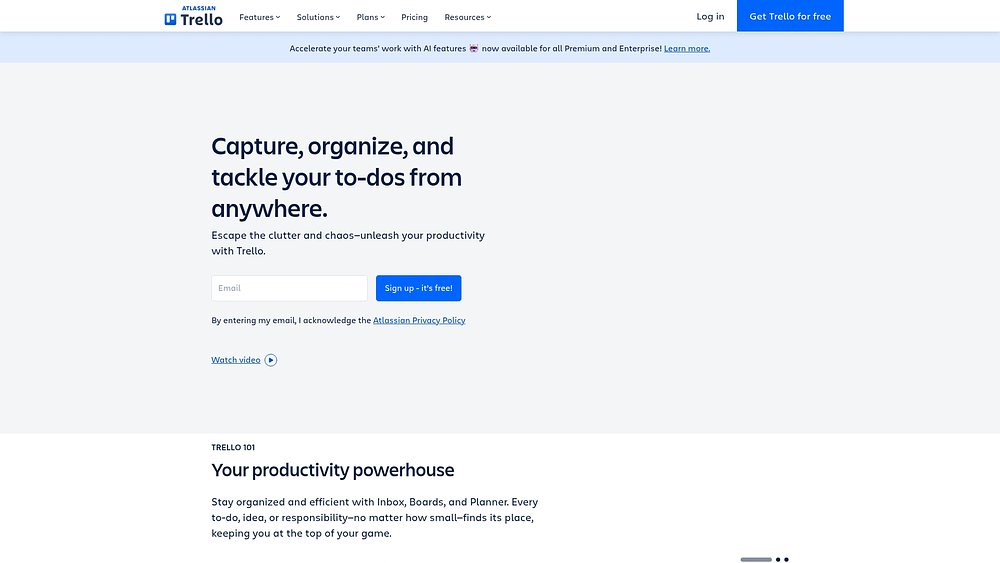
Trello emphasizes visual organization with Kanban boards, appealing to teams that value simplicity. With over 200 Power-Ups, it scales from individual task management to enterprise workflows. Atlassian’s infrastructure supports growth while keeping setup and adoption simple.
Use case:
Small teams and individuals seeking visual task management with minimal complexity and rapid adoption.
Key features:
- Visual Kanban boards: Use cards, lists, and customizable workflows that teams can configure quickly.
- Built-in Butler automation: Automate processes alongside 200+ Power-Up integrations including Slack, Google Drive, and Jira.
- Multiple paid views: Calendar, Timeline, Table, Dashboard, and Map plus Workspace Views for cross-board visibility.
Pricing:
- Free: Up to ten collaborators per workspace, ten boards, 250 automation runs/month.
- Standard: $5/month per user billed annually, with unlimited boards, 1,000 automation runs, and custom fields.
- Premium: $10/month per user billed annually, including AI features, all views, and unlimited automation.
- Enterprise: $17.50/month per user billed annually (minimum $10,000 annual spend).
Annual billing discounts are available, with Atlassian Guard SSO as a separate subscription for Standard and Premium workspaces.
Considerations:
- Advanced project management features such as task dependencies and native time tracking require third-party Power-Ups or Jira integration. Desktop apps do not support offline sync.
4. ActivTrak
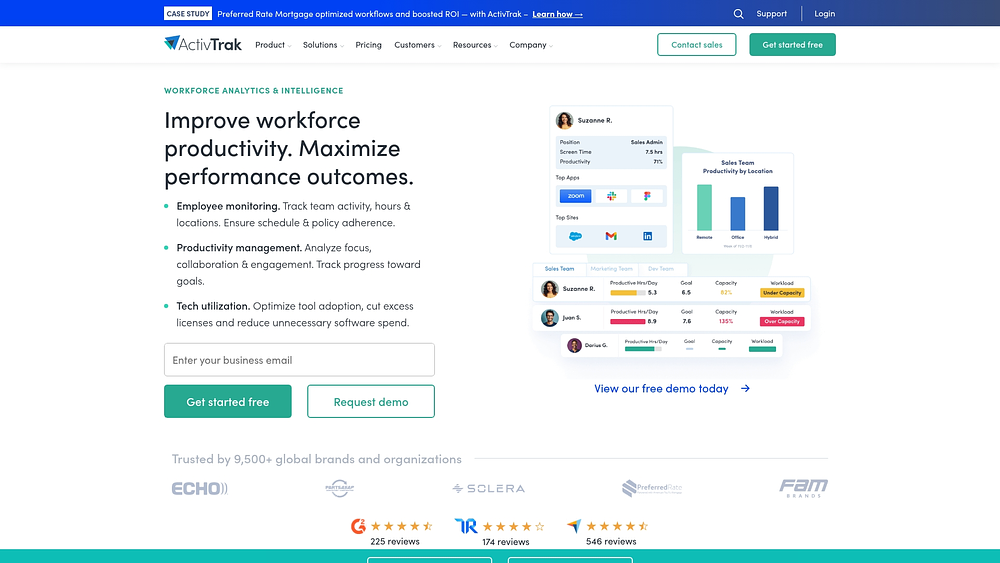
For leaders seeking a clear view of work patterns without micromanaging, ActivTrak delivers privacy-first workforce analytics. The platform emphasizes real-time monitoring and AI-powered coaching, giving visibility into productivity trends while avoiding invasive surveillance.
With over 9,500 customers and $50 million in annual recurring revenue, ActivTrak is a recognized solution for data-driven workforce management.
Use case:
Organizations that require comprehensive productivity measurement and remote work monitoring alongside their primary productivity platform.
Key features:
- Real-time workforce visibility: Monitor team availability, schedule adherence, and workload distribution through live dashboards and daily analytics.
- AI-powered coaching insights: Receive weekly coaching opportunities based on utilization trends, focus patterns, and productivity metrics to guide team improvements.
- Privacy-first monitoring: Track productivity without keystroke logging, email monitoring, or camera access, maintaining employee trust while gathering actionable data.
Pricing:
- Free: Up to three users with 30-day data history and limited features.
- Essentials: $10/month per user (annual billing).
- Essentials Plus: $15/month per user (annual billing).
- Professional: $19/month per user (annual billing) with advanced planning and analytics.
- Enterprise: Custom pricing available.
- 14-day Professional trial available.
- Add-ons like ActivConnect, Data History extension, and HRIS integration require additional fees.
Considerations:
- Add-on costs: Can significantly increase total cost of ownership, as they apply account-wide and are required for advanced features.
- Limited invasive monitoring capabilities: May not suit organizations requiring detailed security or compliance tracking.
5. Notion
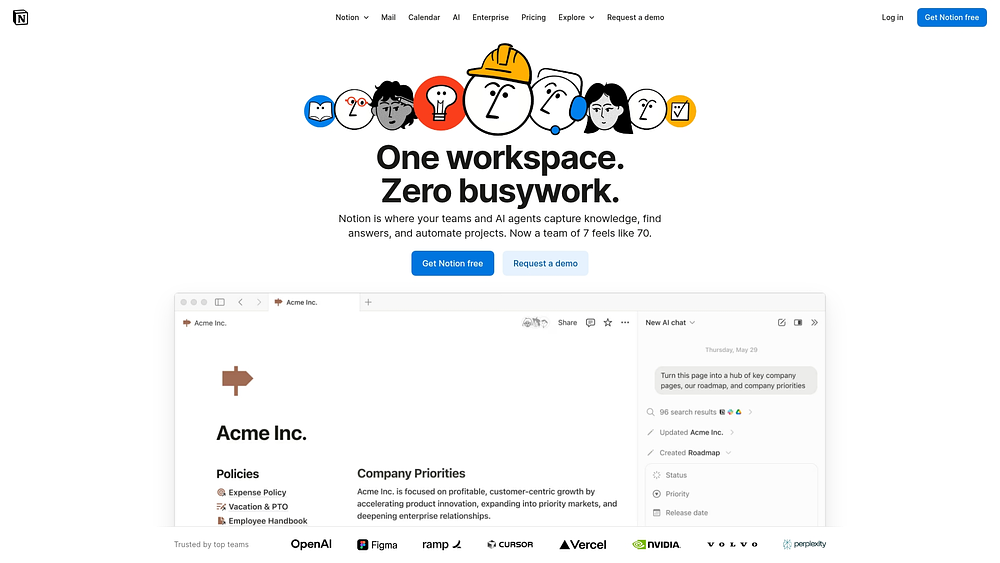
Notion merges documents, wikis, and project management into a single, flexible workspace. It excels in knowledge management and adaptable project organization, appealing to teams that prioritize documentation alongside workflow execution.
With over 100 million users and annualized revenue exceeding $500 million, Notion is a leading choice for connected workspaces.
Use case:
Teams looking for an all-in-one solution for documentation, knowledge management, and basic project tracking within a customizable workspace.
Key features:
- Connected databases: Link projects, tasks, and sprints through relational databases that adapt to any methodology while keeping documentation and execution in sync.
- AI-powered workspace: Enterprise search across connected tools, automated meeting notes, and AI agents that surface knowledge and automate routine work.
- Flexible project views: Kanban boards, timeline dependencies, and roadmap planning with automated sprint management and progress tracking.
Pricing:
- Free: $0 per member/month for individual use with unlimited pages and basic features.
- Plus: $10 per member/month with unlimited collaborative blocks and file uploads.
- Business: $20 per member/month including AI features, SAML SSO, and advanced permissions.
- Enterprise: Custom pricing with zero-retention AI, SCIM, and advanced security controls.
- Save up to 20% with annual billing.
Considerations:
- Performance limitations: Very large databases and complex pages can impact team productivity at scale.
- Offline functionality: Requires pre-downloading content and has significant feature restrictions, limiting mobile team effectiveness.
6. Todoist
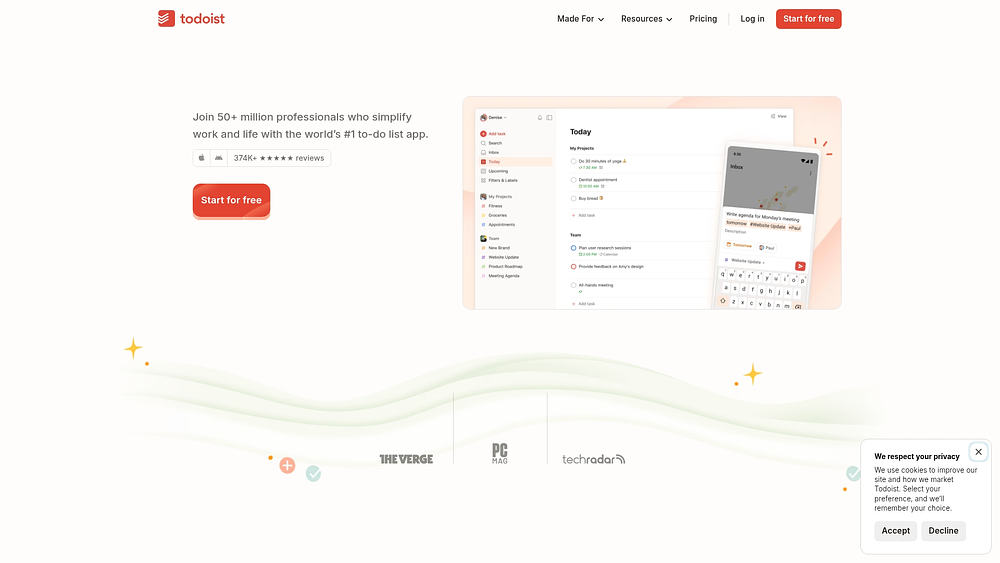
Todoist simplifies the connection between personal productivity and lightweight team workflows. The platform uses natural language input and seamless syncing to support structured task management without the complexity of full project management tools.
Use case:
Individual contributors and small teams seeking streamlined task execution with minimal collaboration complexity.
Key features:
- Natural language processing: Create tasks instantly with smart date recognition.
- Unified personal and team workspace: View all commitments in Today/Upcoming layouts.
- Cross-platform sync: Real-time updates across 10+ devices with flexible list, board, and calendar views.
Pricing:
- Beginner (Free): $0/month with five personal projects and basic features.
- Pro: $5/month annually ($60/year) or $7 month-to-month, includes calendar layout and AI features.
- Business: $8/month annually ($96/year) or $10 month-to-month, adds team workspaces and collaboration tools.
Considerations:
- Single assignee per task: Limits multi-person accountability workflows.
- Advanced project management features: Lacks Gantt charts, dependencies, and resource management.
7. Slack
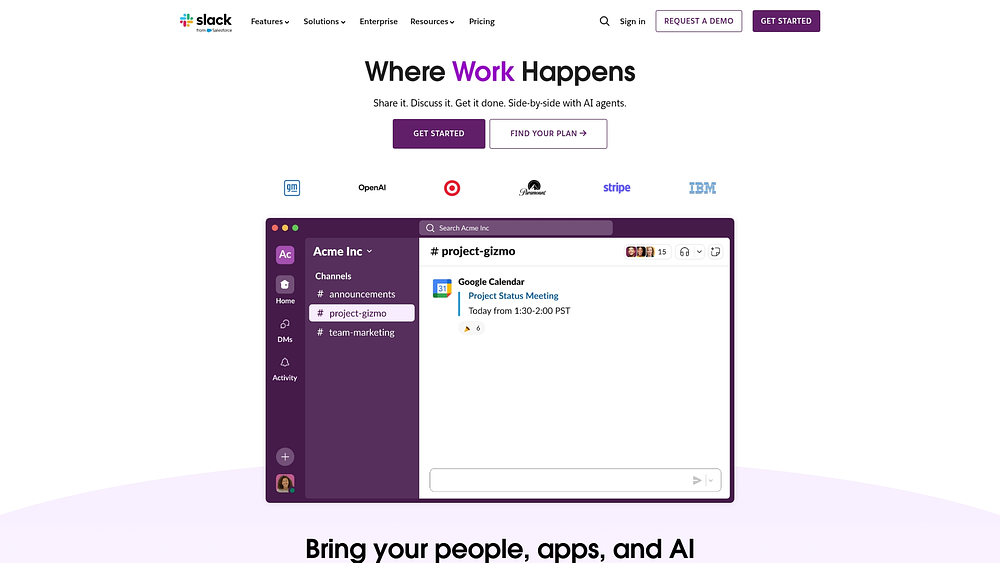
Slack organizes conversations, files, and workflows into channels, evolving from a messaging platform to a productivity hub. It supports real-time collaboration and external partnerships via Slack Connect, complementing dedicated project management tools.
Use case:
Organizations looking to improve team coordination and communication while maintaining dedicated project management capabilities through integrated workflows.
Key features:
- Slack Lists: Native task tracking with custom fields, due dates, and automated workflows that convert conversations into actionable items.
- AI-powered productivity: Automated meeting summaries, conversation recaps, and intelligent search reduce time spent catching up on missed discussions.
- Workflow Builder: No-code automation with 65+ connectors streamlines repetitive processes and integrates with existing productivity platforms.
Pricing:
- Free: Basic messaging, 90-day history, up to 10 app integrations.
- Pro: $7.25/month (annual) or $8.75/month (monthly) with unlimited history and group features.
- Business+: $15/month (annual) or $18/month (monthly) including advanced AI features and premium security.
- Enterprise/Enterprise+: Custom pricing with enhanced security and expanded AI capabilities.
Considerations:
- Lists feature: Requires paid plans and has limited mobile functionality for template creation and permission management.
- Advanced project management: Gantt charts, portfolio views, and resource management require integration with dedicated platforms.
8. Microsoft Teams
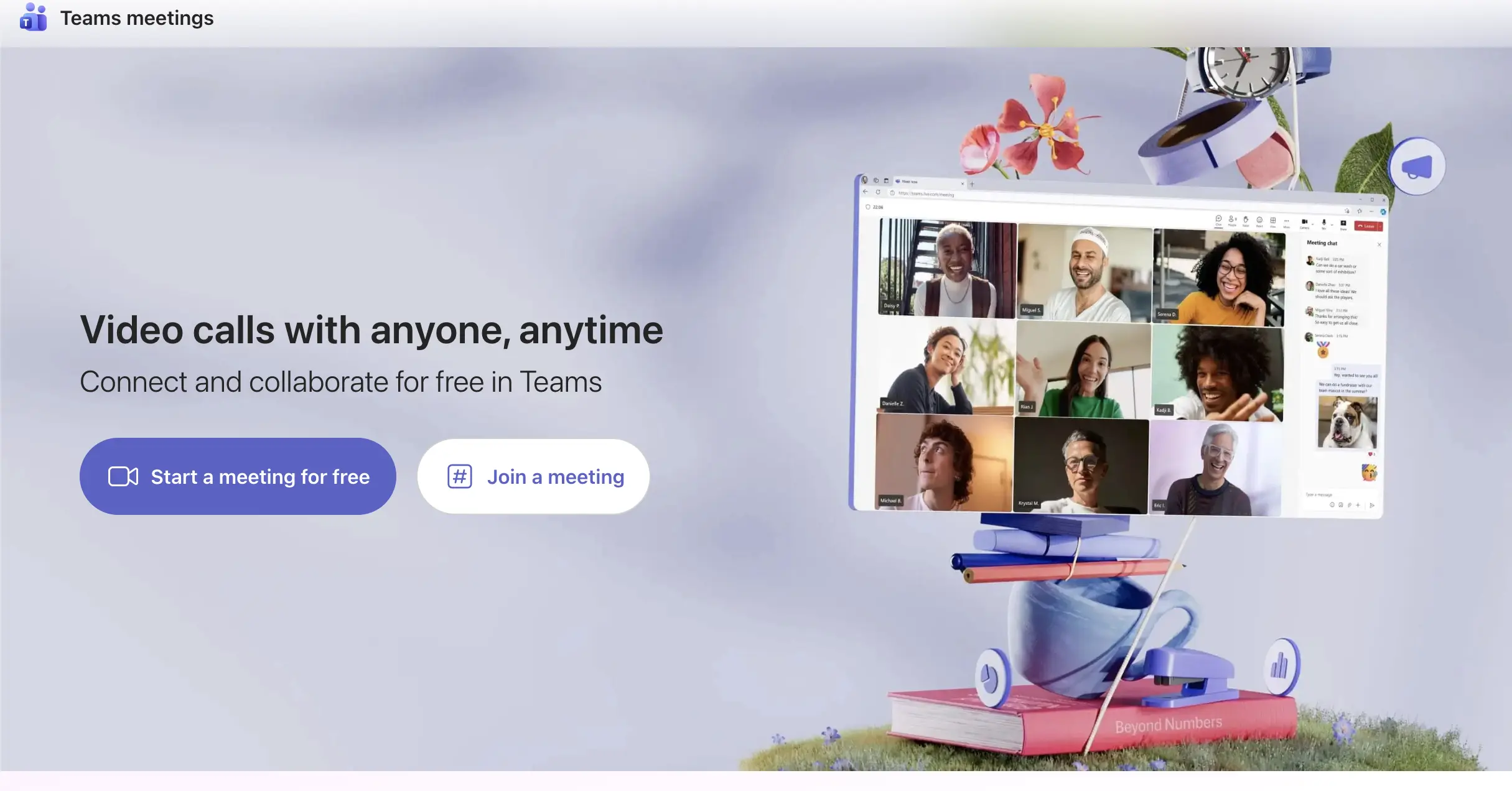
For organizations deeply invested in the Microsoft ecosystem, Teams serves as the central platform for daily work. It combines chat, video meetings, file sharing, and basic project management while integrating seamlessly with Word, Excel, and other Microsoft applications. Teams centralizes meetings, document collaboration, and task coordination in one environment.
Use case:
Organizations seeking integrated communication and basic collaboration with unified identity, security, and compliance across all work artifacts.
Key features:
- Planner integration: For task boards, scheduling, and basic project tracking with AI-powered plan generation and meeting action item extraction.
- Microsoft Lists: For structured data tracking with customizable views, rules, and alerts for issues, assets, and routine workflows.
- Unified task management: That surfaces work from meetings, collaborative notes, flagged emails, and Loop components in a single view.
Pricing:
- Teams Essentials: $4/month per user (annual billing).
- Microsoft 365 Business Basic: $6/month per user (annual billing).
- Microsoft 365 Business Standard: $12.50/month per user (annual billing).
- Microsoft 365 Business Premium: $22/month per user (annual billing).
- Teams Premium add-on: $10/month per user (annual billing).
- Planner Plan 1: $10/month per user (annual billing).
- Planner & Project Plan 3: $30/month per user (annual billing).
Considerations:
- Planner limitations: 3,000 active tasks per plan, 200 buckets maximum, and no access in private channels.
- Advanced work management: Features like portfolio visibility, workflow customization, and automation require expensive add-on licenses that can increase total cost of ownership.
9. Zoom
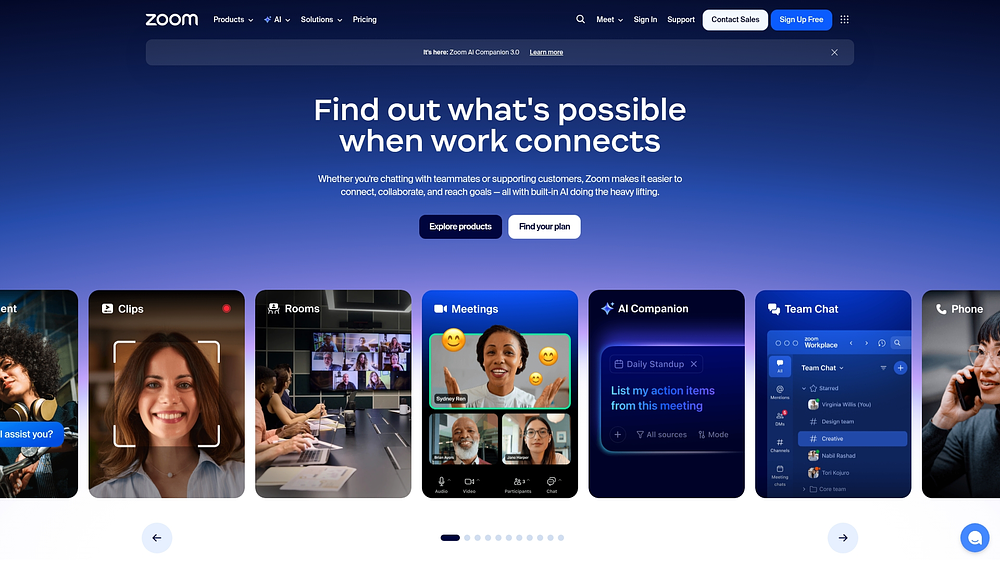
Zoom extends beyond video conferencing into a broader productivity suite that connects meetings, messaging, and work management. Reliable video communication is paired with AI-powered task detection and collaborative document editing, supporting distributed teams and client interactions.
Use case:
Organizations needing seamless video communication integrated with lightweight work management capabilities for remote teams.
Key features:
- AI Companion: Automatically detects action items across meetings, chats, and documents, organizing them in a centralized Tasks view.
- Zoom Docs: Provides collaborative workspaces with Kanban boards, calendar views, and real-time editing during meetings.
- Team Chat: Creates automatic project threads from scheduled meetings, keeping all related assets and conversations organized.
Pricing:
- Basic: Free (core meetings up to 40 minutes, limited features).
- Pro: $159.90/year per user (includes AI Companion, 30-hour meetings, 100 participants).
- Pro Plus: $219.90/year per user (includes Zoom Phone US/CA Unlimited).
- Business: $219.90/year per user (300 participants, unlimited whiteboards, SSO).
- Enterprise: Custom pricing through sales.
Considerations:
- Embedded work management: Features are within communication surfaces rather than offering dedicated project management depth.
- Advanced program management: May require third-party integrations with tools like Asana or Jira.
10. Google Drive
Google Drive emphasizes real-time collaboration, integrating tightly with Google Workspace applications for cloud-based document creation and storage. Built-in approvals, eSignature capabilities, and AI governance elevate file sharing into structured workflow management.
Use case:
Organizations seeking unified document collaboration and file storage within Google Workspace, with native approval and signature workflows.
Key features:
- Real-time editing: Across Docs, Sheets, and Slides with version history and smart canvas features.
- Native approvals and eSignatures: That integrate directly into documents and Drive previews.
- AI-powered governance: Including automated labeling, DLP controls, and enterprise-grade security.
Pricing:
- Business Starter: $7/user/month (annual billing).
- Business Standard: $14/user/month (annual billing).
- Business Plus: $22/user/month (annual billing).
- Enterprise: Custom pricing (contact sales).
- Trial: 14-day free trial available for all business plans.
Considerations:
- Approvals: Operate in parallel rather than sequential chains, limiting complex workflow scenarios.
- Advanced governance: Features like Vault and DLP require higher-tier plans, increasing per-user costs for full functionality.
11. Dropbox
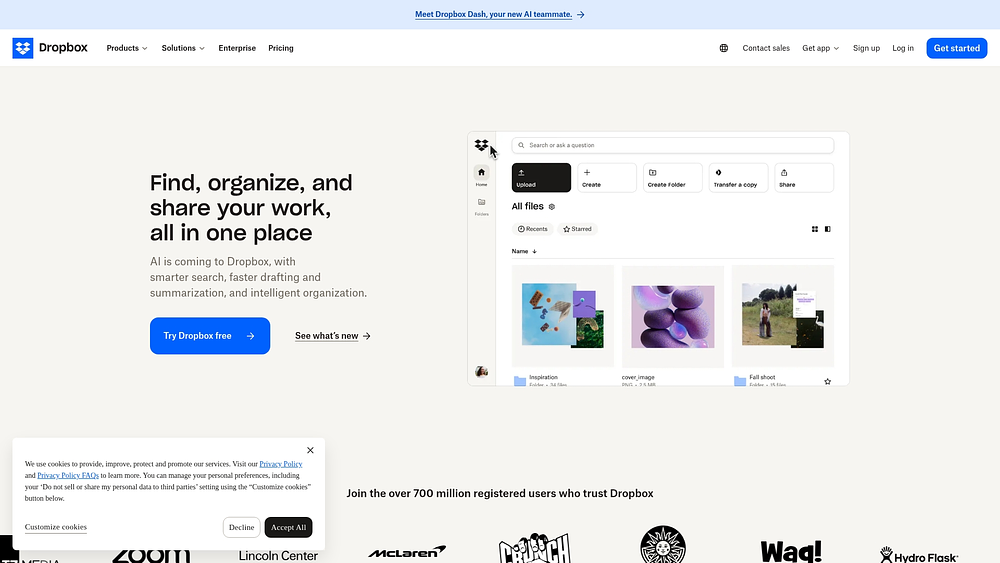
Dropbox has evolved from file storage into an intelligent knowledge layer, using AI-powered search to organize content across ecosystems. It excels at cross-platform discovery and governance, helping organizations manage multiple collaboration tools.
Dropbox Dash also enables users to locate files, emails, and documents across Google Workspace, Microsoft 365, Slack, and more from a single interface.
Use case:
Organizations prioritizing reliable file storage with AI-powered search across multiple systems and platforms.
Key features:
- Universal AI search and chat: Finds content across Google Workspace, Microsoft 365, Slack, Confluence, Jira, and other connected platforms.
- Verified search results: Allow admins to pin canonical documents to the top of query results.
- Stacks: Organizes related files and links into shareable collections for team onboarding and project briefings.
Pricing:
- Basic: Free (2 GB storage).
- Plus: $9.99/month (1 user, 2 TB storage).
- Professional: $16.58/month (1 user, 3 TB storage).
- Standard: $15/user/month (3+ users, 5 TB team storage).
- Advanced: $24/user/month (starts at 15 TB, enhanced admin controls).
- Dash for Teams: $15/user/month (annual billing, $19 monthly).
- Dash for Business: $35/user/month (annual billing).
- Enterprise: Contact sales for custom pricing.
Considerations:
- Dash availability: Limited to U.S. customers with specific Dropbox team plans, restricting global accessibility.
- Add-on pricing: Can become expensive when combining Dash, Replay, and DocSend on top of core storage plans.
12. Canva
Design bottlenecks disappear with Canva’s Creative Operating System, which unifies creation, brand governance, and distribution. The platform serves marketing teams and creative departments, enabling professional visual content production without specialized design expertise, and combines AI-powered tools with enterprise-grade brand controls.
Use case:
Marketing and creative teams that need scalable, brand-compliant content creation with streamlined approval workflows and direct publishing capabilities.
Key features:
- Visual content operations: End-to-end workflows from ideation (Whiteboards) through production (Visual Suite, Affinity apps) to distribution (social planner, email export, Canva Grow).
- Brand governance and collaboration: Real-time co-editing, structured approvals, brand controls with locked elements, and centralized brand hubs for consistent messaging.
- AI-accelerated production: Design-aware Canva Design Model, Bulk Create for localization, Data Autofill for dynamic content, and automated workflow suggestions.
Pricing:
- Free: Core editor, limited AI usage, one Brand Kit, 5 GB storage.
- Pro: $15/month per user with premium content, advanced design capabilities, five Brand Kits, 100 GB storage.
- Business: $20/month per user with collaboration tools, 100 Brand Kits, 500 GB storage, approvals, plus Leonardo.Ai and Flourish access.
- Enterprise: Custom pricing with SSO/SCIM, 1,000 Brand Kits, 1 TB storage, and dedicated success management.
Considerations:
- Content-focused work management lacks advanced project portfolio features like resource modeling, time tracking, and dependency scheduling.
- AI usage is limited by plan, and enterprise governance features require higher-tier licensing with no self-serve trial options.
13. Grammarly
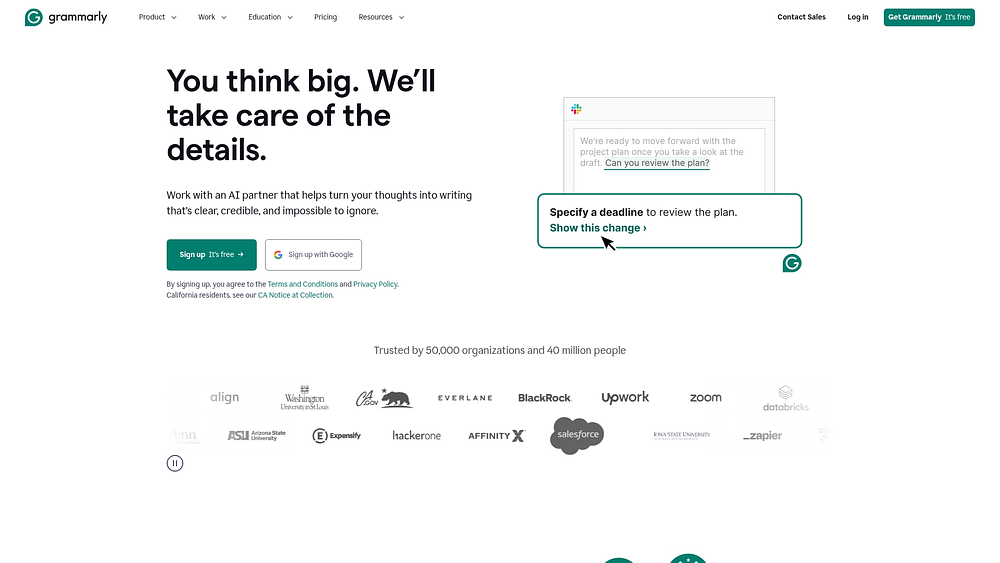
Consistent communication drives business efficiency, and Grammarly ensures quality scales across teams. The platform integrates with over one million apps and websites, offering real-time grammar checking, style suggestions, and brand consistency without disrupting existing workflows.
In late 2025, Grammarly’s parent company rebranded as Superhuman, combining Grammarly, Coda, Superhuman Mail, and Superhuman Go under one brand.
Grammarly also serves over 40 million users and 50,000 organizations with enterprise-grade AI governance and multilingual support.
Use case:
Organizations looking to standardize communication quality, reduce editing cycles, and maintain brand consistency across written touchpoints while keeping existing workflows intact.
Key features:
- Cross-platform AI assistance: Works in browsers, desktop apps, and mobile devices across one million+ applications.
- Enterprise-grade brand management: Custom style guides, tone settings, and knowledge sharing.
- Superhuman Go: A cross-app assistant that orchestrates actions and delivers context-aware help, replacing legacy app-specific integrations.
Pricing:
- Free: $0 with core grammar checking and 100 AI prompts per month.
- Pro: $12/member per month billed annually or $30 month-to-month with 2,000 AI prompts and advanced features.
- Enterprise: Custom pricing with unlimited AI prompts, SSO/SCIM, advanced security controls, and exclusive governance features like BYOK.
Considerations:
- Real-time collaboration in Docs is still in development, limiting teams that need fully collaborative writing.
- Transitioning to Superhuman Go required team adaptation as legacy app-specific integrations were sunset on December 15th, 2025.
- Limited native project management features require integration with dedicated platforms for workflow orchestration.
14. ChatGPT
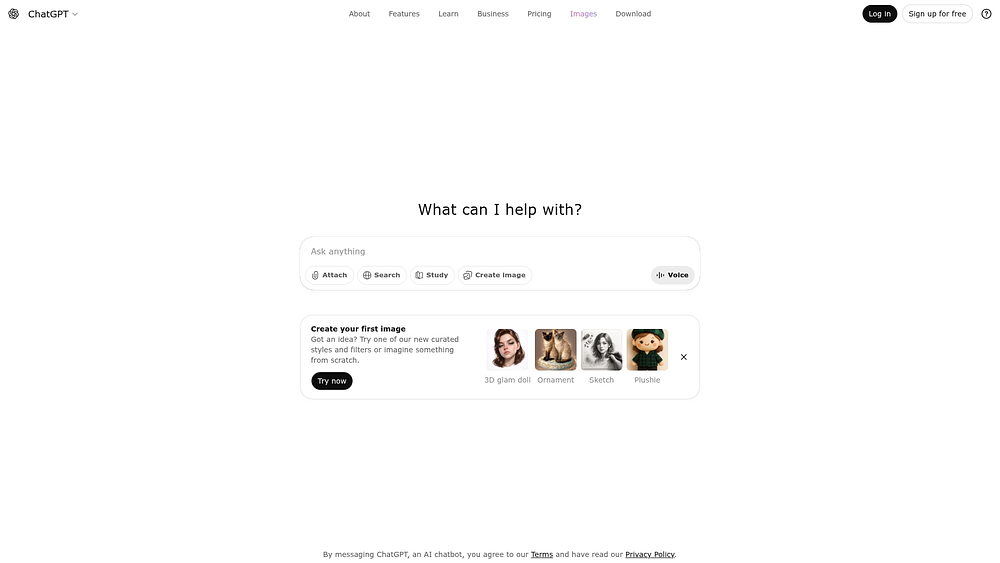
OpenAI’s ChatGPT transforms how teams research, draft, and solve problems by offering AI-powered assistance across the tech stack. It provides cited, permission-aware answers from multiple internal systems, making it ideal for organizations seeking cross-functional AI support without being locked into a single productivity suite.
Use case:
Teams seeking AI assistance for content creation, research, and problem-solving across business functions while maintaining security and compliance standards.
Key features:
- Company Knowledge: Pulls context from 60+ connected apps like Slack, SharePoint, and Google Drive with cited, permission-aware answers.
- Projects and Tasks: Organizes long-running work with shared files, instructions, and automated scheduling capabilities.
- Agent mode and Deep Research: Handles end-to-end task execution and compiles comprehensive reports from hundreds of web sources.
Pricing:
- Free: Basic access to ChatGPT.
- Plus: $20/month with expanded usage, voice features, and custom GPTs.
- Pro: $200/month for highest personal access and early feature access.
- Business: $25/user per month billed annually with unlimited GPT-5 messages, SSO/MFA, and connectors.
- Enterprise: Custom pricing with advanced security controls, analytics, and data residency options.
Considerations:
- Company Knowledge requires manual activation per conversation and is limited to web-only access.
- Record Mode for meeting capture is restricted to macOS devices, potentially limiting enterprise-wide adoption.
15. Microsoft Copilot
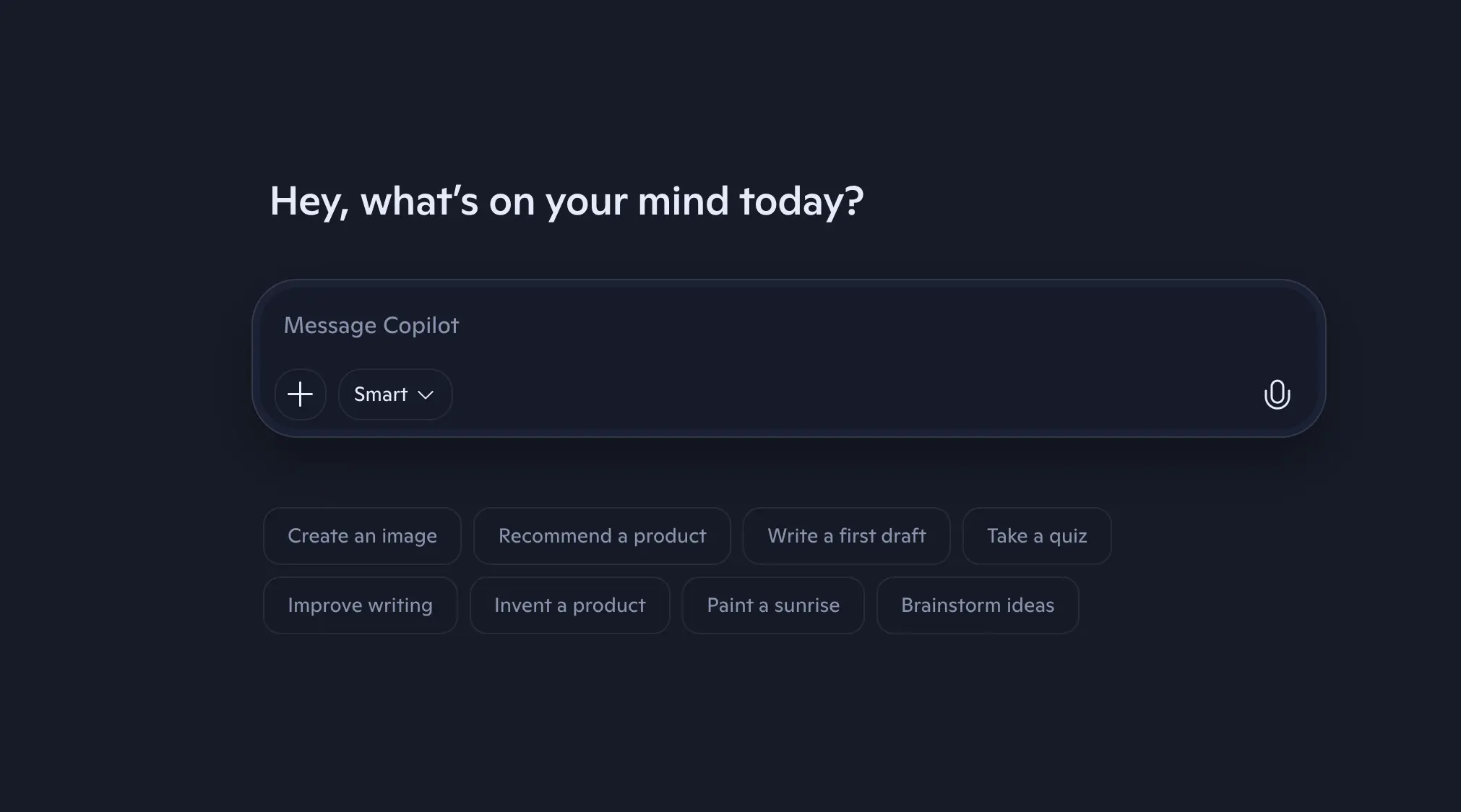
Embedded in daily applications, Microsoft Copilot uses organizational data to automate routine work. It functions within Word, Excel, PowerPoint, and Teams to generate content, analyze data, and execute tasks.
Built with enterprise-grade security, Copilot respects permissions and governance structures while enhancing productivity.
Use case:
Organizations invested in Microsoft 365 seeking AI-enhanced productivity within familiar applications without disrupting workflows or security protocols.
Key features:
- Native Microsoft 365 integration: Works within Word, Excel, PowerPoint, Teams, and Outlook with access to organizational data through Microsoft Graph.
- Project Manager agent: Generates structured project plans from goals and relevant files, creates status reports, and executes tasks directly within Planner.
- Enterprise data protection: Maintains strict governance with Entra ID permissions, Purview sensitivity labels, and encryption at rest and in transit.
Pricing:
- Copilot Chat: Included at no extra cost with eligible Microsoft 365 subscriptions.
- Microsoft Planner (basic): Included with eligible Microsoft 365 plans.
- Microsoft 365 Copilot Business: starting from $18/user per month billed annually (up to 300 users).
- Planner Plan 1: $10/user per month billed annually.
- Planner & Project Plan 3: $30/user per month billed annually.
- Planner & Project Plan 5: $55/user per month billed annually.
- Copilot Studio: Usage-metered via Copilot Credits with pre-purchase options offering up to 20% savings.
Considerations:
- Project Manager agent remains in preview with limited language support and varying feature availability by license tier.
- Premium capabilities require additional per-user costs beyond base Microsoft 365 subscriptions, potentially increasing total cost of ownership compared to standalone work management platforms.
What separates a Work OS from a simple platform?
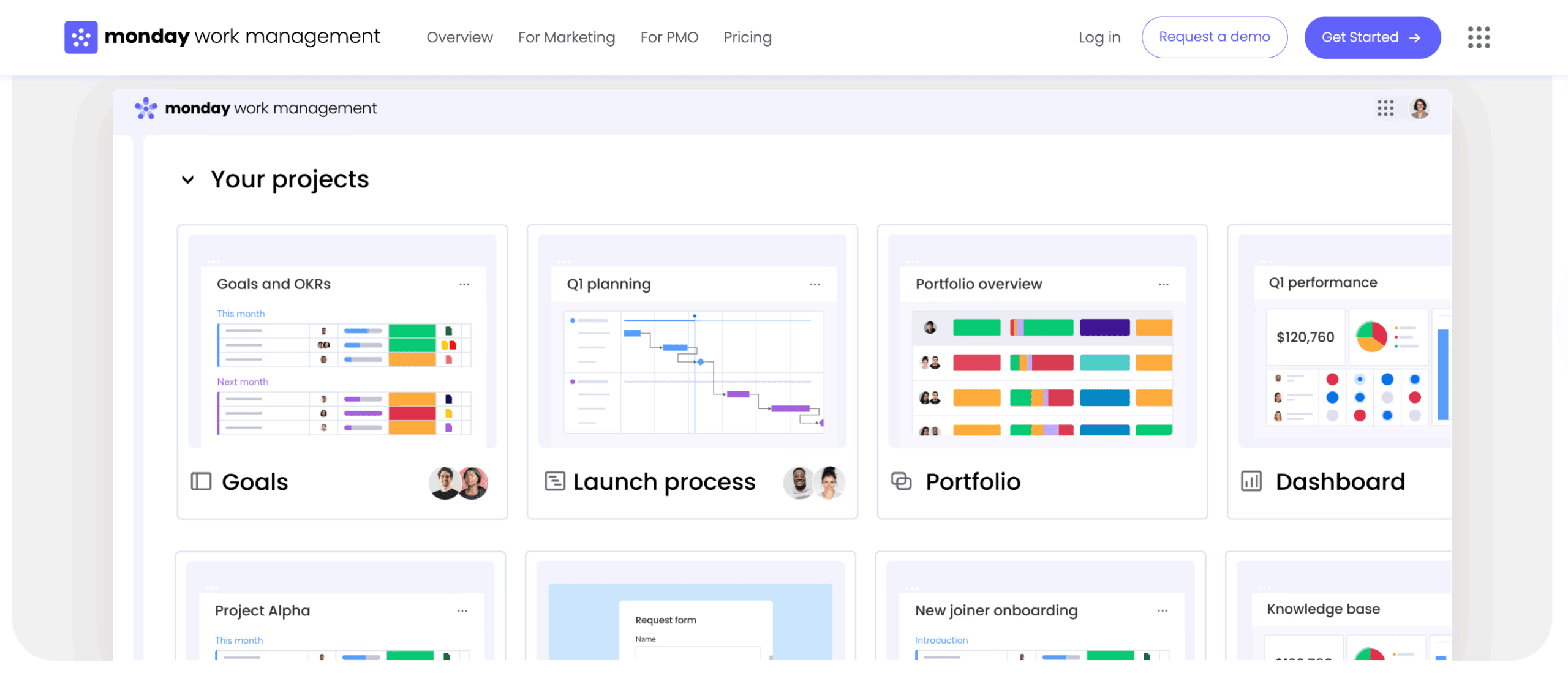
The most effective work management platforms have evolved beyond simple checklists. In 2026, they function as a true Work OS, unifying workflows across departments into a single, cohesive environment.
A powerful Work OS provides teams with building blocks to design any workflow, connecting strategy to execution with full visibility. Platforms that raise the bar also combine intuitive design with capabilities that give organizations a competitive advantage.
AI-powered automation for every team
Empowering every team to automate complex workflows without writing code is now a reality. AI-powered automation transforms sophisticated processes into accessible building blocks, freeing teams to focus on high-impact work.
These capabilities allow organizations to move faster and make smarter decisions. Platforms like monday work management let teams:
- Categorize content automatically: Instantly route incoming requests, support tickets, or leads to the right team based on their content.
- Extract key information: Pull critical data from unstructured documents or emails to populate fields in workflows, eliminating manual entry.
- Build with natural language: Describe the automation needed and let AI generate the rules.
Smarter workload and resource management
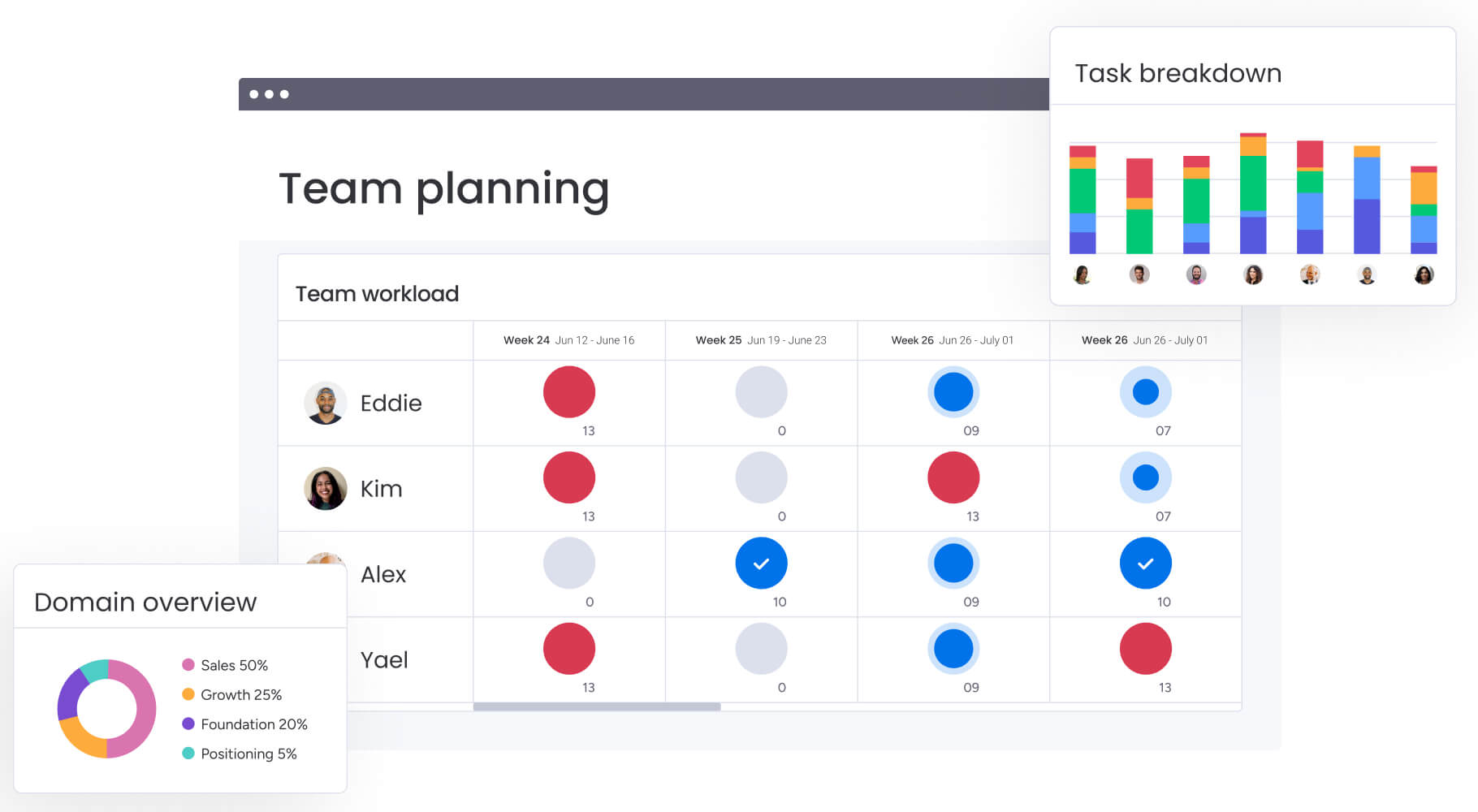
Preventing burnout requires more than guesswork; it requires a real-time view of team capacity. Advanced workload management offers this visibility, helping organizations optimize resources and shift from reactive problem-solving to proactive planning.
Look for features that balance priorities and people, ensuring sustainable performance:
- Visual capacity planning: See who has bandwidth and who is overallocated at a glance, making adjustments simple.
- Skill-based assignments: Match the right person to work based on expertise, availability, and current load.
- Predictive forecasting: Use historical data to anticipate future resource needs and guide hiring decisions.
Portfolio visibility that connects strategy to reality
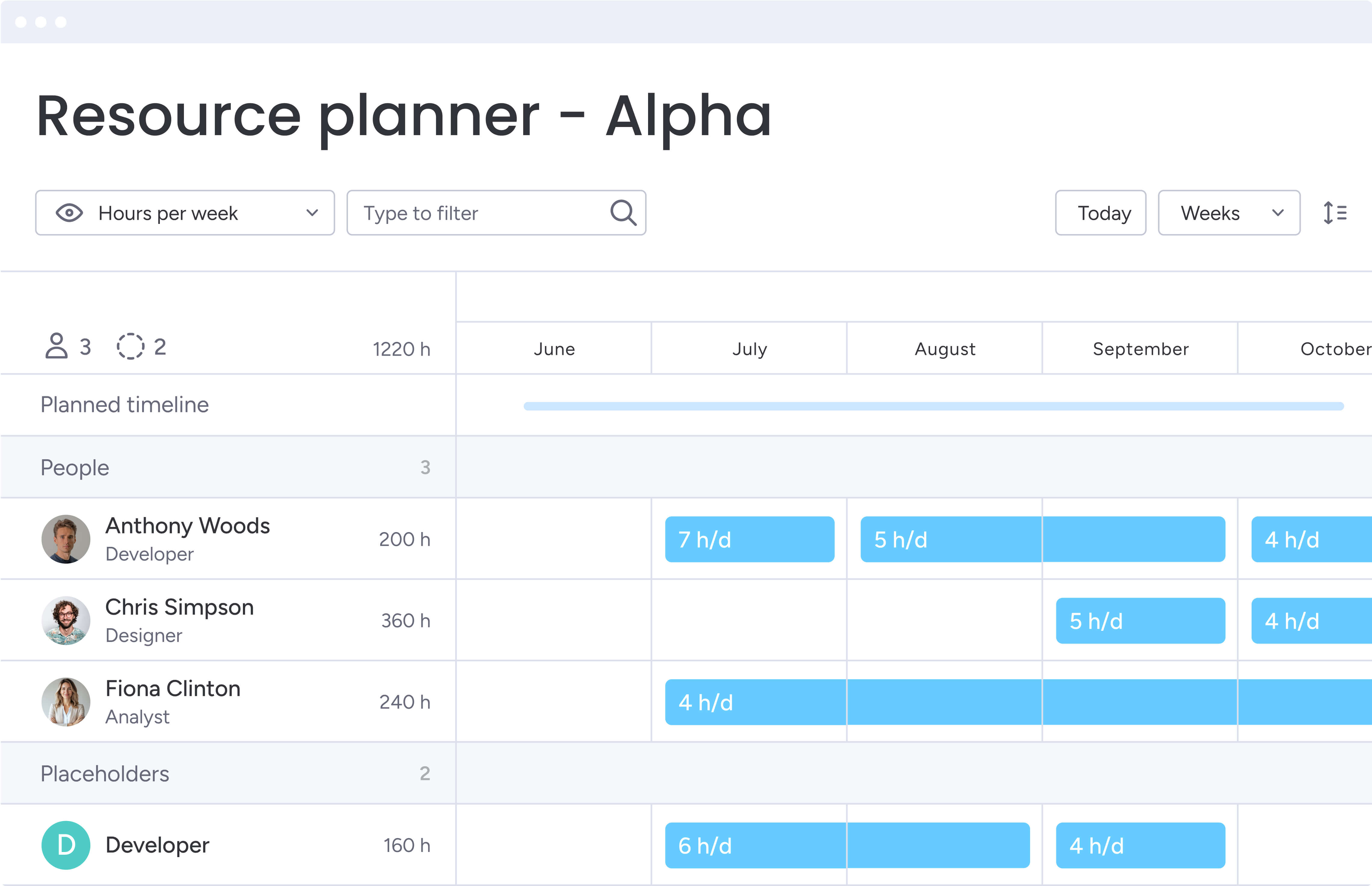
Ensuring daily tasks contribute to strategic goals requires executive-level clarity. A Work OS links individual workflows to organizational objectives, giving leaders the data to allocate resources effectively and pivot when needed.
Modern and intuitive platforms like monday work management provide a single source of truth for decision-making, powered by features such as:
- Customizable executive dashboards: Aggregate data from multiple projects into a high-level view of portfolio health.
- Automated cross-project reporting: Identify trends, dependencies, and bottlenecks across the organization without manual work.
- OKR and goal integration: Connect daily work directly to team goals and company objectives, ensuring alignment across the organization.
No-code customization that empowers your teams
Agility thrives when teams can refine processes without waiting on IT. No-code capabilities democratize workflow creation, allowing functional teams to design solutions for their specific challenges.
This approach balances flexibility with governance, enabling innovation within a secure framework. Look for building blocks such as:
- Drag-and-drop workflow builders: Design complex processes with conditional logic and automated actions using visual tools.
- Custom fields and views: Capture the precise data needed and display it in any format, from Kanban boards to calendars.
- Personalized dashboards: Let individuals and teams create views that surface the most relevant information for their roles.
These features ensure platforms scale with the organization rather than becoming bottlenecks.
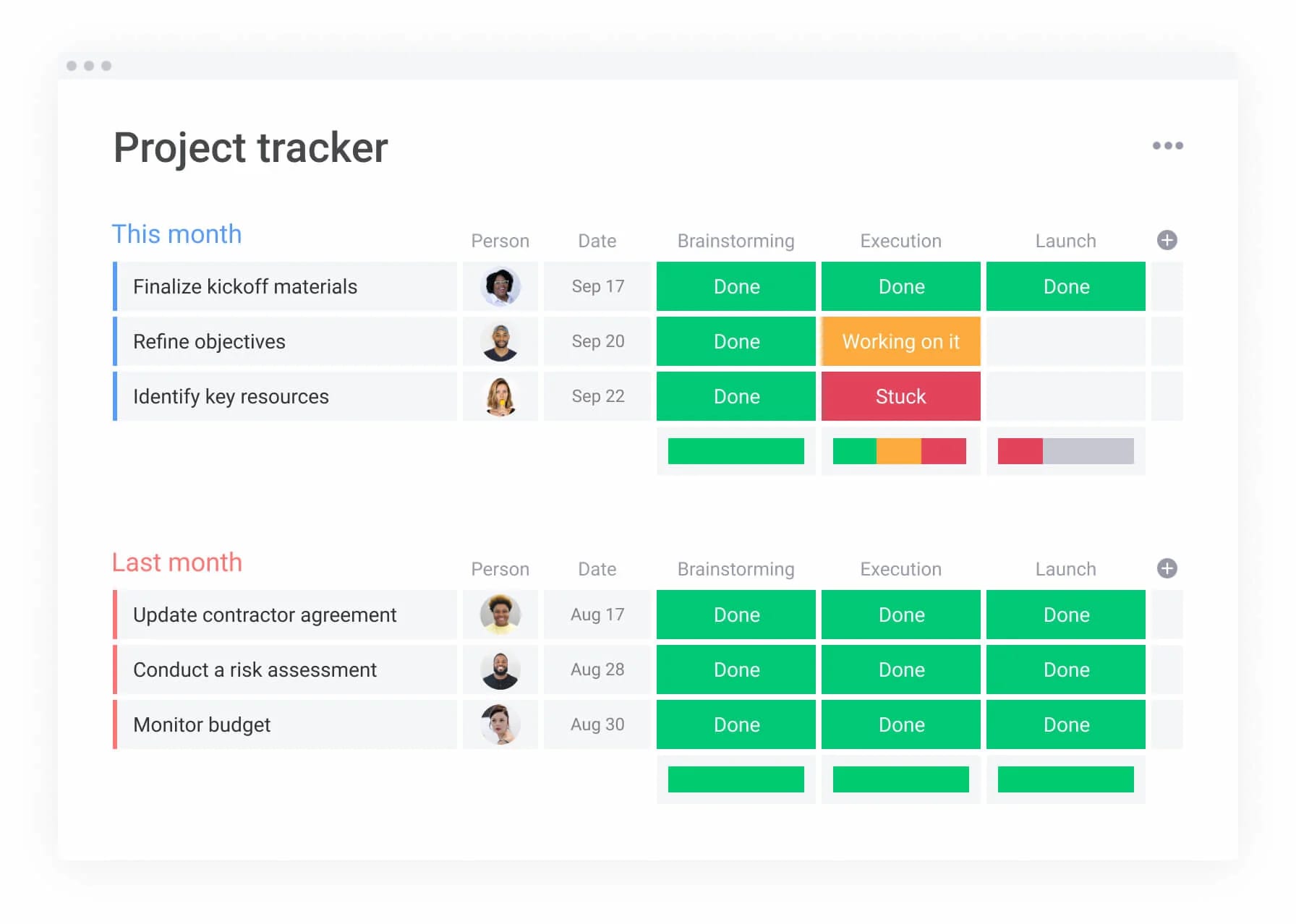
How successful productivity software implementation
Adopting new productivity software might feel like progress, but if rollout is rushed or unclear, teams slip back into old habits fast.
The difference between a tool that gathers dust and one that becomes your operating backbone comes down to how you introduce it. Clear expectations, visible wins, and steady momentum matter more than a big launch announcement.
If you want real adoption and measurable impact, follow these five practical steps.
Step 1: Map your current workflow ecosystem
Understanding your existing workflows provides a solid foundation for future improvements. Mapping current processes uncovers friction, breakdowns, and opportunities, giving the new platform a clear purpose from the start.
- Map the journey: Host workshops with each department to visualize processes, decision points, and handoffs.
- Identify key players: Find users, decision-makers, and influencers critical to a smooth rollout.
- List your connections: Catalog platforms and data sources that the new system needs to integrate.
- Document the pain: Gather interviews and surveys to pinpoint frustrations and identify quick wins.
This type of audit often reveals redundant tools, enabling teams to streamline workflows while retaining platforms they already value.
Step 2: Define your success metrics
Success must be defined before the first user logs in. Clear, measurable goals aligned with core business objectives help move beyond vanity metrics and focus on outcomes that matter.
- Track the numbers: Measure objective improvements such as shorter project cycle times, higher completion rates, andtime saved through automation.
- Gauge the feeling: Collect satisfaction scores and stakeholder feedback to assess collaboration quality and overall team morale.
- Set a timeline: Define realistic timeframes for achieving goals, with checkpoints at 30, 60, and 90 days to monitor progress.
Specific targets — like a 20% reduction in project cycle time — give teams a clear destination. Platforms with dashboards enable real-time tracking of these goals.
Step 3: Create a phased rollout plan
Avoid big-bang launches, which often lead to setbacks. A phased rollout begins with a pilot team to test workflows, gather feedback, and build momentum. Including both champions and thoughtful skeptics ensures feedback is balanced and actionable.
- Choose your pioneers: Select a pilot team with a supportive manager, a clear pain point, and a willingness to provide honest feedback.
- Define your “go” criteria: Set benchmarks for adoption rates and user satisfaction required to move to the next phase.
- Listen and adapt: Collect structured feedback during the pilot to adjust workflows and training as needed.
- Communicate constantly: Maintain a clear change management plan that celebrates wins and addresses concerns.
A successful pilot builds confidence and internal advocates. Guided setup and best-practice templates help ensure a positive first experience on the platform.
Step 4: Focus on adoption quality
True adoption goes beyond login counts. It occurs when teams run full projects on the platform, collaborate seamlessly, and deliver measurable outcomes.
- Measure end-to-end work: Track workflow completion rates to confirm projects are managed entirely on the platform.
- Analyze collaboration: Monitor cross-team participation and communication to see if the platform is becoming a central workspace.
- Check feature usage: Identify which capabilities teams rely on most to reveal areas that may need additional training.
- Connect usage to ROI: Link platform activity to business outcomes such as faster project delivery to demonstrate tangible value.
Sophisticated platforms like monday work management combine intuitive design with visible results, helping teams integrate the platform into daily workflows and achieve high adoption rates
Step 5: Continuously optimize based on usage data
Launch day marks the beginning, not the end. Ongoing monitoring identifies opportunities to improve workflows, automate tasks, and ensure the platform evolves alongside your organization.
- Schedule regular reviews: Hold quarterly workflow assessments to identify successes and areas for improvement.
- Analyze usage patterns: Track how teams use the platform to uncover gaps between intended processes and actual behavior.
- Keep listening: Gather ongoing feedback from user groups and support interactions to pinpoint pain points and suggest enhancements.
Platforms built for adaptability, like monday work management, allow teams to adjust automations and customize dashboards, ensuring the system grows alongside business needs.
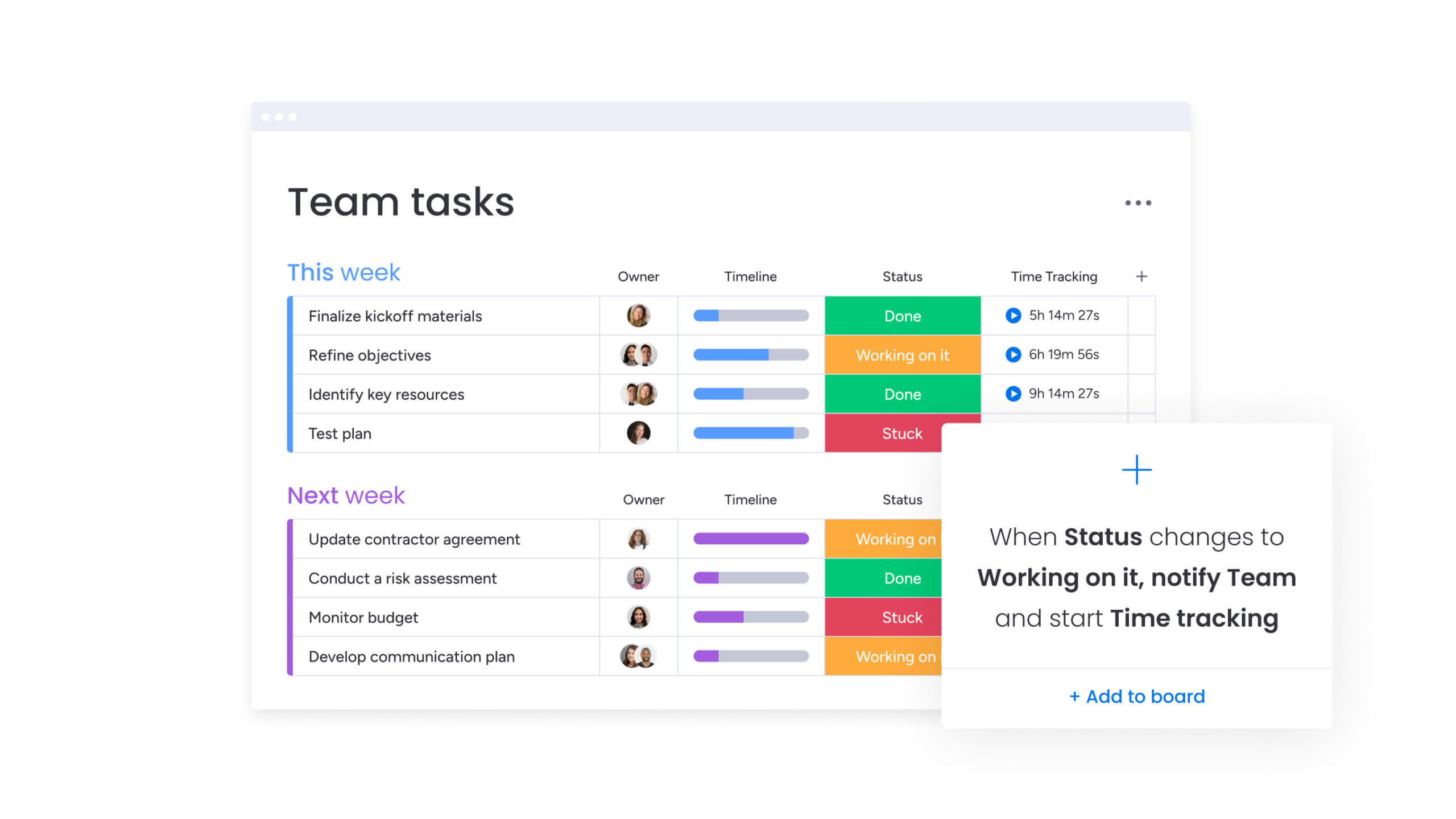
How AI is building the future of work management
AI in productivity software is no longer a nice-to-have feature. It is becoming part of how work actually gets done.
Instead of just automating small, repetitive tasks, modern AI helps teams spot risks earlier, allocate resources smarter, and build workflows faster. The shift is subtle but powerful. AI is moving from assistant to active participant in daily operations.
Here’s what that looks like in practice:
Digital workers: Your new autonomous teammates
Digital workers are autonomous agents that manage complex business functions with minimal oversight. They adapt to changing conditions and handle exceptions, freeing teams to focus on high-value strategic work.
Within monday work management, digital workers turn routine coordination into a strategic advantage. They can:
- Monitor project health: Continuously analyze progress to identify risks before they impact delivery.
- Optimize resources: Analyze workloads and skills to suggest the best person for each project task.
- Automate communication: Generate status updates and summarize meeting outcomes to keep stakeholders aligned.
This allows teams to move from reactive problem-solving to proactive strategy. Operations managers can refine processes while AI agents monitor quality metrics, and marketing coordinators can build campaigns while digital workers handle approval workflows.
Predictive insights: See challenges before they happen
Shifting from reactive work to strategic foresight requires predicting which projects might face obstacles, rather than reviewing what went wrong last week. Predictive analytics enables this by transforming project management into proactive planning. AI analyzes real-time progress alongside historical data to forecast outcomes with precision.
This technology identifies subtle risks often overlooked in complex, cross-department initiatives. By connecting workload distribution and milestone velocity, potential delays are flagged early. Teams receive actionable guidance, and leaders gain the visibility needed for confident strategic decisions.
Natural language: Build workflows by describing them
Creating workflows should not require technical expertise or long setup cycles.
With natural language capabilities, teams can simply describe what they want to happen and let the system handle the structure. A HR manager can outline an onboarding process in plain language. A marketing lead can explain how approvals should flow.
By utilizing intelligent platforms like monday work management, this removes the dependency on specialists for everyday changes. Teams can adjust processes as priorities shift, experiment with improvements, and refine how work moves without waiting on IT: as your organization evolves, your workflows evolve with it.
.
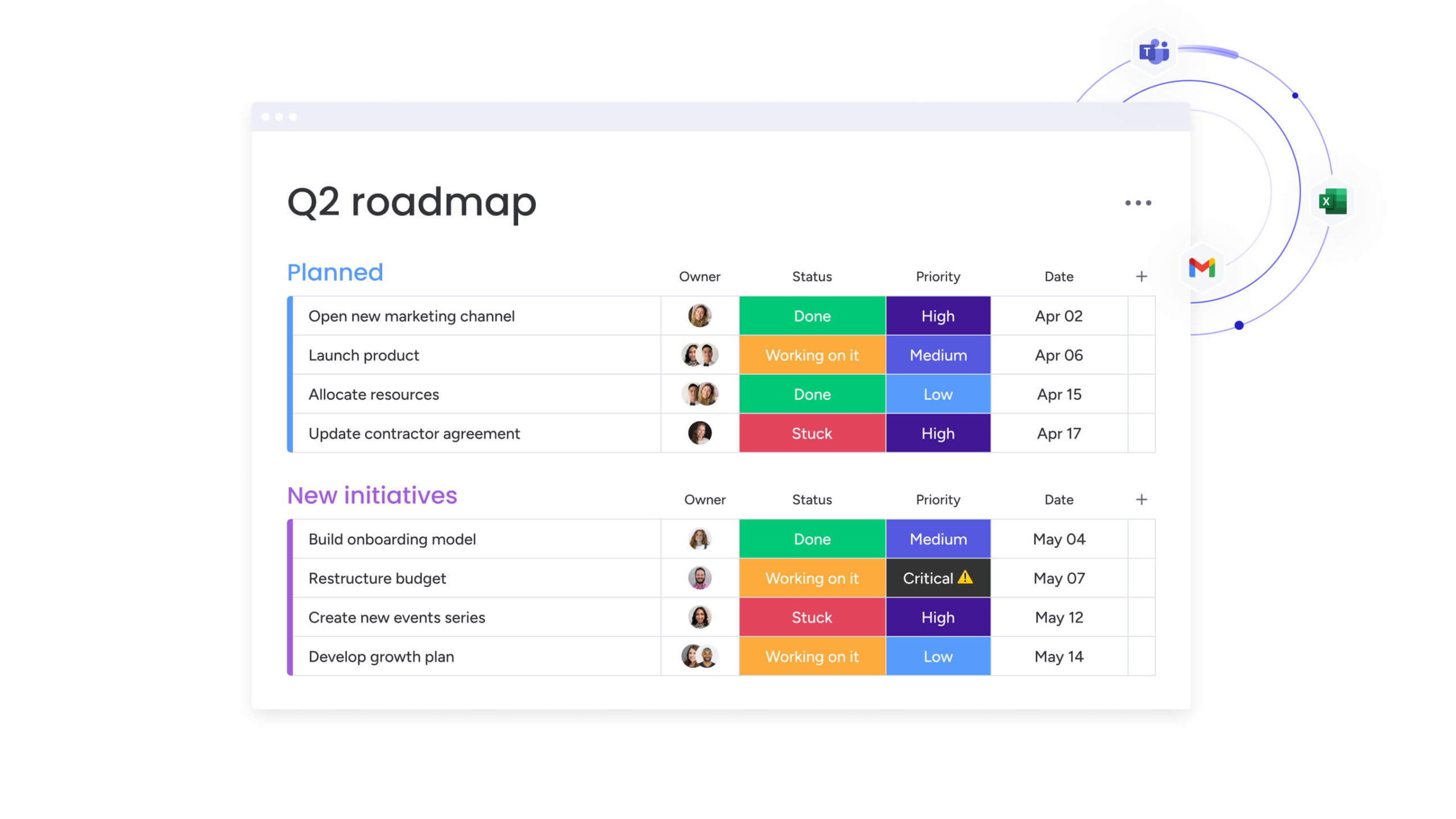
How monday work management transforms team productivity
Siloed teams and fragmented platforms hinder momentum. Many organizations see their best ideas lost in the gaps between disconnected tools, creating a divide between execution and strategic goals. Closing that gap is crucial for sustained growth.
Modern platforms like monday work management unify people and processes in a single source of truth, turning strategy into action. By consolidating tools, teams can accelerate project delivery and collaborate efficiently, transforming project management into business orchestration.
Connect every level of work from tasks to strategy
Visibility into the link between daily effort and organizational objectives fuels motivation. monday work management makes this connection clear, aligning the entire organization. The platform bridges execution and strategic vision, enabling teams to:
- Tie projects to strategic goals: Link individual projects and portfolios directly to company OKRs with automated progress tracking.
- Gain instant portfolio visibility: Aggregate data across initiatives into live dashboards to provide leaders a clear view of portfolio health and resource allocation.
- Unify cross-departmental workflows: Connect marketing campaigns to product launches and sales pipelines to customer success in one place.
Build any workflow without code
Dependence on developers can create bottlenecks. Every team deserves autonomy to build, adapt, and automate workflows. monday work management delivers no-code and AI-assisted tools to those executing the work. Teams can:
- Design visual workflows: Map out any process using a drag-and-drop interface, from approvals to complex multi-stage projects.
- Automate routine work with AI: Use natural language commands to handle notifications, status updates, and handoffs.
- View data your way: Switch instantly between Kanban, Gantt, calendar, and other views for multiple perspectives.
Scale with confidence using enterprise features
As organizations grow, complexity grows with them. More teams, more data, more compliance requirements. The platform you choose needs to support that expansion without adding friction.
monday work management is designed to scale with control and clarity. It combines flexibility for teams with the governance leaders expect at enterprise level. The comparison table below highlights how these capabilities stack up against other platforms, particularly around security, integrations, resource management, and scalability.
| Capability | monday work management | Asana | Trello | Notion |
|---|---|---|---|---|
| No-code customization | Visual builders for any workflow with AI assistance | Template-based with limited flexibility | Basic power-ups for extensions | Flexible databases with manual setup |
| AI automation | AI Blocks for natural language workflow creation and digital workers | Basic rule-based automation | Limited automation through power-ups | No native AI automation |
| Portfolio visibility | Real-time dashboards connecting tasks to strategy | Portfolio view in premium tiers only | No portfolio management | Manual dashboard creation |
| Enterprise security | SOC 2 Type II, GDPR, granular controls | SOC 2 compliance, basic controls | Limited enterprise security | Basic security features |
| Integration depth | 200+ integrations with bidirectional sync | 100+ integrations, varying depth | Limited integrations via power-ups | API access, manual integration setup |
| Resource management | AI-powered workload balancing and capacity planning | Basic workload view | No resource management | Manual capacity tracking |
| Scalability | Enterprise architecture for unlimited growth | Scales with performance considerations | Limited to small team use | Performance issues at scale |
Core enterprise capabilities include:
-
Advanced security and governance: Meet compliance standards such as SOC 2 Type II and GDPR, with granular permissions that protect sensitive data while enabling collaboration.
-
Robust API and integrations: Connect with 200+ business applications to unify your tech stack and maintain a reliable single source of truth.
-
Scalable cloud architecture: Support thousands of users and complex cross-functional workflows on infrastructure built for performance and uptime.
When work runs on a unified system like monday work management, growth does not create chaos. It creates momentum.

“monday.com has been a life-changer. It gives us transparency, accountability, and a centralized place to manage projects across the globe".
Kendra Seier | Project Manager
“monday.com is the link that holds our business together — connecting our support office and stores with the visibility to move fast, stay consistent, and understand the impact on revenue.”
Duncan McHugh | Chief Operations OfficerBuild a system that moves work forward today
Productivity software should do more than organize tasks. It should connect strategy to execution and give every team a clear way to move work forward.
The difference is not in the feature list. It is in how well the platform adapts to your workflows, scales with your growth, and supports real adoption across departments. When planning, reporting, automation, and collaboration live in one place, decisions get faster and handoffs get smoother.
monday work management brings that structure together. Teams can design workflows without code, automate coordination with AI, and track progress from individual projects to company-level goals in real time.
If your current stack feels fragmented, it may be time to simplify. Build a foundation that supports momentum, not maintenance.
Try monday work managementFrequently asked questions
What is the difference between productivity software and project management tools?
The primary difference is that productivity software supports broad organizational operations, including workflow automation and team collaboration, while project management platforms focus on managing project timelines and deliverables. Modern platforms like monday work management unify both approaches, connecting strategy to execution across teams and departments.
How do you measure ROI from team productivity software?
To measure ROI from team productivity software, track metrics such as time saved through automation, faster project completion rates, and reduced spending on multiple single-purpose applications. These measurable gains demonstrate improved operational efficiency, optimized resource allocation, and the overall impact of streamlined workflows.
Which productivity software integrates best with Microsoft 365?
The best productivity software for Microsoft 365 integration provides robust APIs and pre-built connections that extend your existing tech ecosystem. For example, modern platforms like monday work management unify workflows across Microsoft applications and other essential business tools, ensuring smooth collaboration and visibility.
Can AI in productivity software really reduce manual work?
Yes, AI in productivity software reduces manual work by automating repetitive processes such as data entry, status updates, and risk monitoring. This allows teams to focus on higher-value activities, from strategic planning to creative problem-solving, while reducing administrative overhead.
How long does it take teams to adopt new productivity software?
Teams typically adopt intuitive productivity software within two to four weeks, particularly with platforms known for strong user experience. Fast adoption depends on choosing software that is easy to use, clearly demonstrates value, and encourages engagement from day one.
What is the average cost of productivity software per user?
The average cost of productivity software ranges from $15–$30+ per user, per month, depending on feature tiers. True value comes from consolidating workflows and reducing the need for multiple disconnected applications, not just the subscription price.

 Get started