

Teams often spend three months building workflows in one platform, only to discover they need a system designed for greater complexity. This scenario plays out repeatedly across organizations. Platform migrations are expensive, disruptive, and frustrating, especially when limitations surface only after months of setup work.
Choosing between Notion, Trello, and work management platforms goes way beyond features on a comparison chart. It’s about finding a platform that grows with your organization, connects departments, and gives leaders the visibility they need to make smart decisions. Pick the wrong one and you’ll either outgrow it fast or force your team to work around clunky limitations.
This guide breaks down how these leading platforms handle real organizational challenges, from small team coordination to enterprise-scale portfolio management. You’ll see how pricing, AI, security, and total cost of ownership stack up, giving you a framework to choose a Work OS that fits your team now and grows with you later.
Key takeaways
- Match your platform to your growth stage: small teams can start with Trello’s simplicity, but once you hit 50+ users, you need a platform that maintains stability while handling complex, cross-departmental workflows.
- Unify complex operations with the right platform: solutions like monday work management connect strategy to execution across departments with automated workflows, portfolio dashboards, and AI-powered insights that keep everyone aligned on business goals.
- Enterprise security and compliance aren’t optional: choose platforms with SOC2, HIPAA, and ISO certifications plus granular permissions to protect sensitive data and meet regulatory requirements.
- Real-time integration prevents data silos: platforms that sync with your existing tech stack (CRM, development tools, communication apps) eliminate manual updates and keep teams working from the same information.
- Calculate total cost beyond subscription fees: factor in setup time, training requirements, and hidden costs like third-party add-ons when evaluating platform ROI for your organization.
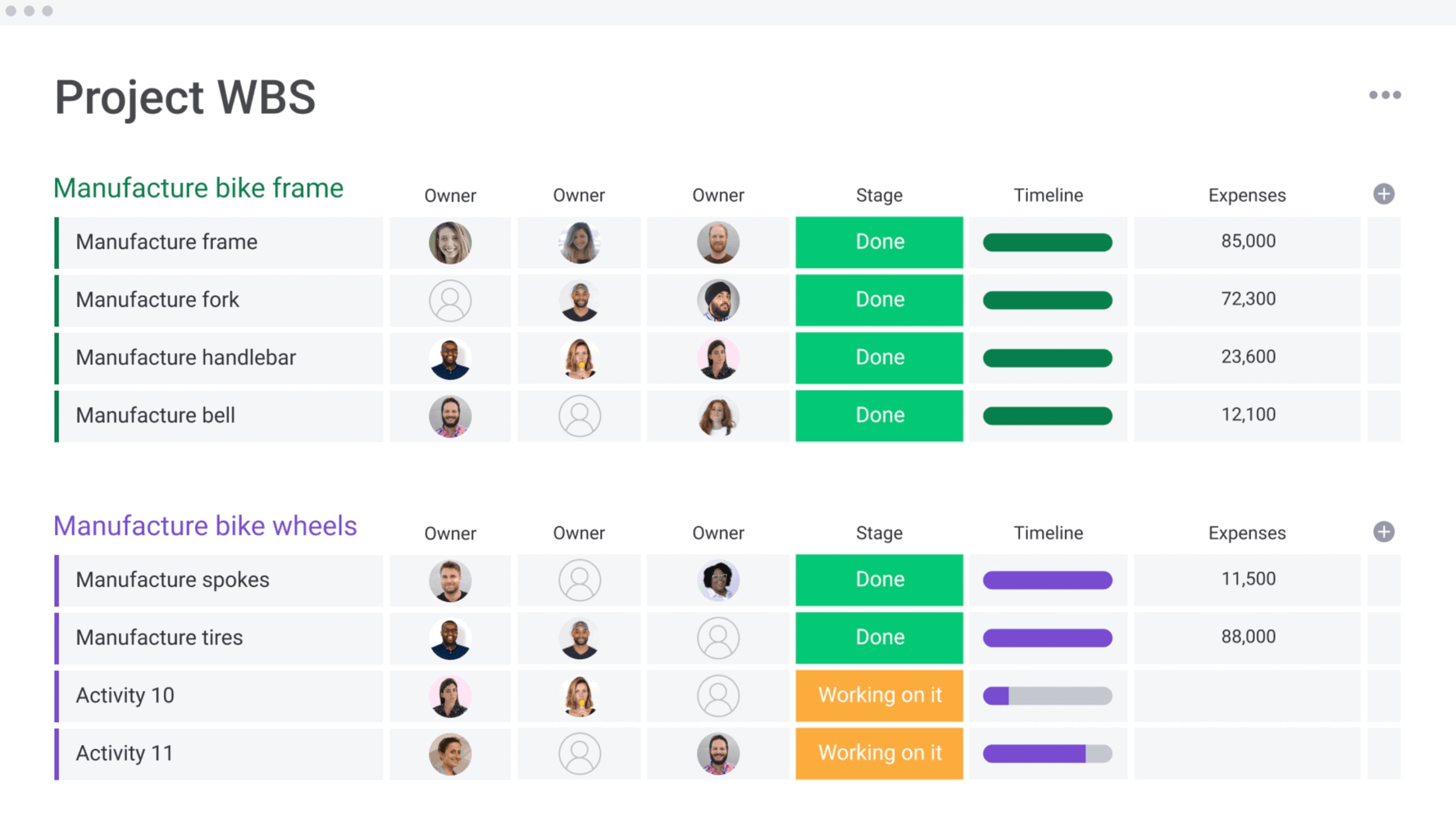
Notion vs Trello at a glance
Choosing between Notion, Trello, and monday work management depends on what your team needs now and where you’re going next. Each platform serves a distinct purpose. Understanding those differences upfront saves time and prevents costly migrations down the road.
What is Notion best for?
Notion functions as a flexible, document-centric workspace ideal for knowledge management, wikis, and note-taking. Teams use it to centralize static information like company policies, meeting notes, and internal documentation. However, Notion often requires significant manual maintenance to function as a dynamic project management engine at scale.
What is Trello best for?
Trello provides a straightforward, card-based interface perfect for linear task tracking and small team coordination. Its visual simplicity works well for individual projects with predictable workflows. Trello faces structural limitations when workflows require complex dependencies or cross-departmental reporting.
What is monday work management best for?
An enterprise-grade Work OS, monday work management unifies workflows, automates complex processes, and gives you portfolio-level visibility. It connects strategy to execution across the entire organization, supporting scalable operations without requiring heavy coding. Teams use it to build cross-departmental workflows that connect daily work to bigger business goals.

“monday.com has been a life-changer. It gives us transparency, accountability, and a centralized place to manage projects across the globe".
Kendra Seier | Project Manager
“monday.com is the link that holds our business together — connecting our support office and stores with the visibility to move fast, stay consistent, and understand the impact on revenue.”
Duncan McHugh | Chief Operations OfficerHow does each platform handle organizational growth?
Organizational growth extends beyond simply adding user seats and requires maintaining operational momentum as complexity increases. Platforms that perform well for teams of ten often encounter significant limitations when supporting five hundred users.
The following analysis examines how each platform addresses the demands of scaling organizations.
| Feature | Notion | Trello | monday work management |
|---|---|---|---|
| User management | Flexible but lacks granular enterprise controls at lower tiers | Simple team-based access; difficult to manage globally | Granular permissions, teams, and enterprise-grade governance |
| Workflow complexity | High flexibility but requires manual structure building | Linear, Kanban-focused; struggles with multi-stage dependencies | Multi-dimensional workflows with automation and cross-board connections |
| Performance at scale | Can become slow with heavy databases and extensive content | UI becomes cluttered with high card volume | Built to handle massive data sets and complex automations without lag |
Performance with small teams under 50 users
For smaller teams, agility matters most. See what each platform brings to the table:
- Trello: fastest setup time, allowing teams to visualize tasks immediately.
- Notion: blank canvas approach that creative teams enjoy for combining notes and tasks.
- monday work management: delivers structure immediately with templates that professionalize workflows from day one.
Even though, at this stage, all three platforms perform well, remember that you’re already laying the foundation for your future data architecture.
Scaling challenges between 50 and 500 users
This phase represents the point where ad-hoc solutions begin to fail. As departments attempt to collaborate, the limitations of individual platforms become clear:
Trello challenges:
- Data silos: creates disconnected islands of data where visibility ends at the board’s edge.
- Coordination gaps: lacks the robust cross-departmental coordination capabilities required for complex projects.
Notion challenges:
- Inconsistent reporting: high flexibility becomes a liability when inconsistent page structures make standardized reporting impossible.
- Governance heavy: requires constant, dedicated oversight to maintain structure and prevent organizational chaos.
As organizations navigate rapid growth, monday work management provides the structural integrity needed to scale effectively. It balances the need for departmental autonomy with the executive requirement for high-level visibility:
- Scalable performance: maintains high performance and user adoption even as team sizes and project complexities increase.
- Customization vs. standards: allows teams to build bespoke workflows that automatically feed data into standardized, executive-level dashboards.
- Strategic balance: provides the perfect middle ground between flexibility and standardization for growing organizations.
Enterprise capabilities beyond 500 users
At the enterprise level, security, governance, and portfolio management become non-negotiable. The table below outlines how each platform addresses these requirements.
| Capability | Notion | Trello | monday work management |
|---|---|---|---|
| Admin controls | SCIM and SSO available; permissions can be complex to audit | Basic admin controls; relies on Atlassian Access for advanced features | Advanced SCIM, SSO, panic button, and audit logs |
| Cross-department support | Manual linking required; no native portfolio roll-ups | Limited native support; requires third-party power-ups | Native dashboards, portfolio management, and cross-board automation |
| Security | SOC2 Type 2; data encryption | SOC2, ISO 27001 (via Atlassian) | Enterprise-grade security, HIPAA compliance, data residency options |
Standing out by sitting above your tech stack and connecting to your enterprise systems instead of replacing them, monday work management offers a unique integration approach.
Complex business operations require more than basic lists. Enterprise execution needs visualization, dependency management, and controlled customization. What matters is your platform’s ability to adapt to your team.
Workflow visualization and views
Different stakeholders need different perspectives on the same data. A project manager needs to see the critical path, while an executive needs a high-level timeline, and a team lead needs to understand resource allocation.
Notion’s visualization approach:
- Multiple view options: offers tables, lists, calendars, and basic timeline views
- Manual configuration: flexible but often requires manual setup to display critical project data effectively
Trello’s visualization limitations:
- Kanban-only methodology: strictly adheres to the board-based approach
- Limited native views: lacks Gantt charts or workload views without paid add-ons
Advantage of monday work management:
- 15+ native views: includes Gantt, Kanban, Workload, and Map perspectives
- Instant view switching: users can toggle between views without altering underlying data
Cross-project dependencies and timelines
Complex projects rarely operate in isolation. When one initiative is delayed, it can disrupt timelines across multiple teams and impact downstream deliverables. Effective dependency management is essential to maintain alignment and prevent cascading delays.
Notion dependencies:
- Relational links: connects database items but doesn’t automatically shift dates or trigger downstream actions.
- Manual maintenance: requires manual updates when timelines slip.
Trello dependencies:
- Not native: dependency management isn’t a core feature.
- Power-Up reliant: usually requires third-party Power-Ups to function.
- Limited visibility: makes critical path analysis difficult for large portfolios.
monday work management dependencies:
- Automatic adjustments: timeline shifts automatically adjust dependent items across the portfolio.
- Cascading updates: a delay in design automatically updates the engineering schedule.
- Portfolio alignment: keeps the entire organization synchronized without manual intervention.
Customization without complexity
The balance between flexibility and usability determines long-term platform success:
- Notion: highly customizable “Lego kit” approach that can lead to inconsistent structures across teams if not strictly governed.
- Trello: low customization options that preserve simplicity but force every team to work in a linear, card-based fashion regardless of their actual process.
- monday work management: uses a “building blocks” architecture where teams drag and drop columns, widgets, and automations to build exact workflows. This controlled flexibility drives high user adoption because the platform molds to the specific operational needs of marketing, IT, HR, and operations alike.
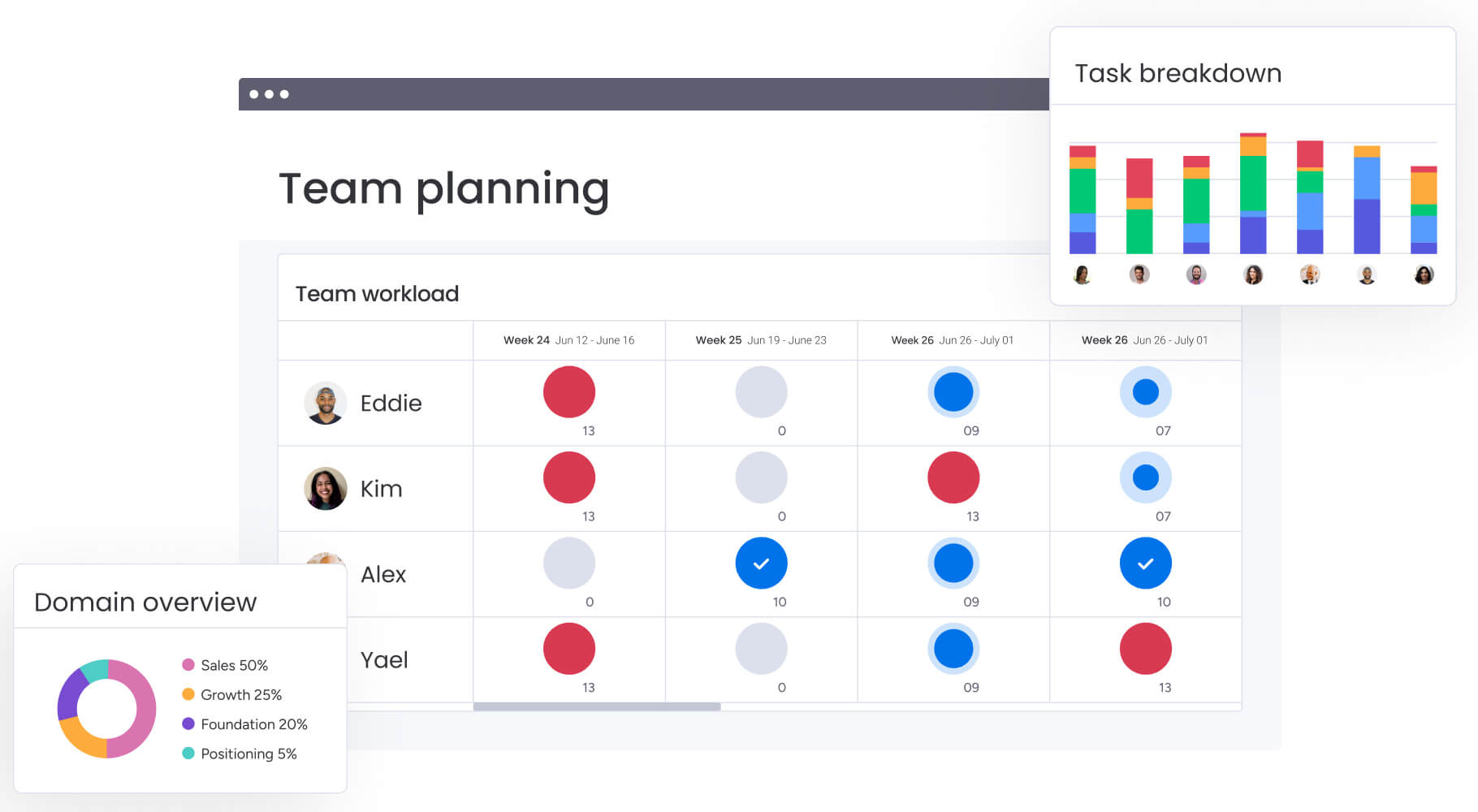
AI and automation capabilities comparison
Automation removes repetitive administrative work. What matters is whether the AI just generates text or actually drives the workflow forward. Understanding these differences helps you pick a platform that actually moves the needle.
| Feature | Notion AI | Trello automation | monday AI |
|---|---|---|---|
| Primary function | Content generation and summarization | Rule-based task triggers (Butler) | Workflow acceleration and digital execution |
| Automation depth | Limited to content within pages | Linear "if this, then that" rules | Multi-step, cross-board logic with conditional paths |
| Business impact | Faster writing and reading | Reduced manual card moving | Automated core business processes and decision support |
monday work management AI blocks and digital workforce
AI integrates directly into the structural elements of monday work management. This approach transforms how teams execute work rather than just documenting it.
AI blocks capabilities:
- Categorize incoming requests automatically: intelligently sort and route work items without manual triage
- Generate sub-items based on project scope: break down complex projects into actionable tasks instantly
- Summarize complex data sets: distill large volumes of information into digestible insights
Digital Workers functionality:
- Pre-configured automated agents: handle routine work like status reporting, email follow-ups, and data validation
- Portfolio Risk Insights: scan all project boards and flag potential risks by severity
- Proactive issue detection: spot critical issues at a glance without manually combing through data
Notion AI writing and search features
Notion AI focuses heavily on the “knowledge” aspect of work. It excels at drafting blog posts, summarizing meeting notes, and translating text within documents.
Core capabilities:
- Content creation and editing: adjust tone, fix spelling and grammar, and make content longer or shorter based on your needs
- Intelligent search: Q&A feature helps users find information buried in wikis by searching across your workspace and surfacing relevant pages
- Action item generation: extract tasks from meeting notes or create first drafts of documentation
Limitations in workflow management:
- Content-layer focus: operates primarily within documents rather than actively managing project statuses or allocating resources
- No automatic updates: when a deadline shifts or a dependency changes, Notion AI won’t automatically update related tasks or notify affected team members
- Manual coordination required: teams still need to manually maintain project structures and coordinate handoffs between departments
Trello Butler automation basics
Trello’s Butler automation is a rule-based engine that operates on simple “if this, then that” logic.
Basic automation features:
- Task housekeeping: move cards to “Done” when checklists complete, assign members when cards enter specific lists, or add due date reminders
- Scheduled commands: run daily or weekly actions like archiving completed cards or generating recurring tasks
- Linear workflow support: works well for personal productivity and small team workflows where actions are predictable
Enterprise limitations:
- Single-board scope: can’t easily build automations that span multiple boards or trigger based on data from external systems
- Limited conditional logic: lacks the complexity required for multi-step processes with branching logic
- Usage restrictions: Free and Standard plans limit the number of automation runs per month, which becomes restrictive as usage scales

Enterprise-grade integrations and real-time synchronization
No platform works in isolation in a modern enterprise. Pulling data from CRMs, development systems, and communication platforms is critical for a single source of truth. Therefore,you need a platform that connects seamlessly with your existing tools instead of forcing a complete system overhaul.
| Integration aspect | Notion | Trello | monday work management |
|---|---|---|---|
| Native integrations | Growing library; focuses on dev tools (GitHub, Slack) | Extensive Power-Ups library; many are third-party | 200+ native integrations (Salesforce, Jira, GitHub, etc.) |
| Depth of sync | Often one-way or link-based previews | Varies by Power-Up; can be disjointed | Two-way real-time sync with field mapping |
| Custom development | API available; community-built widgets | API available; Power-Up framework | Open API, Apps Framework, low-code builder |
Native integration libraries compared
A curated marketplace of deep, native integrations designed for enterprise stacks is what monday work management offers. This includes robust connections to:
- Salesforce: complete CRM synchronization.
- Microsoft Teams: seamless collaboration workflows.
- Jira: development project alignment.
- Slack: real-time communication integration.
Trello relies heavily on “Power-Ups,” many of which are built by third parties and may carry additional costs or security considerations. Notion’s integrations are improving but often serve to preview external content rather than interact with its data.
Real-time data synchronization
Data latency kills decision-making. Two-way synchronization is a priority with monday work management, where status changes in Jira update instantly, and vice versa.
This ensures that an executive dashboard reflects the real-time reality of engineering progress, finance approvals, or sales pipeline changes without manual data entry.
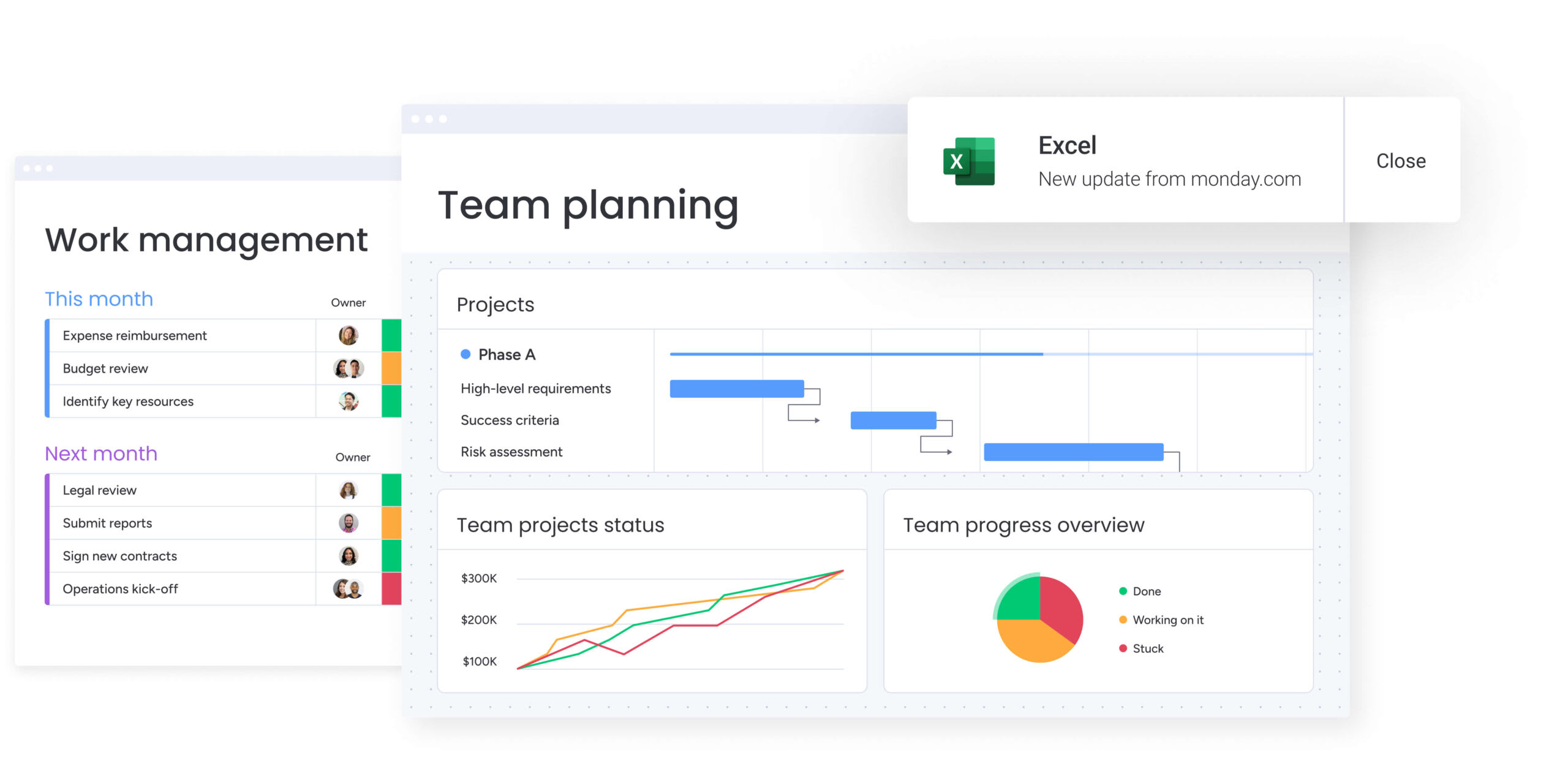
Pricing models and true cost of ownership
The sticker price is just a fraction of the total cost of ownership. Implementation time, training requirements, and the cost of fragmented data all contribute to the final ROI. Smart teams look at total operational impact, not just monthly fees.
| Cost factor | Notion | Trello | monday work management |
|---|---|---|---|
| Pricing structure | Per user/month; separate add-on cost for AI | Per user/month; free tier limitations on automation | Per user/month; tiered by feature depth |
| Hidden costs | Template setup time; third-party connector tools | Paid Power-Ups; Atlassian Access for security | Minimal; all core features native to platform |
| Time to value | High setup effort to build structure | Fast setup, low ceiling | Fast setup, high ceiling |
Per-user pricing as teams scale
As teams grow, pricing models often introduce friction:
- Trello limitations: lower tiers restrict automation runs and force upgrades as usage intensifies.
- Notion considerations: charges separately for AI features per user and can become expensive as teams expand.
- monday work management value: enterprise tiers unlock advanced governance and reporting features, consolidate the need for other disparate systems, and often result in lower total tech spend.
Implementation and training costs
Complex platforms usually require expensive consultants and weeks of training. Designed for intuitive adoption, monday work management features a visual interface that allows non-technical teams to onboard quickly, reducing the internal change management burden.
- Trello: easy to learn but may require retraining as teams hit feature ceilings.
- Notion: often demands a dedicated “Notion Librarian” to maintain order, adding hidden personnel cost.
- monday work management: intuitive adoption with minimal training requirements.
Portfolio and resource management capabilities
Executives need the big picture, not just project-level details. Enterprise management means pulling data from hundreds of active projects into one clear strategy. The platform you choose determines whether leaders can make smart decisions or stay in the dark about organizational performance.
Cross-departmental visibility
Cross-departmental visibility is where the platform excels. With dashboards that pull data from up to 50 boards simultaneously, monday work management enables leaders to visualize budget spend across marketing, IT, and operations in a single view.
Notion and Trello struggle to aggregate data across different workspaces or boards without manual reporting or external BI systems.
AI-powered workload balancing
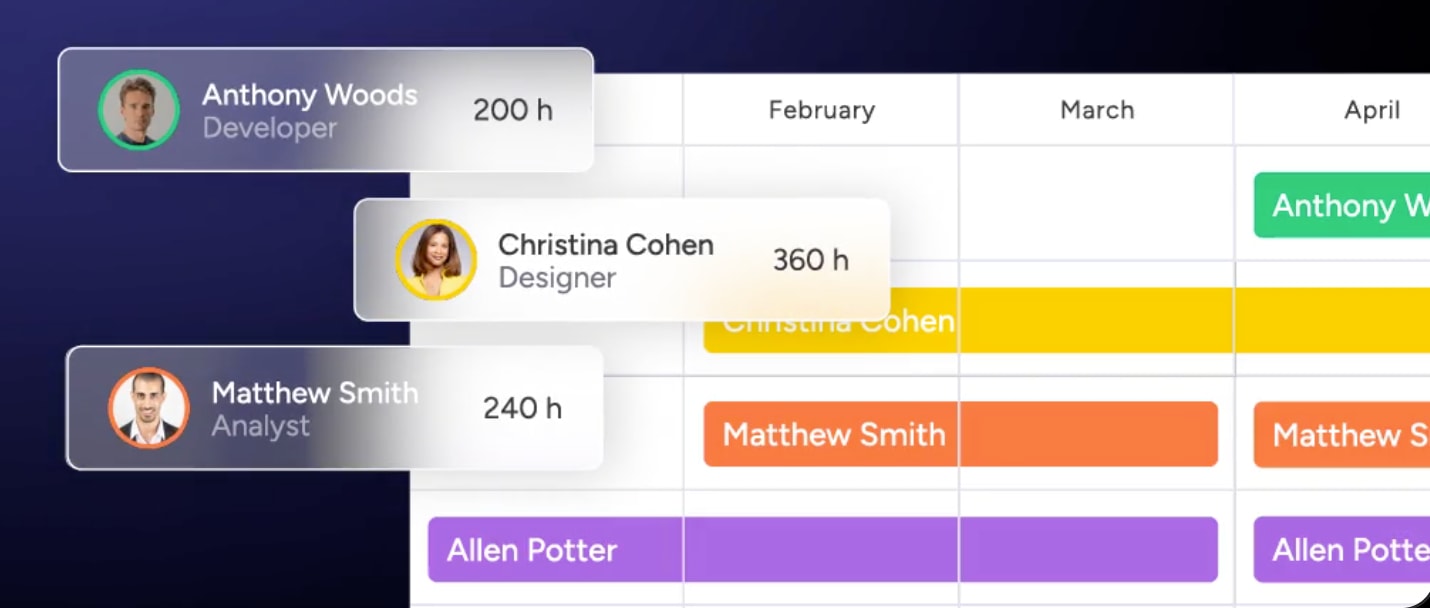
Built into the platform, AI-powered workload balancing helps teams stay productive without overextending. The Workload View in monday work management visualizes team capacity, and AI assists in distributing work to prevent bottlenecks.
Managers can see who is over capacity and reassign work with a click, ensuring deadlines are met without burning out talent.
Long-term capacity planning
Effective scaling requires looking ahead. With long-term capacity planning capabilities, monday work management helps organizations forecast hiring needs and project timelines based on historical performance data.
Security and compliance for regulated industries
For finance, healthcare, and enterprise teams, data protection is what makes or breaks software adoption. Regulated industries need platforms that meet strict compliance requirements without sacrificing functionality.
| Security feature | Notion | Trello | monday work management |
|---|---|---|---|
| Compliance | SOC2, GDPR, HIPAA (Enterprise) | SOC2, GDPR, FedRAMP (via Atlassian) | SOC2, GDPR, HIPAA, ISO 27001, ISO 27018 |
| Data residency | US-based hosting primarily | US/EU hosting options | US, EU, AU, and other regional data residency options |
| Audit logs | Available on Enterprise plan | Available via Atlassian Access | Comprehensive audit logs with 1-year retention |
Enterprise security certifications
A comprehensive suite of security certificationsthat protect your data and meet regulatory requirements is what monday work management maintains:
- ISO 27001: information security management.
- ISO 27018: cloud privacy protection.
- SOC2 Type 2: operational security controls.
- HIPAA compliance: healthcare data protection.
This makes it suitable for healthcare organizations handling sensitive patient data.
Data governance and permissions
Granular control is essential for enterprise security. Admins can set permissions at multiple levels with monday work management:
- Account level: organization-wide access controls.
- Workspace level: department-specific permissions.
- Board level: project-specific access.
- Column level: field-specific visibility.
You can share a project board with a contractor while hiding the “Budget” column from their view.
Choosing the right platform for your organization
Selecting a platform means matching its capabilities to how your team actually works. Each platform fits different needs and growth stages. Understanding these differences helps you avoid costly migrations and set yourself up for long-term success.
When Notion makes sense
Choose Notion if your primary need is a centralized knowledge base, company wiki, or document repository where project management is secondary and unstructured. It fits creative agencies or small teams that prioritize writing and flexibility over process rigor.
Best for:
- Knowledge management and documentation: centralized information repositories and company wikis.
- Creative teams with flexible workflows: unstructured processes that prioritize content creation.
- Organizations prioritizing content creation over process automation: teams where writing and documentation take precedence.
When Trello fits your needs
Choose Trello for small, independent teams that need a digital whiteboard to track simple workflows. It works best when projects are linear, teams are small, and there’s no need for complex reporting or cross-departmental handoffs.
Best for:
- Small teams with simple workflows: independent groups managing straightforward task lists.
- Linear project management needs: predictable processes without complex dependencies.
- Organizations with minimal cross-departmental coordination: teams working in isolation without enterprise reporting requirements.
When monday work management delivers most value
Choose monday work management if you’re a mid-to-large organization seeking to unify work across departments. It’s the right choice when you need to automate complex workflows, gain portfolio-level visibility, enforce enterprise security, and scale operations without being limited by your software.
Best for:
- Mid-to-large organizations with complex workflows: enterprises managing multi-stage processes across teams.
- Cross-departmental coordination requirements: organizations needing unified visibility across marketing, IT, operations, and other departments.
- Enterprise security and compliance needs: regulated industries requiring HIPAA, SOC2, and ISO certifications.
- Organizations seeking to automate manual processes: teams ready to eliminate repetitive work and accelerate execution with AI-powered workflows.
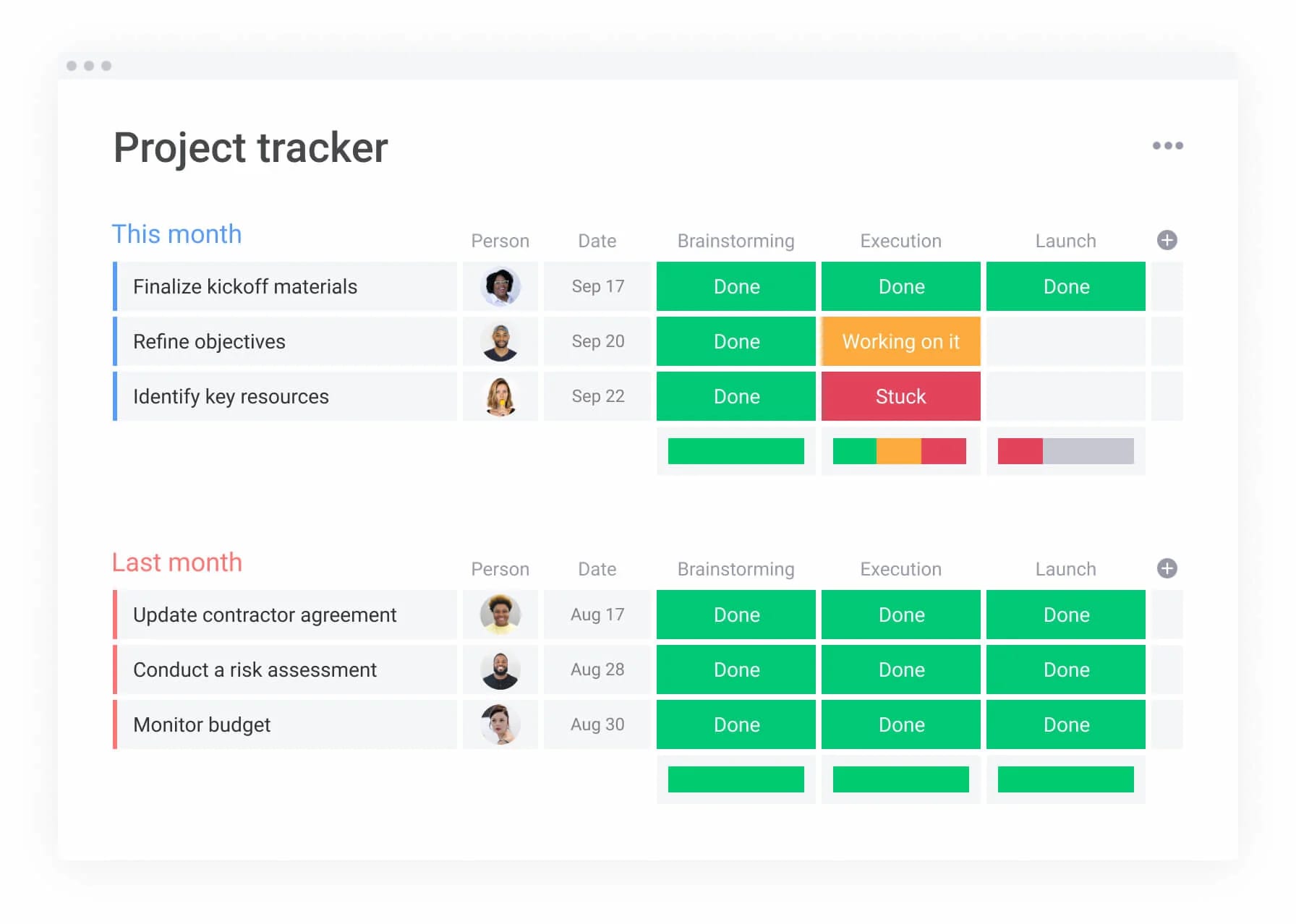
Transform your organization's work orchestration
Project tracking is just the beginning with monday work management. It’s a Work OS built to run the core processes of an enterprise. The gap between rigid, traditional PPM systems and flexible, lightweight task managers gets bridged through this platform.
Organizations can map high-level strategic goals directly to the daily work that drives them.
When strategic objectives change, those updates cascade down to project priorities automatically, ensuring every team member understands how their work contributes to the company’s mission. This alignment transforms how organizations execute strategy and measure success.
Real-world applications across industries
Organizations across industries use monday work management to address specific operational challenges, particularly as only 21% have fundamentally redesigned at least some workflows when deploying new technologies — yet workflow redesign is the attribute most associated with business impact:
- Portfolio management across multiple departments: oversee hundreds of active projects with monday work management, tracking health, budget, and timeline risks in real-time across your PMO.
- Resource allocation and capacity planning: balance hours across engineering and design teams using the Workload View, preventing burnout and ensuring on-time delivery.
- Cross-departmental process automation: connect Marketing and Legal boards so that when a campaign asset is marked “Ready for Review,” it automatically creates an item on the Legal board, notifying the correct attorney.
- AI-powered risk management: analyze historical project data and flag potential risks or delays before they impact the critical path using AI capabilities.
- Enterprise integration and data synchronization: integrate with Jira and Salesforce to create a unified layer where sales data informs product development without manual data entry.
These examples demonstrate how monday work management transforms scattered work into streamlined execution, making teams faster, more aligned, and more confident in their ability to deliver results.
Frequently asked questions
How quickly can teams adopt each platform?
Trello is the fastest to learn but offers limited depth. With an intuitive, visual interface that drives high user adoption across non-technical teams within days, monday work management balances speed with power. Notion requires more setup time to establish structure before teams can work effectively.
Which platform offers the fastest path to ROI?
For many enterprise customers, monday work management delivers rapid payback periods. Its ability to consolidate multiple systems and automate manual processes drives immediate cost savings. Trello offers quick wins for simple workflows but lacks the depth for enterprise ROI. Notion's ROI depends heavily on how well teams maintain its structure.
Can I run multiple departments on one platform?
Yes, monday work management is designed specifically for this. Marketing, IT, HR, and Sales can all operate in their own customized workspaces while sharing data and workflows in a unified environment. Trello and Notion struggle with cross-departmental coordination at scale.
What are the AI capabilities of monday work management vs Notion?
Notion AI focuses on text generation and summarization. By employing AI Blocks and Digital Workers to automate complex workflows, analyze data, and execute work, monday work management effectively acts as an intelligent operational assistant. This includes risk detection, resource allocation, and automated task management.
How do these platforms handle remote and hybrid teams?
All three support remote work, but monday work management offers superior collaboration features. Its "Update" section allows for context-specific communication directly on items, reducing email clutter and keeping distributed teams aligned. Real-time dashboards ensure everyone sees the same information regardless of location.
Which platform scales best for enterprise organizations?
For enterprise organizations, monday work management is the most scalable option. Its architecture supports robust permissions, advanced security, and portfolio management capabilities that Trello and Notion lack at the enterprise level. The platform handles thousands of users without performance degradation while maintaining governance and control.

 Get started