


Every organization has that one spreadsheet. What starts as a simple tracker can quickly evolve into a central tool for an entire department — shared across teams, duplicated into multiple versions, and updated by people who may not even be working from the same file. A tool meant to simplify work can quietly become a source of friction, errors, and inefficiency.
Excel remains a powerful calculation engine, but it was not designed to handle cross-functional workflows, automated approvals, or provide leaders with real-time visibility into progress. As teams scale and processes become more complex, version conflicts, repetitive manual updates, and siloed data can slow operations and obscure the bigger picture.
Modern organizations are discovering that traditional spreadsheets alone cannot keep up with the demands of collaborative, cross-departmental work. Teams need platforms that go beyond rows and columns — solutions that integrate automation, real-time collaboration, and centralized data while reducing manual work, improving transparency, and supporting scalable workflows.
This guide examines Excel alternatives designed for today’s teams. From cloud-based collaborative spreadsheets to AI-powered solutions and full-featured work management platforms, these options help organizations move past spreadsheet chaos, streamline processes, and gain a clearer view of progress across projects and departments.
Key takeaways
- Spreadsheets have inherent limitations: traditional tools like Excel can cause version conflicts, siloed data, and repetitive manual work as teams and workflows grow.
- Real-time collaboration improves efficiency: cloud-based alternatives like Google Sheets and Airtable enable multiple users to work simultaneously and reduce errors caused by disconnected files.
- Automation reduces manual tasks: AI-powered tools and workflow platforms can handle repetitive processes, approvals, and notifications, freeing teams to focus on high-value work.
- Centralized work management enhances visibility: platforms like monday work management unify projects, processes, and goals, providing leaders with real-time dashboards and connected workflows.
- Choosing the right platform supports scalability: selecting a solution that aligns with team size, complexity, and integration needs ensures long-term efficiency and organizational alignment.
Why do teams outgrow Excel for modern work management?
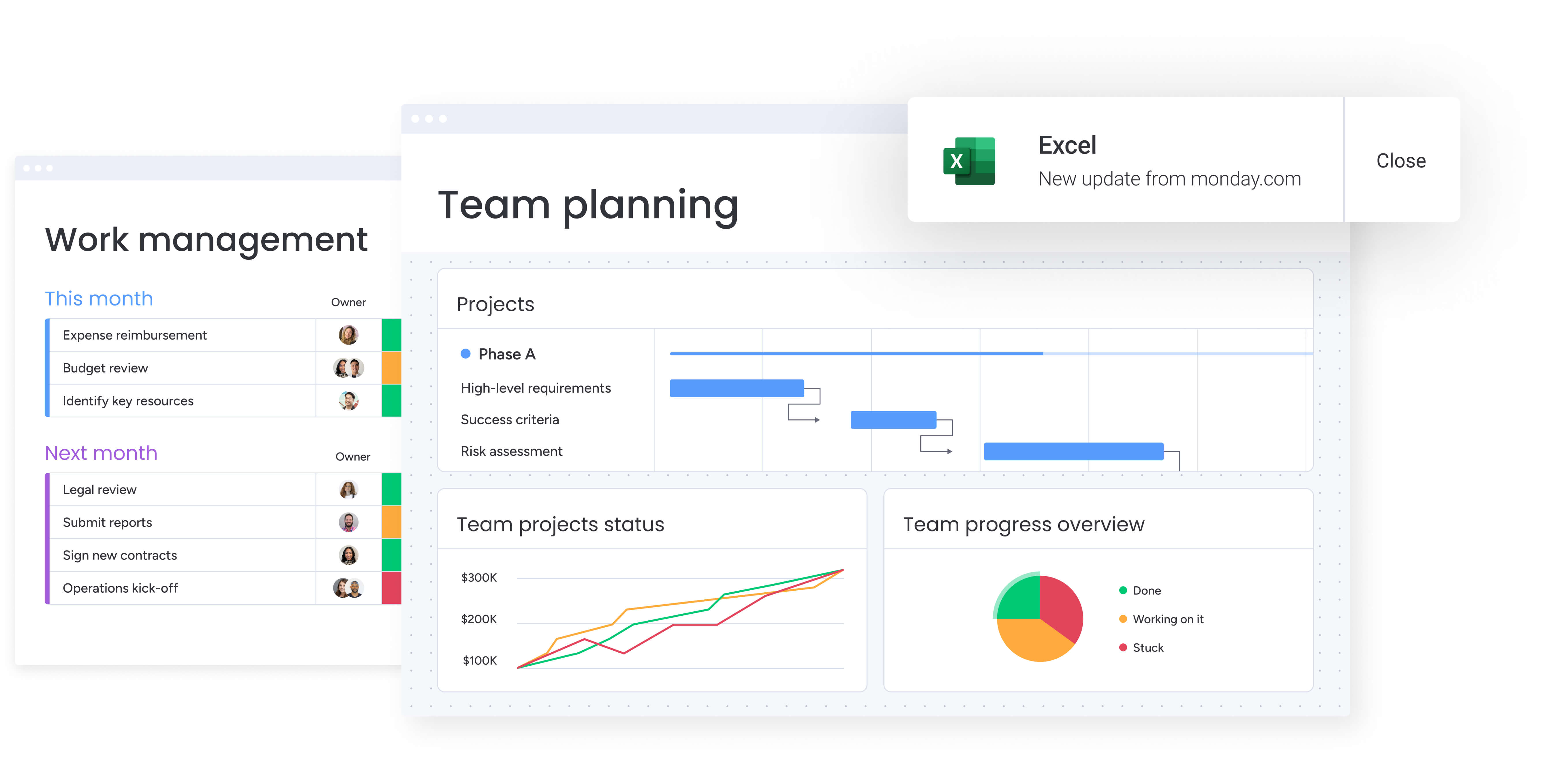
For years, Excel has been the default choice for tracking projects. Its familiarity and flexibility make it a convenient starting point, but what initially feels like an advantage can quickly become a challenge as teams grow. When spreadsheets multiply across departments, the manual workarounds that once seemed efficient start slowing progress and obscuring the bigger picture.
As workflows become more complex, organizations often hit breaking points that signal the need for a more robust platform. Teams get trapped in spreadsheet chaos, while leaders struggle to gain a clear view of work in progress.
- Disconnected files create version control issues: when multiple people update separate copies, someone must manually merge changes. This process is slow, prone to errors, and often results in lost work, particularly with budgets and project plans.
- Repetitive manual processes consume valuable time: teams spend hours copying and pasting data, manually calculating progress, and reformatting spreadsheets for reports. This is time better spent on analysis and strategic initiatives.
- Isolated spreadsheets lead to information silos: when each department maintains its own files, there is no single source of truth. Obtaining a unified view of operations requires extensive data wrangling.
These challenges go beyond minor annoyances — they directly affect the ability to scale and adapt. True visibility and alignment come from a centralized platform that connects work. Modern platforms like monday work management provide this foundation, helping teams move beyond spreadsheet management and run operations with confidence.
Try monday work managementPowerful Excel alternatives for workflow transformation

The familiar grid of a spreadsheet often serves as a starting point for managing work. However, as teams scale and workflows become cross-departmental, spreadsheets can quickly reach their limits. Organizations need platforms that go beyond rows and columns, ranging from collaborative spreadsheets to comprehensive work management solutions.
Choosing the right platform means planning for the future. Quick fixes may suffice for a small team today, but as processes grow, security requirements tighten, and integration needs increase, temporary solutions can become bottlenecks. The following alternatives highlight approaches that surpass spreadsheet limitations.
- Google Sheets: real-time collaboration is a key feature. Multiple team members can edit simultaneously while changes appear instantly, making it ideal for organizations using Google Workspace.
- Airtable: part spreadsheet, part database. Airtable handles complex relational data through linked records and custom views without requiring technical expertise.
- Smartsheet: project management meets spreadsheet familiarity. Gantt charts, automated workflows, and resource management help teams transition from Excel with less friction.
- Notion: documents, wikis, and databases converge in one flexible workspace. Teams consolidating multiple apps benefit from Notion’s adaptability.
- Microsoft 365 Excel: the classic spreadsheet, now cloud-enabled. Real-time collaboration and integration with the Microsoft ecosystem make it a natural upgrade path for existing users.
- Coda: documents and tables merge into a single interactive canvas. Custom apps and automations can be created without coding, all within a document-style format.
- monday work management: work becomes connected. Teams can manage projects, processes, and goals in one workspace with boards, views, dashboards, automations, and integrations — treating work as dynamic rather than static data.
Organizations needing approvals to flow automatically, or a portfolio-level view for leadership, find monday work management supports execution while tying outcomes to goals and OKRs.
Excel alternatives: in-depth Look
Now that we’ve explored why spreadsheets can become a bottleneck, let’s examine platforms that extend beyond rows and columns. Each tool addresses collaboration, automation, visibility, and scalability differently, helping teams work smarter, stay aligned, and reduce manual effort.
1. monday work management
Modern platforms like monday work management transform Excel-based tracking into connected workflows. Projects, portfolios, processes, resources, goals and OKRs coexist in one system, allowing teams to manage work with shared ownership and real-time reporting.
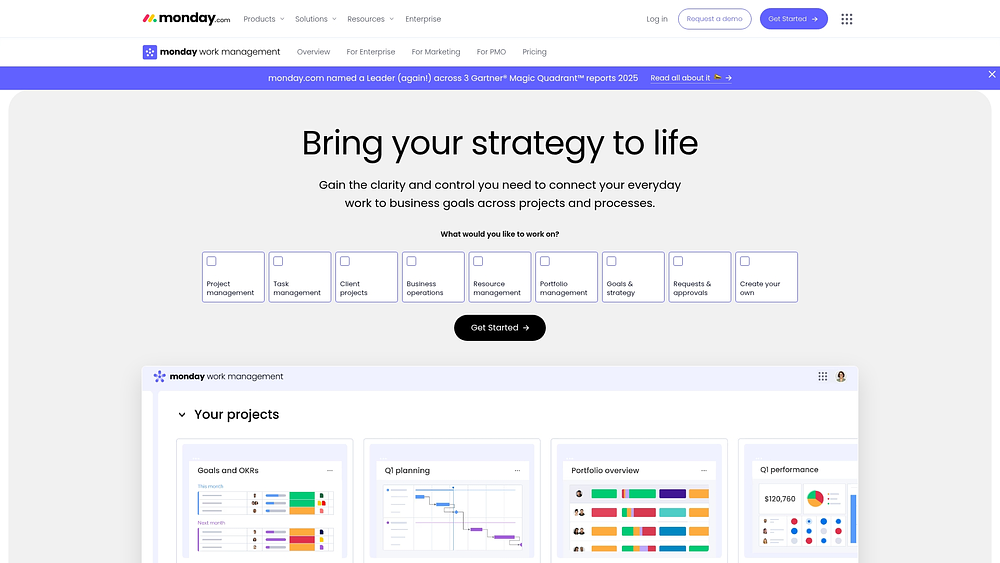
Example:
Organizations replace spreadsheet tracking across departments with scalable workflows. Standardization emerges around how work enters the system, how approvals flow, and how progress consolidates into leadership reporting.
Real-world applications that replace common Excel scenarios include:
- PMO portfolio oversight: project plans combine into shareable portfolio-level reports through dashboards with drill-down timeline insights.Requests and approvals: structured intake via forms, routing to the right stakeholders, and tracking turnaround times.Resource management: workload View highlights over- and under-allocation, allowing adjustments before deadlines slip.
Key features:
These building blocks allow teams to move beyond rows and columns and operate repeatable workflows on monday work management.
- Views for how work runs: plans appear in Gantt, Kanban, Workload, Calendar, Timeline, and other visualizations.
- PMO-ready project controls: dependencies, milestones, baseline, critical path, and time tracking strengthen schedule ownership.
- Dashboards and reporting: portfolio and project dashboards provide a centralized view of timelines, workloads, and progress.
Advanced AI features:
- AI blocks: pre-built actions include categorize, extract info, detect sentiment, summarize, translate, and custom prompts.
- AI automations: Pro and Enterprise plans automate categorization, summarization, and information extraction.
- Digital Workforce (coming soon): features like Project Analyzer and Campaign Manager provide automated insights.
Automations:
- Automations and templates: templates launch consistent processes, and automations handle notifications, reminders, and handoffs.
- AI automation blocks (Pro and Enterprise): integrate AI actions into automation recipes.
- Run history: automation history shows results and supports troubleshooting.
Integrations:
- 200+ integrations: connect tools your team relies on to keep updates tied to work.
- Common enterprise connections: Microsoft Teams, Slack, Jira Cloud, Outlook, Gmail, Zoom, and Google Drive.
- Excel connection: import existing Excel sheets for shared collaboration and visibility.
Excel alternative features:
- Structured work, not scattered files: boards with shared ownership replace file chaos.
- Live visuals for leadership: dashboards reflect real-time execution instead of static charts.
- Work + documentation together: boards integrate with Docs for in-context collaboration and embed dashboards in documents.
Pricing:
- Free: up to two seats with three boards, 200+ templates, and mobile apps.
- Basic: from $9/seat/month (billed annually, three-seat minimum).
- Standard: from $12/seat/month (billed annually).
- Pro: from $19/seat/month (billed annually).
- Enterprise: custom pricing.
Why it stands out:
monday work management supports scale without sacrificing usability. Teams maintain flexibility, and leaders gain reliable reporting.
- Connect strategy to execution: track goals and OKRs alongside projects and processes to link progress to outcomes.
- Adoption that sticks: intuitive interfaces encourage accurate data and improve reporting.
- Enterprise-ready governance: multi-level permissions and security enable cross-departmental collaboration.
2. Google Sheets
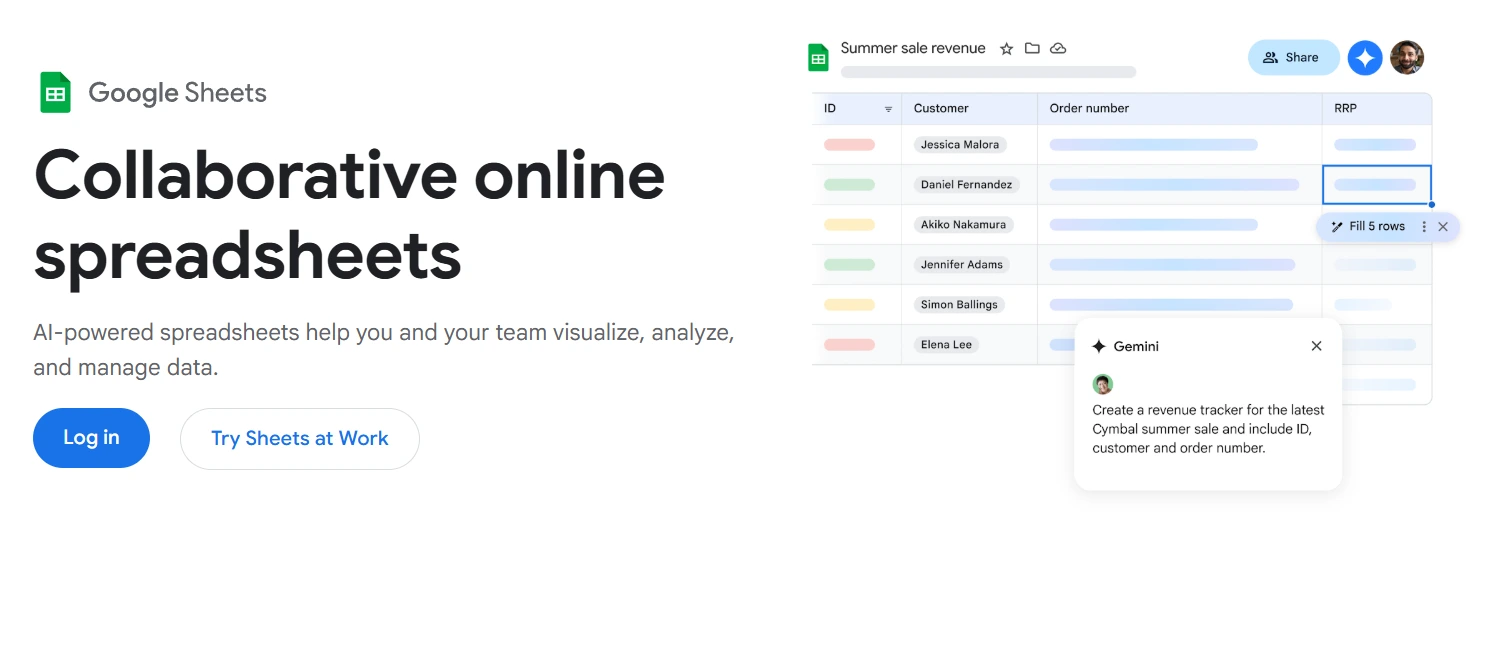
Google Sheets combines spreadsheet familiarity with real-time collaboration in a cloud-based platform. Teams gain productivity immediately without a steep learning curve, backed by enterprise-grade security. Google Sheets supports more than three billion users in Google Workspace.
Use case:
Small to medium teams of five to fifty members benefit from collaborative spreadsheets and basic project management, particularly in organizations already using Google Workspace.
Key features:
- Timeline View: convert task tables into interactive Gantt-like visualizations with start/end dates, details, and color coding.
- Smart chips and conditional notifications: link people, files, calendar events, and locations directly in cells, with automated alerts for changes.
- Connected Sheets: access BigQuery and Looker data for enterprise reporting without SQL knowledge.
Pricing:
- Business Starter: $7/user/month (annual).
- Business Standard: $14/user/month (annual).
- Business Plus: $22/user/month (annual).
- Enterprise Standard: $27/user/month (annual).
- Enterprise Plus: $35/user/month (annual).
Considerations:
- Timeline View: lacks built-in dependencies or critical path management.
- Conditional notifications: may not fire for external changes or volatile functions.
3. Zoho Sheet
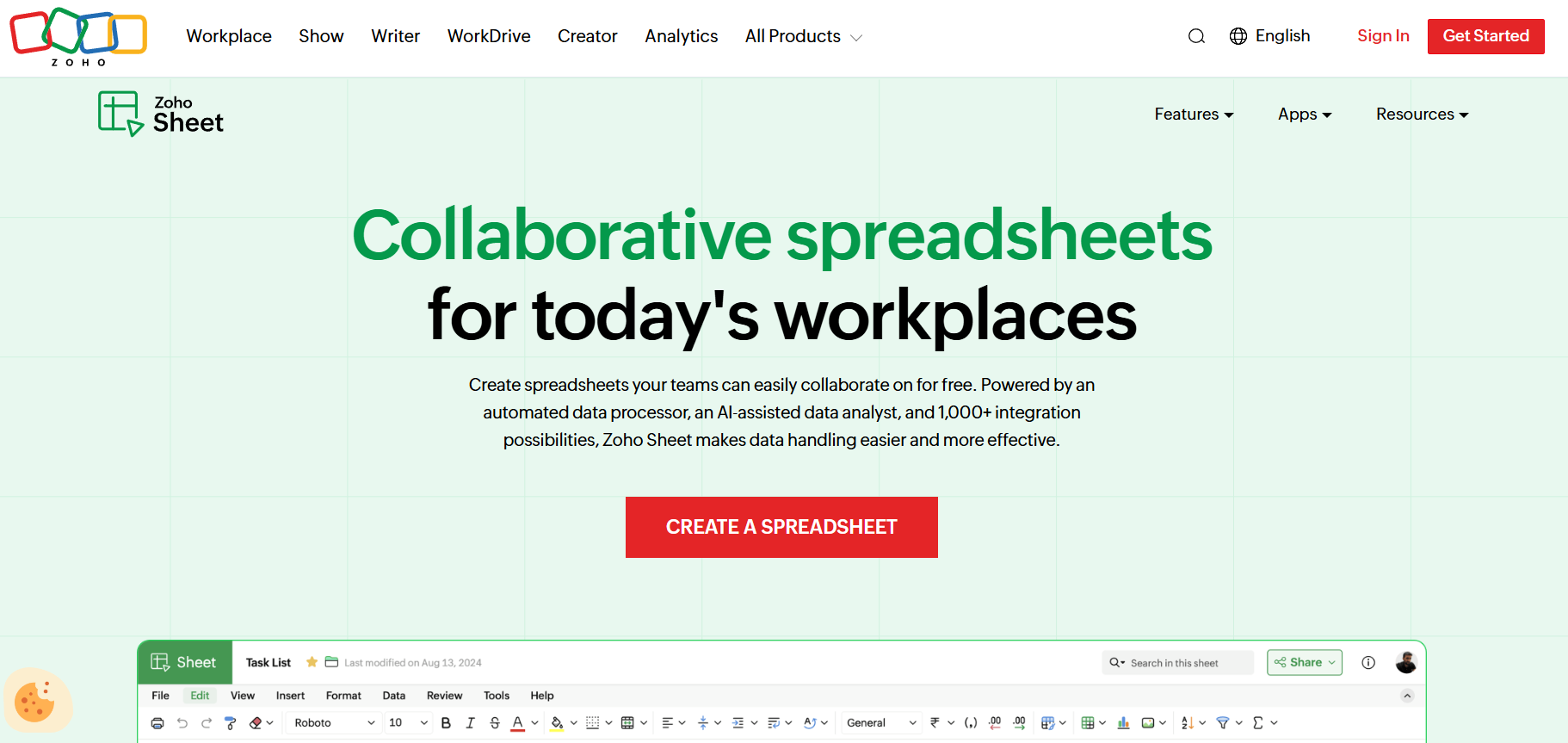
Zoho Sheet integrates collaborative spreadsheets into a broader business ecosystem, supporting workflow coordination from data collection to execution. AI-powered analysis and governance features enhance productivity for individuals while enabling seamless team collaboration.
Use case:
Organizations using multiple Zoho products gain value from integrated spreadsheets with strong collaboration controls and AI-assisted insights.
Key features:
- Real-time collaboration: contextual comments, @mentions, and in-sheet chat enable smooth coordination.
- Zia AI engine: suggests charts, pivot tables, answers natural language questions, and surfaces insights automatically.
- Governance controls: include audit trails, version history, range-level locking, and check-in/check-out for critical updates.
Pricing:
- Zoho Workplace Standard: affordable rates with 20% annual billing discount.
- Zoho Workplace Professional: enhanced collaboration and increased storage.
- Zoho Workplace Enterprise: custom pricing.
- Zoho One: covers more than 50 integrated apps company-wide.
- Nonprofits: special pricing discounts.
- Free tier: available for basic functionality.
Considerations:
- Technical limits: maximum 10 million cells per workbook and 100 live collaborators.
- Interface differences: teams may require adjustment when transitioning from Excel or Google Sheets.
4. LibreOffice Calc
LibreOffice Calc provides full-featured spreadsheet capabilities without subscription fees or cloud dependency. It is ideal for organizations that prioritize offline functionality, budget control, and data sovereignty.
Use case:
Budget-conscious organizations can maintain complete spreadsheet functionality while eliminating licensing costs.
Key features:
- Offline functionality: core operations work without an internet connection.
- Excel compatibility: supports seamless .xlsx file opening and editing.
- Advanced calculations: Solver, pivot tables, and scenario planning enable complex analysis.
Pricing:
- Community edition: free download with zero licensing costs.
- App Store versions: small one-time fee through Microsoft or Mac App Stores.
- Enterprise support: quote-based pricing via certified partners.
Considerations:
- Real-time collaboration: limited compared to cloud-based alternatives.
- Cloud editing: native support is absent, which complicates remote coordination.
5. Apple Numbers
Apple Numbers offers a visual-first spreadsheet experience designed for the Apple ecosystem. It prioritizes elegant design and intuitive collaboration over complex analysis.
Use case:
Mac-focused teams and creative groups needing visually compelling spreadsheets with real-time collaboration across Apple devices benefit most.
Key features:
- Collaboration: up to 100 participants can work simultaneously, integrated with Messages and FaceTime.
- Mobile-optimized Forms: collect structured data on iPhone and iPad with Apple Pencil support.
- Visual canvas: includes more than 700 shapes, interactive charts, and professional templates.
Pricing:
- Free: included with all Apple devices.
- iCloud storage: free tier included; optional iCloud+ upgrades available.
Considerations:
- Apple exclusivity: limits collaboration with Windows or Android users.
- Advanced analytics: less capable for large datasets or complex analysis compared to Excel.
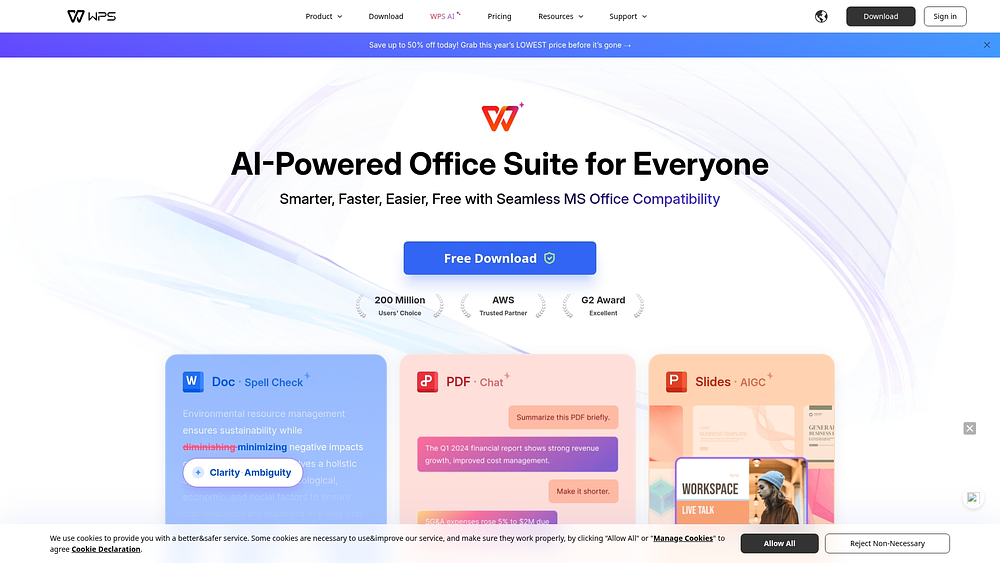
6. WPS Office
WPS Office provides a comprehensive office suite with strong Excel compatibility at a fraction of traditional costs. With more than 600 million monthly active users worldwide, it offers familiar interfaces with cloud collaboration and AI-assisted productivity tools.
Use case:
Organizations seeking a full office suite replacement benefit from cost-effective solutions that maintain high Excel file compatibility while supporting word processing, presentations, and spreadsheet management.
Key features:
- Excel compatibility: ensures seamless file exchange with external partners and clients.
- Comprehensive suite: includes word processing, presentations, and spreadsheets with cloud and offline access.
- AI-assisted tools: spell-check, translation, Chat PDF, and automated slide generation enhance productivity across all applications.
Pricing:
- Free: basic editors with 1 GB cloud storage, limited templates, and ads included.
- Pro (individual): $35.99/year — full PDF editing, OCR, unlimited templates, 20 GB cloud, no ads.
- Pro for Teams: $2.49/user/month (billed yearly, minimum two users) — admin controls, real-time editing, 20 GB per member.
- WPS 365 Enterprise: quote-based pricing for full collaboration platform including Teams, email, meeting, and calendar modules.
Considerations:
- Workflow limitations: advanced business features beyond document and spreadsheet collaboration are limited compared to specialized platforms.
- Community size: smaller user base results in fewer templates, resources, and third-party integrations than established alternatives.
7. LivePlan
LivePlan transforms financial planning by linking business plans to ongoing performance tracking. Startups and small businesses seeking investor funding or managing growth initiatives gain value from AI-powered insights and real-time monitoring, turning static plans into dynamic management tools.
Use case:
Startups and small businesses that require professional business plans for funding while maintaining financial oversight and tracking performance against projections benefit most from LivePlan.
Key features:
- Business plan templates: SBA-style formatting with investor-ready presentations.
- Performance dashboard: tracks real-time actuals versus forecast through QuickBooks and Xero integrations.
- Monthly review: AI-assisted analysis of financial performance with actionable insights.
Pricing:
- Standard: $20/month (monthly billing) for business plan creation.
- Premium: $40/month (monthly billing) includes dashboards, scenarios, benchmarks, and integrations.
- Annual savings: 25% discount on both plans with yearly billing.
- LivePlan Expert add-on: $30/month for 1:1 video support.
- Professional plan review: one-time $500 service fee.
Considerations:
- Dashboard access: performance dashboards and accounting integrations require the Premium plan, limiting Standard users to basic plan creation.
- Market data: industry benchmark data covers only U.S. markets, limiting usefulness for international businesses.
8. GPT Excel
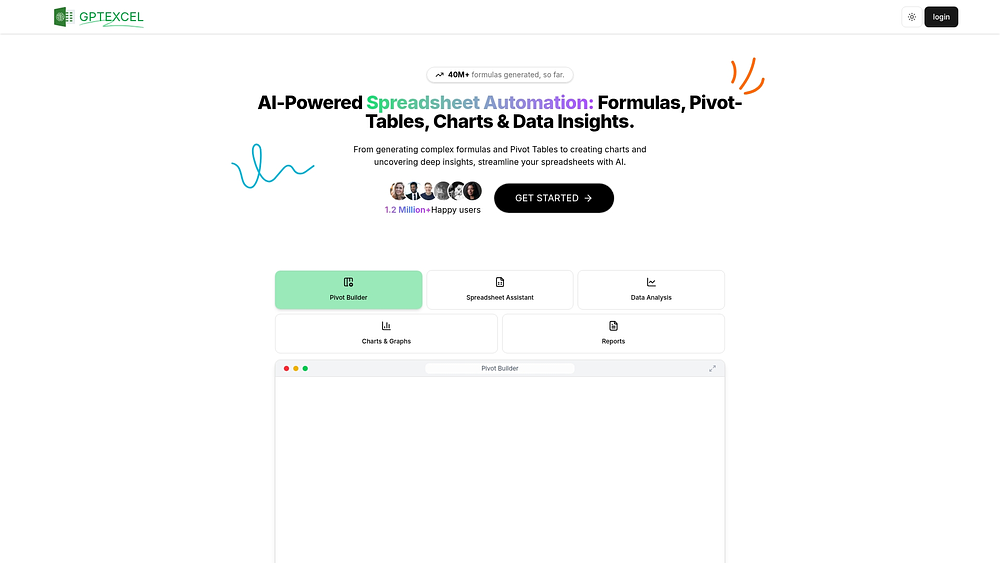
GPT Excel delivers AI-powered assistance directly within spreadsheet workflows, simplifying data analysis and formula creation. Natural language processing makes advanced spreadsheet functions accessible to teams without deep technical expertise, with multi-platform support and automation that bridge complex data needs with user-friendly execution.
Use case:
Excel power users and data analysts who need AI support with complex formulas, automated insights, and cross-platform workflow enhancements can streamline operations without migrating platforms.
Key features:
- AI formula generation: natural language descriptions create formulas across Excel, Google Sheets, and Airtable.
- Automated scripts: VBA, Google Apps Script, and Airtable Script automation reduce repetitive tasks.
- Data analysis: chart creation, insights extraction, and conversational file interaction improve spreadsheet efficiency.
Pricing:
- Free: $0/month — 10 AI chat messages per 30 days, four tool uses every 12 hours, 5 MB file limit.
- Pro: $9/month ($6.30/month annually) — 3,000 AI chat messages and tool uses, 50 MB file limit.
- Pro Plus: $18/month ($12.60/month annually) — 10,000 AI chat messages and tool uses, 100 MB file limit.
- Annual plans: 30% savings versus monthly billing.
Considerations:
- File workflow: upload/download required, rather than native integration within Excel or Google Sheets.
- Usage limits: quotas apply across all plans, requiring refresh cycles when limits are reached.
9. Numerous.ai
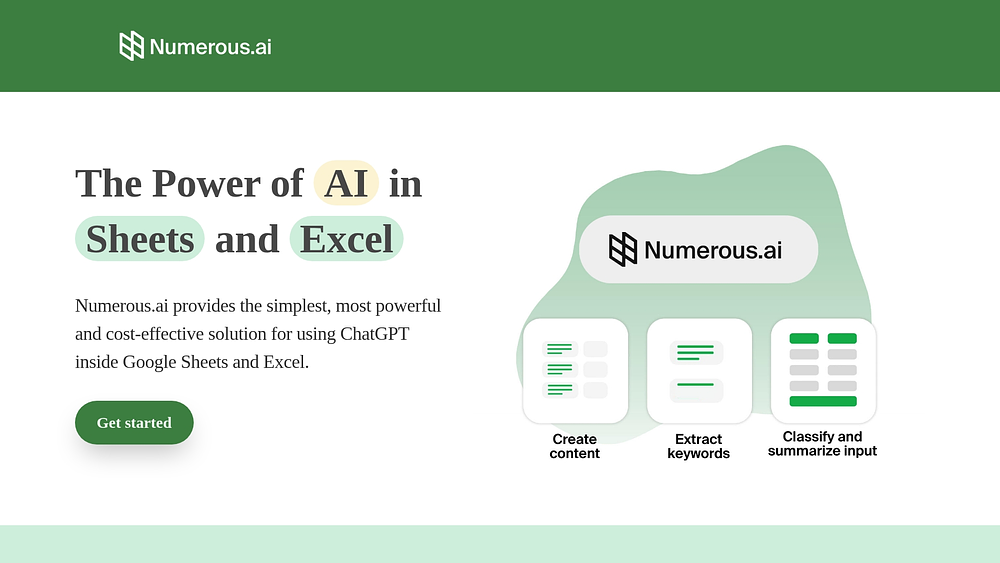
Numerous.ai brings AI-driven automation into spreadsheets, turning them into efficient work engines. Formula-based AI functions require no API keys, making the platform ideal for teams aiming to scale repetitive tasks while staying within familiar spreadsheet environments.
Use case:
Marketing teams, researchers, and operations professionals who want automation for text classification, data extraction, and content generation can increase efficiency without leaving Excel or Google Sheets.
Key features:
- AI formulas: =AI(), =WRITE(), and =INFER() automate content generation, categorization, and data processing directly in cells.
- Few-shot learning: four to five examples train the system for automatic completion of repetitive tasks like sentiment analysis or formatting.
- Cross-platform support: marketplace add-ons work seamlessly with Google Sheets and Microsoft Excel.
Pricing:
- Personal plan: pricing varies based on usage and features.
- Pro plan: team-focused pricing with shared character limits.
- Enterprise plan: custom pricing for larger organizations.
- Free trial: seven-day trial with no API keys required.
- Annual discount: 57% savings with yearly billing.
Considerations:
- Workflow scope: capabilities remain focused on spreadsheets rather than broader project management.
- Community size: a newer platform with fewer users compared to established alternatives.
Transform workflows beyond spreadsheets today
Spreadsheets like Excel have long been essential for organizing data, but as organizations grow and workflows span multiple teams, their limitations become apparent. Version conflicts, siloed data, repetitive manual tasks, and limited real-time visibility slow progress and hinder strategic decision-making.
Modern alternatives — from collaborative cloud spreadsheets such as Google Sheets and Airtable to AI-powered tools like GPT Excel and comprehensive platforms such as monday work management — address these challenges. By connecting workflows, automating processes, and providing centralized visibility, these solutions reduce inefficiency, enhance collaboration, and allow teams to scale confidently.
Choosing the right platform depends on your team’s size, workflow complexity, and long-term objectives. Whether you need an enhanced spreadsheet experience or a full work management system, adopting tools designed for 2026 workflows ensures operations remain efficient, transparent, and aligned with strategic priorities.
Frequently asked questions
Why should teams move beyond Excel?
Excel handles calculations well but struggles with cross-team collaboration. Multiple file versions, manual updates, and siloed data slow workflows. Modern teams need automation, visibility, and connected platforms to work efficiently.
What types of Excel alternatives exist?
Teams can choose from cloud-based spreadsheets, AI-assisted tools, or full work management platforms. Each option supports collaboration, automation, and centralized data differently. The best choice depends on workflow complexity and organizational scale.
How do cloud spreadsheets help?
Platforms such as Google Sheets and Airtable enable real-time editing and dynamic data linking. They reduce version conflicts and enhance transparency. Cloud solutions also integrate with other apps, simplifying reporting and tracking across teams.
What are AI spreadsheet tools?
Tools like GPT Excel and Numerous.ai automate formulas, extract data, and generate insights. They minimize repetitive tasks and make advanced analytics more accessible. AI platforms work across Excel, Google Sheets, and similar spreadsheet solutions.
Why use work management platforms?
Modern platforms like monday work management connect projects, approvals, and reporting within a single workspace. They streamline workflows, automate notifications, and provide real-time dashboards. Teams can scale operations while maintaining visibility and control.
How do I choose the right excel alternative?
Assess team size, workflow complexity, and integration requirements. Consider automation, reporting, and cross-department collaboration. The right platform evolves with the organization and reduces manual, time-consuming work.

 Get started