


A server crashes at 2 a.m., taking down your customer portal. Your on-call engineer fixes it in 20 minutes, but the incident report sits in their inbox for three days before reaching management. Meanwhile, your biggest client has been calling since dawn, and nobody with decision-making authority knows there was ever a problem.
This happens every day in companies that wing their escalation process. When critical issues arise, teams waste precious time figuring out who to contact, what information to provide, and how quickly decisions need to be made. An escalation matrix cuts through the confusion. It maps out exactly who handles what — and when — so problems land with people who can actually fix them.
We’ll show you seven escalation matrix templates you can use right now, walk through how to build your own in five steps, and explain how a work management platform can turn static plans into smart workflows that catch and route issues automatically. You’ll learn what every matrix needs, when to escalate vs. elevate, and how smart escalation management helps you handle crises faster than your competitors.
Key takeaways
- Build clear escalation paths before crises hit: Define who makes decisions at each level, set specific triggers, and establish response times so teams act fast when problems arise.
- Map decision authority to prevent bottlenecks: Assign specific roles and spending limits at each escalation level so decisions don’t stall while teams wait for permission to act.
- Use objective triggers, not subjective judgment: Set measurable thresholds like budget variances or timeline delays to ensure consistent escalation across all departments and projects.
- Document everything for accountability and compliance: Create audit trails that show who authorized decisions and when, supporting regulatory requirements and improving future response strategies.
- Transform static templates into automated workflows: Platforms like monday work management use AI to detect issues instantly and route them to the right people, replacing manual escalation with intelligent automation.
What is an escalation matrix?
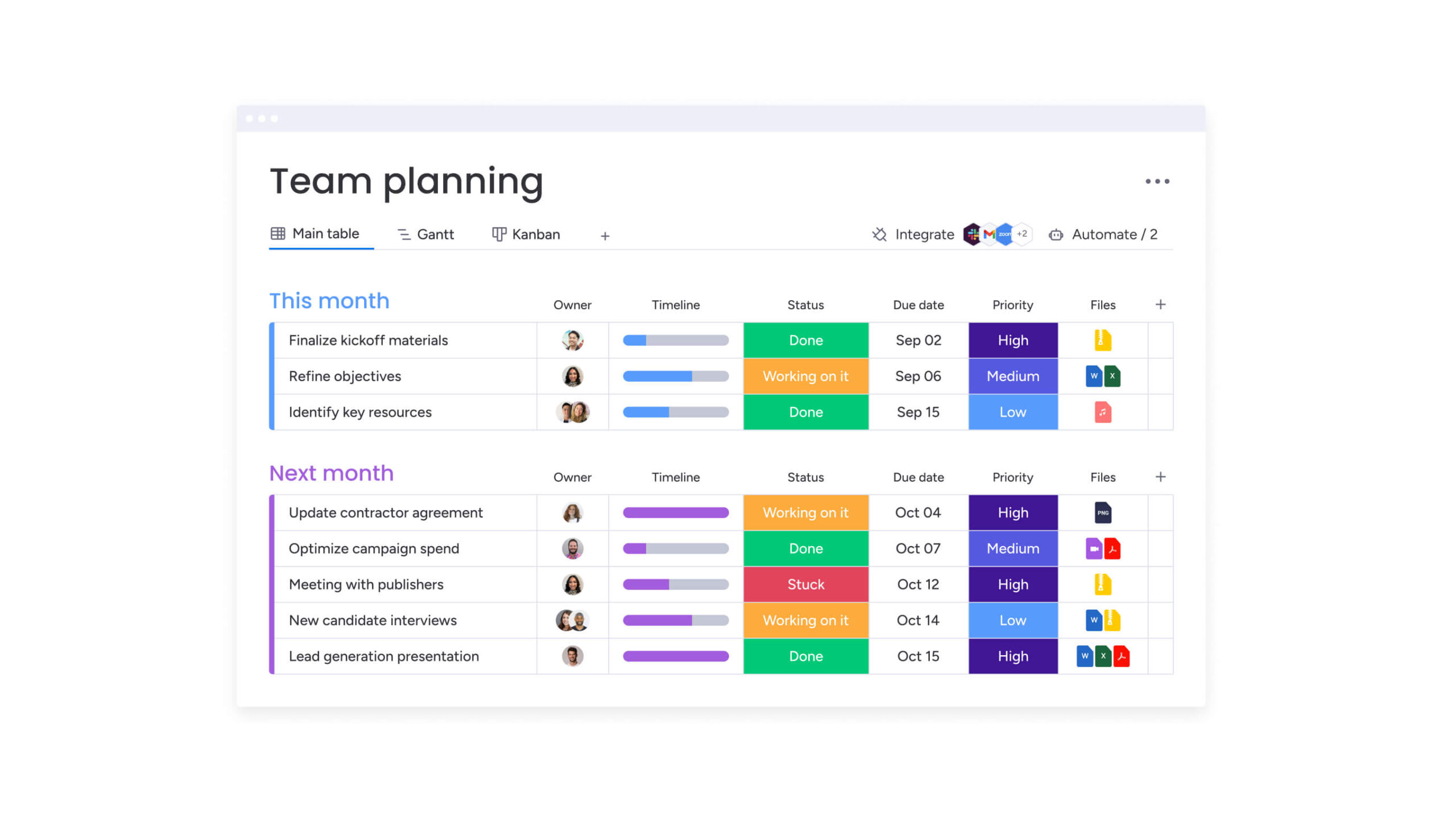
An escalation matrix is a framework that spells out how, when, and to whom you escalate issues. It maps out the conditions, timeframes, and authority levels for moving problems up the chain so critical decisions reach the right people fast.
Your business needs an escalation matrix to handle three things: complex org structures, risk management, and accountability. As teams grow and work crosses departments, winging it stops working. An escalation matrix replaces guesswork with decisive action. Server outages, budget overruns, or client crises trigger immediate, pre-planned responses.
Understanding escalation matrix structure and format
A good escalation matrix balances speed with oversight using a standard format. The basic structure includes escalation levels (usually L1 through L4), who makes decisions at each level, time-based triggers, and communication protocols.
The flow moves from operational level to management, and finally to executive leadership. A typical escalation hierarchy operates like this:
| Level | Role | Response time | Trigger example |
|---|---|---|---|
| Level 1 (operational) | team lead or senior specialist | Four hours | Routine deviations, blocked workflows |
| Level 2 (tactical) | Department manager | 24 hours | Resource conflicts, timeline risks |
| Level 3 (strategic) | Director or VP | Eight hours | Cross-departmental blockers, budget scope changes |
| Level 4 (executive) | C-suite | Immediate | Existential risks, major compliance breaches |
When to use an escalation process template
Escalation matrices matter most when delays cost you money. They apply to project management situations including budget overruns, timeline slippage, or scope creep that threatens delivery. In operational contexts, they govern responses to system outages, security breaches, or compliance violations.
Customer service teams rely on them for high-value client complaints or service level agreement (SLA) failures. Templates work best for recurring issues where you can predefine decision criteria. That lets workflow automation trigger escalations the moment those criteria hit.
As teams grow and work crosses departments, winging it stops working. An escalation matrix replaces guesswork with decisive action.
When to improve your escalation management process
Inefficient escalation processes leave distinct warning signs that you need to address. Catch these warning signs early, and you can fix escalation gaps before they blow up into expensive disasters.
If decisions keep stalling at middle management or execs only hear about critical issues after they’ve exploded, your system’s broken. Other indicators include:
- Team members bypassing established channels: People “get things done” by working around the official process.
- Inconsistent criteria: What constitutes an emergency varies wildly across departments.
- Lack of documentation: No clear record of who authorized specific actions.
- Delayed executive awareness: Critical issues only reach leadership after damage is done.
In remote or hybrid setups, these problems get worse because you can’t see what’s happening. Centralized work management platforms fix this by showing you escalation patterns and pinpointing exactly where bottlenecks happen.
5 key benefits of implementing an escalation matrix template
Good escalation matrices deliver real business impact by changing how you handle friction and failure. These benefits make it easier to justify investing in solid escalation infrastructure.
1. Accelerate decision-making and issue resolution
Escalation matrices kill decision paralysis by giving you pre-approved paths for action. When you hit specific thresholds, like a 4-hour server outage or 10% budget variance, the next step happens automatically. No debate needed.
This prevents issues from bouncing laterally between departments or sitting in limbo while teams wait for permission to act, streamlining decision-making processes. In time-sensitive scenarios like security incidents, fast escalation means lower costs and less damage.
2. Establish accountability across teams
A well-defined matrix assigns ownership at every level of the problem. Therefore, everyone knows who decides whether to pause a project or refund a client.
This stops two problems: decision avoidance (no one wants to own it) and unauthorized decisions (junior staff acting beyond their authority). The matrix creates a detailed audit trail showing who had authority to decide what.
3. Standardize your escalation process
Templates ensure that a “critical” issue in engineering means the same thing as a “critical” issue in customer success. Standardization makes onboarding easier. New team members can rely on predictable workflows no matter which project they’re on.
It enables resource planning, as leadership can forecast capacity needed for L2 and L3 support based on historical escalation volume.
4. Optimize resource allocation during incidents
Escalation matrices make sure you deploy the right level of response for each problem. They keep senior execs out of minor operational disputes while making sure major strategic risks get immediate executive attention.
This balance keeps leadership focused on high-value work while making sure operational teams get the support they need.
5. Strengthen compliance and audit readiness
For industries like finance, healthcare, and government, documented escalation is a regulatory requirement, closely tied to risk management frameworks. Matrices create a permanent audit trail showing who had authority to sign off on sensitive decisions.
This supports frameworks like SOX, GDPR, and ISO by proving your governance structures are actually working.
Escalation matrices kill decision paralysis by giving you pre-approved paths for action. When you hit specific thresholds, like a 4-hour server outage or 10% budget variance, the next step happens automatically.
Essential components every escalation matrix must include
An effective escalation matrix relies on four core elements that work together to manage issues. Miss any one, and you’ve got gaps that break the entire process.
Escalation levels and decision authority
The hierarchy must map decision authority to three levels: operational, tactical, and strategic. Define boundaries precisely to prevent overlap.
Authority typically distributes across levels as follows:
- Operational level: Handles workflow reassignment, minor scheduling adjustments, and routine troubleshooting.
- Tactical level: Authorized for budget adjustments, resource reallocation, and timeline extensions.
- Strategic level: Responsible for project cancellation, major scope pivots, and legal/compliance responses.
Communication channels and contact protocols
Each level needs designated communication methods. Low-severity escalations can move via email or project management comments. Critical escalations need phone calls or immediate SMS.
Set up primary and backup contact methods in case someone’s unavailable. Notification timing is equally critical; a “Level one” alert might allow for a 4-hour response, while “Level three” requires immediate acknowledgement.
Time-based triggers and SLA requirements
Time is the most objective escalation trigger. That’s why Service Level Agreements set these thresholds. For example, if a high-priority ticket isn’t resolved within two hours, it escalates automatically to the next tier.
Timing approaches vary:
- Fixed intervals: Every four hours.
- Business hours vs. 24/seven coverage: Different SLAs for different time periods.
- Severity-based timing: Critical = 30 mins, Low = 48 hours.
Documentation and tracking standards
Document every escalation without exception. The matrix should spell out exactly what to document: issue description, why you escalated, the decision made, and follow-up actions required.
This creates a full record of what happened and why. Track metrics like escalation frequency, average resolution time, and decision effectiveness so you can continuously refine your process over time.
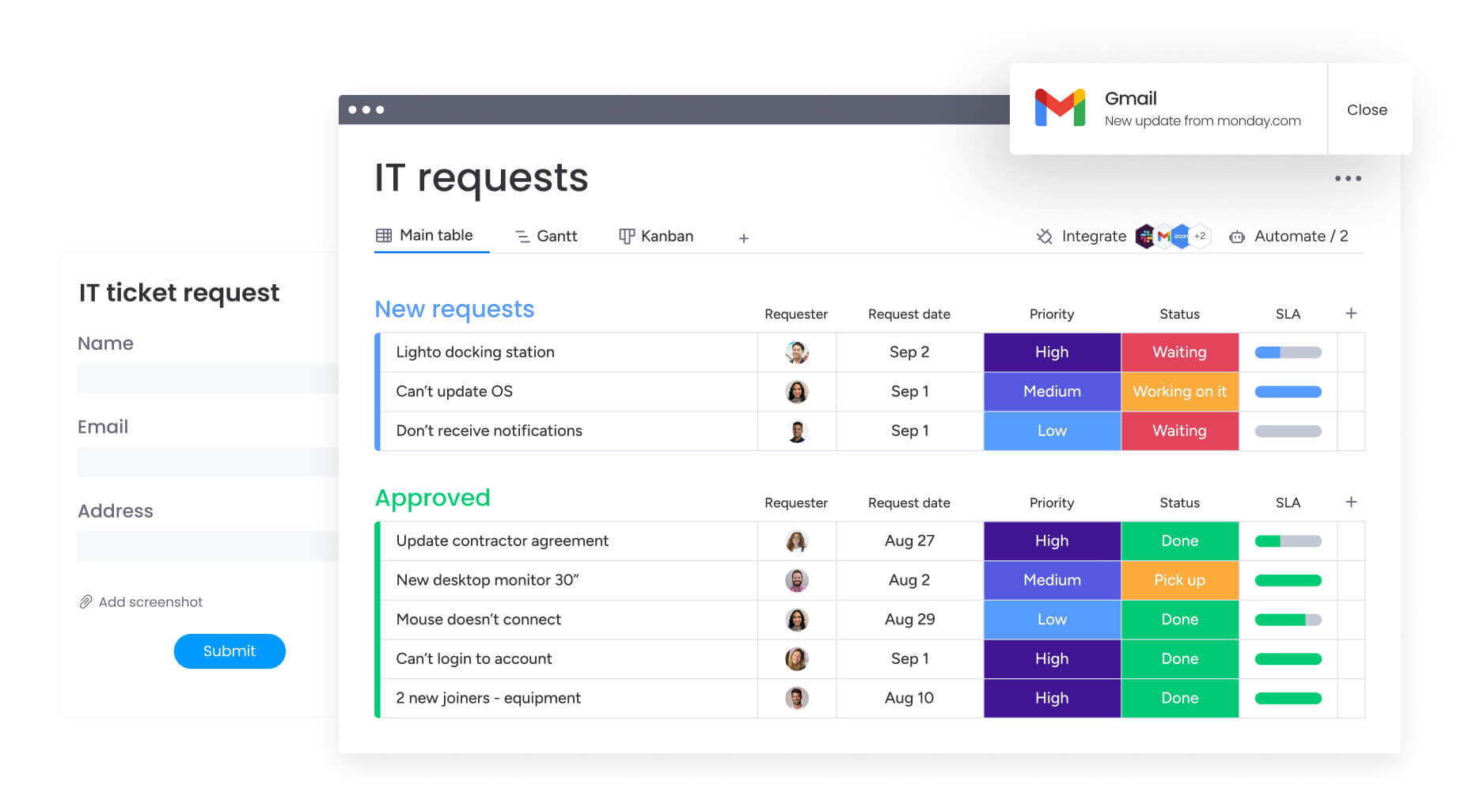
7 escalation matrix templates for different business needs
Different organizations need different approaches based on how they operate. The principles stay the same, but triggers and authority levels need to match your specific workflows.
1. Simple escalation matrix template for small teams
Small teams (10-50 people) need simple structures. A 3-level matrix keeps you agile without adding heavy bureaucracy.
| Level | Role | Response time | Trigger example |
|---|---|---|---|
| L1 | Team lead | Four hours | Workflow blocked for >1 day |
| L2 | Department head | 24 hours | Resource conflict, minor budget variance |
| L3 | Founder/exec | Immediate | Client churn risk, major system failure |
2. Project escalation matrix template for complex initiatives
Complex projects need triggers based on how far you’ve drifted from plan. This data-driven approach takes emotion out of project reporting. The importance of such structured approaches is evident in large-scale programs, where cost increases ranging from $6.1 million to $815.5 million and schedule delays of three to 48 months are common without proper escalation controls.
- Scope: Escalates at 5% (Manager), 15% (Director), and >25% (Steering Committee) variance.
- Budget: Escalates at 10% (Program Manager), 20% (Portfolio Director), and >30% (Executive Sponsor).
- Timeline: Escalates at one week delay (Project Lead), two weeks (Program Lead), and critical path impact (Sponsor).
IT service desk escalation matrix template
Technical support uses severity levels based on business impact and how many users are affected. IT service management platforms automate this, paging on-call engineers immediately for Sev-1 incidents.
- Critical (L1 → Vendor): System down for all users. Response: 15 mins. Path: Service Desk → SysAdmin → CIO → Vendor.
- High (L1 → L3): Feature broken for critical department. Response: two hours.
- Medium (L1 → L2): Single user blocked. Response: eight business hours.
Customer service escalation matrix sample
Customer-facing matrices focus on client value and how they’re feeling. CRM integration triggers these escalations automatically based on customer tier or sentiment score.
- Triggers: VIP customer status, negative social media sentiment, legal threats, or resolution time exceeded (>48 hours).
- Authority: Agent (Standard refund) → Supervisor (High refund/Credit) → Manager (Contract renegotiation) → Director (Legal/PR response).
Risk management escalation matrix format
Risk matrices use a “Probability × Impact” score to determine the path. This format makes sure you focus mitigation efforts on the biggest threats.
- Score 1-3 (Low): Managed by Risk Owner. Monitor quarterly.
- Score 4-6 (Medium): Escalated to Risk Manager. Mitigation plan required.
- Score 7-9 (High): Escalated to Risk Committee. Immediate resource allocation.
- Score ten (Critical): Board of Directors notification. Crisis management team activation.
Cross-functional escalation path template
Issues that cross departments need horizontal escalation before they move up the chain. This model pushes teams to collaborate at the working level first.
- Step 1 (Peer-to-Peer): Marketing Manager talks to Product Manager.
- Step 2 (Horizontal Lead): Marketing Director talks to Product Director.
- Step 3 (Executive Arbitration): CMO and CPO resolve the conflict.
AI incident escalation matrix for emerging risks
AI governance needs specific paths for algorithmic risks. That’s because fast response prevents reputation damage or automated regulatory violations.
- Triggers: Bias detection in output, model drift >5%, data privacy flag, or regulatory inquiry.
- Path: AI Engineer (Technical fix) → Data Science Lead (Model review) → AI Ethics Committee (Policy review) → Executive Leadership (Public/Legal response).
How to create your escalation matrix in 5 steps
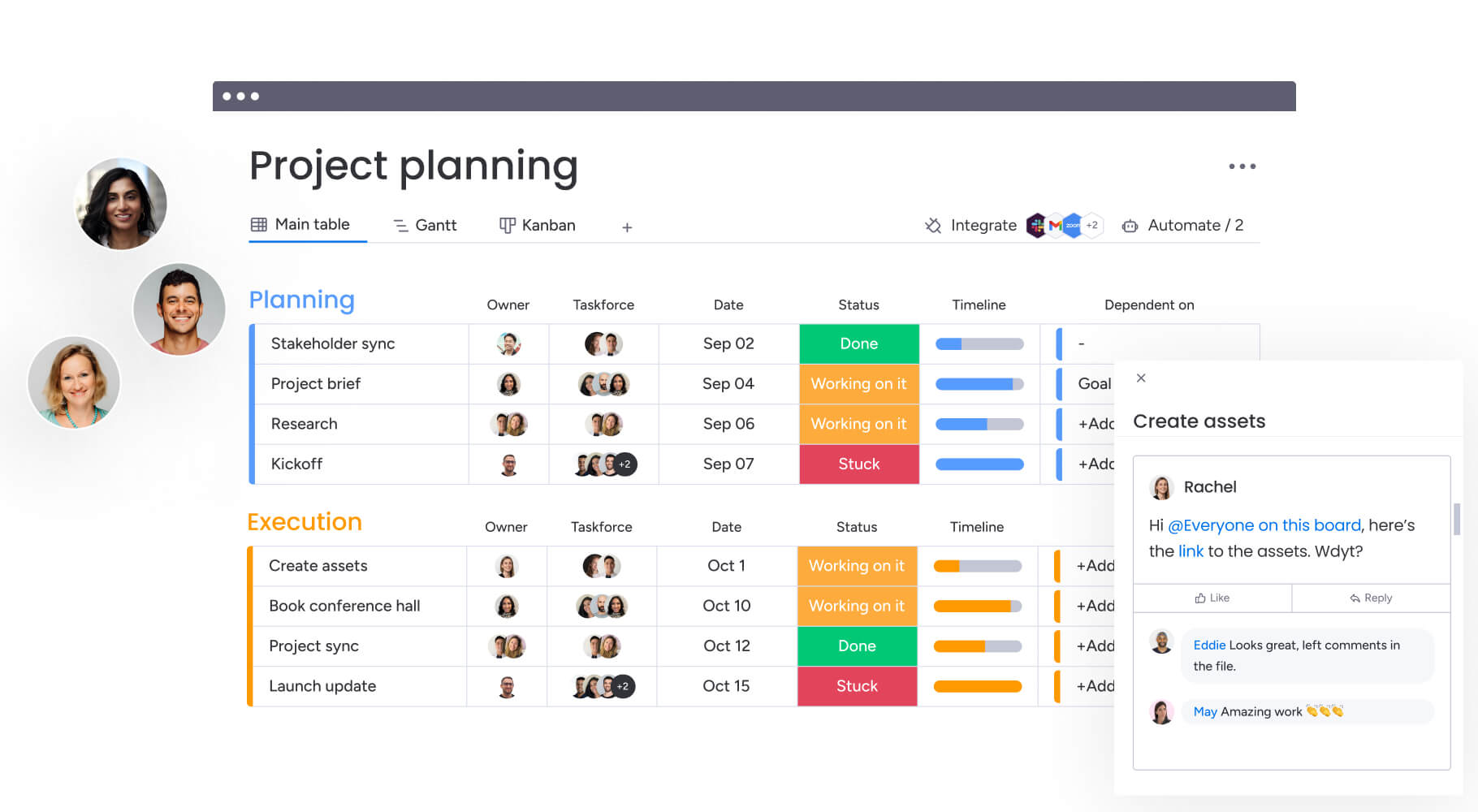
Turning examples into a custom system takes deliberate work that fits your organization’s structure and challenges. Each step builds on the last to create a matrix that fits how you actually work.
Step 1: map your current escalation workflow
First, look at existing patterns to see how decisions actually move through your organization. Document current decision-making paths, identify informal “shadow” escalation routes, and pinpoint where bottlenecks occur.
Stakeholder interviews reveal the difference between theoretical process and reality. Once you’ve gathered this information, map your workflows visually to spot gaps and redundancies you need to fix.
Step 2: define escalation triggers and thresholds
Next, establish objective criteria that cut out ambiguity and keep things consistent across teams. Triggers must be quantifiable where possible (“$10k variance” rather than “expensive overrun”) and qualitatively defined where numbers don’t apply (“client threatens legal action”).
After defining these triggers, testing criteria against historical incidents validates whether they would have caught past issues without generating excessive noise in your escalation process.
Step 3: assign escalation roles and responsibilities
Now it’s time to match roles to authority, availability, and expertise so people can actually make decisions. Set up backup paths so you’re covered when people are out. Additionally, spread out escalations so no single director becomes a bottleneck for every L2 decision.
Role-based access controls in work management platforms enforce these boundaries automatically.
Step 4: establish response times and service levels
With roles defined, response times must be realistic and account for your team’s actual availability. For example, setting a 15-minute SLA for a team that only works 9-to-5 sets them up for failure.
Instead, SLAs should cascade, with higher severity levels demanding faster responses. Monitoring and alerting systems ensure compliance, flagging breaches immediately.
Step 5: build and test your escalation matrix template
Finally, document the matrix in an accessible format, not a hidden file that teams can’t reference during incidents. Simulations and tabletop exercises test the logic: does the L2 manager actually have the data needed to make decisions?
Feedback from tests refines the matrix before it goes live. Teams using monday work management build workflows using powerful building blocks such as automations and dashboards.
Escalation vs elevation strategies for effective management
While often used interchangeably, escalation and elevation are distinct strategies for issue resolution that serve different purposes. Understanding when to apply each approach maximizes your team’s effectiveness and ensures the right level of response for each situation.
When to escalate for increased attention
Escalation involves increasing urgency, visibility, or resources applied to an issue while keeping it at the same organizational level. This is appropriate when teams need more hands on deck, faster meeting cadences, or priority status to resolve blockers.
It solves capacity or focus problems without necessarily requiring higher-level authority.
When to elevate for higher authority
Elevation moves the decision to a higher tier in the hierarchy. This is necessary when the current level lacks authority to approve budget increases, change strategic policy, or resolve conflicts between peers.
Elevation transfers ownership of the decision, though not necessarily the execution, to a leader with broader mandate.
Combining both approaches for maximum impact
Sophisticated organizations sequence these moves strategically. A project manager might escalate a delay by calling daily standups (increasing urgency) and simultaneously elevate the budget request to cover overtime costs (seeking authority).
Platforms like monday work management support this duality by routing approval requests upward while notifying the immediate team of increased priority status.
Modernize incident resolution with monday work management

monday work management transforms static escalation plans into intelligent, automated workflows that live where work happens. It replaces passive documentation with active systems that detect, route, and resolve issues based on real-time data.
The platform provides several key advantages over traditional templates:
| Aspect | Traditional templates | monday work management |
|---|---|---|
| Escalation triggers | Manual identification | Automated AI-powered detection |
| Workflow execution | Email and phone calls | Integrated platform workflows |
| Progress tracking | Spreadsheets and documents | Real-time dashboards and analytics |
| Cross-team coordination | Separate communication platforms | Unified collaborative workspace |
| Escalation documentation | Manual record-keeping | Automated audit trails |
| Performance measurement | Periodic manual review | Continuous automated metrics |
| Adaptation and updates | Document version control | Dynamic workflow configuration |
The platform uses AI blocks to categorize incidents instantly. The Assign Labels (Categorize) AI block sorts incoming requests by type, urgency, and sentiment, while Extract Info capabilities pull critical details from unstructured reports.
Moreover, for large-scale operations, Portfolio Risk Insights analyzes hundreds of projects simultaneously. It automatically flags potential issues such as resource bottlenecks or timeline slippage before they require manual escalation.
Real-time dashboards provide a command center view of all active escalations. Leaders track response times against SLAs and view decision status across the enterprise. Automation recipes enforce these timelines, sending reminders or secondary escalations if deadlines are missed.
The platform’s collaborative architecture supports workflows spanning departments and external partners. Secure permissions ensure sensitive escalations remain confidential while still allowing for cross-functional resolution.

“monday.com has been a life-changer. It gives us transparency, accountability, and a centralized place to manage projects across the globe".
Kendra Seier | Project Manager
“monday.com is the link that holds our business together — connecting our support office and stores with the visibility to move fast, stay consistent, and understand the impact on revenue.”
Duncan McHugh | Chief Operations OfficerEscalation excellence for organizational resilience
Effective escalation matrices represent more than process documentation — they create organizational resilience that enables teams to handle uncertainty with confidence. When issues arise, your team knows exactly who to contact, what information to provide, and how quickly decisions will be made.
The investment in structured escalation pays dividends during high-pressure situations. Teams spend less time figuring out next steps and more time executing solutions. Leadership gains visibility into operational challenges before they become strategic threats. By moving away from “winging it” and using monday work management, you ensure the 2 a.m. server crash never sits unnoticed in an inbox.
Organizations that master escalation management create competitive advantages through faster response times, improved accountability, and enhanced decision-making capabilities. Your escalation matrix becomes a strategic asset that enables growth while maintaining operational excellence. The platform turns your plan into an active safeguard, routing critical alerts instantly to decision-makers to resolve crises fast.
Frequently asked questions
How do you create an escalation matrix?
Creating an escalation matrix involves mapping current decision-making processes, defining escalation triggers and authority levels, establishing response timeframes, and documenting the matrix in an accessible format that teams can reference during incidents.
What are the 7 stages of escalation?
The seven stages of escalation typically include initial issue identification, team-level resolution attempt, supervisor involvement, department management escalation, cross-functional coordination, executive decision-making, and external escalation if needed.
What is the escalation matrix structure?
An escalation matrix structure includes escalation levels (operational, tactical, strategic), decision authority mapping, time-based triggers, communication protocols, and documentation requirements organized in a hierarchical format.
What is the escalation matrix method?
The escalation matrix method is a systematic approach to issue management that uses predefined criteria, authority levels, and timeframes to ensure critical decisions reach the appropriate organizational level efficiently.
How often should you review and update your escalation matrix?
Organizations should review escalation matrices quarterly for minor updates and annually for comprehensive reviews, with immediate updates required when organizational structure, roles, or business processes change significantly.
Can you automate escalation matrix workflows?
Work management platforms automate escalation triggers, routing, notifications, and tracking, transforming static escalation matrices into dynamic workflows that integrate with daily business processes and provide real-time visibility.

 Get started