

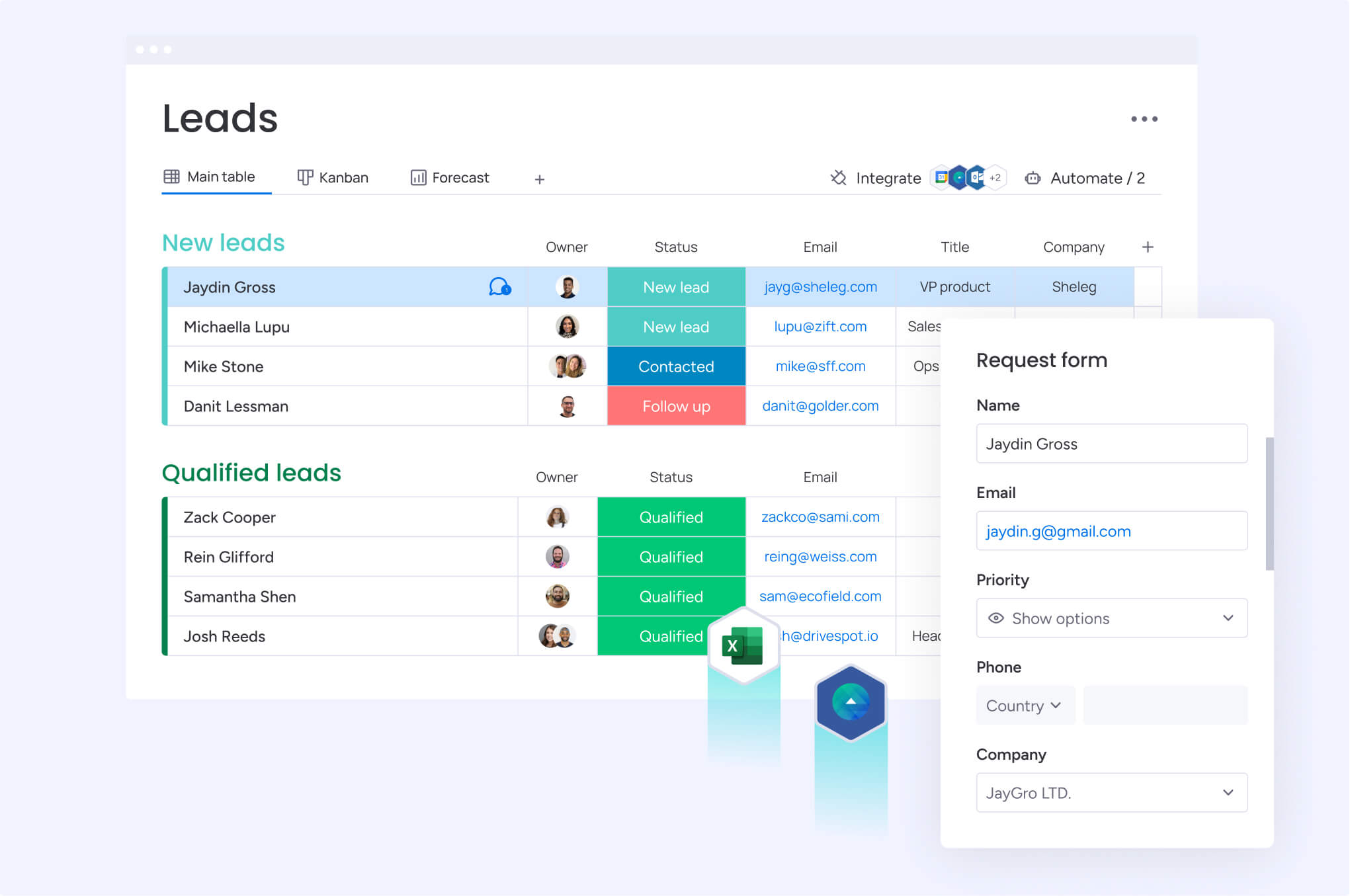
A connected business gives every sales rep, account manager, and support agent access to the full customer story. No one wastes time digging through support tickets or billing systems to find missing details. While most companies already use a CRM, many still operate in silos, creating friction that slows down deals and frustrates customers.
CRM integration addresses this by creating a single source of truth that connects every team. This article explains how integration transforms business operations. It outlines the key benefits, from accelerating sales cycles to personalizing customer experiences, and highlights the essential types of integrations your team needs.
You’ll also find best practices for a smooth rollout and learn how modern, flexible platforms like monday CRM help teams build the connections they need without complex coding. These fundamentals lay the foundation for a more aligned and efficient revenue engine.
Key takeaways
- Unified customer view: connect business apps to share customer data automatically, eliminate manual entry, and create one complete customer picture across all teams.
- Integration accelerates sales cycles, reduces operational costs, and enables personalized customer experiences that increase revenue.
- Start with native integrations for popular apps like email and accounting software. They are quick to set up and don’t require technical skills.
- With more than 200 pre-built integrations and visual workflow builders, monday CRM lets teams create custom automations without waiting for IT support.
- Clean existing customer data before integrating systems to prevent duplicates and errors from spreading across platforms.
What is CRM integration?
CRM integration uses APIs (application programming interfaces) to allow different systems to communicate. APIs convert data from one system into a format another system can process, ensuring consistency across platforms. When systems are integrated, customer data entered once appears in all connected applications, keeping every team aligned.
How integrated CRM systems function
Integrated systems keep data synchronized in real time. For example, when a customer updates their email address in a support portal, that change flows to the CRM, email platform, and billing system immediately.
- Automatic updates: changes in one system update across all connected platforms
- Real-time sync: information flows instantly, not hours or days later
- Two-way communication: data moves in both directions to keep systems current
- Error reduction: automated transfers eliminate typos and missed updates
Integrated CRM vs. disconnected systems
Disconnected systems require teams to enter the same customer information multiple times. Sales might hold one version of customer data while support works with outdated details.
Integration resolves these conflicts by creating one unified data source. Every team member works from the same accurate information, updated in real time across all platforms.
Why CRM integration drives business transformation
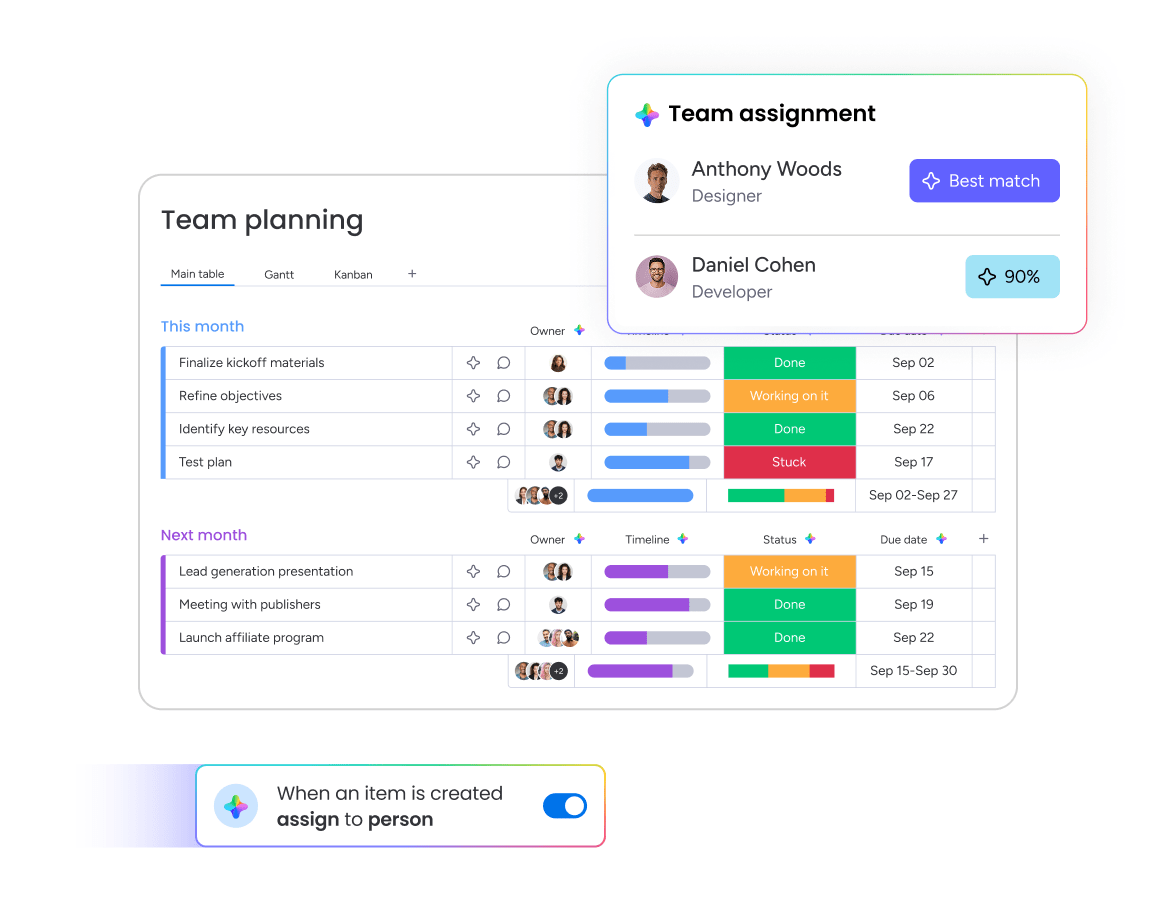
Integration changes how organizations operate. Teams move from working in isolation to collaborating around shared customer data and unified processes.
With integrated systems, sales teams close deals faster with full customer context, marketing creates targeted campaigns based on real purchase behavior, and support resolves issues quickly with complete account history.
Creating a single source of truth
When customer data exists in multiple versions, mistakes happen. Marketing may email inactive addresses while sales calls outdated numbers.
Integration eliminates these conflicts with one authoritative data source. When customer information updates in one place, it updates everywhere, ensuring accuracy across every touchpoint.
Enabling real-time data flow
Speed is critical in customer relationships. Real-time integration ensures sales teams know the moment a prospect opens a proposal or visits a pricing page.
This visibility allows proactive engagement. Teams can reach out at the right time with relevant information, turning interest into action.
Automating revenue processes
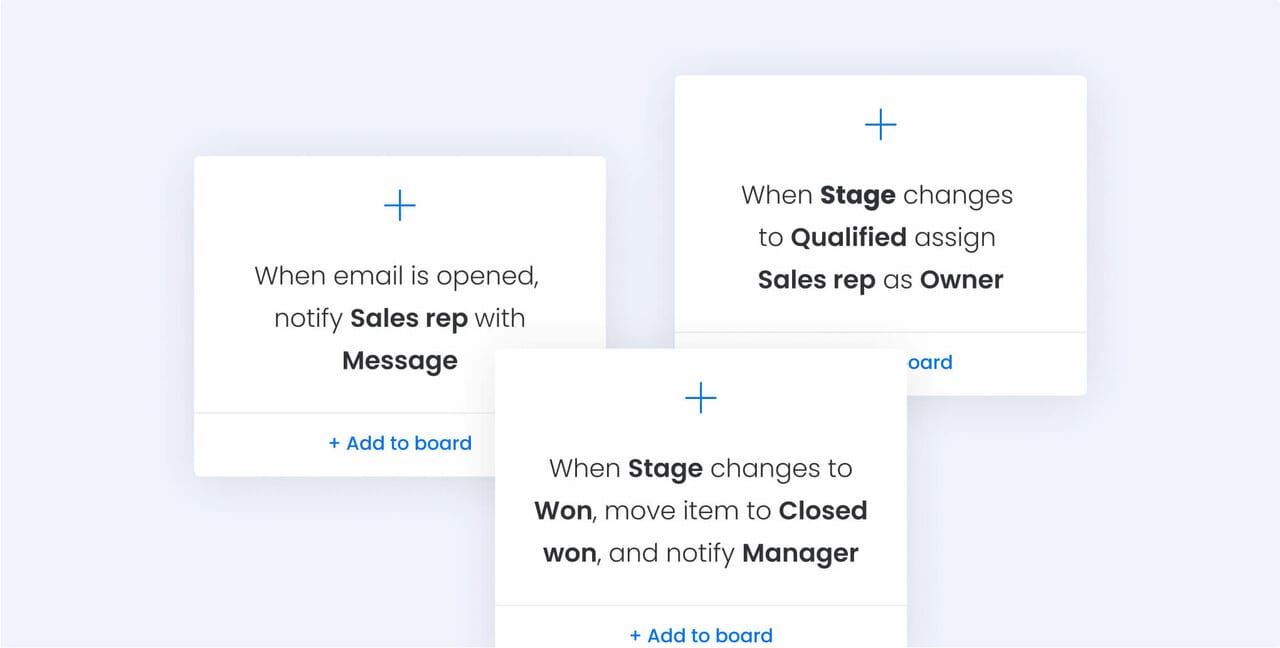
Manual handoffs between departments slow down sales cycles. Integration automates these transitions, moving leads from marketing to sales to customer success without delays or dropped opportunities.
7 transformative benefits of CRM integration
Integration delivers measurable improvements across the business. These gains compound over time as data becomes richer and processes more efficient.
1. Unified customer view across teams
Integration builds comprehensive customer profiles accessible to everyone. Sales sees marketing interactions, support views purchase history, and success teams track engagement patterns. This visibility ensures consistent, personalized experiences at every interaction.
2. Automated data synchronization
Manual entry wastes time and introduces errors. Integration eliminates both by syncing information automatically. Updates flow across platforms, keeping every team aligned with accurate data.
3. Accelerated sales cycles
Complete customer data helps sales teams prioritize effectively. They see which prospects engage most, what content resonates, and when buying intent is strongest. This insight enables targeted outreach that advances deals faster.
4. Personalized customer experiences
Integration makes personalization scalable. Marketing can segment based on purchase history, sales can reference past interactions, and support can anticipate future needs. Every touchpoint reflects an understanding of the customer.
5. Streamlined revenue operations
Alignment across teams drives predictable growth. Integration provides visibility into how marketing efforts influence sales outcomes and retention, creating shared accountability for revenue goals.
6. Data-driven decision making
Integrated data uncovers patterns hidden in isolated systems. Tracking the full customer journey reveals what drives success, guiding smarter decisions about resources, product strategy, and market opportunities.
7. Reduced operational costs
Automation and efficiency reduce costs. Teams spend less time on data entry, license fewer systems, and require less training. In many cases, the savings exceed integration costs within months while productivity gains continue to grow.
Types of CRM integration
Different types of integrations serve different business needs. Most organizations begin with one or two key integrations, then expand their connected ecosystem over time.
Marketing automation
Connecting marketing platforms with your CRM with marketing automation creates seamless lead handoffs. Leads scored based on behavior are automatically routed to sales with full context. Typical integrations include email platforms, social media tools, advertising systems, and content platforms. This setup supports unified campaign tracking and attribution.
Sales enablement
Sales teams need quick access to proposals, contracts, and collateral. Integration brings these tools into the CRM workflow, streamlining the process. With document management capabilities, reps can generate quotes from opportunity data, send contracts for e-signature, and track engagement without switching applications.
Customer service
Support integrations ensure teams have complete customer context. They can see purchase history, past tickets, and account status before responding. This visibility enables more personalized support and strengthens customer relationships. According to monday.com’s 2025 world of work report, concerns about damaging trust remain a key reason AI adoption among support teams is still relatively low (40%).
E-commerce
Integrating online store platforms provides access to purchase data, browsing behavior, and cart activity. This data powers targeted marketing and personalized recommendations. For organizations with multiple sales channels, e-commerce integration creates a unified view of customer value across touchpoints.
Communication tools
Email, chat, and video tools generate valuable customer interactions. Integration automatically captures these exchanges, building a complete communication history. Teams gain full visibility into conversations and commitments around each account.
Analytics and reporting integration
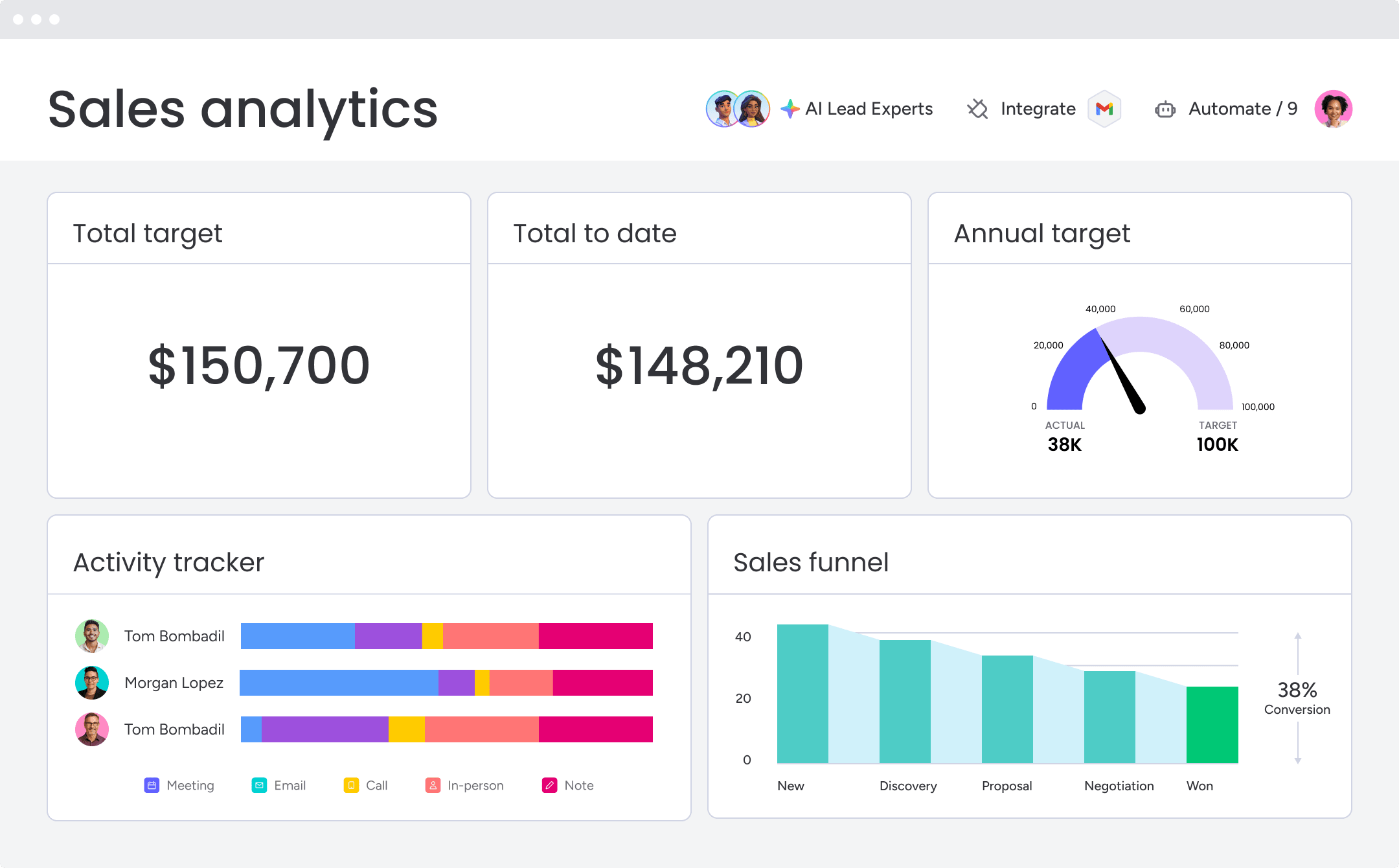
Business intelligence platforms depend on CRM data for comprehensive insights. Integration enables dashboards that combine customer data with financial metrics, operational KPIs, and market trends. Leaders gain a clearer view of business performance and the role of customer relationships in overall results.
How CRM integration works
Understanding integration mechanics helps set expectations and guide platform choices. While implementation details differ, the fundamentals remain consistent. Modern platforms simplify the process with visual interfaces that reduce or eliminate coding.
API architecture and connectivity
APIs define how systems exchange data. They establish rules for what information is shared, how it is formatted, and what actions are supported.
Data mapping and field synchronization
Systems often use different labels for the same data. Data mapping aligns these fields to ensure accurate flow across platforms.
- Standard fields: names, emails, and phone numbers map directly
- Custom fields: industry-specific data requires manual mapping
- Data transformation: some values need reformatting during transfer
- Validation rules: quality checks prevent sync errors
Authentication and security protocols
Modern security protocols protect customer data during integration. OAuth enables secure connections without sharing passwords, encryption protects data in transit, and access controls limit exposure. Audit trails provide visibility for compliance and troubleshooting.
5 CRM integration approaches
Organizations can choose different approaches depending on technical resources, timeline, and complexity. The best option is the simplest method that meets current needs, with flexibility to expand as requirements grow.
1. Native integrations
Most CRM platforms include pre-built connections to popular applications. These install quickly and are supported by the vendor. The monday CRM platform provides hundreds of native integrations that connect in minutes without technical expertise.
2. Integration platform (iPaaS)
iPaaS solutions connect multiple applications through workflow builders. They include pre-built connectors and drag-and-drop interfaces, making it easier to set up complex multi-step workflows without coding.
3. Custom API development
Some organizations require custom-built integrations for proprietary systems or unique business processes. This option provides complete flexibility but requires technical resources and ongoing maintenance.
4. Middleware
Middleware platforms sit between systems to handle complex data transformations and connect legacy applications. This approach is common in large enterprises with older infrastructure.
5. No-code automation
No-code platforms make integration accessible to business users through visual interfaces. These tools support straightforward connections and empower teams to create their own automations without technical support.
Best practices for seamless CRM integration
Following CRM best practices ensures integration delivers long-term value. These guidelines apply regardless of the method you choose.
Define integration objectives
Set clear goals before you begin. Identify the problems integration will solve and the success metrics you will use. Document pain points, desired outcomes, and measurements for ROI. Clear objectives guide every decision and keep teams motivated by showing how success is defined.
Prioritize data quality
Poor data multiplies during integration. Clean and enrich data before connecting systems to prevent errors from spreading. Standardize formats, merge duplicate records, and fill gaps wherever possible. This preparation improves accuracy and efficiency.
Plan for scalability
Business needs evolve. Select platforms that can grow with your organization and accommodate new applications without requiring a rebuild. Scalability ensures the system remains effective as processes change.
Protect security and compliance standards
Integration must maintain data security and meet regulatory requirements. Use access controls, encryption, and audit trails to safeguard customer information. Factor in regulations such as GDPR or industry-specific standards that may apply.
How AI enhances CRM integration
AI advances integration from simple data synchronization to intelligent automation. It identifies patterns, optimizes workflows, and makes setup easier. monday CRM applies AI to make integration more efficient and accessible.
Intelligent automation
AI analyzes customer behavior to trigger actions at the right time. It can optimize email timing, subject lines, and follow-up workflows, continually improving based on results.
Learn more: CRM virtual assistant
Predictive data mapping
AI accelerates setup by suggesting field mappings. It detects relationships between data points across systems, reducing mapping errors and speeding implementation.
Integration recommendations
AI reviews business processes to suggest valuable integrations. It highlights bottlenecks and recommends connections that reduce manual work, often uncovering opportunities teams may not have considered.
Achieve seamless integration with monday CRM
monday CRM adapts to your processes instead of requiring rigid structures. Flexible, no-code capabilities let teams create integrations without relying on IT.
Integration flexibility
The visual workflow builder makes it easy to design automations that match your exact processes. If-then logic allows anyone to build integrations. Key capabilities include:
- Visual workflow design: map data flow between systems
- Flexible triggers: start workflows based on data changes or schedules
- Custom field mapping: connect any data point between platforms
- Bi-directional sync: keep all systems current in real time
Pre-built integrations and APIs
With more than 200 native integrations, monday CRM connects to platforms like Slack, Gmail, Zoom, QuickBooks, and Shopify. Pre-built options activate in minutes with simple authentication. For specialized needs, a robust API framework supports custom connections.
Start your integration journey
Get started with a 14-day free trial. Step-by-step setup guides help you connect essential applications, and integration specialists are available to design advanced strategies tailored to growth.
FAQs
How much does CRM integration typically cost?
CRM integration costs vary from free native integrations to thousands for custom development. Most businesses achieve effective integration for a few hundred dollars monthly through platforms like monday CRM with extensive built-in connections.
How long does CRM integration implementation take?
Simple native integrations complete in hours while complex enterprise projects may take months. Standard integrations connecting popular business applications typically finish within 2-4 weeks with proper planning.
What’s the difference between native and third-party integrations?
Native integrations are built directly into your CRM platform by the vendor, while third-party integrations come from external developers. Native options typically offer more reliable performance and deeper functionality.
Can I integrate multiple applications with one CRM simultaneously?
Yes, modern CRM platforms support numerous simultaneous integrations. You can connect marketing, e-commerce, support, and financial applications to one CRM system based on platform capabilities.
What happens to my existing data during integration setup?
Existing data stays in original systems during setup. Integration creates synchronized connections rather than moving data permanently, with mapping capabilities ensuring information flows correctly between platforms.
Do I need programming skills to set up CRM integrations?
Many integrations require no programming through native connectors and no-code platforms. Complex custom integrations may need technical expertise, but standard business application connections typically use visual interfaces.