

Creative projects often stumble not because teams lack talent, but because the direction guiding them is unclear. Teams can deliver exactly what was requested, yet the outcome still misses expectations. Stakeholders push back, revisions pile up, and projects that should have been straightforward stretch into weeks of back-and-forth.
A creative brief solves this problem by capturing the essential project information upfront — objectives, target audience, deliverables, and success metrics — before creative work begins. Unlike a project plan, which outlines who does what and when, a creative brief translates business goals into actionable creative direction, giving teams a clear framework for execution.
This practical guide explains the core components of strong creative briefs, walks through a five-step process for writing them, and highlights which templates work best for different project types. It also shows how structured workflows can turn static briefs into collaborative workspaces, enabling teams to work in real time while maintaining alignment and clarity from start to finish.
Key takeaways
- Start with clear business objectives: Anchor creative briefs in measurable outcomes to align strategy and reduce revisions.
- Use standardized templates: Consistent structures save time, capture all critical information, and prevent scope creep.
- Include seven essential components: Cover objectives, audience, messaging, deliverables, timeline, budget, and success metrics for complete guidance.
- Build structured feedback and approval cycles: Define revision stages and stakeholder responsibilities to maintain quality and clarity.
- Leverage collaborative platforms like monday work management: Transform briefs into living workflows that connect strategy to real-time execution and tracking.
What is a creative brief and why does it matter?
A creative brief is a structured document that captures essential project information: objectives, audience, deliverables, timelines, and success metrics. It ensures all stakeholders are aligned before creative work begins. This single document keeps marketing directors, designers, and other teams working toward the same goal.
Unlike a project plan that outlines who does what and when, a creative brief defines the what and why. It translates business goals into actionable guidance that creative teams can execute.
Think of it as the bridge between strategy and execution.
Effective briefs significantly reduce revision cycles. By setting clear expectations and success criteria upfront, organizations reduce ambiguity and empower teams to solve the right problems. Research even shows that structured inputs can reduce errors by 15% compared to usual practices.
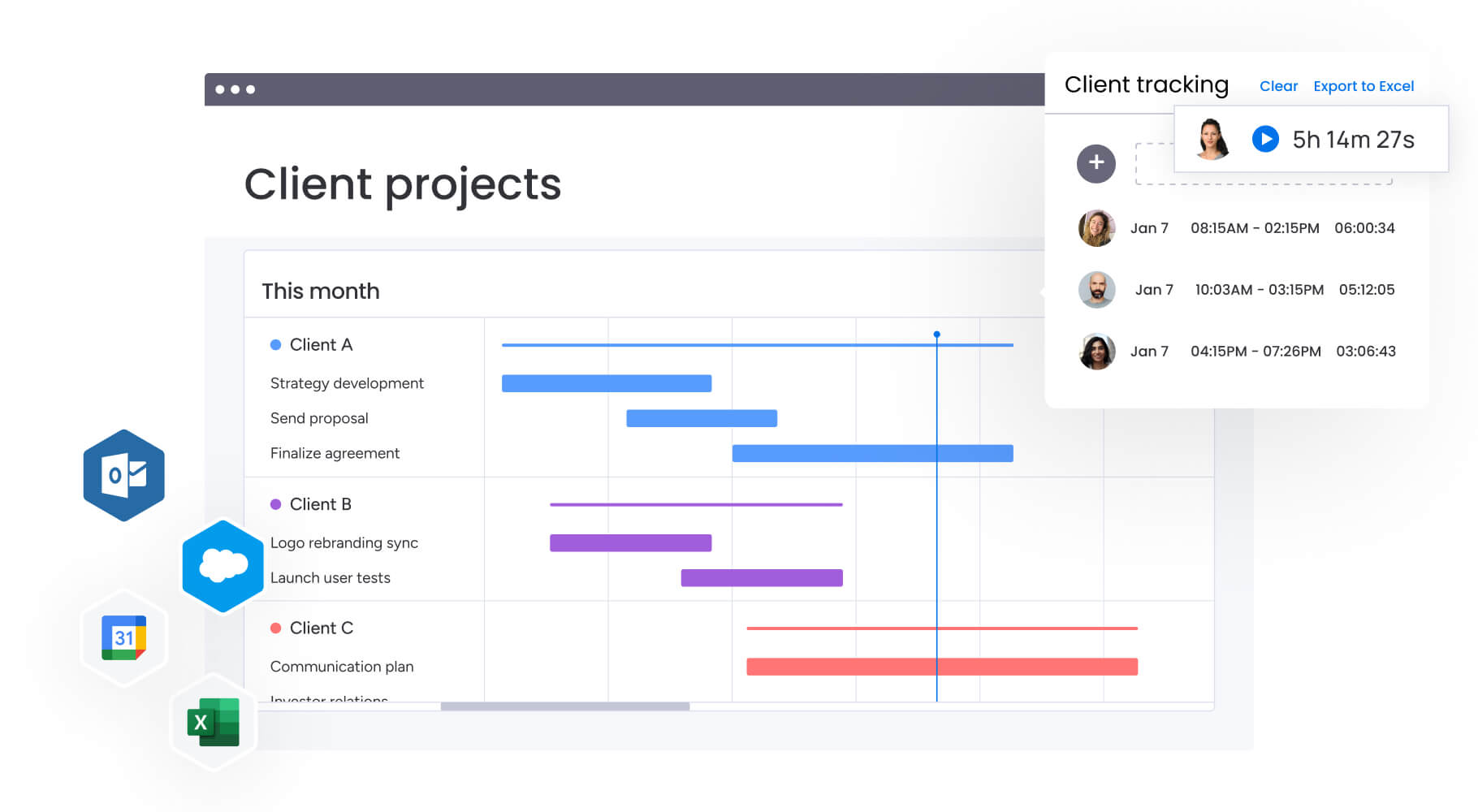
When teams use modern platforms like monday work management for briefs, static PDFs transform into live, collaborative workspaces: the brief updates as the project progresses, so every team member stays on track.
Unlike a project plan that outlines who does what and when, a creative brief defines the what and why. It translates business goals into actionable guidance that creative teams can execute.
Key benefits of using creative brief templates
Creative projects may look different on the surface, but the principles behind an effective brief don’t change. Without a consistent structure, important details slip through, expectations drift, and teams lose time clarifying what should have been defined upfront. Standardized templates solve that problem — and the benefits build quickly.
Save time with standardized templates
Templates solve the blank page problem that stalls project kickoffs. Pre-defined structures reduce brief creation time from hours to minutes, letting strategists focus on content rather than formatting — similar to how AI-enabled standardization can reclaim up to 40% of practitioners’ time and automate routine decision-support tasks.
You’ll save time on:
- Instant project kickoffs: Pre-built sections eliminate setup delays.
- Consistent information capture: Standardized fields ensure critical details are never overlooked.
- Reduced administrative overhead: Budget limits, technical specifications, and approval chains remain visible, preventing delays.
Align stakeholders from day one
Templates get everyone speaking the same language. When marketing, design, product, and leadership teams use consistent formats, they quickly locate information relevant to their roles — studies even demonstrate that standardized templates markedly improve documentation completeness from 38.2% to 87.2% when properly implemented.
Here’s how templates keep teams aligned:
- Early conflict detection: Budget mismatches with requested deliverables become visible before creative work starts.
- Proactive issue resolution: Teams address problems before they impact timelines.
- Cross-functional clarity: Everyone understands their roles and responsibilities from the beginning.
Maintain project focus and budget control
Templates establish boundaries that defend against scope creep. When deliverables and constraints are documented, teams have a neutral reference point for questions.
When requests exceed the agreed scope, the template provides a clear basis for asking for additional budget or time.
Drive higher quality creative output
Detailed templates give creative teams the context they need to nail it the first time. Understanding audience psychographics and competitive positioning helps creatives deliver strategically sound solutions.
You’ll see:
- Reduced revision cycles: Initial outputs are more likely to meet expectations.
- Faster delivery: Higher quality deliverables reach stakeholders on schedule.
- Strategic alignment: Creative work directly supports business objectives.

7 essential components of an effective creative brief
Every strong creative brief contains seven core components. These elements give creative teams the clarity and context they need to deliver exceptional results.
1. Project overview and business objectives: Connect creative work to measurable business goals. Include background context, the problem you aim to solve, and objectives that focus on outcomes, such as increasing lead generation by 20%. This ensures creative teams understand exactly what success looks like.
2. Target audience and user personas: Go beyond demographics to include psychographic details, behavioral insights, and key pain points. Describe who the work serves, what they care about, and where they interact with your brand. This allows creatives to design solutions with empathy and precision.
3. Key messages and brand voice: Define the single-minded proposition, the one thing audiences must remember. Outline the messaging hierarchy and set the tone of voice. This keeps creative execution consistent with the brand and ensures clarity between what you say and how you say it.
4. Deliverables and technical specifications: List all required outputs, including file formats, dimensions, resolution, and platform constraints. Providing these details upfront prevents technical bottlenecks and ensures designs are fit for purpose, whether for billboards, mobile screens, or video players.
5. Timeline and project milestones: Map the full workflow, not just final deadlines. Include concept presentations, feedback rounds, approval stages, and handoff dates. This helps teams allocate resources efficiently and integrate feedback loops into the schedule.
6. Budget and resource allocation: Outline the budget and team capacity, covering production costs, media spend, external resources, and internal contributors. Clear financial parameters help creative teams design solutions that fit within scope and available resources.
7. Success metrics and performance KPIs: Define success before starting work. Include the metrics you will track, such as click-through rates, conversion numbers, or brand sentiment scores. This ties creative output directly to the business objectives established at the outset.
Modern platforms like monday work management provide the structure to keep all creative briefs, milestones, and resources in one place. Teams gain real-time visibility into projects, ensuring alignment across stakeholders while maintaining efficiency. Get started with monday work management to streamline your creative process.
Try monday work managementHow to write a creative brief in 5 strategic steps
Writing a creative brief transforms complex business requirements into clear creative direction. By following these five steps, you can turn broad project ideas into actionable guidance grounded in data and alignment, not assumptions.
Step 1: Conduct stakeholder discovery sessions
Engage key stakeholders early to uncover hidden assumptions, conflicting priorities, and unspoken requirements. These conversations clarify the project’s real objectives and ensure alignment from the start, reducing the risk of late-stage changes.
Discovery sessions help executives and team members get on the same page and ensure the creative team works toward a unified goal. They also create a shared understanding of success criteria before work begins.
Step 2: Define measurable project objectives
Transform general aspirations into concrete, trackable goals. Use frameworks like SMART to turn statements such as “we want a cool video” into clear objectives like “we need a 30-second explainer that increases demo sign-ups by 15%.”
This approach connects creative exploration to measurable business value, giving teams a tangible benchmark for success. Clear objectives also help prioritize resources and focus creative efforts effectively.
Step 3: Research and document target audiences
Replace assumptions with data-driven insights. Collect information from customer research, analytics, and sales records to accurately define primary and secondary audiences.
Balancing these segments ensures creative resonates with high-value users while still appealing to other important groups. This research also informs messaging, tone, and channel selection for maximum impact.
Step 4: Map creative requirements and deliverables
Turn project scope into a definitive inventory. Document all assets needed, from primary campaign visuals to social media variations and other cross-channel formats.
Planning upfront ensures creative assets are adaptable and consistent across channels. It also reduces last-minute production delays and prevents gaps in execution.
Step 5: Establish timeline, budget, and success criteria
Set clear constraints by defining realistic timelines, budgets, and success metrics. Build schedules backward from launch dates, accounting for dependencies, reviews, and approval cycles.
Establishing success criteria upfront ensures both business and creative teams have shared expectations. This clarity enables smoother execution and better alignment between strategic goals and creative output.
Get it now: Brand brief template
6 types of creative brief templates for every project need
Not every creative project asks the same questions. A video production brief needs different inputs than a website redesign or a paid ad campaign. That’s why tailored templates matter. The table below outlines the primary focus and key sections for each brief type, followed by a closer look at how each one works in practice.
| Template type | Primary focus | Key sections |
|---|---|---|
| Marketing campaign brief | Channel strategy, customer journey | Campaign phasing, touchpoint mapping, messaging consistency |
| Graphic design brief | Visual execution, aesthetics | Mood boards, color palettes, usage rights, file formats |
| Video production brief | Narrative, logistics | Script requirements, casting, location, post-production specs |
| Advertising creative brief | Persuasion, response | USP, CTA, media placement, compliance requirements |
| Social media campaign brief | Engagement, platform nuances | Hashtag strategy, content calendar, influencer details |
| Website design brief | User experience, functionality | Site architecture, user flows, SEO, CMS integration |
Marketing campaign brief template
Integrated campaigns require big-picture thinking. This template focuses on channel strategy, campaign phasing, and customer touchpoints to maintain consistent messaging and visuals across email, social, and paid media.
Graphic design brief template
For projects prioritizing visuals, this template emphasizes aesthetic preferences, style guidelines, and technical formats. Sections for mood boards, color palettes, and usage rights help designers understand boundaries and application contexts.
Video production brief template
Video projects involve complex logistics. This template outlines narrative structure, script requirements, casting, location, and post-production needs. It also includes technical specifications like aspect ratios and captioning.
Advertising creative brief template
Designed to drive response, this template highlights the competitive landscape, unique selling propositions, and calls to action. It also details media placement and compliance requirements to maximize campaign effectiveness.
Social media campaign brief template
Engagement is the focus. This template addresses platform-specific strategies like hashtag use, community management, influencer collaborations, content calendars, and real-time engagement guidelines.
Website design brief template
User experience drives this template. It includes site architecture, user flows, functionality, SEO considerations, and CMS integration. This ensures designs are both visually appealing and functional across devices.
Creative brief examples that drive results
Seeing some practical examples can really help translate strategy into clear creative guidance. The following briefs demonstrate how these principles work across different industries and project types:
- B2B marketing brief example: Focuses on complex buying committees and long sales cycles. Strong B2B briefs emphasize educational content, trust-building, and lead nurturing over impulse conversion.
- E-commerce campaign brief sample: Structured around the path to purchase. Highlights product photography, promotional mechanics, urgency triggers, and mobile-first design to reduce checkout friction.
- Product launch brief template: Coordinates multi-phase efforts, synchronizing PR, internal enablement, and external marketing. Distinct audiences for each phase are mapped to clear deliverables.
- Agency creative brief format: Manages client-vendor relationships. Includes approval hierarchies, revision protocols, and billing milestones, protecting both agency profitability and client budgets.
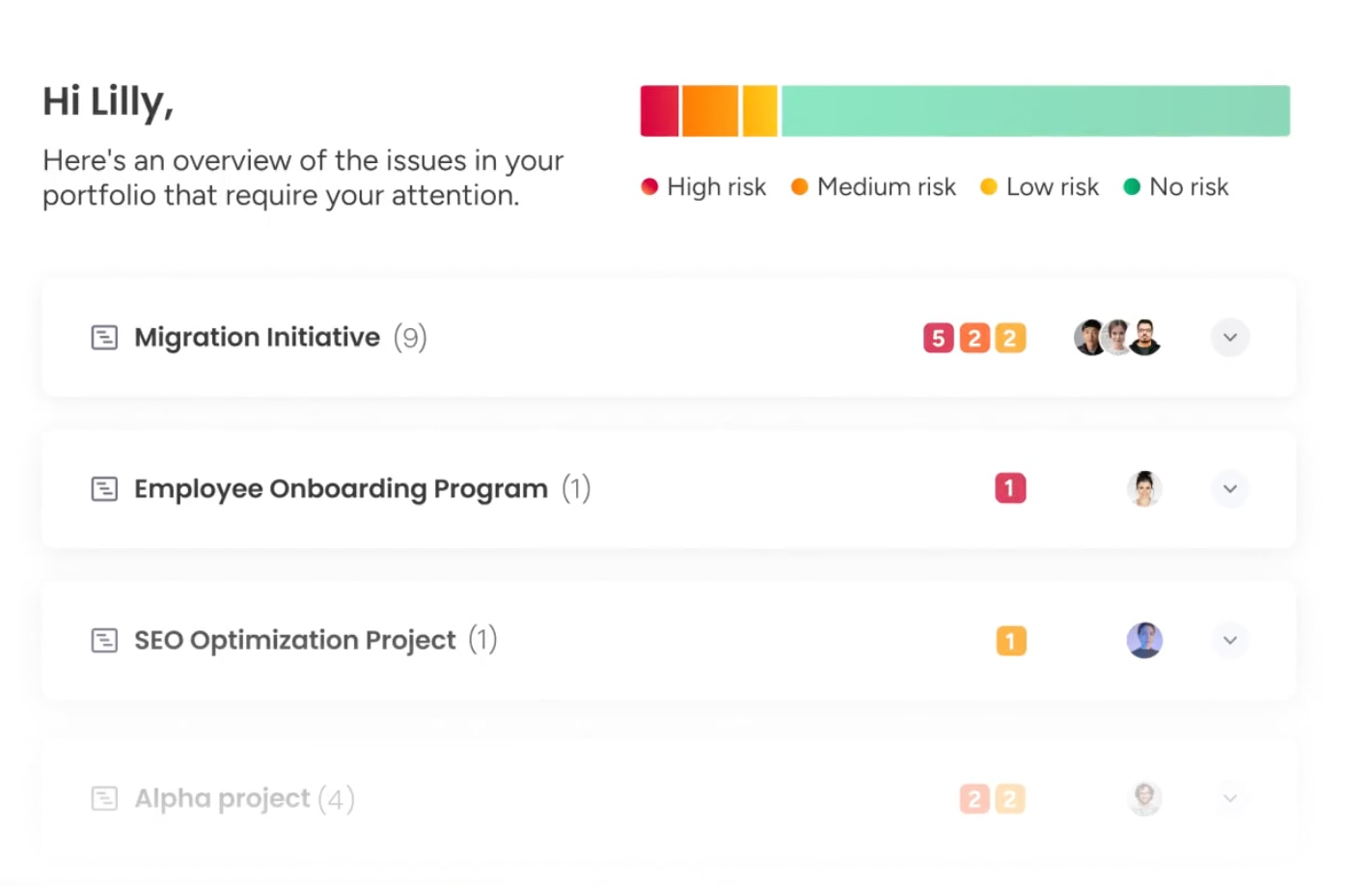
Modern platforms like monday work management can help centralize project details, timelines, and assets, giving teams real-time visibility and supporting collaboration across campaigns. The features below show how monday work management keeps strategy and execution aligned.
Try monday work managementBest practices for writing creative briefs that get approved
Getting approval requires more than good ideas. Success comes from presenting strategically sound documents that are clear, concise, and visibly aligned with business goals.
These proven practices increase approval rates and accelerate project timelines:
Start with business objectives
Executives approve what they understand. Anchoring each creative request in measurable business outcomes demonstrates strategic maturity. When briefs connect creative work to revenue, retention, or growth, they move from marketing expense to business investment.
Use specific, measurable language
Ambiguity triggers revisions. Replace subjective terms with objective references to ensure alignment. Specific phrasing like “use high-contrast colors similar to our Q3 campaign” reduces interpretation bias.
Include visual references and mood boards
Words alone often fail to capture visual nuance. Embedding visual references, competitor examples, and mood boards bridges the gap between verbal strategy and visual execution. These assets give design teams concrete starting points and align stakeholder expectations on style.
Build in feedback and revision cycles
Iterative processes produce stronger work. Structuring briefs with specific feedback windows acknowledges that creativity is collaborative. Defining who provides feedback and when prevents chaotic “design by committee” approaches that dilute final output.
Words alone often fail to capture visual nuance. Embedding visual references, competitor examples, and mood boards bridges the gap between verbal strategy and visual execution
Maximizing agency collaboration with creative briefs
Working with external partners requires stronger documentation and disciplined processes. A clear brief acts as a contract for relationships, ensuring agencies deliver value without scope creep.
- Setting expectations from the start: Briefs establish engagement rules. They define communication protocols, meeting cadences, and preferred deliverable formats. Clear expectations regarding turnaround times and availability prevent friction and build professional respect.
- Defining roles and responsibilities: Ownership prevents confusion. Briefs document who has authority to approve work and who is accountable for delivery. This clarity streamlines communication and ensures feedback is consolidated and authoritative.
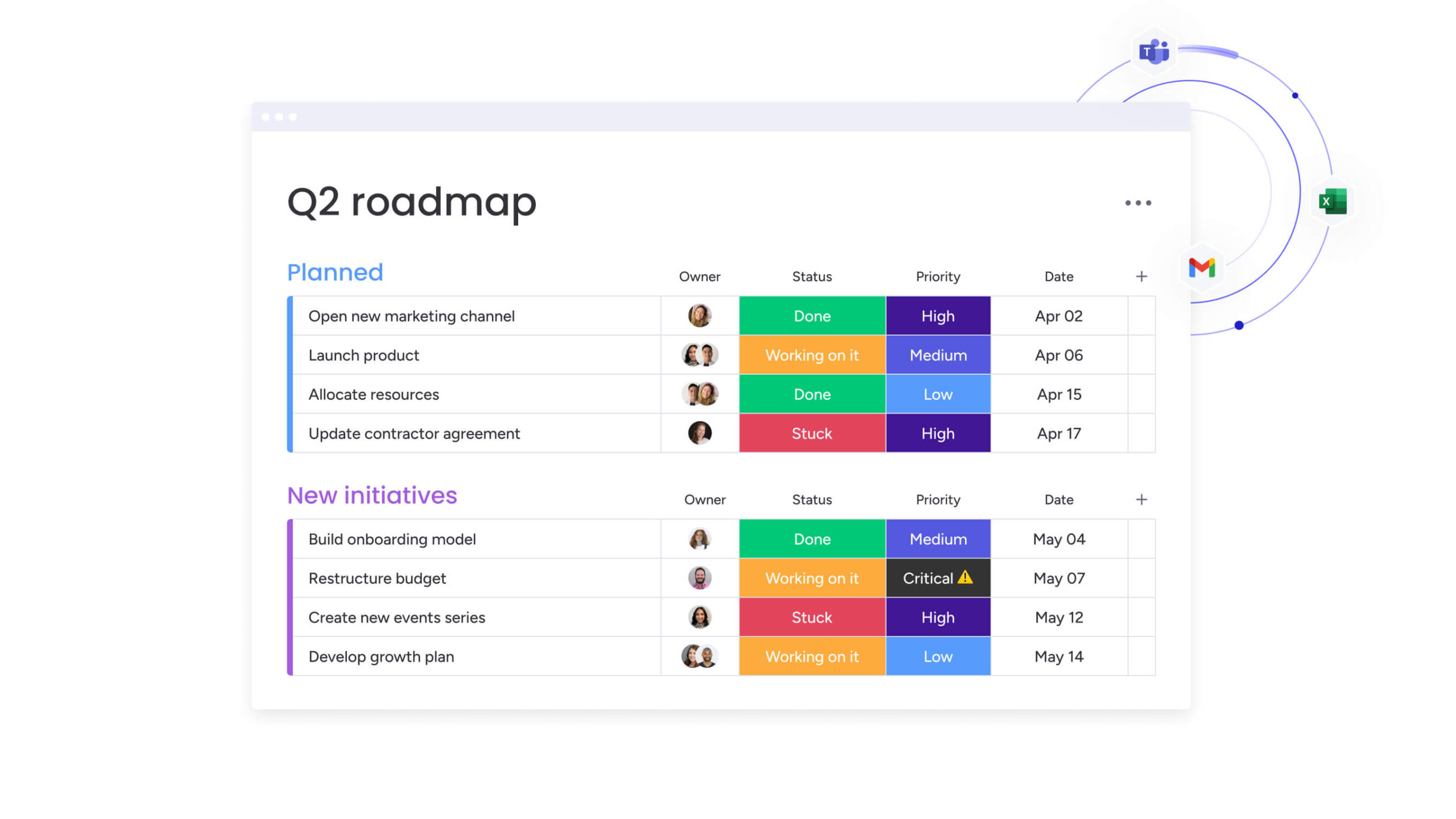
- Creating approval workflows: Structured approvals maintain momentum. Briefs outline the specific stages where sign-off is required — concept, draft, and final. This approach prevents agencies from proceeding too far without validation, saving time and budget.
- Managing revisions and feedback: Constructive feedback drives quality. Briefs provide frameworks for delivering feedback — consolidated, specific, and actionable. Revision round limits protect project timelines and agency relationships.
How AI enhances creative brief development
Artificial intelligence shifts creative brief creation from manual administration to data-informed strategy. AI helps generate, refine, and optimize briefs by analyzing historical data and offering predictive insights.
Modern AI capabilities change how teams approach briefing and project planning:
Automated brief generation from past projects
AI reviews repositories of high-performing campaigns to create draft briefs for new initiatives. Pattern recognition identifies successful approaches and pre-fills sections with relevant data.
This reduces the time between initial idea and completed brief significantly.
Smart content suggestions based on objectives
Intelligent assistants recommend brief elements based on stated goals. For example, if the objective is brand awareness, AI suggests relevant KPIs and channel strategies.
It functions as a strategic partner, ensuring briefs include the necessary components to achieve desired outcomes.
Predictive analytics for timeline and budget planning
Historical project data informs future planning. AI evaluates past campaigns to estimate realistic timelines and budgets for similar projects.
This data-driven method reduces overpromising and underdelivering, resulting in more accurate and achievable plans.

Turn static briefs into living workflows with monday work management
Traditional briefs often sit in static documents, disconnected from the tools teams use to actually deliver the work. That gap creates friction between strategy and execution.
Intelligent platforms like monday work management close it by embedding briefs directly into operational workflows. The comparison below shows how this approach differs from traditional methods, followed by a closer look at the specific features that make the difference in practice.
| Aspect | Traditional approach | monday work management |
|---|---|---|
| Brief creation | Static documents circulated via email | Collaborative Workdocs with real-time co-editing and embedded data |
| Stakeholder input | Fragmented across email chains and meeting notes | Centralized feedback loops and contextual comments within the brief |
| Project handoff | Manual transcription of requirements into project tools | Automated generation of project boards and tasks directly from the brief |
| Progress tracking | Disconnected status updates and manual reporting | Live dashboards connecting brief objectives to real-time execution data |
| Revision management | Version control issues with multiple file copies | Built-in version history, visual proofing, and approval workflows |
| Resource planning | Capacity planning in separate spreadsheets | Integrated workload management connected to project timelines |
Connect briefs to automated task creation
Briefs become action triggers. Approving a brief on monday work management automatically generates project boards, assigns team members, and sets deadline alerts.
This eliminates manual project setup and ensures that all brief requirements translate into trackable workflows.
Enable real-time collaboration with Workdocs
Static files often sit in inboxes. Workdocs live on the platform where teams collaborate in real-time, tagging colleagues, adding comments, and embedding live widgets directly into documents.
Briefs evolve with conversations, and team members work from the most current version.
Track progress from brief to final deliverable
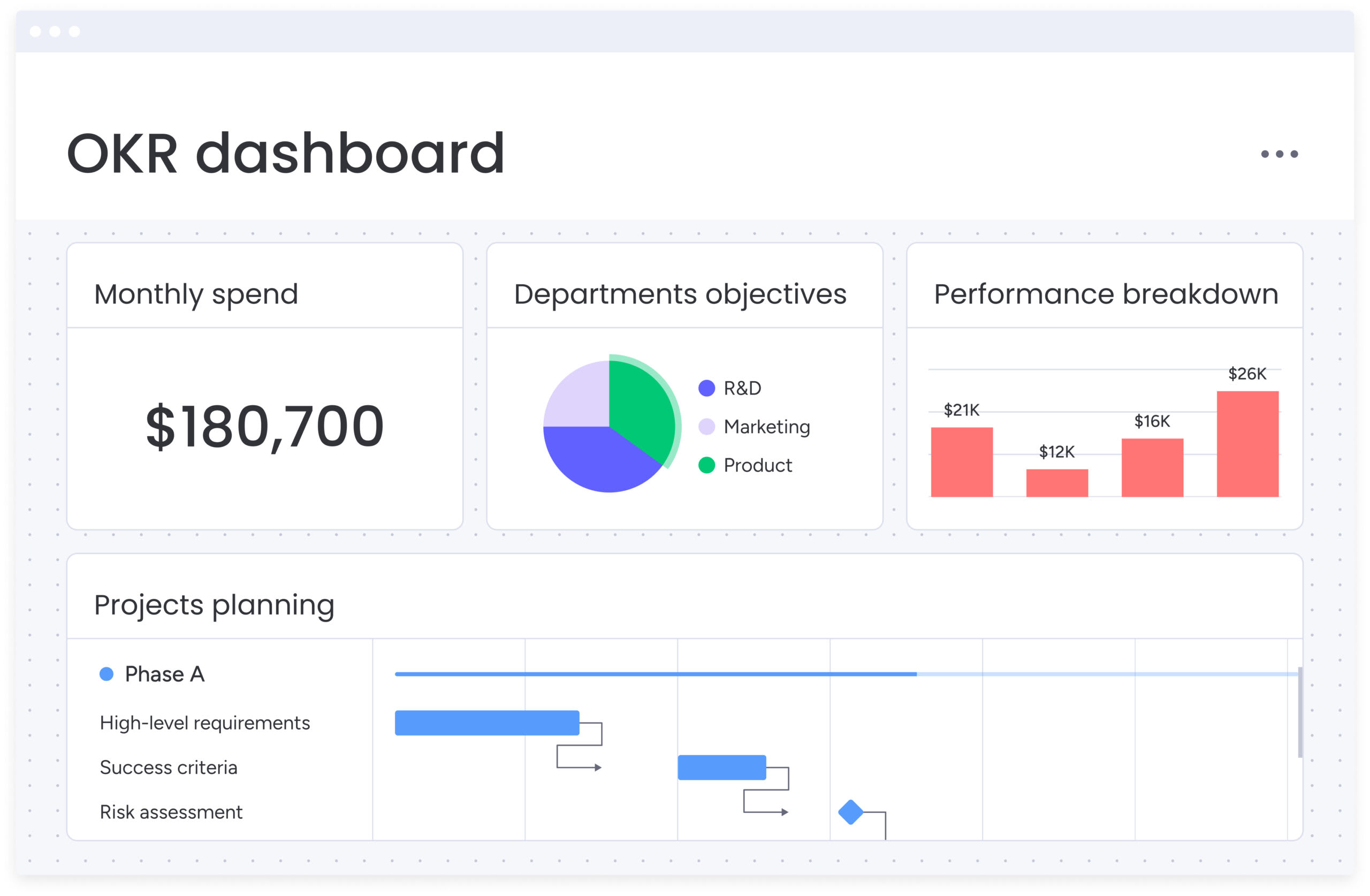
Visibility links strategy to execution. Dashboards connect objectives defined in briefs to live project status.
Stakeholders see how creative work progresses against goals, budgets, and timelines established at the start.
Integrate AI-powered brief optimization
AI enhances briefing by categorizing incoming requests, extracting key data points to auto-populate brief fields, and summarizing stakeholder threads into concise action items.
This ensures creative teams receive structured, actionable information efficiently.

“monday.com has been a life-changer. It gives us transparency, accountability, and a centralized place to manage projects across the globe".
Kendra Seier | Project Manager
“monday.com is the link that holds our business together — connecting our support office and stores with the visibility to move fast, stay consistent, and understand the impact on revenue.”
Duncan McHugh | Chief Operations OfficerBuild a scalable creative briefing system today
A creative brief shouldn’t just kick off a project — it should shape how work gets done.
When briefs are clear, structured, and consistently used, they reduce ambiguity, protect scope, and connect creative output directly to business goals. The result isn’t just fewer revisions. It’s better decisions, faster execution, and work that performs.
Building a scalable briefing process starts with the fundamentals: choose the right template for the project, define measurable objectives, clarify roles and approvals, and document success criteria upfront. From there, the real advantage comes from integration. When briefs are embedded into operational workflows rather than stored as static documents, strategy stays visible throughout execution.
Platforms like monday work management enable that shift, turning briefs into living workspaces that connect planning, collaboration, and performance in one place.
Start with one high-impact project. Refine the process. Then scale it across teams. Over time, the creative brief stops being paperwork — and becomes a core part of how the organization delivers consistent, high-quality results.
Try monday work managementFrequently asked questions
What is the difference between a creative brief and a design brief?
A creative brief focuses on high-level strategy, messaging, and business objectives for campaigns, while a design brief details visual execution, aesthetic requirements, and technical specifications for design assets.
How detailed should a creative brief be?
It should be concise enough to digest yet detailed enough to guide decisions — typically one to two pages covering objective, audience, core message, deliverables, and success metrics without micromanaging the creative solution.
Who should approve the final creative brief?
Approval comes from the primary project stakeholder with budget and strategic authority, plus the creative lead responsible for execution to ensure feasibility.
When should you revise a creative brief during a project?
Revisions are necessary when fundamental parameters change, such as shifts in target audience, business objectives, or major scope adjustments, not for minor creative iterations.
Can one creative brief template work for all project types?
Core strategic components remain constant, but project types like video versus web design need specialized templates to capture unique technical specifications and platform requirements effectively.
How does monday work management improve creative brief collaboration?
Transforming briefs into living Workdocs allows real-time collaboration while connecting approved strategy to actionable workflows, task assignments, and progress dashboards, keeping teams aligned from concept to completion.

 Get started