


Open source CRM software promises total freedom. Full access to the source code, no vendor lock-in, and the ability to customize everything exactly how you want it. For sales teams fed up with rigid platforms and pricing models that actually penalize your success? That freedom sounds like the holy grail.
But here’s the reality most teams discover too late: “free” software still costs you. Server management, security patches, custom development, and the constant pull on your technical team add up fast. The flexibility you wanted becomes a second job. And while your developers are debugging integrations, your sales reps are still waiting for the features they actually need.
We’ve broken down 13 open source CRM platforms based on what actually matters — practical flexibility you can use, not just theoretical customization nobody has time for. We’ll break down what makes CRM software truly open source, the hidden costs that catch teams off guard, and how to evaluate whether open source fits your business. We’ll also explore when no-code platforms deliver the same level of control without the technical overhead, so you can make a decision that actually moves your revenue forward.
Try monday CRMWhat makes CRM software truly open source
True open source CRM hands you the keys to the kingdom: complete source code access. You get full transparency into the source code and freedom from vendor contracts. You see exactly how everything works and can modify whatever you need.
But watch out for the “open-core” trap. Some vendors offer a peek at the basic code while hiding the features you actually need behind a paywall. Real open source gives you everything, no strings attached.
The license attached to the code determines your freedom:
- Share-alike licenses: Require you to share any improvements back with the community
- Permissive licenses: Let you keep your work private and proprietary
- Choosing the right fit: It’s all about selecting the flexibility level that matches your team’s goals
Key benefits driving open source CRM adoption
To be direct: choosing open source CRM isn’t just a technical decision — it’s a power play. You’re reclaiming ownership of your data, your tools, and your budget in ways that closed-off platforms simply don’t permit. Teams who want to architect their growth engine on their own terms, not according to vendor specifications, gravitate toward these solutions.
1. Your data stays yours. Period.
Most CRMs store your customer data on someone else’s servers, governed by their policies. Open source flips this dynamic entirely — essential for regulated industries or anyone demanding genuine ownership.
- Total control: You decide where your data lives, who sees it, and how it’s secured. No third-party access or unexpected data mining.
- Easy exit: Need to move your data? Export everything without begging your vendor or paying extraction fees. It’s your data, after all.
2. Build the exact CRM you actually need
Off-the-shelf CRMs force you to work their way. Open source platforms hand over complete architectural control, enabling you to construct a tool that mirrors your actual sales process.
- Deeper customization: Go beyond cosmetic changes. Modify core business logic or integrate unique algorithms directly into the CRM.
- Industry-specific workflows: Stop trying to fit a square peg in a round hole. Build the exact features your specialized team needs to win.
3. Stop paying per seat
Your team is growing — that’s a good thing. So why get penalized with a bigger bill for every new hire? Open source breaks the per-user licensing model that holds fast-growing teams back.
- Predictable spending: Your costs are tied to hosting and development, not headcount. Scale your team without scaling your CRM bill.
- Smarter budget: Reinvest the money you save on licenses into custom features that actually help your team sell more.
The technical trap of open source CRM
Open source CRM sounds great until you’re moonlighting as a server administrator. That “free software” needs a powerful and pricey home, meaning you’re suddenly managing cloud hosting, database performance, and a monthly bill that can easily top $2,000.
Want the platform to actually fit how you sell? That’ll be one dedicated developer, please — or a contractor bill that makes your CFO sweat. Those customizations burn through hundreds of hours while your team should be doing one thing: closing deals.
And the work is never done. You’re now on the hook for every security patch, data backup, and disaster recovery plan. A missed update doesn’t just create a hassle — it puts your customer data at risk.
Try monday CRM13 open source CRM platforms ranked by flexibility
“Open source CRM” can mean anything from a simple contact list to a system that needs its own IT department. We ranked these platforms on one thing: practical flexibility. Can you actually adapt it to your sales process without a computer science degree?
The promise is freedom and endless customization. The reality? You’re often trading vendor lock-in for developer dependency. This ranking separates the truly flexible platforms from the ones that require a coder just to add a new field.
Let’s cut through the noise: which platforms can you configure over your morning coffee, and which ones need a tech team on permanent standby? It’s all about finding that sweet spot between power and practicality.
1. monday CRM
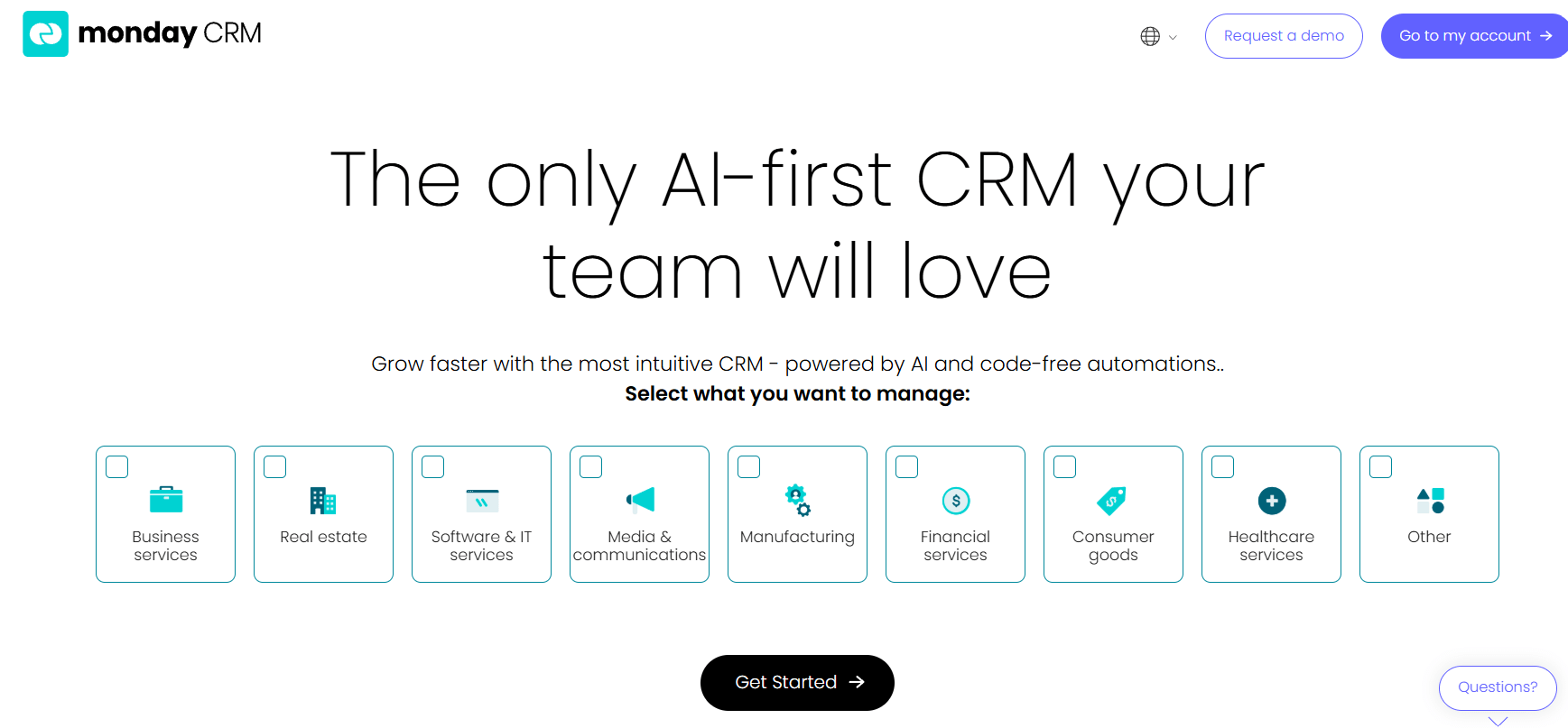
monday CRM gives you enterprise-grade flexibility without the code. Our visual, drag-and-drop tools eliminate the technical headaches that come standard with traditional open source platforms. Revenue teams configure complex workflows, custom data structures, and automated processes through an intuitive drag-and-drop interface rather than writing code or modifying database schemas. We handle the hard stuff — AI intelligence and rock-solid security — so you get all the customization power without the technical baggage.
Example:
Organizations create custom fields, relationship structures, and workflow automations without programming knowledge while benefiting from enterprise security and AI capabilities that open source platforms typically lack.
- Revenue teams: Adapt pipeline stages, deal qualification criteria, and territory assignment rules in real time — no developer tickets, no deployment cycles
- Sales operations teams: Build custom lead scoring models using dropdown columns and status labels, then automate lead routing based on geography, deal size, or product interest
- Account managers: Track client onboarding progress across multiple touchpoints, logging emails, meetings, and notes in a unified timeline that surfaces relationship history instantly
Key features:
- Visual workflow automation: Point-and-click configuration that connects triggers, conditions, and actions without scripting. Teams build multi-step sequences like “when deal stage changes to ‘Proposal Sent,’ wait 3 days, then send follow-up email and notify sales manager” — all through dropdown menus and natural language prompts.
- Custom data structures and deal pipelines: Match exact sales methodologies through drag-and-drop interface. Add custom fields for industry-specific data points (contract value, renewal date, implementation timeline), create relationship links between deals, accounts, and contacts, and design pipeline stages that reflect your actual sales process — from discovery to closed-won.
- Professional-grade security: SOC 2 Type II compliance, GDPR adherence, and enterprise encryption as managed services. Unlike open source platforms where security implementation falls on your team, monday CRM handles infrastructure hardening, vulnerability patching, and compliance audits as part of the platform.
- Centralized communication tracking: The Emails & Activities timeline consolidates every customer interaction — emails, calls, meetings, notes — into a single chronological view. Sales reps see complete relationship history before every call; managers review team activity without digging through inboxes.
Pricing:
- Annual subscriptions show 18% discount versus monthly billing
- Plans start from 3 seats minimum
Why it stands out:
- No-code customization depth: Rivals what open source platforms achieve through custom code while remaining accessible to non-technical users. Revenue operations teams reconfigure pipeline stages, add custom fields, and modify automation rules in minutes — no pull requests, no code reviews, no deployment windows.
- Built-in AI features: Provide capabilities that open source platforms typically lack entirely, requiring no custom development or model training. AI Blocks automatically extract contract terms from uploaded PDFs, summarize lengthy email threads into actionable bullet points, and classify leads by sentiment or urgency — all without writing a single line of code.
- Enterprise security as managed services: Eliminates specialized expertise requirements rather than self-implemented responsibilities. Your team focuses on selling; monday CRM handles infrastructure security, compliance certifications, and data protection protocols.
- Unified customer journey management: Extends beyond traditional CRM boundaries. Track post-sales activities like client onboarding, renewal management, and collection status alongside your sales pipeline through comprehensive customer tracking — all in one platform. Account managers collaborate with legal and finance teams directly within deal records, eliminating handoff friction.
Advanced AI features:
- AI Blocks: Automatically consolidate communication threads into timeline summaries, showing key decisions, action items, and next steps at a glance. Extract structured data from contracts, invoices, and proposals — pulling out dates, dollar amounts, and terms without manual data entry.
- Email composition assistance: Accelerates customer outreach with intelligent content generation. Provide a simple prompt like “follow up on pricing discussion” and AI drafts a professional email using context from previous conversations. Adjust tone (formal, friendly, direct) and length to match your communication style.
- AI columns: Classify, summarize, and extract information without manual data entry. Automatically detect sentiment in customer emails (positive, negative, neutral), translate messages into multiple languages, or assign leads to the right sales rep based on territory, product expertise, or current workload.
- Custom AI actions: Define specific instructions for data processing. Tell AI to “extract company size and industry from lead descriptions” or “summarize meeting notes and identify next steps” — the platform handles the rest, applying your rules to every new record automatically.
Automations:
- Recipe-based automation builder: Connects multiple systems and triggers follow-up sequences when deals stall. Set up rules like “if deal hasn’t moved in 7 days, send reminder email to rep and notify manager” or “when contract is signed, create onboarding project and assign account manager.”
- Territory-based lead assignment rules: Operate automatically without manual intervention. Route inbound leads to the right sales rep based on geography, company size, industry, or product interest — ensuring fast response times and balanced workload distribution.
- Multi-step workflows: Synchronize data across connected systems through visual configuration. When a deal closes in monday CRM, automatically create a customer record in your billing system, generate an onboarding checklist, and schedule a kickoff call — no Zapier required, no custom code.
- Conditional automations: Adapt to your sales process nuances. Build logic like “if deal value exceeds $50K, require VP approval before moving to contract stage” or “when lead source is ‘referral,’ skip qualification stage and assign to senior rep immediately.”
Integrations:
- 200+ plug-and-play integrations: Connect Gmail, Outlook, Slack, DocuSign, and Salesforce without coding. Sync contacts bidirectionally, log emails automatically, and push deal updates to your team’s communication channels in real time.
- API access: Enables custom integrations for enterprise-specific requirements. Connect proprietary systems, build custom data pipelines, or extend platform functionality through webhooks and REST endpoints.
- Real-time data synchronization: Maintains consistency across all connected platforms. Update a contact’s email in monday CRM and see the change reflected in your marketing automation tool, support ticketing system, and accounting software instantly.
- Native email integration: Lets reps send and track messages without leaving the CRM. Compose emails using dynamic fields (first name, company, deal value), apply branded templates, and monitor open rates and link clicks — all within the deal record.
Open source CRM software features:
- Visual board customization: Provides the flexibility of open source without requiring technical expertise or ongoing maintenance. Modify field types, adjust column widths, and reorganize layouts through drag-and-drop — no database migrations, no schema changes.
- Custom field creation and relationship mapping: Deliver database-level control through intuitive interfaces. Define one-to-many relationships between accounts and contacts, create lookup fields that pull data from related records, and build hierarchical structures that mirror your organizational chart.
- Workflow automation capabilities: Match open source functionality while eliminating code dependencies and security management overhead. Build complex, multi-branch automations using visual logic builders — no Python scripts, no cron jobs, no server maintenance.
2. Twenty
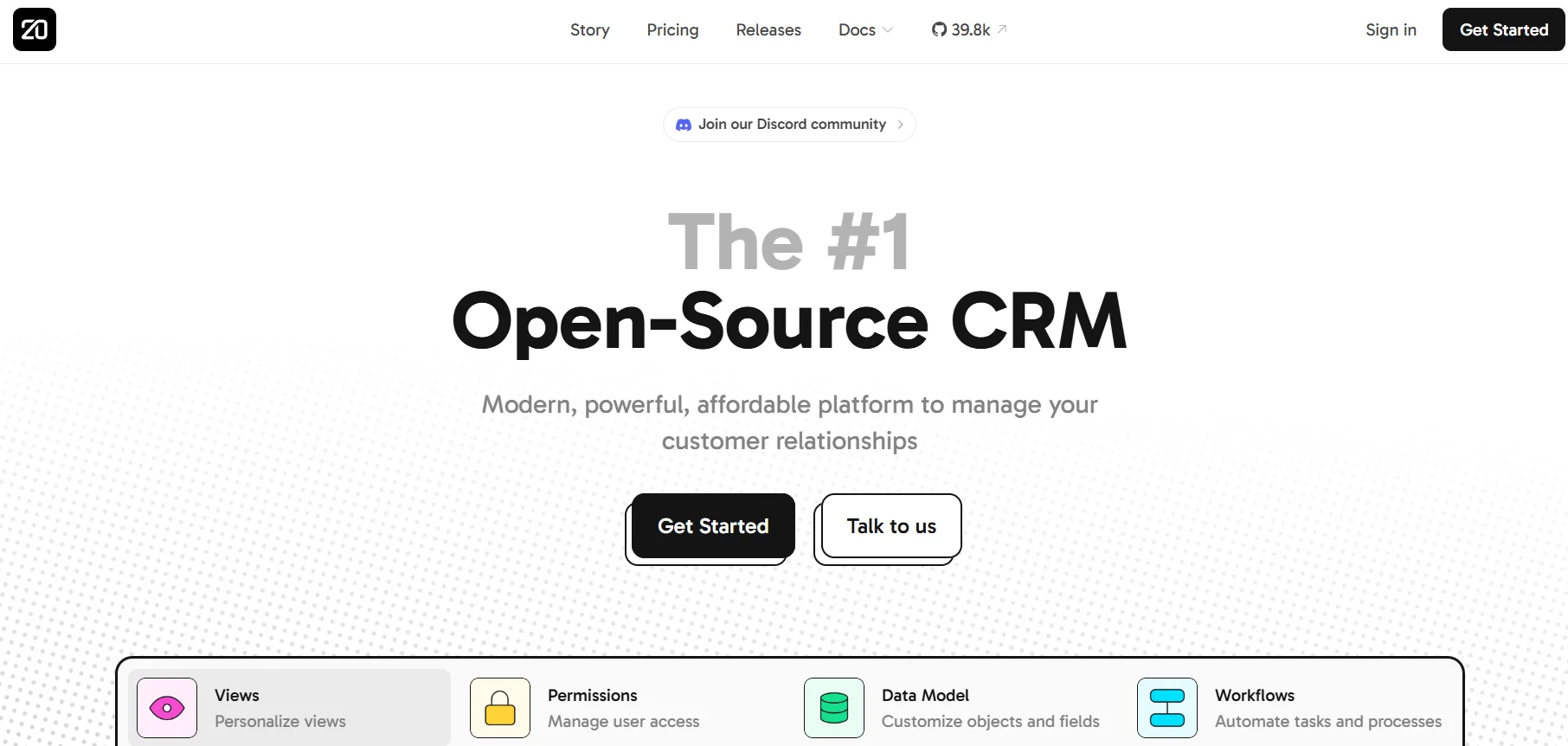
Twenty delivers an open-source CRM with a developer-first approach that puts customization control directly in your hands. The platform combines no-code data modeling with auto-generated APIs, making it a solid choice for technical teams who want to build custom workflows without vendor lock-in. If you have strong development capabilities, you can leverage Twenty’s GPL licensing and self-hosting options to create a truly tailored CRM.
Use case:
Technical teams seeking complete ownership and customization of their CRM, ready to move beyond the constraints of proprietary platforms.
Key features:
- No-code data model builder: Creates unlimited custom objects and fields with auto-generated APIs
- Visual workflow automation: Triggers, actions, and integrations to connect internal processes with external tools
- Role-based permissions: Object and field-level controls, plus workspace-wide access management
Pricing:
- Annual billing offers a 25% discount
- Additional workflow credits available for purchase
Considerations:
- Workflow concurrency is capped at 100 parallel executions, which could limit high-volume automation
- Its technical nature can be a barrier for non-developer teams who need more business-user-friendly customization
3. SuiteCRM
SuiteCRM delivers enterprise-grade CRM capabilities without the enterprise price tag — completely open source and license-free. Born from SugarCRM’s codebase in 2013, it serves organizations from SMEs to large enterprises who demand full data control and unlimited user scaling. What distinguishes this platform is its comprehensive no-code customization suite paired with a unique “unlimited users” pricing model that eliminates per-seat cost pressure.
Use case:
Organizations requiring extensive process automation and deep customization while maintaining budget control and data ownership find SuiteCRM particularly compelling.
Key features:
- Studio and Module Builder: Create custom modules, fields, and relationships through drag-and-drop interfaces without writing code
- Workflow automation: Build event-driven processes with visual condition builders and calculated field expressions
- Advanced reporting: Design custom reports with charts, filters, and scheduled delivery using drag-and-drop tools
Pricing:
- All hosted plans include unlimited users with no per-seat charges
- Optional add-ons: Elasticsearch server (£600/year), Sandbox instance (£600/year)
Considerations:
- Workflow engine focuses primarily on record creation/modification and email actions — complex multi-stage automations may require custom development
- Some popular add-ons still primarily support version 7.x, requiring compatibility verification for version 8.x deployments
4. ERPNext
ERPNext delivers comprehensive business management with CRM capabilities built into a full ERP suite. Small to medium businesses seeking integrated functionality without per-user licensing costs find it particularly attractive — especially those wanting unified sales, inventory, and accounting management under one roof.

Use case:
Small to medium businesses wanting integrated CRM and ERP functionality with extensive customization options and zero licensing fees.
Key features:
- Metadata-driven customization: Visual form builders, workflow designers, and report creators — no coding required
- Integrated business suite: CRM, inventory management, accounting, and project management in one platform
- API-first architecture: Custom fields automatically become accessible endpoints for seamless integrations
Pricing:
- Implementation Success Packs: $500 to $8,000 for guided setup and training
Considerations:
- Heavy customizations can complicate future upgrades, requiring careful planning to avoid breaking changes
- Advanced reporting features like SQL queries are restricted on cloud hosting for security reasons
5. Odoo
Odoo delivers a complete business suite with CRM at its core, built on modular architecture that grows with your needs. Small and mid-sized companies seeking an all-in-one solution benefit from 50+ integrated apps spanning sales to accounting. With 15 million users worldwide and transparent per-user pricing, Odoo eliminates the complexity of managing multiple disconnected systems.

Use case:
Organizations wanting modular business software with CRM as the starting point can scale functionality by adding inventory, accounting, or e-commerce modules as requirements evolve.
Key features:
- Modular app ecosystem: 50+ core applications and 50,000+ community extensions
- Unified data model: Seamless integration across all business functions
- Odoo Studio: No-code customization of forms, workflows, and reports
Pricing:
- Annual billing offers discounts compared to monthly rates
- First 12 months discount available for new customers
Considerations:
- Dual-licensing model creates confusion about which features require payment versus what’s included in the community edition
- Advanced customization requires Python development skills and deep understanding of Odoo’s framework
6. EspoCRM
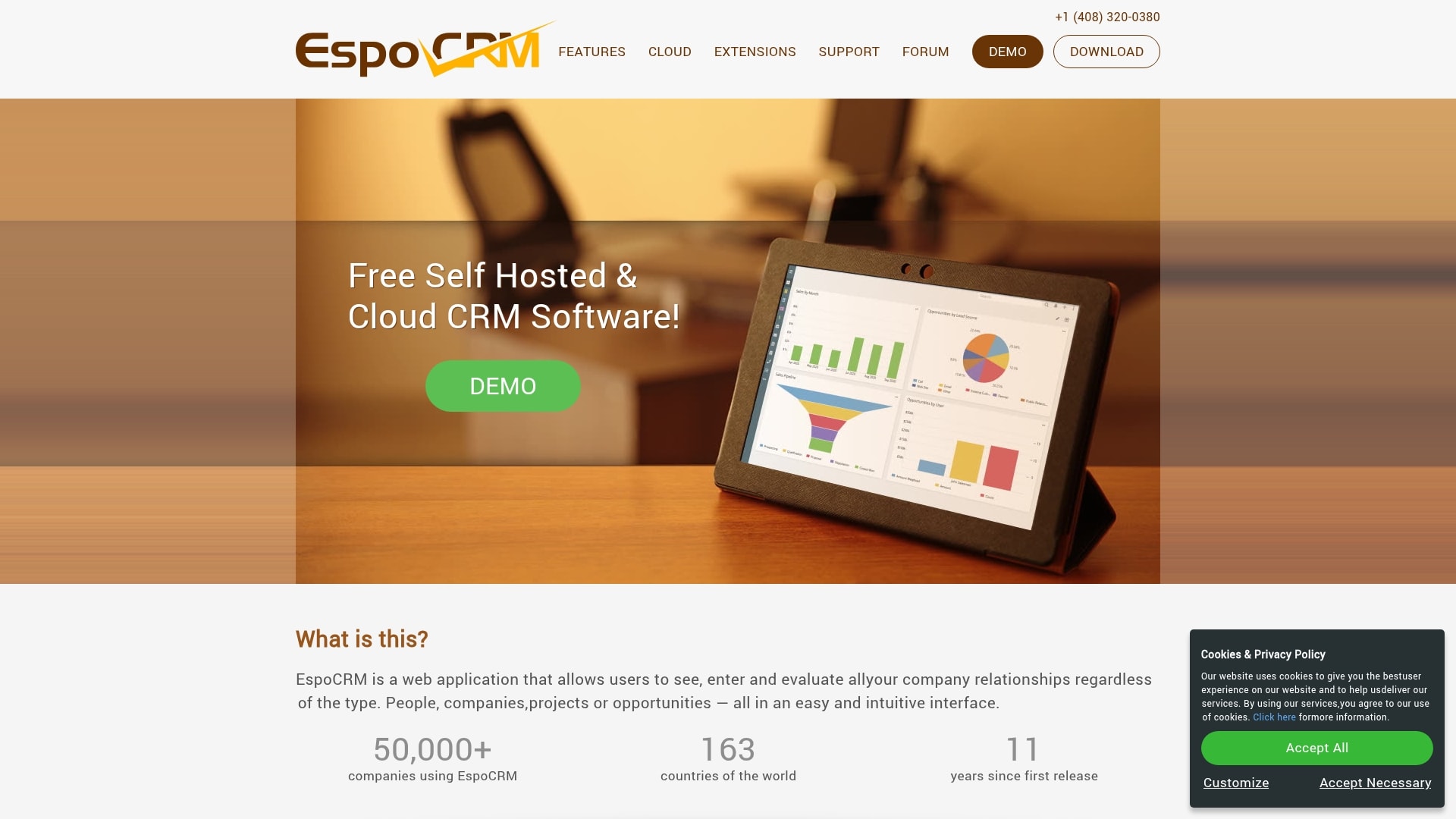
EspoCRM delivers open-source CRM with no-code customization that actually works for small businesses. Visual process automation combined with drag-and-drop configuration makes advanced CRM features accessible without requiring a dev team. Trusted by 50,000+ companies across 163 countries, it offers powerful tools without the enterprise price tag.
Use case:
Small to medium businesses seeking a user-friendly open-source CRM with visual workflow automation (included in cloud plans; a paid extension for self-hosted).
Key features:
- No-code entity and layout management: Create custom data models, fields, and relationships with Entity Manager, then configure layouts using a drag-and-drop interface
- Visual process automation: Build workflows and business processes using BPMN 2.0 standard flowcharts without writing code (via the Advanced Pack)
- Dynamic form behavior: Set field visibility, validation rules, and conditional logic with a point-and-click interface that enforces rules on both the front-end and back-end
Pricing:
- All cloud plans include the Advanced Pack with workflows, BPM, and reporting features
- Cloud plans also include extensions like Sales Pack, Project Management, and integrations for Google/Outlook, Zoom, and Stripe at no extra cost
- 30-day free trial available for cloud plans
Considerations:
- For self-hosted installations, advanced automation features require the paid Advanced Pack, which is licensed per instance
- Dynamic Logic rules for unsaved forms only apply after the record is saved, not in real-time as you type
- Integrations via Zapier and Make are available but require separate subscriptions
7. Dolibarr
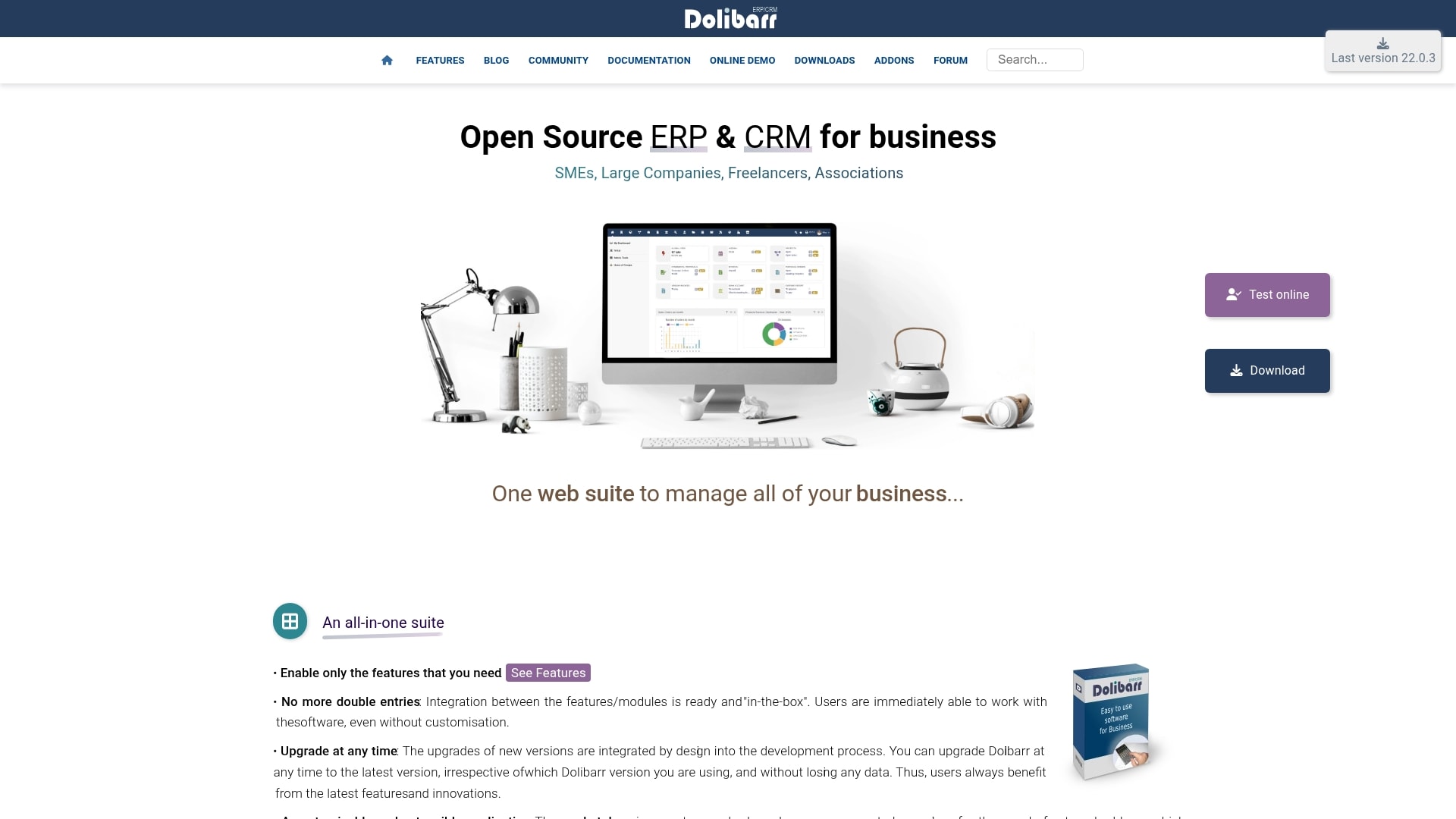
Dolibarr combines CRM and ERP functionality in one open-source package designed for small to medium businesses. A modular approach lets you activate only the features you need — from contact management to invoicing and inventory tracking. This simplicity-first design appeals particularly to European SMBs seeking integrated business management without enterprise-level complexity.
Use case:
European SMBs and organizations wanting integrated CRM and ERP capabilities with the flexibility to customize through no-code tools like custom fields and document templates.
Key features:
- Modular activation system: Enable only needed features to reduce interface complexity
- Built-in custom fields (Extrafields): No-code customization across business objects with dictionary management
- ODT/ODS document templating: Create invoices, quotes, and reports using LibreOffice without PHP coding
Pricing:
- Foundation members receive 20% discount on paid marketplace modules
- Optional paid modules available through DoliStore marketplace
Considerations:
- Deep UI customization requires PHP development expertise, limiting true no-code capabilities for complex changes
- CRM features may lack sophistication compared to dedicated CRM platforms due to the broad ERP focus
8. Atomic CRM
Atomic CRM delivers a code-first approach to customer relationship management built specifically for development teams who want complete control over their data and user experience. Rather than drag-and-drop interfaces, this open-source platform prioritizes customization through React and TypeScript — perfect for engineering-led organizations. Built on modern infrastructure with Supabase and Shadcn UI, it offers the flexibility to create exactly what your business needs without vendor lock-in.
Use case:
Development teams and tech-savvy organizations that need a CRM they can fully customize, own, and deploy anywhere without licensing restrictions.
Key features:
- Full source code ownership: MIT-licensed codebase you can fork, modify, and deploy on your own infrastructure
- Modern tech stack: Built with React, TypeScript, Supabase, and Shadcn UI for fast performance and developer-friendly customization
- Zero vendor lock-in: Complete data ownership with the freedom to host anywhere and integrate with any system
Pricing:
- No licensing fees: Only pay for the infrastructure and services you choose to use
Considerations:
- Developer skills required: Customization requires TypeScript and React programming knowledge — no graphical interface for business users
- Self-hosting responsibility: You manage deployment, upgrades, email provider setup, and authentication configuration yourself
9. OroCRM
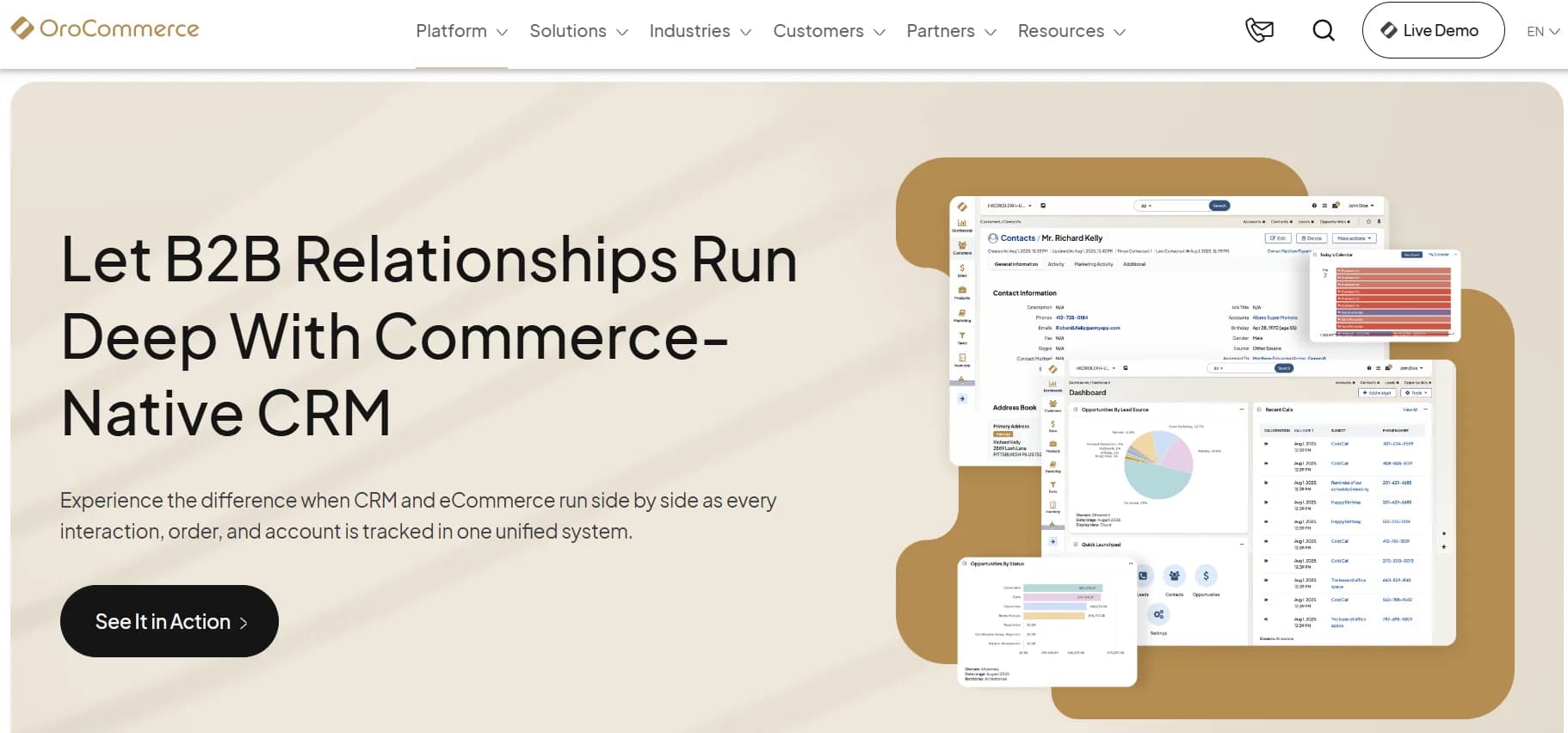
OroCRM delivers open-source CRM with deep B2B commerce integration for complex sales cycles. Online sellers, retailers, and distributors who need flexible CRM capabilities that work seamlessly with e-commerce operations gravitate toward this platform. Built on the Symfony PHP framework, it offers both community and enterprise editions with deployment flexibility.
Use case:
B2B e-commerce businesses requiring CRM integrated with online sales channels and multi-channel customer engagement.
Key features:
- Visual workflow designer: Multiple concurrent workflows per record with activation controls
- Custom entities and fields: Create entirely from the UI without developer involvement
- Comprehensive reporting engine: Dedicated database connections for heavy analytics workloads
Pricing:
- No hidden API fees; some third-party extensions require additional payment
Considerations:
- Requires substantial technical expertise for customization and deployment due to Symfony PHP framework requirements
- Enterprise focus creates complexity that may overwhelm smaller organizations without dedicated IT resources
10. Monica
Monica delivers multi-model AI assistance through a browser extension that’s earned 3 million+ users and a 4.9 rating. No-code bot creation combined with live artifact generation makes it ideal for teams who want AI customization without technical overhead. Built by Butterfly Effect, Monica aggregates access to leading AI models under one subscription while offering cross-platform availability.

Use case:
Teams seeking accessible AI customization with multi-model access can build personalized bots and interactive artifacts without coding expertise.
Key features:
- No-code bot builder: Create custom AI assistants with natural language prompts, knowledge bases, and built-in skills
- Live artifact generation: Build interactive websites, charts, and React components through conversational commands with real-time preview
- Multi-model access: Single subscription provides access to GPT-4o, Claude 3.5+, Gemini, Llama, and diffusion models
Pricing:
Considerations:
- Custom skills require OpenAPI schema configuration and API credentials, which may challenge non-technical users
- Knowledge base features are limited to GPT-4 usage and impose file restrictions (20 files max, 50MB per file)
11. NocoBase
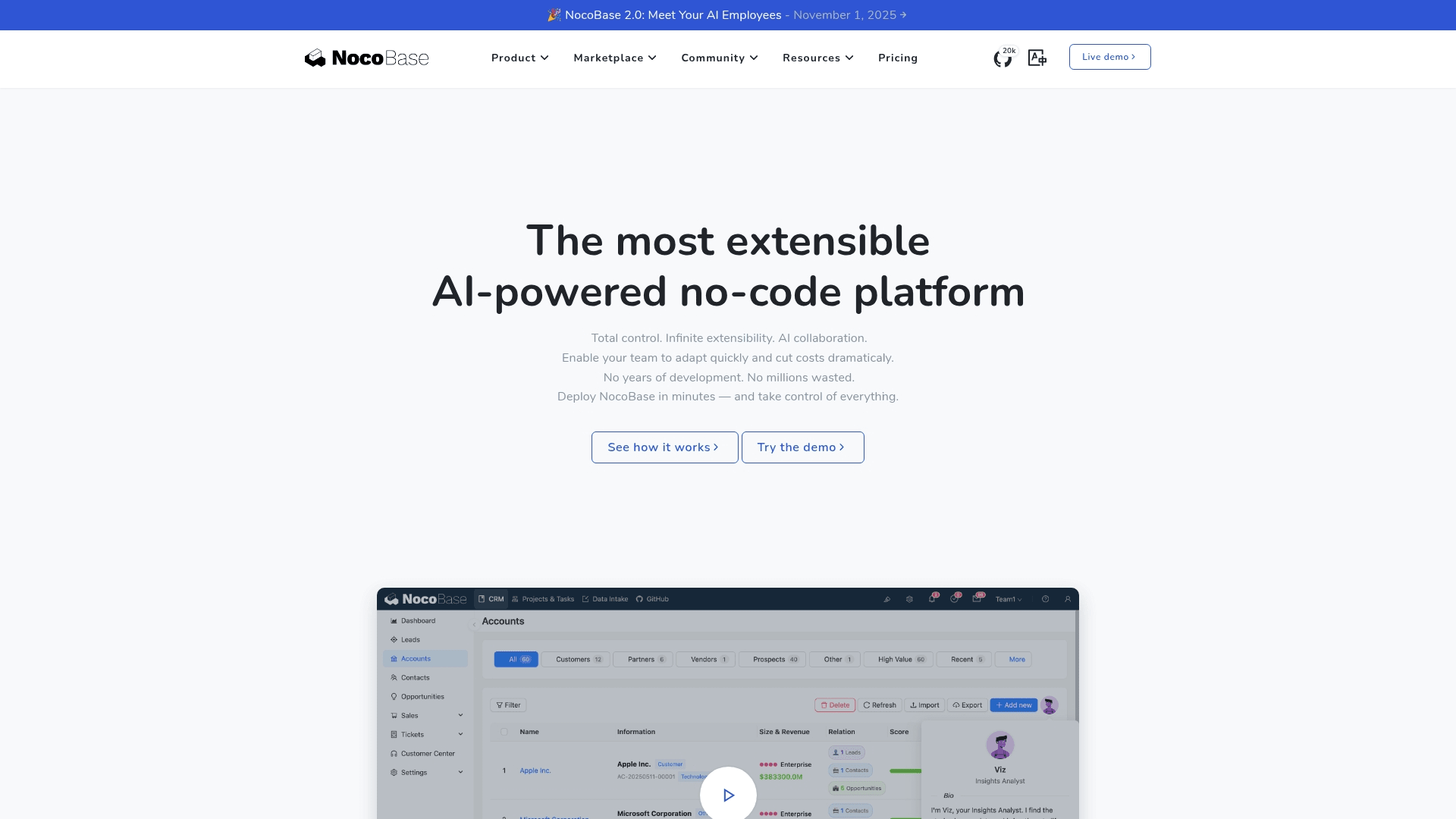
NocoBase delivers a no-code database platform that transforms how technical teams build custom CRM applications. Visual configuration replaces traditional development, making it ideal for organizations that need maximum flexibility without coding constraints. Teams gain complete control over their data while creating tailored business applications through an intuitive interface.
Use case:
Technical teams seeking maximum customization flexibility through database-driven application development with self-hosted control.
Key features:
- Visual UI builder: Drag-and-drop blocks for tables, forms, charts, and calendars
- Event Flow system: Create cross-page interactions without coding
- Plugin microkernel architecture: Unlimited extensibility and custom integrations
Pricing:
Considerations:
- Self-hosting requirements add operational complexity compared to managed SaaS solutions
- Database-first approach requires understanding of data modeling concepts, creating a learning curve for non-technical users
12. Krayin
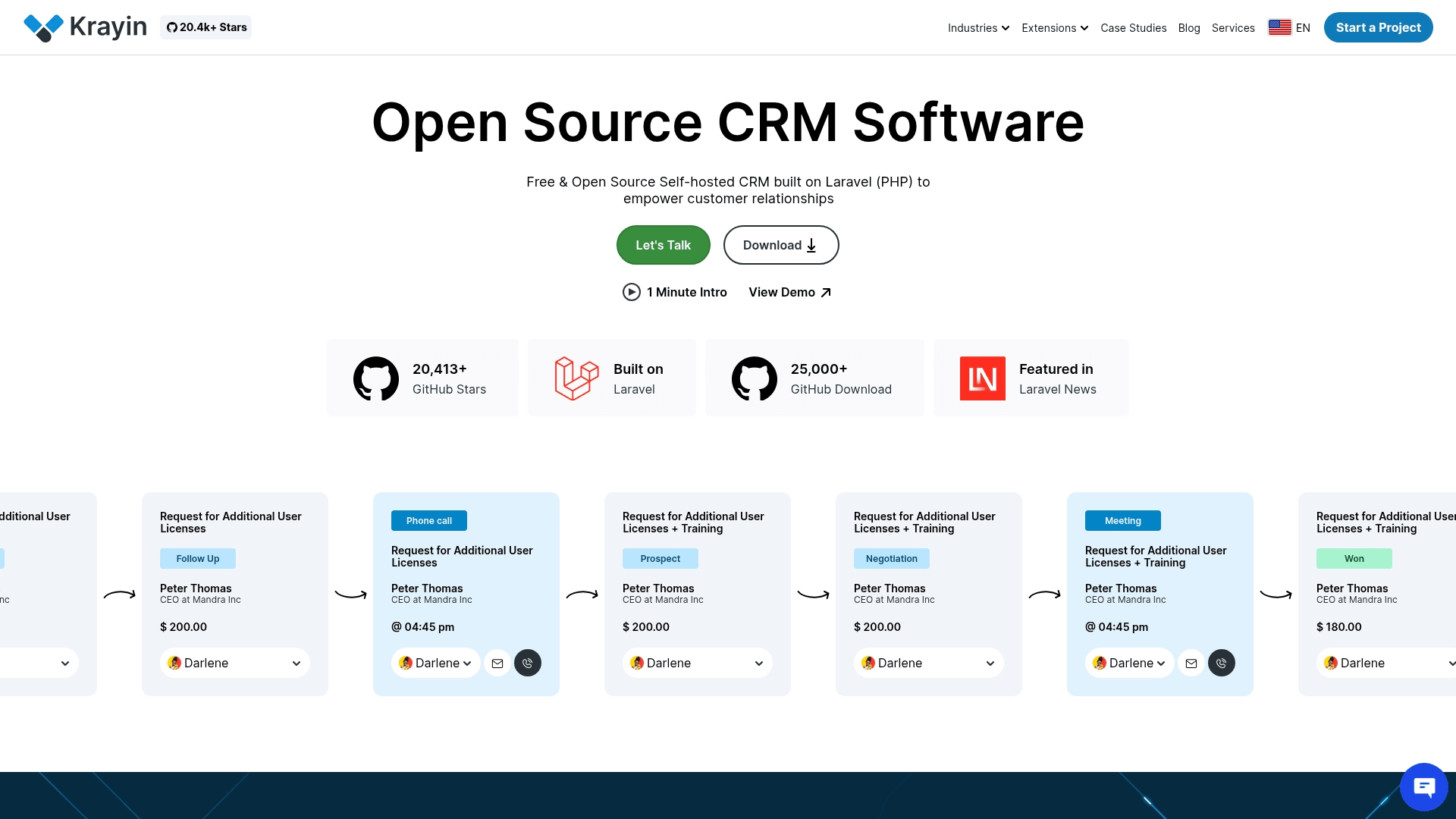
Krayin delivers open-source CRM functionality built on the Laravel PHP framework for teams who want complete control over their sales platform. Technical organizations comfortable with PHP development benefit from MIT-licensed freedom with modular architecture that scales from SMEs to enterprises. With 20,000+ GitHub stars and backing from Webkul’s development ecosystem, Krayin provides a solid foundation for custom CRM development.
Use case:
Organizations with Laravel development expertise seeking a free, self-hosted CRM foundation that can be extensively customized without vendor lock-in.
Key features:
- Custom fields and attributes: 15+ data types, validation rules, and entity-specific scoping
- Multiple sales pipelines: Kanban views, custom stages, and “rotten days” tracking for pipeline hygiene
- No-code workflow automation: Event triggers, conditions, and actions across leads, activities, and quotes
Pricing:
- Additional extensions: Purchase Order ($299), Inventory Transfer ($299)
Considerations:
- Requires PHP/Laravel development skills for meaningful customization beyond basic admin settings
- Self-hosting setup can be challenging for non-technical teams, though Docker images help simplify deployment
13. Axelor
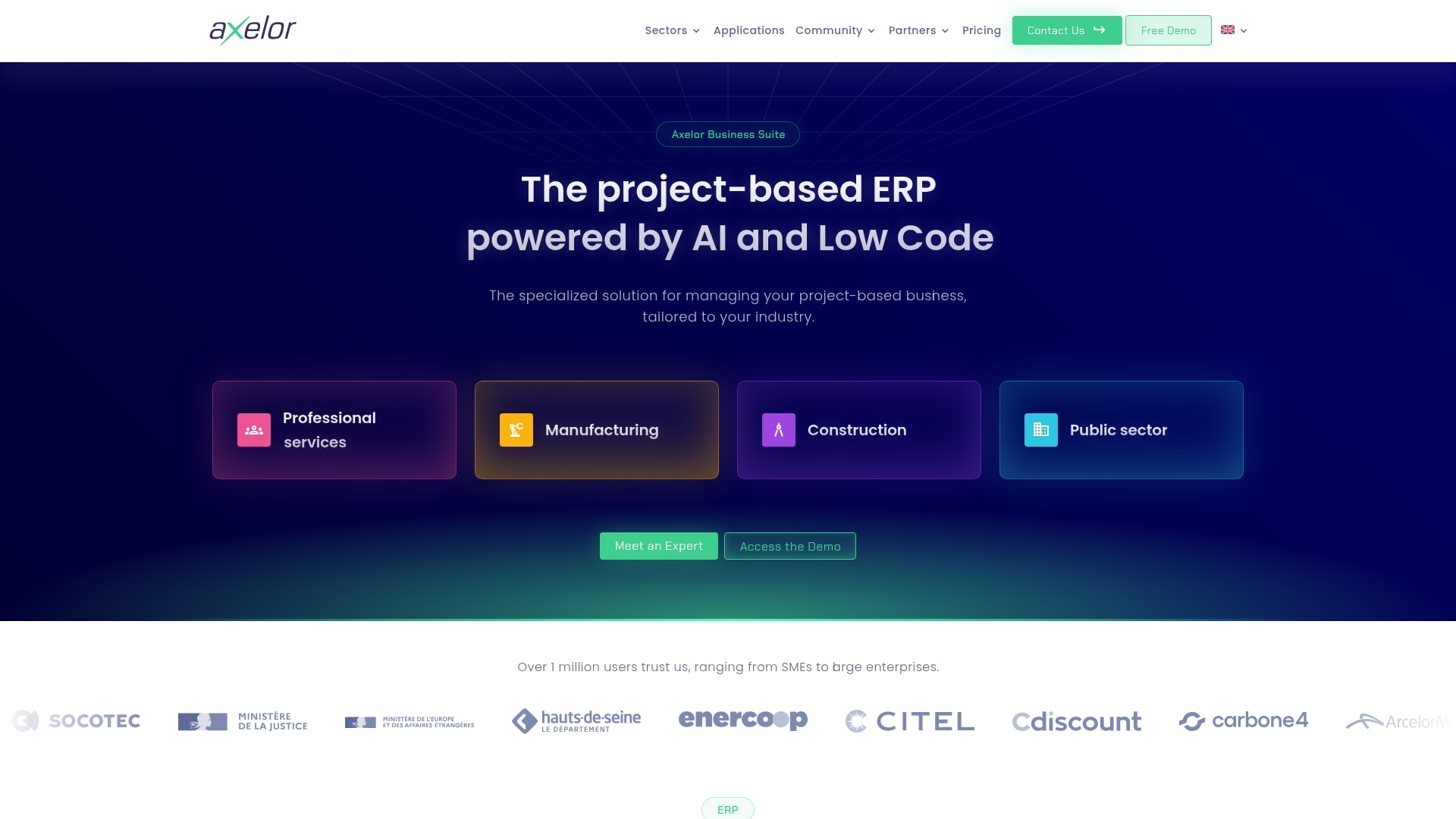
Axelor delivers a comprehensive business suite that combines ERP, CRM, and low-code development in one open-source platform. Project-based organizations benefit from its model-driven approach and embedded BPMN workflow engine — ideal for companies that need deep customization without traditional development overhead.
Use case:
Organizations seeking integrated business management with extensive customization capabilities through visual, no-code development tools.
Key features:
- Visual Studio: Drag-and-drop customization of forms, fields, and business objects without coding
- Native BPMN 2.0 workflow engine: Process automation and app generation from visual workflows
- Comprehensive business suite: CRM, project management, accounting, and HR modules included
Pricing:
- Cloud hosting pricing available on quote
- Additional subscriptions required for integrations (Make for Connect, DocuSign for e-signatures)
Considerations:
- Advanced no-code features like Templates and enhanced BI are locked behind the Enterprise tier, potentially pushing costs higher for teams needing full customization capabilities
- Heavy reliance on third-party services for key integrations increases complexity and ongoing subscription costs beyond the base platform price
Hidden costs of free open source CRM software
That “free” open source CRM is a lot like a “free” puppy — the initial cost is zero, but the real expenses show up later. Developer hours, surprise server bills, and lost momentum when your sales platform needs constant care — that’s where you actually pay.
Your team gets stuck with the DIY tax:
- Technical debt accumulation: Every custom feature adds to a pile of code that breaks with updates
- Infrastructure costs: Self-hosting means you foot the bill for every server and security patch
- Misallocated resources: Instead of building a sales machine, you end up maintaining one
Something will inevitably go wrong. When it does, you’re gambling on community forums or paying consultants by the hour for a fix that might take weeks. Teams discover that monday CRM lets them focus on hitting their number, not managing a side project.
AI integration challenges in open source CRM systems
AI separates a smart CRM from a simple contact list. But bolting AI onto an open-source system often creates more problems than it solves. The constant need for technical skill and deep pockets creates a gap that volunteer-driven projects struggle to close.
Forget built-in AI. Most open-source platforms leave you stranded:
- DIY integration headaches: Want predictive lead scoring or smarter emails? That means stitching together APIs and managing technical complexity yourself
- Slow implementation: A frustrating process that puts your team years behind competitors with native AI
- Resource drain: Building great AI costs millions in data science and infrastructure — an investment impossible for volunteer communities
Revenue teams find success using monday CRM because all that power is built right in. Summarize updates, write emails, and extract data with a click — no custom development needed.
Try monday CRM7 steps to evaluate open source CRM for your business
Open source CRM sounds great — until it isn’t. The “free CRM” price tag can hide a world of hidden costs, technical headaches, and stalled projects. Before you jump in, you need a plan.
Here’s how to look past the hype and see what you’re really signing up for.
Step 1: Assess your technical team capabilities
Start with a reality check. Who on your team can actually build and maintain this thing? Success with open source CRM demands a specific crew:
- Developers: Who know the code inside and out
- Admins: Who can manage the hosting environment
- Database experts: Who keep everything running fast
Without these roles filled, you’ll have to hire or outsource — and that cost can quickly eclipse a commercial CRM license.
Beyond headcount, examine availability. Is your tech team sitting around waiting for a new project? Probably not. They have their own priorities. Calculate the actual hours they can dedicate to a CRM implementation versus the time needed for ongoing fixes.
Step 2: Calculate the true total cost of ownership
The “free” software myth dies when you map out the total cost over 3–5 years, and it’s more than just a hosting bill: Map out the total cost over 3–5 years, and it’s more than just a hosting bill:
- Developer time: Setup hours and monthly maintenance tweaks
- Infrastructure costs: Servers, backups, and security tools
- Consultant fees: For when you get stuck on complex issues
- Opportunity cost: Pulling your team off revenue-generating work
Suddenly, that commercial CRM at $50 per user looks a lot cheaper than the six figures you might spend keeping the “free” one alive. Do the math. The answer is often surprising.
Step 3: Map features to your sales process
Forget the fancy bells and whistles for a minute. What does your sales team actually need to close deals? Make a list of your absolute must-have CRM features versus the nice-to-haves. This simple map will show you if a platform works for you or if you have to rebuild it from the ground up.
- 80% rule: If 80% of your essentials work right out of the box, you’re in a good spot
- Customization trap: If not, you’re signing up for a massive, expensive customization project just to get to square one
- Budget allocation: Reserve your budget for features that give you a unique edge, not for basic pipeline tracking
Step 4: Evaluate integration compatibility
Your CRM must be fully integrated with your other systems. It needs to talk to your marketing platform, your accounting software, and your support desk. Make a list of every tool that needs to connect, then check if the open source platform has stable, maintained integrations for them.
A missing integration isn’t a small problem — it’s a 100-hour development project you didn’t budget for. Those connections need constant maintenance too. An abandoned community plug-in or a custom-built link becomes technical debt that only gets more expensive over time.
Step 5: Review the community and support system
Is the user community a ghost town or a bustling city? The answer tells you everything. Look for these indicators:
- Forum activity: Are questions answered in hours or weeks?
- Code updates: How recent is the last commit?
- Documentation quality: Is it comprehensive and current?
Beyond free forums, investigate commercial support options. A healthy ecosystem has multiple consulting firms and hosting providers ready to help. If there are only one or two options, you’re taking a big risk. When something critical breaks, you need a backup plan.
Step 6: Test for future growth and scale
You plan to grow, right? Your CRM needs to keep up. A platform that works for 20 users can easily choke with 200. Look for proof that it can handle the scale you’re aiming for in the next 3–5 years, including more users, more data, and more deals.
Technical scale is only part of the equation. As you grow, so does the demand for custom features. That new code gets tangled, slows you down, and quickly becomes a monster to manage. Make sure your team can handle the growing complexity without bringing everything to a halt.
Step 7: Compare realistic implementation timelines
Ask for a real timeline — not an optimistic guess. An open source CRM database implementation can easily take 3–6 months to cover: Initial setup and configuration, Data migration from existing systems, Custom development and integrations, Team training and adoption.
That’s two full quarters your team is flying blind. Every month you wait is another month your team is stuck in spreadsheets, deals are slipping through the cracks, and you have zero visibility into your forecast. Revenue teams find success using monday CRM to accelerate deployment with pre-built templates and an intuitive setup that gets them running in weeks, not months.
When no-code CRM delivers more flexibility than open source
Open source dangles the promise of unlimited freedom. The fine print? You’ll need a dev team and a budget that’ll make your CFO break out in hives. No-code gives you the flexibility you actually need — minus all the technical baggage.
Real flexibility isn’t about what’s possible in theory. It’s about what your team can build and maintain on their own. When your sales process changes (and it will), you can adapt instantly instead of waiting for the next development sprint.
Revenue teams use monday CRM to build pipelines that match how they sell and dashboards that show what’s really happening. Because customization is visual, your team can make changes on the fly. No waiting for developers, no technical bottlenecks — just fast, simple control.
monday CRM as the flexible alternative to open source complexity
You want total control of your CRM — not a side job managing it. Open source promises freedom but often delivers technical headaches and surprise costs. monday CRM hands you the controls without the complexity. Adapt your platform on the fly, no developer required.
Build the exact pipeline your team actually follows with simple drag-and-drop tools. Create custom dashboards that show the metrics your leadership cares about, all without writing a single line of code. Deep customization, minus the maintenance nightmares.
What about the smart stuff? AI features work right out of the box to summarize long email threads, help compose outreach, and pull data from contracts automatically. Revenue teams get the insights they need to close more deals, faster — without the manual work that kills momentum.
How to choose the right CRM flexibility for your revenue team
The word “flexibility” gets thrown around a lot. But what does it actually mean for a sales team? It’s not about having access to source code — it’s about having the power to change your pipeline or automate a new process without calling in the entire IT department.
“Total control” from an open-source platform sounds good in a pitch meeting. In reality, it means your team owns every security patch, bug fix, and integration headache. Your best people end up focused on keeping the CRM alive instead of closing deals.
The smart choice isn’t giving up control; it’s getting the right control. Revenue teams use monday CRM to adapt their workflows in minutes, not months. You get the freedom to run your sales motion your way, with the power of a platform that grows with you — so you can focus on hitting your number.
Try monday CRMFAQs about open source CRM software
Is open source CRM software really free?
The software is free to download, but you pay for everything else — hosting, developers, and support. These hidden costs quickly add up to more than a ready-to-go commercial CRM.
How long does implementing open source CRM typically take?
Expect a 3–6 month project for setup and custom development before your team can even start selling. Purpose-built platforms, by contrast, get teams running in weeks, not quarters.
Can open source CRM scale with enterprise growth?
Scaling is possible, but it requires a dedicated technical team and major infrastructure investment to maintain performance. Your developers will spend more time managing the CRM than building features that drive revenue.
How secure is open source CRM compared to commercial options?
Security is 100% your responsibility, from server hardening to patching vulnerabilities and ensuring compliance. Commercial platforms manage enterprise-grade security for you, including certifications like SOC 2 Type II.
What technical expertise do teams need for open source CRM?
You'll need an in-house team of developers, database admins, and system administrators just to customize and maintain it. This adds significant overhead that distracts from the main goal: closing deals.

 Get started