



Most sales reps spend hours each day on work that has nothing to do with selling. Reps may spend a limited number of hours a week actually selling, while the rest goes to admin. An AI sales agent flips that ratio by handling the repetitive, judgment-light work so reps can focus on conversations that actually close deals. Building one sounds technical, but it’s not when your sales process is documented and your CRM data is clean.
This guide walks you through how to build an AI sales agent, from picking your first workflow to deploying with controls that earn your team’s trust. You’ll get a 7-step build process, a clear breakdown of what agents handle versus what stays human, and a way to track performance once it’s live in monday CRM.
Key takeaways
- Start with one workflow, not five: Pick lead qualification or routing first; it’s high volume, easy to review, and builds team trust fast.
- Clean data is the real foundation: If your ICP rules, territory logic, and messaging are messy, the agent will reflect that mess right back at you.
- Agents think; automations follow rules: Use an agent when the job needs judgment across multiple signals, not just a fixed trigger.
- Real context stays with the agent: Leads, deals, communication history, and reporting live on monday CRM in one place, so the agent acts on the full picture.
- Control is part of the build: Set role-based permissions, require human approval on customer-facing actions, and assign one named owner before you go live.
What is an AI sales agent in monday CRM?
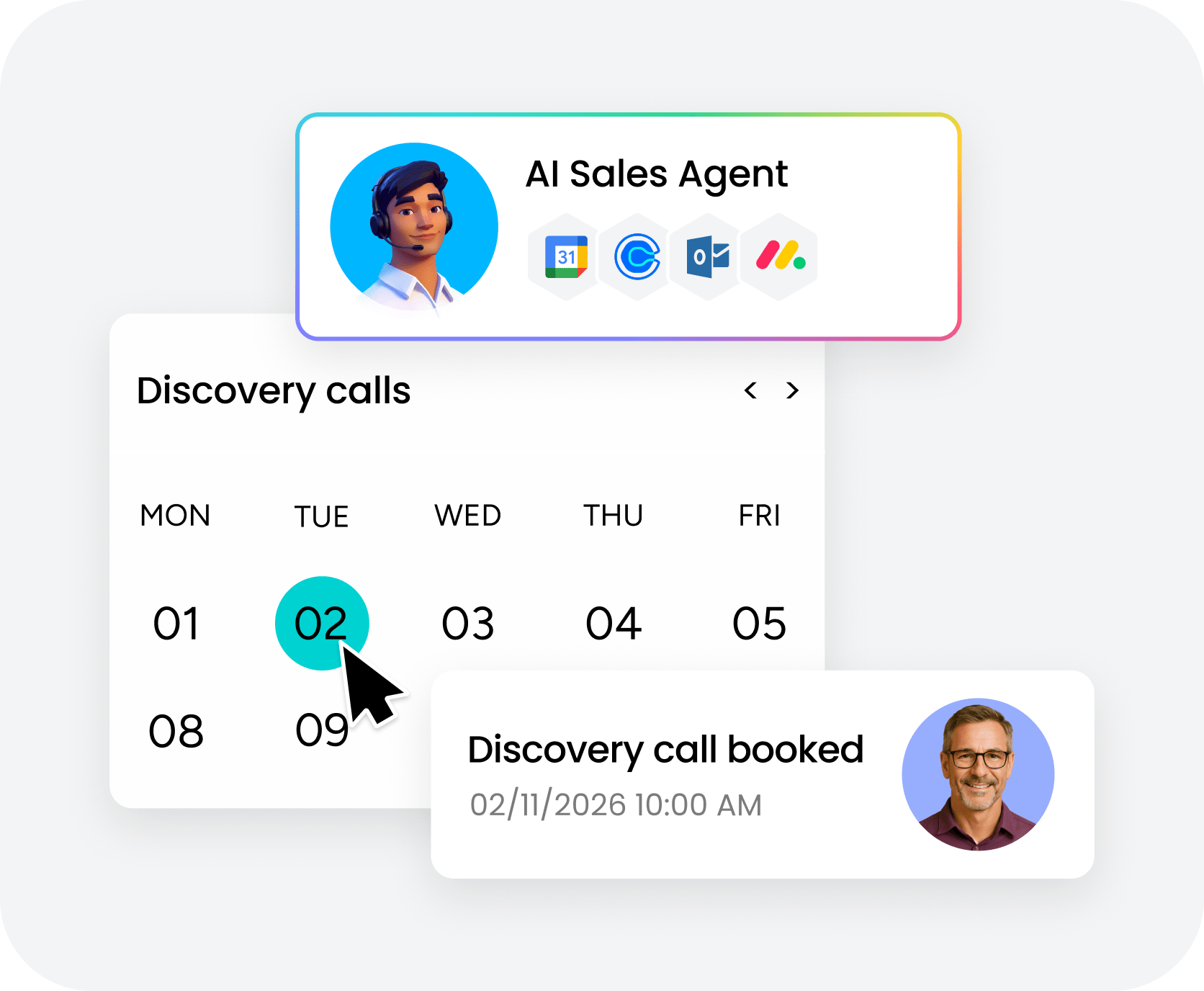
An AI sales agent is software that watches sales activity, interprets context, and completes parts of a workflow with limited supervision. In monday CRM, that might mean qualifying a lead, routing it to the right rep, drafting a follow-up, or flagging a deal that’s gone quiet.
Context is the mix of signals the agent reads before it acts. That matters because sales decisions are rarely based on one field. Here’s what that context actually looks like:
| Context type | Examples |
|---|---|
| Lead source | Web form, paid campaign, referral, event |
| Company and contact details | Industry, employee count, title, location |
| Last activity | Days since email, call, or meeting |
| Stage history | Time in stage, prior stage duration |
| Notes and form responses | Free text, objections, qualification answers |
| Ownership rules | Territory, named account, product specialty |
In monday CRM, that context lives right next to the record itself. With AI features in monday CRM, autofill actions, and ready-made agent templates, the agent works from live CRM records instead of a disconnected chat window.
AI agent vs. automation vs. assistant: What's the difference?
These three sound similar, but they do very different jobs. Mix them up, and you’ll automate the wrong thing first. The difference comes down to how much judgment each one uses.
| Type | How it works | Best for |
|---|---|---|
| AI sales agent | Reads many signals, decides within rules, takes multi-step action | Judgment-heavy workflows |
| Automation | Follows fixed trigger-based logic | Repeatable rule-based actions |
| AI assistant | Responds when prompted | Drafting, summarizing, answering |
Before you build anything, ask one question: does the workflow need judgment, or just rules?
- If a deal closes and you need the dashboard updated, that’s an automation.
- If a lead lands and you need someone to read the company, role, source, and notes together before scoring it, that’s an agent.
- If a rep is already doing the work and needs a hand, that’s an assistant.
Know which tool fits which job, and you won’t waste time building the wrong thing.
What can an AI sales agent do in monday CRM?
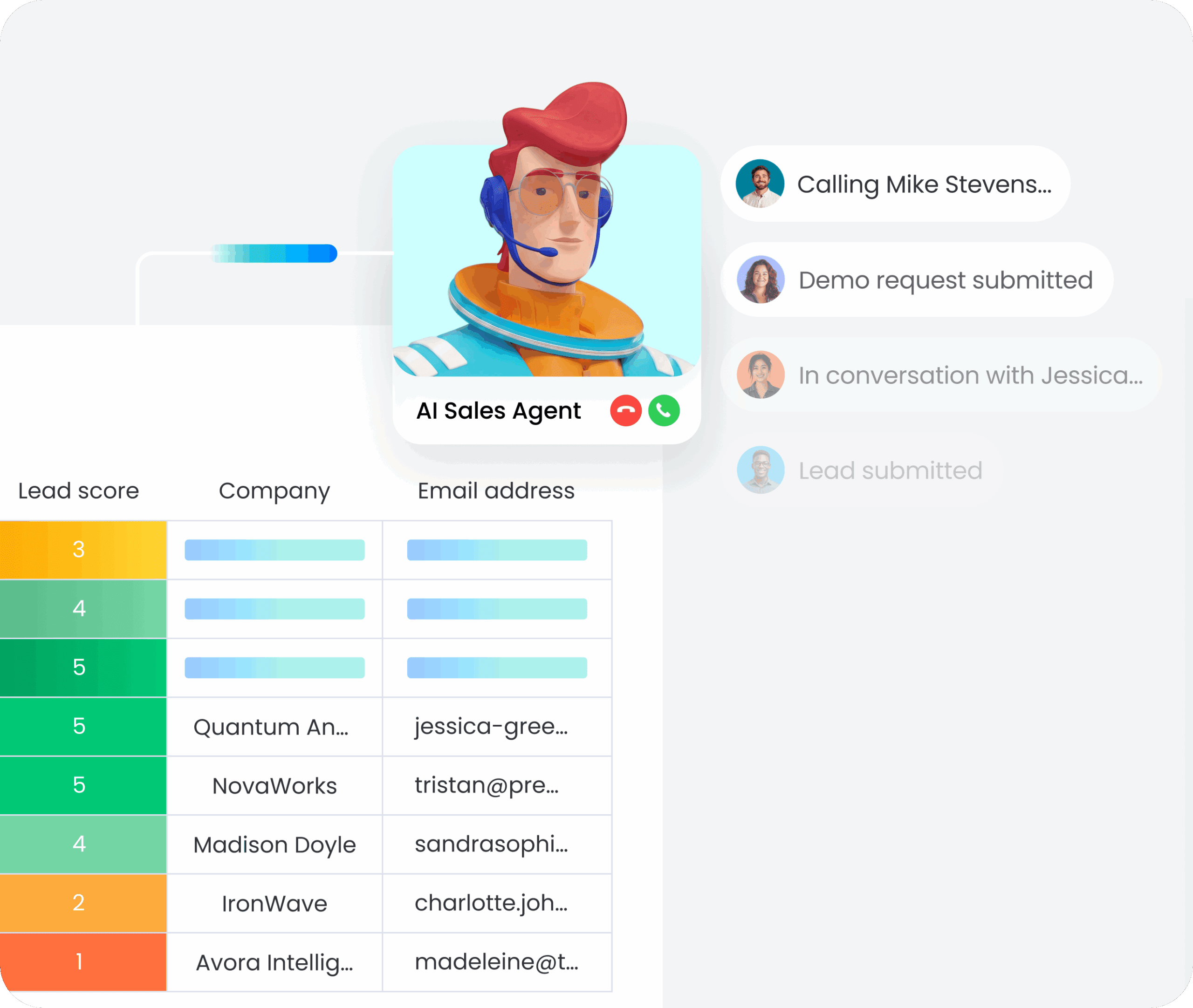
Once you know what an agent is, the next question is simple: what should it actually do? The best examples tie directly to daily revenue work.
Here’s what an agent handles well inside monday CRM:
- Source and enrich leads: Collect inbound leads and add missing company, role, and source details from connected sources.
- Score and prioritize leads: Rate fit and urgency using your ICP rules, then set a priority tier.
- Route leads to the right rep: Apply territory, language, named account, or specialty rules, then notify the owner.
- Draft personalized outreach: Prepare email drafts using CRM context and approved messaging, often paired with the writing assistant for review-ready text.
- Log sales activity: Summarize calls, capture next steps, and keep the account record current.
- Flag pipeline risk: Watch stage age, last activity, and close dates, then raise a flag when momentum drops.
Meeting booking fits here too. With calendar access, an AI SDR agent can suggest times and update the record once a meeting is confirmed. Start with one of these examples, not all of them at once. With calendar access, an AI SDR agent can suggest times and update the record once a meeting is confirmed. Start with one of these, not all of them at once.
What to prepare before you build your AI sales agent
Most agent rollouts stall before they ever go live. The rules live in people’s heads, and the data’s half-finished. To set your agent up for success, prep your fields, scoring rules, and handoff rules before you touch the agent builder. When the rules are documented and your data is complete, the build moves quickly.
For inbound qualification and routing, here are the fields you need: Each one gives the agent real data to work with.
| Field | Why it matters |
|---|---|
| Lead name | Identification |
| Company name | ICP matching |
| Company domain | Enrichment and deduplication |
| Outreach and deduplication | |
| Source | Attribution and priority |
| Owner | Assignment tracking |
| Territory | Routing logic |
| Stage | Pipeline position |
| Last activity date | Staleness checks |
Beyond fields, document three more things before you build:
- ICP criteria: Industry fit, company size, geography, role seniority, and buying signals, so the agent scores consistently.
- Handoff rules: Which fields must exist before qualification, and what triggers escalation to a human.
- Approved messaging: Which templates or language the agent is permitted to use in outreach drafts.
monday CRM is far easier to govern when the source record already reflects how your team sells.
How to build an AI sales agent in monday CRM: 7 steps
A narrow first build builds trust faster. Start with inbound lead qualification and routing. Expand once the team trusts the output. Here’s the sequence:
Step 1: Pick 1 sales workflow to automate first
Choose a workflow that’s frequent, structured, and easy to review. Good first picks include:
- Inbound lead qualification
- Meeting follow-up logging
- Pipeline risk review
High volume and easy review mean fast, safe wins. Resist the urge to start with 3 workflows at once.
Step 2: Choose the right agent type for your rules
Your starting point depends on how standard your sales process is.
- Standard rules: Start with a ready-made template like Lead Qualifier from the sales agent library.
- Specific or custom rules: Build a custom no-code agent tailored to your process.
- Multi-system AI setup: If your team already uses another AI assistant across several platforms, monday MCP lets it read and act on monday CRM data safely.
Step 3: Write a plain-language job description for the agent
Define the agent’s role before it touches any records. That means documenting these four things:
- What it reads: Which fields, records, and data sources it can access.
- What it can do: The actions it’s permitted to take.
- What it cannot do: The boundaries it must respect.
- When it must escalate: The conditions that require a human to step in.
Keep customer-facing emails outside its first permission set until you trust the output.
Step 4: Connect the right knowledge and CRM context
Give the agent only the information it needs. Nothing more. In monday CRM, that usually means these four things:
- Lead fields
- Territory rules
- Approved messaging docs
- Relevant Emails & Activities history
Grounding the agent in real records is what separates useful output from generic guesswork.
Step 5: Connect tools and integrations that match the job
Match access to the workflow, not the other way around.
- Routing leads: The agent needs assignment access.
- Drafting emails: The agent needs draft creation access.
- Booking meetings: The agent needs calendar access.
Keep permissions tight. Matching access precisely to the workflow builds trust fast.
Step 6: Test the agent in simulation mode before going live
Test edge cases before you go live. Review scoring, assignment, rationale, and escalation behavior against real scenarios.
| Scenario | What to check |
|---|---|
| Ideal-fit lead | Right score and owner |
| Low-fit lead | Lower priority |
| Missing fields | Routed to human review |
| Duplicate lead | Duplicate handling |
| Named account | Escalation |
If something returns “No result,” check the run history for AI actions. That log shows what the AI used and where the instruction or source data failed, so you can fix it instead of guessing.
Step 7: Deploy in phases and assign a named owner
Roll out in phases. Internal testing first, then limited live scope, then broader use. Assign one named owner in RevOps or sales ops so the agent keeps improving instead of going stale.
Try monday CRMHow to control what your AI sales agent can and can't edit
Control isn’t a cleanup step. It’s part of the build. Revenue leaders need to see what the agent did, what it changed, and when a human should step in. That visibility turns a risky experiment into a trusted workflow.
monday CRM supports controlled adoption through four key controls:
- Human approval: Review customer-facing actions before they send, which builds trust early.
- Role-based permissions: Limit what data and fields the agent can access or edit, so nothing runs outside your boundaries.
- Activity and run history: See every action taken and the logic behind each result.
- Pause controls: Stop or adjust the agent quickly if output drifts.
Some actions should stay under human review longer than others. Pricing language, meeting invites, and outbound emails are the usual starting points. Keep those under review until your team trusts the agent’s judgment.
How to track and improve AI sales agent performance over time
Deployment isn’t the finish line. Pick a small set of metrics tied to the workflow you automated. Use them to refine the agent. For a first rollout, two primary metrics and one guardrail is plenty.
| Workflow | Primary metric | Guardrail metric |
|---|---|---|
| Lead qualification and routing | Speed-to-lead | CRM hygiene score |
| Outreach sequencing | Meeting booking rate | Rep time saved |
| Pipeline monitoring | Pipeline velocity | Stale deal count |
monday CRM dashboards make these metrics visible across reps, teams, and regions. Adoption grows faster when leaders can see results at a glance across all records. When something looks off, the run history shows why a result succeeded or failed. You can adjust instructions or source data directly.
Can AI do sales on its own?
AI for sales handles a wide range of work, and that’s exactly the point. Here’s where the line sits.
What AI handles well:
- Qualifying inbound leads
- Routing leads to the right rep
- Drafting follow-ups
- Logging activity
- Flagging pipeline risk
What humans still own:
- Negotiation and pricing calls
- Legal nuance
- Strategic account relationships
The smartest first use is support from an AI sales assistant, not replacement. An agent clears the admin drag to improve sales productivity, so reps get more hours back for calls and deal strategy. That’s where an AI-powered CRM earns its keep: it removes the busywork that slows revenue teams down while keeping humans in charge of the decisions that matter.
How monday CRM helps teams build and run AI sales agents
monday CRM is built for teams that want AI to work from real sales context, not disconnected tools. The platform keeps leads, deals, communication history, AI actions, and reporting in one place, so your agent acts on the full picture instead of fragments. That shared foundation means less setup friction and faster time to trust.
Because monday CRM runs on the monday.com Work OS, it connects sales to marketing, service, finance, and delivery. That shared context gives agents a complete view of the account, which matters most in longer, more complex sales cycles.
Ready-made agent templates
Lead Qualifier and Pipeline Guardian give you a proven starting point instead of a blank page. These templates come pre-configured with common sales logic, so you can deploy faster and adjust from a working baseline. Start with a template, test it against your workflow, then refine the rules to match your process.
AI actions and Autofill with AI

AI actions let you summarize text, extract information, assign labels, and use Assign person for routing logic directly inside your CRM automations. Autofill with AI pulls missing data into records without manual entry. Together, they handle the repetitive judgment calls that slow down qualification and routing, so your agent can act on incomplete records and still deliver clean output.
Emails & Activities AI features
Compose emails and summarize account timelines without leaving the record. The AI reads prior conversations, deal stage, and contact history to draft contextual follow-ups or surface what matters from a long thread. That keeps reps in one workspace and cuts the time spent switching between tools or reconstructing account context from scratch.
Real-time dashboards
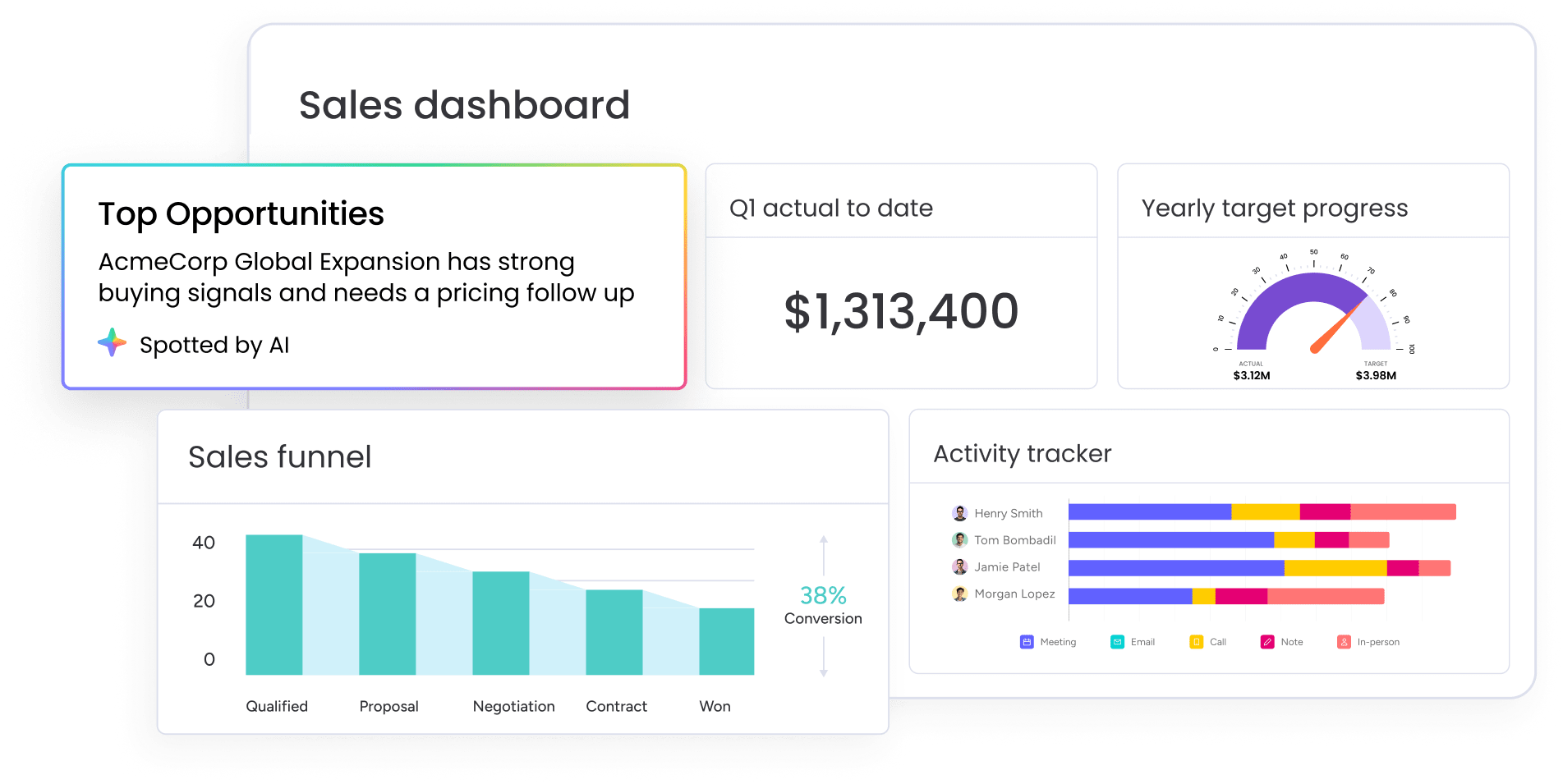
Track lead priority mix, owner workload, stale deals, and qualification output in real time across reps, teams, and regions. Dashboards make agent performance visible at a glance, so you can spot patterns, adjust rules, and prove ROI without exporting data or building custom reports. When something looks off, you can drill into run history to see what the agent used and where the logic broke.
How to launch an AI sales workflow your team will actually use
Building an AI sales agent comes down to designing one strong workflow well. Pick one workflow, prep the data, define the rules, test the edge cases, launch with controls, then measure what moves pipeline. Clean fields, routing logic, and approved playbooks matter more than clever instructions. The teams that win start smaller than they think they need to, define rules with more precision than feels necessary, and measure what actually moves revenue.
monday CRM gives you the foundation: live records, shared context, ready-made templates, and controls that keep humans in the loop where it counts.
Try monday CRMFAQs
Does monday.com have AI agents?
Yes, monday.com has AI agents built for sales teams. You can start with ready-made templates like Lead Qualifier and Pipeline Guardian, or build a custom no-code agent tailored to your workflow. All of them work directly with monday CRM data, so the agent acts on live records instead of disconnected systems.
How do I create an AI sales agent in monday CRM?
Start by picking one workflow to automate, then define what the agent can read, do, and when it must escalate. Connect the right CRM context, like lead fields and territory rules, test it in simulation mode against edge cases, then deploy with human approval on customer-facing actions until you trust the output.
Do I need code to build an AI sales agent in monday CRM?
No, you don't need code. Most teams build agents using ready-made templates, AI actions, and the no-code agent builder. If your sales process is documented and your CRM data is clean, you can configure an agent without touching a single line of code.
How does monday CRM keep AI sales agents secure?
monday CRM keeps agents secure through role-based permissions that limit what data the agent can access or edit, approval paths that require human review before customer-facing actions, and activity logs that show every action taken. AI features respect existing access boundaries, so the agent only works within the permissions you set.
What is monday MCP, and when should I use it?
monday MCP is the Model Context Protocol connection that lets external AI assistants read and act on monday CRM data safely. Use it when your team already relies on another AI assistant across several platforms and you want it to access monday CRM records without switching tools or losing context.
