



Your sales team could close more deals if they weren’t buried in CRM busywork. A CRM virtual assistant eliminates the repetitive tasks that slow down revenue teams, coming in 2 powerful forms: AI-powered software that automates instantly and human professionals who handle complex responsibilities remotely.
This guide breaks down how AI and human CRM virtual assistants work, what tasks each handles best, and how to build a winning strategy that combines both. You’ll discover real cost comparisons, learn exactly when to automate versus when human judgment matters, and see how the right approach transforms your team’s productivity and pipeline accuracy.
Key takeaways
- AI handles high-volume work like data entry and lead scoring, while human assistants tackle complex research and relationship building that requires judgment.
- AI lets teams handle 10,000 leads with minimal additional effort compared to 100, without needing proportional increases in headcount.
- Platforms that let you activate autofill columns, compose emails with AI assistance, and summarize communication timelines through visual interfaces eliminate the need for complex coding.
- Human assistants recognize subtle customer signals, handle non-standard processes, and build genuine relationships that influence buying decisions for high-value accounts.
- The most successful teams use AI for repetitive tasks and human judgment for exceptions, and monday CRM combines both approaches to create revenue operations that move faster and forecast more accurately.
What is a CRM virtual assistant?
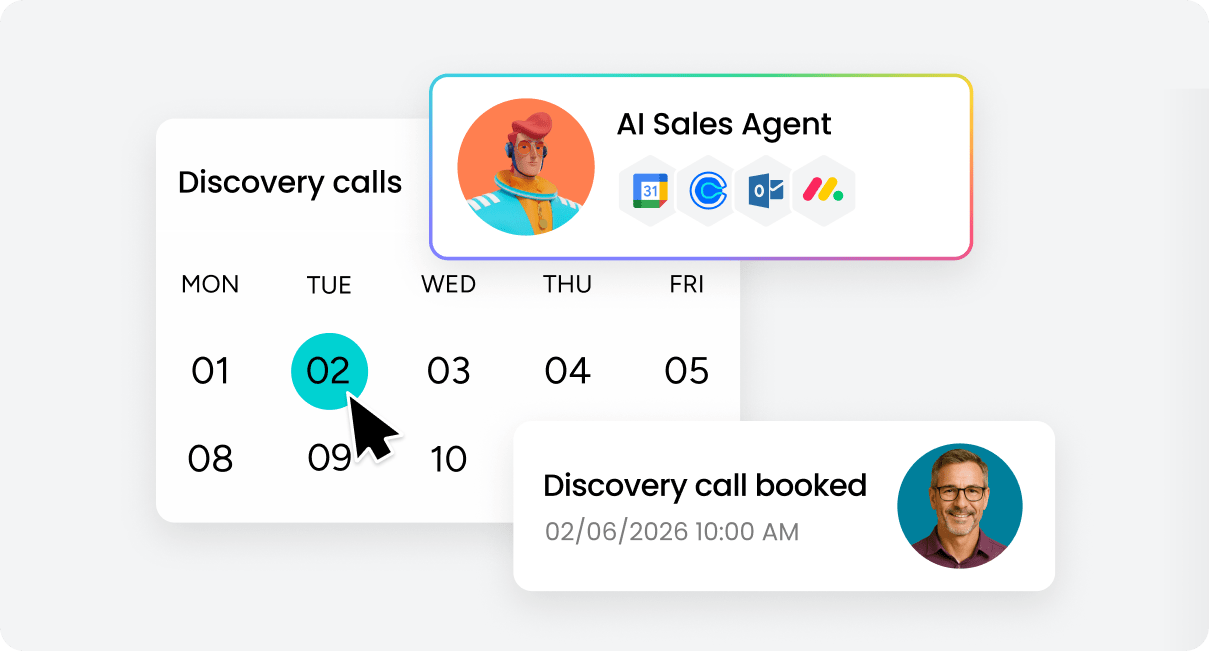
Think of CRM virtual assistants as your admin backup — they tackle the grunt work so your team can sell. CRM virtual assistants tackle data entry, email follow-ups, pipeline updates and other time-consuming admin work through automated workflows or dedicated human support.
An AI sales agent executes tasks without human intervention. They operate 24/7, process data in milliseconds, and complete workflows based on triggers you define.
Here’s what AI assistants actually do:
- Machine learning: Identifies patterns in historical data to predict lead quality and optimal outreach timing
- Natural language processing: Extracts relevant information from emails and documents to categorize communications
- Automation rules: Updates deal stages and sends follow-ups when specific conditions are met
Evaluating human virtual assistants for CRM
Human virtual assistants are remote pros who know CRM inside and out — they handle your sales support work from wherever they are. They work contract or part-time, bringing real business sense to every task they touch.
They handle the stuff that needs a human brain:
- Manual data entry: Entering contact information from business cards with appropriate categorization
- Prospect research: Investigating companies to enrich records with decision-maker details
- Custom communication: Crafting personalized templates for high-value prospects
The big difference? Context. Humans get it. When a prospect hints at budget worries in an email, a human assistant catches it and knows what to do next.
Tracing the evolution from manual to automated CRM management
Before CRM software existed, sales teams lived in spreadsheets and paper files. Contact information lived in Rolodexes. Deal tracking happened on whiteboards. Relationship history existed primarily in individual salespeople’s memories.
Early CRM systems went digital, but you still had to type in every single interaction by hand. Sales reps spent hours updating records after meetings. Data quality suffered because busy salespeople skipped updates.
Human virtual assistants emerged to handle this data entry challenge. Organizations hired remote professionals for CRM administration, improving data quality while still requiring processing time.
Now, CRM automation AI captures and processes CRM data in real-time. Emails log automatically. Leads score instantly. Follow-up sequences trigger when prospects take action. The smartest teams use both: AI for the repetitive stuff, humans for the complex calls.
70% of routine sales tasks will be automated by 2030, requiring a strategic focus on skill diversification and specialization to maintain a strategic advantage, according to Gartner’s The Future of Sales 2030 Report.
AI vs. human CRM virtual assistants: Understanding the differences
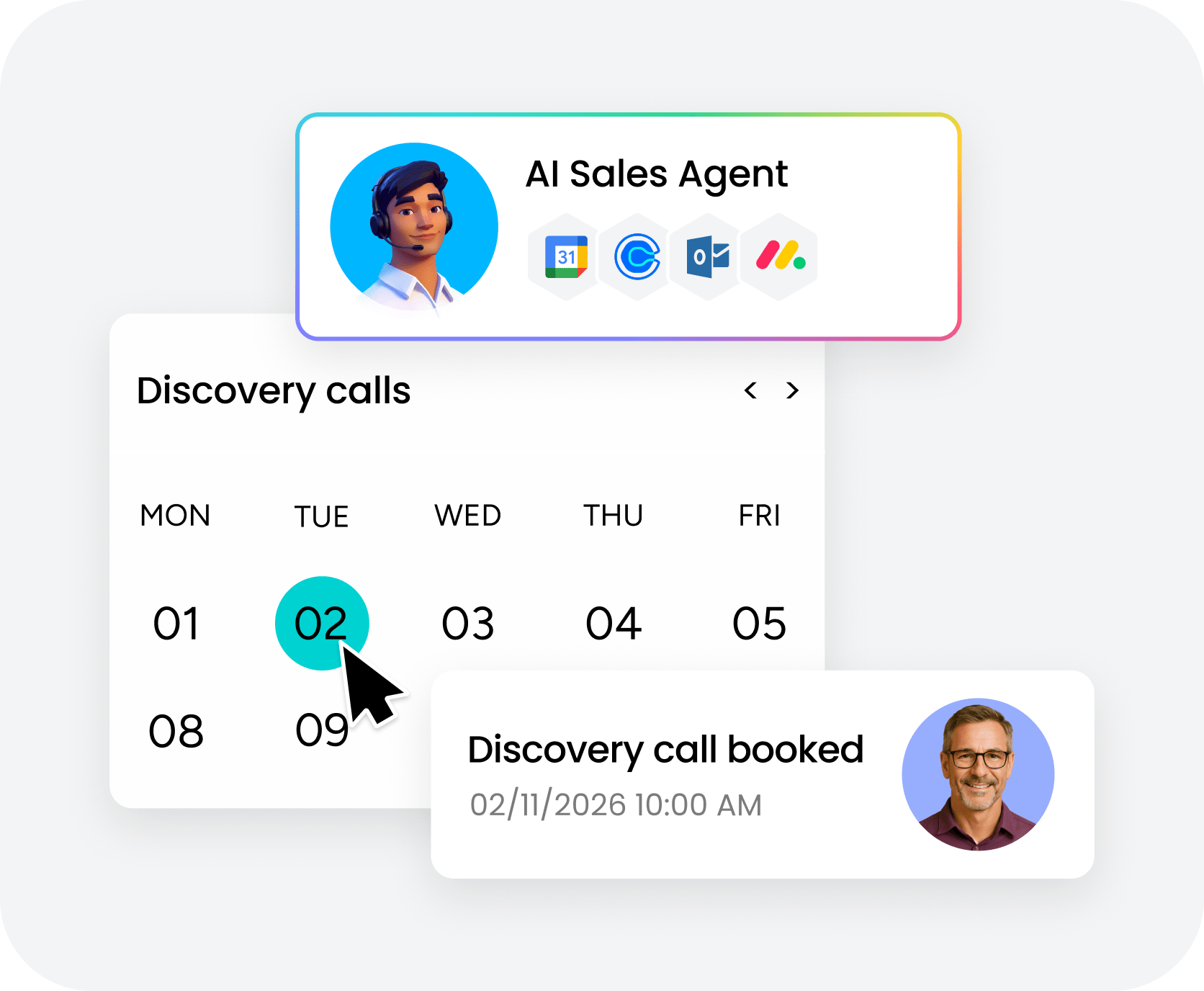
To choose between AI and human CRM assistants, you need to know how they work differently, as each shines in specific situations. Most teams use both at once to create a powerful combination.
AI tackles high-volume work like lead scoring and email logging, while humans handle the exceptions and tricky research.
1. Speed and availability
| Dimension | AI-powered assistants | Human virtual assistants |
|---|---|---|
| Task execution speed | Seconds or milliseconds | Minutes to hours per task |
| Operating hours | 24/7/365 | Defined working hours |
| Simultaneous capacity | Unlimited parallel processing | Sequential task completion |
| Response to triggers | Instant | Dependent on workload |
AI assistants work in seconds. When a lead fills out a form at 2 a.m., AI scores it, routes it, and adds it to a nurture sequence before morning.
Human assistants work set hours and handle one task at a time. If 500 leads come in overnight from a campaign, AI sorts and routes every one before morning. A human assistant would need days to get through that many.
2. Scalability and growth potential
AI systems scale efficiently, allowing teams to process significantly higher lead volumes without proportional increases in time or staffing.
With human assistants, more work means more people. Double the workload? You’re hiring more people or adding hours. Each new hire needs recruiting, onboarding, and training before they’re actually productive.
| Growth scenario | AI assistant impact | Human assistant impact |
|---|---|---|
| 10x lead volume increase | No change in cost or setup | Requires more hours or hires |
| Seasonal volume spike | Handles automatically | Requires temporary staff |
| New market expansion | Same system, new rules | Additional hiring for expertise |
3. Learning and adaptation capabilities
AI learns by spotting patterns in your past data. The more deals and qualified leads AI processes, the more accurate it becomes at predicting outcomes. AI catches patterns you’d never spot manually.
But AI needs setup when you want it to handle new tasks. When your process changes, you’ll need to update the rules or retrain the model.
Human assistants learn on the job and use that knowledge when similar situations pop up. Give them a quick explanation and they adapt fast. When something weird happens, they spot it and know who to tell.
On monday CRM, you customize AI through visual interfaces — no coding required. The autofill feature lets you pick actions — detect sentiment, pull out key info, summarize — then preview before you save.
4. System integration capabilities
AI assistants plug directly into your CRM through APIs. They connect your systems, move data automatically, and update your CRM when emails open or deals close.
Human assistants log in like anyone else on your team. They work with any platform they can access — API or not. That flexibility means they can work around it when systems won’t talk to each other.
Try monday CRM AI CustomizationEssential tasks CRM virtual assistants handle
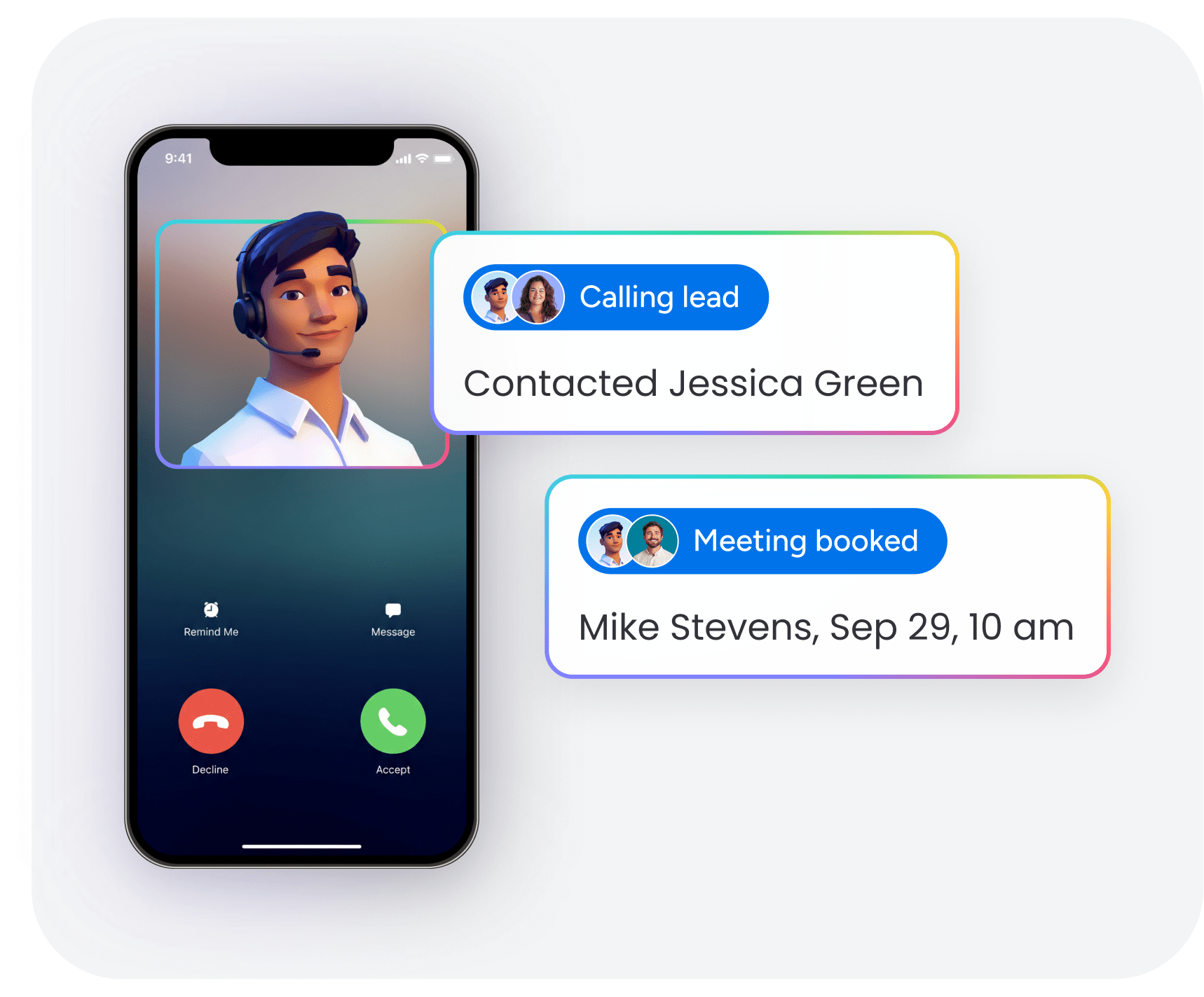
CRM virtual assistants tackle the tasks that keep your customer data clean and your sales process running. Hand off this work and your reps can focus on relationships and closing deals. Know these functions and you’ll figure out what to automate and what needs a human.
Data entry and database management
Data entry means grabbing contact info, company details, and interaction history — then keeping it accurate. Effective CRM data management ensures timely follow-ups and captures every opportunity.
Here’s what virtual assistants handle:
- Contact creation: Adding leads from trade shows and webinars with complete profiles
- Record updates: Keeping job titles and company information current
- Duplicate management: Identifying and merging duplicate records
- Data enrichment: Adding company size and revenue information to existing records
monday CRM’s Extract feature pulls key details from invoices, contracts, and resumes automatically. It grabs info from text, documents, and images — no manual typing.
Lead scoring and qualification
Lead scoring tells you which prospects will actually buy. You can’t chase every lead the same way, so scoring helps you focus on the ones most likely to convert.
Virtual assistants score leads in a few ways:
- Behavioral scoring: Assigning points for email opens and website visits
- Demographic scoring: Evaluating fit based on company size and industry
- Engagement tracking: Monitoring interaction frequency and recency
- Qualification routing: Directing high-score leads for immediate outreach
AI scores thousands of leads in seconds based on the rules you set. Humans use judgment on leads that don’t fit your usual patterns.
Email automation and customer follow-ups
Email automation sends messages when prospects take action or on a schedule you set. Consistent follow-up moves deals forward, but managing emails manually eats up hours.
The AI email assistant on monday CRM composes emails directly within Emails & Activities. It drafts emails based on customer history, so you’re not staring at a blank screen.
Pipeline tracking and sales forecasting
Pipeline tracking watches deals move through stages, flags problems, and predicts revenue based on how healthy your pipeline looks. Sales leaders need to see what’s happening so they can allocate resources and forecast accurately.
Here’s what gets tracked:
- Stage progression monitoring: Flagging deals that exceed normal timeframes
- Deal health assessment: Identifying at-risk opportunities
- Forecast calculation: Projecting revenue based on deal values and close rates
Communication logging and analysis
Communication logging records customer interactions and pulls out useful insights. When history sits in individual inboxes, your team has no context for customer relationships.
monday CRM’s AI Timeline Summary gives you quick summaries of all customer communication. Sales and support teams save time prepping for calls or passing accounts to someone else.
Benefits comparison: AI vs. human CRM virtual assistants
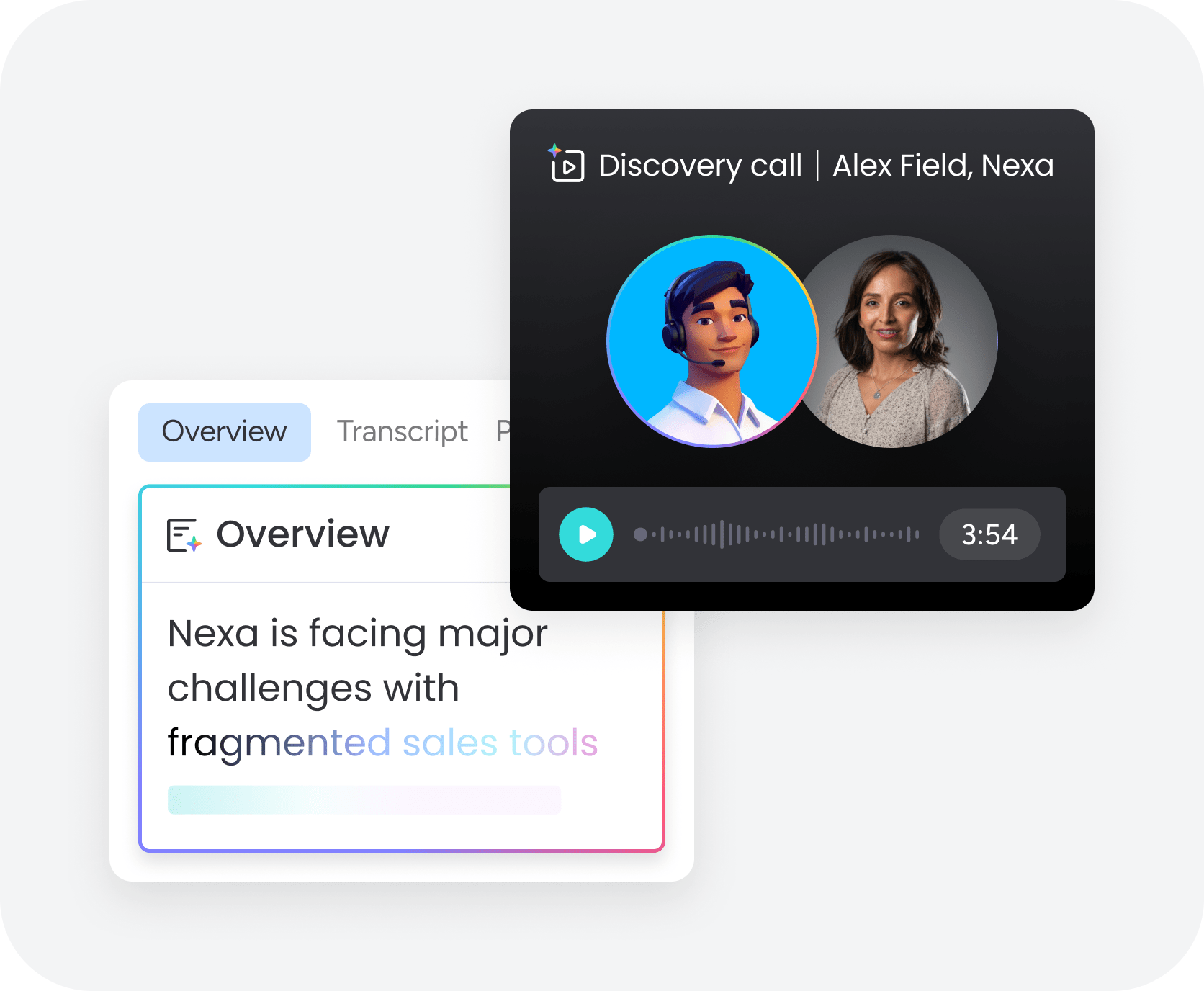
AI and human CRM assistants each bring distinct advantages to your sales operation. The right choice depends on your specific workflow challenges, team size, and growth goals. Here’s how each approach delivers value and where they make the biggest impact.
Key benefits of AI-powered CRM assistants
AI-powered CRM assistants bring advantages because of what the technology can do. These benefits matter most if you’re dealing with tons of data or growing fast. Know these advantages and you’ll figure out if AI automation fits your team’s needs and workflow.
- Process thousands of records instantly: AI sorts through huge amounts of data in seconds. Import 5,000 trade show leads and AI scores them all, finds duplicates, and routes them before your sales team even starts.
- Generate predictive sales insights: AI CRM examples include analyzing historical patterns to predict future outcomes. Sales leaders get predictions based on real data and dozens of variables — not gut feel or basic forecasts.
- Maintain consistent quality at scale: AI uses the same rules for every single record. Every lead gets scored the same way. Emails log with the same level of detail. Data fields follow the same format.
- Reduce long-term operational costs: AI costs money upfront, but the price stays flat even when workload grows. Handle 10x more leads without hiring more people.
- Connect seamlessly with your tech stack: AI assistants connect through APIs and built-in integrations. In monday CRM, you get pre-built integrations and visual workflow builders — no coding needed to automate connections.
Benefits of human CRM virtual assistants
Human virtual assistants do things AI just can’t. These advantages matter most for complex interactions and processes that don’t follow a template. Know when human judgment matters and you’ll split resources better between automated and manual CRM work.
- Navigate complex customer situations: Humans get the subtle stuff and make judgment calls when things don’t fit your usual process. They read the situation and figure out what to do when multiple people are involved.
- Build genuine client relationships: Humans have real conversations and build rapport that actually feels personal. For big accounts, human interaction builds the trust that closes deals.
- Adapt to unique business requirements: Humans adapt to new processes and handle unique requests without needing to be reprogrammed. When your business needs change, give them quick instructions and they adapt right away.
- Apply industry-specific knowledge: Experienced assistants know your industry lingo and competitive landscape. That knowledge helps them make better calls on lead qualification and customer communication.
- Handle nuanced communication: Humans read tone and write messages that need emotional intelligence. They recognize subtle signals about satisfaction or concerns that require human interpretation.
Cost comparison: AI vs. human CRM virtual assistants
Cost structures differ significantly between AI and human assistants. Understanding these differences helps inform budget decisions. This analysis covers both upfront investments and ongoing operational expenses to give you a complete financial picture.
Upfront investment requirements
| Cost category | AI-powered assistants | Human virtual assistants |
|---|---|---|
| Initial setup | $50–200/user/month | $200–1,000 (recruiting, hiring) |
| Configuration time | 5–20 hours | 10–40 hours (onboarding) |
| Training investment | 2–8 hours for team | Creating process guides |
Many CRM platforms include basic AI capabilities in standard pricing. The AI capabilities in monday CRM activate without separate purchases, reducing initial investment.
Monthly operational expenses
Human costs scale linearly with workload. AI costs remain relatively flat. This makes AI cost-effective for high-volume tasks and human assistants economical for specialized work.
ROI timelines and expectations
AI assistants typically show ROI within 1-3 months for high-volume use cases. Human assistants show ROI through quality work and judgment that prevents problems requiring significant resources to resolve.
How to build a hybrid CRM assistant strategy
The decision between AI and human CRM support isn’t either/or. Most sales teams achieve best results by combining both approaches, using AI for repetitive work and human judgment for complex situations. Your strategy should align with your team size, growth trajectory, and specific workflow challenges.
Consider these factors when evaluating your options:
| Team type | Key evaluation questions |
|---|---|
| Mid-market leaders | Will this improve forecast accuracy and pipeline predictability? Can we customize without IT resources? Does this provide visibility into team performance? How does this support cross-functional coordination? |
| Frontline teams | How much daily CRM time will this save? Will this integrate with existing tools? Can we trust AI with customer communication? How easy is it to adjust automated actions? |
| SMB teams | Can we implement without technical expertise? What's the total cost including setup? Will this scale as we grow? How quickly will we see results? |
The real value extends beyond time savings. Better CRM upkeep means cleaner data, accurate forecasts, and stronger pipeline visibility. It means smoother handoffs across sales, account management, and finance. Leadership makes resource decisions with confidence instead of guesswork.
When evaluating platforms, look for customization without IT complexity, real-time dashboards, and AI transparency that lets you preview actions. Start with workflows creating the most drag, then measure impact on response times and data quality before expanding.
AI capabilities continue improving rapidly. What requires human judgment today may be automatable tomorrow. Build processes that evolve. Choose platforms that continuously add features. The goal isn’t automation for its own sake, but building revenue operations that move faster and forecast better.
Why choose monday CRM for your virtual assistant strategy
With monday CRM, you gain AI automation with human-friendly customization to give you the best of both worlds. Here’s what makes it stand out:
- No-code AI customization: Set up autofill columns, email composition, and timeline summaries through visual interfaces — no technical expertise required.
- Built-in AI features: Extract data from documents, compose contextual emails, and summarize communication history without additional purchases.
- Seamless integrations: Connect your entire tech stack through pre-built integrations and visual workflow builders.
- Real-time visibility: Track pipeline health, forecast accuracy, and team performance through customizable dashboards.
- Scalable automation: Start with simple workflows and expand as your team grows — the platform evolves with your needs.
Transform your CRM workflow with the right virtual assistant
The most effective CRM strategy combines AI automation for high-volume tasks with human judgment for complex situations that require nuance and relationship building. AI handles data entry, lead scoring, and routine follow-ups instantly, while human assistants tackle prospect research, personalized outreach, and non-standard customer scenarios that demand critical thinking.
Get both capabilities in one platform: monday CRM, with powerful AI features that work without coding expertise and the flexibility to support human assistants when judgment matters most.
Try monday CRMFAQs
What's the difference between a CRM virtual assistant and a regular virtual assistant?
The difference between a CRM virtual assistant and a regular virtual assistant is specialization. A CRM virtual assistant focuses on customer relationship management tasks like data entry and sales support within CRM platforms, while regular virtual assistants handle broader administrative tasks like scheduling and travel arrangements.
Can AI CRM assistants completely replace human assistants?
AI CRM assistants cannot completely replace human assistants because each excels at different tasks. AI is ideal for high-volume, repetitive work, while humans are essential for managing complex situations that require judgment and relationship building.
How much does a CRM virtual assistant cost per month?
AI-powered CRM assistants typically cost $50-200 monthly as part of CRM subscriptions, while human CRM virtual assistants charge $15-50 hourly, with monthly costs ranging from $500-4,000+ depending on hours worked.
What tasks should I automate with AI versus assign to human assistants?
Automate high-volume tasks like data entry, lead scoring, and scheduled follow-ups with AI. Assign complex prospect research, personalized outreach for high-value accounts, and non-standard customer situations to human assistants.
How long does it take to set up a CRM virtual assistant?
AI-powered CRM assistants configure in 5-20 hours depending on complexity, while human virtual assistants require 2-4 weeks from hiring to full productivity, including recruiting, onboarding, and CRM training.
Do CRM virtual assistants work with all CRM platforms?
AI-powered assistants work best with CRM software with AI or robust integrations. Human virtual assistants work with any CRM they can access through a user interface, making them more flexible for legacy systems.

 Get started