Your rep just wrapped a great discovery call. The prospect named their budget, flagged a competitor, and set a hard deadline. Then the next call starts, and by end of day the CRM note reads “good call, follow up Thursday.” That’s how deals quietly stall, and it’s exactly the problem the best tools for crm meeting notes are built to solve. The issue isn’t a shortage of note-takers. It’s finding one that turns a raw conversation into deal intelligence your team can act on, synced to the system reps already live in.
We compared eight AI meeting notetakers on what actually matters for sellers: transcription quality, conversation intelligence, CRM sync, security, and price. Use this guide to pick the one that fits how your team sells, including platforms like monday CRM that keep notes and deals in one place.
Key takeaways
- AI note takers remove manual data entry by capturing, transcribing, and syncing calls straight to your CRM, giving reps hours back each week.
- Conversation intelligence goes past transcription to surface buying signals, sentiment shifts, and deal risks you’d otherwise miss.
- Bot-free recording keeps high-stakes customer calls natural, while bot-based tools work well for internal meetings.
- The biggest gains come when notes live in your CRM natively, like monday CRM, so there’s no sync gap between conversation and pipeline.
- Price ranges from free tiers to enterprise plans, so match the tool to your team size, stack, and compliance needs.
What are AI meeting note takers for sales teams?
An AI meeting note taker does the job reps dislike most: taking notes. It records and analyzes every call so your team can stay present in the conversation while buyer signals and deal risks get captured automatically. The best ways to organize crm meeting notes all share one trait: the notes end up structured inside your CRM, not stranded in a separate transcript app.
Automated CRM synchronization for real-time pipeline accuracy
Because the AI captures every word and syncs updates to your CRM, you finally cut manual data entry. Your pipeline stays current and your forecasts get more accurate. Reps sell instead of type, and managers get a real-time view of what’s actually happening in every deal.
What good crm meeting notes actually contain
The best way to capture and organize crm meeting notes is to answer five questions in every record: what was discussed, what the prospect needs, where the deal stands, what happens next, and what the subtext was.
Capturing what a buyer said is easy. Capturing what they meant is what makes a note useful to the next rep who opens the deal.
Consistency beats cleverness here. Frameworks like MEDDPICC, BANT, and SPICED give your notes a shared structure, so a pipeline review tells the same story to everyone. Good AI note takers map conversations to these frameworks and fill the fields for you, so structure stops depending on rep discipline.
How AI note takers handle in-person meetings
AI note takers can capture in-person meetings even without a video link. Bot-free tools record system or device audio locally, then turn it into structured notes, which suits face-to-face discovery calls and on-site visits. Accuracy improves with a good microphone, and some tools support multi-mic setups for rooms with several speakers.
7 essential features sales teams need in AI note takers
A basic note taker works for internal check-ins, but sales teams need tools that actively move deals. The right platform turns recordings into pipeline intelligence, surfacing the patterns and buying signals that decide whether deals close or stall. Here are the seven features that separate revenue-driving tools from ones that just add to your stack.
- Seamless CRM integration: Your note taker should talk directly to your CRM, updating deals, contacts, and next steps in solutions like monday CRM. No manual entry, no lost context.
- Conversation intelligence and deal insights: A transcript won’t tell you a deal is about to die. Conversation intelligence finds the real story in your calls and flags risks so you coach with data.
- Speaker identification and attribution: Knowing who agreed to a timeline or raised a budget flag is non-negotiable for complex deals. Speaker ID pins commitments to the right person.
- Automated action item tracking: Forgotten follow-ups kill deals. A smart note taker logs and assigns every next step so nothing slips.
- Enterprise security and compliance: Recording customer calls demands built-in security like SOC 2 and GDPR, not a bolt-on afterthought.
- Multi-language support: Deals don’t stop at the border, so your tool should understand every conversation regardless of dialect.
- Sentiment analysis for buyer engagement: Words tell half the story. Sentiment analysis tracks shifts in buyer tone so you know which deals are hot.
How to choose between bot-based and bot-free recording
Some tools add a visible bot to your meeting, which is simple but can feel awkward for customers. Others work invisibly in the background, recording without an extra guest on the call. When a bot joins a high-stakes customer call, participants can get guarded, which limits the candid feedback that advances deals.
Leading teams use both strategically. Bot-based recording fits internal check-ins and team reviews, while bot-free methods suit customer-facing calls where trust matters most. Platforms like monday CRM let you pick the recording method based on context, so your tech adapts to your sales process instead of constraining it.
Why AI note takers matter for sales teams
Sales calls are packed with buying signals, but that intel usually gets lost in messy notes. Connect your note taker to your CRM and conversations turn into action: when a prospect says “we’re ready,” the deal stage can change instantly, giving you a forecast you can trust.
- Automatic pipeline updates: Buying signals trigger instant deal-stage changes and keep your forecast accurate in real time.
- Human-feeling follow-ups: AI drafts personalized emails from actual call content, so timely messages go out while you focus on the next conversation.
- Living sales playbook: Spot which talk tracks close deals and which objections are real roadblocks, turning every call into coaching intelligence.
- Hours back each week: Reps lose precious time on CRM updates and manual follow-ups instead of selling. By automating these repetitive processes, note takers give those hours back so reps can focus on revenue-generating activity.
- Shorter sales cycles: Faster follow-ups shorten the sales cycle. When responses go out promptly and nothing slips, teams build the momentum that drives predictable revenue.
- Clear ROI: Most tools cost between $10 and $50 per user per month, so the real question isn’t price, it’s payback. The savings show up twice: hours reclaimed and deals that close sooner.
How to roll out AI note takers across your sales team
Adoption starts with a clean rollout. A new tool should plug straight into your current CRM and make life easier, not add another login to forget. Prioritize solid integrations and security over flashy features. These three steps keep a rollout on track.
- Start with a small pilot: Use a pilot group to work out kinks before a wider deployment.
- Focus on admin relief: Show reps exactly how the tool eliminates post-call admin, and adoption follows.
- Measure outcomes over activity: Track shorter cycles and higher close rates, not vanity adoption metrics.
8 best AI meeting note takers for sales teams
The best tool depends on how your team sells. Some are built for speed and high-volume calls, others for deep customization or enterprise deal reviews. The table below gives you a quick read, then each entry breaks down use cases, features, and pricing.
| Tool | Use case | Key features | Starting price |
|---|---|---|---|
| monday CRM | All-in-one sales teams | AI timeline summaries, smart email drafting | $12/seat/month |
| Fathom | Call recording and analysis | Instant highlights, searchable transcripts | Free |
| Fireflies.ai | High-volume SDR and BDR teams | Bulk processing, quick insights | Free |
| Otter.ai | Startups and free-tier users | Accurate transcription, collaboration | Free |
| Fellow | Meeting structure | Agendas, feedback, AI notes | Free |
| Avoma | Enterprise deal reviews | Speaker ID, revenue intelligence | $19/user/month |
| tl;dv | Video-first teams | Video highlights, easy sharing | Free |
| Granola | Bot-free workflows | Custom templates, lightweight design | Free |
1. monday CRM
Best for: Revenue teams who want meeting notes to update deals automatically without leaving their CRM.
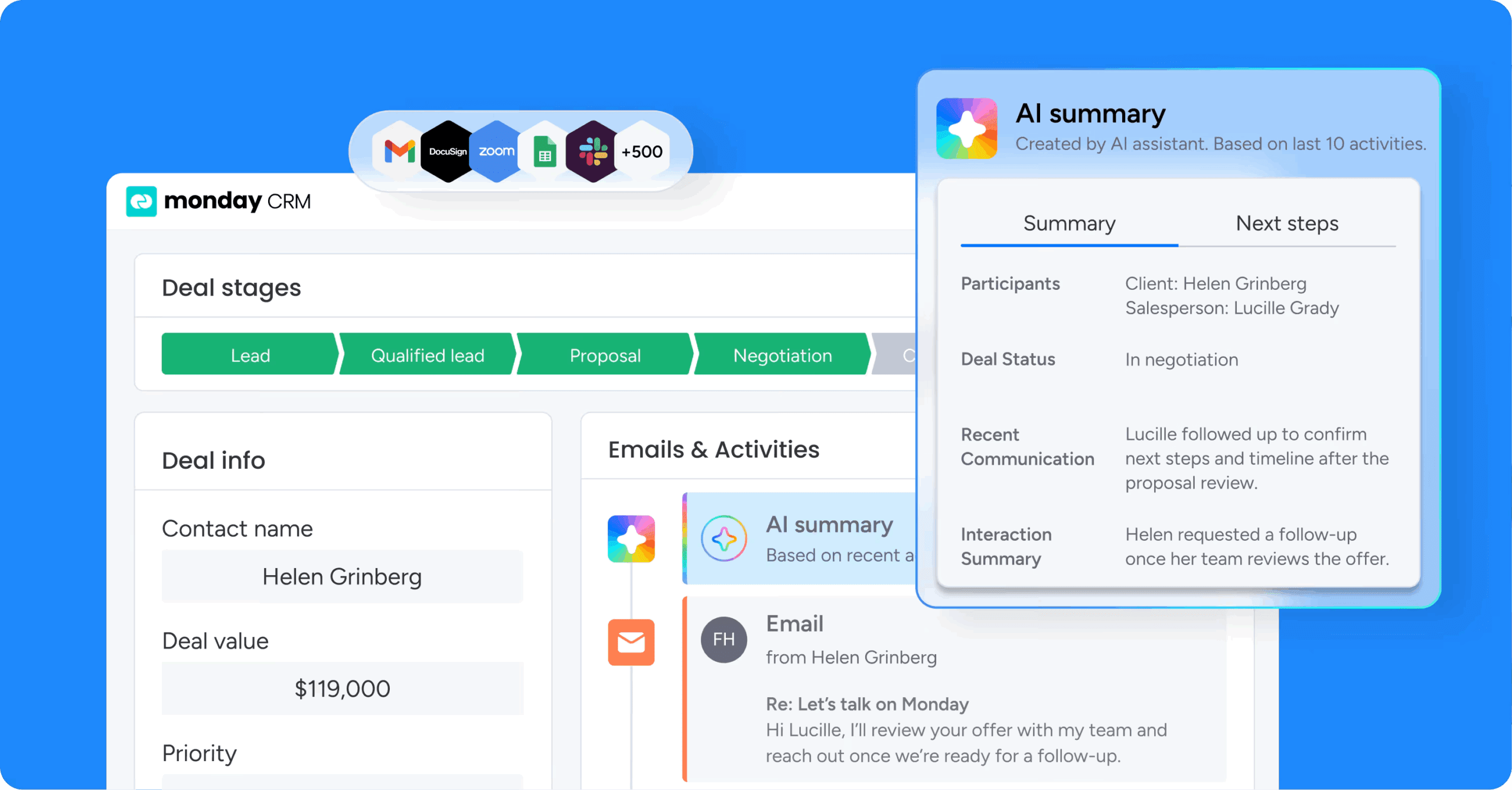
monday CRM combines a full sales CRM with AI-driven meeting intelligence, so every conversation turns into pipeline movement. It’s built for teams tired of the gap between what happened on a call and what’s in the CRM.
Use case
The AI Notetaker in monday CRM captures meeting transcriptions and feeds insights straight into deal timelines, so reps skip the post-call CRM update entirely.
Key features
- Real-time transcription: identifies speakers across Zoom, Microsoft Teams, and Google Meet.
- AI timeline summaries: consolidate meeting notes with complete deal historyin one view.
- Automatic follow-up drafting: emails written from the meeting’s content and context.
Pricing
Plans start at $18/seat/month (Basic) and scale to $41/seat/month (Pro), with custom pricing available for Ultimate. Annual billing saves around 18%, and there’s a 14-day free trial with no credit card required.
Why it stands out
- Native deal-record integration: Insights flow into deals without manual entry, so reps focus on selling.
- Unified timeline: Meeting notes, email history, and deal progression sit together for full context.
- monday sidekick: Ask follow-up questions about a call after it ends, turning conversations into searchable intelligence.
2. Fathom
Best for: Reps who need searchable transcripts and automated highlights to capture key moments and sync deal data to their CRM.
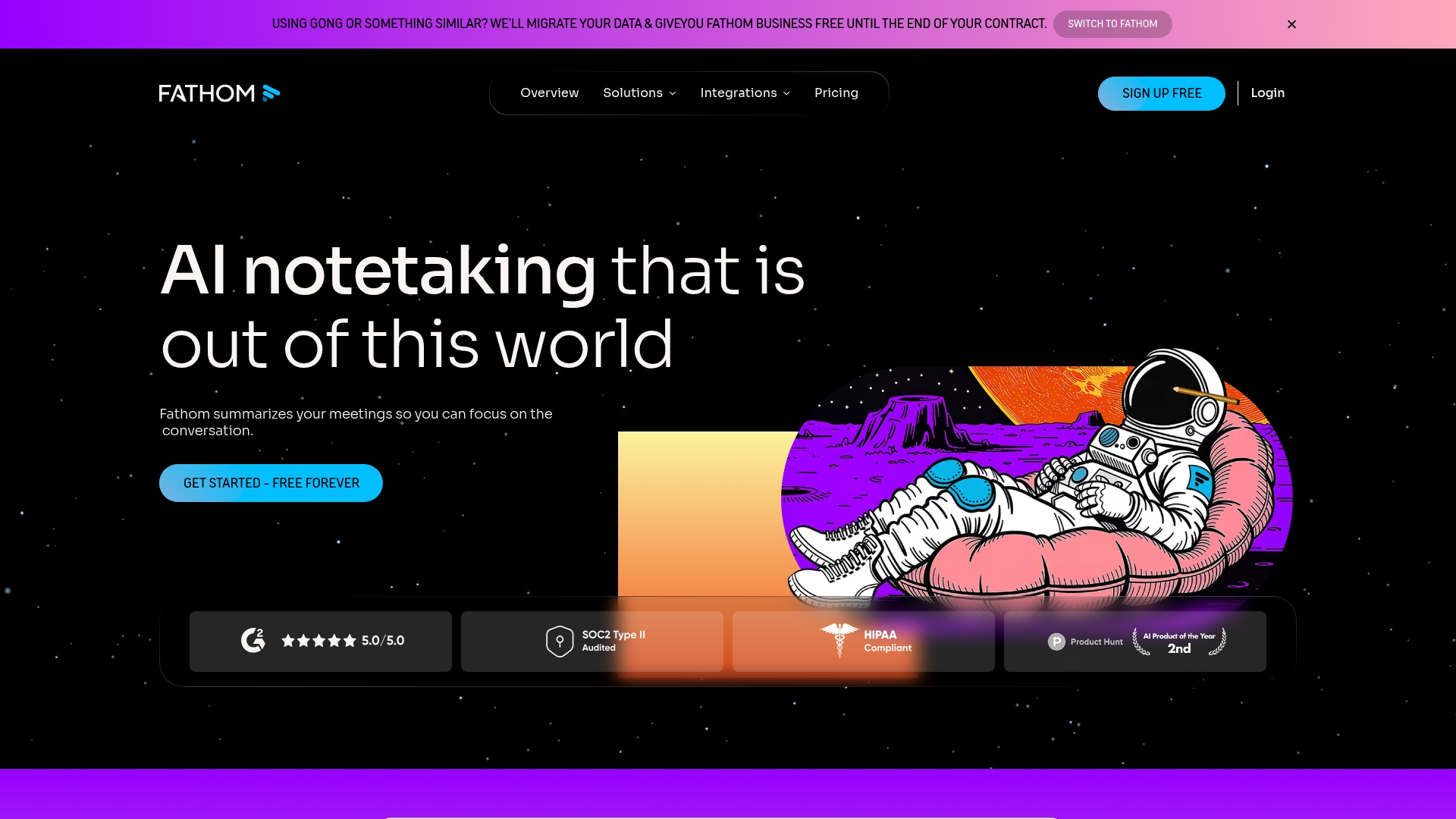 Fathom delivers post-meeting intelligence that turns calls into instant insights. It’s engineered for reps who want to stay present during conversations while the platform captures key moments and pushes deal data to their CRM automatically.
Use case
Fathom helps reps capture and analyze customer conversations to speed up deal velocity and coaching through automated summaries and CRM sync.
Key features
- Instant summaries: Action items and follow-up emails delivered right after calls end.
- Deal View dashboard: Centralizes conversation data, contacts, and activity timelines per opportunity.
- CRM field mapping: Syncs AI insights to HubSpot and Salesforce deal records.
Pricing
Plans start at $0/month for the Free tier with unlimited recordings and 5 advanced AI uses monthly, scaling to $28/user/month for Business with CRM field sync and Deal View. Annual billing saves 25%.
Considerations
- No real-time transcription: Summaries only arrive after processing, with no live captions.
- Desktop-only recording: No mobile app for capturing meetings on the go.
3. Fireflies.ai
Best for: High-volume SDR and BDR teams that need unlimited transcription and conversation analytics across many calls.
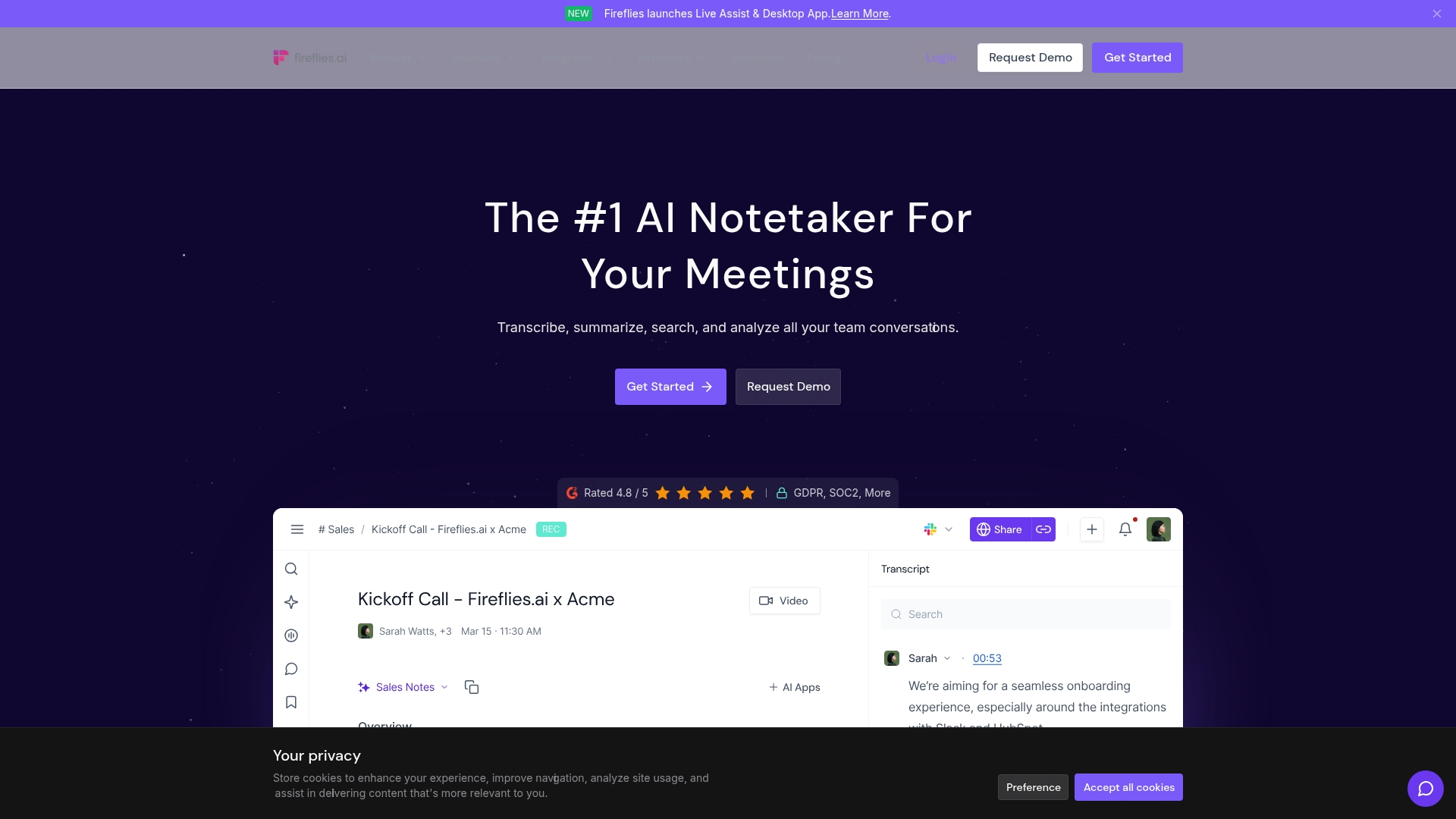 Fireflies.ai turns high call volume into conversation analytics, making every meeting searchable intelligence. Its strength is unlimited transcription and AI summaries, so high-volume teams capture every detail without worrying about minute caps.
Use case
Fireflies delivers structured AI summaries and conversation intelligence that help teams spot winning patterns across many calls while syncing notes to CRMs like Salesforce and HubSpot.
Key features
- Real-time transcription: Speaker labels and live AI notes during meetings.
- AskFred AI: Answers questions about a single meeting or your entire call history.
- Bulk processing: Keyword tracking spots trends across sales conversations.
Pricing
Plans start at $0 for the Free tier with unlimited transcription and 800 minutes storage per user, scaling to $10/month for Pro, $19/month for Business, and $39/month for Enterprise with SSO and HIPAA compliance (all billed annually). Annual billing saves up to 44%.
Considerations
- Limited real-time features: Some live capabilities are restricted by language and platform.
- Recording caps: The Business plan limits recordings to three hours per meeting.
4. Otter.ai
Best for: Startups and free-tier users who need accurate transcription and collaborative note-taking without upfront cost.
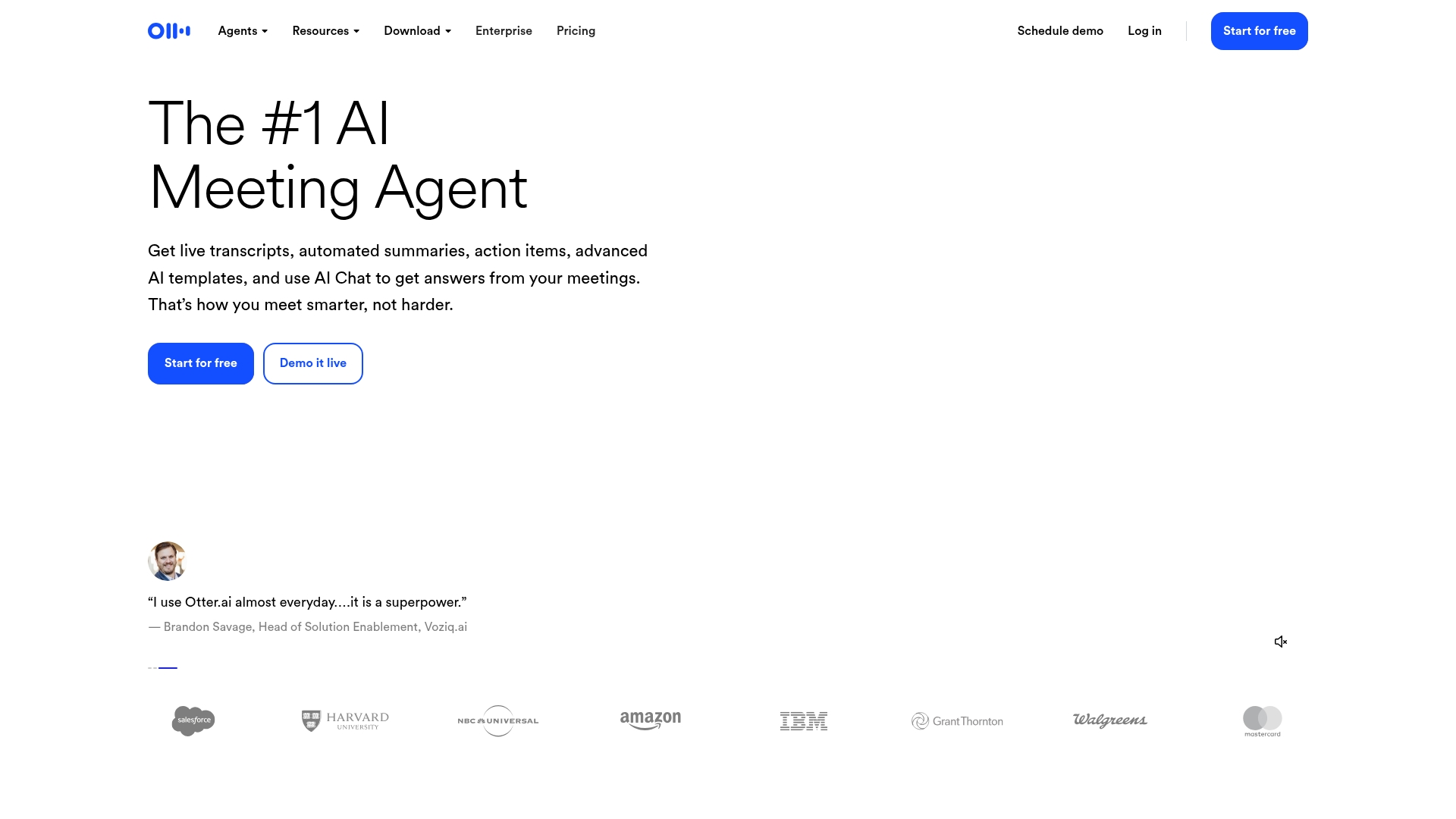 Otter.ai offers cross-platform transcription that works wherever your team meets. Its focus on real-time collaborative notes and automated slide capture lets teams concentrate on the conversation, not the mechanics of note-taking.
Use case
Otter.ai joins Zoom, Google Meet, and Microsoft Teams to create searchable transcripts and AIsummaries that keep the team aligned on what happened and what’s next.
Key features
- Collaborative transcription: Speaker identification and live commenting during meetings.
- AI meeting assistant: Generates summaries, action items, and follow-up email drafts.
- Custom templates: Standardize outputs with automated slide capture.
Pricing
Plans start at $0 for the Basic tier with 300 transcription minutes per month, scaling to $8.33/month for Pro and $19.99/month for Business (both billed annually), with custom Enterprise pricing. There’s a 20% education discount available.
Considerations
- Limited feature availability: AIChat and Meeting Agent roll out incrementally and work best in the Google ecosystem.
- Recording restrictions: OtterPilot can be blocked by waiting roomsor certain Zoom setups.
5. Fellow
Best for: Teams that want structured meeting management with AI note-taking built in.
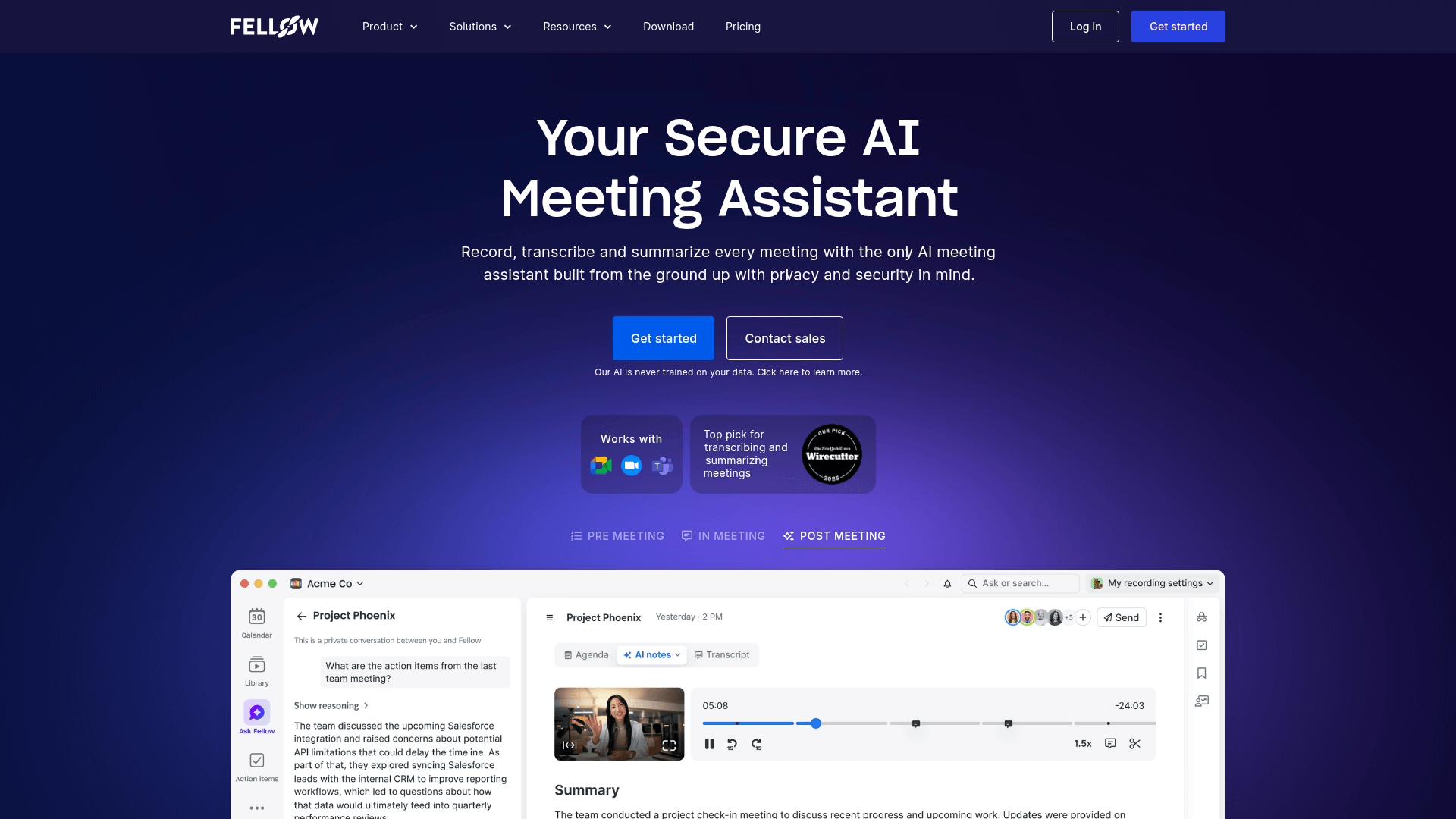 Fellow blends meeting management with AI note-takingfor an end-to-end workflow. Its focus on structured agendas, feedback, and automated documentation makes it a strong fit for teams that want to run more effective, outcome-driven meetings.
Use case
Fellow helps teams prep with AI-generated agendas, capture notes automatically, and sync action items to CRMs like Salesforce and HubSpot.
Key features
- AI Note Taker bot: Records, transcribes, and summarizes across Zoom, Meet, and Teams with speaker ID.
- Pre-meeting briefs: Agenda templates help reps prepare and stay focused on outcomes.
- One-click CRM sync: Updates Salesforce and HubSpot with notes and next steps.
Pricing
Plans start at $0/month for the Free tier (up to 5 seats), scaling to $7/user/month for Team, $15/user/month for Business with sales recap templates, and $25/user/month for Enterprise with transcript redaction (all billed annually).
Considerations
- Limited AI credits: Free and Team plans cap recordings, which may not suit high-volumeteams.
- Enterprise-only compliance: Features like transcript redaction sit on the top tier.
6. Avoma
Best for: Enterprise teams navigating complex, multi-stakeholder deals who need conversation intelligence paired with revenue insights.
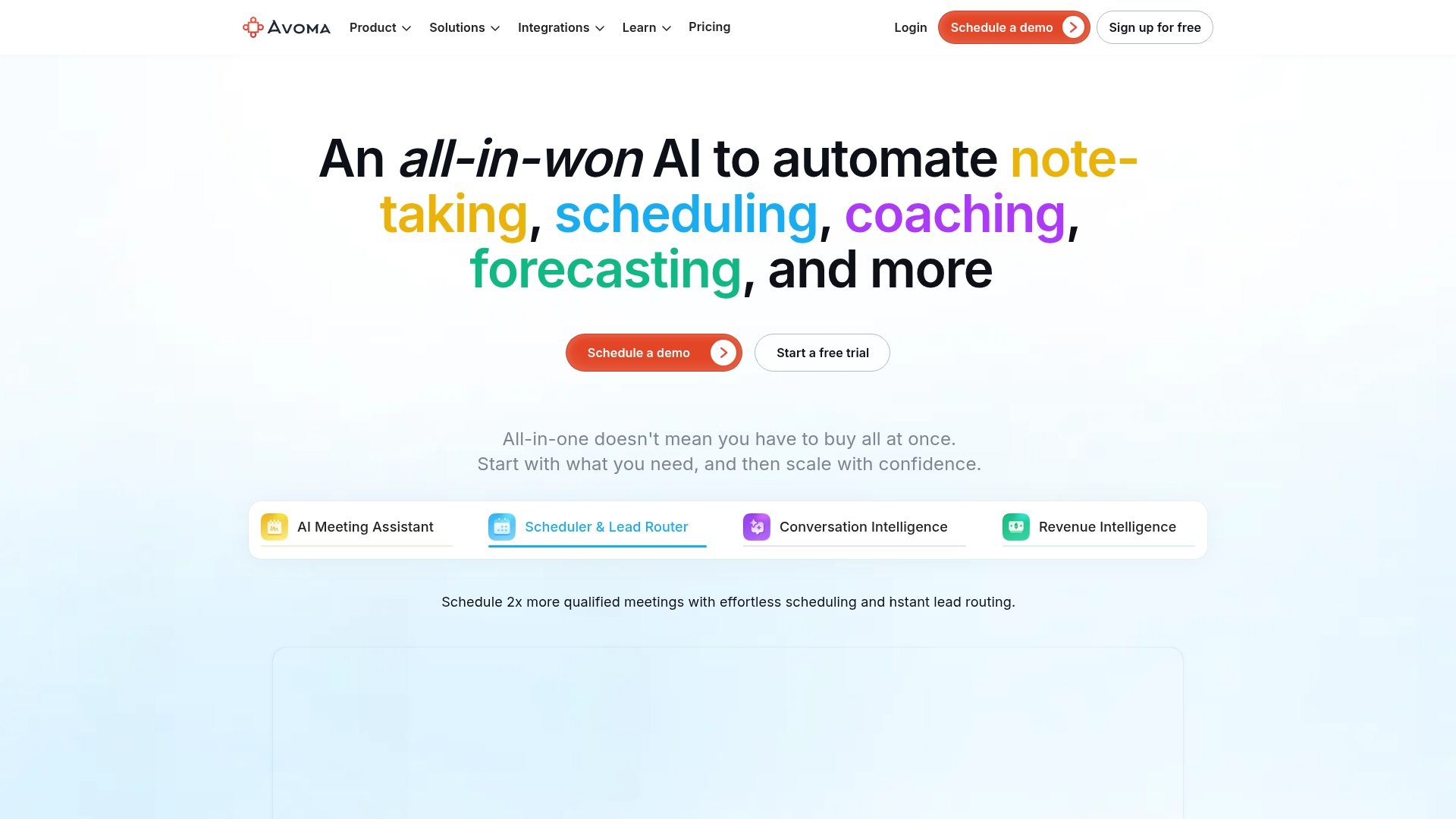 Avoma merges AI notes with speaker identification, performance analytics, and coaching to uncover deal risks and stakeholder engagement. It’s built for revenue teams that need structured meeting insights and automated CRM updates while building a foundation for conversation intelligence.
Use case
Avoma helps revenue teams capture structured meeting insights and automate CRM updates while building a foundation for conversation intelligence and coaching.
Key features
- Smart templates: Customize AI note structure to capture business needs and pain points.
- Two-minute note delivery: Automatic sync to Salesforce, HubSpot, Pipedrive, and Zoho.
- Ask Avoma copilot: Query past conversations and extract insights.
Pricing
Plans start at $19/user/month for the AI Meeting Assistant (annual billing), with Conversation Intelligence and Revenue Intelligence add-ons at $29/user/month each (annual) or $35/month. View-only seats are free, and there’s a 14-day full-feature trial.
Considerations
- In-person limits: In-person meetings need multi-microphone setups for good transcript quality.
- Cloud recording delays: Note delivery can lag until providers release files.
7. tl;dv
Best for: Video-first teams who need to capture, share, and analyze meeting highlights across multiple conversations.
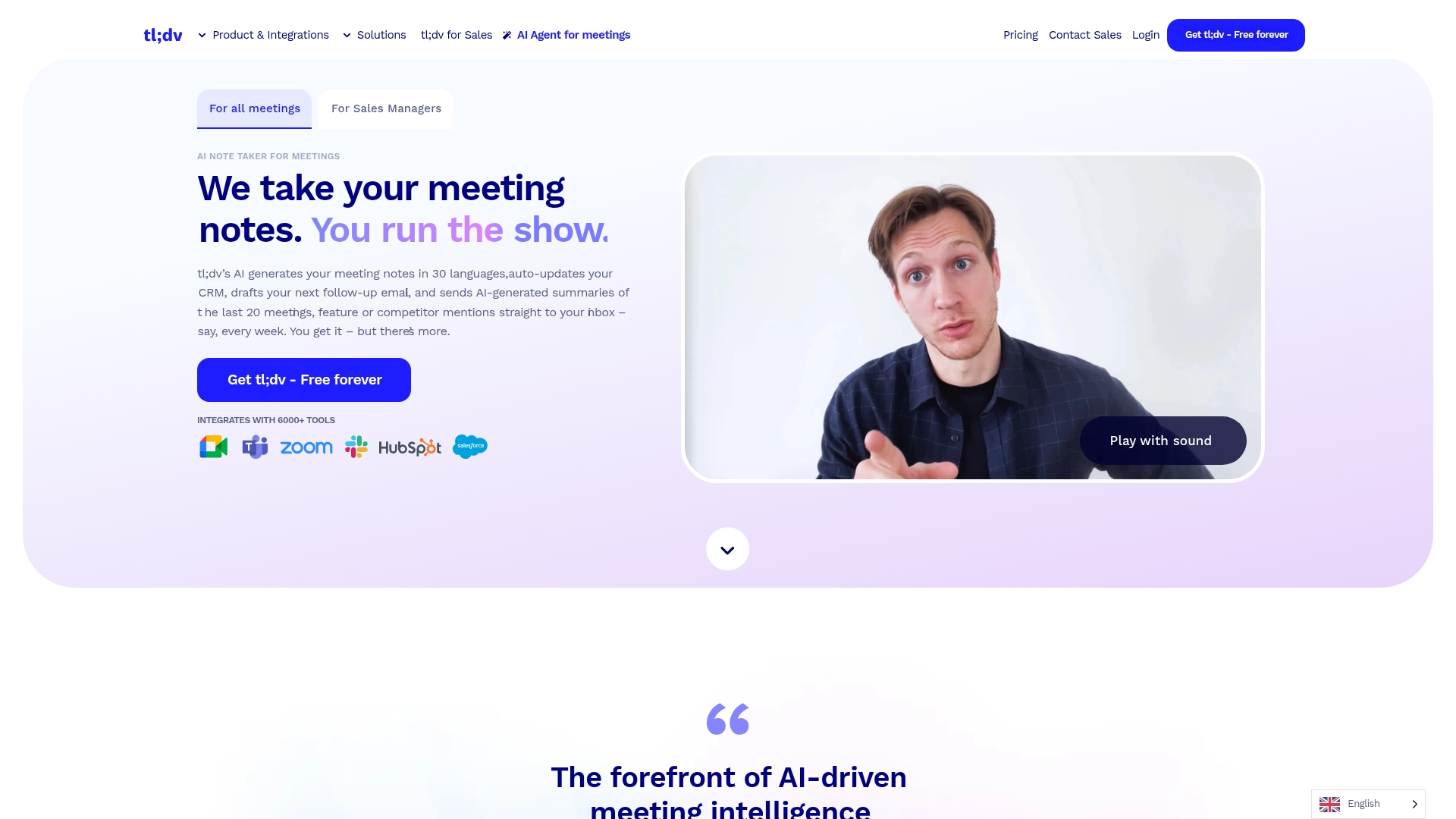 tl;dv takes a video-first approach, letting teams capture, transcribe, and share video highlights from every call. It excels at multi-meeting analytics and recurring AI reports, making it ideal for teams tracking patterns across many conversations, with strong privacy controls and EU hosting.
Use case
tl;dv turns recordings into actionable insights with transcription, AI summaries, and video clips you can share with prospects and internal stakeholders.
Key features
- Multi-meeting reports: Aggregate insights across calls with scheduled delivery.
- Video highlights: Share key moments with prospects and teammates.
- Cross-platform recording: Works withMeet, Zoom, and Teams with 30+ languages.
Pricing
Plans start at $0/month for the Free tier with unlimited recordings and transcripts, scaling to $18/month for Pro and $35/month for Business (both billed annually), with custom Enterprise pricing. Regional discounts up to 40% are available.
Considerations
- No native mobile app: Mobile capture relies on auto-recording through meeting platforms.
- Bot-joining issues: Strict authentication may require admin policy changes.
8. Granola
Best for: Teams that want bot-free meeting notes with AI assistance and full control over what gets captured.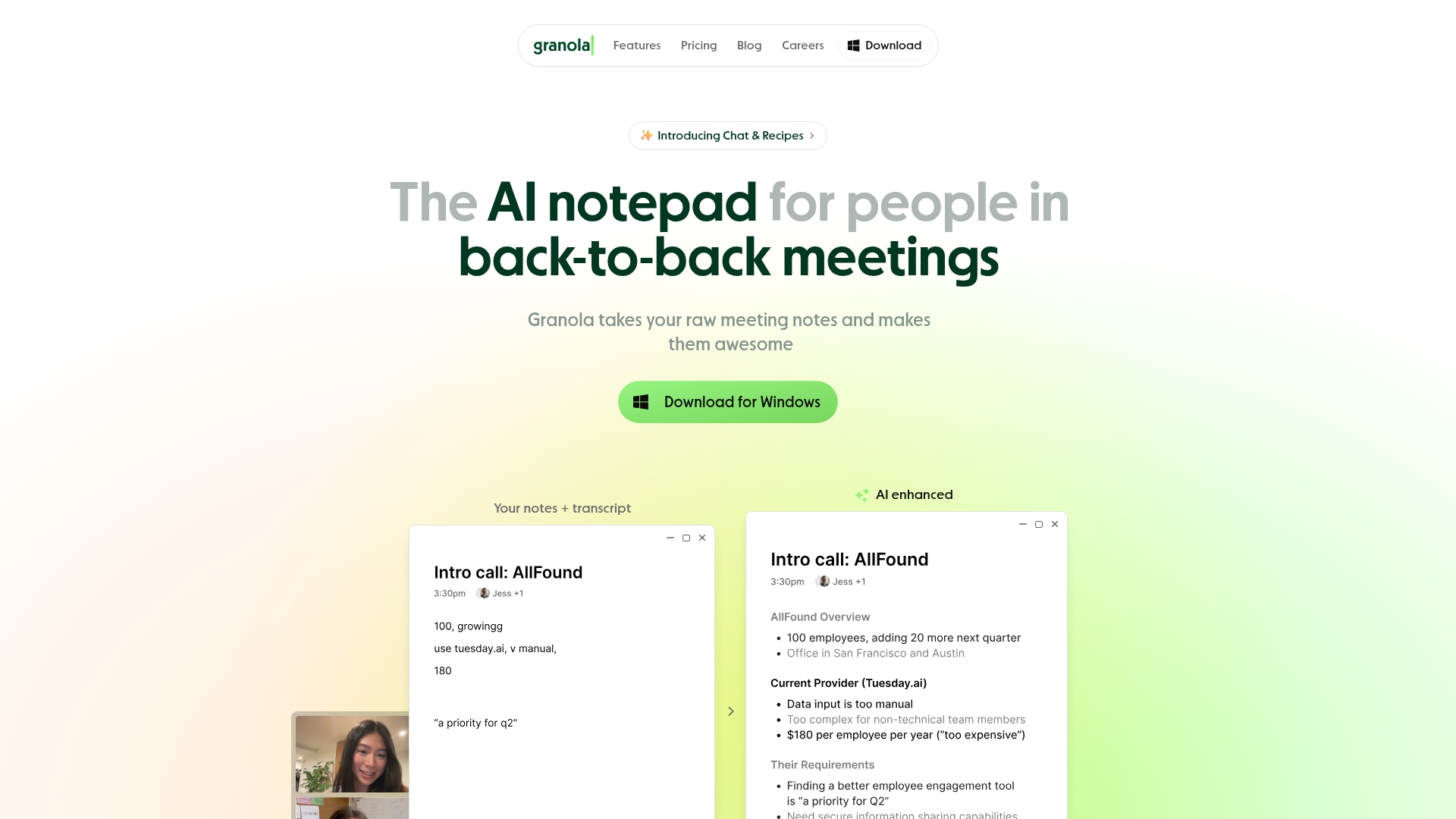 Granola works more like an AI-powered notepad than another bot in your meeting. By capturing system audio locally and combining it with your real-time input, it suits teams that want control over note-taking without bots joining calls.
Use case
Granola helps teams create structured, auditable meeting notes without recording storage or meeting bots, plus cross-meeting insights through AI chat.
Key features
- Human-guided notes: Type quick cues during calls and let AI expand them afterward.
- Cross-meeting intelligence: Query multiple meetings to spot patterns and objections.
- Evidence-linked insights: Every AI point traces back to the transcript forverification.
Pricing
Plans start at $0/month for the Basic tier with AI notes and limited history, scaling to $14/month for Business with unlimited notes and HubSpot, Slack, and Zapier integrations, and $35/month for Enterprise with SSO and admin controls.
Considerations
- No audio storage: You can’t review exact quotes or share audio clips.
- Limited speaker ID: The desktop version only labels “Me/Them” rather than naming participants.
How monday CRM turns meeting notes into pipeline movement
Most note takers stop at the transcript and rely on an integration to nudge data into your CRM. monday CRM removes that gap because the notes live in the system of record. The AI Notetaker transcribes calls across Zoom, Microsoft Teams, and Google Meet, identifies speakers, and feeds a timeline summary straight onto the deal alongside its full email and activity history. Reps stay present on the call, and the deal updates itself.
Because monday CRM is part of a larger platform, it connects to the tools your team already uses through 500+ integrations, including Outlook, Gmail, Slack, Zoom, and Docusign. That keeps meeting intelligence, email, and pipeline in one place instead of scattered across apps.
AI Notetaker with native deal integration

The AI Notetaker captures every word from Zoom, Teams, and Google Meet calls, identifies who said what, and drops a structured summary directly onto the deal record. Notes sit alongside email threads and activity history so reps get full context without switching tabs or hunting through separate apps.
monday agents for meeting prep and pipeline growth
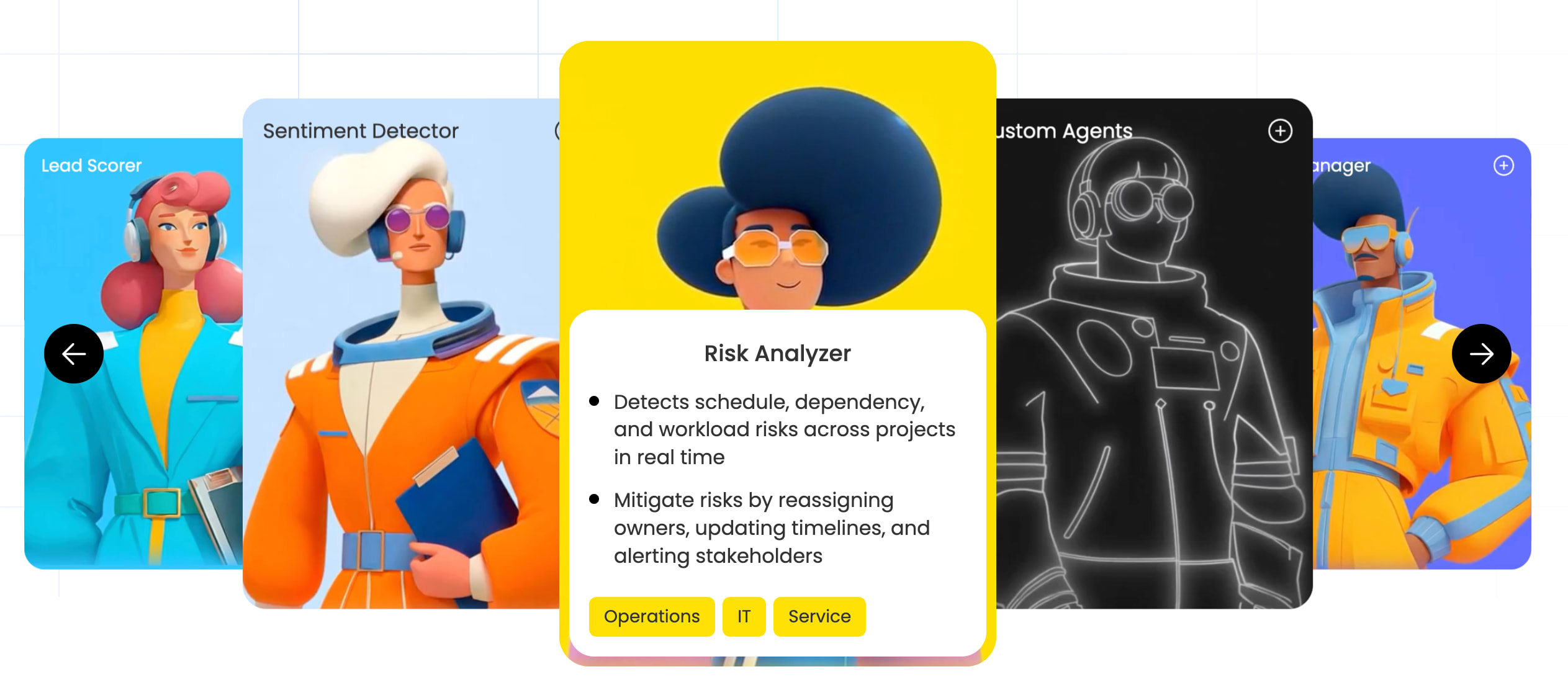
monday agents handle the work that happens before and after calls. The meeting prep agent briefs reps on deal history and context before every conversation, while outreach and lead-sourcing agents keep the pipeline full by automating prospecting and follow-up. These AI agents work in the background so reps focus on selling, not admin.
No-code automation that turns notes into action

Automation recipes convert meeting outcomes into pipeline movement without manual updates. Action items become tasks, buying signals trigger deal-stage changes, and follow-ups get scheduled automatically. The system reads the conversation and updates the deal so nothing slips through the cracks.
Deal Insights that surface risk early

The Deal Insights widget flags at-risk deals using signals pulled from conversations, like stalled status, low engagement, and negative sentiment. Managers get early warnings on deals that need attention, and coaching becomes data-driven instead of reactive. Risk surfaces before it kills the deal.
“With monday CRM, we’re finally able to adapt the platform to our needs — not the other way around. It gives us the flexibility to work smarter, cut costs, save time, and scale with confidence.”
Samuel Lobao | Contract Administrator & Special Projects, Strategix
“Now we have a lot less data, but it’s quality data. That change allows us to use AI confidently, without second-guessing the outputs.”
Elizabeth Gerbel | CEO
“Without monday CRM, we’d be chasing updates and fixing errors. Now we’re focused on growing the program — not just keeping up with it."
Quentin Williams | Head of Dropship, Freedom Furniture
“There’s probably about a 70% increase in efficiency in regards to the admin tasks that were removed and automated, which is a huge win for us.“
Kyle Dorman | Department Manager - Operations, Ray White
"monday CRM helps us make sure the right people have immediate visibility into the information they need so we're not wasting time."
Luca Pope | Global Client Solutions Manager at Black Mountain
“In a couple of weeks, all of the team members were using monday CRM fully. The automations and the many integrations, make monday CRM the best CRM in the market right now.”
Nuno Godinho | CIO at Velv
“monday.com provides developmental flexibility, operational efficiency, and data transparency — all in one place. We became a company that moved from chasing data to leading with it.”
Hyunghan Lee | Team Lead, Sandbox Network
"monday.com brought every part of our business into one connected space. The harmony between work management and CRM has become our operating system — giving us the clarity and confidence to scale.”
Jennifer Chinburg | Executive Vice President of Corporate Development & Brand, Chinburg Properties
“We just weren’t getting value from our old CRM. With monday.com, it's a thousand times better. Our sales teams are more informed, more consistent, and far more connected."
James Arnold | Chief Operating Officer, CenversaTurn every sales conversation into pipeline with monday CRM
The right setup changes how a sales team works. No more digging for context before a call. No more deals stalling because a follow-up slipped. Conversations become updates, updates become momentum, and your pipeline reflects reality instead of guesswork.
monday CRM gets you there by keeping meeting notes where they belong. The AI Notetaker captures and summarizes calls onto the deal, monday Agents and no-code automations handle the busywork, and Deal Insights surfaces risk early so managers coach on facts. It’s meeting intelligence and pipeline in one place, not two tools stitched together.
FAQs
How does monday CRM capture crm meeting notes?
The AI Notetaker transcribes calls across Zoom, Teams, and Google Meet, identifies speakers, and feeds a summary directly onto the deal timeline. Notes update the CRM without manual entry, so reps skip the post-call admin entirely. Every conversation turns into structured intelligence that sits alongside email threads and activity history. The system captures what was said, who said it, and what happens next, keeping your pipeline current without the busywork that usually follows every customer call.
Do AI meeting note takers work for in-person sales meetings?
Yes. Bot-free tools capture device or system audio locally and turn it into structured notes, which suits face-to-face discovery calls and on-site visits. A good microphone improves accuracy, and some tools support multi-mic setups for rooms with several speakers. The recording happens without a visible bot joining the conversation, so in-person meetings stay natural. You get the same structured output you'd expect from a virtual call, just captured through local audio instead of a meeting platform.
Can AI meeting note takers integrate with Salesforce and HubSpot?
Yes, most integrate with CRMs like Salesforce and HubSpot to sync conversation data and deal updates directly.monday CRM centralizes this data natively for one source of truth, so there's no sync gap between what happened on the call and what's in your pipeline. The best integrations push notes, action items, and buying signals straight into deal records without manual entry. That keeps your forecast accurate and your team aligned on where every deal actually stands, not where it stood three days ago.
Do AI meeting note takers work for phone calls?
Yes, they capture calls through dial-ins, VoIP, or a mobile appso every conversation gets logged and analyzed. Phone calls generate the same structured notes, transcripts, and action items as video meetings. The tool records the audio, transcribes it, and syncs the output to your CRM just like any other call. That means your pipeline stays current whether the conversation happens on Zoom, Teams, or a traditional phone line, and reps don't need to switch tools based on how a prospect prefers to connect.
How accurate are AI transcriptions for technical sales discussions?
Accuracy is generally high and improves further when you add custom vocabulary for your industry's terms. Most platforms let you train the AI on product names, acronyms, and technical language specific to your business. That reduces errors in transcripts and makes the notes more useful for deal reviews and coaching. The best tools learn from corrections over time, so accuracy gets better the more your team uses them. Clear audio and good microphones also help, especially when technical terms come up frequently in customer conversations.
Can these tools detect buying signals and competitor mentions?
Yes, they spot buying signals, budget talk, and competitor names in real time, and the best ones update deal stages or trigger follow-up tasks automatically. Conversation intelligence flags the moments that matter, like when a prospect mentions a timeline, names a competitor, or signals readiness to move forward. Those insights surface in your CRM so managers can coach on facts instead of guesswork. The automation turns signals into action, so deals progress without waiting for a rep to manually update the record after every call.