


Every team dreams of being more productive, but the truth is that it is rarely big projects that slow things down — it is the mountain of tiny, repetitive tasks that fill your day. From updating reports to chasing approvals, those small interruptions quietly eat away at focus and momentum.
AI agents are changing that story. They act as digital teammates that take care of one task — and only that task — with perfect consistency. The challenge is finding a simple way to build and manage your own team of agents without getting lost in code or complicated setup.
AI agent builders make it possible, giving you the freedom to design, customize, and deploy helpers that handle repetitive work and keep your team focused on what matters most. Below, we will explore the top 12 platforms set to redefine automation in 2026. We’ll also explore what features truly stand out, and how to start assembling your own digital crew to lighten the load.
Key takeaways
- AI agent builders turn busywork into momentum: these platforms let teams design focused AI agents that handle repetitive tasks consistently, freeing up time for real progress.
- No-code tools unlock automation for everyone: modern agent builders remove the need for developers, making it easy for any team to create, customize, and deploy AI agents.
- Specialization beats all-in-one assistants: the most effective setups rely on multiple task-driven agents, each responsible for a single job rather than one overloaded AI.
- Integration is what makes agents useful: the best builders connect seamlessly with your existing tools so agents can work inside real workflows, not in isolation.
- Agent Factory supports scalable AI teams: build and manage task-driven agents that grow with your needs, helping teams move faster without adding complexity.
What are AI agent builders?
AI agent builders are platforms that let you design, deploy, and manage a personal team of digital assistants — no coding required. They provide the structure to create specialized helpers that handle repetitive tasks and keep your work running smoothly.
Each AI agent you build functions as an autonomous agent, capable of operating independently once given clear instructions. It connects to your existing tools and begins executing workflows on your behalf, from scheduling meetings to updating reports.
The real advantage lies in how simple they make automation. Instead of managing endless manual tasks, you can delegate the small, time-consuming work and stay focused on the projects that truly move your team forward.
Build your AI team with no code required
AI agent builders take what used to be a complex, technical process and make it simple for anyone to use. Instead of needing developers or months of setup, you can now create agents through clear instructions and visual tools that make building feel intuitive.
No-code builders give you complete control over how your agents work. You describe what needs to get done, and the platform turns those directions into automated actions. It is a faster, more flexible way to design the exact helpers your team needs without writing a single line of code.
How AI agents keep everything running
Once your AI agents are up and running, they start to feel like true teammates. One can coordinate calendars and schedule meetings, another can manage routine customer requests, freeing your support team for higher-value work. A third might chase down project updates and compile them into a concise report so you always know what’s happening.
These helpers aren’t limited to office hours. They can also take care of personal tasks, like tracking subscriptions or keeping your weekly schedule organized. The real benefit comes from having a coordinated team of specialized agents, each focused on a single task, working quietly in the background so you can focus on the bigger picture.
Essential features every AI agent builder needs
Choosing an AI agent builder isn’t just about ticking boxes on a feature list — it’s about finding a platform that can actually lighten your load. The right builder feels like hiring a dependable team you can trust, while the wrong one just adds more work to your plate.
The best platforms make your AI agents feel like capable co-workers: reliable, adaptable, and easy to direct. They understand context, remember your preferences, and know when to take initiative. In short, they help you focus on the big picture while they handle the details.
Below are the core features that separate the standout builders from the forgettable ones — the capabilities that turn your agents into real teammates instead of just another app
The must-have traits of a great AI teammate
Every effective AI team shares the same foundation: agents that understand what you need, act without constant supervision, and get the details right every time. To reach that level, your agents should have a few essential skills that make them feel like reliable co-workers rather than automated tools.
- Strong memory: they should recall past conversations and learn your preferences, so you never have to repeat the same instructions twice.
- Multi-step capability: great agents can manage a process from start to finish — kicking off tasks, following up, and delivering results instead of just sending reminders.
- Instant responsiveness: the best agents act the moment they’re needed, adapting to your pace and working seamlessly with your team’s rhythm.
These traits transform your AI agents from passive assistants into dependable digital teammates who anticipate what needs to happen next.
Combining and connecting with other tools
If your AI agents cannot connect to your email, calendar, or project software, their utility is severely limited. The real power is unlocked when your agents can operate inside and between the applications you already use every day.
Seek out a platform that offers simple, pre-built connectors for the applications you rely on, along with the flexibility to integrate with any unique systems your team uses. Your AI team should fit into your existing world, not force you to rebuild your processes around them.
Build and lead with plain language
The most powerful AI is rendered useless if you cannot direct it in plain English. As the manager of this digital team, giving instructions should feel natural, not like a coding exercise.
A great builder empowers you with visual tools and straightforward instructions, letting you create a new AI helper just by describing its job. When your marketing lead can build an agent to track campaign results without involving IT, you know you have found the right platform.
Try Agent Factory12 best AI agent builders to transform your productivity
The future of productivity isn’t a single, all-knowing assistant but rather a specialized crew you build yourself. This is about creating helpers that understand your workflow, remember your preferences, and finally handle all the small but critical tasks that often fall through the cracks.
Instead of relying on one overworked assistant, imagine managing a team of AI agents. One can organize your chaotic calendar, another can summarize endless Slack threads, and a third can finally cancel that unused gym subscription for you. Each one has a single, focused job, and you are the one directing their efforts.
Ready to assemble your personal productivity squad? These agent builders let you create your dream team without writing a single line of code:
1. Agent Factory
Agent Factory is an AI agent builder designed to help teams turn repetitive work into steady progress. Rather than relying on a single general-purpose assistant, it enables teams to build task-driven agents, each responsible for one clearly defined job and built to run reliably in the background.
The sophisticated and easy-to-use platform is designed for speed and clarity. Teams can start with ready-made agents or describe exactly what they want an agent to do, then customize its behavior, scope, and connections. No code is required, and agents are built to slot into existing workflows instead of forcing teams to change how they work.
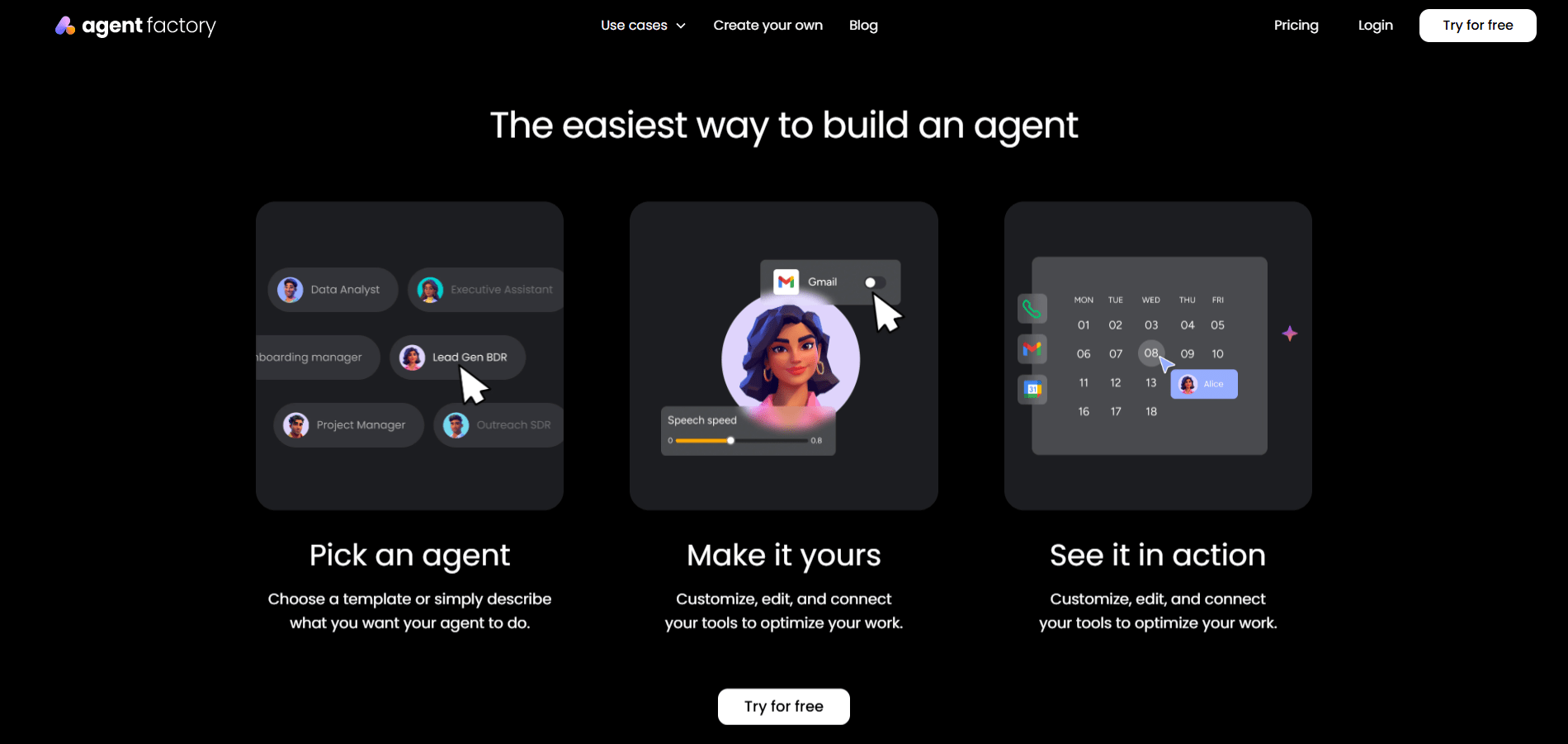
Use case: Agent Factory allows teams to create focused AI agents that manage routine execution, such as follow-ups, request handling, reporting, or coordination, so small tasks don’t slow overall momentum.
Key features:
- No-code agent creation: build and customize agents using natural language, without technical setup.
- Task-first design: assign each agent a single responsibility to keep automation predictable and easy to manage.
- Ready-made and custom agents: start quickly with prebuilt agents or create your own for specific workflows.
- Multi-agent workflows: run multiple agents in parallel, each handling a different part of your workload.
- Tool connectivity: connect agents to existing tools and channels so they operate inside real workflows.
- Customizable behavior: adjust tone, role, and execution style to match how your team works.
- Scalable usage model: add agents and capacity as needs grow without rebuilding your setup.

Pricing:
- Free: $0 per month, includes one active agent, 200 agent credits per month, two seats, and community support.
- Squad: $49 per month, includes up to ten active agents, 5,000 agent credits per month, unlimited seats, and standard support.
- Force: $299 per month, includes up to 75 active agents, 30,000 agent credits per month, multi-agent workflows, and prioritized support.
- Powerhouse: custom pricing for enterprise teams, with tailored agent limits, custom credit plans, advanced analytics, and enterprise support.
- Additional credits: available as an add-on, starting at $99 per month for 10,000 agent credits.

Why it stands out:
- Execution-focused: agents are built to take ownership of tasks, not just assist with ideas.
- Fast to deploy: teams can go from idea to working agent in minutes.
- Grows with your workflow: supports everything from simple automation to coordinated, multi-agent execution.
2. Gumloop
With Gumloop, complex workflow automation becomes a visual, drag-and-drop experience, making it highly accessible for non-technical users. The platform focuses on AI-native automation, which is really useful for marketing and growth teams who need to deploy sophisticated agents quickly without deep technical knowledge.
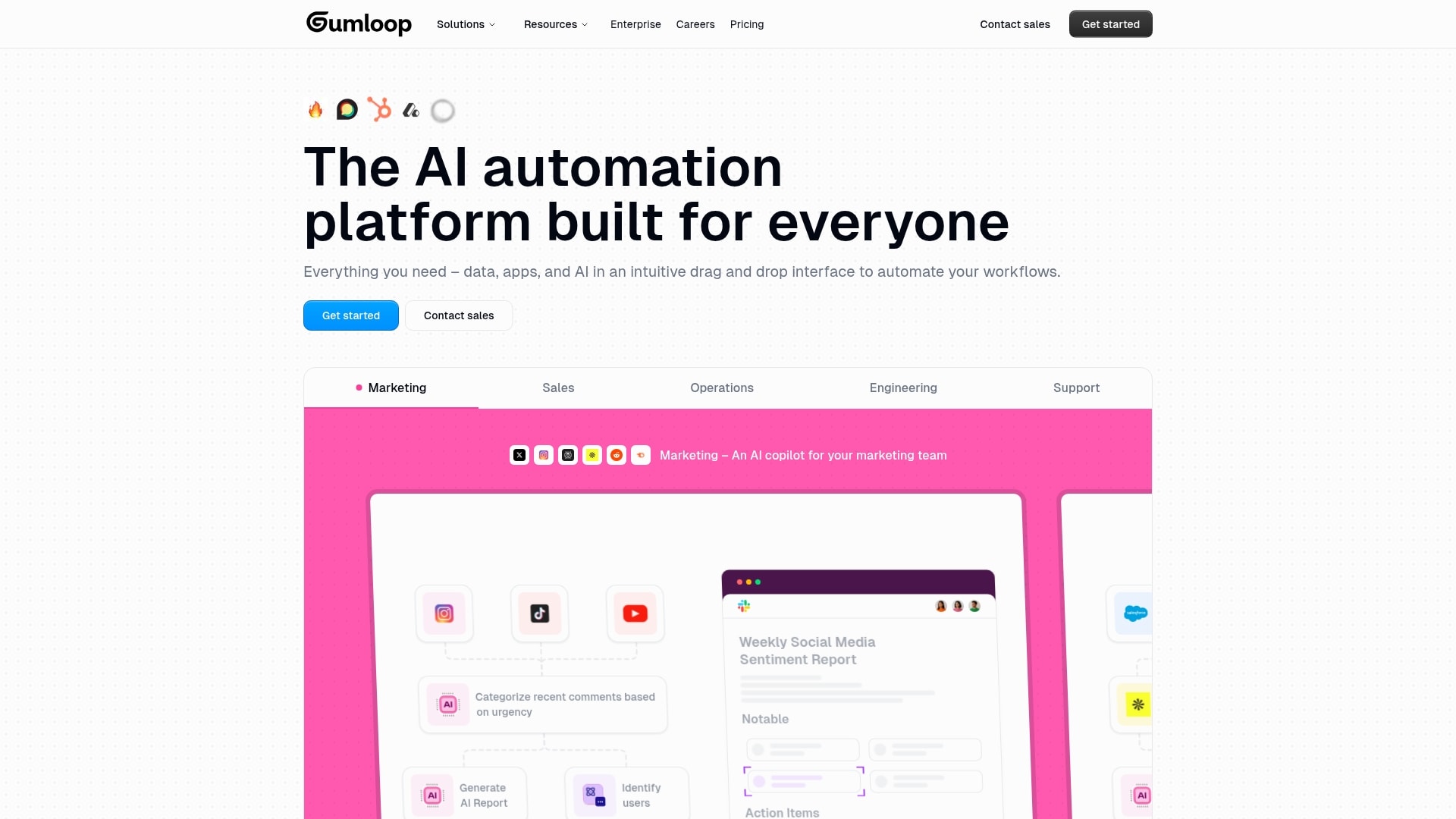
Use case: Gumloop enables non-technical users to build powerful AI-driven automations that would typically require an engineering team, saving time and resources while scaling operations.
Key features:
- Visual workflow builder with drag-and-drop nodes for creating complex, multi-step AI processes.
- Extensive integrations with 100+ applications including CRMs, analytics platforms, and AI models like GPT and Claude.
- Chrome extension for recording browser actions, web scraping, and automating web-based tasks.
Pricing:
- Free: $0/month with 2,000 credits, one seat, one active trigger, and two concurrent runs.
- Solo: $37/month with 10,000+ credits, unlimited triggers, and four concurrent runs.
- Team: $244/month with 60,000+ credits, ten seats, and five concurrent runs.
- Enterprise: custom pricing with advanced security features and admin controls.
Why it stands out:
- AI-first architecture built from the ground up enables more sophisticated automations than traditional trigger-action platforms.
- Exceptionally intuitive user interface that makes complex workflow creation accessible to non-technical users.
- Unique “Subflow” feature allows for modular, reusable workflow components that streamline automation development.
Considerations:
- Significant pricing jump from free to paid plans may be steep for freelancers or low-usage teams.
- Learning curve can be overwhelming for absolute beginners despite the intuitive interface.
3. Relay.app
By seamlessly blending AI intelligence with human oversight, Relay.app creates a powerful bridge between simple automation and intelligent agent behavior. The platform’s strength lies in its “human-in-the-loop” functionality, making it an ideal fit for teams who want AI-powered automation without losing control over critical business processes.
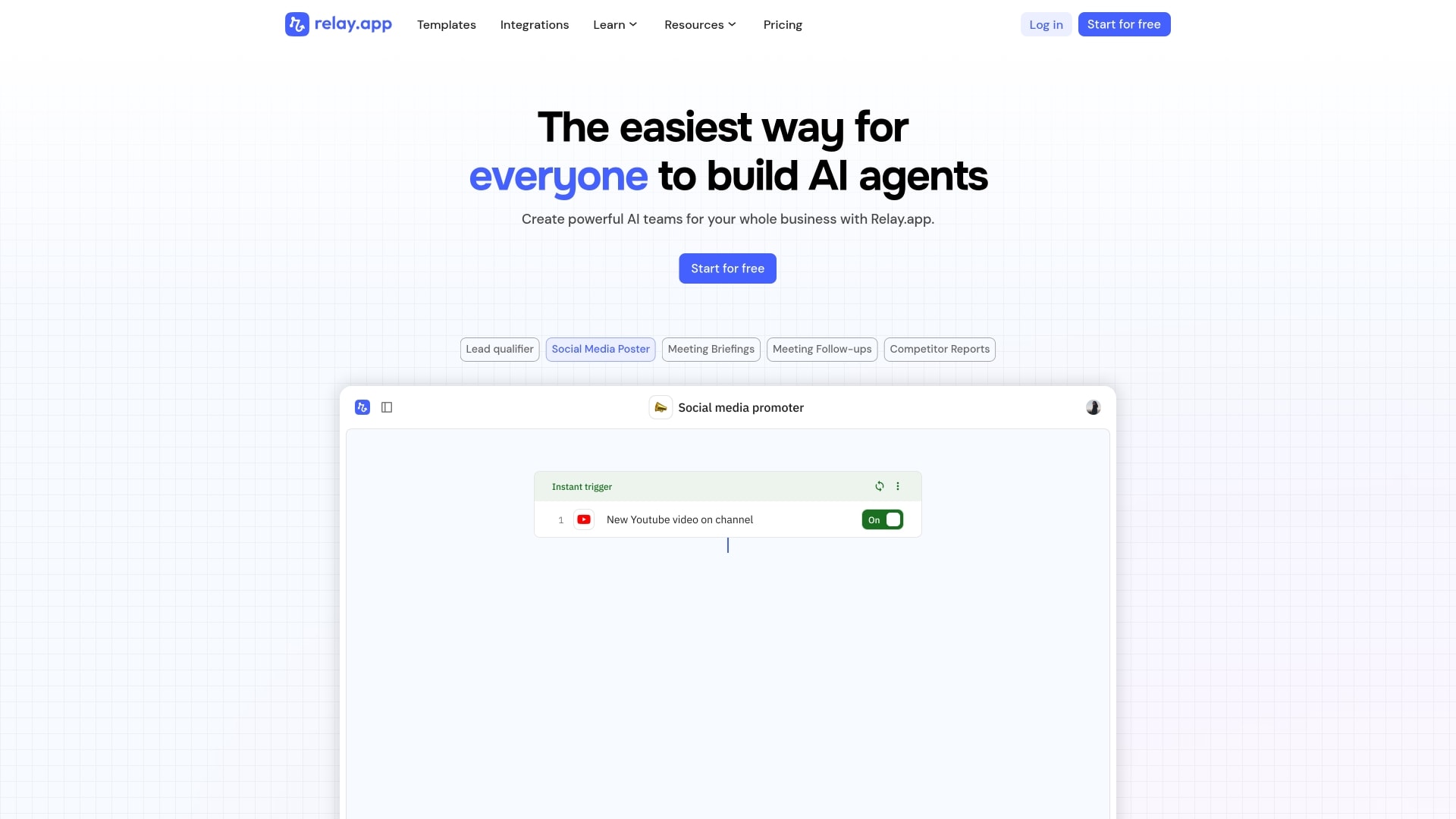
Use case: Relay.app allows teams to build AI-powered workflows that combine automated actions with strategic human checkpoints, perfect for businesses that need intelligent automation while maintaining oversight of critical processes.
Key features:
- Human-in-the-loop automation: seamlessly integrate manual approval points, task assignments, and data input requests within automated workflows.
- Multi-model AI access: choose from leading AI models including GPT, Claude, and Gemini without managing separate API keys or billing.
- Visual workflow builder: create complex automations using an intuitive drag-and-drop interface that connects 100+ business applications.
Pricing:
- Free: $0/month (500 AI credits, 200 steps monthly, all features included).
- Professional: $19/month billed annually (5,000 AI credits, 750 steps monthly).
- Team: $69/month billed annually (ten users, 5,000 AI credits, 2,000 steps monthly, shared workflows).
- Enterprise: custom pricing (unlimited usage, priority support, SOC2 compliance).
Additional AI credit bundles available from $19/month for 10,000 credits.
Considerations:
- Limited to 100+ integrations compared to competitors offering thousands of app connections.
- Free plan restrictions on steps and AI credits may only suit light usage or testing scenarios.
4. Stack AI
Stack AI provides enterprise-grade AI automation through its no-code platform, which is designed to turn complex workflows into intelligent agents. With a focus on security-first deployment — including SOC 2, HIPAA, and GDPR compliance — it is well-suited for Fortune 500 companies and regulated industries.
Having facilitated the creation of over 100,000 AI agents and supporting 30+ LLM providers, Stack AI bridges the gap between enterprise data and cutting-edge AI capabilities.
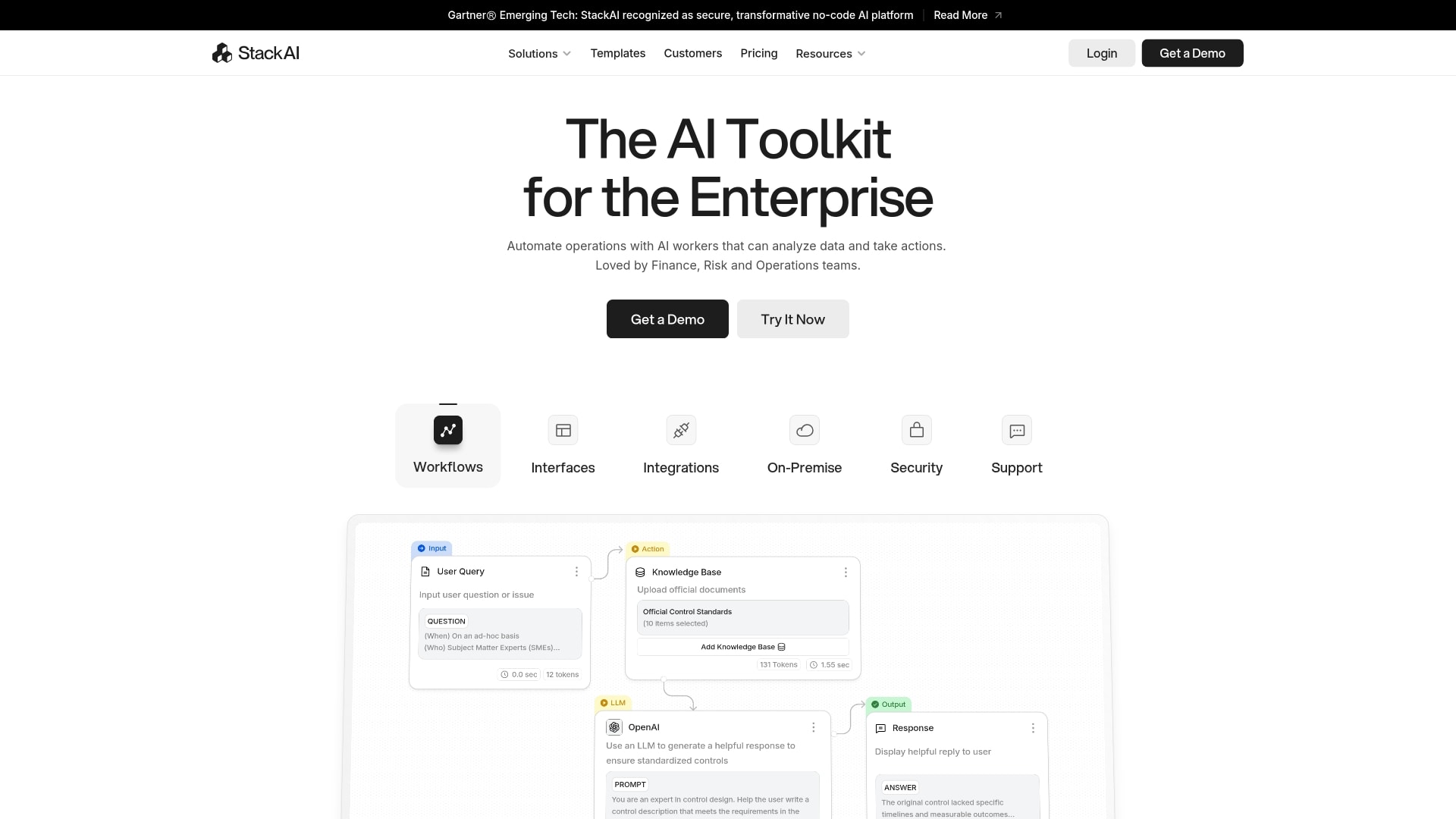
Use case: Stack AI gives enterprise teams the ability to build sophisticated AI workflows that automate everything from financial reporting and fraud detection to customer service and contract review — all without writing a single line of code.
Key features:
- Drag-and-drop visual workflow builder with enterprise-grade security and compliance standards.
- Integration with 30+ LLM providers and 100+ data connectors for maximum flexibility and customization.
- Ready-to-deploy templates for common enterprise use cases like document processing and customer support.
Pricing:
- Free Plan: $0/month (500 runs, two projects, one seat, community support).
- Enterprise Plan: custom pricing (unlimited runs and seats, dedicated infrastructure, on-premises deployment, SSO, priority support).
Considerations:
- Significant pricing jump from free to enterprise tier may limit accessibility for mid-sized businesses.
- Learning curve for mastering advanced features despite the no-code interface.
5. Voiceflow
A no-code visual platform for building conversational AI agents, Voiceflow enables the creation of assistants that can talk, chat, and handle customer interactions across multiple channels. Its specialization in voice and chat agent development, combined with drag-and-drop simplicity, makes it a strong choice for teams aiming to create sophisticated AI experiences without coding expertise.
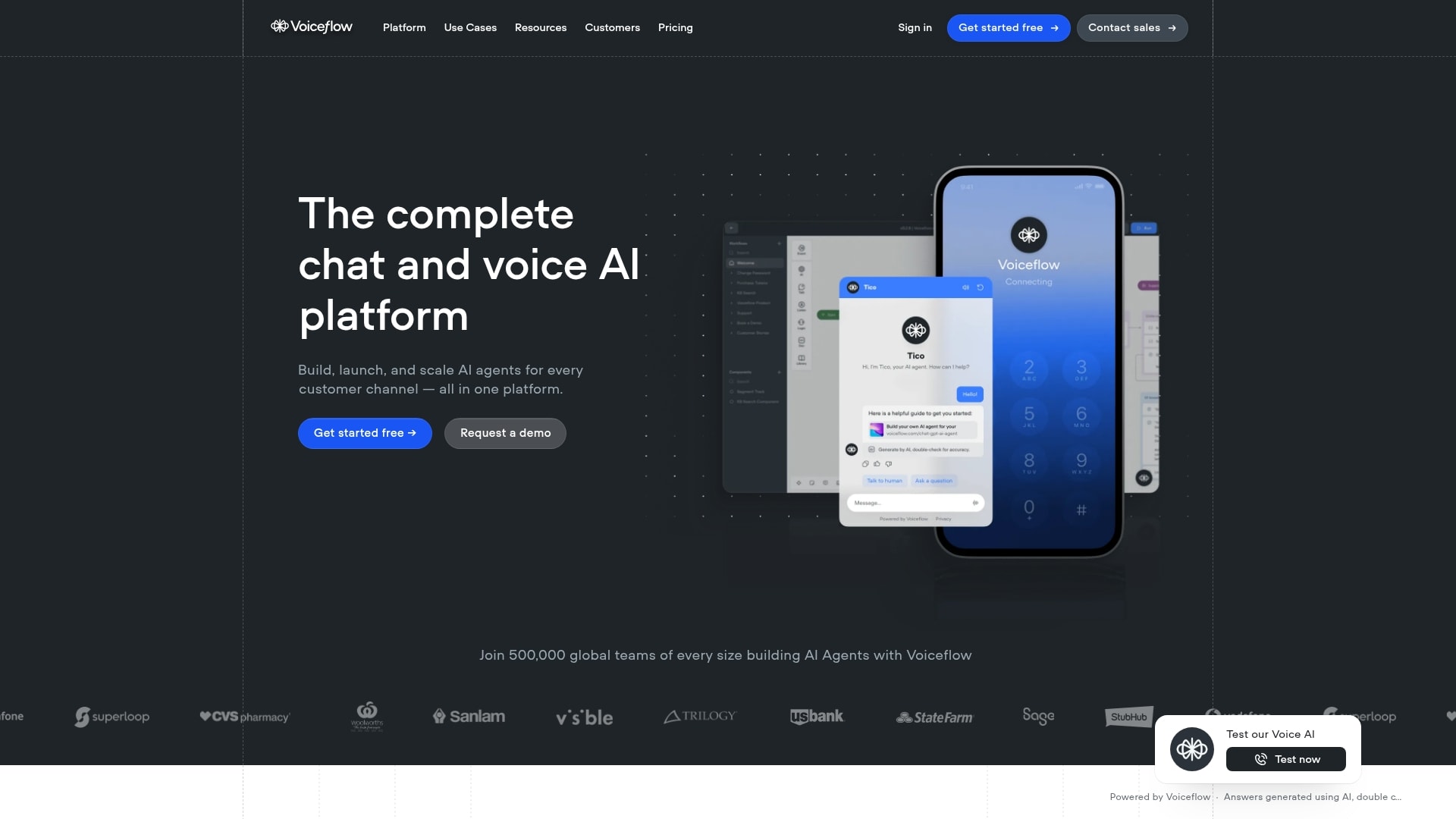
Use case: Voiceflow is a go-to for building everything from customer support bots and lead-gen agents to sophisticated IVR (Interactive Voice Response) systems and helpful in-app co-pilots. It’s also a fantastic tool for rapidly prototyping conversational experiences before you write a single line of code.
Key features:
- Visual drag-and-drop builder for designing complex conversation flows.
- LLM-agnostic support, letting you plug in your preferred language models.
- Multi-channel deployment for web, mobile, IVR, and in-app assistants.
- Retrieval-Augmented Generation (RAG) for grounding agents in your specific knowledge.
- Reusable components and in-canvas debugging to build and troubleshoot faster.
- API integrations with tools like Zendesk, Salesforce, and Shopify.
Pricing:
- Starter: free (Includes 100 credits, one workspace, two agents, 50 knowledge sources, basic LLM models, and one concurrent voice call).
- Pro: $60/month (Includes two workspaces, all LLM models, and 5 concurrent voice calls).
- Business: $150/month (Includes five workspaces, 10,000 knowledge sources, unlimited agents, priority support, 15 concurrent voice calls, and LLM fallback models).
- Enterprise: custom pricing (Includes agent CMS, custom/private cloud, professional services, migration support, custom LLM support, and SSO).
Considerations:
- Lacks a built-in live chat handoff to human agents, requiring a custom API setup for seamless transitions.
- Performance can slow down with very large and complex projects, which can be a challenge for some enterprise-scale implementations.
6. LangChain
As a comprehensive open-source framework, LangChain changes how developers build and deploy AI agents. The platform is built for flexible, code-first development with extensive model integrations, making it a prime choice for teams that require deep customization and control over their AI agent workflows.
Use case: LangChain gives developers the tools to create sophisticated AI agents that can reason, take actions, and integrate with external tools through a modular, model-agnostic framework.
Key features:
- LangGraph architecture: build complex, stateful agents as graphs with nodes representing workflow steps and edges defining transitions.
- Extensive integrations: connect with multiple LLM providers (OpenAI, Anthropic, Google) and external tools without vendor lock-in.
- LangSmith observability: debug and monitor agent performance with detailed tracing and evaluation capabilities.
Pricing:
- Developer: free with 5,000 traces per month and community support.
- Plus: $39/month per seat with 10,000 traces and up to ten seats.
- Enterprise: custom pricing with advanced hosting options and dedicated support.
- Startup/Education: discounted rates available for qualifying organizations.
Considerations:
- Steep learning curve requires strong Python development skills and AI framework knowledge.
- Complex abstractions can become difficult to debug when moving beyond simple use cases, requiring deep understanding of framework internals.
7. AutoGen
Backed by Microsoft Research, AutoGen is an open-source framework for building multi-agent AI systems that collaborate through structured conversations. This platform enables multiple AI agents to work together on complex tasks, making it ideal for developers who need sophisticated automation workflows.
Its conversation-centric approach also sets it apart from traditional single-agent or rigid workflow builders.
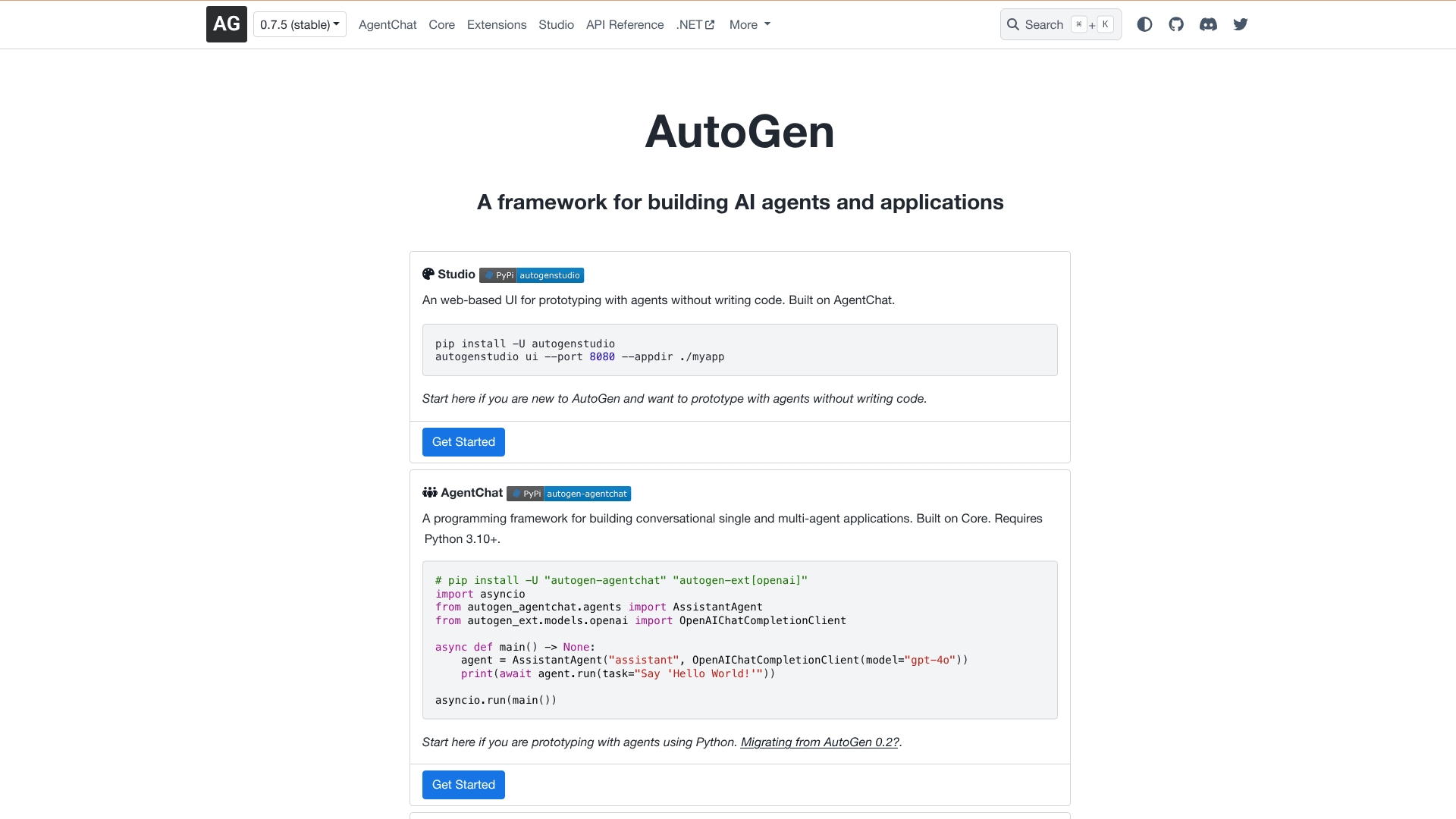
Use case: AutoGen excels at creating teams of specialized AI agents that communicate with each other to solve complex problems through natural conversation patterns.
Key features:
- Multi-agent conversation framework where agents collaborate autonomously to complete tasks.
- Flexible execution environments including local, Docker, and no-code options for different security needs.
- AutoGen Studio provides a visual, low-code interface for building and testing agent workflows.
Pricing:
- Free & Open-Source: as an open-source framework under the MIT license, AutoGen is completely free to use. The only costs you’ll run into are for the LLM API calls your agents make during their conversations.
Considerations:
- Steep learning curve due to the complexity of multi-agent conversation patterns and debugging challenges.
- High operational costs from multiple LLM API calls during agent conversations, which can quickly exceed rate limits.
8. CrewAI
CrewAI re-envisions complex automation as collaborative teamwork by orchestrating specialized AI agents that work together like a well-coordinated crew. The platform excels at role-based agent specialization, making it perfect for organizations that need multiple AI agents to tackle intricate, multi-step workflows.
With reports that its open-source framework is used by nearly half of Fortune 500 companies, CrewAI is demonstrating its potential for enterprise-grade tasks.
Use case: CrewAI enables businesses to automate intelligence-driven processes by building crews of specialized AI agents that collaborate autonomously to complete complex tasks.
Key features:
- Role-based agent creation: define agents with specific roles, goals, and backstories that guide their behavior and decision-making.
- Autonomous inter-agent delegation: agents can delegate tasks to other agents and collaborate to resolve issues without human intervention.
- Visual workflow builder: CrewAI Studio provides a drag-and-drop interface with AI copilot assistance for building workflows without coding.
Pricing:
- Basic: free (50 executions per month).
- Professional: $25/month (100 included executions, unlimited with overage fees).
- Enterprise: custom pricing (up to 30,000 included executions).
Considerations:
- Learning curve can be steep for users new to multi-agent systems, especially when debugging complex agent interactions.
- Telemetry data collection in the open-source version raises privacy concerns for organizations handling confidential data.
9. Vertex AI Agent Builder
Google’s Vertex AI Agent Builder offers enterprise-grade AI agent development with deep integration across the Google Cloud ecosystem. The platform merges no-code simplicity with advanced customization options, making it accessible to both business users and developers who need sophisticated multi-agent workflows.
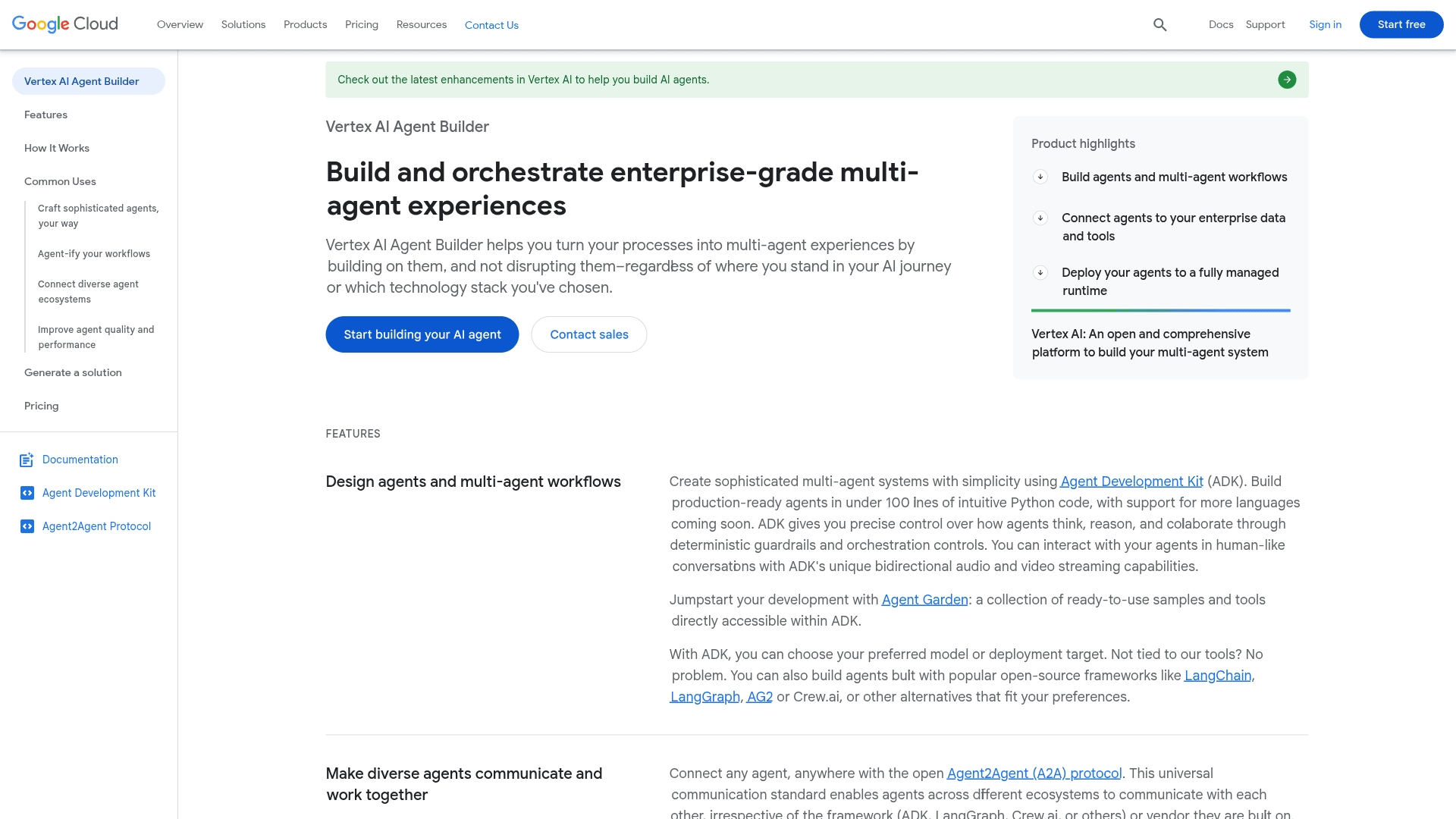
Use case: Vertex AI Agent Builder excels at creating enterprise-scale AI agents that can communicate across different frameworks and integrate seamlessly with existing Google Cloud infrastructure.
Key features:
- Agent2Agent (A2A) protocol: universal communication standard enabling agents from different ecosystems to work together regardless of framework or vendor.
- 100+ pre-built connectors: direct integration with enterprise systems including ERP, procurement, and HR platforms.
- Agent Development Kit (ADK): build production-ready agents in under 100 lines of Python code with support for popular frameworks like LangChain and LangGraph.
Pricing:
- Agent Engine: $0.00994/vCPU-Hr and $0.0105/GiB-Hr for compute and memory resources.
- Model usage: based on input/output tokens as published in Vertex Model Garden.
- Tools and pre-built agents: variable fees based on specific tools utilized.
- New customers: $300 in free credits with 20+ free products with monthly usage limits.
Considerations:
- Deep Google Cloud integration can limit flexibility for organizations with multi-cloud strategies.
- Users report confusing pricing structure with potential for unexpected high costs, making budget planning challenging.
10. Relevance AI
By enabling the creation of autonomous AI agents that handle repetitive tasks without coding, Relevance AI helps transform business operations. The platform’s no-code approach and multi-agent workforce builder make it an excellent choice for teams looking to automate complex workflows across sales, marketing, and customer support.
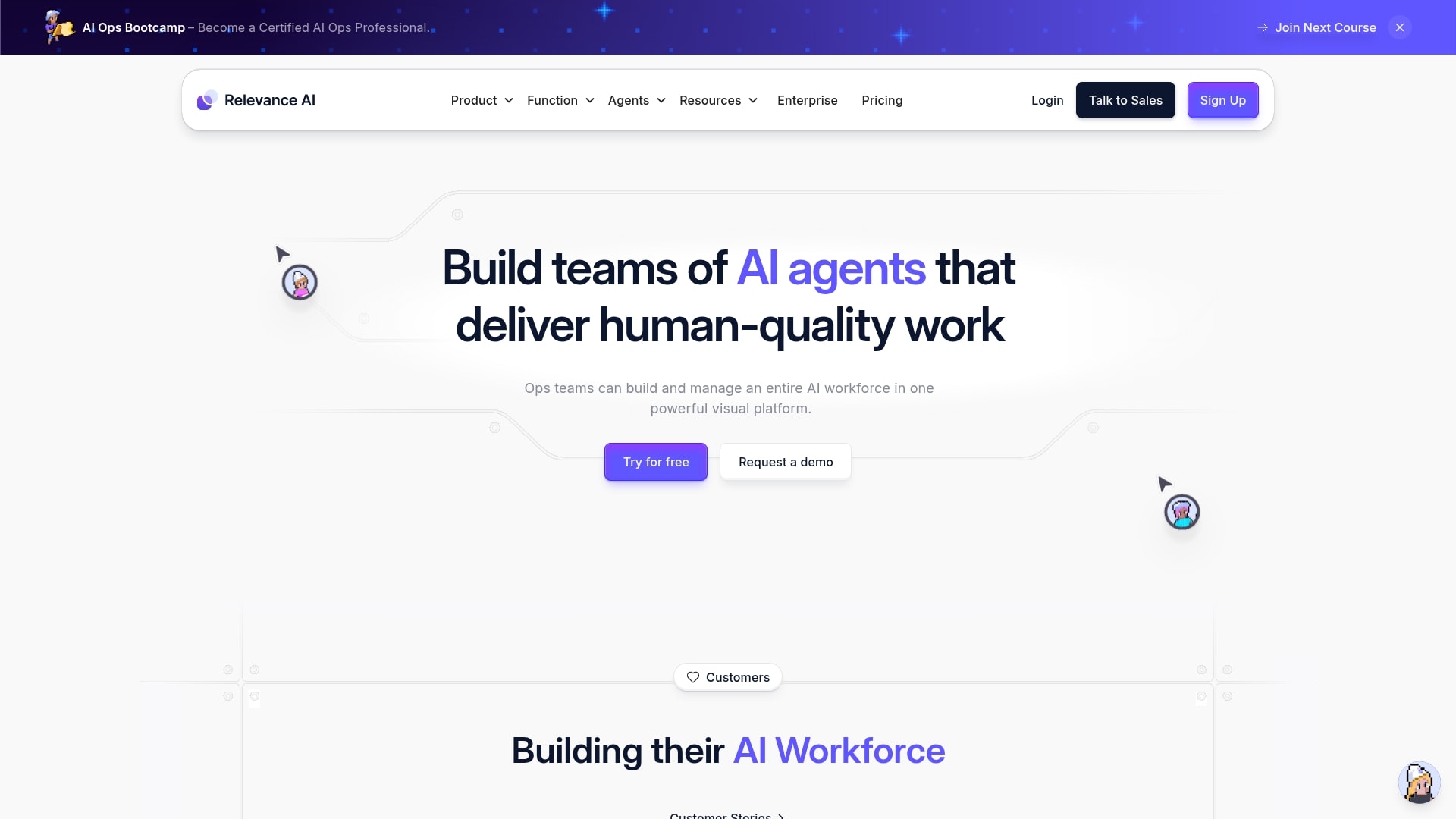
Use case: Relevance AI excels at creating AI workforces that automate business processes, from lead qualification and personalized outreach to customer support and data analysis.
Key features:
- Multi-agent workforce builder: visual system for designing complex workflows with teams of specialized AI agents.
- LLM-agnostic platform: switch between OpenAI, Google, Anthropic, and other AI providers for maximum flexibility.
- 1000+ integrations: connect seamlessly with existing tools like HubSpot, Salesforce, Slack, and ZoomInfo.
Pricing:
- Free: $0/month with 100 credits daily, one user, and basic features.
- Pro: $19/month with 10,000 credits, bulk runs, and scheduling capabilities.
- Team: $199/month with 100,000 credits, ten users, and premium integrations.
- Business: $599/month with 300,000 credits, unlimited users, and multi-agent systems.
- Enterprise: custom pricing with advanced authentication and priority support.
Considerations:
- Pricing can become expensive when scaling up usage, especially for smaller businesses.
- User interface can feel overwhelming when managing complex multi-agent workflows.
11. n8n
For technical teams wanting to build custom AI agents with complete control over their infrastructure, n8n provides an open-source workflow automation platform. It’s like the ultimate LEGO set for developers who want production-ready AI without vendor lock-in.
With over 500 integrations and the flexibility to self-host, n8n empowers teams to create everything from simple chatbots to complex, multi-agent systems.
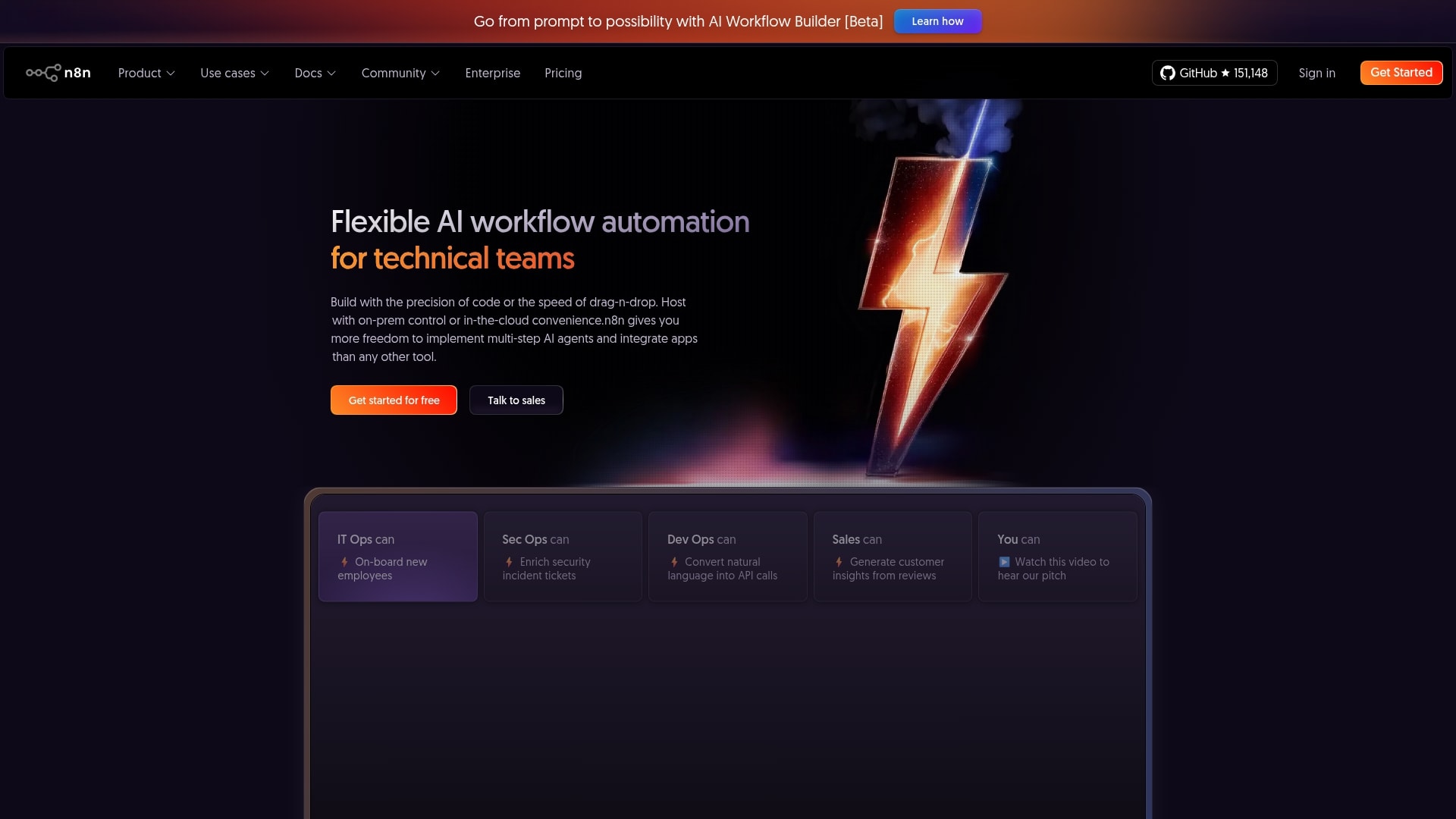
Use case: n8n enables technical teams to build autonomous AI agents that can make decisions, interact with applications, and execute complex workflows, all while you keep the keys to your data and infrastructure.
Key features:
- A visual drag-and-drop interface for creating AI agents, though more complex workflows may require some technical know-how.
- 500+ pre-built integrations connecting to databases, CRMs, LLMs, and various business applications.
- Self-hosting capabilities for complete data control, with enterprise-grade security features like SOC2 compliance available on the Enterprise plan.
Pricing:
- Starter: €20/month (billed annually) – 2,500 workflow executions, 1 shared project, 50 AI Workflow Builder credits.
- Pro: €50/month (billed annually) – 10,000 workflow executions, 3 shared projects, 150 AI Workflow Builder credits.
- Business: €667/month (billed annually) – 40,000 workflow executions, 6 shared projects, self-hosted.
- Enterprise: custom pricing – Unlimited shared projects, 200+ concurrent executions, 1,000 AI Workflow Builder credits (coming soon for self-hosted).
- Community Edition: free self-hosted version available on GitHub.
- Startup: 50% discount on Business plan for companies with under 20 employees.
Considerations:
- Steeper learning curve compared to more user-friendly no-code alternatives, especially for non-technical users.
- The “Build with AI” prompt-to-workflow feature and its associated credits are currently exclusive to n8n’s cloud plans.
12. Microsoft Copilot Studio
Microsoft Copilot Studio provides an end-to-end conversational AI solution that transforms how organizations build and deploy intelligent agents. The solution combines the power of generative AI with deep Microsoft 365 integration, making it the definitive choice for enterprises already invested in the Microsoft ecosystem who want to scale AI adoption without starting from scratch.
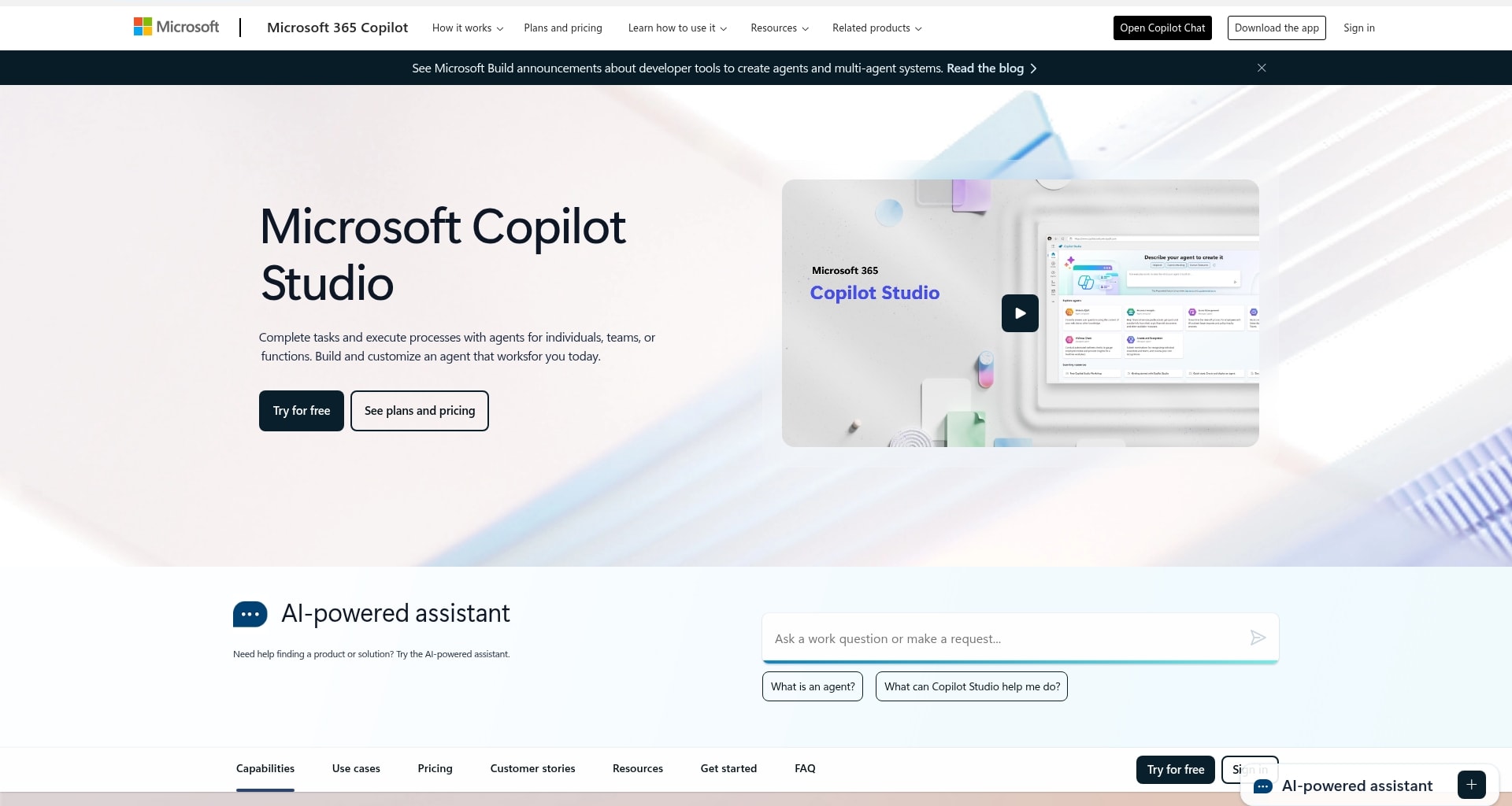
Use case: Microsoft Copilot Studio enables organizations to create sophisticated AI agents that seamlessly integrate with existing Microsoft 365 workflows, from customer service automation to employee onboarding assistance.
Key features:
- Dual development experience: choose between a simple no-code interface for business users or advanced low-code tools for developers.
- Native Microsoft 365 integration: deploy agents directly within Teams, SharePoint, and Outlook for seamless workflow adoption.
- Multi-agent orchestration: build collaborative AI systems where specialized agents work together to complete complex business processes.
Pricing:
- Pay-as-you-go: Azure subscription-based usage without upfront commitment.
- Copilot Credits Pack: $200/month for 25,000 Copilot Credits (paid yearly).
- Microsoft 365 Copilot Integration: $30/user/month (requires qualifying Microsoft 365 subscription).
Considerations:
- Potentially difficult learning curve for advanced customizations and complex workflow development.
- Best value primarily for organizations already heavily invested in the Microsoft ecosystem.
AI agent platform pricing guide
Navigating AI pricing shouldn’t be a daunting task. Most platforms offer a few common models, and understanding them allows you to build your team without getting bogged down in confusing plans. It’s about finding the right fit for your current needs.
The goal is to match your requirements with a plan that makes sense, so you can start small and expand your team of helpers when you’re ready. This approach puts you in control of your budget and your strategy.
Best free AI agent builders
Free plans are the perfect starting point for exploring what AI agents can really do. They give you the chance to build, test, and refine your first helpers in a low-pressure environment where the goal is simply to see results. You can start small, assign a few simple tasks, and begin to understand how much time and focus these agents can give back.
Most free plans include everything you need to experiment effectively. You can usually create a few agents, connect them to your favorite tools, and automate basic workflows without any setup fees or technical hurdles. This makes them ideal for personal productivity, small business projects, or anyone curious about what’s possible with AI automation.
Paid platforms and their value propositions
Moving to a paid plan is less about unlocking features and more about expanding what your AI team can handle. Teams usually upgrade when repetitive work starts to outgrow basic setups, when agents need to connect to more tools, or when multiple people need to build and manage agents together.
Paid tiers typically offer more capacity and flexibility. Agents can handle higher volumes of work, manage more complex workflows, and operate across shared environments. Instead of juggling limits, teams gain the freedom to rely on AI agents for everyday execution.
The real value is not in the plan itself, but in the outcome. Paid platforms help reduce friction, remove manual effort, and create a sense that routine work is consistently handled, giving teams more time and focus for higher-impact work.
Enterprise solutions for scaling teams
Enterprise plans are designed for when your AI team becomes integral to your company’s operations. This level is less about adding one agent at a time and more about empowering everyone in your organization with their own crew of helpers, all while maintaining security and reliability.
The value here is peace of mind: you receive dedicated support and the power to build custom solutions that fit your exact workflows, ensuring your human team can focus on the work only they can do.
It’s about scaling that feeling of ‘handled’ across the entire business.
How to assemble your perfect AI team
Building an effective AI team isn’t about finding a single, all-knowing super-assistant. It’s about hiring for the job. You are the director, assembling a crew of focused helpers (each brilliant at its one specific task).
Start by identifying the small, nagging jobs that slow you down. Is it your list of marketing action items, a messy product backlog, or just remembering to cancel a streaming trial? The right AI helpers are the ones built specifically to take that work off your plate for good.
For your marketing crew
Marketing teams are constantly spinning plates — campaigns, content, data, and deadlines. AI agents can take on the repetitive work so your team can stay focused on creativity and strategy.
A few ideas to get started:
- Monitor brand mentions across social platforms and flag important conversations automatically.
- Organize new leads from forms or emails and route them to the right person for quick follow-up.
- Generate campaign reports each week and share them directly in Slack or email for instant visibility.
By automating the small, time-consuming tasks, your marketing crew can spend more time on ideas that move the business forward.
For your product builders
Product development is a marathon of feedback, features, and fixes. Build an agent to act as your team’s scout, gathering user comments from Intercom and Figma and organizing them into a single, clean report.
These helpers connect your tools and maintain momentum. A simple agent can nudge team members on pending items in a dev board or alert the channel when new user research is ready for review, keeping everyone in sync without another meeting.
For you, the CEO of your life
This is where the real potential begins to unfold. Your personal team is built for one purpose: to handle the little things so you don’t have to. Build an agent to track your subscriptions and another to remind you about that dentist appointment you keep forgetting.
Because you are in control, you can customize everything. Your agents work the way you do, whether that’s sending a simple text or updating your personal Notion dashboard.
They start small and grow with you, one handled task at a time.
For the whole organization
Deploying a team of AI helpers across an entire company requires a smart game plan. It’s about giving everyone the power, and tools, to build their own assistants while keeping things secure and organized from a central command post.
The best setups provide clear oversight, letting you manage who can build what and how they connect to company data. This isn’t about locking things down; it’s about empowering your entire organization to work smarter, safely.
Learn more: How to build AI agents for beginners
Build a smarter team with Agent Factory today
Productivity doesn’t come from doing more, it comes from removing the work that shouldn’t need your attention in the first place. AI agents make that possible by taking ownership of repetitive tasks so your team can stay focused on progress, not process.
Agent Factory helps teams move from experimentation to execution by making it easy to build and manage task-driven AI agents that fit into real workflows. You stay in control, while agents handle the routine work that slows teams down.
With Agent Factory, teams can:
- Turn busywork into momentum: automate repetitive tasks so work keeps moving without constant follow-ups.
- Build without complexity: create and customize agents using plain language, no coding required.
- Assign clear ownership: give each agent a focused role, keeping automation simple and predictable.
- Scale at your own pace: start with one agent and expand into coordinated workflows as needs grow.
The result is a smarter way to work. Tasks get handled, handoffs disappear, and your team has more time and energy for the work that actually moves the business forward.
The content in this article is provided for informational purposes only and, to the best of monday.com’s knowledge, the information provided in this article is accurate and up-to-date at the time of publication. That said, monday.com encourages readers to verify all information directly.
Try Agent FactoryFrequently asked questions
How quickly can I build my first AI agent?
With an intelligent platform like Agent Factory, teams can create their first AI agent in minutes. Simple agents that handle tasks like reminders, scheduling, or follow-ups can be set up quickly using natural language. More complex workflows may take longer to refine, but most teams start seeing value almost immediately.
Can I transfer agents between different platforms?
AI agents are typically built to operate within the platform where they are created. Agent Factory focuses on making agents work smoothly within connected tools and workflows, rather than moving agents between systems. This approach helps maintain reliability and consistent performance.
What support is available for AI agent builder beginners?
Solutions like Agent Factory is designed to be accessible for non-technical users. Teams can get started with guided onboarding, documentation, and in-product guidance. As needs grow, additional support options help teams refine agents and expand into more advanced workflows.
Do AI agent platforms require coding knowledge?
Most AI agent builders — including platforms like Agent Factory — are designed for users with no coding experience. You can create and manage agents simply by describing what you want them to do in plain language. These platforms use visual, no-code tools that make building and customizing AI assistants accessible to anyone on your team.
How do AI agent builders handle data security?
Leading AI agent platforms such as Agent Factory prioritize data protection with enterprise-grade encryption and strict compliance standards, including GDPR and SOC 2. These safeguards ensure that sensitive information remains private and secure while your agents operate across connected systems.
Can my team collaborate on AI agent development?
Yes, many AI agent builders — including platforms like Agent Factory — are designed with collaboration in mind. Team members can build, manage, and share agents within shared workspaces, making it easy to co-create workflows, test automations, and manage updates together in one place.

 Get started