














Report Builder Agent
I'll generate data-driven reports and summaries to keep stakeholders informed and projects transparent.
About this agent
Stakeholders lose visibility when progress lives only in task boards and no one has time to write updates. This agent tracks project progress and health, generating data-driven reports to keep everyone informed.
What you get
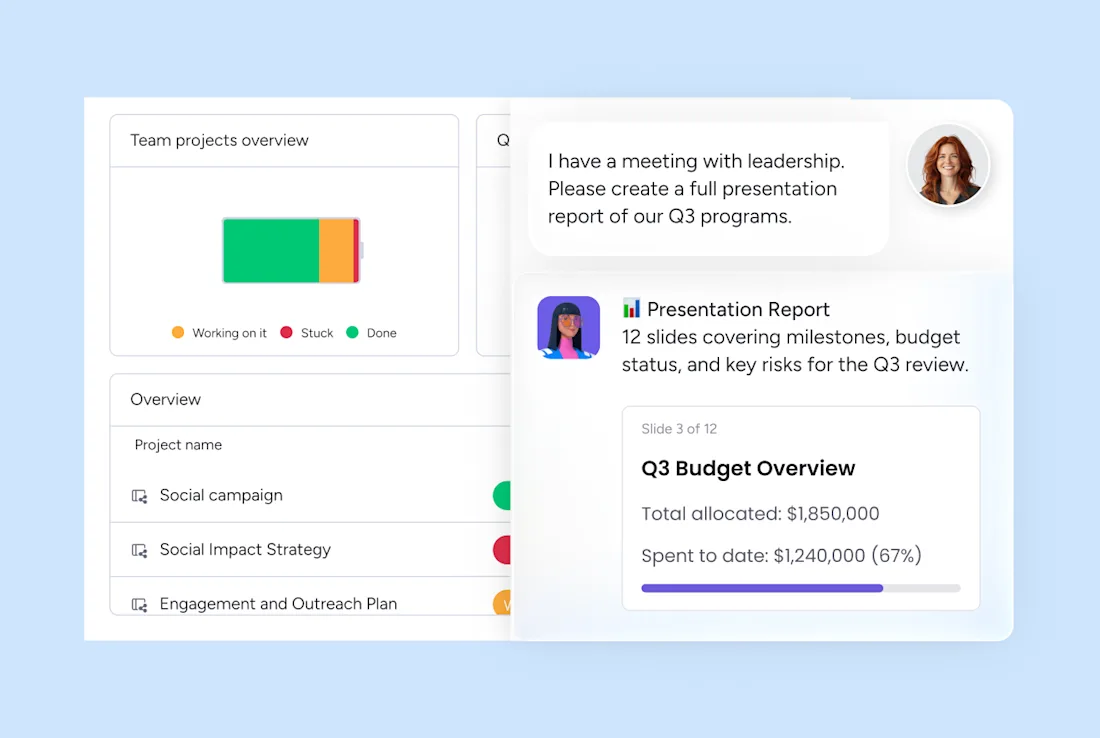
Stakeholder-ready progress report from live board data, delivered every week or when you mention the agent.
TL;DR with wins, blockers, and upcoming milestones, delivered when you mention the agent.
Report saved to your chosen doc or shared folder, delivered on your schedule or when you mention the agent.
How this agent works
- Pulls live data from your project board
It reads status, owners, due dates, milestones, and recent updates before writing a word.
- Summarizes progress for your audience
It tailors the report to leadership, stakeholders, or the team — highlighting what each group needs to know.
- Highlights risks and decisions needed
It calls out blockers, delays, and open decisions so nothing important is buried in task lists.
- Delivers a scannable, shareable report
It formats the output with a TL;DR up top and posts it to your doc, update, Drive folder, or Slack.
Related agents



FAQs
The Report builder agent is an AI agent on monday.com that generates data-driven reports and summaries to keep stakeholders informed and projects transparent. This AI agent works directly inside your monday.com workspace, so you can create AI agents like this one and put them to work without leaving the tools your team already uses.
Yes — to get started, you'll connect this AI agent to your monday.com board, authorize the tools and integrations it needs, and customize its triggers and actions to match how your team works. The template gives you a ready-made starting point, but you make it yours before it runs.
You control exactly how the Report builder agent behaves. You can configure it to wait for your approval before taking any action, or set it to execute automatically once you're confident in its behavior. Like all AI agents on monday.com, you can update its triggers and actions at any time as your workflow evolves.
AI agents are available on paid monday.com plans. Each AI agent run consumes AI credits, which are included with paid plans and can be topped up as needed. You can explore the platform for free and unlock the ability to create AI agents when you upgrade.
Automations follow fixed if/then rules. AI agents on monday.com can read context, make judgments, draft content, and handle multi-step work that doesn't follow a predictable pattern. You can build an AI agent to handle the work that automations can't — like researching, writing, classifying, or coordinating across multiple inputs.
Yes. monday.com lets you create AI agents from scratch using the no-code agent builder — just describe what you want the agent to do, connect it to your boards and tools, and set its permissions. You can also start from a ready-made template like this one and customize it to fit your exact workflow.
monday.com AI agents work directly inside the platform where your team already operates — with full context across your boards, projects, and workflows. Unlike standalone AI tools, they don't require a separate system. You can create AI agents that act on real work data, respect your permissions, and keep humans in the loop at every step.
- Always secure
- 24/7 active
- Full org context
Connectors