


Picture a development team wrapping a major sprint after 60-hour weeks, while the design team had just 20 hours of work each. This feast-or-famine cycle is common, leading to burnout during crunch time and wasted capacity during slow periods. What if teams could maintain a steady, sustainable rhythm instead?
Resource smoothing addresses this challenge by redistributing workload across project timelines without changing deadlines. This scheduling technique shifts flexible activities from overloaded periods to quieter times, utilizing the available float built into schedules. It functions as load balancing for team capacity, ensuring teams maintain a sustainable pace while meeting delivery commitments.
The following guide covers how resource smoothing actually works, when it beats other approaches like resource leveling, and a 6-step process for implementation. It also explores how AI handles the math automatically and shares templates that work for teams of any size.
Key takeaways
- Keep deadlines fixed while balancing workloads: resource smoothing redistributes work using your timeline’s built-in flexibility, helping you prevent burnout while adhering to original deadlines.
- Focus only on non-critical activities: protect your critical path by moving only tasks with built-in schedule flexibility, maintaining deadline integrity while optimizing team capacity.
- Scale resource optimization with intelligent platforms: AI-powered smart assignments and real-time workload dashboards transform manual resource juggling into strategic, automated optimization across your entire portfolio.
- Distinguish smoothing from leveling based on constraints: use smoothing when deadlines are fixed and leveling when resources are limited as choosing the wrong approach leads to missed deadlines or exhausted teams.
- Implement systematically through six structured steps: build complete schedules, identify critical paths, calculate float, analyze allocation, redistribute activities, and monitor continuously for sustainable resource management. with solution like monday.com.
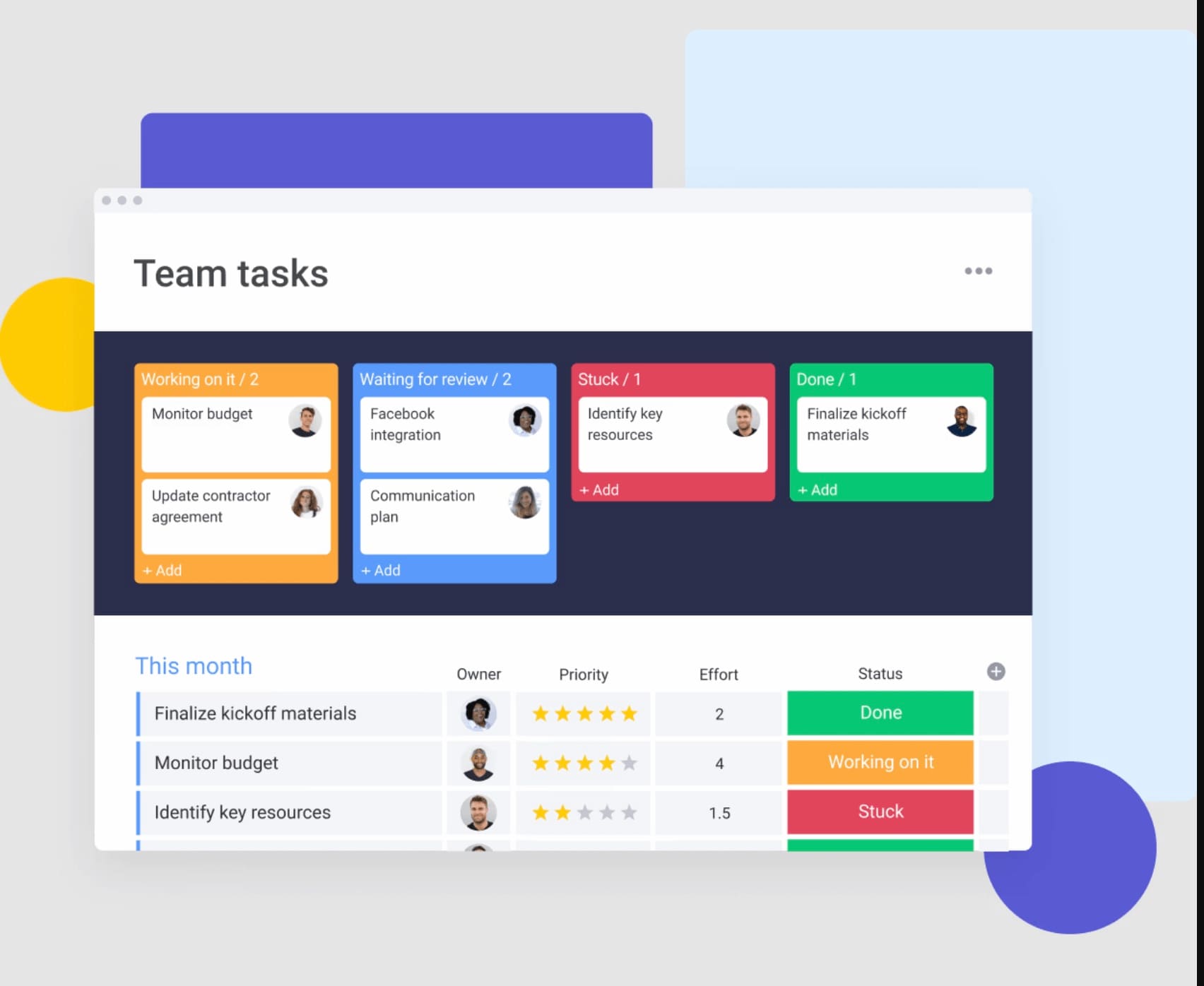
What is resource smoothing in project management?
Resource smoothing is a scheduling technique that optimizes the distribution of team workload across a project timeline without altering the deadline. It operates by adjusting the timing of non-critical activities, leveraging the flexibility inherent in your schedule to create a more balanced workflow.
Consider it analogous to rearranging furniture within a room while maintaining the room’s dimensions. You work with existing resources, simply organizing them more efficiently. For a marketing team launching a product, this approach might involve shifting content creation to earlier weeks to prevent last-minute rushes before launch day.
The technique relies on a concept called “float” or “slack”: the scheduling flexibility available for certain activities before they impact your project’s end date. Resource smoothing exclusively adjusts activities with this built-in flexibility, preserving your critical path and final deadline.
Key components of resource smoothing
Resource smoothing operates through several fundamental components. These elements demonstrate how the technique functions within project constraints while maintaining schedule integrity and balanced workloads.
- Float utilization: the amount of time an activity can shift without affecting your project finish date.
- Non-critical path focus: only activities off the critical path get adjusted, protecting your primary timeline.
- Resource optimization: flattening peaks and valleys in workload to prevent burnout and idle time.
- Constraint adherence: working within existing deadlines rather than extending them.
How does resource smoothing create sustainable workloads?
Resource smoothing distributes work more evenly over time to maintain consistent capacity levels. It begins by identifying periods where allocated effort exceeds available resources and where unused capacity exists. Tasks with scheduling flexibility are then reassigned from peak workload periods to lower-demand intervals.
For example, if a development team is allocated 60 hours of work in Week 3 and only 20 hours in Week 2, selected activities can be shifted to balance both weeks at approximately 40 hours. This adjustment reduces capacity strain during high-demand periods while improving utilization during slower ones.
The result is a more stable delivery cadence, reduced burnout risk, and improved overall productivity.
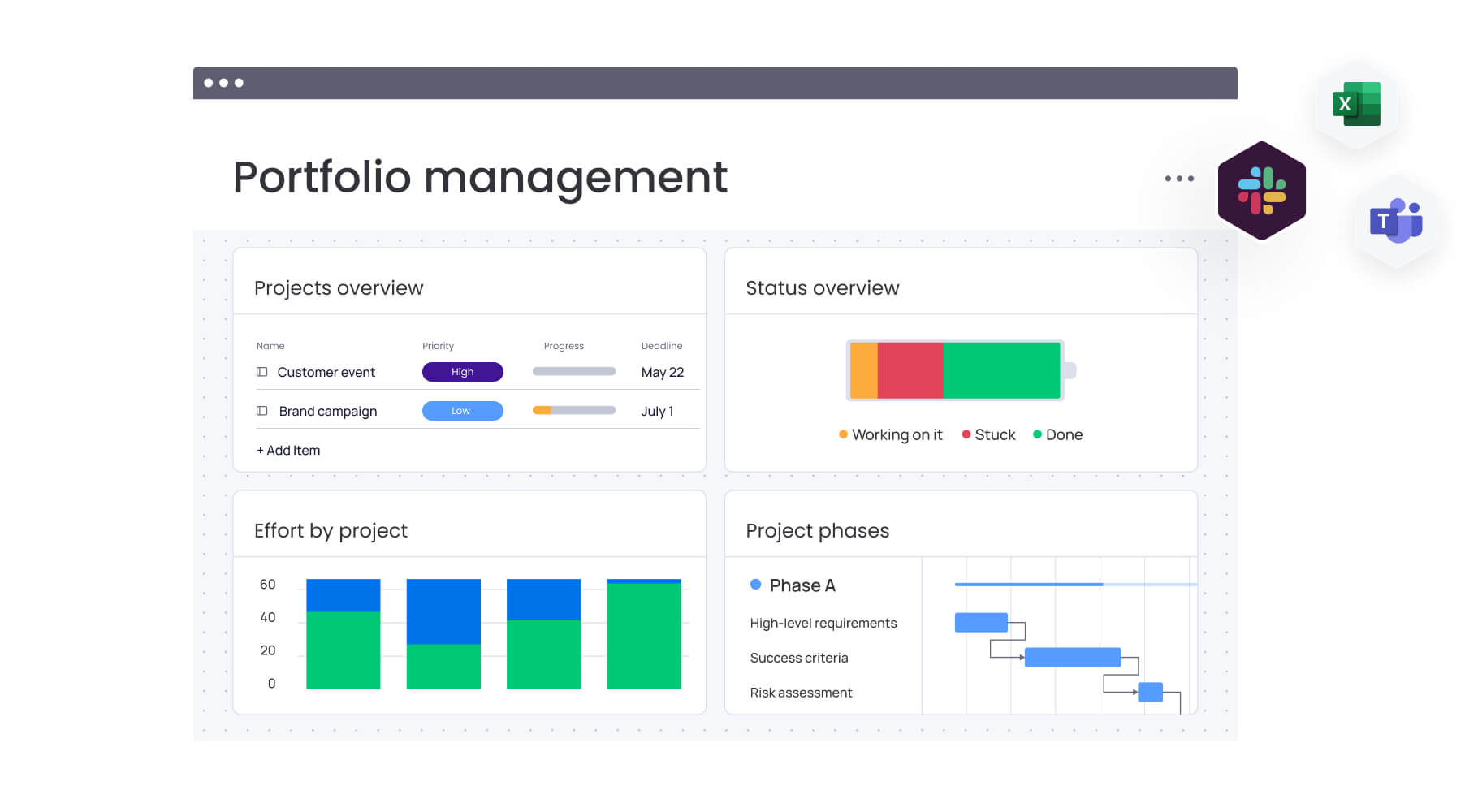
Resource smoothing vs resource leveling
Choosing between resource smoothing and resource leveling determines how you protect deadlines while managing capacity. Although both techniques address workload imbalances, they operate under different constraints and serve different priorities.
Resource smoothing preserves the project deadline and redistributes work within available float to balance workloads. Resource leveling, by contrast, preserves resource limits and adjusts the timeline when capacity cannot support the original schedule. The comparison is shown in the table below.
| Aspect | Resource smoothing | Resource leveling |
|---|---|---|
| Primary goal | Optimize resource usage within fixed timeline | Resolve over-allocation by extending timeline |
| Timeline impact | None — project end date stays the same | Project end date often extends |
| Constraint flexibility | Time is fixed; resources flex within limits | Resources are fixed; time flexes as needed |
| Best for | Fixed-deadline projects (launches, events) | Resource-constrained projects (limited specialists) |
| Critical path | Remains unchanged | Often changes or extends |
When does resource smoothing deliver the best results?
Resource smoothing works best when your deadline can’t move. Organizations typically use this technique when deadline adherence matters more than resource flexibility, especially given that failure-to-file penalties can reach 5% of unpaid tax per month for missed regulatory deadlines.
You’ll want resource smoothing for:
- Fixed deadline projects: product launches, regulatory filings, or conferences where the date can’t move.
- Shared resource environments: teams juggling multiple projects who need balanced workloads to prevent bottlenecks.
- Projects with scheduling flexibility: initiatives with significant float time that allows work redistribution without timeline impact.
A software team preparing for a scheduled release date, for instance, would use resource smoothing to balance developer workloads across sprints while ensuring the launch stays on track.
When does resource leveling become necessary?
Resource leveling becomes necessary when you’ve hit a hard limit on team capacity that can’t be solved by moving tasks around. Sometimes extending the timeline is the only realistic option, particularly when facing regulatory work limits such as overtime thresholds that cap exempt employees at $1,541.70 per week in certain states.
Consider resource leveling when facing:
- Specialist bottlenecks: your only database architect is booked solid and no one else has the skills.
- Regulatory work limits: industries where labor laws cap working hours, such as healthcare settings where 66 hours per week represents the maximum permitted without authorization, requiring schedule extensions.
- Critical skill shortages: situations where hiring or outsourcing isn’t possible in your time frame.
When should you use resource smoothing?
Use resource smoothing when the deadline is fixed but workload distribution is flexible. It applies in situations where delivery dates cannot move, yet tasks can be rearranged to balance capacity without affecting the final milestone.
Managing fixed-deadline projects
Resource smoothing is particularly valuable when timelines are non-negotiable. Global product launches, compliance audits, and scheduled events often carry financial or reputational consequences if delayed.
For a software team preparing for a hard launch date, this may involve reviewing the feature backlog to determine which development tasks can shift to earlier sprints. Lower-priority items can be rescheduled, while critical functionality remains aligned to the release milestone. The result is timely delivery without last-minute overtime spikes.
Balancing workloads across multiple projects
In practice, organizations running several initiatives simultaneously frequently experience resource conflicts. As a result, without structured coordination, some team members become overextended while others remain underutilized.
In a marketing department managing multiple campaign launches within the same quarter, resource smoothing might involve adjusting drafting and review timelines for lower-priority campaigns. By redistributing work more evenly, this approach prevents peak-week overload for the design team and, at the same time, supports consistent output across all initiatives.
Optimizing flexible resource pools
This technique is most effective when team members possess cross-functional skills. Broader capabilities increase the options for reallocating tasks while maintaining quality standards.
For exammple, a consulting firm with adaptable analysts can reassign team members between client engagements as workload demands fluctuate. If one project requires additional support, analysts can shift from assignments with available float. This maintains service levels across clients while improving overall resource utilization.
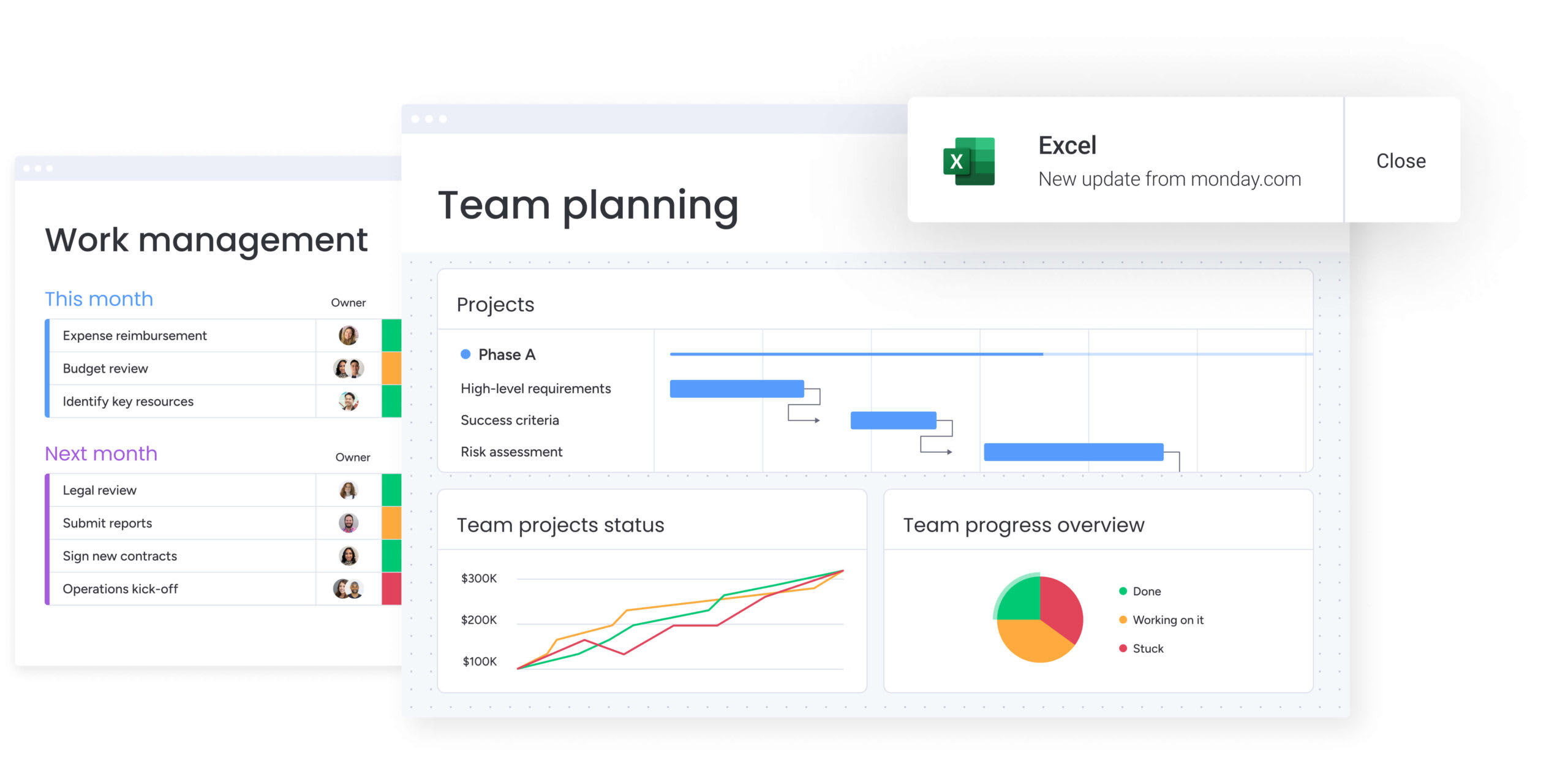
5 benefits of resource smoothing that drive measurable results
Resource smoothing does more than shuffle your schedule — it gives your business real competitive advantages. It improves your bottom line through more predictable delivery and healthier team workloads. Use it consistently and these benefits multiply, giving you a real edge over competitors.
1. Meet deadlines without schedule extensions
Resource smoothing lets you hit deadlines without extending timelines. By balancing work between start and finish, you protect your critical path and keep stakeholders confident. That reliability protects you from the reputation hits and penalties that follow delays.
2. Prevent team burnout through balanced workloads
Cut the crunch periods and your team stays healthier and more productive. Resource smoothing creates predictable work rhythms that reduce stress and fatigue. Happy, engaged teams produce higher-quality work and have higher retention rates.
3. Maximize resource utilization across projects
Resource smoothing tackles both overload and idle time. As a result, your team stays consistently busy instead of bouncing between crushing deadlines and empty calendars. You’ll plan capacity more accurately and get more value from your payroll.
4. Control project costs with predictable resource allocation
Smoother resource distribution directly improves budget control by managing the triple constraint more effectively. By skipping the peaks that force expensive overtime or emergency contractors, you’ll stay on budget. Predictable resource use means more accurate forecasting and protected profit margins.
5. Deliver higher quality through sustainable pacing
Balanced teams produce better work. Therefore, without unrealistic deadlines crushing them, your team has room to focus on details, review thoroughly, and innovate. Less pressure means fewer errors, less rework, and better final results.
3 common resource smoothing challenges and solutions
Resource smoothing hits real obstacles, even with solid planning. Know these challenges and their fixes, and you’ll keep schedules on track while balancing workloads. Spot these issues early and have fixes ready before they blow up.
Challenge 1: limited schedule flexibility
Tight timelines usually mean minimal float and not much room to shift things around. When everything’s on or near the critical path, you’ve got nowhere to move work.
Find hidden flexibility by:
- Break down large activities: decompose big tasks into smaller sub-items to find micro-pockets of float.
- Negotiate scope flexibility: work with stakeholders to identify non-essential features that can create artificial float.
- Leverage intelligent scheduling: use AI-powered tools to identify optimization opportunities that manual planning misses.
Challenge 2: complex task dependencies
Complex dependencies turn simple schedule adjustments into high-stakes decisions. It means that moving one activity can trigger a chain reaction that disrupts your critical path and derails your entire timeline.
Manage complex dependencies with:
- Map dependency chains: visualize the full impact of schedule changes before committing.
- Run scenario planning: test adjustments in a sandbox environment before implementation.
- Enable real-time conflict detection: use platforms that automatically flag dependency violations.
Challenge 3: skill mismatches
Your schedule shows available hours, but those hours might belong to someone without the right skills. You can’t smooth a senior developer’s coding work to a junior designer just because they have free time.
Fix skill mismatches with:
- Build comprehensive skills matrices: document secondary skill sets to expand reassignment options.
- Implement cross-training programs: use slower periods to increase team versatility.
- Filter by skill availability: use resource management software that matches availability with specific capabilities.
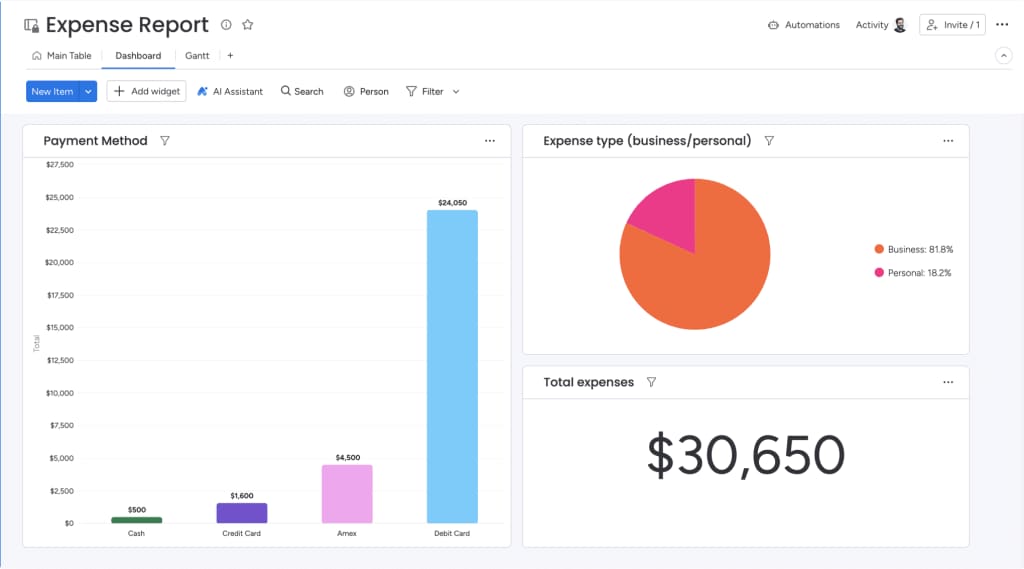
6 steps to implement resource smoothing successfully
Resource smoothing follows a structured process from analysis to execution. Knowing each step allows you to stay accurate and aligned, even with automation handling the details. This approach helps you dodge common mistakes while getting the most from balanced workloads.
Step 1: build your complete project schedule
Start with a comprehensive and accurate project schedule. List every activity required for delivery, estimate durations realistically, define all dependencies, and assign initial resources. Get the data right here or everything downstream suffers.
Step 2: identify your critical path
Before adjusting anything, map your critical path: the sequence of activities that sets your finish date. These activities have zero float and form your “no-touch zone” for resource smoothing. Visual project tools highlight this path on Gantt charts automatically, showing you exactly what you can’t touch.
Step 3: calculate available float for each activity
For each non-critical activity, figure out how much wiggle room you’ve got. Total float shows how long an activity can delay without affecting the project end date, while free float indicates delay time without impacting the next activity. These values show you exactly how far you can push each task.
Step 4: analyze current resource allocation
Examine your resource histogram to spot inefficiencies. Look for red flags where team members exceed 100% allocation and identify gaps where utilization drops below target levels. This analysis reveals exactly where smoothing can make the biggest impact.
Step 5: redistribute non-critical activities
This is where smoothing happens. Move activities with available float from over-allocated periods to under-utilized times. Check skill matches for each move, ensure dependencies remain intact, and verify you’re not pushing activities beyond their float limits. It’s an iterative process of shifting pieces until the workload curve flattens.
Step 6: monitor and adjust continuously
Resource smoothing isn’t a one-time event. As projects progress, some activities finish early while others face delays, changing your available float. Real-time dashboards and automated alerts help you track adherence to the smoothed schedule and identify when optimization is needed to keep everything on track.
How does AI transform resource smoothing from manual to intelligent?
Artificial intelligence transforms resource smoothing from a manual, calculation-heavy task into a strategic capability. Instead of spending hours adjusting timelines and allocations, teams can rely on AI to process complex constraints instantly and concentrate on execution.
As a result, advanced resource optimization becomes practical for organizations regardless of size or technical maturity.
Predictive resource planning with AI insights
AI leverages historical project data to anticipate future capacity requirements with greater precision. Rather than relying solely on estimates, machine learning models evaluate patterns from similar initiatives to project realistic durations and identify likely bottlenecks.
This forward-looking visibility allows teams to address potential imbalances early, before schedules are finalized.
Automated workload distribution
AI-driven systems can rebalance thousands of tasks within available float in seconds. What previously required extensive spreadsheet adjustments can now be completed automatically. Intelligent assignment tools assess skills, availability, current workload, and priorities to recommend well-distributed allocations that align with overall project goals.
Intelligent conflict resolution
Advanced systems continuously scan for emerging capacity conflicts and recommend corrective actions. When issues appear, they may propose reallocating similarly skilled resources, shifting tasks to underutilized periods, or resequencing activities. Ongoing monitoring ensures schedules remain stable even as project conditions evolve.
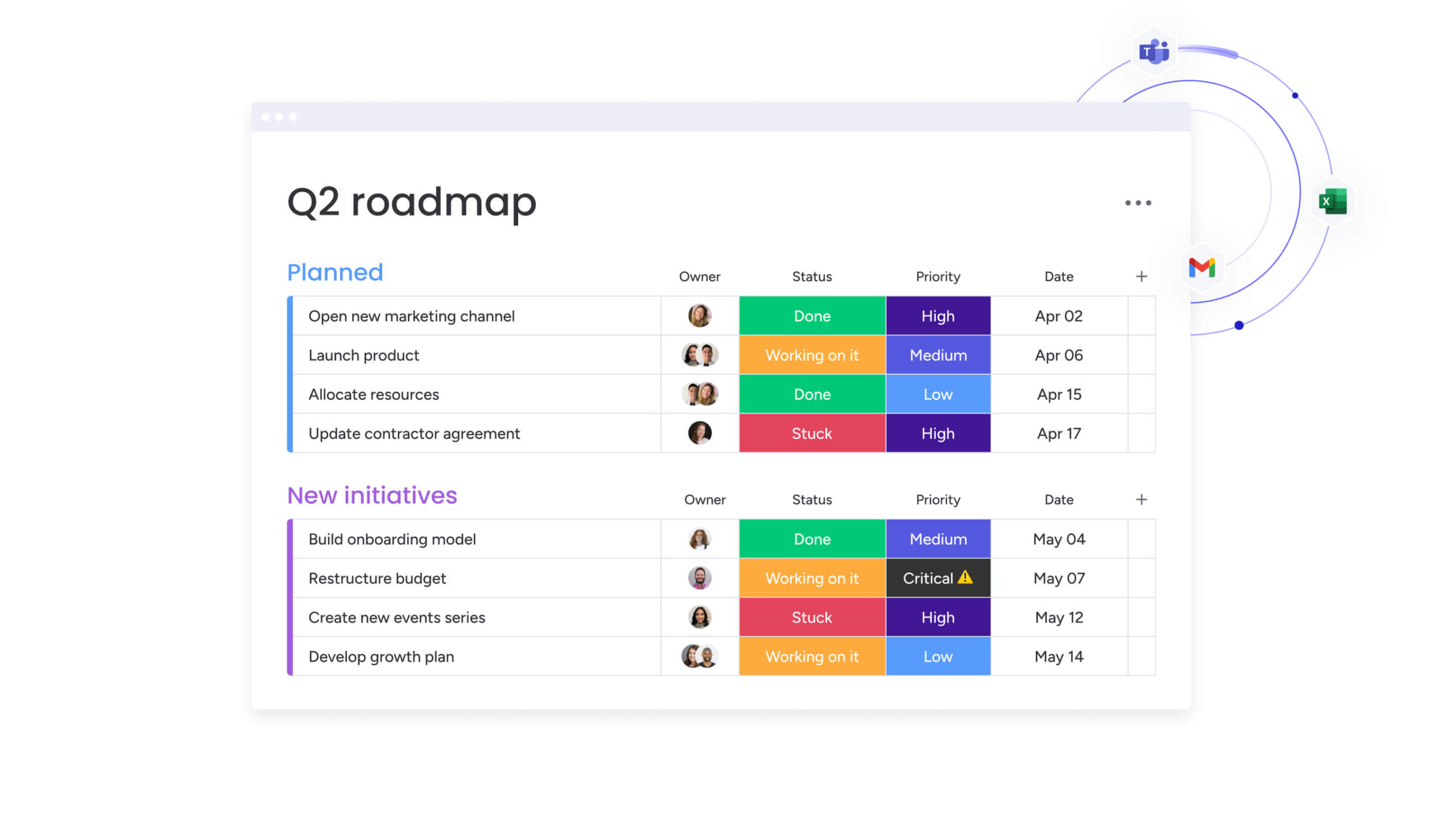
Essential resource smoothing templates for immediate implementation
Standardized templates accelerate resource smoothing by providing pre-built structures for analysis and tracking. They ensure consistency across your organization while reducing setup time. These templates serve as your foundation for implementing resource smoothing at scale, regardless of project complexity or team size.
- Resource planning calendar template: visualizes allocation across specific time periods with rows for each team member, columns for weeks or sprints, and color-coded indicators showing allocation percentages. This visual format immediately reveals over-allocation hot spots, serving as your primary workspace for smoothing adjustments.
- Workload balance sheet: tracks individual and team capacity against assigned demand, functioning as a ledger showing total available hours versus assigned hours for each person. Project managers use this to identify who has bandwidth for shifted activities and who needs relief, ensuring smoothing decisions reflect actual capacity data.
- Capacity tracking dashboard: provides real-time visibility into resource utilization across your entire portfolio, aggregating data from multiple projects to show utilization rates, upcoming availability, and potential conflicts at the organizational level. These dashboards connect daily resource smoothing efforts to broader strategic workforce planning and hiring decisions.
Scale resource smoothing with monday.com
Resource smoothing transforms from a spreadsheet exercise into a scalable, enterprise-grade capability with monday.com. The platform combines visual planning with intelligent automation to address the core challenges of resource management at scale.
Organizations can implement sophisticated resource optimization without requiring specialized project management expertise across every team using monday.com.
Visual resource management that scales
The platform provides centralized visibility into workload patterns across your entire organization. Dashboards instantly reveal allocation peaks and valleys, making imbalances immediately apparent. Unlike static spreadsheets, these views are dynamic — managers can drag and drop activities to smooth resources in real-time, with the system automatically updating dependencies and notifying team members.
AI-powered optimization and smart assignments
Intelligent resource allocation through AI capabilities becomes democratized with monday.com. The platform’s smart assignment features match activities with the best available resources based on skills, current workload, and time availability. This automation reduces manual planning effort while ensuring smoothing adjustments are both mathematically efficient and practically viable.
Teams can leverage AI blocks to categorize work by urgency, extract key information from project documents, and summarize complex resource reports into actionable insights using monday.com. These capabilities transform hours of manual analysis into instant, data-driven decisions.
Real-time portfolio insights for strategic decisions
At the executive level, the platform offers portfolio-wide visibility into resource health. AI-powered risk insights flag potential bottlenecks across your entire project landscape before they impact deadlines.
These insights allow leadership to make informed decisions about hiring, contractor usage, and project prioritization, ensuring resource smoothing aligns with broader business objectives.
The platform’s Digital Workers continuously monitor project health in the background, automatically flagging when teams approach capacity limits and suggesting specific rebalancing actions. This proactive approach shifts resource management from reactive firefighting to strategic optimization.
Comparison: traditional methods vs. monday.com
| Feature | Traditional spreadsheets | monday work management |
|---|---|---|
| Setup time | High — requires manual formula creation | Low — pre-built templates and widgets |
| Real-time visibility | Static data becomes obsolete quickly | Live updates across all views |
| AI assistance | Manual calculation required | Predictive planning and smart suggestions |
| Cross-project view | Requires merging multiple files | Native portfolio dashboards |
| Scalability | Breaks down with complexity | Handles enterprise-level volume |
| Automation | None — all manual updates | Automated alerts and rebalancing |
Modernize your resource management approach
Resource smoothing stabilizes workloads without compromising deadlines. By redistributing effort within available float, organizations protect delivery commitments while maintaining sustainable capacity levels.
To make this effective at scale, teams need real-time visibility and automation. Manual spreadsheets quickly break down as complexity grows. monday.com centralizes workload data, highlights capacity risks, and enables fast rebalancing while preserving critical paths.
With AI-powered insights and portfolio-level dashboards, leaders can proactively manage utilization trends and prevent bottlenecks before they impact delivery. Resource smoothing shifts from reactive schedule adjustments to a structured, scalable operating model.
Frequently asked questions
How does resource smoothing affect project budgets?
Resource smoothing typically reduces project costs by eliminating expensive overtime and minimizing the need for emergency contractors. It maximizes the utilization of salaried employees, leading to more predictable budget outcomes and better financial control.
Can you apply resource smoothing to Agile projects?
Yes, resource smoothing works effectively within agile frameworks. It optimizes resource allocation across sprints and manages capacity at the squad level, ensuring teams maintain a sustainable pace without compromising agile principles.
What's the difference between resource smoothing and resource optimization?
Resource smoothing is a specific technique within resource optimization. While optimization encompasses all methods to improve resource use, smoothing specifically focuses on redistributing work within existing schedule constraints using available float.
How do you measure resource smoothing effectiveness?
Success metrics for resource smoothing include resource utilization rates, on-time project delivery, overtime cost reduction, and team satisfaction scores. Track these indicators before and after implementing smoothing to quantify improvements.
Can AI predict resource conflicts before they occur?
Yes, AI systems analyze historical project data, current allocation patterns, and future pipeline to predict resource conflicts with high accuracy. They suggest preventive adjustments days or weeks before issues would impact your timeline.
What alternatives exist when resource smoothing isn't feasible?
When smoothing is impossible due to lack of float, consider resource leveling (accepting delays), crashing (adding resources), reducing project scope, or renegotiating deadlines with stakeholders. Each alternative has different cost and timeline implications.

 Get started