



A development team’s velocity depends not just on coding speed, but critically, on how effectively and quickly they resolve issues without losing overall momentum. When bug tracking operates in isolation or within a silo, it inevitably becomes a drag on the entire organization, leading to persistent backlogs, missed deadlines, and misaligned engineering and product teams.
The essential goal is to transform this reactive, bottlenecked process into a proactive, transparent system that connects every bug fix directly to the larger product strategy. Flexible platforms provide a significant strategic advantage by giving development teams the power to design their own customizable workflows and create total, cross-departmental visibility.
This comprehensive guide walks through the essentials of modern bug tracking software. It compares a whole host of top platforms and provides a clear, actionable framework for choosing the one that will help your team ship products with greater speed and absolute confidence.
Key Takeaways
- Bug tracking is a proactive system: the objective is not avoidance, but establishing a unified process that transitions your team from merely reacting to problems to proactively steering the entire development cycle.
- Flexibility drives adoption: modern bug tracking requires platforms that adapt to your methodology (Agile, Kanban, custom hybrid). Solutions like monday dev empower teams to design bespoke workflows, providing a true competitive advantage.
- Integrate the full lifecycle: the best tools eliminate context switching by linking bugs directly to code commits, test results, and the product roadmap, ensuring everyone has a single source of truth.
- Focus on cross-functional visibility: effective bug tracking must bridge the gap between engineering tasks and business objectives, giving product managers and executives real-time, digestible visibility alongside developers.
- Speed and simplicity matter: for fast-moving teams, a keyboard-first design and modern UI (e.g., Linear) accelerate developer productivity, ensuring the tracking process doesn’t become a bottleneck.
What is bug tracking software?
Bug tracking software serves as a team’s centralized command hub for identifying, managing, and resolving issues throughout the development lifecycle. Because encountering bugs is an inevitable part of innovation, the objective shifts from avoidance to establishing a powerful, unified process for resolution without sacrificing momentum. This approach enables a transition from merely reacting to problems to proactively steering the entire development cycle.
A robust bug tracker establishes a single source of truth for everyone from engineering to product and leadership, replacing disorganized spreadsheets and chaotic email threads. It converts frantic “who’s on this?” moments into a transparent, organized workflow where every bug is assigned an owner and follows a clear path to resolution. This allows teams to dedicate their energy to building exceptional features rather than playing detective.
At its core, effective bug tracking provides the flexibility to design a process tailored to your team’s specific needs, automating manual tasks to accelerate shipping times. With complete visibility and control over the backlog, teams become more aligned, efficient, and confident.
You’re not just fixing bugs; you’re architecting a smarter, more resilient way of working together.
18 essential bug tracking platforms for modern development teams
Selecting a bug tracking tool is a strategic decision that dictates the rhythm of your team’s entire development process. The ideal platform streamlines collaboration and accelerates sprints, transforming your workflow into a finely-tuned machine that consistently ships high-quality products.
Every team operates with a unique playbook, so a one-size-fits-all tool can be restrictive. The industry is shifting toward highly flexible platforms that empower you to design bespoke processes, uniting engineering, product, and leadership within a single collaborative environment. This is the key to achieving genuine visibility and control over the complete development lifecycle.
To assist in your search for the perfect fit, we have compiled a list of 18 leading bug tracking platforms. Use this guide to identify the tool that will empower your team to build faster, maintain alignment, and deliver with unprecedented confidence:
| Platform | Best for | Key strength | Starting price |
|---|---|---|---|
| monday dev | Customizable workflows | Cross-departmental visibility | $10/user/month |
| Jira | Complex projects | Workflow customization, add-ons | $7.75/user/month |
| GitHub Issues | Code-centric teams | Code integration | Free |
| zure DevOps | Microsoft environments | Full lifecycle integration | $6/user/month |
| Linear | Startups, fast-moving teams | Speed, modern UI | $8/user/month |
| Asana | Mixed project management | Task + bug tracking | $10.99/user/month |
| Bugzilla | Customizable, open source | No licensing cost | Free |
| YouTrack | JetBrains users | Smart search, custom workflows | $4.40/user/month |
| ClickUp | All-in-one teams | Docs, tasks, bugs in one | $7/user/month |
| Trello | Small teams, Kanban | Visual simplicity | Free |
| MantisBT | Simple, open source | Web-based, basic tracking | Free |
| Zoho BugTracker | Zoho ecosystem users | Automated assignment | $3/user/month |
| Redmine | Self-hosted, technical teams | Open source, project management | Free |
| Shortcut | Agile software teams | Story-drive worflows | $8.50/user/month |
| Wrike | Enterprises | Reporting, enterprise features | $9.80/user/month |
| Notion | Customizable, documentation | Database-driven, flexible | $8/user/month |
| Smartsheet | Excel users | Spreadsheet interface | $7/user/month |
| Aha! | Product managers | Roadmap integration | $59/user/month |
1. monday dev
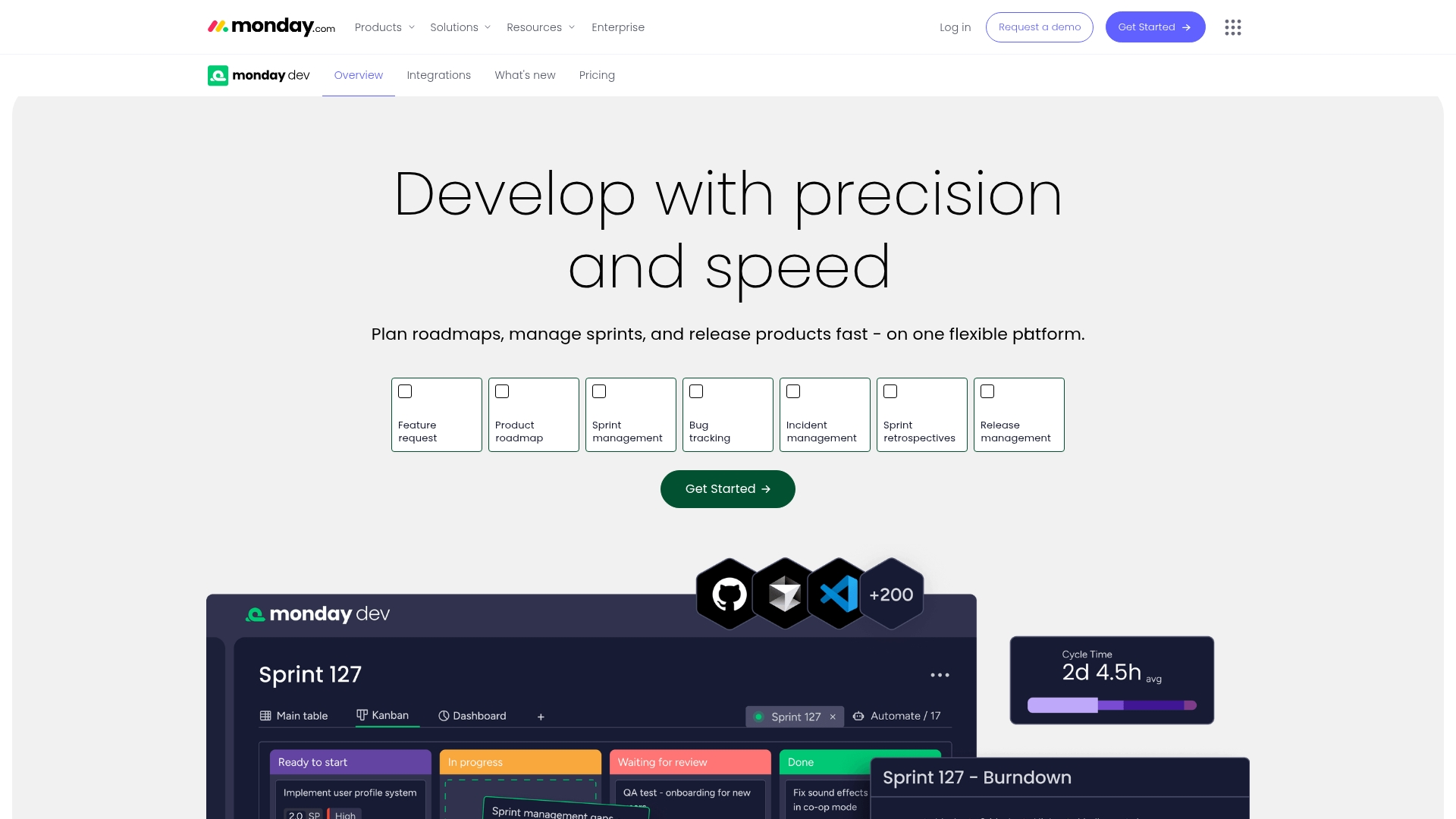
By connecting every bug to the broader product development workflow, monday dev transforms bug tracking from a reactive chore into a proactive advantage. It is built for development teams that demand both speed and quality, adapting to any methodology: whether Agile sprints, Kanban flows, or a custom hybrid approach.
The platform effectively bridges the gap between engineering tasks and business objectives, providing essential visibility for everyone from developers to executives to ship with confidence.
Example:
By creating a unified workspace, monday dev eliminates the chaos of scattered bug reports, ensuring every defect connects to your development roadmap, sprint goals, and release timeline.
Key features:
- Customizable bug queue boards: with visual status tracking from “New” to “Resolved” that adapts to your team’s workflow.
- Automated bug reporting forms: that capture all essential details and instantly create trackable items with proper categorization.
- Cross-departmental dashboards: that give real-time visibility into bug metrics, resolution times, and team performance.
Pricing:
- Free: $0 (up to two seats, three boards, basic features).
- Basic: $9/month per seat (billed annually, unlimited items, 5GB storage).
- Standard: $12/month per seat (billed annually, includes automations and integrations).
- Pro: $19/month per seat (billed annually, advanced features and 25K automation actions).
- Enterprise: Custom pricing (enterprise-scale features and 250K automation actions).
- Minimum requirement: three users.
- Annual billing: 18% savings.
Why it stands out:
- Seamless workflow integration and visibility: connects bug tracking directly to sprint planning, roadmaps, and release management in one unified platform, ensuring cross-functional transparency and alignment with business priorities through real-time dashboards.
- Visual simplicity meets powerful customization: features an intuitive interface that makes complex bug tracking accessible to technical and non-technical team members alike, supporting easy adaptation of workflows.
- Advanced AI features: includes AI-powered bug categorization for automatic sorting and prioritization, smart assignment suggestions based on expertise, and predictive resolution insights to identify blockers before they impact the sprint.
- Robust automations: offers no-code workflow automation with pre-built recipes for status changes and escalations, smart notification routing, and enterprise-scale capacity supporting up to 250K actions per month.
- Comprehensive integrations and core features: provides native connections to development tools like GitHub and GitLab, access to a 200+ app ecosystem, and an API-first architecture, complemented by standardized reporting templates and multi-view bug management (Kanban, Gantt).
2. Jira
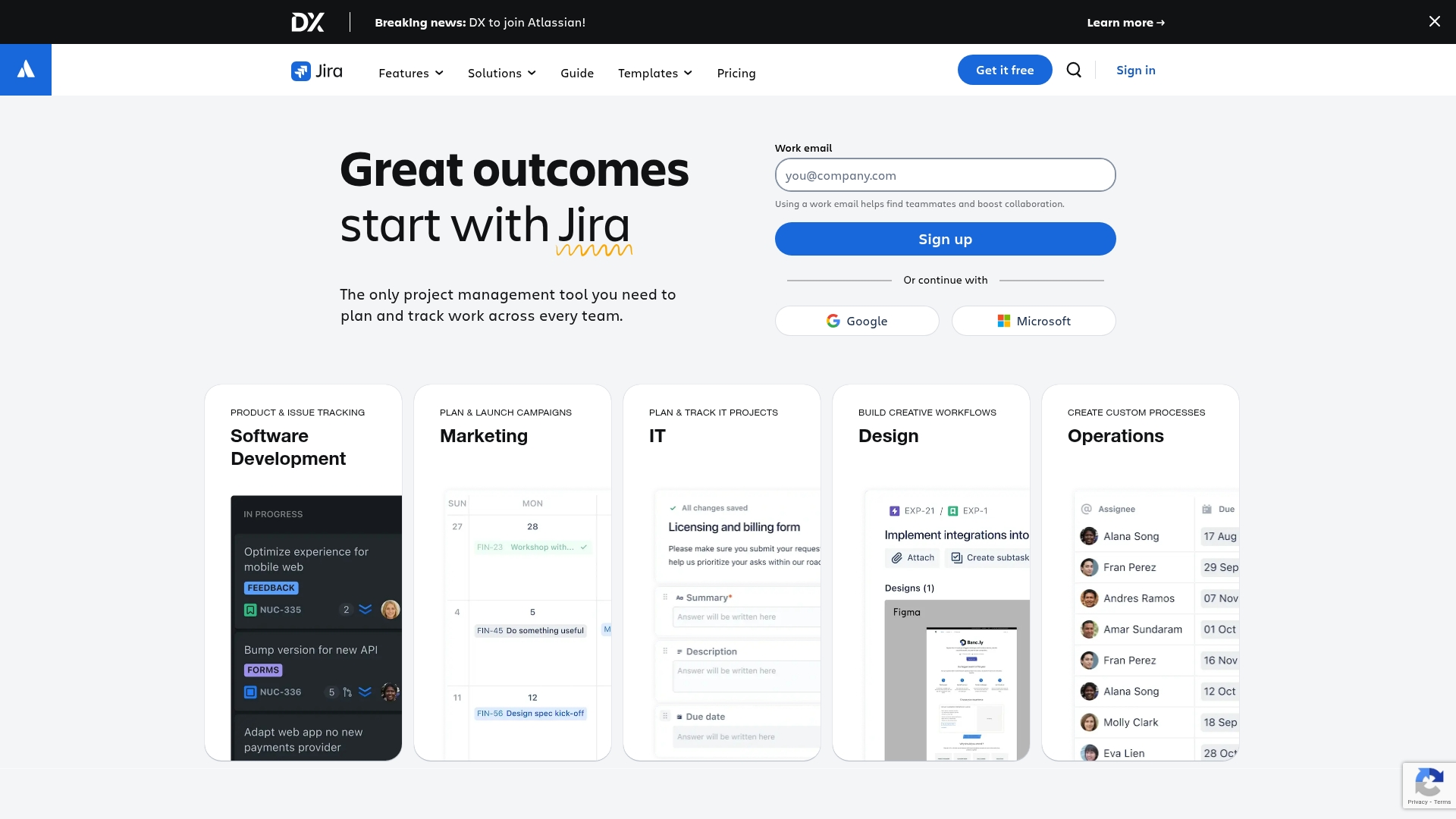
For development teams managing complex software projects, Jira offers comprehensive bug tracking and project management capabilities. The platform is renowned for its highly customizable workflows and deep integrations with development tools, making it a top choice for technical teams worldwide.
With a customer base exceeding 300,000 and a dominant 80%+ market share in bug tracking (according to Source, Year), Jira has solidified its position as the industry standard for issue management.
Example:
Jira provides a centralized platform for teams to capture, track, prioritize, and resolve bugs throughout the entire software development lifecycle with powerful workflow customization.
Key features:
- Customizable workflows: that adapt to your team’s specific bug resolution processes.
- Advanced Jira Query Language (JQL): for sophisticated filtering and reporting on issues.
- Seamless integration with development tools: like GitHub, Bitbucket, and Jenkins for automated updates.
Pricing:
- Free: $0 for up to ten users with 2 GB storage.
- Standard: $7.53 per user/month with 250 GB storage for up to ten0,000 users.
- Premium: $13.53 per user/month with unlimited storage and 99.9% uptime SLA.
- Enterprise: contact sales for annual billing with 99.95% uptime SLA.
- Data Center: contact sales for self-managed deployment options.
Considerations:
- Steep learning curve: for new team members due to extensive customization options and complex interface.
- Possible overkill for smaller teams or simpler projects: that don’t require advanced workflow management.
3. GitHub Issues
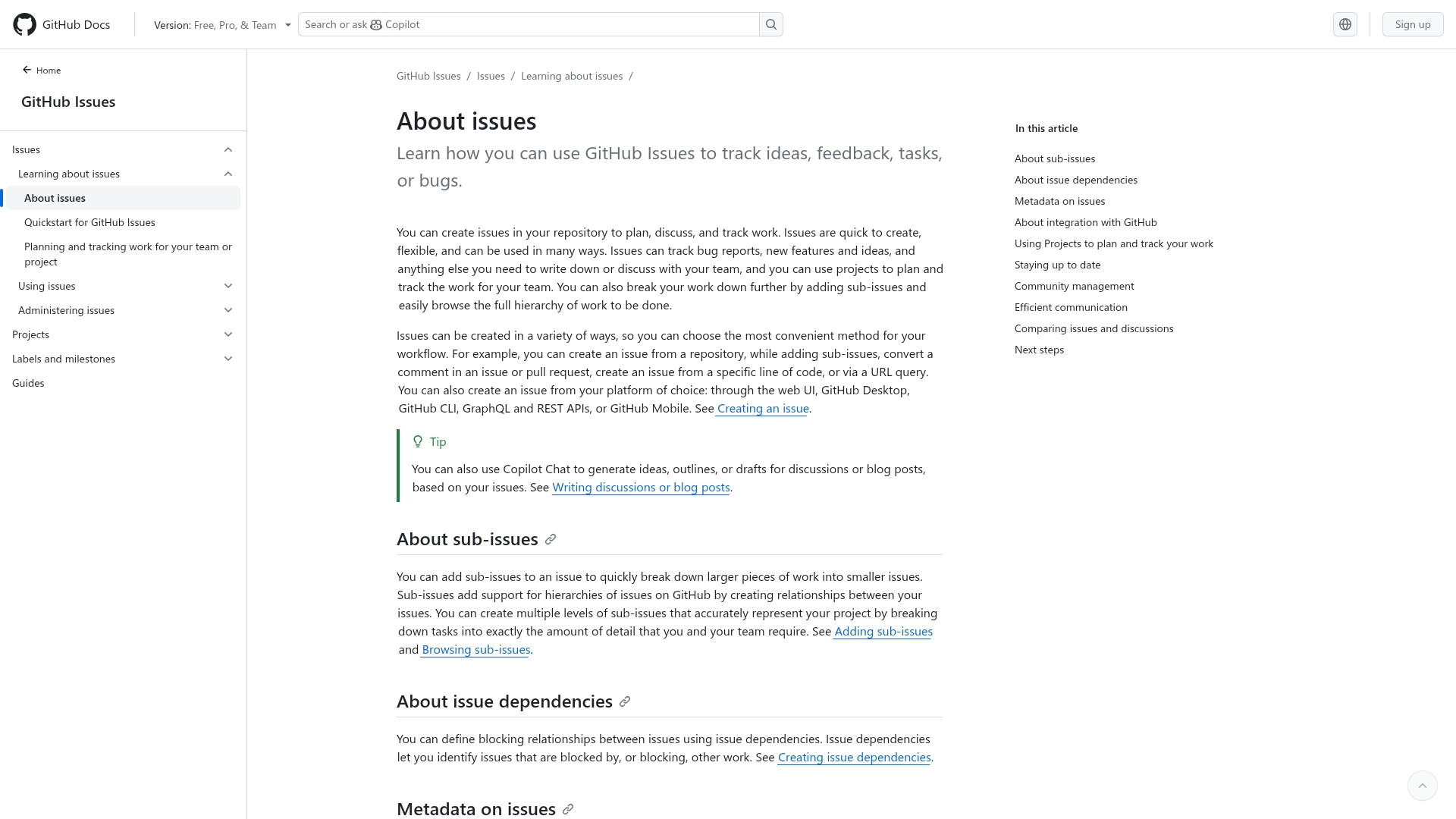
By integrating bug tracking directly within your code repository, GitHub Issues eliminates the context switching that slows down development teams. This platform’s strength lies in its tight integration with version control workflows, making it an ideal solution for teams already using GitHub who prefer lightweight, developer-centric issue management.
Example:
GitHub Issues provides a unified workspace where developers can track bugs, link them directly to code changes, and manage the entire resolution process without leaving their development environment.
Key features:
- Direct linking between issues and pull requests: creates clear traceability from bug report to code fix.
- Issue templates and labels: ensure consistent bug reporting with all necessary information captured upfront.
- Sub-issues and hierarchical organization: break down complex bugs into manageable, trackable components.
Pricing:
- Free plan: $0/month per user.
- Team plan: $4/month per user.
- Enterprise plan: $21/month per user.
- GitHub Issues: is included as a core feature in all GitHub plans with no separate charges.
Considerations:
- Limited advanced project management features: compared to dedicated tools like Jira, lacking story points and burndown charts.
- Can become cluttered and difficult to manage: for large projects spanning multiple repositories without unified views.
4. Azure DevOps
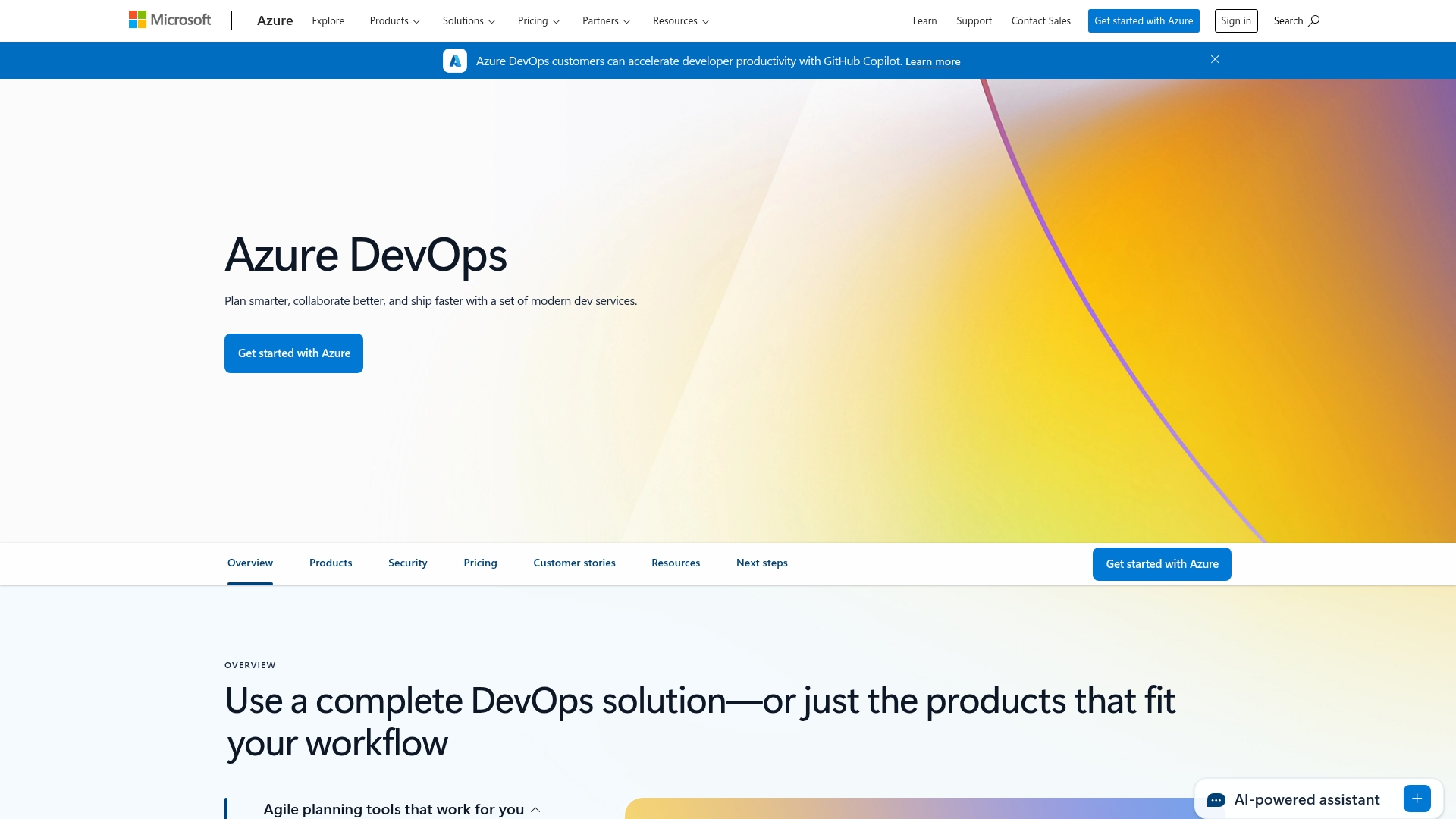
Covering the entire software lifecycle from planning to deployment, Azure DevOps provides a comprehensive development platform. Its deep integration across the Microsoft ecosystem makes it a natural choice for organizations heavily invested in Azure cloud services and Visual Studio development environments.
Example:
Azure DevOps provides end-to-end traceability for bug tracking through its integrated work item system, allowing teams to link defects directly to code commits, builds, and releases for complete visibility across the development lifecycle.
Key features:
- Flexible bug management options: that let teams track bugs as requirements, tasks, or standalone items based on their workflow preferences.
- Automated bug creation from failed tests and builds: streamlining the defect capture process without manual intervention.
- Powerful querying and reporting capabilities: with customizable dashboards for tracking bug trends and team performance metrics.
Pricing:
- Basic: $6/month per user (monthly billing).
- Basic + Test Plans: $52/month per user (monthly billing).
- Free tier: available for up to five users with basic features.
- Stakeholder access: free for unlimited users with view-only permissions.
Considerations:
- Steep learning curve: for teams not familiar with Microsoft’s development ecosystem and interface complexity.
- Agile features may feel less robust: compared to specialized tools like Jira, particularly for advanced workflow customization.
5. Linear
Engineered for modern software development teams, Linear offers a lightning-fast issue tracking experience. The platform prioritizes speed and simplicity, making it an excellent fit for startups and product teams who value streamlined workflows over intricate customization.

Example:
Linear transforms bug tracking into a fast, enjoyable experience that keeps developers in their flow state while maintaining clear visibility across the entire development cycle.
Key features:
- Keyboard-first design: navigate and manage bug reports with extensive keyboard shortcuts for maximum developer productivity.
- Automated workflows: set up no-code rules to auto-assign issues, close stale bugs, and streamline repetitive processes.
- Deep integrations: seamlessly connect with GitHub, Slack, Sentry, and Figma to maintain context across your development stack.
Pricing:
- Free: $0 (unlimited members, two teams, 250 issues).
- Basic: $8/month per user (five teams, unlimited issues, admin roles).
- Business: $14/month per user (unlimited teams, product intelligence, advanced integrations).
- Enterprise: contact for pricing (SAML/SCIM, advanced security, migration support).
Considerations:
- Limited customization options: may not suit teams requiring complex, highly tailored workflows.
- Reporting and analytics capabilities: are more basic compared to enterprise-grade alternatives like Jira.
6. Asana
Asana brings order to bug tracking by integrating it into organized workflows that keep entire teams aligned. The platform merges bug management with broader project coordination, making it ideal for teams that balance development work with other business initiatives. Its flexible design allows you to customize bug tracking processes without being confined to rigid frameworks.

Example:
Asana excels at unifying bug tracking with project management, giving cross-functional teams a single workspace where technical issues and business priorities live side by side.
Key features:
- Bug tracking template: with customizable forms that standardize how issues get reported and categorized.
- Custom fields and automation rules: that automatically assign bugs based on priority, type, or affected components.
- Multiple project views: including Kanban boards, timelines, and dashboards that visualize bug resolution progress.
Pricing:
- Personal: free forever (up to ten teammates).
- Starter: $ten.99/user/month (billed annually), $13.49/user/month (billed monthly).
- Advanced: $24.99/user/month (billed annually), $30.49/user/month (billed monthly).
- Enterprise: contact sales for custom pricing.
- Enterprise+: contact sales for custom pricing.
- Nonprofit discount: 50% discount available for eligible nonprofit organizations.
- Minimum user requirement: minimum 2-user plans required for paid tiers.
Considerations:
- Lacks specialized development features: like native code repository integration and advanced Agile reporting found in dedicated tools.
- Lack of possibility to assign single tasks to multiple team members: which can complicate collaborative bug fixes.
7. Bugzilla
As a powerful, open-source solution, Bugzilla provides robust bug tracking without the licensing fees that can strain development budgets. This long-standing platform excels at deep customization and comprehensive defect management, making it a perfect choice for teams needing enterprise-grade functionality with full control over their tracking processes.

Example:
Bugzilla provides a dedicated, highly customizable bug tracking system that’s proven in demanding environments like the Linux kernel and Apache projects.
Key features:
- Advanced search capabilities: with both Google-like basic queries and complex time-based searches.
- Customizable workflows, fields, and email notifications: tailored to your team’s specific processes.
- Comprehensive reporting system: with charts, scheduled reports, and time-based tracking analytics.
Pricing:
- Open source: free to download and use.
- Self-hosted: requires server infrastructure and IT maintenance resources.
Considerations:
- Outdated user interface: compared to modern alternatives may require adjustment period for new users.
- Self-hosted setup: demands technical expertise for installation, configuration, and ongoing maintenance.
8. YouTrack
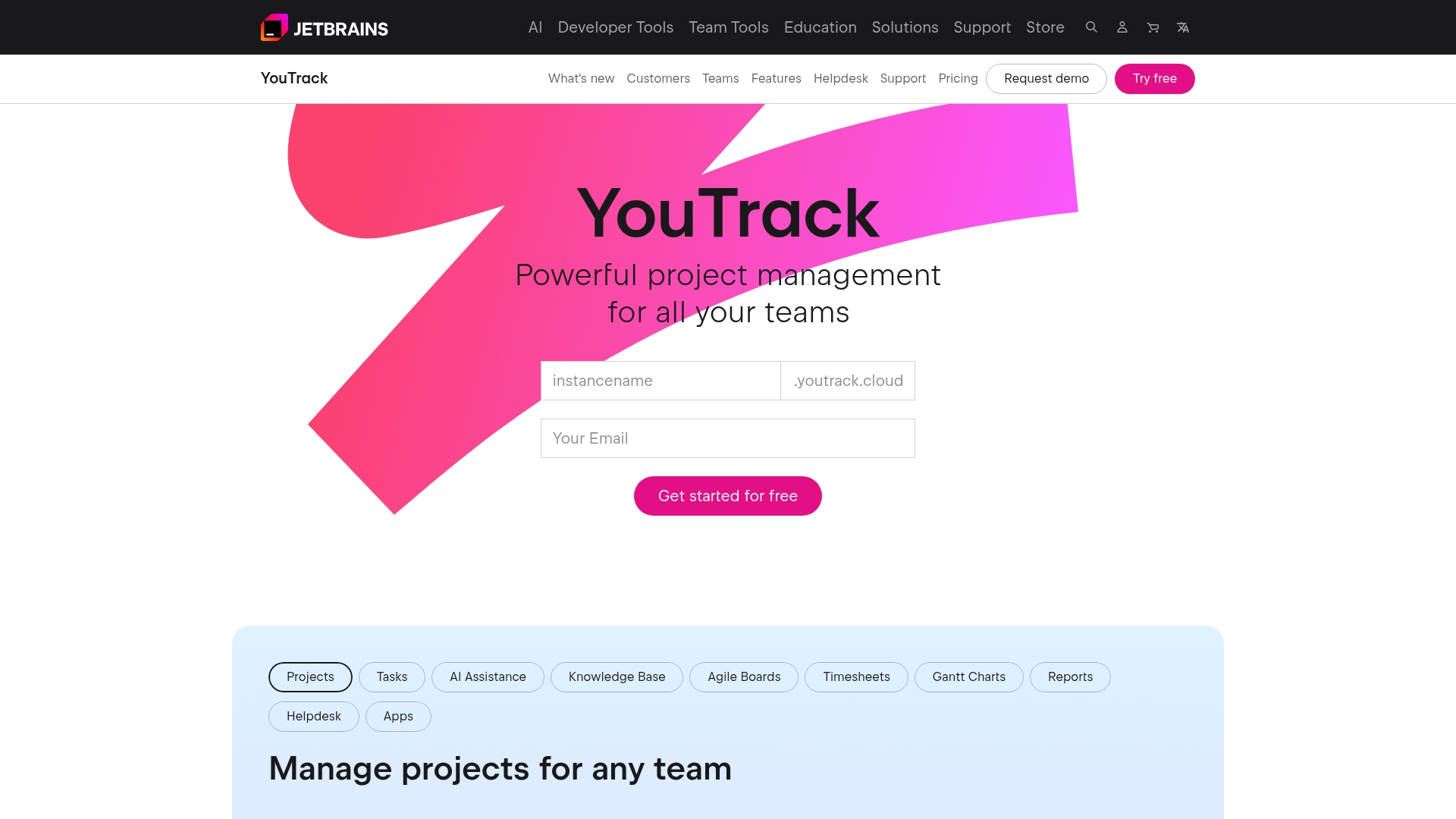
From the creators of JetBrains, YouTrack offers intelligent bug tracking with powerful search capabilities and customizable workflows designed for development teams. The platform merges a keyboard-centric interface with deep IDE integrations, making it an excellent choice for technical teams seeking efficient issue management without the weight of enterprise-heavy alternatives.
Example:
YouTrack provides a lightweight yet powerful alternative to complex bug tracking systems, offering development teams the flexibility to create custom workflows while maintaining seamless integration with their existing JetBrains development environment.
Key features:
- Smart search: with query-based filtering and auto-completion for rapid issue discovery.
- Custom workflows and Agile boards: supporting both Scrum and Kanban methodologies.
- Deep integration: with version control systems and JetBrains IDEs for complete development traceability.
Pricing:
- Free plan: up to ten users (both Cloud and Server versions).
- Cloud plans: pricing scales with team size beyond ten users.
- Server plans: self-hosted option with Docker support for Linux and Windows.
Considerations:
- Learning curve: for advanced customization features may slow initial setup.
- Performance can lag: with larger installations or heavy workloads.
9. ClickUp
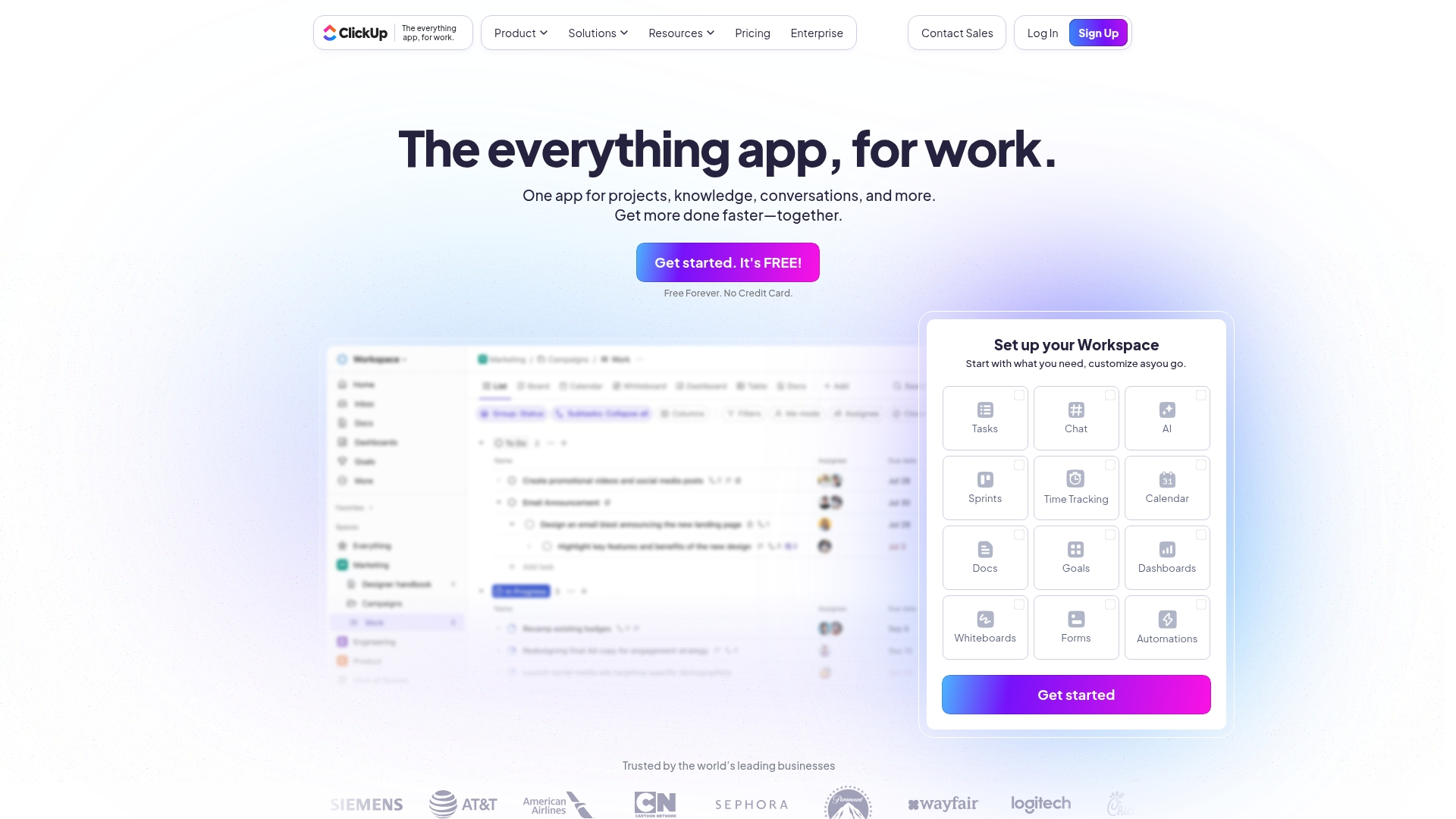
Positioned as an all-in-one productivity platform, ClickUp consolidates bug tracking with project management, documentation, and team collaboration. Its strength lies in extensive customization and a comprehensive feature set, making it a strong candidate for teams aiming to replace multiple tools with a single, unified workspace.
Example:
ClickUp integrates bug tracking directly into project workflows, treating bugs as items within the broader project management framework to eliminate the need for separate platforms.
Key features:
- Custom fields and forms: for standardized bug reporting with severity, priority, and environment details.
- Multiple visualization options: including Kanban boards, Gantt charts, and list views for tracking bug resolution progress.
- Automated workflows and task dependencies: to streamline bug assignment and prioritization processes.
Pricing:
- Free Forever: free with 60MB storage and unlimited tasks.
- Unlimited: $7/user/month with unlimited storage and integrations.
- Business: $12/user/month with advanced reporting and automation features.
- Enterprise: custom pricing with white labeling and advanced security features.
Considerations:
- Steep learning curve: due to extensive customization options and feature complexity.
- Performance issues: reported with slow loading times, especially in complex workspaces with large amounts of data.
10. Trello
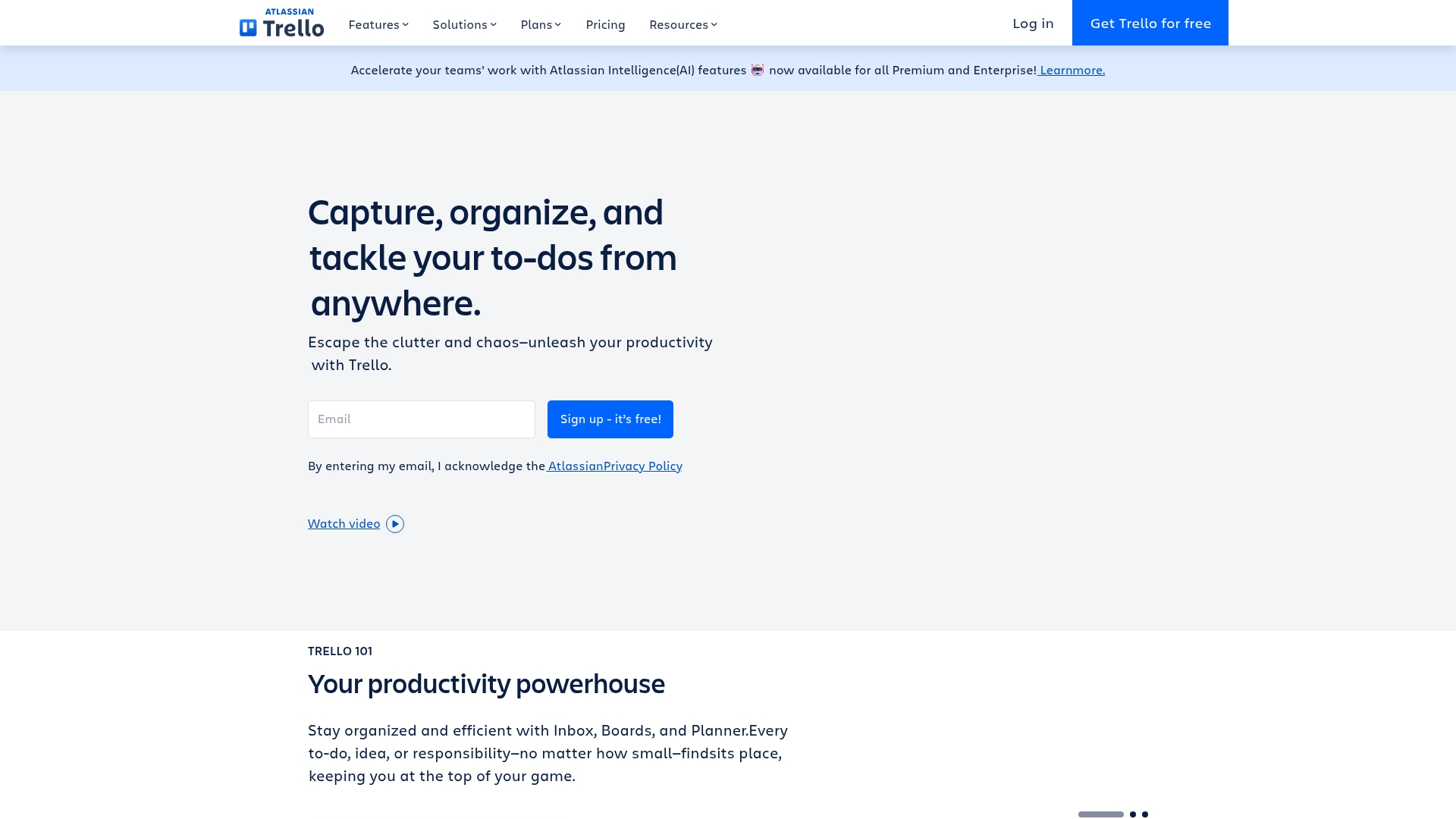
With its visual, drag-and-drop experience, Trello makes bug tracking an intuitive process that teams can easily adopt. The platform’s focus on Kanban-style workflows and a user-friendly interface makes it a great choice for smaller teams needing straightforward bug management without the complexity of enterprise-grade tools.
Example:
Trello provides a flexible, visual framework for bug tracking that can be customized to fit any team’s workflow without requiring technical expertise.
Key features:
- Visual Kanban boards: with customizable lists for different bug stages (New Reports, Under Investigation, In Progress, Resolved).
- Power-Up integrations: like Hipporello Service Desk for automated bug report collection and Usersnap for visual feedback capture.
- Built-in automation: through Butler to streamline repetitive tasks like assigning team members and moving cards between stages.
Pricing:
- Free: $0 for up to 10 collaborators per workspace with unlimited cards and basic features.
- Standard: $5/month per user (billed annually) with unlimited boards and advanced checklists.
- Premium: $10/month per user (billed annually) including AI features and multiple board views.
- Enterprise: $17.50/month per user (billed annually) with advanced security and admin controls.
Considerations:
- Becomes cluttered and difficult: to manage with high-volume bug tracking or large, complex projects.
- Lacks built-in advanced reporting and analytics features: without relying on third-party Power-Ups.
11. MantisBT
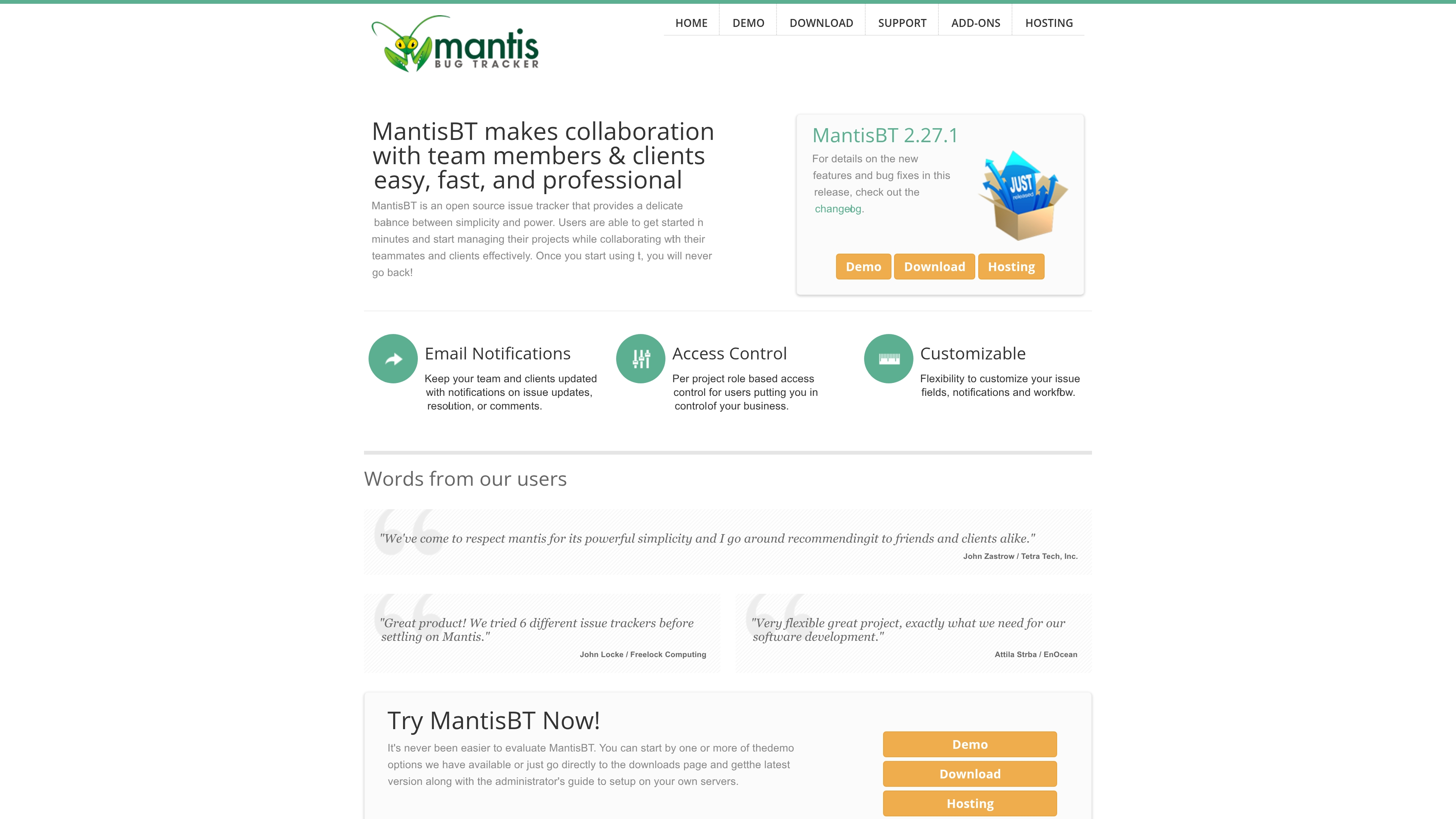
As an open-source solution, MantisBT cuts through complexity to focus on rapid issue resolution. This web-based platform provides straightforward defect management without superfluous features, making it ideal for teams who want powerful bug tracking without the overhead of enterprise-level systems.
Example:
MantisBT provides teams with a free, customizable bug tracking system that balances simplicity with the flexibility to adapt workflows to specific project needs.
Key features:
- Custom workflows: tailor issue tracking processes to match your team’s specific methodology and requirements.
- Role-based access control: set per-project permissions to ensure the right people have access to the right information.
- Email notifications: keep stakeholders automatically informed about issue updates, resolutions, and comments.
Pricing:
- Open source: free to download, use, and modify under GNU General Public License.
- Self-hosting: no licensing costs, though hosting and maintenance resources required.
- MantisHub (SaaS option): pricing not specified but offers hosted solution with additional support.
Considerations:
- Dated interface: the user interface feels outdated compared to modern alternatives and may impact user adoption.
- Limited advanced features: lacks sophisticated project management capabilities like Gantt charts, agile reporting, and built-in test case management.
12. Zoho BugTracker
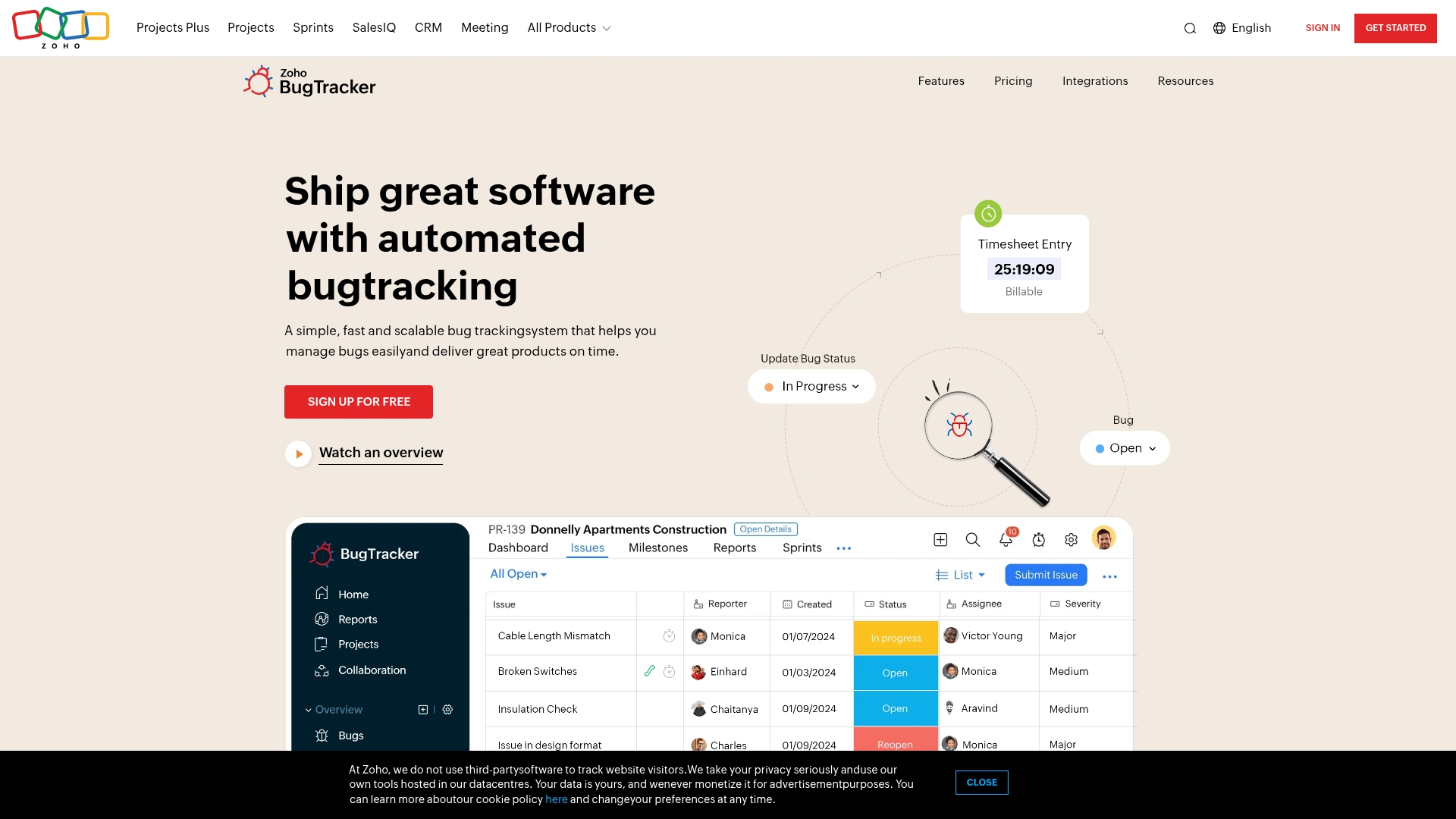
Operating within a comprehensive business ecosystem, Zoho BugTracker offers integrated bug and issue management. The platform’s key advantage is its seamless automation and deep integration with Zoho’s 55+ other applications, making it a perfect fit for teams already invested in the Zoho suite.
Example:
Zoho BugTracker transforms bug tracking from an isolated activity into a seamless part of your overall business workflow through native integration with project management, customer support, and billing systems.
Key features:
- Automated business rules: that trigger field updates, notifications, and SLA management based on predefined criteria.
- Kanban-style boards and customizable workflows: that visualize bug progression from submission to resolution.
- Native integration: with Zoho Projects, Zoho Desk, and third-party tools like GitHub and Bitbucket for unified development workflows.
Pricing:
- Free plan: available for up to three users with core functionality.
- Paid tiers: pricing information not available in current research.
Considerations:
- Limited storage space: in free and lower-tiered plans can become restrictive for long-term projects.
- Performance issues: may occur when handling large volumes of comments or data entries.
13. Redmine
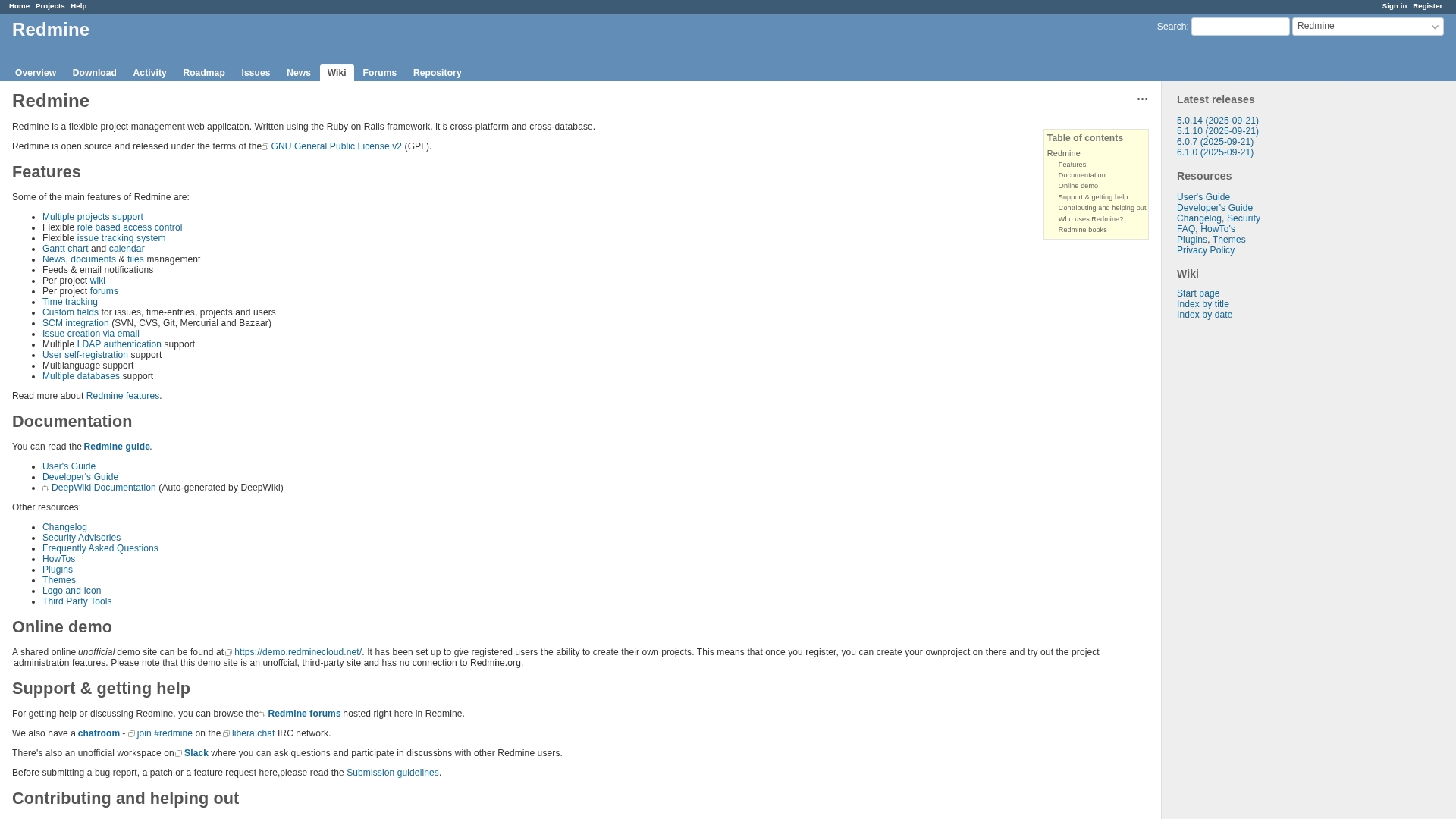
Redmine is an open-source project management platform with powerful, built-in bug tracking capabilities. This flexible, self-hosted solution is excellent for technical teams who demand complete control over their data and processes without vendor lock-in, allowing full customization of every workflow.
Example:
Redmine empowers development teams to track bugs through customizable workflows while maintaining complete ownership of their data through self-hosting capabilities.
Key features:
- Customizable issue trackers: with unique workflows for different bug types and severity levels
- Deep integration with version control systems: like Git and Subversion for seamless code-to-bug traceability
- Role-based permissions: that control exactly who can view, edit, and resolve specific types of issues
Pricing:
- Core platform: free (open-source).
- Self-hosting: no licensing fees required.
- Optional plugins: some third-party extensions may require payment.
Considerations:
- Requires technical expertise: for installation, maintenance, and customization.
- User interface feels dated: compared to modern commercial alternatives.
14. Shortcut
With its story-driven approach, Shortcut offers project management designed for software teams aiming to ship faster without unnecessary complexity. The platform treats bugs as integrated “Stories” within the development workflow, making it a streamlined alternative to heavyweight tools like Jira for Agile teams.
This unified method keeps bug tracking connected to feature development and sprint planning.

Example:
Shortcut integrates bug tracking directly into agile development workflows by treating bugs as “Stories” alongside features, ensuring quality management stays connected to your sprint planning and product roadmap.
Key features:
- Story-based bug tracking: bugs are captured as Stories within your backlog, allowing seamless prioritization and assignment alongside feature development.
- Custom workflow automation: create tailored bug resolution processes with labels, filtering, and workflow stages that match your team’s methodology.
- Cross-platform integrations: connect with Slack, Zendesk, GitHub, and other development tools to capture bugs directly from customer support or code repositories.
Pricing:
- Free plan: $0/month for up to 10 users.
- Team plan: $8.50/user/month (billed annually).
- Business plan: $12/user/month (billed annually).
- Enterprise plan: custom pricing for larger organizations.
Considerations:
- Limited customization options: compared to enterprise-grade tools like Jira, which may constrain teams with highly complex workflows.
- Search functionality: can become less efficient as your project history grows, potentially slowing down bug research and resolution.
15. Wrike
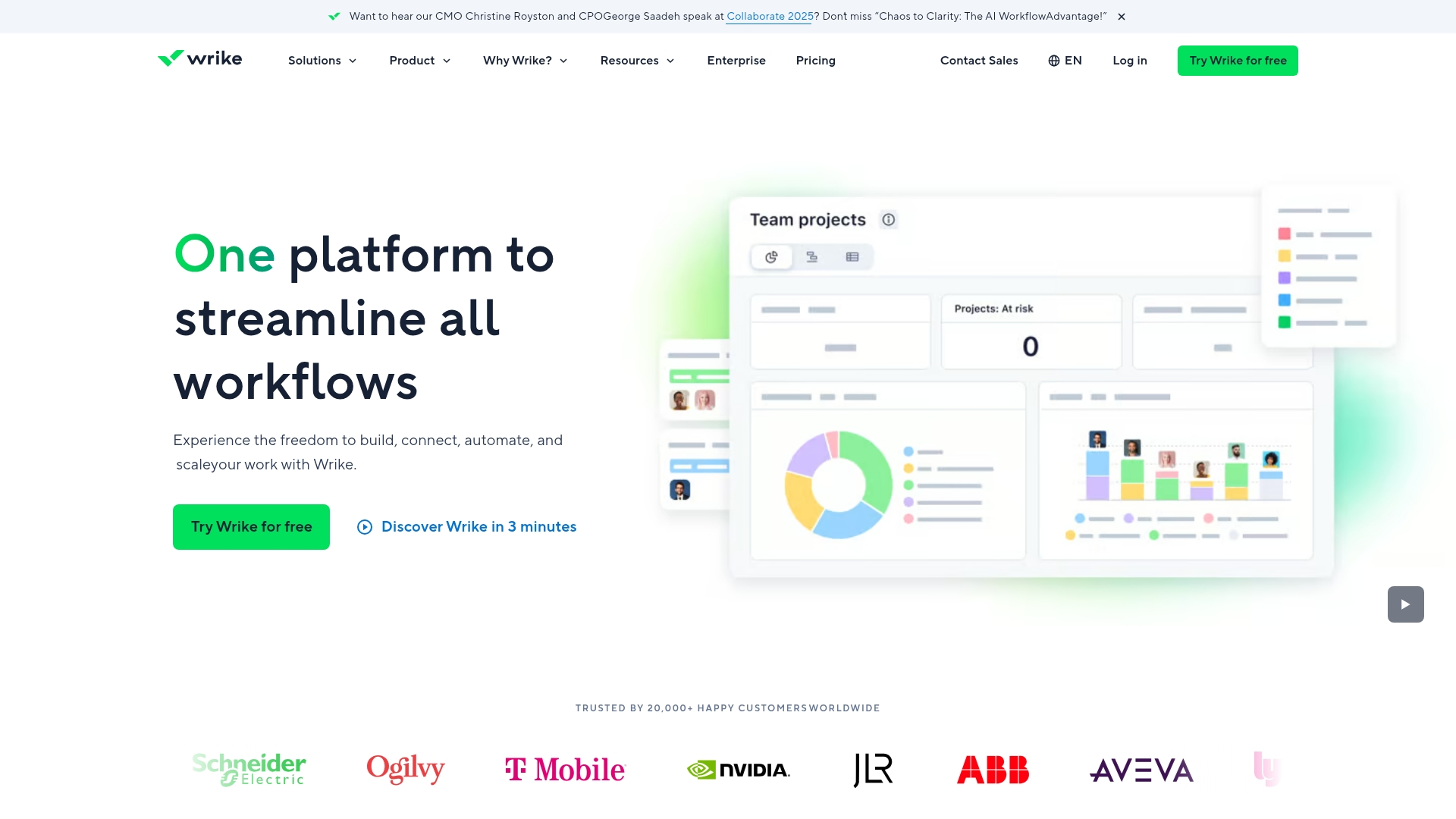
Expanding beyond simple issue logging, Wrike provides a comprehensive project management experience that incorporates bug tracking. The platform’s enterprise-grade customization and robust reporting capabilities make it a strong choice for larger development organizations needing advanced project analytics across multiple departments.
Example:
Wrike serves as an all-in-one platform where bug tracking integrates seamlessly with broader project management workflows, providing a single source of truth for development teams, QA, and customer support departments.
Key features:
- Custom request forms: that automatically convert bug reports into prioritized tasks with detailed information capture.
- Flexible workflow management: with custom statuses, task hierarchies, and visual Kanban boards for tracking issues from submission to resolution.
- Deep integrations with development tools: like GitHub and comprehensive reporting dashboards for data-driven decision making.
Pricing:
- Free: $0/month (limited active tasks, basic project management features).
- Team: $10/month per user (unlimited projects/tasks, Gantt charts, 50 automations per user monthly, 2GB storage).
- Business: $25/month per user (project blueprints, unlimited request forms, approvals, 200 automations per user monthly, 5GB storage).
- Enterprise: Custom pricing (SAML-based SSO, advanced security, 1000 automations per user monthly, 10GB storage).
- Pinnacle: Custom pricing (advanced reporting, budgeting features, 1500 automations per user monthly, 15GB storage).
- Subscription Requirement: Business and higher tiers require annual subscriptions.
- Additional Add-ons: Additional add-ons are available for extra fees.
Considerations:
- Lacks specialized software development features: compared to dedicated bug tracking tools like Jira, requiring manual configuration for optimal bug tracking workflows.
- Complex interface with a steep learning curve: that can overwhelm smaller teams or those with simpler bug tracking needs.
16. Notion
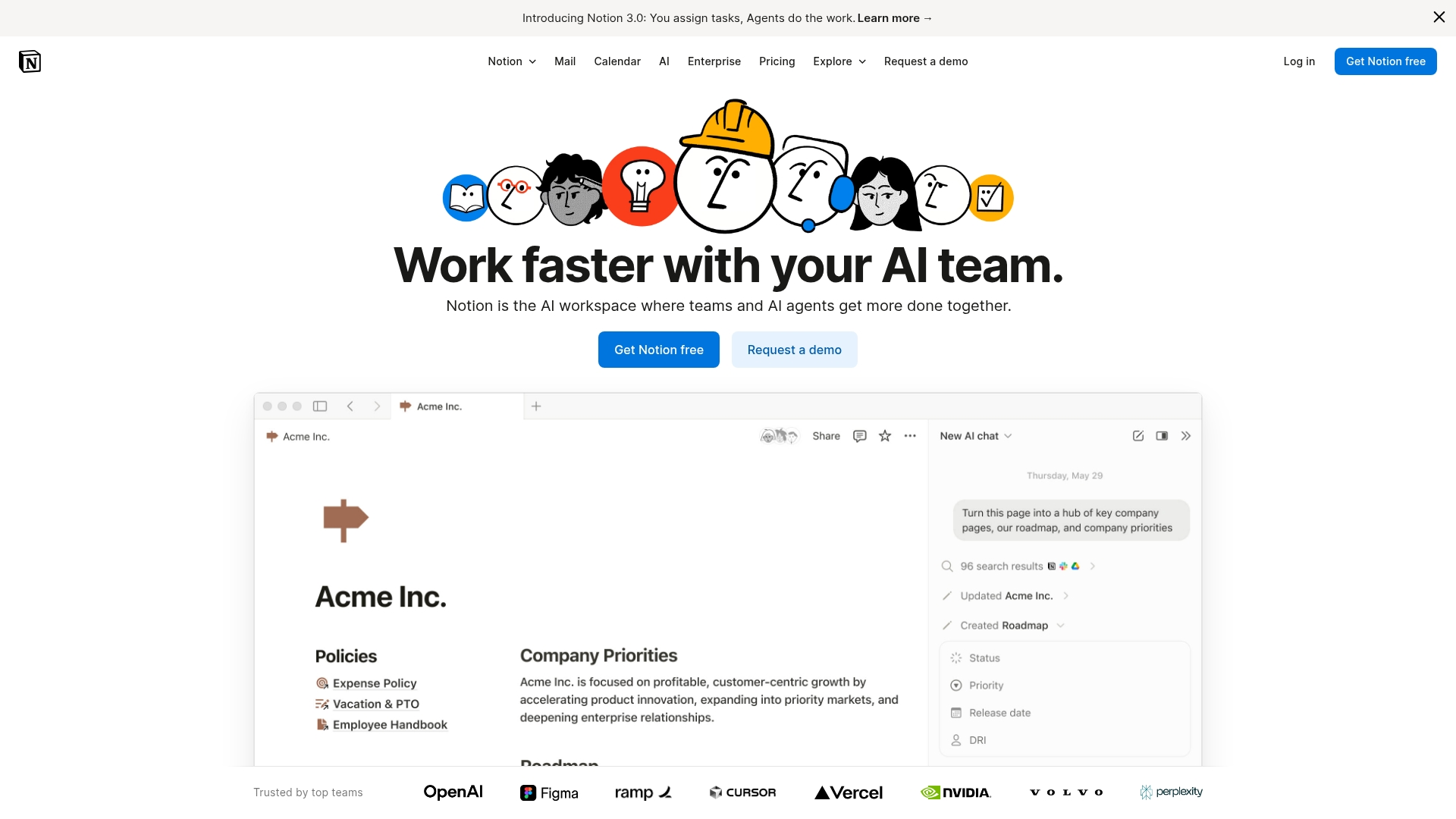
Notion reimagines bug tracking as a flexible, database-driven system that adapts to a team’s unique workflow. The platform excels at creating customizable workspaces that combine bug tracking with documentation and knowledge management, making it ideal for teams wanting to consolidate everything in one place.
With a gallery of over 40 bug tracking templates and limitless customization, Notion allows you to build the exact system your team requires.
Example:
Notion empowers teams to create fully customized bug tracking systems that integrate seamlessly with their existing documentation, project specs, and team wikis in a single, unified workspace.
Key features:
- Custom database properties: for status, priority, severity, and assignee tracking with multiple view options (table, Kanban, calendar, timeline).
- Relational databases: that link bugs to tasks, projects, and customer feedback for complete context.
- A template gallery: with over 40 specialized bug tracking options (free and paid) for everything from basic trackers to game development and QA workflows.
Pricing:
- Free: $0/month for individuals, offering unlimited storage, basic forms, Notion Calendar and Mail (Gmail sync), and a trial of Notion AI. Teams can start with a limited trial.
- Plus: $10/month per member for small teams with unlimited collaborative blocks and file uploads.
- Business: $20/month per member for growing businesses with SAML SSO and advanced permissions.
- Enterprise: Custom pricing for organizations requiring advanced security and compliance features.
Considerations:
- Lacks advanced reporting and analytics: compared to dedicated bug tracking tools like Jira.
- Requires significant setup time and technical knowledge: to create comprehensive bug tracking systems from scratch.
17. Smartsheet
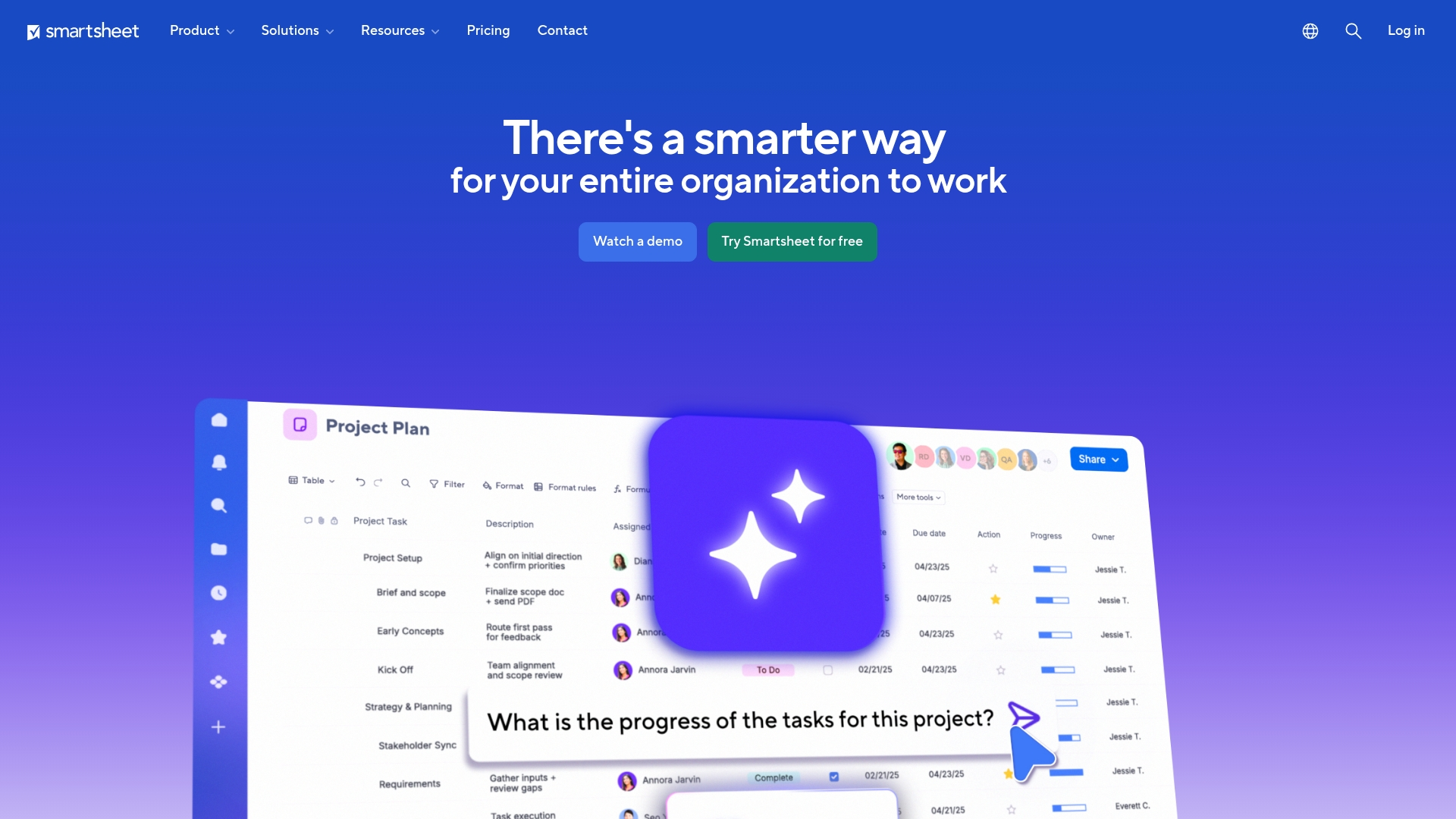
Leveraging a familiar spreadsheet-like interface, Smartsheet makes bug tracking accessible to teams beyond just developers. The platform’s strength lies in its customizable templates and workflow automation, making it an excellent choice for organizations looking to graduate from Excel-based tracking systems.
Example:
Smartsheet provides a comprehensive collection of 8 specialized bug tracking templates that standardize software bug reporting processes across organizations while leveraging familiar spreadsheet functionality.
Key features:
- Multiple pre-built bug tracking templates: including simple bug reports, software defect reports, and QA-specific templates.
- Automated workflows: with real-time notifications and status updates throughout the bug lifecycle.
- Multi-format availability (Excel, Google Sheets, PDF): with native Smartsheet integration for enhanced collaboration.
Pricing:
- Free: for individuals just getting started.
- Pro: $7 per user/month (billed annually).
- Business: $25 per user/month (billed annually).
- Enterprise: custom pricing for advanced needs.
- 30-day free trial: available for paid plans.
Considerations:
- Lacks specialized agile development features: like sprint management and burndown charts compared to dedicated bug tracking tools.
- Cumbersome for software development teams: with complex workflow requirements, as it’s primarily designed for general project management rather than specialized bug tracking.
18. Aha!
By connecting every fix to the broader product roadmap, Aha! elevates bug tracking from a reactive task to a strategic product decision. The platform is designed to link development work directly to business goals, making it an ideal tool for product managers who need to align engineering efforts with strategic priorities.

Example:
Aha! helps product-focused organizations make strategic decisions about which bugs to fix and when, based on their impact on overall product vision and customer satisfaction.
Key features:
- Unified backlog: that manages bugs alongside new features and technical debt for holistic development planning.
- Customizable workflows: with visual prioritization using scorecards to rank bugs by business impact.
- Seamless integrations: with customer support platforms like Zendesk and Salesforce to capture bugs directly from user reports.
Pricing:
- Pricing information: not available in the provided research data.
Considerations:
- Not as feature-rich for complex bug tracking needs: compared to dedicated tools like Jira.
- Bug tracking functionality: requires the separate Aha! Develop plan, which may increase costs for teams only using roadmapping features.
Must-have features in bug management software
Your team’s objective is to build and ship exceptional products, and the right platform should accelerate that progress. A bug tracker should act as a catalyst, enabling your team to build momentum and concentrate on their core strengths.
This is where a competitive advantage is forged: by providing your team with the complete flexibility to design workflows that perfectly match their methods. Through intelligent automation, bugs and tasks are instantly routed to the correct person, eliminating the manual triage that consumes valuable time and energy. This shifts the focus from merely tracking issues to accelerating the entire development cycle, from initial report to final resolution.
This approach culminates in a clear, shared perspective on progress for everyone, from individual developers to business and leadership teams. With seamless integrations and real-time dashboards, you gain the visibility and control necessary to clear backlogs, align the entire organization, and ship quality products faster and with greater confidence.
Key benefits of bug tracking systems for development teams
A great bug tracking system is more than a safety net; it’s a launchpad for your team. It clears the path to productivity by presenting well-organized bug information with clear ownership, allowing developers to bypass investigative work and focus directly on creating solutions. This empowers senior talent to tackle the right challenges, which in turn accelerates the development cycle and enhances team morale.
Effective systems also dismantle the barriers between engineering, product, and leadership. When everyone from QA to the C-suite shares the same real-time view, alignment becomes effortless, rendering endless status meetings and confusing email chains obsolete. It establishes a common language and a single source of truth, ensuring the entire organization moves in unison toward a shared objective.
Ultimately, this process leads to shipping superior products with complete assurance. By easily identifying patterns in bug data — such as their origins and causes — you can transition from simply fixing issues to proactively preventing them. This forward-thinking stance results in a more reliable product, more satisfied customers, and a development team that takes pride in the quality of its work.

"monday dev empowered us to optimize our GTM approach, resulting in faster, more dependable deliveries"
Steven Hamrell | Director of Product Management
"monday dev empowers us to manage the entire development process on one platform so we can speed up product delivery and improve customer satisfaction"
Mitchel Hudson | Head of Technology
"We're operating in an open, deep trusting, transparent environment with no silos of information. It's about completely opening access to everyone who needs it."
Alan Schmoll | Executive Vice President, Vistra PlatformHow to select the right bug tracking platform for your team
Choosing the right platform is less about checking off features and more about finding an engine to power your team’s momentum. It’s the distinction between being mired in process and accelerating toward your goals. The best tool should unlock your team’s full potential, not just catalog their tasks.
Prioritize a platform that offers complete flexibility, one that allows you to construct the precise workflows your team needs rather than confining them to a rigid structure. Your team has a unique rhythm; your tools should complement it, whether you’re running standard sprints or designing a custom process from the ground up. This adaptability is crucial for eliminating bottlenecks and synchronizing efforts.
Finally, consider the impact beyond the development team. The most powerful results emerge when a platform connects engineering with product, marketing, and leadership, creating a unified source of truth for the entire organization. With that shared visibility, backlogs diminish, alignment improves, and everyone can concentrate on the ultimate goal: shipping incredible products, faster.
Types of bug tracking software solutions
When choosing a bug tracking solution, organizations must weigh simplicity and control against the risks of information silos and diverted development resources. The most common architectural options are listed below, detailing their respective trade-offs and highlighting the benefits of a unified, holistic approach.
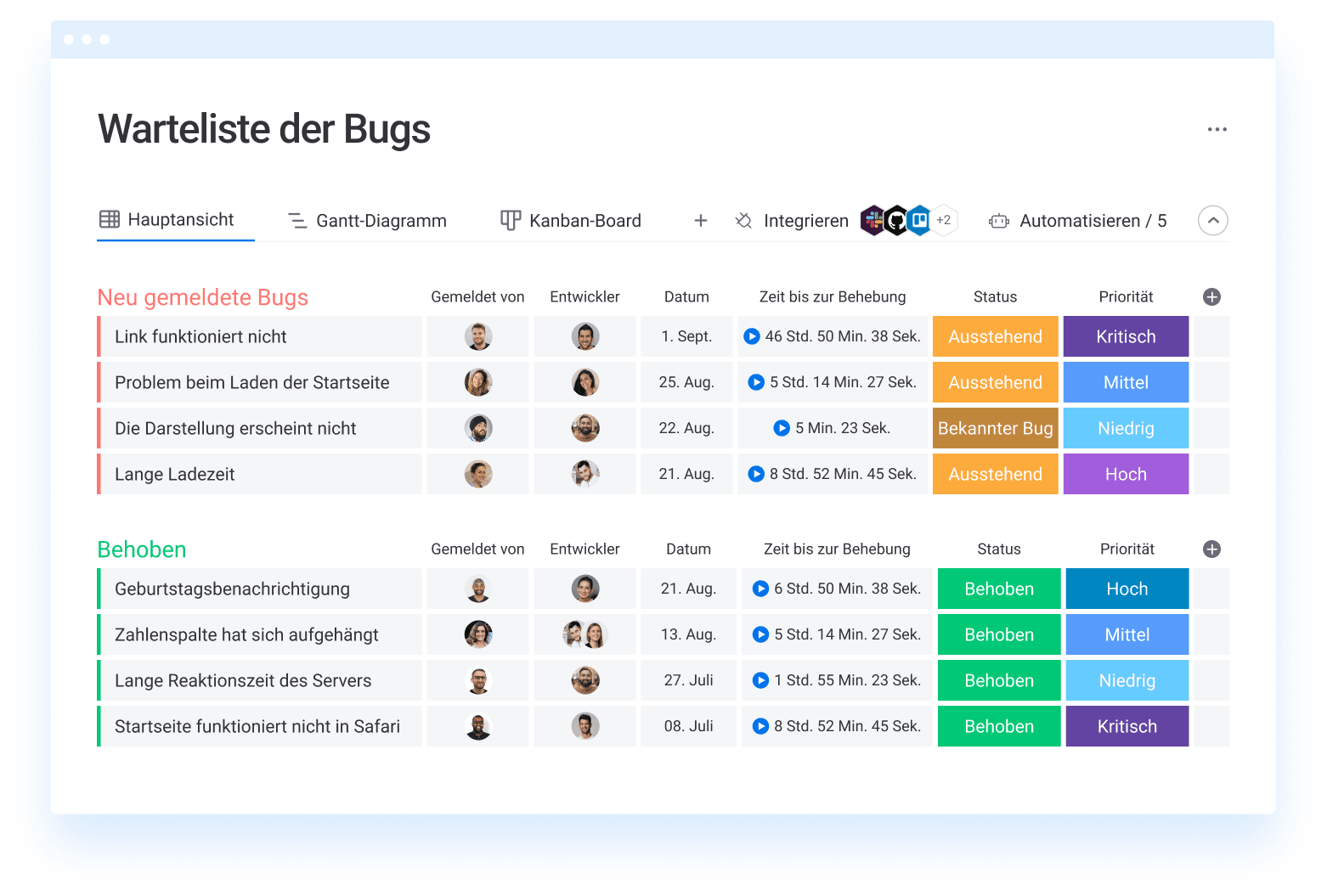
- Standalone bug trackers: these solutions offer simplicity but often isolate development teams from other departments, leading to frustrating information silos and slowing down the organization.
- Open-source tools: these provide the benefit of total control and no licensing fees but often divert valuable development hours away from building customer-facing features due to the necessary installation and maintenance.
- Unified workspace solutions:this is a more effective strategy that directly connects development sprints to product roadmaps and leadership objectives in one flexible workspace. When everyone operates from the same playbook, you eliminate context-switching, gain complete visibility from bug report to release, and transform tracking into an engine for shipping with confidence.
Bug tracking software pricing guide
When evaluating pricing, it’s tempting to focus solely on the upfront cost. However, the wisest investment is in a tool your team genuinely enjoys using: one that doesn’t create friction with a steep learning curve or complicated integrations. The right platform should conserve your team’s valuable time and energy from the very beginning.
You will encounter a variety of pricing models, from per-user plans to large enterprise packages. Finding the right fit is essential for scaling smoothly buy you should opt for a solution that can grow alongside your team, not one that restricts you or introduces unexpected costs as you gain momentum.
Tansform bug tracking into development excellence with monday dev
Instead of viewing bug tracking as a necessary chore, organizations should recognize its potential as a catalyst for faster, more effective development. Created to redefine this process, monday dev offers your team complete freedom to design a bug management system that truly serves your needs. It’s about converting a bottleneck into a source of momentum.
Your team operates with a unique rhythm, so your tools should adapt accordingly. With monday dev, you can construct the exact workflows and automations required, which translates to less time wrestling with the system and more time clearing your backlog. The platform enables you to ship more products, faster, by empowering your team to work in its most natural and efficient manner.
True development excellence is achieved when everyone is aligned and moving in the same direction. With monday dev, engineering work connects directly to business goals, providing complete visibility for product, leadership, and all stakeholders. This alignment eliminates guesswork and ensures the entire organization is united in the effort to build superior software together.
The content in this article is provided for informational purposes only and, to the best of monday.com’s knowledge, the information provided in this article is accurate and up-to-date at the time of publication. That said, monday.com encourages readers to verify all information directly.
Frequently asked questions
How quickly can development teams implement bug tracking software?
The time it takes for development teams to implement bug tracking software is typically very short; most teams can implement a flexible, cloud-based platform within a day or two. The final timeline depends on your team's specific customization and data migration needs.
Which development environments integrate with bug tracking systems?
Modern bug trackers integrate with nearly all major development environments, including GitHub, GitLab, and popular IDEs. The key is to verify how deep and reliable those integrations are for your specific stack.
What's the difference between bug tracking and issue tracking software?
Bug tracking focuses specifically on software defects, while issue tracking is a broader term that includes bugs, feature requests, and general tasks. The best platforms handle both in one unified system.
Should development teams use separate platforms for bugs and project management?
No, using an integrated platform for both prevents information silos and keeps your entire team aligned. A single source of truth for bugs and project work eliminates confusion and boosts productivity.
How do teams migrate from one bug tracking system to another?
Migration involves exporting your data, mapping workflows to the new system, and training your team. Most platforms offer import tools to simplify this process, which typically takes one to two weeks.
What metrics should development teams track with bug management software?
Focus on key metrics like resolution time, bug discovery rate, and reopened bug percentage. The best platforms help you visualize this data to spot quality trends and demonstrate your team's impact.

 Get started