

After months of demos and trials, the choice narrows to three top contenders. Each promises to solve coordination challenges, yet their core philosophies and approaches couldn’t be more different.
This decision goes deeper than features or pricing. It’s about finding a platform that matches how an organization works. Some teams need rigid structure and complex configurations. Others prioritize simplicity and quick adoption. Many require the flexibility to build custom workflows without waiting for IT support or external consultants.
This comparison looks at Wrike, Asana, and monday work management across customization, implementation speed, AI, costs, and cross-department visibility. It highlights each platform’s strengths and limitations, showing which solutions scale effectively while reducing administrative overhead.
Key takeaways
- Match platform complexity to your team’s needs: choose based on whether you need rigid structure (Wrike), simple collaboration (Asana), or flexible workflows that adapt to any department (monday work management).
- Factor in true implementation costs beyond licensing: Wrike requires three to six months and external consultants, while monday work management delivers value in two to four weeks with minimal training investment.
- Build workflows that connect departments, not just manage projects: monday work management’s Work OS architecture lets you create everything from CRM pipelines to approval processes while keeping all teams synchronized.
- Prioritize platforms with embedded AI over bolt-on features: look for automation that eliminates manual work across your entire workflow, not just basic task summaries or status updates.
- Consider long-term scalability when evaluating customization options: rigid folder structures work initially but become bottlenecks as your organization grows and processes evolve.
Quick comparison of Wrike vs Asana
Selecting the right work management platform requires looking beyond feature lists to organizational maturity and operational goals. For mid-to-large organizations, the decision involves balancing structure, flexibility, and scalability and each platform handles that balance differently.
The following comparison outlines how each platform addresses core enterprise requirements. Use this as a reference point while exploring the detailed analysis that follows.
| Feature dimension | Wrike | Asana | monday work management |
|---|---|---|---|
| Customization | High (complex configuration) | Low (fixed structures) | High (flexible building blocks) |
| Automation | Logic-based, IT-focused | Rule-based, limited depth | No-code, cross-board logic |
| AI capabilities | Content generation | Smart summaries | AI Blocks & Digital Workforce |
| Enterprise scale | Strong security, slow deploy | Good security, rigid hierarchy | Enterprise-grade, scalable architecture |
| Implementation | 3–6 months (consultant heavy) | 1–2 months (team led) | 2–4 weeks (self-serve or guided) |
Each platform fits a different type of organization. Here’s who each platform serves best.
- Wrike: works well for traditional IT teams and PMOs that require rigid folder structures and waterfall methodologies. It offers deep technical configuration, but its steep learning curve can challenge adoption for non-technical teams.
- Asana: fits creative and marketing teams focused on collaboration and simple project tracking. It excels in user interface design but can’t handle the deep data customization and reporting that complex enterprise operations need.
- monday work management: serves organizations seeking a unified Work OS that connects strategy to execution across all departments. It’s easy enough to drive adoption across teams while delivering the enterprise-grade security, automation, and customization that complex workflows demand.
Compare more: Trello vs Wrike vs monday work management
Platform strengths by use case
Each platform has distinct strengths that reflect its core design philosophy and target user base. Understanding these core strengths helps you identify which solution matches your operational requirements and organizational maturity level.
Wrike strengths:
- Folder hierarchy: deep nesting capabilities suit complex, static IT asset libraries.
- Time tracking: native, granular time logging supports billable hour models directly.
Asana strengths:
- Task focus: clean interface encourages individual task completion and simple collaboration.
- Graph data model: connects tasks across projects effectively for simple visibility.
monday work management strengths:
- Work OS architecture: flexible building blocks allow teams to build any workflow, from CRM to development pipelines, without code.
- Cross-department connection: native dashboards and automations link data across different departments, breaking down operational silos.
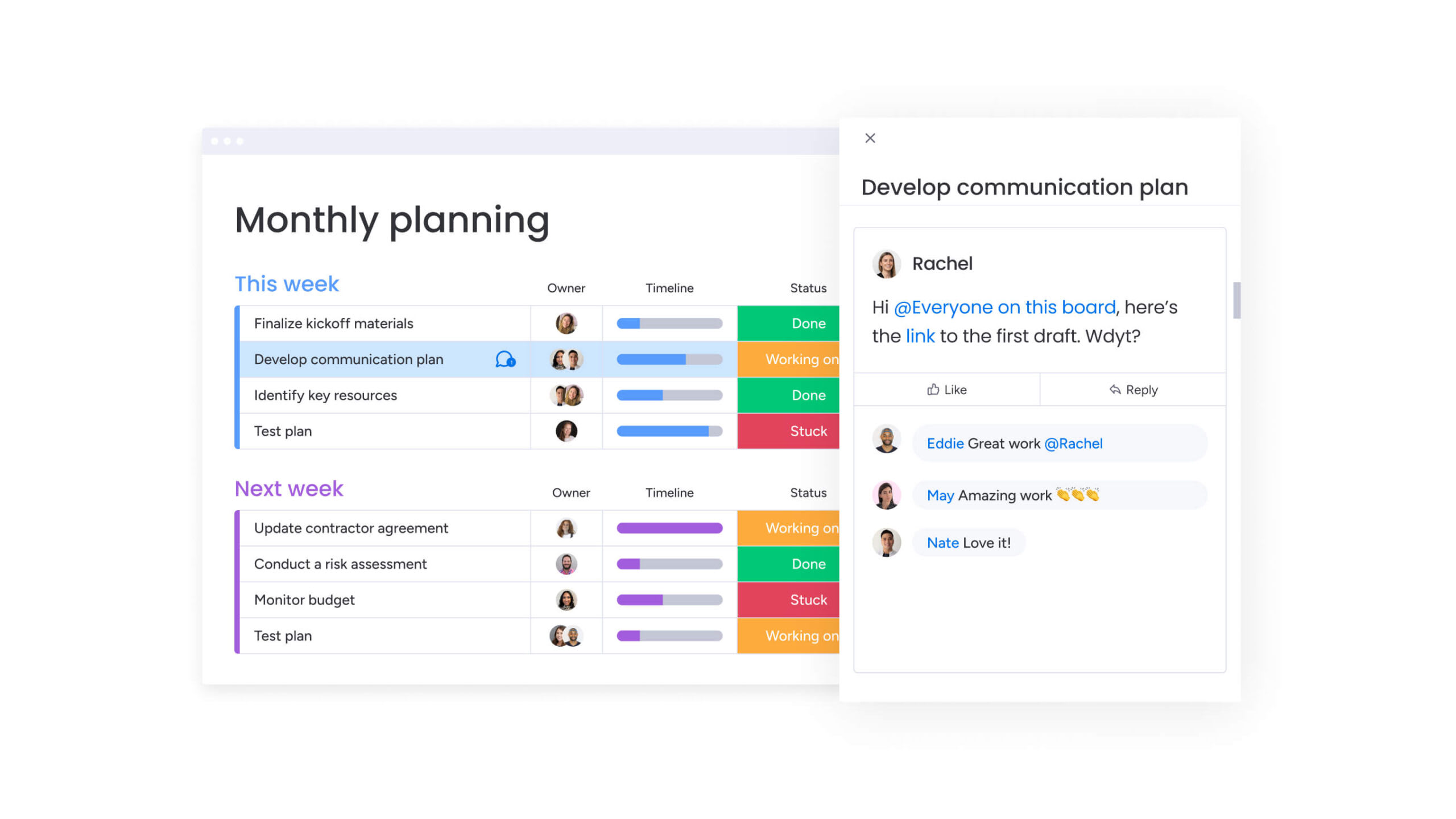
Implementation speed and return on investment
Enterprise software is only valuable if teams actually use it. Implementation timelines, therefore, depend on how complex the platform is and how intuitive the interface feels to a new user.
| Platform | Avg. implementation time | Typical ROI realization | Key success factor |
|---|---|---|---|
| Wrike | 3–6 months | 9–12 months | Heavy investment in training and external consultants |
| Asana | 4–8 weeks | 6 months | High initial adoption in single teams; slower cross-functional scale |
| monday work management | 2–5 weeks | < 4 months | Intuitive interface requires near-zero training; templates accelerate setup |
monday work management delivers immediate value with minimal training investment:
- Immediate impact: intuitive design allows teams to build workflows immediately, with organizations achieving payback in less than four months.
- No-code autonomy: business units build their own solutions without waiting for IT support, accelerating internal process launches and cutting development time by weeks.
Asana enables quick team deployment but struggles with enterprise scale:
- Departmental speed: rapid deployment for individual teams, particularly in marketing or creative functions, though scaling across the organization often stalls.
- Structural limitations: teams struggle to force complex workflows into simple task lists, which delays ROI across the organization.
Wrike requires significant upfront investment before teams see results:
- Technical configuration: Wrike requires a structured, often prolonged implementation phase with complex folder hierarchy and configuration requirements.
- Resource dependency: organizations typically need professional services or dedicated administrators, and users can’t start until the environment is configured, pushing ROI out even further.
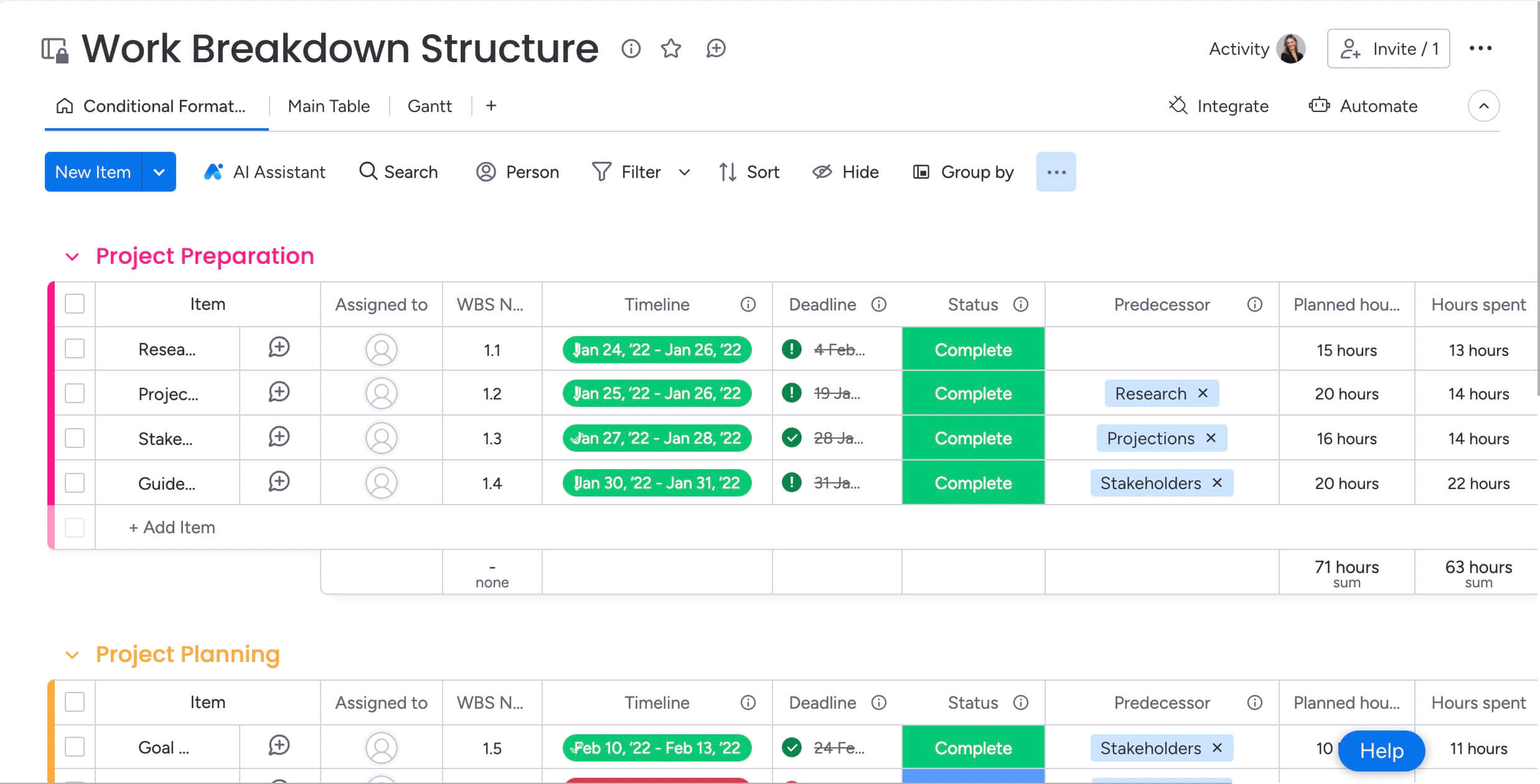
Core feature comparison across platforms
Enterprise buyers need platforms that are both powerful and usable. Below you’ll find a comparision of how each platform handles the fundamentals of work management.
| Feature | Wrike | Asana | monday work management |
|---|---|---|---|
| Hierarchy | Folders/Projects/Tasks | Teams/Portfolios/Projects | Workspaces/Boards/Items/Subitems |
| Custom fields | Available (admin controlled) | Available (project specific) | 35+ column types (user defined) |
| Dependencies | Gantt-focused | Timeline-focused | Flexible automation-based dependencies |
Workflow customization capabilities
What separates enterprise platforms from basic project management software? The ability to model complex business processes. This flexibility determines whether your platform can scale as your organization grows.
- monday work management: supports over 200 distinct workflows through a flexible column and board structure. Teams create approval chains, inventory tracking, or creative requests by simply dragging and dropping building blocks.
- Asana: relies on standardized templates. While users can add custom fields, the underlying structure remains a list of tasks. This limits its ability to model complex non-project workflows like CRM or recruitment pipelines.
- Wrike: offers high customization but requires significant administrative effort. Changes to workflows often require permission upgrades or IT intervention, reducing agility.
Visualization and reporting options
Different stakeholders need different views of the same work. The right views keep teams aligned and give executives the big-picture insights they need.
With 15+ board views, monday work management offers:
- Kanban boards: visual workflow management.
- Gantt charts: timeline and dependency tracking.
- Calendar view: date-based project planning.
- Workload view: resource capacity management.
Teams switch between views instantly (no data duplication, no manual updates) keeping everyone aligned on the same real-time information.
Asana focuses primarily on List and Board views, with Timeline available only on higher-tier plans, limiting visualization flexibility for teams on starter packages.
Wrike centers heavily on Gantt charts, reflecting its traditional project management roots and waterfall methodology focus.
Analytics and decision-making tools
Accurate reporting powers more informed decisions. The depth and accessibility of analytics determines how fast teams can pivot.
- monday work management: provides customizable dashboards that aggregate data from up to 50 boards, offering real-time insights into KPIs.
- Asana: reporting centers on project status updates and simple burn-down charts.
- Wrike: offers advanced analytics (Wrike Analyze) but often requires an add-on purchase and knowledge of business intelligence principles to configure effectively.
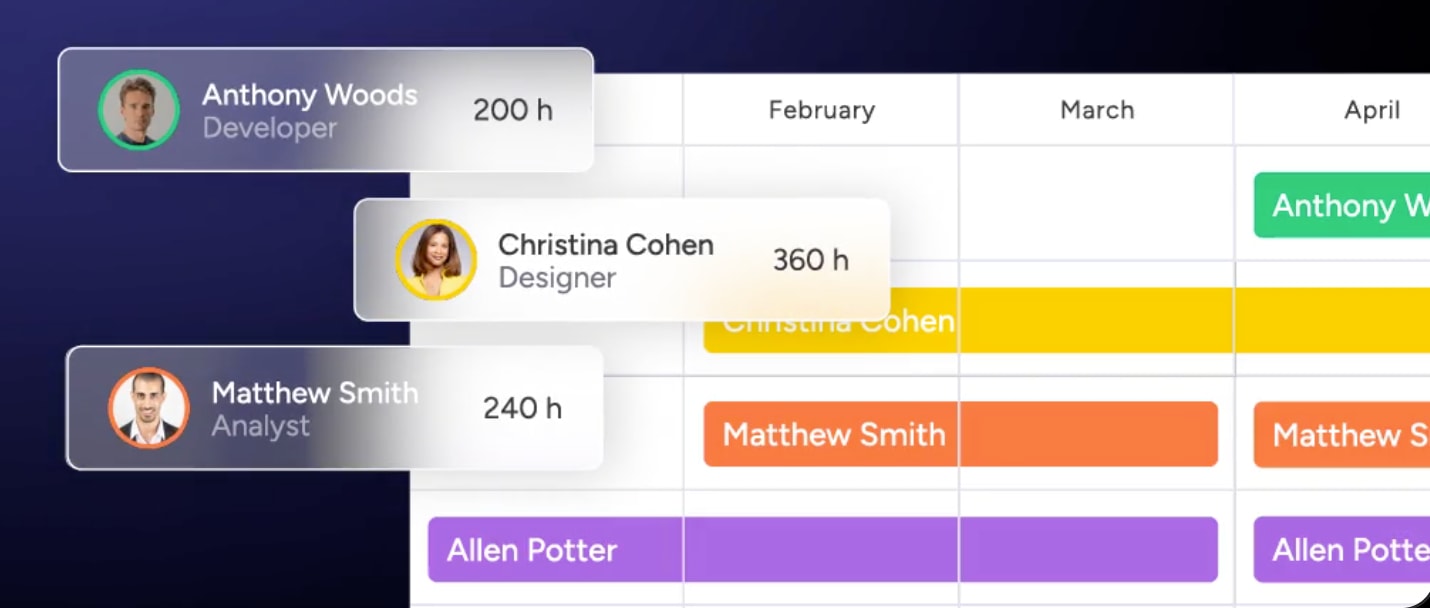
AI and automation for reducing manual work
The key difference is whether a platform integrates AI into its core or offers it as an add-on. These capabilities show which platform transforms how work gets done and which just adds surface-level features.
| Capability | Wrike (Work Intelligence) | Asana (Asana Intelligence) | AI Assistant, AI blocks & Digital Workers |
|---|---|---|---|
| Core function | Risk prediction, mobile voice | Status updates, summaries | Content generation, formula building, automation |
| Automation triggers | Standard triggers | Rule builders | Multi-step, cross-board, time-based |
| Digital Workforce | Limited | Limited | AI blocks for specialized work |
AI capabilities and integration
Modern work management platforms are shifting from simple task tracking to intelligent automation. This evolution allows teams to offload manual work and leverage predictive insights, directly impacting growth.
In fact, more than 90% of surveyed C‑suite leaders expect AI to unlock sales growth, projecting an average 7% sales lift over the next three years.
- monday work management: utilizes a “Digital Workforce” approach by integrating AI blocks and Product Power-ups directly into workflows. Users can automate complex manual work at scale, such as generating email responses, summarizing long documents within specific columns, or using sentiment analysis to automatically categorize incoming requests.
- Asana: focuses its intelligence on administrative efficiency, primarily using AI to summarize long task threads and assist in drafting project status updates for stakeholders.
- Wrike: centers its AI functionality on risk management and data digitization, using machine learning to predict project delays and OCR technology to digitize physical handwritten notes.
Automation sophistication and flexibility
The true value of a work management platform lies in its ability to eliminate manual work through intelligent triggers. The more complex and cross-functional your automations are, the greater the efficiency gains across the organization.
- monday work management: features a highly flexible “When this, then that” builder that can connect any column change to any action, even across different boards and departments.
- Asana: utilizes Automation Rules that excel at basic task routing and simple field updates within a project. However, the system often struggles with complex, multi-conditional logic or workflows that need to trigger actions across multiple separate projects simultaneously.
- Wrike: employs a powerful Automation Engine, though it is often considered complex to configure. Users typically need a deep technical understanding to build workflows that successfully span across Wrike’s rigid folder and space hierarchy.
Total cost of ownership analysis
True cost of ownership goes beyond license fees. You’re also paying for implementation, training, and the hidden drag of administrative overhead. The table below breaks down these factors, helping you see the full investment required for each work management platform.
| Cost factor | Wrike | Asana | monday work management |
|---|---|---|---|
| Tier structure | Team, Business, Enterprise, Pinnacle | Starter, Advanced, Enterprise | Basic, Standard, Pro, Enterprise |
| Hidden costs | Paid add-ons (Wrike Analyze, Lock), Pro Services | Integration middleware often required | Minimal (all-in-one platform) |
| Admin overhead | High (requires dedicated admin) | Medium (team leads manage) | Low (democratized management) |
Implementation and training costs
Licensing fees are only the starting point of your investment. To realize the full value of a platform, organizations must account for the specialized labor and training required to keep the system running effectively.
- monday work management: designed for democratized management, its intuitive nature significantly reduces training costs by allowing onboarding to be largely self-serve. This “low-friction” approach eliminates the need for expensive external consultants or dedicated technical staff to manage daily operations.
- Asana: typically requires team leads to manage the setup and maintenance of workflows. While easier to start with than legacy systems, it often requires additional investment in third-party middleware to handle complex integrations, which adds both subscription costs and technical management time.
- Wrike: often necessitates a dedicated administrator and a budget for external consultants due to its complex configuration. Organizations frequently encounter “budget creep” through an add-on pricing model that charges extra for advanced reporting, two-way sync, and other essential scaling features.
Integration and scaling expenses
As an organization grows, the ability to connect tools and scale without hidden fees becomes the primary driver of ROI.
- monday work management: reduces the need for additional software by providing a vast library of native integrations and a low-code framework. This allows for a predictable cost structure where comprehensive feature sets are included in the Pro and Enterprise tiers rather than sold as individual add-ons.
- Asana: often reaches a ceiling with native connectivity, forcing enterprises to rely on third-party integration platforms. This adds a layer of “integration tax” that increases the total budget as the complexity of the tech stack grows.
- Wrike: scaling within this environment can be costly due to a fragmented pricing model. Features that are standard in other platforms’ enterprise tiers, such as advanced analytics or specialized sync capabilities, often require separate purchases, making long-term budgeting difficult.
Compare:
- Notion vs Asana vs monday work management
- Airtable vs Asana vs monday work management
- Smartsheet vs Asana vs monday work management
- Trello vs Asana vs monday work management
- ClickUp vs Asana vs monday work management
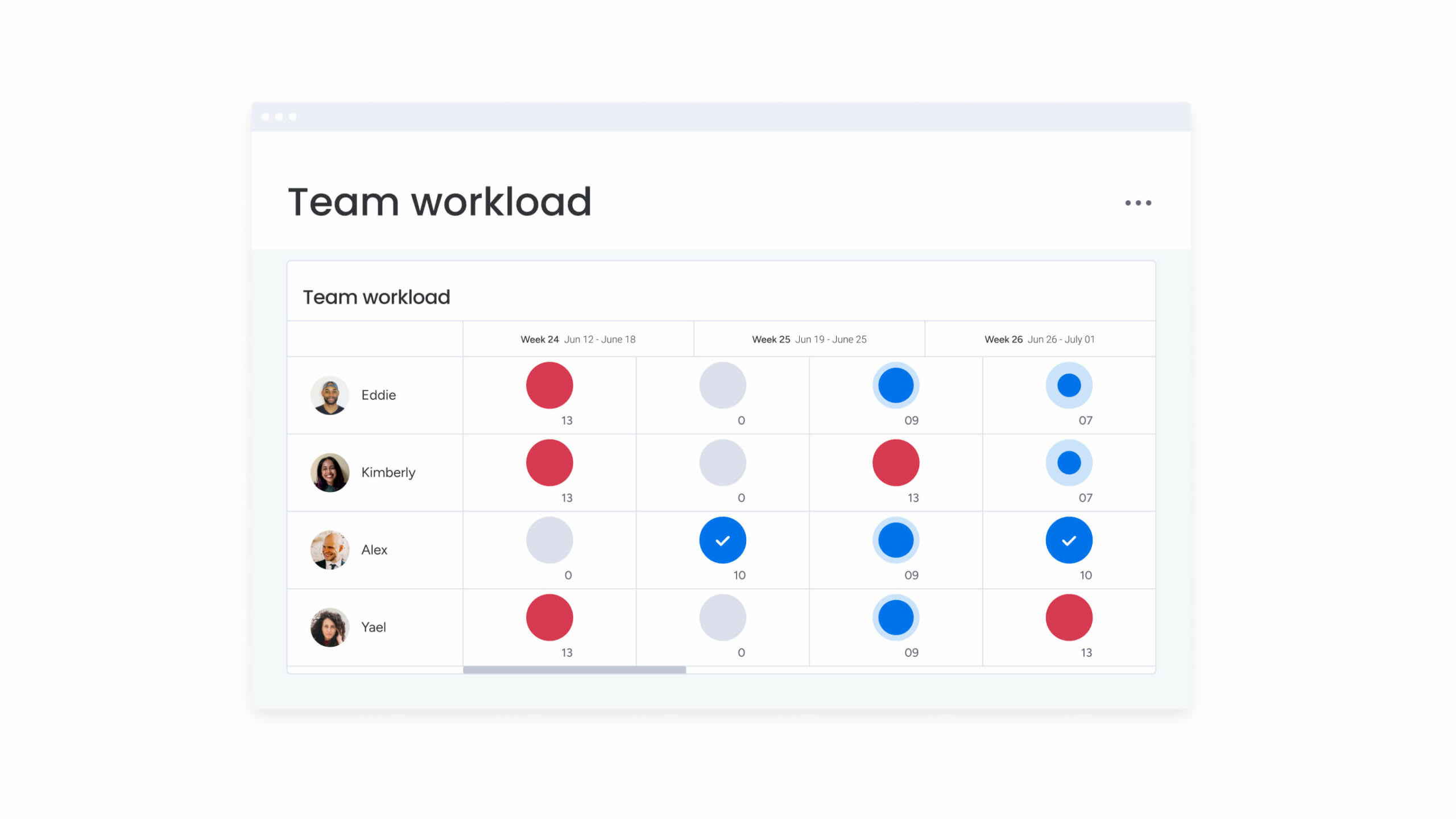
Resource management and capacity planning
Smart resource management prevents burnout and keeps projects on track. Resource management approaches range from strict time-logging to visual capacity planning — and each fits different team styles.
| Feature | Wrike | Asana | monday work management |
|---|---|---|---|
| Visualization | Workload Charts (Resource view) | Workload (Portfolio level) | Workload View (flexible widget) |
| Allocation | Effort-based, manual | Task count or hours | Capacity-based, drag-and-drop |
| Time tracking | Native, billable focus | Third-party integration | Native, process focus |
Workload visualization and management
Effective resource management requires a platform that can look across the entire organization to balance team capacity. Without a unified view, managers risk burnout in some areas while others remain underutilized.
- monday work management: utilizes a centralized Workload View that aggregates data from multiple boards to provide a unified picture of team capacity. Managers can instantly identify bottlenecks using color-coded “over/under” indicators and visualize resources by individual, team, or specific project.
- Wrike: offers detailed resource views that are highly effective for agency-style billing, focusing on “Job Roles” and precise effort allocation. However, these views are often tightly coupled with a rigid project hierarchy, making them less flexible for fast-moving internal operations.
- Asana: provides workload features primarily at the portfolio level, which is useful for high-level oversight but can make ad-hoc resource checks or granular team management difficult for daily operations.
Dynamic work reassignment
When priorities shift, the speed at which a manager can pivot resources determines team agility. A platform should allow rebalancing work directly within the capacity view.
- monday work management: enables managers to reassign work directly from the workload view with drag-and-drop simplicity. The platform supports skills-based assignment, allowing leaders to quickly shift tasks to the right specialist while immediately seeing how that change affects the person’s total bandwidth.
- Wrike: focuses heavily on effort-based allocation (hours and minutes), which is ideal for organizations that bill by the hour. While powerful, this level of detail can be “heavy” and time-consuming for teams that need to make quick, frequent reassignments.
- Asana: often bases its allocation on task count rather than effort. This can be misleading for managers, as one “task” may take five minutes while another takes five days, making it harder to accurately rebalance work when priorities change.
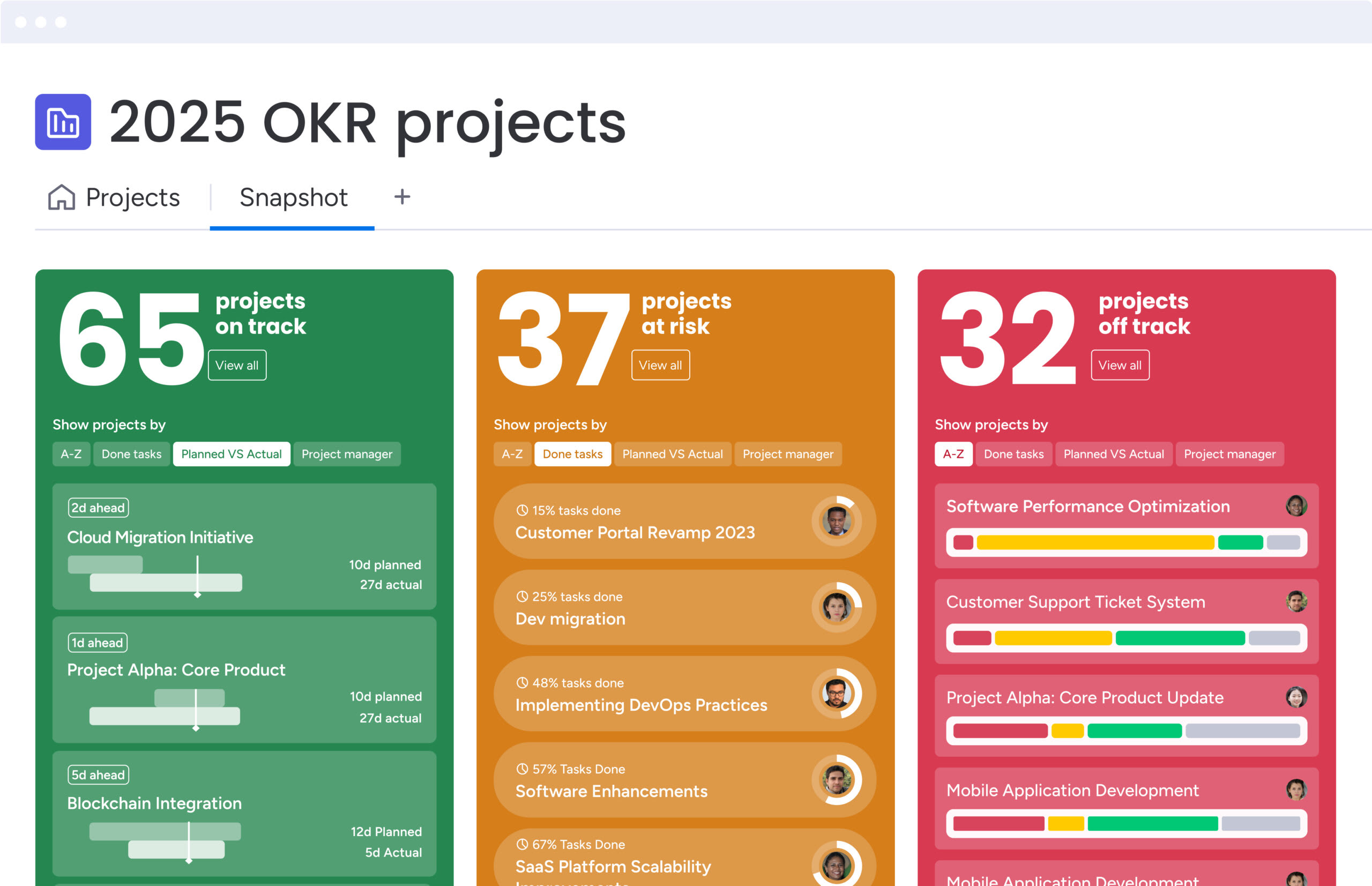
Cross-department workflows and portfolio visibility
Smooth cross-department collaboration is critical for enterprise efficiency. Moreover, the right platform ensures that teams can share data and insights in real time, setting the stage for accurate reporting and aligned decision-making.
| Capability | Wrike | Asana | monday work management |
|---|---|---|---|
| Portfolio view | Roll-up reports | Portfolios (List/Timeline) | Dashboard Widgets (aggregated) |
| Cross-team data | Cross-tagging (complex) | Multi-homing tasks | Mirror Columns & Connect Boards |
| Strategic alignment | OKR add-on | Goals feature | Native Goals & Strategy Boards |
Data connectivity and synchronization
When teams work in silos, information gets duplicated, outdated, or lost entirely. The ability to connect data across departments without manual updates determines whether your organization operates as a unified system or a collection of disconnected spreadsheets. Each platform handles cross-functional data flow differently:
- monday work management: excels here through its “Connect Boards” and “Mirror Columns” features. A marketing date changed on a campaign board automatically reflects on the sales launch board. This creates a single source of truth without data duplication.
- Asana: uses “multi-homing” for tasks, which places the same task in multiple projects, but this can lead to clutter and context loss.
- Wrike: relies on cross-tagging, which complicates the folder structure.
Executive visibility and strategic alignment
Executives use monday work management dashboards to view high-level portfolio health. These dashboards aggregate status, budget, and risk data from hundreds of underlying project boards. This provides a real-time control tower for the organization, rather than a static weekly report.
The platform supports high-level OKR tracking that drills down into individual work items. Strategy is not a separate document but a live board connected to the execution work, ensuring every team member understands how their daily work contributes to company goals.

“monday.com has been a life-changer. It gives us transparency, accountability, and a centralized place to manage projects across the globe".
Kendra Seier | Project Manager
“monday.com is the link that holds our business together — connecting our support office and stores with the visibility to move fast, stay consistent, and understand the impact on revenue.”
Duncan McHugh | Chief Operations OfficerBuilding a unified work operating system
Organizations need more than project management; they need a platform that links strategy to execution across departments. The right solution transforms information flow, eliminates silos, and accelerates delivery.
As a Work OS, monday work management goes beyond project management to unify operations on a secure, scalable, and flexible foundation. Unlike rigid software, it uses configurable building blocks (Boards, Views, Dashboards, and Automations) that adapt to existing workflows instead of forcing teams into preset structures.
Capabilities cover every dimension of work management:
- Project management: plan, execute, and track projects with Gantt charts and critical path analysis.
- Portfolio management: gain high-level visibility across all initiatives to manage risk and resources.
- Resource management: balance workloads and allocate talent effectively based on real-time capacity.
- Goals & OKRs: connect daily work to strategic objectives, ensuring alignment from the C-suite to the frontline.
The platform goes beyond basic project management. Its no-code automation center eliminates repetitive tasks, while AI blocks and Product Power-ups accelerate data analysis and content creation. With 14% of businesses planning to adopt AI in the next year, embedding intelligence directly into workflows gives an immediate advantage.
Organizations using monday work management report improved cross-functional visibility, fewer emails, and faster project delivery. This aligns with broader trends, as 63% of private‑sector respondents expect profits to rise in the next six months. Centralizing work, communication, and data transforms scattered teams into a coordinated, agile enterprise.
Frequently asked questions
Is monday work management more suitable than Wrike for enterprise teams?
For enterprise teams that require flexibility across different departments, monday work management is often more suitable. Its Work OS architecture allows IT, marketing, and HR to build their own unique workflows while remaining connected on a single, secure platform.
Which platform offers the most advanced AI capabilities for work management?
Through AI blocks and the Digital Workforce concept, monday work management offers highly advanced AI capabilities. These features go beyond simple text summarization to actively categorize data, generate content, and automate complex decision-making steps within workflows.
How complex is migrating from Wrike or Asana to monday work management?
With native, one-click importers for both Wrike and Asana, monday work management offers a low-complexity migration. Teams can map their existing data fields to monday columns instantly, preserving project history and minimizing operational downtime.
What are the main learning curve differences between these three platforms?
Due to its visual, intuitive interface that requires no coding knowledge, monday work management has the shallowest learning curve. Wrike typically has the steepest learning curve requiring formal training, while Asana is easy to learn but can become cluttered as usage scales.
Which platform provides the most comprehensive customer support experience?
With 24/7 availability for all users, monday work management provides a comprehensive support experience. This contrasts with competitors who often restrict priority support and fast response times to their highest-tier enterprise plans.
How do Wrike, Asana, and monday work management compare on enterprise security features?
All three platforms offer robust security, but with an Enterprise-grade security suite including HIPAA compliance, data residency choices, and advanced permission governance, monday work management stands out. It includes features like "Panic Mode" and detailed audit logs specifically designed for large-scale risk management.

 Get started