

Selecting a work management platform isn’t just a software decision — it’s a strategy decision. The choice influences how efficiently teams collaborate, how quickly processes scale, and how effectively leadership can turn data into action. Picking the wrong platform can create bottlenecks that slow growth long before new features are explored.
Choosing between Trello, Wrike, and monday work management goes beyond task tracking. Each platform embodies a different philosophy: Trello favors visual simplicity, Wrike enforces structured project management, and monday work management provides a flexible Work OS that adapts to your organization’s evolving processes and scale.
This comparison examines how these platforms perform when teams need cross-department collaboration, leaders require instant insight, and organizations face scaling challenges. It highlights differences in complexity management, workflow flexibility, and alignment with long-term growth, helping you pick a platform that works today and grows with your business.
Key takeaways
- Match platform complexity to your team size and growth plans: small teams thrive with simple platforms, but mid-to-large organizations need platforms that connect departments and scale without breaking.
- Choose based on your workflow philosophy, not just features: Trello works for visual simplicity, Wrike fits traditional project management, and monday work management adapts to any business process you build.
- A unified Work OS eliminates tool sprawl by unifying work across departments: connect marketing calendars to sales CRMs and engineering roadmaps in one platform, giving leaders real-time visibility without manual reporting.
- Implementation speed directly impacts team adoption and ROI: platforms requiring weeks of setup often face resistance, while intuitive interfaces drive immediate engagement and faster results.
- Total cost of ownership includes hidden expenses beyond base pricing: factor in add-ons, training time, and productivity losses when comparing platforms, consolidation often reduces overall software costs.
Quick comparison of Trello, Wrike, and monday work management
The work management platform you choose shapes how your organization gets things done. This decision goes beyond tracking individual items. It defines how information flows between departments, how leaders get visibility, and how teams collaborate across locations.
Trello, Wrike, and monday work management each take a different approach: Trello keeps it visually simple, Wrike sticks to traditional structure, and monday work management adapts to your way of working. This comparison shows you which platform matches your company’s complexity and where you’re headed.
| Feature | Trello | Wrike | monday work management |
|---|---|---|---|
| Best for | Individuals and small teams needing quick visual organization | IT and PMO teams requiring rigid, waterfall-style project structures | Mid-to-large organizations seeking a unified Work OS for all departments |
| Core strength | Visual simplicity and ease of use (Kanban) | Deep resource management and traditional PM reporting | Extreme flexibility, cross-team collaboration, and custom workflow building |
| Complexity level | Low; setup takes minutes, but depth is limited | High; steep learning curve often requiring specialized setup | Medium-to-high capability with low entry barrier; scales with user needs |
| Scalability | Limited; becomes cluttered with complex portfolios | Good for vertical scaling within PMOs, harder for cross-functional adoption | Excellent; connects strategy to execution across marketing, sales, dev, and ops |
| Pricing model | Freemium model; costs rise significantly with Power-Ups | Tiered user model; advanced features locked behind higher tiers | Seat-based model; scales based on feature depth and automation needs |
Key differences at a glance
How each platform is designed determines whether it can handle growing complexity and cross-departmental collaboration.
The following table illustrates the fundamental differences in their core approaches:
| Comparison point | Trello | Wrike | monday work management |
|---|---|---|---|
| Primary interface | Kanban board | Folder/list hierarchy | Flexible grids and dashboards |
| Customization | Limited (Power-Ups required) | Rigid (admin-controlled) | Unlimited (building blocks) |
| Cross-team data | Siloed boards | Complex dependency chains | Unified data architecture |
| Automation | Rule-based (Butler) | Logic-based | Multi-step, cross-board |
| Adoption speed | Instant | Slow (training required) | Fast (intuitive UI) |
Team size sweet spots
What works for a team of five often breaks under the weight of fifty. Knowing these thresholds now will help you skip painful migrations later.
| Team size | Trello | Wrike | monday work management |
|---|---|---|---|
| 1–15 users | Optimal; zero friction setup makes it perfect for startups and ad-hoc groups | Overkill; setup time and complexity often outweigh benefits for small squads | Strong; provides structure early on, though some advanced features may be unused initially |
| 15–100 users | Struggling; visibility decreases as boards multiply, reporting becomes difficult | Good; structured workflows help manage growing complexity, provided the team accepts the learning curve | Optimal; scales effortlessly, automations replace manual coordination as communication lines multiply |
| 100+ users | Ineffective; lacks permissions, security, and portfolio views needed for enterprise governance | Strong; handles complex resource allocation well but often remains siloed in specific departments | Optimal; connects disparate departments (HR, IT, marketing) into a single source of truth with enterprise-grade security |

Understanding each platform's core strengths
Every platform reflects how it was originally built. This tells you how the software will behave as your company grows. It means, each platform shines in different scenarios.
What Trello does best
Trello digitized the Kanban method, making it the standard for visual management. Its strength lies in its tactile, card-based interface where moving an item from “Doing” to “Done” provides a tangible sense of progress.
The platform strips away complexity, forcing teams to focus on immediate work at hand. Trello makes this exceptional for:
- Brainstorming sessions: visual card layouts encourage creative thinking.
- Editorial calendars: simple drag-and-drop content planning.
- Linear processes: workflows where items lack complex dependencies or metadata.
What Wrike excels at
Wrike serves the needs of traditional project managers who require detailed Gantt charts, time tracking, and workload balancing straight out of the box. Its philosophy is top-down: administrators define the structure, and users work within it.
This makes Wrike a strong contender for:
- Agencies: strict client project management with detailed time tracking.
- IT departments: waterfall methodologies with rigid approval processes.
- Organizations prioritizing structure over adaptability: teams that value methodology compliance over flexibility.
What sets monday work management apart
The idea that work must fit into a rigid box is something monday work management rejects entirely. As a Work OS, it provides building blocks that allow organizations to construct exactly the workflow they need.
The platform excels at connecting strategy to execution through:
- 35+ column types: custom data fields for any business need.
- 15+ board views: multiple perspectives on the same data.
- Cross-departmental workflows: marketing, sales, dev, and ops working from shared data.
- Automated handoffs: seamless transitions between teams and processes.
Organizations use monday work management to build workflows that span departments, focusing on achieving efficient processes from strategy to execution and reaching shared goals at scale.

Matching platform to team size
Organizational complexity should determine platform selection. As teams expand, the primary challenge evolves from individual task clarity to cross-team coordination and visibility. Each platform addresses this transition through distinct approaches to information flow and collaboration management.
Solutions for small teams and startups
For small teams of 1–15 people, speed and agility are the only metrics that matter. Processes stay fluid, and overhead needs to stay minimal.
Trello offers the lowest barrier to entry:
- Setup time: minutes to create boards and start tracking.
- Learning curve: virtually none for basic Kanban usage.
- Limitations: acts as a central location for conversations but lacks data depth.
Wrike generally introduces too much friction for this stage:
- Administrative overhead: complex setup requirements slow agile startups.
- Feature complexity: advanced capabilities remain unused at small scale.
- Cost-benefit ratio: time investment often exceeds value for small teams.
monday work management offers templates that allow startups to hit the ground running:
- Professional structure: CRM, roadmap, hiring pipeline templates.
- No dedicated PM required: self-serve setup with guided onboarding.
- Growth-ready foundation: scales seamlessly as the team expands.
Mid-size organization requirements
At 15–100 employees, “who is doing what” becomes a difficult question to answer. Departmental silos begin to form, and leadership needs aggregated reporting across multiple initiatives.
Trello often fractures at this stage:
- Information silos: data gets lost in archived cards across multiple boards.
- Reporting gaps: leadership lacks visibility without manual status updates.
- Coordination overhead: no automated handoffs between teams.
Wrike becomes viable here:
- Standardization: enforces protocols across marketing and product teams.
- Structured workflows: manages growing complexity through rigid processes.
- Creative limitations: may stifle flexible workflows that don’t fit templates.
monday work management shines by connecting emerging departments:
- Automated handoffs: marketing requests assets from creative, who sync with product.
- Real-time dashboards: first layer of business intelligence across teams.
- Unified communication: updates replace email threads and status meetings.
Enterprise-scale capabilities
Once you hit 100+ employees, you need security, governance, and integration. Therefore, the platform needs to be secure and connect with your existing systems.
Trello gets relegated to specific sub-teams:
- Security limitations: lacks granular permissions and audit logs.
- Governance gaps: no enterprise-grade compliance features.
- Scaling issues: cannot handle company-wide deployment requirements.
Wrike offers robust enterprise security:
- Compliance ready: fits well into rigid corporate IT environments.
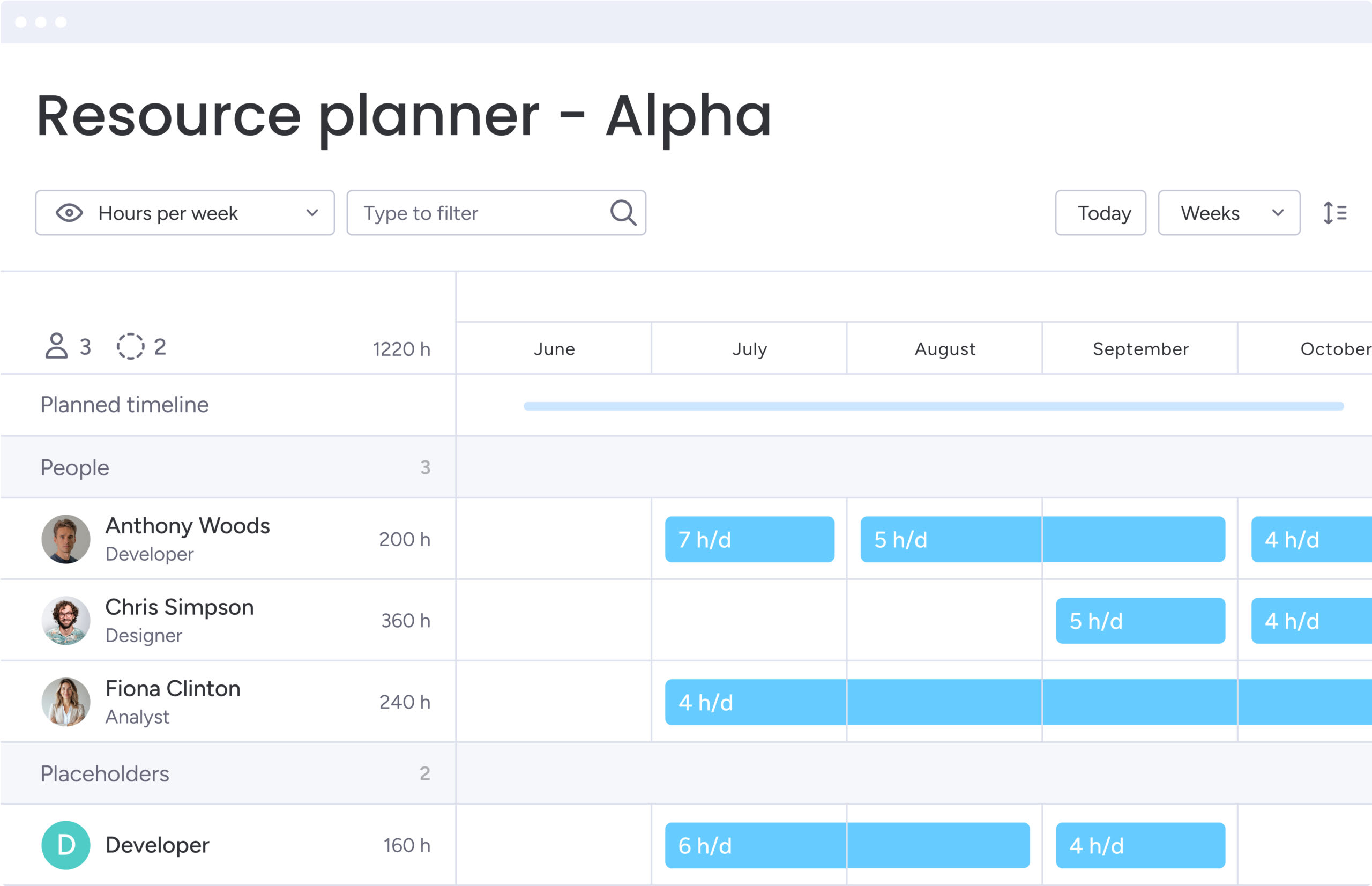
- Resource management: handles complex allocation across large teams.
- Adoption challenges: user engagement often lags outside PMO groups.
monday work management delivers enterprise-grade capabilities:
- Security compliance: HIPAA, GDPR, SOC2 certifications.
- Advanced governance: IT controls permissions while teams maintain autonomy.
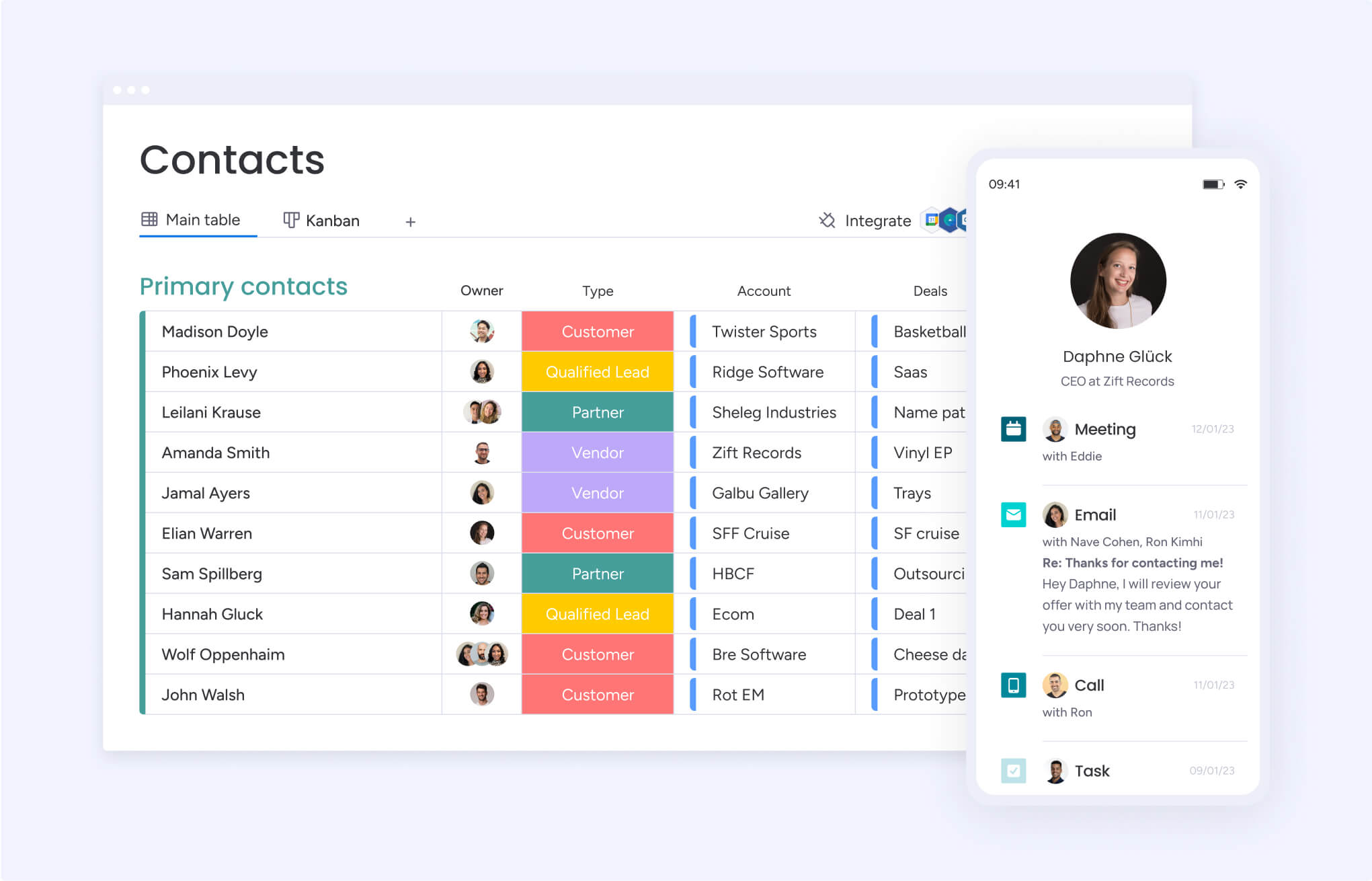
- Massive scale support: Portfolio Risk Insights and multi-level dashboards roll up data from thousands of boards.
Feature-by-feature platform comparison
Marketing descriptions often hide what daily usage actually looks like. A direct feature comparison shows you where you’ll hit friction and where productivity takes off. These differences show which platform your team will actually use and which will deliver results.
Project and workflow management capabilities
The core function of these platforms is to move work forward. The difference lies in how they visualize that movement and the data attached to it.
| Feature | Trello | Wrike | monday work management |
|---|---|---|---|
| Views | Kanban, calendar, map, table | List, board, table, Gantt | Kanban, Gantt, calendar, workload, map, timeline, chart |
| Dependencies | Basic (requires Power-Ups) | Advanced (critical path) | Advanced (automation-supported) |
| Hierarchy | Board > list > card | Space > folder > project > item | Workspace > folder > board > group > item > sub-item |
| Templates | Community-sourced | Industry-specific sets | Extensive, customizable library for every department |
Collaboration and team communication
Work management fundamentally centers on communication. The most effective platforms centralize communication by keeping conversations tied to the work itself and preserving project history.
| Capability | Trello | Wrike | monday work management |
|---|---|---|---|
| Contextual chat | Comments on cards | Comments on items/projects | Updates section on items; "like" and reply support |
| Document collaboration | Attachments only | Description field editing | monday workdocs (live co-editing embedded in workflows) |
| Proofing | None native | Strong native proofing capabilities | Annotation and versioning on images/PDFs |
| Notifications | In-app and email | Granular control | Smart notifications; customizable logic to reduce noise |
Reporting, analytics, and insights
Data doesn’t help if you can’t see it clearly. Leaders need to see how the business is doing at a glance, not just a list of completed items.
| Feature | Trello | Wrike | monday work management |
|---|---|---|---|
| Dashboards | Limited (requires paid add-ons) | Advanced BI (Wrike Analyze) | Drag-and-drop widgets; real-time cross-board reporting |
| Custom reports | Low flexibility | High complexity | High flexibility; accessible to non-technical users |
| Goal tracking | Manual checklists | Project progress bars | Dedicated Goals widget connected to underlying work data |
Customization and flexibility
Every business runs differently. That is why, the platform should adapt to your process, not the other way around.
| Capability | Trello | Wrike | monday work management |
|---|---|---|---|
| Custom fields | Limited types | Available but rigid | 35+ column types (status, people, timeline, formula, etc.) |
| Workflow rules | Butler (natural language) | Automation engine | No-code automation recipes (if this, then that) |
| Interface | Fixed layout | Fixed layout | Fully modular; teams design their own interface |
Pricing structures and real value
You need pricing transparency for long-term budget planning. Entry-level costs matter, but total cost of ownership includes add-ons, implementation time, and productivity losses from poor adoption.
| Tier | Trello | Wrike | monday work management |
|---|---|---|---|
| Free | Generous; unlimited cards/users (limited boards) | Limited features; good for simple lists | Up to two seats; good for individuals |
| Standard | ~$5-6/user; adds custom fields and unlimited boards | ~$10/user; adds Gantt charts and shareable dashboards | ~$9-12/user; adds timeline, Gantt, and guest access |
| Premium/business | ~$10-12/user; adds views and admin features | ~$25/user; adds resource management and proofing | ~$19-24/user; adds automations, integrations, and time tracking |
| Enterprise | Custom; adds SSO and support | Custom; adds security and BI | Custom; adds advanced governance, reporting, and scale |
Trello pricing plans
Trello creates a low barrier to entry with a robust free version, which is why many teams eventually seek out Trello alternatives as they scale. However, costs escalate as teams require Power-Ups to add standard functionality.
Key pricing considerations:
- Hidden costs: power-Ups for reporting, calendar views, and integrations add up quickly.
- Enterprise jump: primarily for security controls rather than feature expansion.
- Value ceiling: limited advanced capabilities even at higher tiers.
Wrike pricing tiers
Wrike positions itself as a premium solution. Essential project management features like Gantt charts and time tracking are gated behind higher-tier plans.
Pricing structure characteristics:
- Feature gating: core PM functionality requires premium subscriptions.
- Contract incentives: significant discounts for long-term commitments.
- Enterprise focus: real platform power unlocks at Business and Enterprise levels.
monday work management ROI and costs
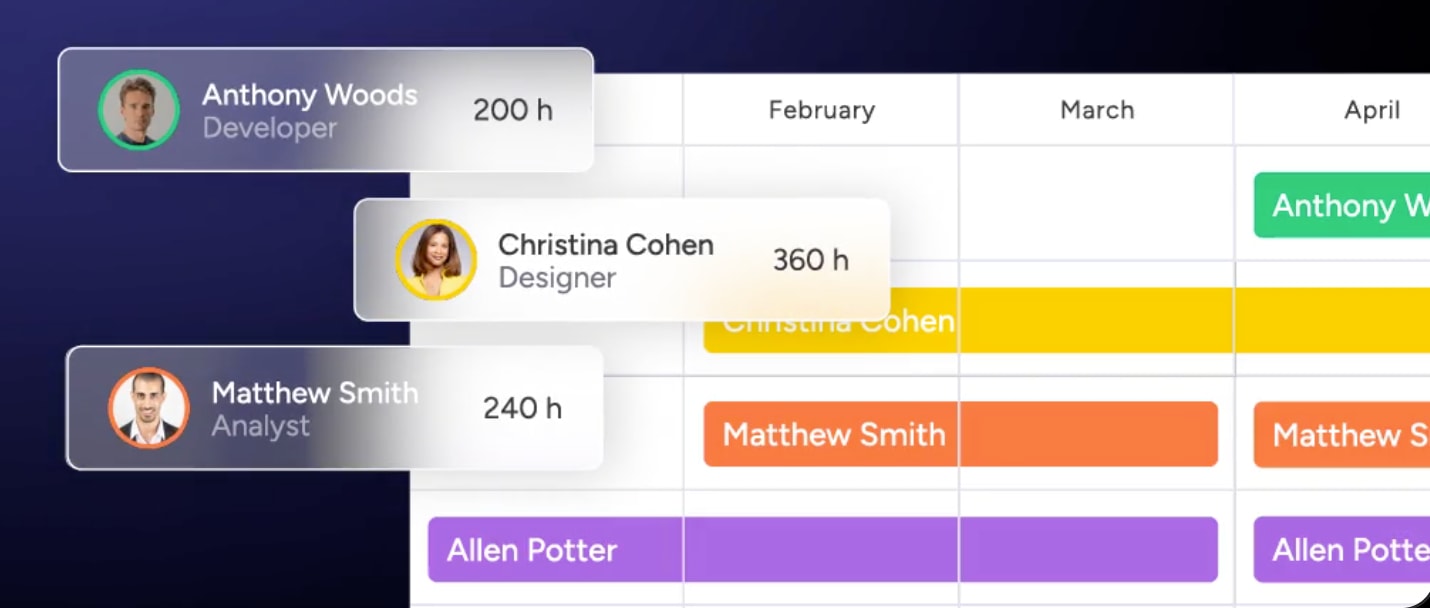
The pricing structure of monday work management centers around the value of consolidation. By replacing separate platforms for CRM, project management, and creative proofing, the effective cost per user often decreases.
ROI drivers include:
- Platform consolidation: reduces multiple software subscriptions.
- Automation efficiency: eliminates repetitive manual work.
- Meeting reduction: automated status updates replace status meetings.
- Onboarding speed: new employees get up to speed faster with centralized context.
AI and intelligent automation features
AI capabilities are expected now, but what matters is whether your team can actually use them. The platforms take very different approaches to making automation accessible and getting teams ready for what’s next.
| Feature | Trello | Wrike | monday work management |
|---|---|---|---|
| Automation | Butler: great for simple, board-specific rules | Wrike Automate: powerful but complex logic | Automation center: visual, cross-board, no-code recipes |
| Generative AI | Limited text generation | Generative AI for descriptions | monday AI: summarize updates, generate items, compose emails |
| Predictive | None | Project risk prediction | Portfolio Risk Insights; anomaly detection |
Basic automation capabilities
Both Trello and monday work management democratize automation for non-technical users. Trello’s Butler uses natural language processing to let users describe rules in plain English. With a visual recipe builder, monday work management handles complex, multi-step workflows across different boards.
Wrike offers robust automation but often requires an administrator to configure it correctly, creating a bottleneck for teams wanting to customize their workflows.
Advanced AI-powered capabilities
Through AI blocks, monday work management integrates AI directly into the flow of work. These ready-made actions let teams categorize data at scale, summarize complex topics, extract information from documents, and detect sentiment in customer feedback.
AI blocks can be added to boards, automations, or workflows without technical expertise, making advanced AI accessible to every team member.
Portfolio risk management and digital workers
For enterprise scale, monday work management introduces the concept of a Digital Workforce. These are AI-driven agents that handle real work, constantly learning, adapting, and anticipating needs.
Digital Workers capabilities:
- Risk monitoring: continuously scan portfolios for potential issues.
- Proactive alerts: notify leaders of bottlenecks before they impact deadlines.
- Autonomous execution: handle routine tasks around the clock.
- Adaptive learning: improve performance based on organizational patterns.
This moves the platform from passive tracking to active management, fundamentally changing how work gets done.
Implementation speed and team adoption
What matters most is the platform your team actually uses. Adoption rates predict ROI better than anything else, which makes implementation speed and user experience crucial when you’re choosing a platform.
| Phase | Trello | Wrike | monday work management |
|---|---|---|---|
| Setup time | Minutes | Weeks (often requires consultation) | Days (self-serve with templates) |
| Training | Minimal | High (certification often needed) | Low (gamified onboarding) |
| Adoption | High (but shallow usage) | Medium (resistance from non-PMs) | High (teams enjoy the UI) |
Getting started timelines
How fast your team can start delivering results depends on implementation speed, and each platform approaches onboarding differently:
- Trello: operational in an afternoon with minimal setup required. The simplicity that drives quick adoption also limits long-term value as complexity grows.
- monday work management: teams typically reach full operation within one to two weeks, thanks to a vast library of industry-specific templates that require only minor customization. The platform balances quick setup with deep functionality.
- Wrike: implementations often span one to three months, involving requirements gathering and system configuration to match strict PMO standards. This thorough approach works well for organizations with dedicated project management resources.
Learning curves compared
The speed at which your team becomes proficient drives adoption and ROI. What to expect from each platform:
- Trello: intuitive from day one but hits a complexity wall where users struggle to manage the volume of cards and lack advanced features for growing needs.
- monday work management: balances ease of use with a visual, colorful interface that feels familiar, driving high engagement while hiding complex capabilities until they’re needed.
- Wrike: steep learning curve with an enterprise software feel that can alienate creative or sales teams who prefer intuitive interfaces.
Time to first results
The speed at which teams see tangible benefits varies significantly across platforms:
- Trello: provides immediate visual organization, with process efficiency increasing once deeper integrations are set up.
- monday work management: teams often report immediate relief from email overload due to the Updates feature replacing internal threads. The platform’s communication features deliver value from day one.
- Wrike: delivers results once the full project lifecycle is migrated, which takes time but provides comprehensive value for traditional project management workflows.
Integration capabilities and ecosystem
Your platform must integrate seamlessly with the tools your teams already rely on like communication apps, development systems, and file storage. These connections determine whether the platform becomes central to your workflow.
| Integration type | Trello | Wrike | monday work management |
|---|---|---|---|
| Communication | Slack, Teams (basic) | Slack, Teams (notifications) | Slack, Teams, Outlook, Gmail (two-way sync) |
| Development | Jira, GitHub (link cards) | Jira, GitHub (sync) | Jira, GitHub, GitLab (deep two-way sync) |
| Creative | Drive, Dropbox | Adobe Creative Cloud (strong) | Adobe CC, Figma, Canva (embedded) |
Built-in integrations
Deep, native integrations that go beyond simple notifications are what monday work management offers. A status change can trigger a message in Slack, or an email received in Outlook can automatically create an item on the platform.
This two-way synchronization means teams can work in their preferred tools while maintaining a single source of truth. Wrike has strong integrations with Adobe Creative Cloud, catering to its agency user base.
Trello relies heavily on Power-Ups for integration, which can feel disjointed and often requires additional subscriptions.
API and custom connections
For enterprise needs, all three platforms offer APIs. A robust GraphQL API that is developer-friendly is what monday work management provides, allowing internal IT teams to build custom widgets and views that live directly inside the platform interface.
This extensibility means organizations can create bespoke solutions without leaving the monday work management ecosystem.
App marketplace options
A thriving ecosystem where third-party developers build solutions like interactive whiteboards, org charts, or advanced pivot tables that install with one click is what the monday apps marketplace offers.
Trello’s Power-Ups are similar but often limited to board-level functionality, while Wrike’s marketplace focuses primarily on enterprise integrations rather than workflow enhancements.

“monday.com has been a life-changer. It gives us transparency, accountability, and a centralized place to manage projects across the globe".
Kendra Seier | Project Manager
“monday.com is the link that holds our business together — connecting our support office and stores with the visibility to move fast, stay consistent, and understand the impact on revenue.”
Duncan McHugh | Chief Operations OfficerMaking the right choice for your organization's future
Selecting a work management platform is a strategic decision that shapes how your organization scales and operates. Each solution offers a distinct approach to collaboration, workflow design, and operational oversight, influencing efficiency and alignment across teams.
Key considerations include current operational complexity, anticipated growth, and the organization’s capacity for change. Choosing a platform aligned with these factors reduces the risk of costly migrations, adoption challenges, and productivity losses.
The reason monday work management stands out is its ability to evolve with an organization. Teams can begin with simple workflows and progressively leverage advanced features as processes and needs mature. This adaptability minimizes the friction of scaling, allowing organizations to expand without overhauling systems or compromising efficiency.
As a unified Work OS, monday work management centralizes operations, connecting marketing, sales, engineering, and support workflows. Data flows seamlessly between departments, enabling executives to access real-time insights and make informed decisions without relying on manual reports or fragmented tools.
Frequently asked questions
Is monday work management stronger than Trello for project management?
For complex project management, you'll find significantly more depth with monday work management than Trello. It provides Gantt charts, workload management, time tracking, and advanced reporting that growing teams require, while Trello excels at simple visual Kanban boards.
How does Wrike compare to monday work management for enterprises?
When comparing Wrike to monday work management for enterprises, both platforms serve large organizations, but with different philosophies. Wrike focuses on traditional, top-down project management hierarchies common in IT, while monday work management offers a more flexible Work OS structure that drives adoption across marketing, HR, and operations.
Can you migrate data from Trello or Wrike to monday work management?
Yes, you can migrate data from Trello or Wrike. The platform includes native import capabilities specifically designed for both, allowing you to transfer boards, items, and member data to maintain continuity.
Which platform offers the strongest value for growing teams?
For growth, monday work management typically offers the strongest value because it consolidates multiple platforms into one subscription. This reduces the total cost of ownership compared to paying for Trello Power-Ups or Wrike's specialized add-ons.
What's the difference between item management and work management?
Item management focuses on individual lists and simple coordination. Work management encompasses the entire lifecycle of business operations, including strategy, resource planning, process automation, and reporting.
Which platform has the strongest automation capabilities?
With its Automation Recipes, monday work management leads in this area, allowing non-technical users to build complex, multi-board workflows. Wrike offers powerful automation with a steeper technical learning curve, and Trello's automation is suited for simple, board-level rules.

 Get started