

At 150 employees, the project management platform that worked for a 50-person team often starts showing cracks. Requests vanish between departments, status updates scatter across multiple tools, and leadership struggles to get portfolio visibility. Time that should go to managing work gets lost in spreadsheets instead.
This scaling challenge affects most growing organizations. What works seamlessly for small teams often breaks down as the headcount increases. Moreover, selecting between Smartsheet, Asana, and other enterprise solutions is about more than features or pricing; it requires a system that handles real complexity while remaining accessible to every user.
Below, we compare these platforms across the factors that determine enterprise success. You’ll see how they handle cross-departmental workflows, AI capabilities, resource allocation, deployment speed, hidden costs, and portfolio management. Practical insights show which platform scales with growth, reduces administrative burden, and delivers measurable ROI.
Key takeaways
- Deployment speed: choose platforms that deploy in weeks, not months, as rapid implementation drives faster ROI and keeps momentum during growth phases.
- Hidden costs multiply at enterprise scale: factor in training expenses, add-on fees, and integration maintenance when budgeting; the sticker price rarely reflects true ownership costs.
- A unified platform prevents conformity: the right platform allows marketing to use creative workflows while engineering uses sprint boards, all connected through automated handoffs and shared visibility.
- AI should work proactively, not reactively: look for platforms like monday work management with Digital Workers that flag risks and AI blocks that categorize data automatically, eliminating manual administrative work.
- Cross-functional visibility prevents scaling bottlenecks: executive dashboards that aggregate live data from all departments help leaders spot issues before they cascade across the organization.
Quick scaling verdict for growing teams
Once you hit 100 employees, you need a platform that deploys fast but doesn’t compromise on governance.
This challenge is amplified by the fact that only 7% of organizations have scaled AI across their organizations, highlighting how cross-departmental scaling remains a bottleneck even with widespread AI adoption.
It depends on three things: how well it handles complexity, how fast teams adopt it, and whether it bends to your workflows or forces you into theirs.
The following comparison evaluates these platforms based on the critical factors that determine successful scaling:
| Feature | Smartsheet | Asana | monday work management |
|---|---|---|---|
| Best For | Heavy data/grid users | Simple task tracking | Agile, cross-functional teams |
| Structure | Spreadsheet-bound | Lists and Boards | Modular Building Blocks |
| AI Level | Formula Assistance | Task Summaries | Digital Workforce |
Smartsheet feels familiar to Excel users, though power users require substantial training to unlock its full capabilities. Asana excels at organizing simple project plans and timelines quickly, making it effective for creative and marketing teams with straightforward needs.
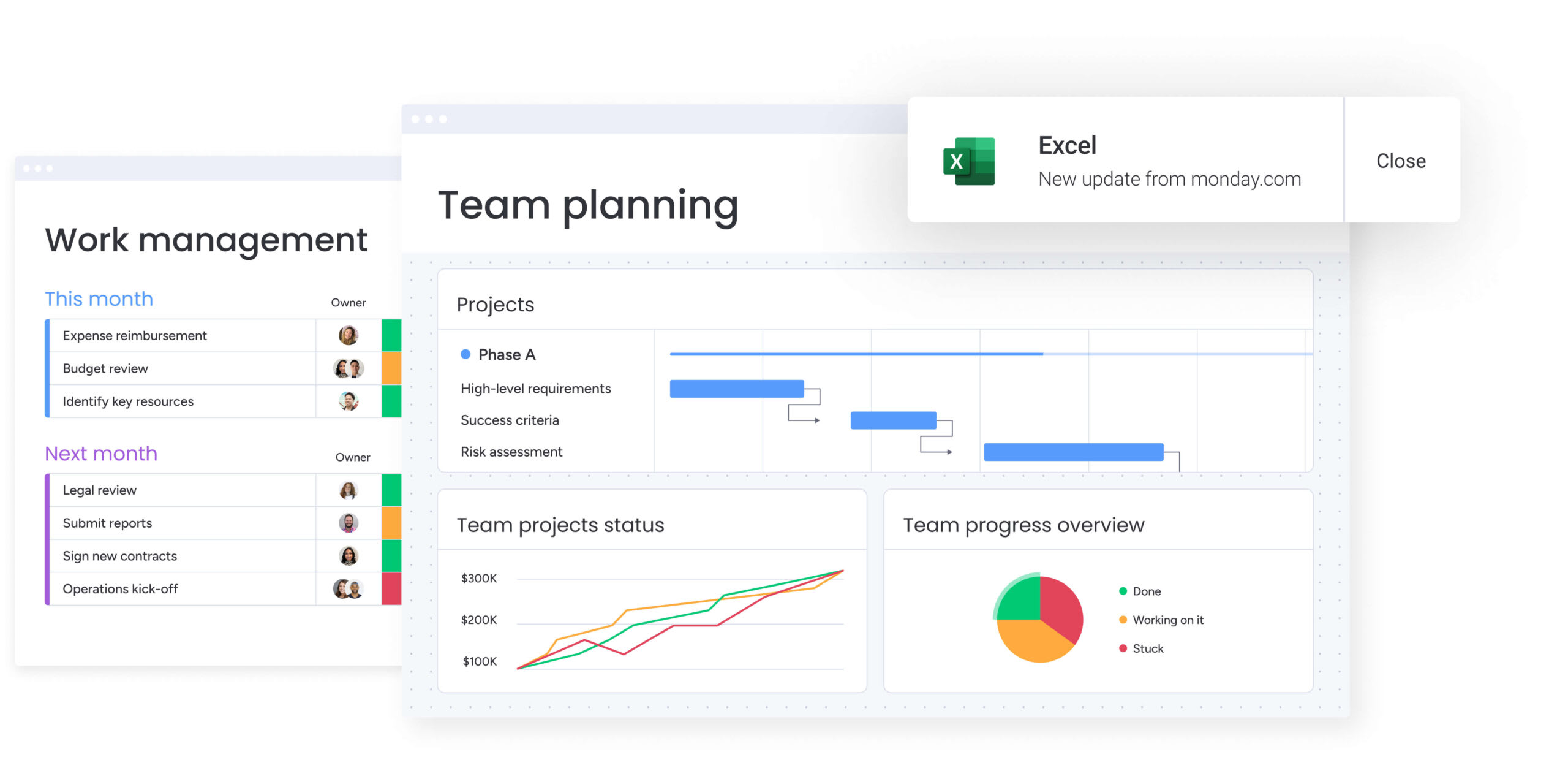
For teams scaling across departments, monday work management acts as a single operating system. Its building block design allows organizations to launch custom workflows in weeks rather than months, and its intuitive interface ensures non-technical teams adopt it quickly.

How fast can you scale with each platform?
The faster you implement, the faster you see ROI. Therefore, a platform that takes months to configure drains resources and stalls momentum, especially when employer costs for employee compensation averaged $45.38 per hour in March 2025, making lengthy implementations costly.
Understanding realistic deployment timelines helps organizations plan their scaling strategy and set proper expectations for stakeholder adoption.
monday work management deployment speed
The visual interface of monday work management eliminates the technical complexity that most enterprise software imposes on organizations. Drag-and-drop building blocks replace rigid code, enabling teams to clone and customize workflows in seconds.
New hires can begin working immediately without requiring formal training workshops. A typical deployment follows this timeline:
- Weeks 1-2 (pilot): initial setup of core workflows, integration of key apps like Slack and email, and onboarding of team leads.
- Weeks 2-4 (departmental rollout): expansion to full departments using template-based workspace creation and automation setup to reduce manual data entry.
- Weeks 4-8 (enterprise adoption): organization-wide rollout with advanced permissions, executive dashboards, and cross-functional automations fully operational.
Smartsheet implementation timeline
Smartsheet leverages a spreadsheet-like interface that offers initial familiarity but presents a steep learning curve as workflows become more complex. Basic sheets are easy, but scaling means learning proprietary formulas and linking logic that feels like managing a database.
This structural rigidity often necessitates a formal “architect” role within the company to manage connections between sheets. Training takes time as teams need hours of instruction just to understand cell-linking syntax and reporting structures.
Asana rollout process
Asana offers quick initial setup for basic task tracking, making it popular for immediate, localized needs. But scaling across an enterprise hits friction the moment your workflows don’t fit standard templates.
Complex processes do not map well to Asana’s rigid structure, requiring workarounds that create confusion and compromise reporting accuracy. Teams encounter limitations quickly, as Asana’s framework lacks the flexibility to adapt to diverse operational workflows.
Comparing costs when teams exceed 100 users
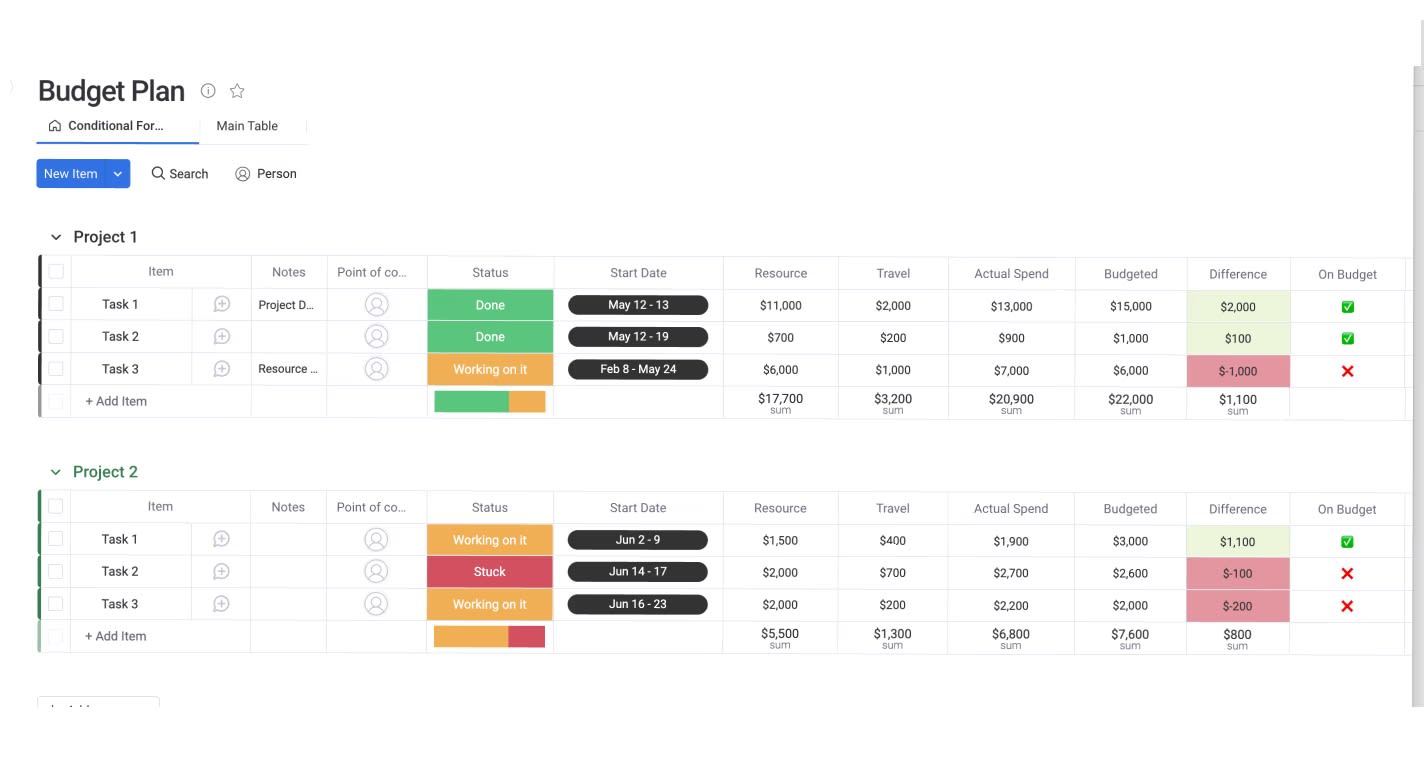
The monthly license fee is just the start; real costs go way deeper. Total Cost of Ownership includes implementation, training, add-ons, and the productivity you lose during the switch. Knowing these hidden costs keeps your budget honest and prevents surprises when you scale.
True cost of monday vs Smartsheet pricing
Enterprise pricing varies wildly depending on what’s actually included. The table below compares key cost factors for organizations with 100+ team members.
| Cost factor | Smartsheet | monday work management |
|---|---|---|
| Core license | Per user plus add-ons | Per user (all-inclusive options) |
| Advanced reporting | Often requires add-on purchase | Included (dashboards and widgets) |
| Resource management | Separate product | Included (Workload Widget) |
| Guest access | Limited and restricted | Flexible guest and viewer roles |
| Support | Premium support is extra | 24/7 enterprise support included |
Smartsheet locks essential features behind pricey add-ons or premium tiers. With enterprise tiers that include security, reporting, and automation without surprise charges, monday work management keeps it simple.
Hidden expenses in platform scaling
Beyond the sticker price, organizations often encounter hidden costs that inflate the budget during scaling. These costs come from platforms that are either too complex or missing key features.
- Training and certification costs: run high for Smartsheet due to the complexity of formulas and sheet architecture. Many companies end up paying for certification courses or hiring full-time admins just to manage it. The intuitive design of monday work management cuts training costs dramatically.
- Integration maintenance: becomes another hidden cost. Platforms with weak integrations force you to build and maintain custom APIs, meaning you need engineering resources.
- Change management costs: also accumulate when high-friction platforms lead to low adoption. If your team gives up and goes back to email, you’ve wasted the investment.
ROI timeline for each solution
You hit ROI when productivity gains and cost savings outweigh what you spent on implementation. Teams using monday work management usually break even in under four months thanks to fast deployment and automation that cuts manual work immediately.
AI automation that accelerates growth
AI in work management has moved past text generation — it now handles real operational work. A platform’s value comes down to how well it automates complex thinking tasks. Modern AI cuts out manual data work, predicts risks, and delivers insights that help teams decide faster.
AI Blocks and Digital Workers on monday
AI integration within monday work management operates through three distinct tools: AI blocks, Product Power-ups, and a Digital Workforce. These capabilities extend beyond conversational interfaces to deliver functional automation that executes operational tasks.
AI Blocks function as pre-built actions that integrate AI directly into workflows. Teams can automate manual work at scale without requiring technical expertise:
- Categorize: automatically tags incoming requests based on content, organizing data by type, urgency, or sentiment.
- Summarize: condenses long threads into actionable updates, extracting key points for immediate insights.
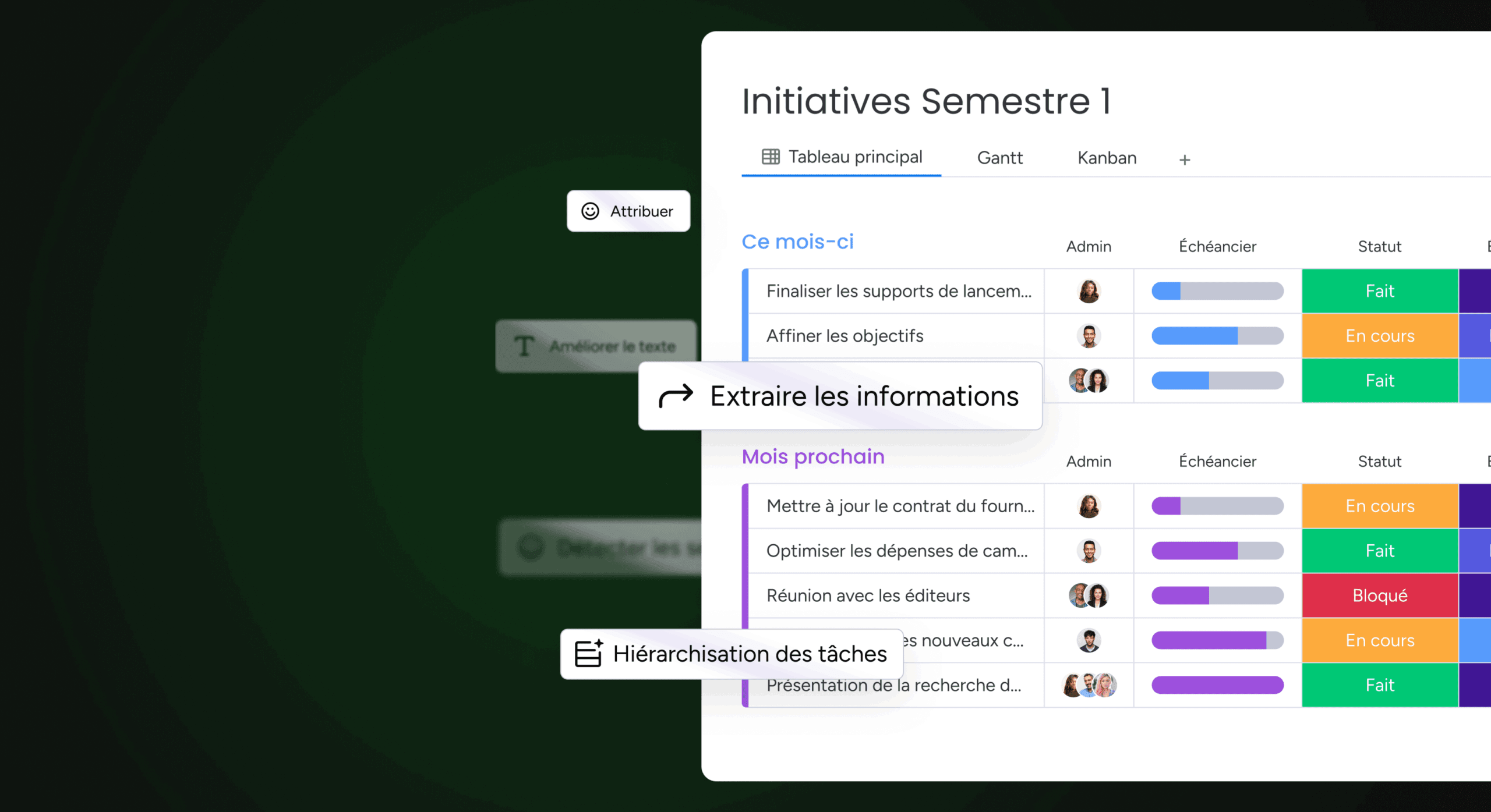
- Extract Info: pulls specific data points from PDFs, text columns, images, or documents, saving time and improving accuracy.
The Digital Workforce includes specialized agents like the Project Analyzer, which monitors projects in real-time to flag bottlenecks before they become critical issues. Portfolio Risk Insights scans data across all project boards to identify potential risks based on timeline slippage or budget overruns.
Smartsheet automation capabilities
Smartsheet uses logic-based rules rather than adaptive AI. Its automation engine handles “if this, then that” scenarios effectively, such as sending an alert when a date changes. However, it cannot understand content or predict future outcomes.
Each trigger and action requires manual configuration. While this approach works well for linear processes, it does not predict risks or generate content like AI-driven platforms do.
Asana AI features comparison
Asana has introduced AI features focused on “Smart Summaries” and “Smart Editor” functions, which help clarify task descriptions and summarize status updates. These features are useful for individual work, but they do not connect across departments.
Asana’s AI remains limited to individual tasks. In contrast, monday work management’s AI scans entire portfolios, identifies patterns, and automates multi-step workflows.
Managing work across multiple departments
Scaling means connecting departments that used to work in isolation. A strong platform connects marketing, sales, product, and ops into one system, without forcing everyone to work the same way.
Cross-functional workflow design
Different business processes unify seamlessly with monday work management. Marketing can use creative briefs and calendars while developers stick to sprint boards, all in the same system.
Data moves between boards automatically. For example, a “Product Launch” status change on the development board can automatically trigger a “Campaign Start” task on the marketing board. Handoffs happen automatically, keeping strategic goals aligned across the company.
Portfolio management at scale
Scaling kills visibility fast. As project counts rise into the hundreds, executives lose sight of progress, a challenge compounded by the fact that 36.6 million people teleworked in November 2025, with remote workers averaging 26.0 hours per week, making unified oversight even more critical.
This problem gets fixed by monday work management pulling data from unlimited boards into executive dashboards.
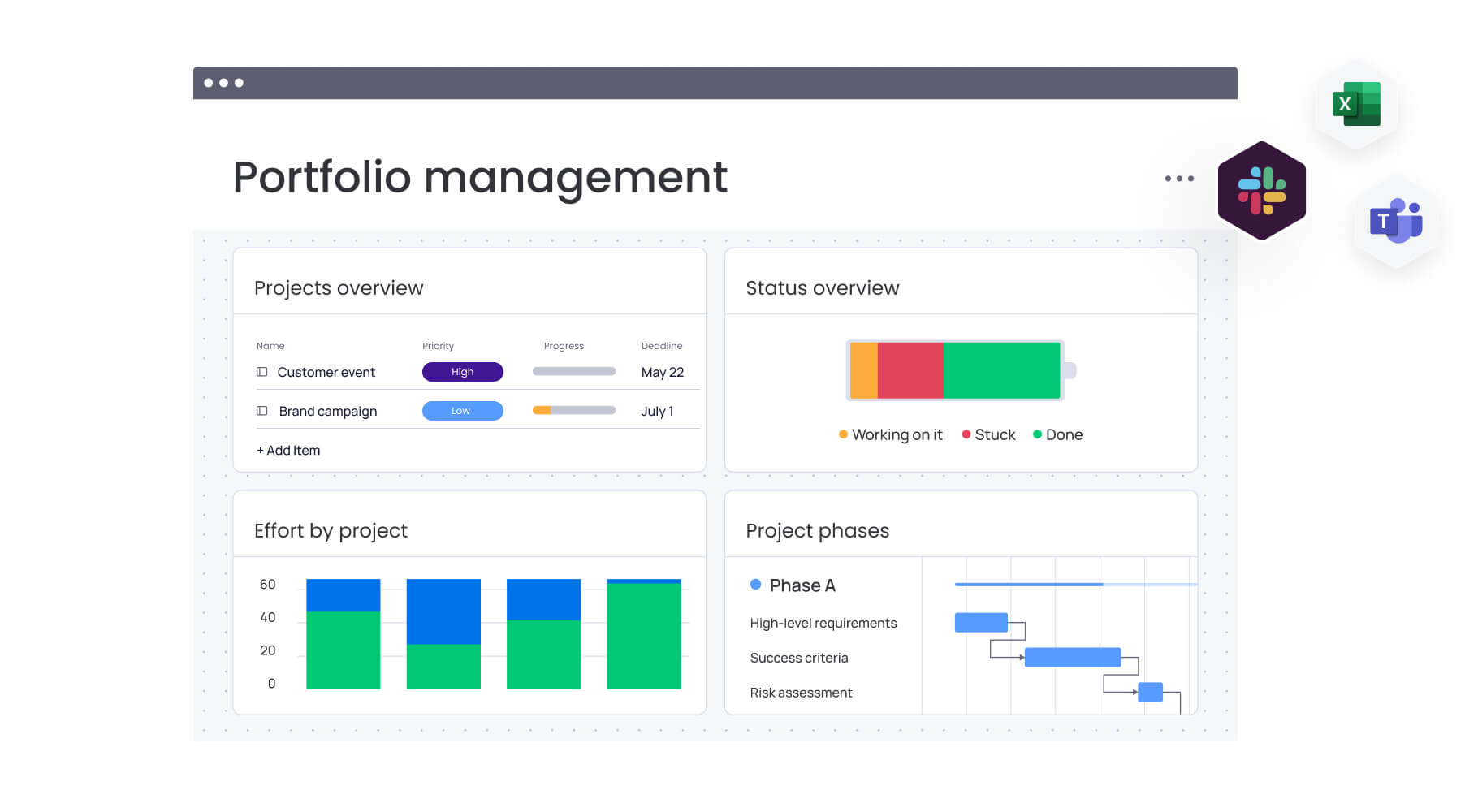
Organizations gain a unified data view that pulls live data from sales, engineering, and HR into a single executive view. Leaders can see the big picture, then drill down to the exact task causing delays.
Compare:
- Notion vs Asana vs monday work management
- Airtable vs Asana vs monday work management
- Wrike vs Asana vs monday work management
- Trello vs Asana vs monday work management
- ClickUp vs Asana vs monday work management
Resource allocation across teams
Using your talent efficiently is critical. The Workload widget in monday work management shows a visual heatmap of team capacity across all projects. Managers can spot who’s overloaded and reassign tasks with drag-and-drop.
Smartsheet needs separate modules for resource management. Asana struggles with complex dependencies. Capacity planning happens in real time with monday work management as timelines shift.

“monday.com has been a life-changer. It gives us transparency, accountability, and a centralized place to manage projects across the globe".
Kendra Seier | Project Manager
“monday.com is the link that holds our business together — connecting our support office and stores with the visibility to move fast, stay consistent, and understand the impact on revenue.”
Duncan McHugh | Chief Operations OfficerBuilding your unified work operating system
The right platform becomes your growth engine, linking strategy to execution across every team. That is why, for organizations prioritizing scale, speed, and unified operations, monday work management stands out as a complete operating system for work.
The platform includes everything large organizations need to handle complexity:
- Project and portfolio: advanced Gantt charts with dependencies, portfolio-level visibility across unlimited projects, and strategic goal alignment (OKRs).
- Customization: flexible building blocks adapt to any workflow. Custom automations require no code. Industry-specific templates accelerate deployment.
- AI intelligence: Digital Workforce analyzes risk and resources. AI blocks automate categorization and data extraction. Predictive insights prevent bottlenecks.
- Collaboration: WorkDocs integrate planning with execution. Real-time collaboration spans departments. Mobile apps keep distributed teams connected.
- Security: SOC 2 Type II, GDPR compliance, multi-level permissions, enterprise SSO, and granular audit trails ensure data governance
By combining these elements, monday work management allows organizations to run their entire business, from strategy to execution, on a single, secure platform. The result is faster decision-making, improved cross-departmental alignment, and the operational agility needed to scale confidently.
Getting started with enterprise implementation
Transitioning to monday work management at scale follows a proven path to success. Organizations typically begin by identifying a pilot department with complex workflow needs. Following a rapid setup and customization phase, the success of this pilot serves as the blueprint for broader rollout.
Enterprise plans include access to dedicated implementation specialists who assist in mapping existing processes to monday’s building blocks, ensuring a seamless migration of data and workflows.
Frequently asked questions
How do I migrate from Smartsheet or Asana to monday work management?
Migrating from Smartsheet or Asana to monday work management is straightforward; you can use streamlined native import features that allow you to upload Excel or CSV files or connect directly to pull data into monday work management boards. Enterprise customers receive dedicated support from customer success teams to assist with mapping complex data structures.
Which platform handles the most concurrent projects?
When it comes to handling thousands of concurrent projects, monday work management is architected specifically for this scale through its high-level portfolio dashboards, which aggregate data without performance degradation. Smartsheet can slow down with excessive cell linking, and Asana can become cluttered at scale.
What's the typical learning curve for each platform?
For time-to-proficiency, monday work management offers the fastest learning curve, with most team members becoming comfortable within hours due to its visual, intuitive interface. Asana sits in the middle: teams can start tracking tasks quickly, but scaling to complex workflows requires learning workarounds that aren't immediately obvious. Smartsheet typically requires several days to weeks of training for proficiency in formulas and structure.
Can these platforms work for distributed teams?
All three platforms support remote work, but the most robust mobile app and real-time collaboration features come from monday work management, ensuring distributed teams stay aligned. Its cloud-based architecture and WorkDocs feature allow for synchronous and asynchronous collaboration regardless of physical location.
How do pricing models change at enterprise scale?
Enterprise pricing generally shifts from simple per-user seats to custom contracts that include advanced security, premium support, and enhanced feature sets. The enterprise model from monday work management focuses on providing all-inclusive value, whereas competitors often charge additional fees for essential scaling features.
Which platform offers the best customer support?
Consistently rated highest for customer support, monday work management offers 24/7 response times for enterprise clients. The support ecosystem includes a vast knowledge base, community forums, and dedicated Customer Success Managers for large accounts.

 Get started