


Marketing teams today face growing operational pressure. Dozens of campaigns run at the same time across multiple channels, creative requests arrive from every department, and leadership still expects clear evidence that marketing efforts drive revenue. As work scales, spreadsheets multiply, status meetings increase, and visibility becomes harder to maintain.
This is where marketing operations software becomes essential. Rather than serving as another isolated application, it provides a structured system that connects campaign planning, creative production, execution, and performance reporting in one place. Teams gain a shared view of progress, ownership, and priorities, without relying on email threads or disconnected tools.
As organizations move into 2026, this operational layer is no longer optional. AI-driven optimization, cross-functional coordination, and real-time reporting have become core requirements for scaling efficiently and maintaining accountability.
This guide explores the best marketing operations software platforms designed for modern marketing teams. It covers key features, pricing considerations, and what differentiates each option. You will also find essential capabilities to evaluate, emerging trends shaping the category, and practical guidance for selecting and implementing the right platform for long-term success.
Key Takeaways
- Marketing operations software has evolved into a strategic control layer: modern platforms unify planning, execution, and performance reporting, giving teams and leadership a shared, real-time view of what’s working and why.
- The strongest platforms connect work to revenue outcomes: tools that integrate with CRMs and analytics systems help close the attribution gap and position marketing as a growth driver rather than a cost center.
- AI and automation are now core, not optional: leading solutions use AI to optimize workflows, surface insights, and reduce manual coordination, enabling teams to move faster without adding headcount.
- Cross-functional collaboration is a deciding factor: platforms that break down silos between marketing, sales, product, and leadership consistently outperform single-purpose or channel-specific tools.
- Flexible work management platforms can anchor marketing operations: solutions like monday.com show how adaptable work management systems, when combined with automation, integrations, and governance, can effectively serve as a central marketing operations hub.
What is marketing operations software?

Marketing operations software serves as the foundation for modern marketing teams, supporting coordination, visibility, and execution when multiple campaigns run in parallel. Rather than focusing solely on campaign delivery, it connects daily marketing work to measurable business outcomes, giving leadership a clear line of sight from strategic planning to performance results.
Unlike single-purpose applications, these platforms function as a shared digital workspace where marketing work comes together. They help teams manage the complex processes required to launch and scale initiatives, spanning:
- Planning: strategic roadmapping, prioritization, and early-stage concept development.
- Production: asset management, creative workflows, and cross-functional collaboration.
- Analysis: reporting, dashboards, and real-time performance insights.
By replacing disconnected spreadsheets and siloed tools with a unified system, marketing operations software gives teams the visibility, consistency, and alignment needed to scale execution and clearly demonstrate marketing’s impact on the bottom line.
15 marketing operations platforms that unify teams
Effective marketing operations acts as the connective layer between creative execution and business strategy, going well beyond basic project tracking. To work at scale, teams need a centralized digital workspace that aligns designers, marketers, and executives around a single source of truth. The right platform helps reposition marketing from a cost center into a reliable growth driver.
The platforms highlighted below are built to support today’s operational demands while remaining flexible for how marketing teams will work in 2026. They range from enterprise-grade solutions to systems with deep creative workflow capabilities and advanced automation.
What they share is the ability to connect strategy directly to execution. This ensures every contributor understands priorities, dependencies, and outcomes, while leadership maintains consistent visibility.
1. monday.com
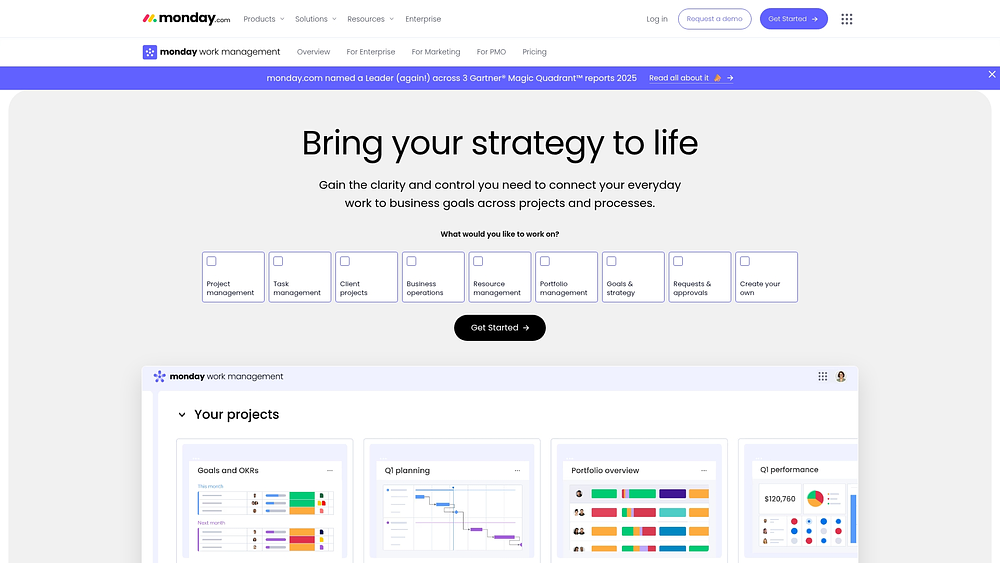
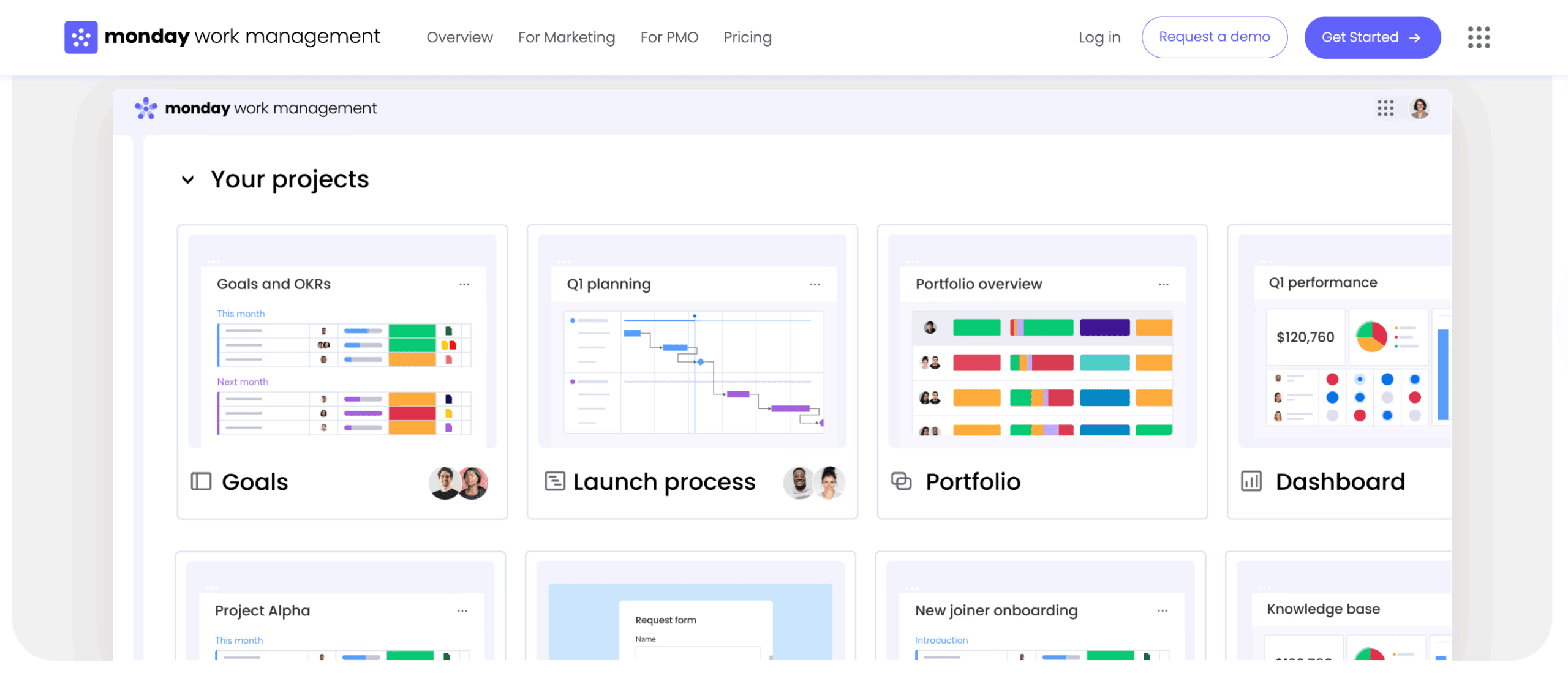
Modern marketing teams need a way to connect campaign execution with broader business objectives. Platforms like monday.com support this by bringing projects, resources, processes, and goals into one shared digital environment. This reduces reliance on email threads and static presentations while keeping stakeholders aligned in real time.
In practice, this allows teams to plan campaigns, manage creative requests, and track progress in the same system leaders use to monitor portfolios and OKRs. Visibility stays consistent from execution to leadership review.
Use case:
Marketing teams can coordinate multichannel initiatives, creative pipelines, and strategic projects while maintaining transparency across the organization. Executives can review live dashboards instead of requesting separate updates.
A common example includes a campaign board that tracks owners, timelines, and channels, paired with a portfolio dashboard that aggregates campaign status for product and leadership teams.
Key features:
- Cross-departmental workflow coordination: collaboration extends across marketing, sales, product, and leadership through shared workspaces that connect campaigns to launches and enablement. Communication stays contextual through integrations with Slack and Microsoft Teams.
- Visual campaign management: teams can choose Kanban, Gantt, Timeline, or Calendar views to manage dependencies and production flow, with updates reflected instantly for all stakeholders.
- Customizable marketing processes: no-code tools support tailored workflows, request forms, and approvals, while Docs capture strategy and messaging alongside live execution data.
Pricing:
- Free: up to two seats with limited boards and Docs.
- Basic: $9 per seat per month with core boards and five gigabytes of storage.
- Standard: $12 per seat per month, including Timeline, Gantt, and Calendar views, plus two hundred fifty automation actions monthly.
- Pro: $19 per seat per month with private boards, Chart View, Time Tracking, and twenty-five thousand monthly automation actions.
- Enterprise: custom pricing with advanced security, governance, and up to two hundred fifty thousand monthly automation actions.
Annual billing provides an approximate eighteen percent discount across paid plans.
Advanced AI features:
- AI Blocks: ready-made AI actions categorize requests, summarize text, analyze sentiment, translate copy, and extract data directly into workflows.
- Digital Workforce specialists: AI agents focused on campaign optimization and risk analysis are part of the expanding monday AI offering, with waitlist access currently available.
- Intelligent content processing: unstructured files such as PDFs and images can be converted into structured board data, automatically populating fields like audience, launch date, and deliverables.
Automations:
- No-code workflow automation: teams can standardize handoffs, trigger notifications, and generate templates for new campaigns without manual coordination.
- Campaign workflow optimization: automated status changes and approvals keep work moving smoothly between owners.
- Enterprise-scale automation capacity: high-volume operations are supported with automation limits that scale to enterprise needs.
Integrations:
- Comprehensive platform connectivity: more than two hundred integrations keep marketing workflows aligned with daily tools.
- Marketing stack unification: connections with Slack, Microsoft Teams, Gmail, Outlook, Zoom, Google Drive, and Jira Cloud keep communication and files in context.
- API access and custom connections: open API support allows teams to reflect internal systems or custom data sources directly on the platform.
Marketing operations software features:
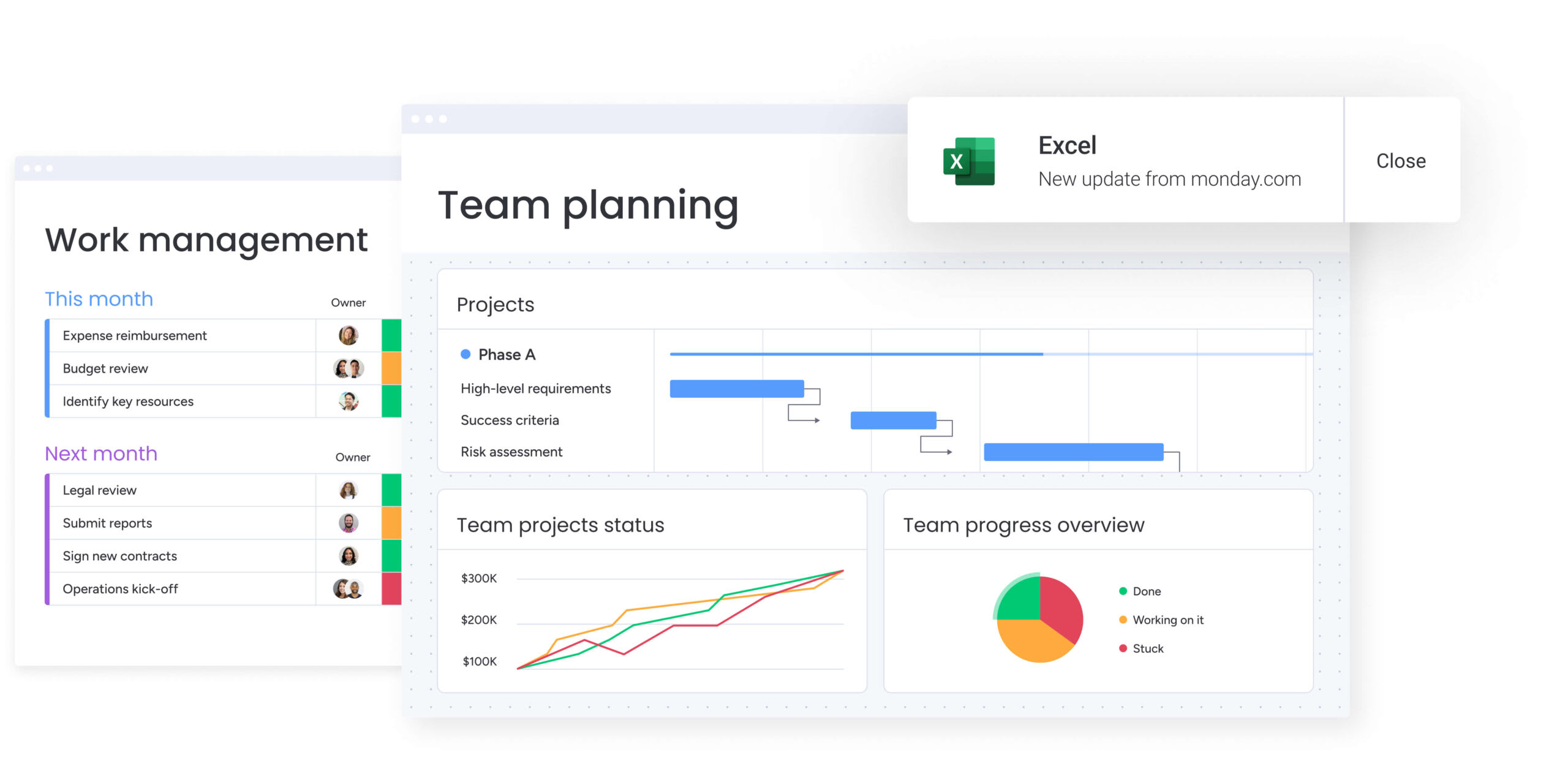
- Campaign life cycle management: teams oversee campaigns from strategy through delivery using Timeline, Calendar, Kanban, and Gantt views, supported by dashboards for aggregated reporting.
- Creative workflow optimization: intake, review cycles, and approvals are streamlined through Forms, automations, and Docs that keep briefs aligned with execution.
- Strategic execution alignment: progress toward goals and OKRs remains visible through shared dashboards that provide leadership with real-time insights.
Why it stands out:
- Unified organizational alignment: marketing work connects directly to company goals, improving visibility and coordination across teams.
- Rapid implementation and adoption: prebuilt templates allow teams to launch quickly and refine processes as needs evolve.
- Scalable enterprise infrastructure: portfolios, reporting, integrations, and governance are consolidated into a single system that supports growth across business units.
2. Salesforce CRM
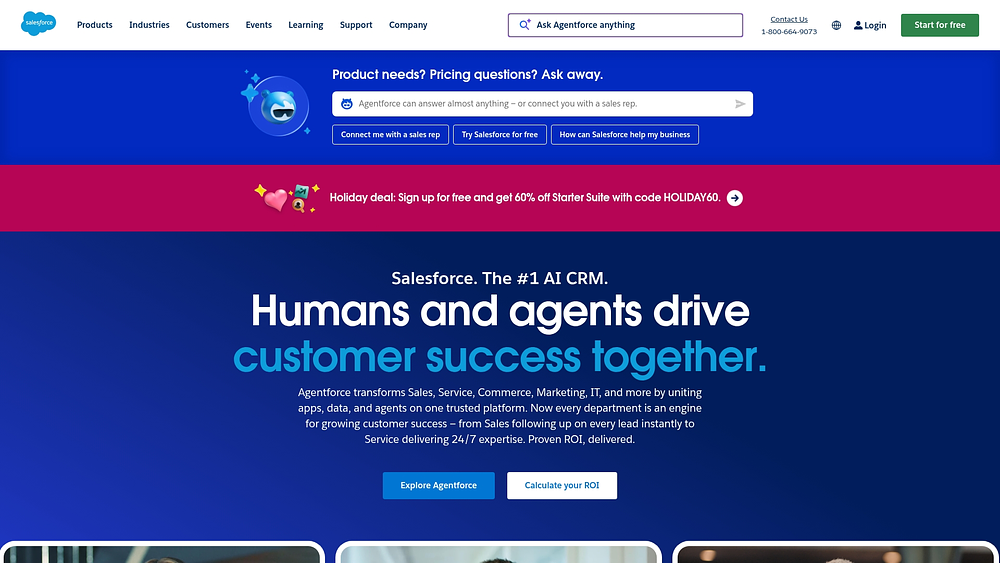
Salesforce CRM anchors marketing operations within the broader Customer 360 ecosystem, bringing customer data, automation, and sales execution into a single environment. It is especially effective for enterprise organizations already operating within Salesforce, where managing complex customer journeys and multi-touch attribution is a priority. Through Marketing Cloud and deep CRM integration, marketing activities connect directly to pipeline performance and revenue outcomes.
This alignment makes Salesforce CRM a strong fit for organizations that view marketing operations as a revenue engine rather than a standalone function. Teams gain end-to-end visibility, from first interaction through closed deal and ongoing customer engagement, across departments and regions.
Use case:
Large enterprises already leveraging Salesforce that require advanced lead management, accurate campaign attribution, and detailed journey mapping across complex, multi-department structures.
Key features:
- Marketing Cloud automation: robust workflow capabilities that support lead scoring, nurture programs, and multichannel orchestration while directly linking marketing activity to sales outcomes.
- Customer 360 data integration: unified customer profiles that combine marketing engagement, sales interactions, and service history for full life cycle visibility.
- AI-powered insights: Einstein AI delivers predictive scoring, campaign optimization, and automated personalization to improve engagement and conversion rates.
Pricing:
- Marketing Cloud Growth: $1,250 per month with annual billing.
- Marketing Cloud Pro: $4,000 per month with annual billing.
- Marketing Cloud Advanced: custom pricing available through sales.
- Sales Cloud integration: additional licensing starting at $25 per user per month.
- Implementation and consulting: typically requires a substantial professional services investment.
Considerations:
- Complex implementation: deployments often span several months and require specialized consultants, which may not suit teams seeking rapid setup.
- Steep learning curve: sales-centric workflows and terminology can slow marketer adoption and reduce day-to-day efficiency without dedicated training.
3. HubSpot
HubSpot delivers a unified customer platform that embeds marketing operations directly into its Smart CRM. Campaign planning, automation, and revenue data live in one connected system, supporting mid-market B2B organizations that prefer integrated inbound capabilities over assembling multiple point solutions. With more than 278,000 customers worldwide, HubSpot positions marketing operations as part of a broader engagement strategy.
Rather than treating marketing as a separate project layer, HubSpot connects planning, execution, and reporting to shared CRM records. This approach supports alignment across marketing, sales, and customer success while scaling from free tools to enterprise-level governance.
Use case:
Mid-market teams benefit from an integrated environment for planning, nurturing, and cross-functional collaboration within a CRM-native platform that scales with organizational growth.
Key features:
- Campaign workspace integration: built-in collaboration tools, calendars, and assignments that connect campaigns directly to CRM records and revenue data.
- Marketing automation workflows: visual workflow builders with tier-based limits, supporting lead nurturing, task triggers, and multichannel orchestration.
- CRM-native project visualization: Gantt charts, calendars, and boards that maintain visibility into customer interactions and pipeline impact.
Pricing:
- Free: $0 per month with core CRM functionality and limited marketing tools.
- Marketing Hub Starter: $20 per seat per month for basic automation capabilities.
- Marketing Hub Professional: $890 per month, including three core seats and advanced reporting.
- Marketing Hub Enterprise: $3,600 per month, including five core seats with governance controls.
- Customer platform bundles: starting at $1,450 per month for Professional and $4,700 per month for Enterprise tiers.
- Additional costs: apply for marketing contacts, dedicated IPs at $300 per month, and expanded workflow limits.
Considerations:
- Tier-based limitations: advanced governance and approval features are restricted to Enterprise plans, increasing total investment.
- Calendar visibility constraints: views focus on campaign-related activities rather than all CRM initiatives, limiting broader operational oversight.
4. Mailchimp
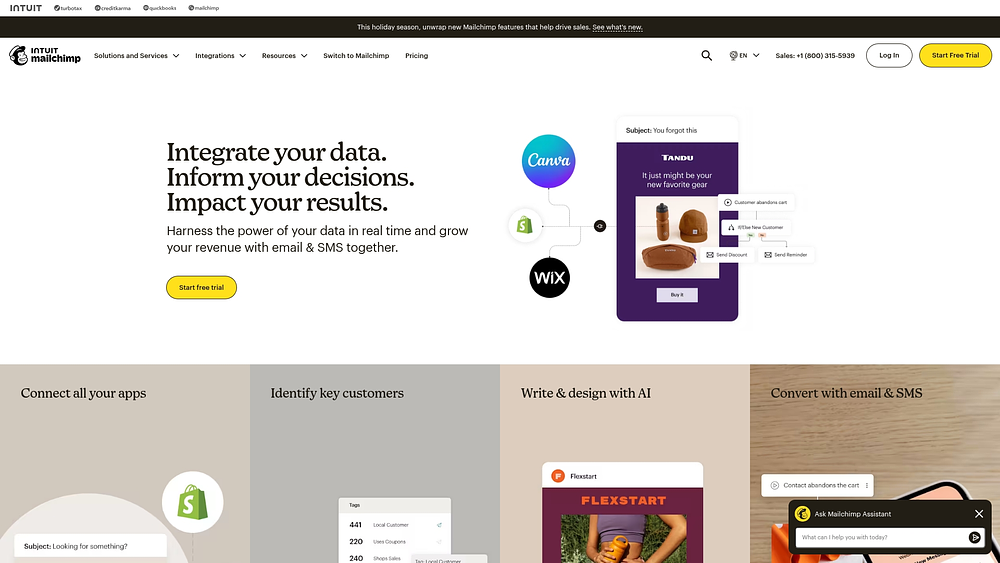
Mailchimp extends beyond email marketing through its Campaign Manager, offering lightweight campaign coordination alongside execution. The platform emphasizes timeline-based planning, making it accessible for teams that need simple orchestration without enterprise-level complexity. With more than 300 integrations, Mailchimp connects execution tools with basic work management in a familiar interface.
The platform works best for teams that prioritize email while coordinating supporting channels such as SMS and social. Its approach balances ease of use with enough structure to manage campaigns across multiple touchpoints.
Use case:
Small to mid-market teams seeking campaign-focused coordination built around email marketing, with basic scheduling and collaboration capabilities.
Key features:
- Campaign Manager: objective-driven campaigns with interactive timelines that combine emails, workflows, events, and third-party integrations.
- Marketing calendar: month-by-month visibility into scheduled emails, SMS, and social posts with quick editing options.
- Collaboration workspace: in-editor commenting, test-send feedback, and a shared inbox for managing cross-channel responses.
Pricing:
- Free: basic email marketing with contact and send limits.
- Essentials: $13 per month for five hundred contacts, including three seats and core scheduling tools.
- Standard: $20 per month for five hundred contacts, adding Campaign Manager and enhanced automation.
- Premium: $350 per month for five hundred contacts, with unlimited users and priority support.
- Contact-based billing: includes overage charges as lists grow.
- Add-ons: SMS and transactional email are priced separately.
Considerations:
- Plan restrictions: Campaign Manager access begins at the Standard tier, limiting functionality for smaller teams.
- Campaign structure gaps: SMS and social activity cannot always be tied to specific campaign objects, reducing asset organization clarity.
5. Marketo Engage
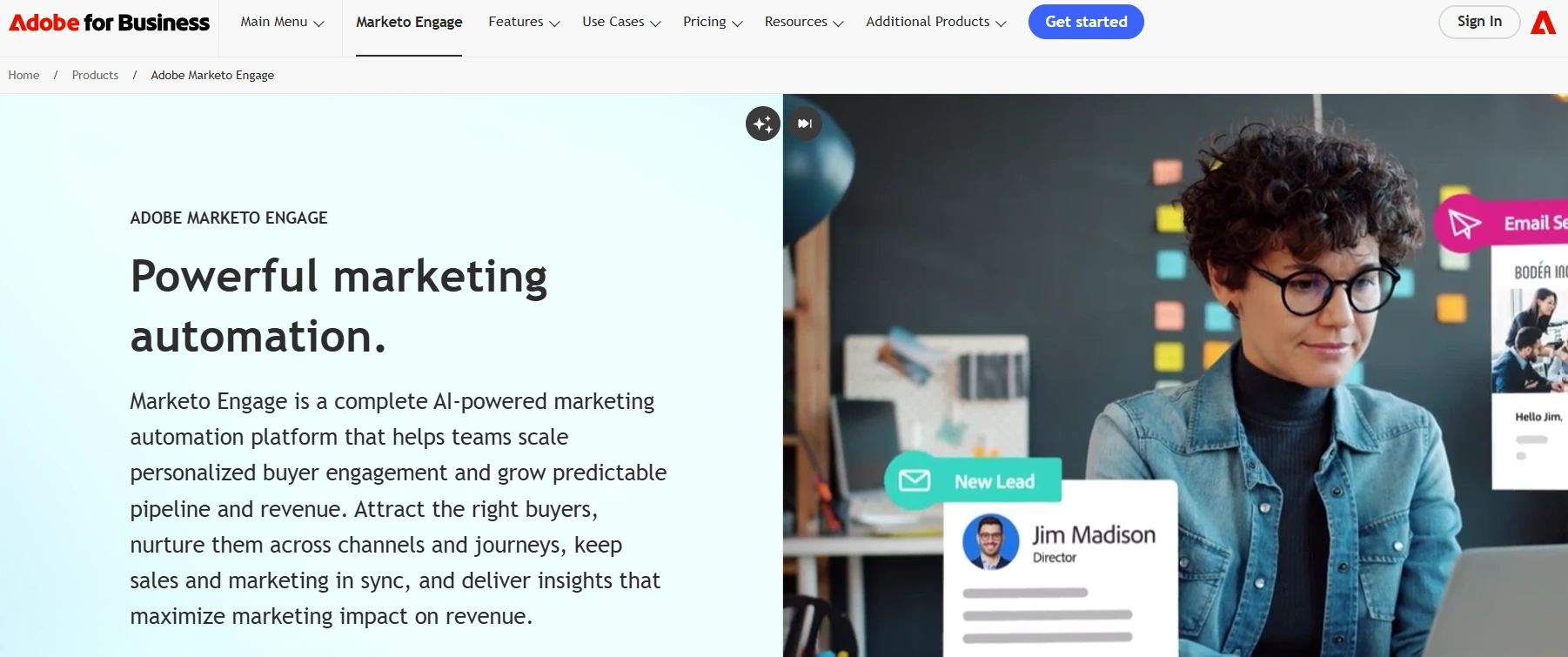
Marketo Engage delivers enterprise-grade B2B marketing automation with a focus on advanced lead management and revenue attribution. Designed for organizations with mature operations teams, it supports complex, multichannel programs and account-based marketing strategies. The platform is built to handle scale, customization, and deep system integrations.
For companies running sophisticated buyer journeys, Marketo provides the flexibility to model intricate logic across channels and accounts. This strength makes it a long-term investment rather than a quick deployment solution.
Use case:
Enterprise B2B organizations executing complex lead nurturing, ABM initiatives, and multi-touch attribution models that require technical depth and operational rigor.
Key features:
- Smart Campaign automation: highly configurable triggers, filters, and webhooks designed for complex system-to-system workflows.
- Journey Builder and engagement map: visual tools for building and managing nested customer journeys across campaigns.
- Advanced lead scoring: detailed scoring models with native integrations to CRMs such as Salesforce, Microsoft Dynamics, and Veeva.
Pricing:
- Growth: quote-based pricing with ten users and twenty thousand daily API calls.
- Select: quote-based pricing with twenty-five users and fifty thousand daily API calls.
- Prime: quote-based pricing with expanded attribution and analytics capabilities.
- Ultimate: quote-based pricing with the highest level of customization and support.
- Add-ons: features like Marketing Calendar, attribution tools, and Dynamic Chat may require additional licenses.
Considerations:
- High implementation investment: successful adoption often involves significant licensing costs and specialized consulting support.
- Operational complexity: teams require extensive onboarding and ongoing technical management to fully leverage platform capabilities.
6. Oracle Eloqua
Oracle Eloqua delivers advanced marketing automation and campaign orchestration designed for complex, multichannel enterprise environments. It is known for governed workflow management and advanced segmentation, which makes it a strong choice for organizations operating at scale. Built on Oracle Cloud Infrastructure, the platform processes billions of transactions daily while meeting rigorous security, compliance, and data governance standards.
Use case:
Large enterprises with sophisticated marketing requirements and existing Oracle infrastructure often choose Eloqua for its dual-canvas model. This approach supports both campaign execution and operational automation, enabling teams to manage complexity without sacrificing control or compliance.
Key features:
- Campaign and Program Canvas: visual builders that separate journey orchestration from operational workflows, supporting multi-step campaigns alongside automated data management.
- Enterprise governance controls: multi-stage approvals, granular security groups with SSO and SAML, and label-based access control that help ensure compliance across large teams.
- Guided Campaigns: pre-built templates that standardize execution for field marketers and sales teams, reducing setup time while maintaining consistency.
Pricing:
- Basic, Standard, and Enterprise editions: quote-based pricing through Oracle sales, with feature and usage limits varying by tier.
- Add-ons: advanced data security, HIPAA compliance, authenticated portals, and additional Guided Campaign seats.
- Contact Oracle sales: consultation required for all pricing discussions.
Considerations:
- Complex implementation: deployment often takes six months or longer and typically requires dedicated specialists.
- Limited pricing transparency: the quote-only pricing model can make early cost comparison and budget planning more difficult.
7. Salesloft
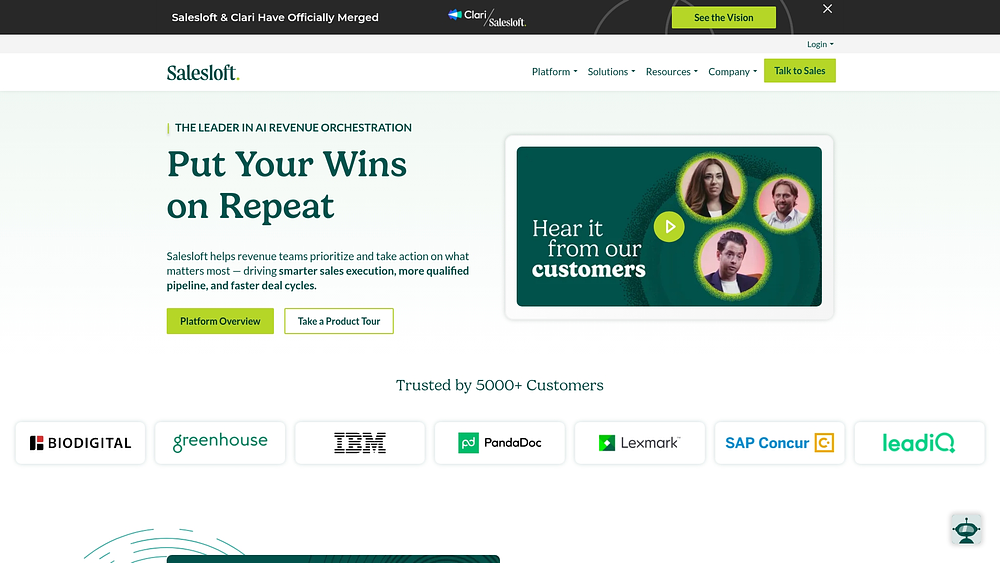
Salesloft centers on AI-powered revenue orchestration, bringing sales engagement, conversation intelligence, and deal management into a unified workflow. Its design focuses on helping B2B sales teams prioritize the most impactful actions across the revenue cycle. By consolidating activities into a single interface, Salesloft reduces platform sprawl and improves execution focus.
Use case:
Sales-driven organizations that want tighter alignment between marketing lead generation and sales execution often rely on Salesloft to maintain visibility and consistency across the entire revenue process.
Key features:
- Rhythm workflow: an AI-driven prioritization engine that creates a unified action queue, helping reduce decision fatigue for sales teams.
- Embedded conversation intelligence: native transcription, sentiment analysis, and deal insights available directly within the platform.
- Multi-channel cadence automation: coordinated outreach across email, calls, SMS, and LinkedIn with AI personalization and CRM synchronization.
Pricing:
- Quote-based: custom packages based on seats, modules, and overall scope.
- Add-ons: account agents and forecasting capabilities available at an additional cost.
- Dependencies: some features require separate licenses, such as LinkedIn Sales Navigator Advanced Plus.
Considerations:
- Pricing availability: costs are shared only through direct sales engagement, which can delay budget planning.
- Security review required: recent OAuth-related incidents highlight the importance of carefully evaluating integration scopes.
8. Planable
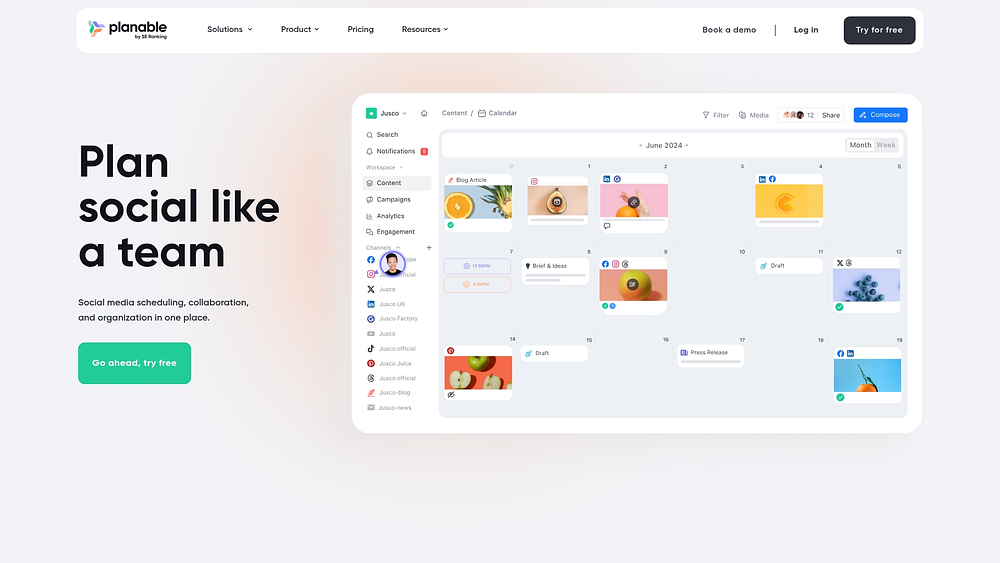
Planable simplifies social media content planning for teams that require precise approvals and efficient client collaboration. The platform emphasizes visual workflows and structured review processes, making it especially relevant for agencies and in-house teams managing multiple brands. Workspace-based pricing with unlimited users on paid plans helps remove collaboration bottlenecks.
Use case:
Agencies and marketing teams managing social content for multiple clients benefit from Planable’s structured approval flows and visual collaboration tools.
Key features:
- Visual content planning: accurate post previews for nine platforms, including Facebook, Instagram, LinkedIn, and TikTok.
- Multi-level approval workflows: customizable approval modes, automatic scheduling after sign-off, and shareable links for external reviewers.
- Universal content management: support for blogs, newsletters, and briefs alongside social posts within unified calendars.
Pricing:
- Free: supports up to fifty total posts with basic features.
- Basic: $33 per workspace per month, including sixty posts and unlimited users.
- Pro: $49 per workspace per month, including one hundred fifty posts and required approvals.
- Enterprise: custom pricing with unlimited posts, multi-level approvals, and SSO.
- Add-ons: analytics at $9 per workspace per month and engagement tools at $5 per workspace per month.
Considerations:
- Focused scope: the platform is purpose-built for social and content planning rather than broader marketing operations.
- Manual confirmation required: non-social content requires manual publishing confirmation, which adds extra steps for some teams.
9. CoSchedule
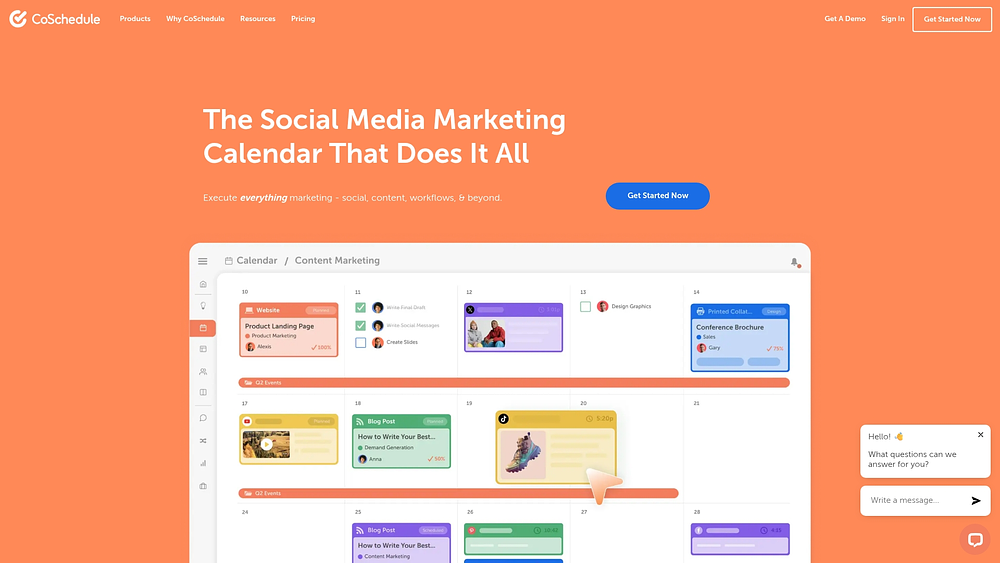
CoSchedule organizes marketing execution through a calendar-first work management platform designed for content-driven teams. It connects content planning, social publishing, and campaign coordination to reduce tool switching across workflows. By centralizing execution in one place, it supports visibility and alignment across teams. However, many integrations rely on Zapier, which can introduce added complexity for organizations needing deeper native connections to tools like Slack or Jira.
Use case:
Content teams managing editorial calendars, social schedules, and campaign workflows across channels. The platform provides clear timeline visibility and structured planning, making it well suited for content operations. Its strengths are less aligned with all-channel or enterprise-wide work management needs.
Key features:
- Unified marketing calendar: centralizes campaigns and content in a visual timeline with calendar, Kanban, and table views.
- Integrated social publishing: plans, schedules, approves, and publishes social content directly within campaign workflows.
- AI-powered assistant (Mia): automates tasks such as generating social campaigns from blogs, rewriting headlines, and optimizing schedules.
- Marketing-specific work management: includes a team management dashboard for workload balancing and templates for standardized campaigns.
Pricing:
- Free calendar: one user, one social profile, fifteen scheduled messages.
- Social calendar: $19 per user per month (annual) for three users and three profiles.
- Agency calendar: $59 per user per month (annual) for three users with multi-client calendars.
- Content calendar: quote-based pricing for up to five users with Kanban views.
- Marketing suite: quote-based enterprise pricing with full work management capabilities.
Twitter/X profiles are billed separately, and additional profiles cost $5 per month.
Considerations:
- Feature access by tier: key capabilities like Kanban views and task approvals are limited to higher pricing tiers.
- Integration dependency: reliance on Zapier increases both operational complexity and total cost.
- Enterprise controls: advanced security and premium add-ons are reserved for the top-tier Marketing Suite.
10. Unbounce
Unbounce uses AI to support landing page creation and conversion optimization at scale. The platform focuses on no-code A/B testing and Smart Traffic routing, helping teams optimize performance without developer support. With billions of conversions informing its models, Unbounce emphasizes data-driven execution. Its strength lies in campaign optimization rather than broader project coordination.

Use case:
Teams managing multiple campaigns across clients can streamline landing page creation and testing. Client sub-accounts and permissions support organized collaboration without adding operational overhead. This approach works well for agencies focused on performance marketing execution.
Key features:
- Client sub-accounts: supports unlimited projects, separate domains, and granular permission controls.
- Smart Traffic AI: routes visitors to the highest-converting page variants using real-time behavioral data.
- Server-side A/B testing: combines built-in AI copywriting with version control for faster iteration.
Pricing:
- Build: $99 per month ($74 annual) with one user, one domain, and twenty thousand visits.
- Experiment: $149 per month ($112 annual) with three users, two domains, thirty thousand visits, and unlimited tests.
- Optimize: $249 per month ($187 annual) with five users, three domains, fifty thousand visits, and Smart Traffic AI.
- Agency: custom pricing with unlimited collaboration and higher limits.
- Concierge: enterprise pricing with dedicated support and advanced security.
Annual plans include a 25% discount, and overage fees apply.
Considerations:
- Operational scope: work management is limited to landing page execution rather than full project workflows.
- Governance controls: audit logs and advanced compliance features are available only on enterprise plans.
11. Workamajig
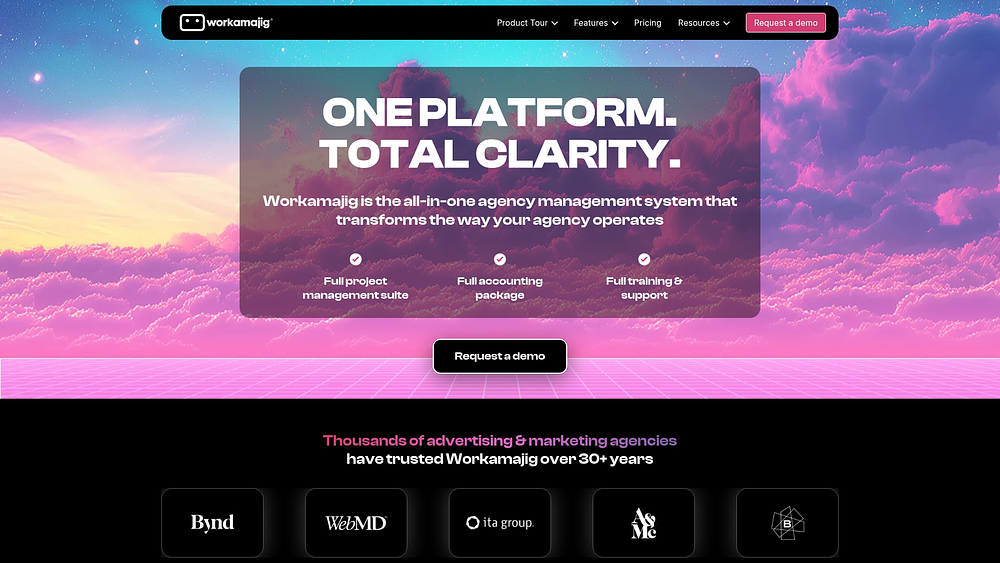
Workamajig combines agency management, project execution, and financial operations into a single platform. It is designed for creative workflows that require close alignment between delivery, time tracking, and accounting. With a long history serving creative agencies, it replaces multiple disconnected systems. The platform prioritizes operational depth over lightweight usability.
Use case:
Creative agencies and in-house teams managing multiple client projects that require detailed time tracking and profitability analysis. Integrated accounting and project oversight help teams connect financial performance with execution.
Key features:
- Unified system: includes native CRM, project management, digital proofing, and accounting tools.
- Client collaboration: provides unlimited client and vendor logins with collaborative proofing.
- Resource management: supports drag-and-drop scheduling with real-time utilization tracking.
Pricing:
- Ten or more users: $49 per user per month.
- Twenty-five or more users: $47 per user per month.
- Fifty or more users: $45 per user per month.
- Enterprise plans: custom pricing for one hundred or more users.
Annual prepayment includes one free month, and each user receives twenty gigabytes of storage, with additional blocks available for $20.
Considerations:
- Onboarding complexity: setup and configuration require significant time and training.
- Audience focus: agency-centric features limit flexibility for non-agency organizations.
12. ActiveCampaign
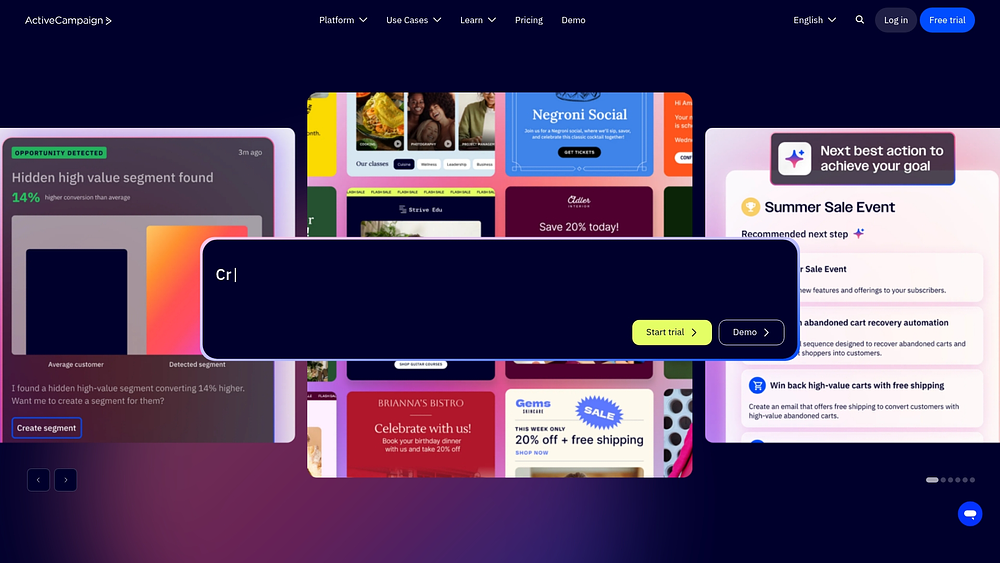
ActiveCampaign combines email marketing, CRM, and multichannel messaging into a single customer experience automation platform. It is designed for small and midsize businesses seeking integrated marketing and sales workflows. AI-powered orchestration and native WhatsApp capabilities extend engagement across channels. The platform emphasizes lifecycle automation rather than standalone project management.
Use case:
Teams that need CRM-linked workflows where tasks connect directly to contacts, deals, and automated campaigns. This structure supports alignment between sales pipelines and customer communications.
Key features:
- CRM-anchored workflows: connects activities to contacts and deals with pipeline tracking.
- AI-powered automation builder: uses a visual interface with unlimited actions and cross-channel triggers.
- Predictive engagement optimization: determines optimal send times and delivers performance insights.
Pricing:
- Starter: $15 per month (annual) for basic email and automation tools.
- Plus: $49 per month (annual) with CRM and landing pages.
- Pro: $149 per month (annual) with predictive sending and advanced reporting.
- Enterprise: custom pricing.
A fourteen-day free trial is available, with nonprofit and agency discounts offered.
Considerations:
- Work management limits: tasks are tied to contacts and deals rather than independent projects.
- Feature gating: advanced capabilities require higher pricing tiers, and WhatsApp messaging carries separate costs.
13. Klaviyo
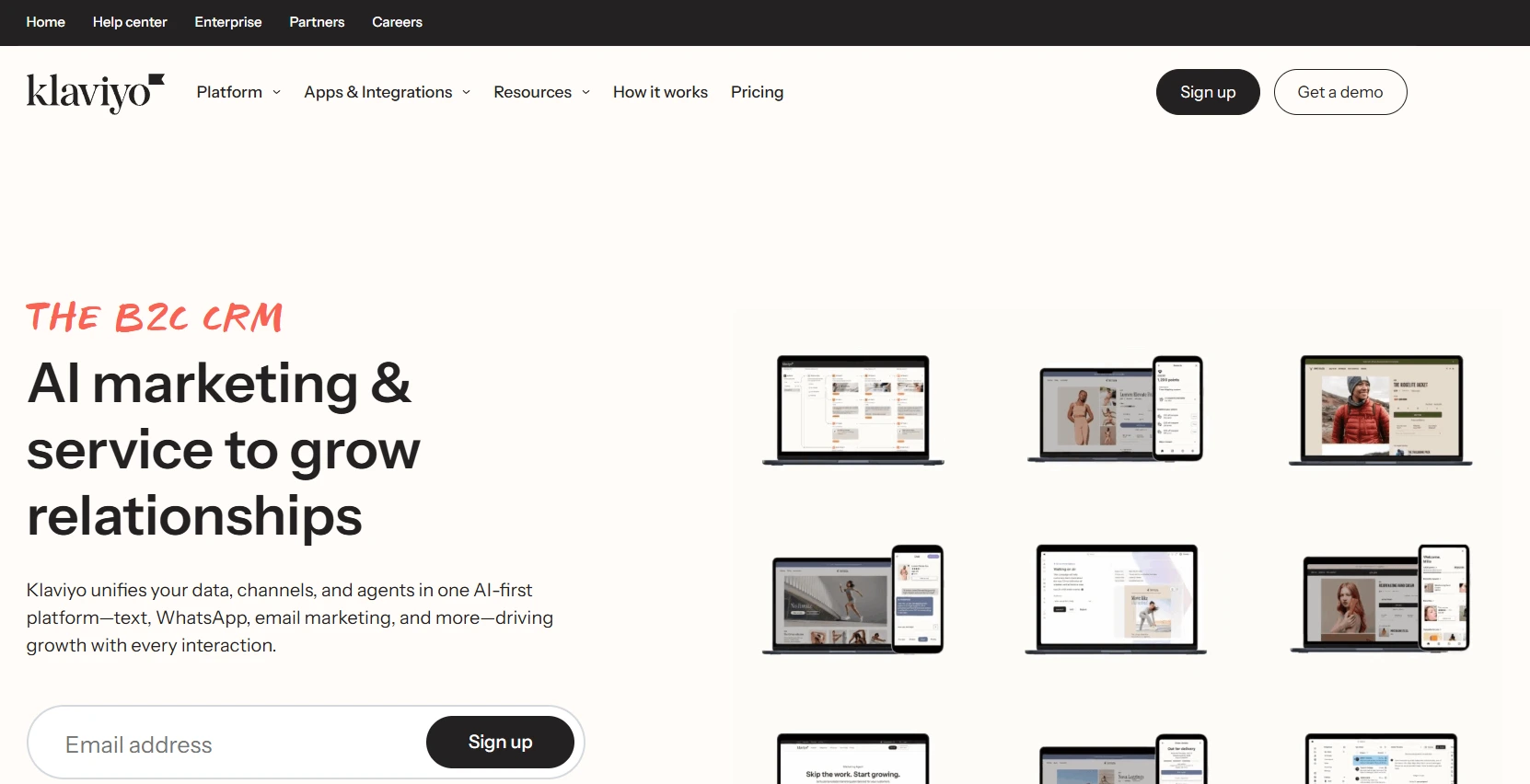
Klaviyo supports e-commerce marketing through a unified B2C CRM that combines customer data, AI automation, and omnichannel orchestration. It specializes in real-time behavioral segmentation and predictive analytics. Deep integration with platforms like Shopify Plus makes it a strong choice for retail brands. The platform prioritizes customer data activation over operational planning.
Use case:
E-commerce organizations that require automation tied directly to purchase behavior and lifecycle engagement. Cross-channel orchestration supports personalized experiences across messaging touchpoints.
Key features:
- AI-powered workflow automation: enables natural-language flow creation and campaign recommendations.
- Unified customer data platform: processes large volumes of events for real-time segmentation and personalization.
- Omnichannel orchestration: supports email, SMS, push, WhatsApp, and RCS through native channels.
Pricing:
- Free: includes five hundred emails and two hundred fifty profiles.
- Email: pricing scales based on active profiles.
- Email plus mobile: bundles email with mobile messaging credits.
- Add-ons: include reviews, analytics, and CDP functionality.
- Service suite: offers customer agent, helpdesk, and customer hub tools.
Considerations:
- Operational scope: the platform lacks Kanban boards or project planning features.
- Compliance complexity: regulated messaging requirements can extend setup timelines.
14. Tenon
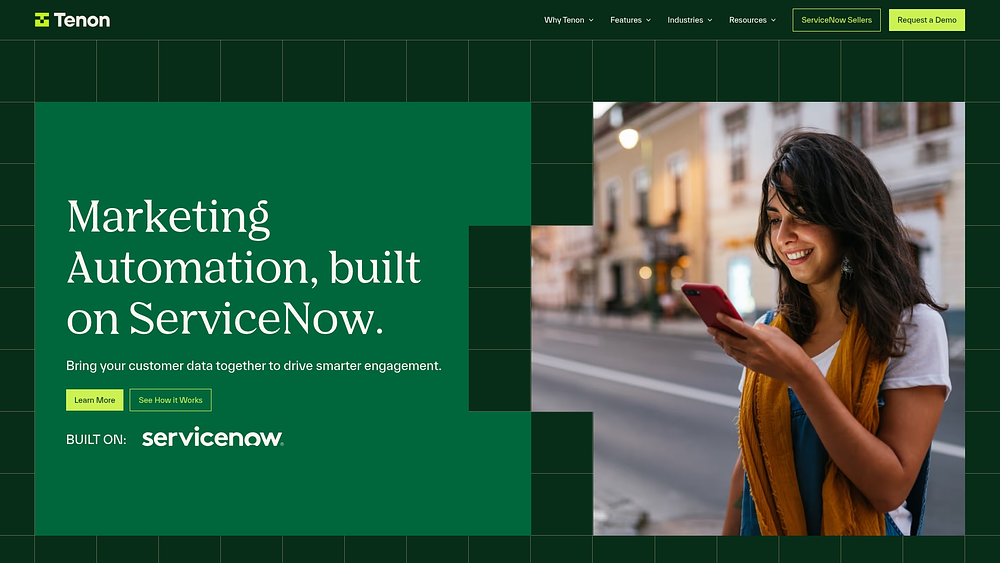
Tenon delivers marketing work management built directly on ServiceNow, aligning campaign planning with enterprise automation. It is designed for organizations already using ServiceNow, allowing teams to inherit security and data structures. This approach reduces integration overhead while supporting regulated workflows. Tenon focuses on enterprise-scale coordination rather than flexibility.
Use case:
Enterprise teams operating within ServiceNow environments that need unified marketing work management without external integrations. This setup supports compliance-heavy industries and large-scale operations.
Key features:
- Campaign planning and templates: provides predefined workflows with goal setting for consistency.
- Agile marketing support: includes standups, Kanban boards, and calendars.
- Regulated content workflows: integrates natively with Veeva Vault for compliant content management.
Pricing:
- Custom pricing: quote-based with no contact-based limits.
- Implementation timeline: typically four to six weeks.
- Sales engagement: demos are required to receive pricing details.
Considerations:
- Platform dependency: requires an existing ServiceNow environment.
- Pricing transparency: no public pricing tiers are available.
15. Smartsheet
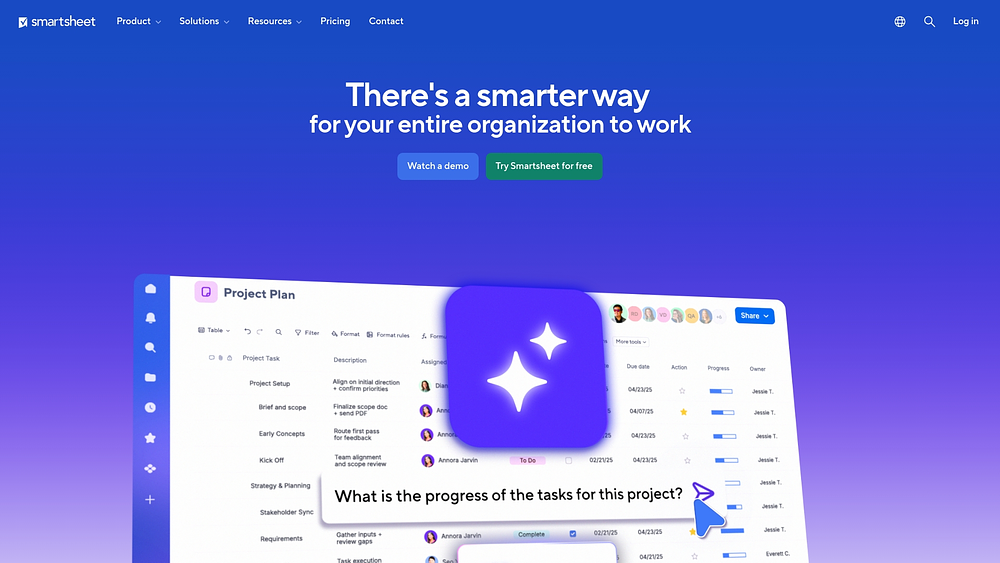
Smartsheet extends the spreadsheet model into an enterprise-grade work management platform. It combines familiar interfaces with automation, portfolio controls, and AI capabilities. This balance supports adoption while meeting governance needs at scale. Smartsheet is commonly used by large organizations transitioning from basic tools.
Use case:
Organizations with a spreadsheet-centric culture that need stronger collaboration, automation, and portfolio oversight. It is particularly effective for teams prioritizing standardization and governance.
Key features:
- Multiple project views: supports grid, Gantt, board, calendar, and timeline formats with automation.
- Control Center: enables portfolio standardization and governance.
- Smart Assist: provides AI-powered analysis and formula generation.
Pricing:
- Pro: $9 per member per month (annual).
- Business: $19 per member per month (annual).
- Enterprise: custom pricing.
- Advanced work management: available as a quote-based bundle.
Add-ons include Dynamic View and Data Shuttle.
Considerations:
- Add-on dependency: many advanced capabilities require additional paid modules.
- Data residency: regional data isolation can limit global collaboration.
Key features of marketing operations management software
Effective marketing operations require more than basic project tracking. They demand the orchestration of people, processes, and technology to drive growth. The ideal platform acts as a central nervous system for the department, unifying work and data to empower teams to execute with confidence.
To identify a platform built for the future, look for five essential capabilities that distinguish a true operational command center from a standard application.
1. Unified workflow automation
Silos disappear when automation connects every stage of a campaign through effective marketing planning, removing the friction of manual handoffs. Instead of automating isolated tasks, a robust system creates a continuous flow from the initial brief to the final report, freeing teams to focus on strategy and creativity.
This interconnected approach allows teams to build a self-driving marketing engine that can:
- Accelerate creative production: route requests to the appropriate designer based on capacity and skill, streamlining the path from intake to approval.
- Simplify campaign approvals: guide initiatives through necessary legal and executive sign-offs, ensuring timely feedback from every stakeholder.
- Generate instant insights: trigger analysis immediately upon campaign completion, aggregating performance data into actionable reports.
Modern platforms like monday.com provide end-to-end visibility by enabling teams to design custom automations that reflect their unique processes. Teams can adjust these flows using a visual builder, adapting to shifting priorities without IT support.
2. Cross-functional data integration
Data often resides in isolated pockets across platforms, obscuring the true picture of performance. Operational success depends on linking activities to business outcomes, providing leaders with the evidence needed to prove ROI.
A fully integrated ecosystem connects marketing data to broader business processes, allowing teams to:
- Solve the attribution puzzle: tie campaign efforts directly to CRM sales outcomes to reveal revenue drivers.
- Sharpen lead scoring: merge engagement data with product usage and sales history to pinpoint high-potential leads.
- Create a single source of truth: consolidate metrics from ads, analytics, and email into one dashboard for holistic analysis.
Platforms like monday.com help leaders bridge the gap between marketing performance and company goals. Integration capabilities allow executive dashboards to display marketing metrics alongside sales and finance data for a comprehensive view of business health. That’s exactly the promise of modern AI marketing software: it turns scattered performance data into recommendations your team can act on the same day.
3. AI-powered optimization
Predictive capabilities are shifting marketing from reactive to proactive. By analyzing large datasets, AI helps teams anticipate customer needs, optimize performance in real time, and stay ahead of market shifts.
This intelligence empowers teams to:
- Automate performance testing: run continuous A/B tests on assets, with AI automatically reallocating budget to winning variants.
- Prioritize high-value leads: use predictive scoring to identify prospects ready for sales engagement.
- Optimize budget allocation: receive data-backed recommendations on where to invest for maximum impact.
Intelligent platforms like monday.com surface insights and automate complex decisions, helping teams identify opportunities without requiring a dedicated data scientist.
4. Real-time collaboration
Keeping distributed teams aligned is a significant challenge. Real-time collaboration tools replace disjointed email threads with a shared digital workspace, ensuring visibility into progress and feedback.
When collaboration is seamless, teams move faster and improve quality:
- Shared project visibility: provide all stakeholders with a live view of progress, keeping everyone informed automatically.
- Instant feedback loops: enable direct comments on assets to shorten revision cycles.
- Transparent approval flows: clarify the status of deliverables and next steps in one location.
Cross-functional coordination on monday.com ensures each team member understands their role and deadlines, contributing effectively to larger goals.
5. Enterprise-grade security and governance
Protecting customer data and proprietary strategies is a top priority. Enterprise-grade security enables safe collaboration with internal and external partners while providing necessary controls without slowing work.
Robust governance provides:
- Granular permissions: restrict access to information based on roles.
- Comprehensive audit trails: track changes for accountability.
- Advanced encryption: secure data at rest and in transit.
Intuitive platforms such as monday.com prioritize security, allowing teams to collaborate freely while maintaining strict control and visibility over sensitive data.
Learn more: Marketing automation software that scales
Try monday.comHow to choose the right marketing operations platform
Selecting the right platform is about finding a partner for growth, not just a feature set. The best solution aligns your team, integrates your stack, and translates efforts into revenue. Consider four areas during your evaluation.
Evaluate your RevOps readiness
Is there friction between marketing, sales, and customer success teams? A mature RevOps strategy requires a platform that unifies workflows and fosters shared accountability. Without this, efforts remain siloed.
Examine lead handoffs. Disagreements on lead qualification or follow-up timing indicate an alignment gap. Bridging this requires a single source of truth for reporting and coordination.
Platforms like monday.com accelerate alignment by providing a unified view of the lead lifecycle. Automations manage handoffs, ensuring teams understand how marketing impacts revenue.
Assess integration requirements
Tech stacks can be sprawling, but they must be connected. True integration creates a continuous flow of work and data.
Identify bottlenecks by mapping your current stack. A platform should bridge these gaps, not add to them.
Modern platforms like monday.com integrate with tools like HubSpot and Google Analytics, enabling teams to build unified workflows without coding.
Consider implementation complexity
Time-to-value is critical. Long implementations drain momentum. The faster a team adopts a platform, the sooner ROI is realized.
Look beyond technical setup to user training and workflow migration. If extensive customization is needed to fit your process, the platform may be the issue.
Sophisticated solutions like monday.com support rapid deployment with templates, allowing teams to start quickly and minimize training time.
Calculate total cost of ownership
Hidden costs can inflate budgets. Total cost of ownership (TCO) includes subscriptions, implementation, training, and maintenance.
Factor in delayed results when calculating TCO. Transparent ROI calculations reveal when the platform pays for itself.
Platforms like monday.com offer transparent pricing and fast time-to-value, delivering strong TCO and accelerating ROI.
7 emerging trends shaping marketing operations
The marketing landscape is evolving rapidly. As technology advances and expectations rise, traditional methods fall short. Seven trends define how high-performing teams will operate in the near future.
1. Revenue operations takes center stage
The walls between marketing, sales, and customer success are coming down. Unified revenue teams align everyone on shared goals, turning scattered efforts into a coordinated push for growth.
This alignment creates:
- clearer attribution: link activities directly to revenue.
- faster deal cycles: smooth the transition from lead to close.
- higher customer lifetime value: coordinate retention with a full view of the relationship.
Teams operating on monday.com achieve this by working in a collaborative workspace, moving as one unit with shared data.
2. Martech stacks become composable
The monolithic suite is fading in favor of custom, composable stacks. Teams can select the best tools for each job and connect them without unnecessary bloat.
This flexibility improves adaptation and cost efficiency. Marketing operations platforms orchestrate these systems into unified workflows. Platforms like monday.com ensure data flows seamlessly across the stack.
3. AI governance builds trust
Teams are unlikely to use AI they do not trust. Governance is not about restriction—it creates clear boundaries so people can use AI confidently.
Built-in governance provides transparency and prevents bias. Platforms like monday.com include checkpoints for human approval and explanations for AI recommendations.
4. Privacy becomes a feature, not a hurdle
Privacy is now a competitive advantage. The best companies are transparent about how they use customer data, improving personalization without slowing campaigns.
Platforms like monday.com automate compliance checks, honoring customer preferences while keeping campaigns efficient.
5. No-code automation empowers everyone
No-code platforms allow marketers to design workflows independently, reducing IT dependency. This agility accelerates routing, monitoring, and reporting.
Visual builders on platforms like monday.com empower any team member to create sophisticated workflows without coding.
6. Workflows unite across the organization
Customers expect seamless experiences regardless of internal structures. High-performing teams integrate workflows across departments, reducing time-to-market.
Shared digital workspaces, such as those provided by monday.com, keep every team aligned from strategy to execution.
7. Personalization gets real — in real time
Generic emails no longer suffice. Customers expect messages tailored to them and delivered instantly.
This requires data to move seamlessly between CRMs, marketing tools, and analytics. Marketing operations platforms orchestrate interactions based on behavior, creating timely, individualized experiences.
Try monday.com4 best practices for a successful marketing operations implementation
Operational excellence in marketing requires a strategic approach to planning and optimization. These four practices distinguish teams that thrive from those that merely survive in a complex marketing environment.
Build your data governance foundation
The principle of “garbage in, garbage out” is critical for marketing operations. Establishing strict data standards early prevents cleanup challenges and compliance risks later. A robust framework includes:
- Data quality standards: defining requirements for clean and accurate information.
- Access controls: managing permissions according to roles and responsibilities.
- Privacy compliance: meeting regulations such as GDPR.
- Audit trails: tracking changes to ensure accountability.
Connected solutions like monday.com allow teams to embed governance into workflows, preserving data integrity from the start.
Phase your rollout strategically
A phased rollout helps teams gain momentum and demonstrate quick wins. Using proven project management principles ensures controlled adoption and reduces risk. Consider these approaches:
- Pilot program: testing processes with a small team before wider deployment.
- Functional rollout: implementing one function or department at a time.
- Geographic expansion: starting with one region and scaling gradually.
Work management platforms support iterative adoption, allowing teams to start simply and increase complexity as processes mature.
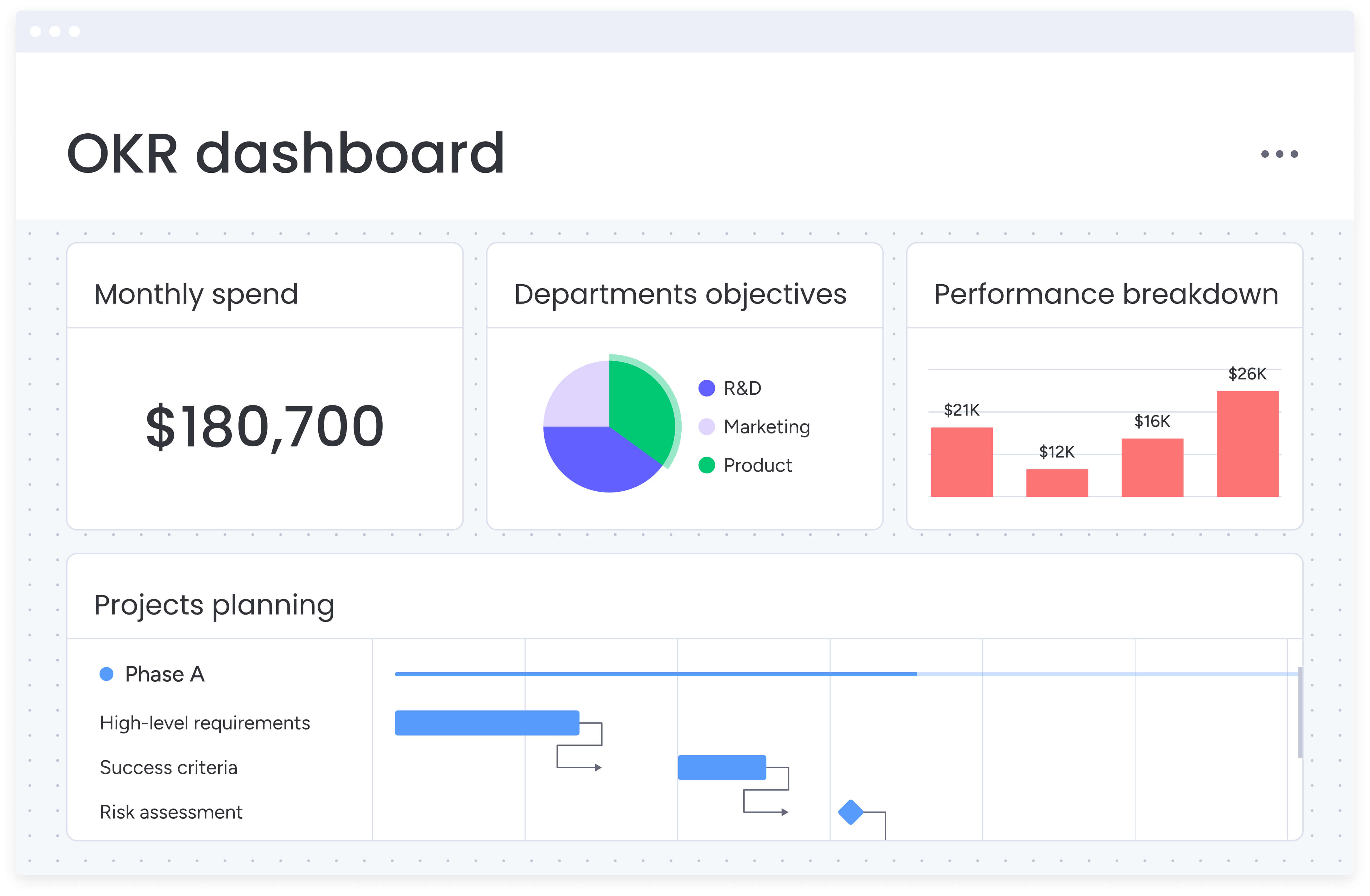
Align teams around shared metrics
.jpg)
Shared metrics create alignment, reduce friction, and drive collaborative problem-solving. Defining key outcomes and targets ensures that all teams work toward the same goals. Effective strategies include:
- Unified dashboards: providing a single view of performance across teams.
- Key performance indicators: defining measurable outcomes that guide priorities.
- Transparent reporting: ensuring everyone understands progress and gaps.
Optimize continuously with AI insights
Top-performing operations teams use AI to anticipate challenges, not just react to them. AI-powered insights allow teams to identify bottlenecks, improve processes, and enhance campaign outcomes. Key applications include:
- Predictive analytics: forecasting performance trends.
- Automated testing: experimenting with creative and messaging.
- Intelligent recommendations: suggesting improvements to workflows.
By integrating AI into daily workflows, platforms like monday.com let teams focus on strategy while automation handles analysis.
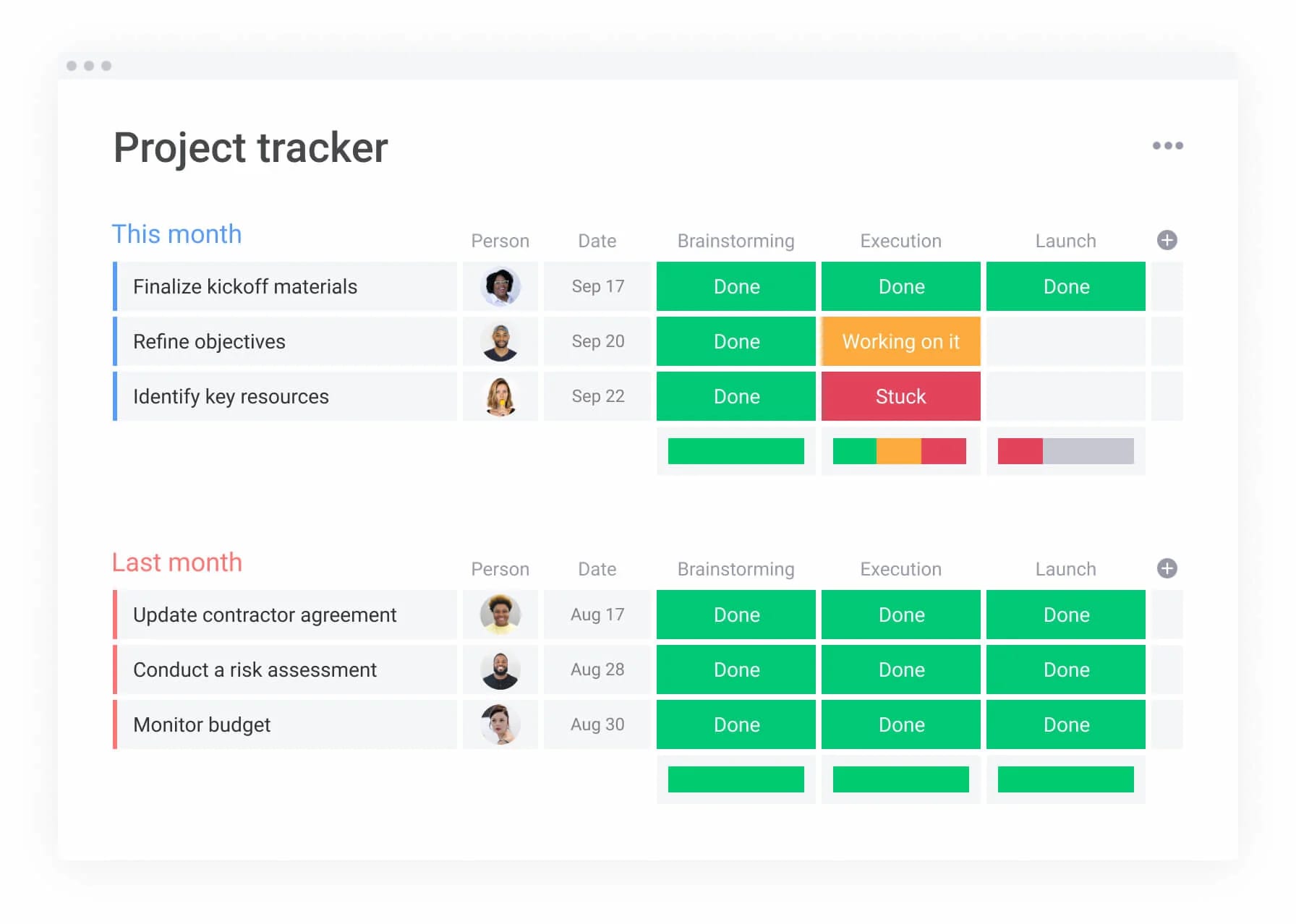
Elevate your marketing operations with monday.com
Disconnected tools force teams to switch between apps, leading to inefficiencies and lost context. A unified workspace connects marketing workflows with cross-functional partners, providing faster launches and measurable business impact. Key benefits include:
AI Blocks for intelligent automation
Complex processes can be automated with AI, freeing teams to focus on high-value work:
- Categorize: route requests by priority automatically.
- Extract information: convert briefs into actionable fields.
- Summarize: condense reports into executive summaries.
- Detect sentiment: monitor brand health in real time.
- Translate: localize content for global audiences.
- Custom blocks: build tailored automations without coding.
Digital Workforce for complex workflows
AI agents act as virtual team members, handling operations and offering insights:
- Campaign manager: analyzes performance and recommends optimizations.
- Project analyzer: identifies risks before they escalate.
- Research assistant: gathers market insights for strategists.
- monday.com expert: suggests workflow improvements based on usage patterns.
Visual project management for creative teams
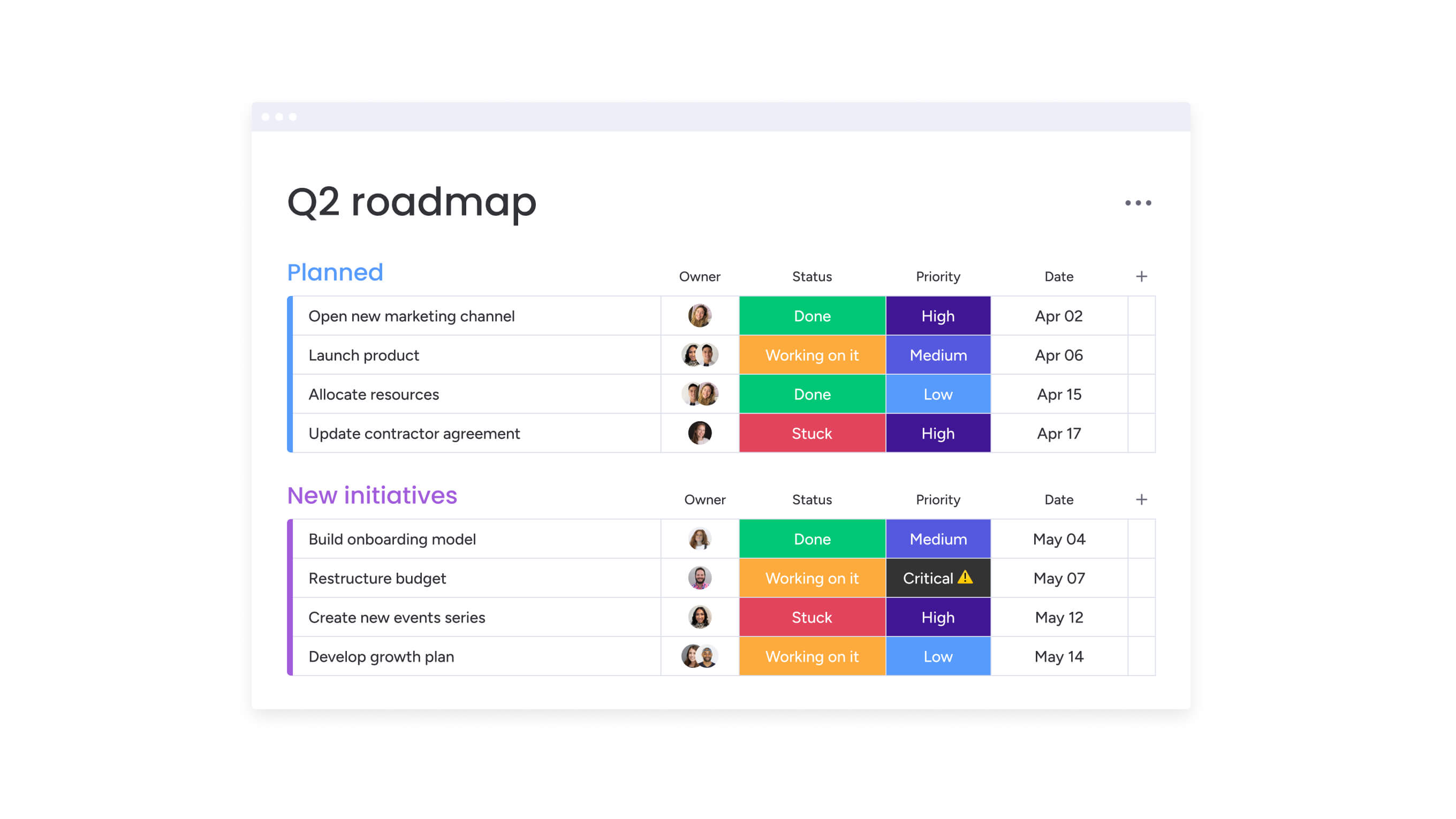
Visual context reduces unnecessary update meetings and streamlines coordination:
- Kanban boards: track projects from ideation to approval.
- Gantt charts: visualize timelines and dependencies.
- Calendar views: coordinate launches across channels.
- Workload views: balance team capacity to prevent burnout.
Seamless cross-departmental collaboration
Marketing teams benefit from direct connections to sales, product, and leadership. A shared workspace ensures alignment across teams:
- Shared workspaces: unify goals and initiatives.
- Real-time updates: keep stakeholders informed automatically.
- Approval workflows: streamline reviews with leadership and legal.
- Integration ecosystem: connect your tech stack for a single source of truth.
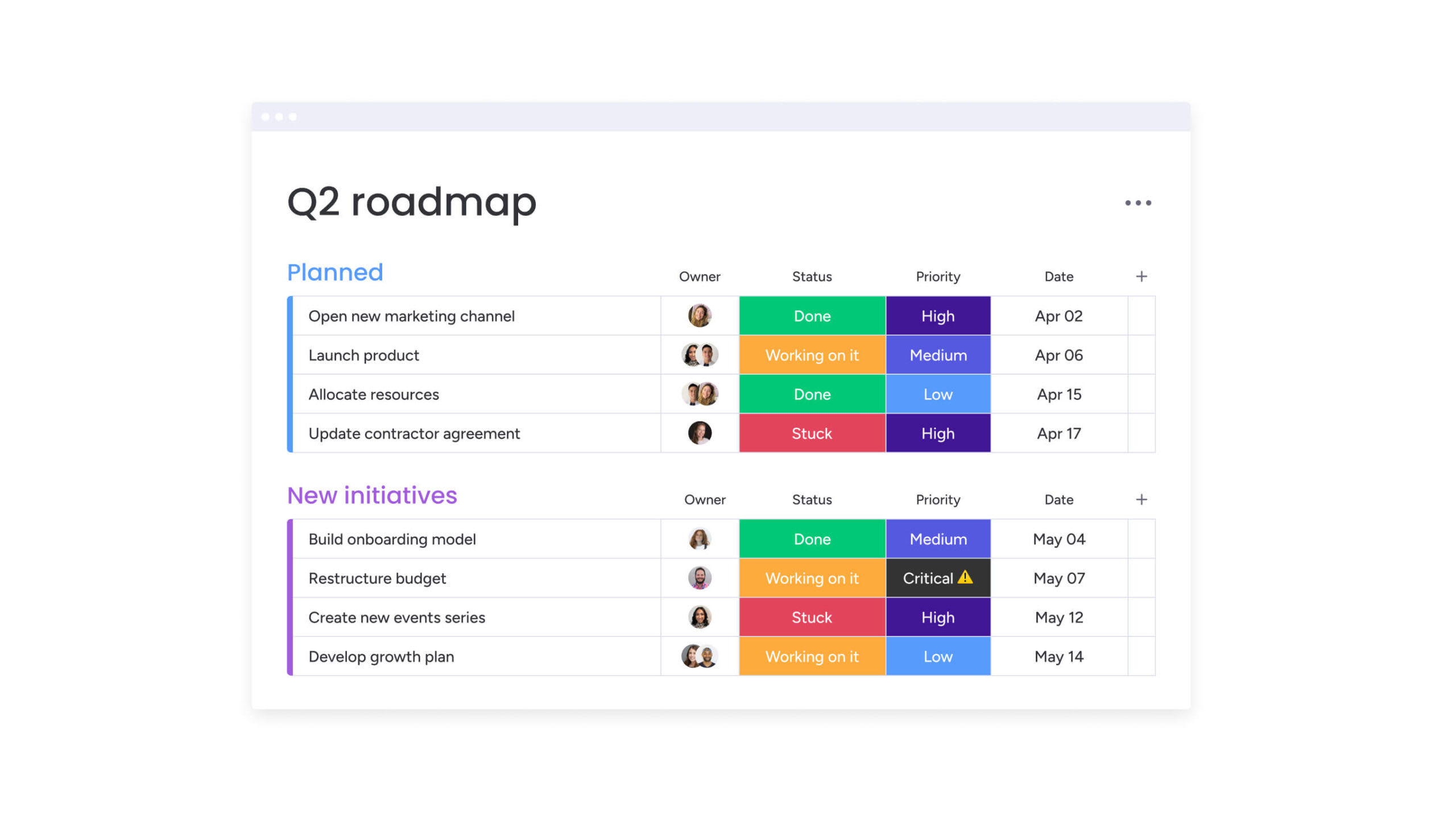
Turn marketing chaos into strategic growth
Effective marketing operations is not about selecting the right platform; it is about shifting how your team approaches their work. Centralizing data and automating workflows empowers teams to connect tasks with business goals. This transforms marketing from a cost center into a function that drives measurable business growth.
With the right platform and AI handling repetitive tasks, your team can stop being overwhelmed by busywork and focus on campaigns that truly move the needle. Building on a solid foundation now ensures you remain agile as your team and campaigns scale — you stay nimble without compromising security. It is time to move from reactive problem-solving to creating a marketing machine that delivers predictable results.
Try monday.comFrequently asked questions
What's the difference between marketing operations and marketing automation software?
Marketing operations software serves as a strategic command center for people and processes, while marketing automation platforms focus on executing repetitive workflows, such as sending email sequences.
How much does marketing operations software typically cost?
Pricing generally ranges from $10 to over $100 per user monthly, depending on team size, feature requirements, and necessary integrations.
Can work management platforms handle marketing operations effectively?
Yes. A flexible platform can support marketing operations if it includes robust campaign planning, creative workflow management, and analytics, ensuring execution aligns with broader business objectives.
What's the typical ROI timeline for marketing operations software?
Teams often notice efficiency improvements within three to six months. Deeper strategic benefits and full ROI usually appear between 12 to 18 months as processes mature.
How long does implementation of marketing operations platforms usually take?
Deployment timelines range from a few weeks to three months, depending on organizational complexity, data migration needs, and integration requirements.
Which marketing operations software works best for cross-functional teams?
The ideal software provides a centralized workspace with real-time visibility across departments and integrates seamlessly with critical systems like CRMs, ensuring alignment across teams.

 Get started