


You know that moment when a promising new client reaches out, and suddenly you’re playing email tag for two weeks just to get basic project details? One person handles budgets, another manages timelines, and someone else entirely makes the final decisions. Meanwhile, your team can’t start planning because half the requirements are still missing.
A well-designed client intake form template solves this problem. Instead of chasing information across multiple conversations, you gather everything needed upfront: project scope, budget parameters, decision-maker contacts, and timeline expectations. The right intake process turns scattered inquiries into organized project data, so your team can build accurate proposals and realistic timelines immediately.
The following guide explores the architecture of professional intake systems, offering industry-specific frameworks for legal, healthcare, and consulting sectors. We examine the essential data fields required for operational success, design strategies to maximize completion rates, and the methodology for transforming static forms into dynamic, automated workflows.
Key takeaways
- Design intake forms that actually get completed: maximize completion rates by utilizing smart defaults, progress indicators, and mobile-responsive design to keep the process under 15 minutes.
- Capture critical data to prevent scope creep: use the intake phase to define objectives, deliverables, and budget ranges, creating an objective baseline for future proposals and change management.
- Transform submissions into instant project workflows: eliminate manual handoffs by connecting intake data to platforms like monday work management that automatically generate project boards and trigger team assignments.
- Tailor frameworks to specific industry requirements: specialized sectors, such as legal (conflict checks) and healthcare (HIPAA compliance), require custom intake architectures to meet regulatory and operational standards.
- Leverage intake data for demand forecasting: use real-time dashboards to analyze lead volume and conversion trends, allowing leadership to plan resources and project revenue with greater accuracy.
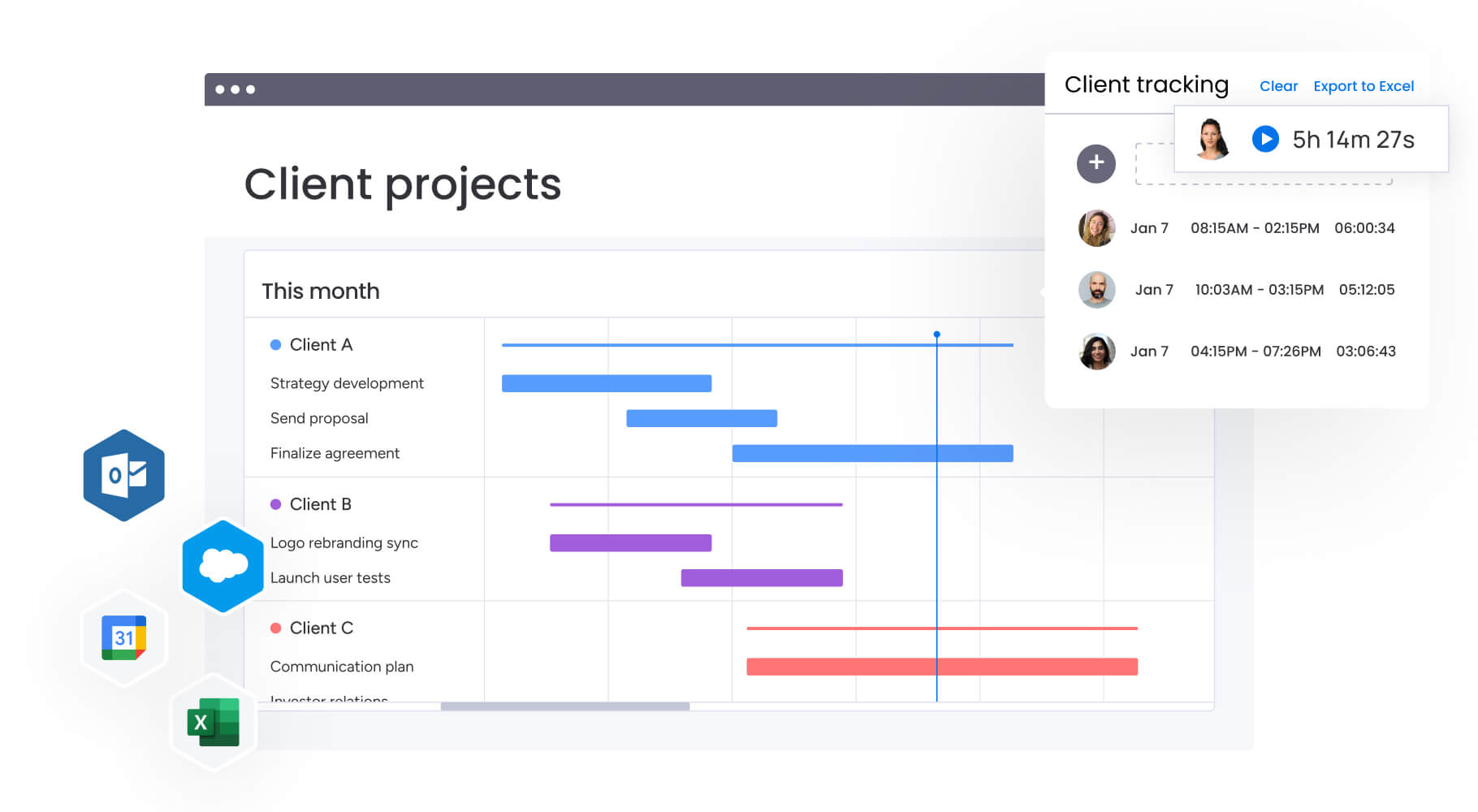
A client intake form is a structured document that collects essential information from new clients at the beginning of a professional relationship. It’s your onboarding foundation: gathering contact details, project scope, budget, and timeline expectations before work begins.
Therefore, intake forms move leads into active projects. They go beyond basic introductions to establish how you’ll work together. When you standardize information collection, every project starts with complete data, ensuring all requirements are available in one central place.
Why do client intake forms drive business success?
Client intake forms directly impact how efficiently you work and how profitable projects become. When you formalize the intake process, you shift from reactive information gathering to proactive project management. This shift affects your bottom line and team morale.
Without structured intake, teams spend hours chasing missing details, projects start with incomplete requirements, and scope creep becomes inevitable. A solid intake form prevents this by capturing everything you need to build accurate proposals and realistic timelines.
The benefits show up across the entire project lifecycle:
- Reduced scope creep: defined requirements at the outset prevent projects from expanding beyond agreed-upon deliverables without formal change orders.
- Faster client onboarding: automated data collection eliminates manual administrative work, allowing teams to start billable work sooner.
- Improved resource allocation: immediate visibility into project timelines and complexity allows managers to assign the right talent without delay.
- Enhanced client trust: a professional, thorough intake process demonstrates competence and organization from day one.
Client intake form vs. contact form
While both forms collect data, their functions within the customer journey are distinct. Contact forms cast a wide net for low-friction lead capture, while intake forms are built for qualified prospects ready to engage.
| Feature | Contact form | Client intake form |
|---|---|---|
| Primary purpose | Lead generation and initial inquiry | Client onboarding and project scoping |
| Timing | Top of funnel (awareness/interest) | Middle/bottom of funnel (decision/action) |
| Complexity | Low (3-5 fields) | High (10+ fields, often multi-page) |
| Key information | Name, email, general message | Budget, timeline, specific deliverables, stakeholders |
| Outcome | Sales call or email reply | Project proposal, contract, or kickoff meeting |
Free client intake form templates for every industry
Regulatory requirements, service delivery models, and client expectations vary across sectors. Generic intake forms miss the details specialized industries need. Tailoring your intake process keeps you compliant and shows potential clients you know the industry.
These templates address the unique needs of different professional services, from legal compliance to healthcare privacy standards. Each one includes industry-specific fields that help you gather the right information and meet regulatory requirements from the start.
Legal client intake form template
Legal intake forms serve a dual purpose: gathering comprehensive case information while maintaining strict confidentiality and regulatory compliance. As a result, these forms function as your first line of defense: screening for conflicts of interest and identifying time-sensitive matters that require immediate attention.
The legal sector operates under unique constraints that set it apart from other professional services. Before engaging in any substantive discussion about representation, firms must confirm they can ethically take on a case. A well-structured intake form addresses this requirement head-on, protecting your practice from potential conflicts while ensuring critical statute of limitations deadlines don’t slip through the cracks.
Key components for legal intake forms include:
- Case type classification: dropdown menus categorizing matters (family law, corporate litigation, estate planning) for immediate routing to the correct attorney.
- Conflict check data: names of opposing parties and related entities to ensure ethical representation.
- Statute of limitations indicators: dates of incidents or key events to assess immediate deadlines.
- Disclaimer acknowledgments: mandatory checkboxes confirming form submission doesn’t constitute attorney-client relationship.
Healthcare patient intake form template
Healthcare intake forms operate at the intersection of clinical care and regulatory compliance, where accuracy directly impacts patient safety and reimbursement success. Moreover, unlike other industries, healthcare intake must satisfy HIPAA privacy requirements while capturing medical histories detailed enough to inform treatment decisions and prevent insurance claim denials.
These forms serve dual operational functions: equipping clinical teams with comprehensive patient information before appointments begin, while simultaneously enabling administrative staff to verify insurance coverage and prevent billing complications downstream.
Key fields include:
- Insurance verification: policy numbers, group IDs, and primary subscriber details for coverage validation.
- Medical history and medications: detailed lists of current prescriptions, allergies, and past surgeries.
- Chief complaint: specific description of symptoms or visit reasons to guide clinical assessment.
- Consent for treatment: legal authorization for care administration and data sharing with payers.
Consulting client intake form template
Consulting intake forms prioritize organizational context and strategic alignment. The primary objective is uncovering the “why” behind each engagement, understanding not just what the client wants to accomplish, but the business drivers motivating the project and the decision-making hierarchy that will ultimately approve deliverables.
These forms transform initial discovery calls into strategic planning sessions. By collecting detailed information about business challenges, key stakeholders, and success criteria upfront, your consulting team arrives at the first meeting already equipped with the context needed to ask deeper questions and propose targeted solutions.
Essential elements include:
- Business challenge: narrative field for describing the pain point or opportunity.
- Success metrics: specific KPIs the client will use to evaluate engagement success.
- Stakeholder identification: names and roles of project sponsor, day-to-day contact, and final decision-maker.
- Budget and authority: confirmation of budget approval status and procurement process.
Essential fields every client intake form must include
Regardless of industry, certain data points are always required to start professional engagements. These core fields form the backbone of your intake process, giving you the logistical and operational information you need to do the work.
Knowing which fields are essential versus optional helps you build forms that collect what you need without overwhelming users. These core categories cover the fundamental data requirements that apply across all professional service sectors.
Contact and company information
Contact details go beyond simple email addresses. In B2B contexts, understanding corporate structure and billing contacts keeps admin work smooth.
Organizations using platforms like monday work management can map these contact fields directly to board columns, creating client records that connect automatically to project tracking, resource allocation, and reporting dashboards.
Critical fields include:
- Primary and secondary contacts: backup contact information ensures communication continuity.
- Billing information: accounts payable contacts and tax identification numbers prevent payment delays.
- Company context: website URL, physical address, and industry vertical for pre-meeting research.
Project scope and service requirements
This section prevents scope creep by documenting exactly what the client expects to receive. It’s your reference point for proposals and contracts.
Key elements include:
- Project objectives: statement of what the project aims to achieve, distinguishing “must-haves” from “nice-to-haves”.
- Deliverable list: itemized outputs (five blog posts, one mobile app prototype, quarterly audit report).
- Technical requirements: specific platforms, software versions, or integrations that must be supported.
Budget and timeline expectations
Discussing money and time upfront filters unqualified leads and sets firm expectations. These fields allow for realistic resource planning:
- Budget ranges: pre-defined ranges ($5k–$10k, $10k–$25k) yield higher response rates than specific numbers.
- Hard deadlines: external event drivers (product launch, conference) help prioritize workflow.
- Timeline flexibility: understanding start date flexibility allows for capacity planning.
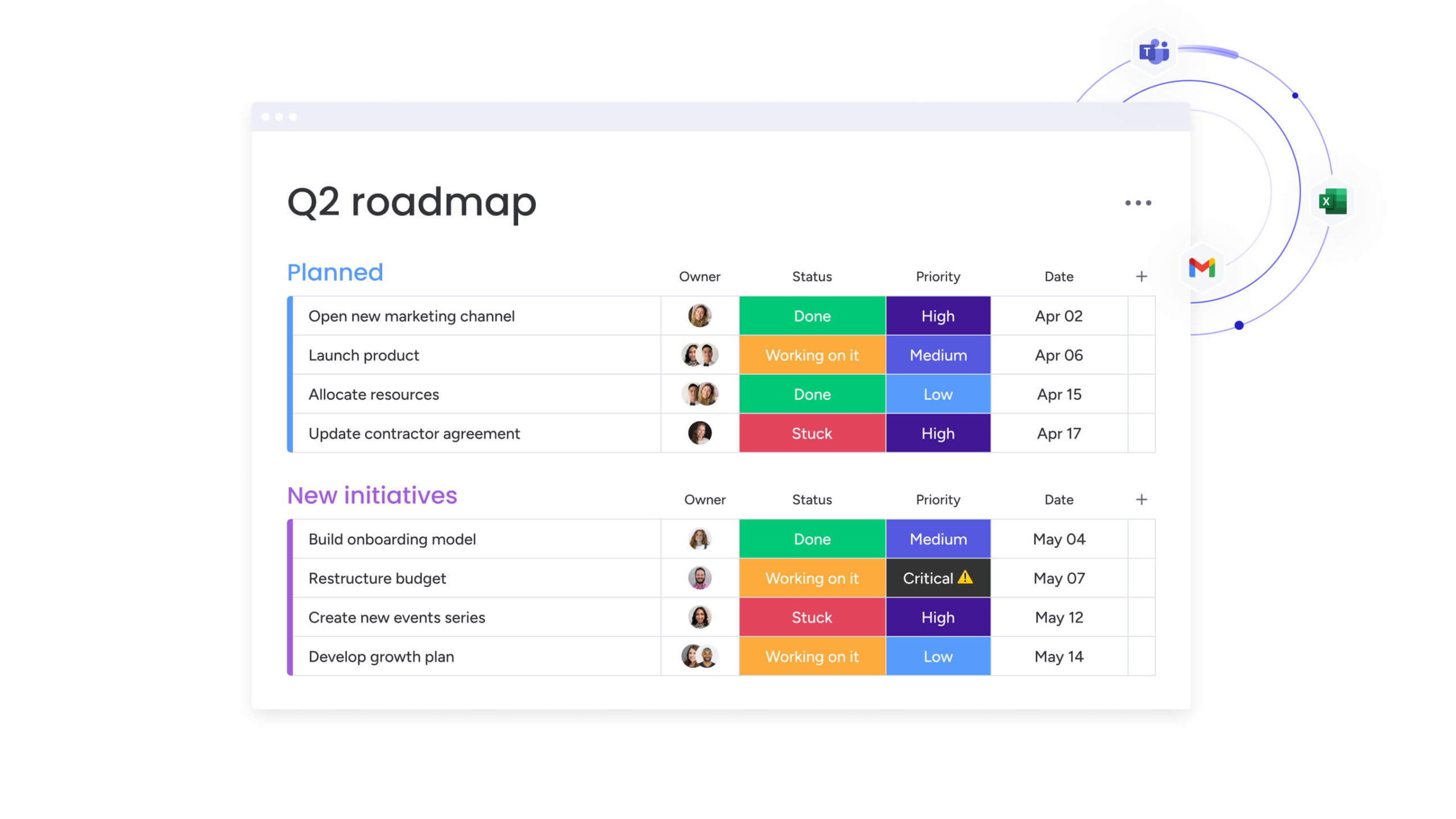
Creating an effective intake form means gathering necessary data while maintaining a positive user experience. This approach helps you capture essential information while keeping prospects engaged.
Follow these steps to build forms that convert prospects into clients while giving your team the data they need for successful projects.
Step 1: identify your intake objectives
Before adding any field, define exactly what you need to know to start work. Separate information critical for proposals from information you can gather during kickoff.
Remember that objectives should align with business processes: qualification criteria, project setup needs, and billing requirements. Identify what your team absolutely needs before writing proposals or allocating resources.
Step 2: select must-have form fields
Once you’ve set objectives, choose specific questions that fulfill them. Group fields logically: start with easy contact questions to build momentum, move to project details, and finish with sensitive budget questions.
Use mixed field types:
- Dropdowns: ensure consistent reporting for standard data.
- Open text areas: capture nuanced descriptions.
- Checkboxes: gather multiple selections efficiently.
Avoid asking for publicly available information that you can research independently.
Step 3: optimize for mobile and accessibility
Many people access intake forms on mobile devices. Organizations must prioritize mobile-responsive design, especially as 88% of organizations now use AI in at least one business function, making seamless digital experiences essential for automated workflows. Make forms responsive with touch-friendly input fields and legible typography on small screens.
Accessibility considerations include:
- Keyboard navigation: forms must be navigable without a mouse.
- Screen reader compatibility: proper label tags for all inputs.
- High contrast text: ensure readability for visually impaired users.
- Clear error messaging: specific guidance when fields are incomplete.
Step 4: configure automated follow-up actions
The intake form should trigger immediate workflows. Automation sends clients confirmation emails acknowledging receipt and outlining next steps.
Internal automation should include:
- Team notifications: alerts to sales or project leads.
- CRM record creation: automatic data entry into management systems.
- Task assignment: route submissions to appropriate team members.
- Calendar scheduling: trigger meeting booking workflows.
Step 5: launch and refine your process
Launch isn’t the final step. Monitor your form’s performance metrics, specifically completion rate and data quality.
Key optimization indicators:
- Abandonment points: where users stop filling out the form.
- Blank field patterns: questions consistently left unanswered.
- Response quality: vague or incomplete answers requiring follow-up.
- Conversion rates: forms completed versus proposals generated.
If clients consistently leave fields blank or give vague answers, rephrase or remove those questions.
Client intake form best practices
High-performing intake forms reduce friction while improving data quality. Specific UX strategies increase prospect completion rates while helping you gather actionable information.
At the same time, these techniques help you balance through data collection with user experience, resulting in higher completion rates and better-qualified leads.
Design for quick completion
Smart defaults and progressive disclosure reduce mental effort and increase completion rates. Consider these approaches:
- Use smart defaults: pre-select country based on IP location.
- Break into multi-step pages: shorter-looking forms are more likely to be started.
- Implement conditional logic: show/hide fields based on previous answers.
- Enable progress saving: allow users to save and return for comprehensive processes.
Provide visual progress indicators
Display progress bars (“Step 2 of 4” or “50% complete”) at the top of the form. This establishes expectations about time commitment and encourages completion as users see the end approaching.
Visual indicators work particularly well for longer forms. Teams using modern platforms like monday work management can create multi-stage intake workflows with automated progress tracking, ensuring both internal teams and clients know exactly where things stand.
Data security and compliance for client intake
Client intake forms often collect sensitive business strategy, financial data, and personal information. Protecting this data is both a legal and reputational requirement that demands careful attention to privacy regulations and security standards.
Therefore, understanding compliance requirements and implementing proper security measures protects your organization and your clients while building trust.
GDPR and privacy compliance
If you collect data from EU residents, you must follow strict privacy standards. Forms must include explicit, opt-in consent checkboxes. Pre-ticked boxes aren’t compliant.
Data minimization principles apply:
- Purpose limitation: collect only data strictly necessary for the stated purpose.
- Retention limits: define how long data will be stored.
- User rights: provide mechanisms to request deletion or export of data.
- Transparent processing: explain how data will be used in plain language.
Enterprise-grade security features
Your intake form platform must meet enterprise security standards. This includes encrypting data in transit with TLS/SSL and at rest with AES-256.
Security requirements include:
- Single sign-on (SSO): secure access for internal teams.
- Regular penetration testing: ongoing vulnerability assessments.
- SOC 2 Type II compliance: third-party security auditing.
- Access controls: role-based permissions for data viewing and editing.
Advanced platforms like monday work management provide multi-level permissions controlling user access to viewing and changing data, including vendors and guests.
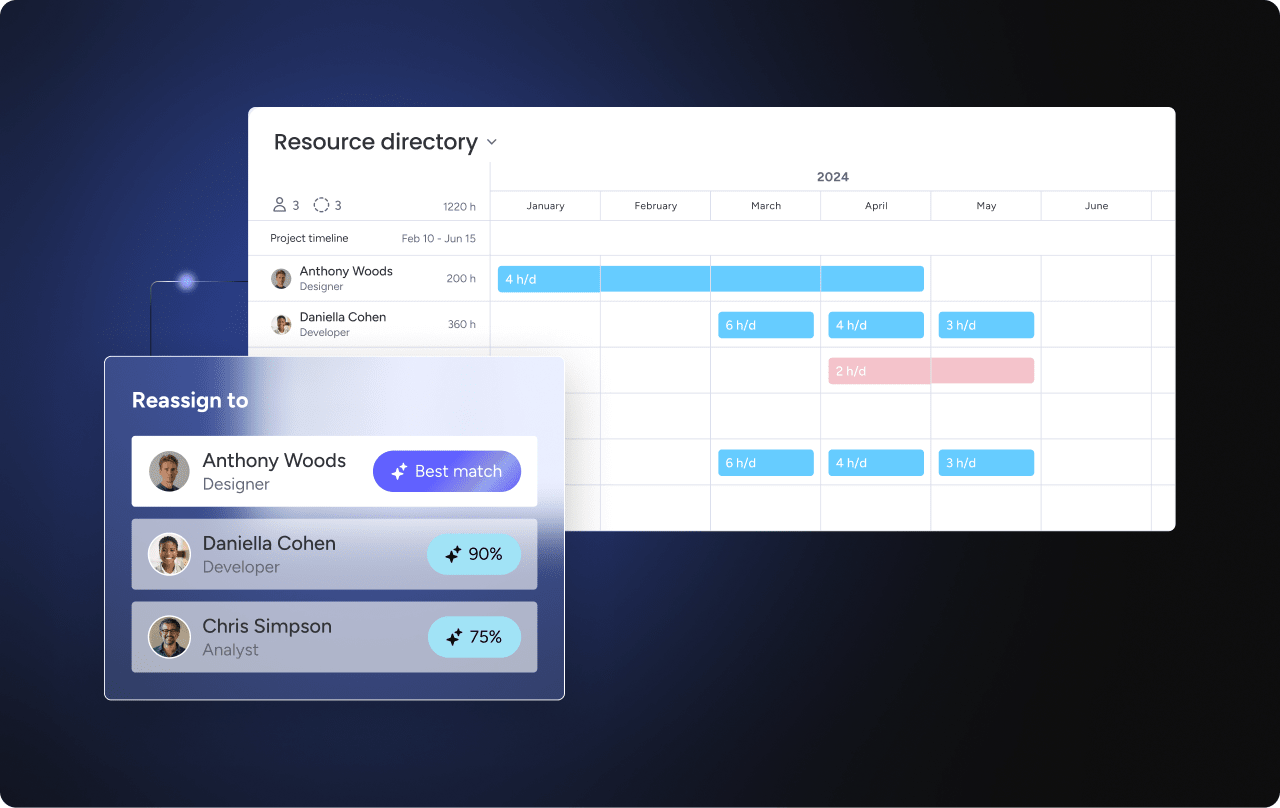
Intake forms deliver real value when they connect directly to work execution. This turns static data entry into active project workflows that create immediate business value.
Integrated intake systems create smooth handoffs from prospect to active project, eliminating manual data transfer and reducing time-to-value for your team and clients.
Automatic project creation from submissions
Instead of manually copying data from emails or spreadsheets, intake systems automatically generate project boards when forms are submitted. Fields from forms map directly to columns in project plans.
Automation capabilities include:
- Timeline setting: due date fields automatically set project deadlines.
- Template application: service type selection applies correct project structure.
- Resource assignment: team member allocation based on project requirements.
- Status tracking: immediate visibility into the project pipeline.
With solutions like monday work management, teams configure automations that instantly generate templated project boards the moment a form is submitted, eliminating manual setup entirely.
Real-time intake dashboard analytics
Intake data reveals future demand. Dashboards show this data in real time, tracking metrics like lead volume by source, average project budget, and conversion rates.
As a result, leadership can forecast revenue and resource needs based on incoming form pipelines. Dashboards within solutions like monday work management support over ten drag-and-drop widgets displaying live high-level project data for insights on budget, goals, schedules, and resources.
AI-powered request categorization
AI improves intake by analyzing unstructured text in submissions. AI analyzes sentiment and content in open-ended responses to automatically tag requests by urgency or category.
This flags critical support issues disguised as general inquiries for immediate senior attention. AI Blocks provided by platforms like monday work management categorize data at scale and organize it by type, urgency, or sentiment, removing manual triage work from your team’s plate.
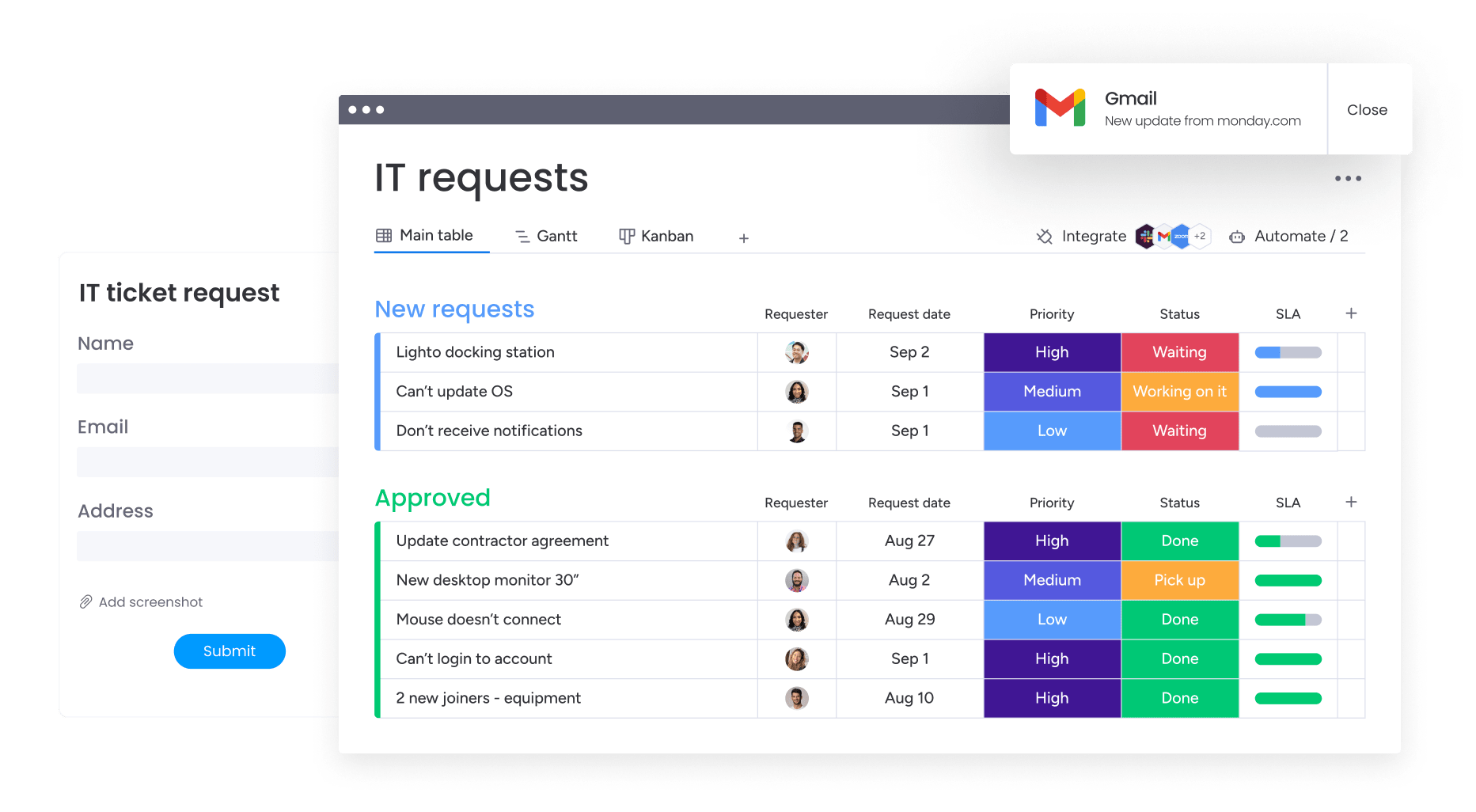
Scale your client intake process with monday work management
Client intake transforms from passive data collection into an automated, integrated part of business operations with monday work management. By combining form creation, data tracking, and project execution in one platform, teams eliminate friction between form builders and project management systems.
This integrated approach ensures that every form submission immediately becomes actionable project data, creating seamless workflows from initial client contact through project delivery and beyond.
Build custom intake workflows without code
Using WorkForms by monday, teams can create professional, branded intake forms with a drag-and-drop interface. The drag-and-drop interface allows sophisticated form building with conditional logic, file upload capabilities, and custom branding with no coding required.
Because WorkForms is native to the platform, every field created automatically corresponds to columns on tracking boards. This ensures consistent data structure from capture moment through project completion.
Track requests with real-time dashboards
Management gains immediate visibility into intake pipelines through customizable dashboards. Using over ten widget types, leaders visualize the status of incoming requests, identify approval process bottlenecks, and analyze project type distribution.
These dashboards update in real time as forms are submitted and processed, providing live views of business demand and team capacity.
Automate approvals and assignments
The platform’s automation engine handles logistical routing of intake data. When forms are submitted, automations instantly assign leads to specific team members based on region or service type selected.
For qualified leads, the system triggers approval workflows, notifying managers to review scope before proposal generation. AI Blocks further enhance this by extracting key data points and categorizing requests, ensuring high-priority clients receive immediate attention.

“monday.com has been a life-changer. It gives us transparency, accountability, and a centralized place to manage projects across the globe".
Kendra Seier | Project Manager
“monday.com is the link that holds our business together — connecting our support office and stores with the visibility to move fast, stay consistent, and understand the impact on revenue.”
Duncan McHugh | Chief Operations OfficerStreamline client onboarding with strategic intake forms
Client intake forms represent far more than administrative paperwork; they’re your first opportunity to demonstrate professionalism, gather strategic intelligence, and set the foundation for successful project delivery. When designed thoughtfully and integrated properly, these forms become powerful business tools that streamline operations while enhancing client experience.
The most effective intake processes balance comprehensive data collection with user-friendly design, ensuring prospects complete forms while providing teams with actionable project intelligence. By implementing industry-specific templates, essential field categories, and proven UX practices, organizations create intake workflows that convert prospects into satisfied clients.
Integrated intake systems extend beyond static forms to become dynamic project catalysts. When connected to work management platforms like monday work management, intake data automatically flows into project boards, dashboards, and automation workflows, eliminating manual handoffs and accelerating time-to-value for both teams and clients.
Frequently asked questions
How do I create a client intake form in Word?
Creating a client intake form in Word involves using the Developer tab to insert text fields, checkboxes, and dropdown lists into documents. While accessible, Word forms are static files requiring manual emailing, tracking, and data extraction — lacking the automation and integration capabilities of digital platforms.
When should the client intake form be started?
The intake form is best introduced after initial lead qualification but before detailed proposals or project kickoffs. This timing ensures prospects are serious enough to invest time while providing teams with necessary data to build accurate scopes of work.
What's the difference between an intake form and an assessment form?
An intake form focuses on logistical and operational data (who, what, when, how much) to initiate relationships. An assessment form is a diagnostic document used to evaluate specific problems, skill levels, or conditions to determine appropriate solution strategies.
Can client intake forms be automated?
Yes, digital intake forms can be fully automated. Platforms like monday work management allow form submissions to trigger action sequences including confirmation emails, team member assignments, project board creation, and CRM record updates without human intervention.
How long should a client intake form take to complete?
An effective client intake form typically takes between 5-15 minutes to complete. This aligns with government standards, as the U.S. Census Bureau estimates their Business Trends and Outlook Survey takes an average of 20 minutes to complete, including time to read instructions and review responses. This duration balances gathering comprehensive information for service providers with respecting client time.
What happens after a client submits an intake form?
Upon submission, data should automatically flow into central management systems. Immediate next steps include automated client acknowledgment, internal notification to account leads, data qualification review, and kickoff meeting scheduling or proposal generation.

 Get started