


Project managers juggle dozens of client projects simultaneously, yet most still compile weekly status reports manually from scattered spreadsheets, emails, and disconnected systems. This fragmented approach consumes hours of valuable time while creating gaps in visibility that can derail project delivery. When stakeholders demand real-time updates and accurate budget tracking, the manual reporting process becomes a bottleneck that prevents teams from focusing on strategic work.
Great reporting software flips this frustrating reality on its head by pulling all your project data into one place you can actually use. These platforms combine real-time dashboards, automated report generation, and portfolio-level visibility to eliminate manual overhead while improving accuracy. Features like customizable templates, seamless integrations, and built-in time tracking ensure project managers can deliver consistent, professional reports without sacrificing hours to administrative work.
Let’s dig into what actually matters in reporting software for services teams — from the automated workflows that save your team three hours every week to the portfolio views that spotlight dependencies you’d otherwise miss across projects. We’ll examine key features, implementation strategies, and real-world examples that demonstrate how unified reporting drives measurable improvements in project delivery and client satisfaction.
Key takeaways
Project Managers in the services industry face a critical challenge: work scattered across multiple platforms, making it nearly impossible to generate accurate, timely reports. Instead of jumping between spreadsheets, emails, and disconnected systems, the right reporting tools centralizes all project data in one accessible location.
The best reporting platforms deliver these essential capabilities for services teams:
- Automated reporting: reclaim hours each week by removing manual compilation and repetitive status updates.
- Real-time visibility: monitor project health, budgets, and resource allocation instantly across all client engagements.
- Centralized data: consolidate tasks, timelines, communications, and documents into one organized system.
- Stakeholder alignment: deliver consistent, professional updates through automated reports and customizable templates.
- monday work management advantage: streamline service delivery with unified dashboards, AI-powered insights, and 200+ integrations.
What makes reporting software essential for project managers in the service industry?
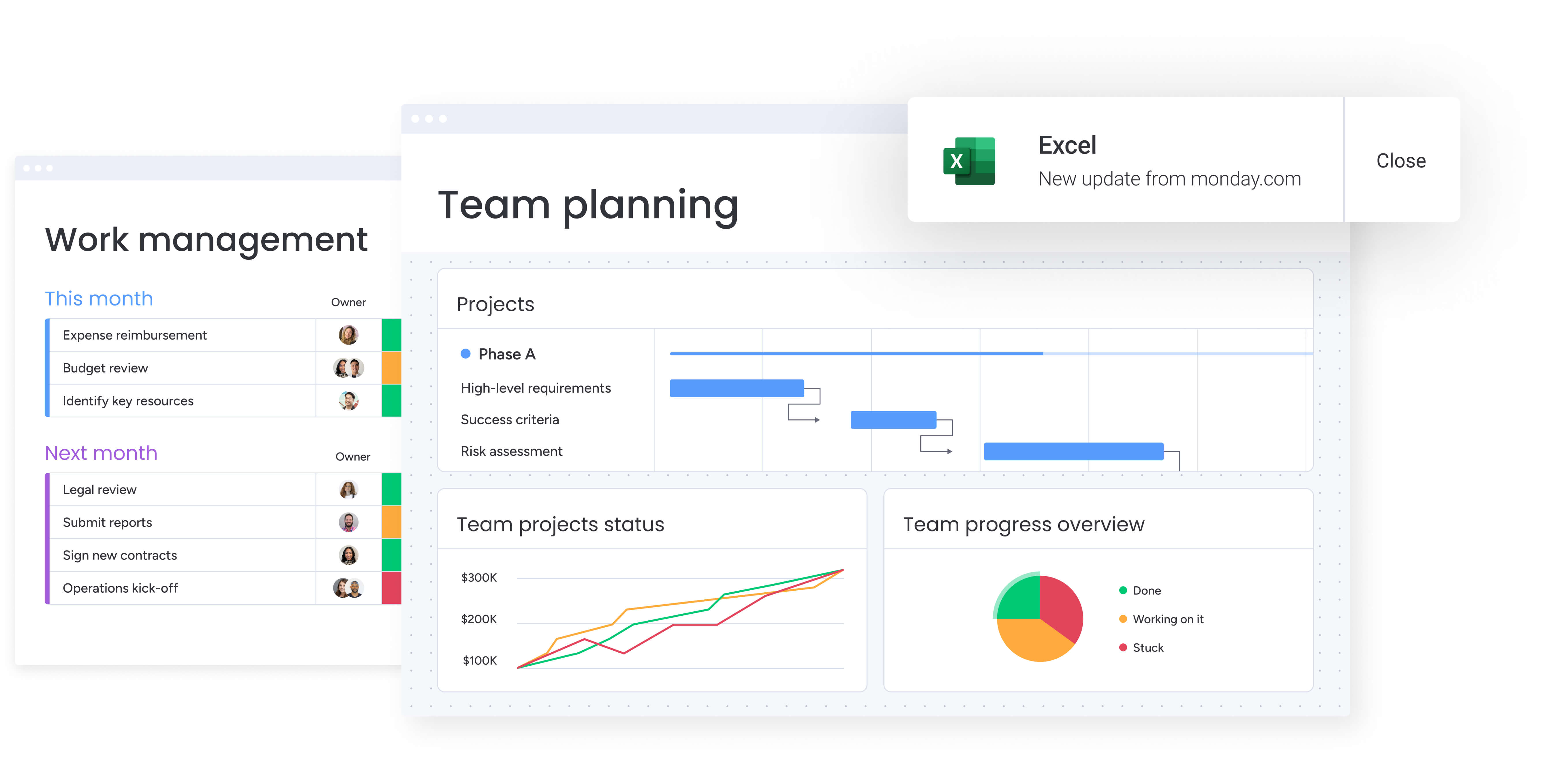
Project managers in the services industry choose reporting software because it solves their core operational challenge: work scattered across tools. When data lives in spreadsheets, emails, and disconnected systems, generating accurate, timely reports becomes slow, error-prone, and difficult to scale.
A strong reporting platform changes this dynamic by offering:
- Unified visibility: all project updates, tasks, documents, and timelines stored in one place rather than across multiple systems.
- Streamlined resource allocation: clearer insight into workloads and capacity across active client projects.
- Consistent, automated reporting: scheduled updates and standardized templates remove the need for manual compilation.
With this structure in place, project managers gain the ability to monitor project health, budget status, and resource utilization without constant tool-switching or chasing information from teams.
monday work management strengthens this approach by providing a centralized workspace where all project data, metrics, and timelines stay continuously aligned. The platform eliminates manual consolidation, supports real-time reporting, and ensures teams can oversee multiple client projects with clarity rather than guesswork.
Teams using the platform regularly report meaningful results — including three hours saved per person per week and 26% efficiency gains — demonstrating how unified reporting leads to faster delivery and more confident decision-making.
Try monday work managementTop reporting features available in monday work management

Today’s project managers need more than just simple status updates — they need reporting tools that deliver real insights. The platforms that actually move the needle combine instant visibility, smart automation, and flexible customization — completely changing how your team tracks and communicates progress.
Here are the essential features within monday work management that drive measurable improvements in project delivery.
Real-time dashboards and visual reporting
ustomizable dashboards turn scattered project data into clear, visual insights that help project managers understand exactly where to focus. Pre-built widgets track status, budget variance, resource allocation, and milestone progress, while custom views allow different stakeholders to see the metrics that matter most to them.
Dashboards update automatically as teams log time, complete tasks, or adjust project status, ensuring every report reflects current reality rather than last week’s spreadsheets. This is especially valuable for project managers overseeing multiple client projects at once, eliminating hours of manual compilation.
Key advantages include:
- Instant clarity: project status, risks, and priorities surfaced visually.
- Consistent reporting: real-time data replaces manual updates.
- Stakeholder alignment: tailored views for executives, delivery teams, and clients.
- Faster decision-making: visual trends and insights make it easy to spot issues early.
This visual approach transforms raw data into actionable insights, helping teams stay aligned and make confident decisions quickly.
Automated report generation and distribution
Automation capabilities allow project managers to schedule recurring reports that generate and distribute automatically to stakeholders. You can configure automation recipes that trigger report creation based on specific conditions — weekly project summaries, budget threshold alerts, or milestone completion notifications.
The automation handles formatting too, so every report looks consistently professional — no more cobbling together last-minute presentations for surprise client meetings. By setting up automated workflows once, project managers reclaim hours previously spent on repetitive reporting tasks, enabling focus on strategic project management activities rather than administrative overhead.
The platform’s automation directly supports project managers’ need to maintain transparency with executives and clients without constant manual intervention.
Portfolio-level visibility across projects
With solid portfolio management, you’ll see all your projects at once — instantly spotting dependencies you missed, team members who are overbooked, and exactly which projects need your attention now. These comprehensive views provide the strategic oversight essential for managing complex service delivery.
Key portfolio visualization options include:
- Gantt charts: span multiple projects to identify scheduling conflicts.
- Workload views: show team capacity across all initiatives.
- Timeline views: highlight dependencies before they impact delivery.
For services professionals managing 20+ concurrent projects, portfolio-level visibility is essential for strategic resource allocation and risk management. Cross-project views allow project managers to identify patterns, optimize resource distribution, and make data-driven decisions about project prioritization.
Customizable reporting templates
The platform provides a library of pre-built reporting templates specifically designed for common project management scenarios. These templates cover project status reports, resource utilization summaries, budget variance analyses, and client-facing progress updates.
Project managers can customize these templates to match organizational branding, add industry-specific metrics, or modify layouts to suit different stakeholder preferences. Template variations for executive summaries, detailed technical reports, or client deliverables maintain professional standards without starting from scratch each time.
Customizable templates ensure consistency across project reporting while accommodating the unique requirements of different clients or internal departments.
Integration with existing project tools
Seamless integrations with over 200 applications including Jira, Microsoft Teams, Slack, Excel, and popular time-tracking tools like Toggl and Harvest enable project managers to pull data from existing systems directly into reports. Two-way syncing ensures data consistency across platforms.
For project managers dealing with work scattered across tools, these integrations eliminate data silos and reduce the risk of version control issues. Teams can continue using specialized tools for specific functions while monday work management serves as the central reporting hub — critical for services organizations with established technology stacks.
Time tracking and budget monitoring
Built-in time tracking capabilities allow team members to log hours directly within project tasks, automatically linking billable and non-billable time to specific projects and clients. The platform calculates project costs in real-time based on hourly rates, providing instant visibility into budget consumption for accounting practice management software.
Budget monitoring features include:
- Variance tracking: compare planned vs actual spending.
- Forecasting: project future costs based on current burn rates.
- Threshold alerts: receive notifications when projects approach spending limits.
Services industry project managers need accurate time and budget data to ensure project profitability and provide transparent client billing. The integrated approach eliminates the disconnect between time tracking systems and project management platforms, reducing errors and improving billing accuracy.
How project managers benefit from unified reporting
Unified reporting reshapes how project managers work by removing the manual effort that slows down service delivery. When all project data flows through a single system, teams gain immediate efficiency improvements and clearer visibility across every client engagement.
With monday work management, project managers regularly reclaim three hours each week that would otherwise be spent compiling updates, consolidating spreadsheets, or building reports manually. Organizations also see efficiency gains of 26–49% as automated dashboards, integrated time tracking, and real-time budget monitoring reduce duplicate work and support faster decision-making.
Further research shows that integrated digital tools can help companies improve productivity by 20–25%, reinforcing the value of a unified reporting environment.
Additional benefits include:
- Compliance and accuracy: centralized data storage and automated workflows ensure consistent reporting standards.
- Productivity improvements: fewer version control errors and complete audit trails reduce rework.
- Output quality: standardized templates and automated data validation improve the consistency of reports.
- Visibility enhancements: real-time portfolio views provide immediate insight into project health and delivery risks.
These improvements compound over time, helping teams deliver projects more predictably while reducing operational overhead.
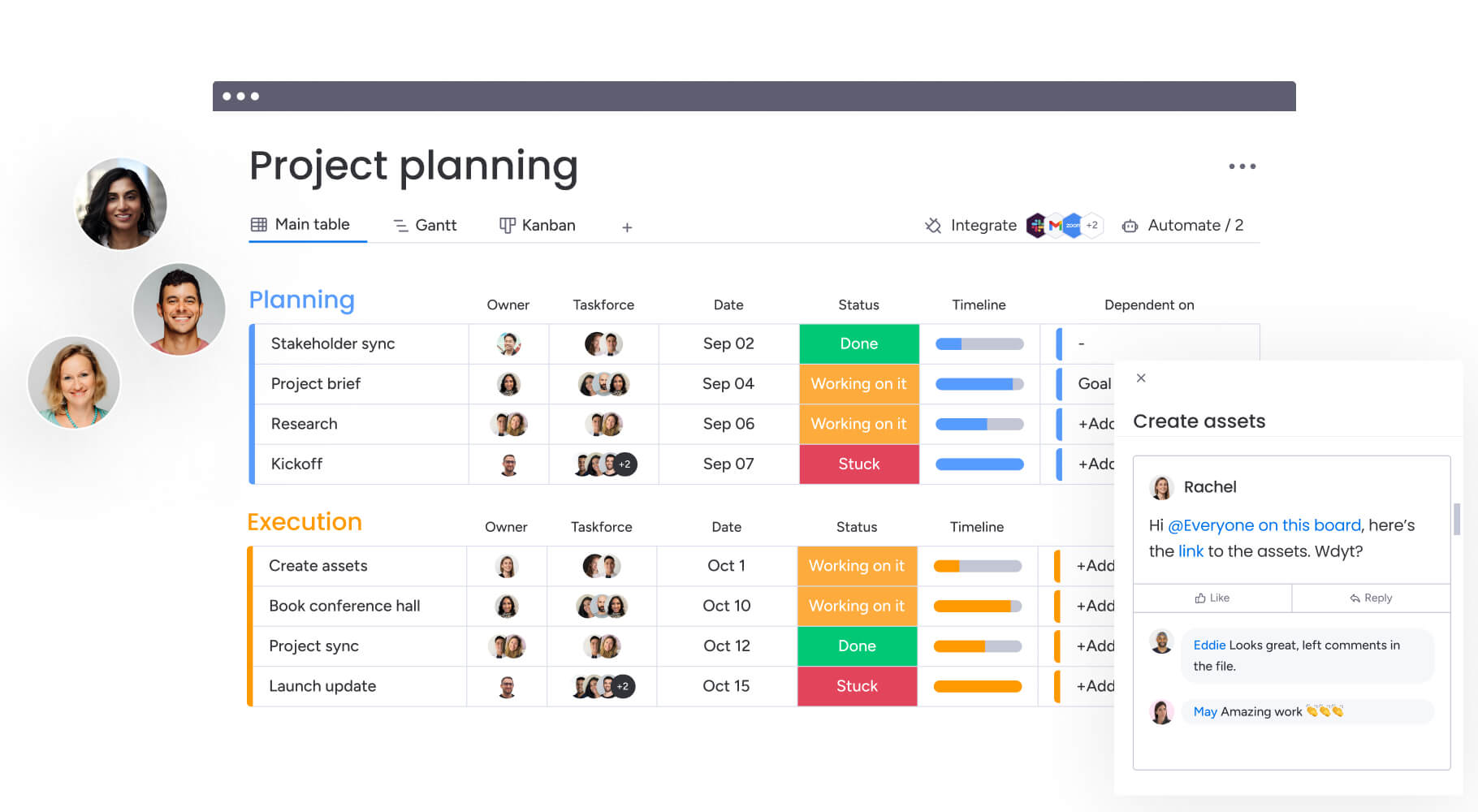
How to implement reporting software effectively
To get reporting software right, you need a clear plan that tackles three things: bringing all your scattered data together, automating your most repetitive tasks, and making sure everyone knows how to use what you’re building.
The following steps ensure teams maximize value while minimizing disruption to ongoing projects.
Step 1: centralize project data in unified workspaces
Create dedicated workspaces for each client or project portfolio, consolidating all project information, timelines, budgets, and communications in one accessible location. This single source of truth eliminates the fragmentation that makes reporting difficult.
Start by migrating active projects first, then establish templates for new project initiation. Ensure all team members understand the new data structure and have appropriate access permissions.
Step 2: configure automated reporting workflows
Set up automation recipes that generate and distribute weekly status reports, budget summaries, and milestone updates to stakeholders automatically. These workflows eliminate manual report creation cycles and ensure consistent communication.
Begin with simple automations like status change notifications, then expand to complex multi-step workflows. Test all automations thoroughly before deploying to client-facing reports.
Step 3: customize dashboards for different stakeholder needs
Build role-specific dashboards that surface relevant metrics for each audience type. Different stakeholders require different levels of detail and focus areas to make informed decisions.
Dashboard customization should address:
- Executives: portfolio health and ROI visibility.
- Clients: deliverable status and timeline updates.
- Team members: task assignments and capacity management.
Step 4: integrate existing tools for seamless data flow
Connect your current tech stack including Jira, Microsoft Teams, Slack, and time-tracking systems to automatically pull data into centralized reports. This integration eliminates manual data entry and ensures accuracy.
Prioritize integrations based on data volume and update frequency. Start with tools that contain the most critical project information.
Step 5: implement standardized reporting templates
Deploy consistent templates across all projects to ensure uniform data collection, maintain professional presentation standards, and enable meaningful cross-project comparisons. monday work management’s managed templates feature allows organizations to roll out standardized frameworks while maintaining flexibility for team-specific needs.
Create template variations for different project types, client requirements, and reporting frequencies. Establish governance processes for template updates and modifications.
Step 6: enable real-time collaboration on reports
Finally, use commenting, @mentions, and shared views to facilitate stakeholder feedback directly within reports. This reduces email chains, accelerates approval cycles, and keeps all communication in context.
Train stakeholders on collaboration features and establish clear protocols for feedback and approval processes.
Try monday work managementComparison: reporting platforms for services teams
Not all reporting platforms are created equal — and picking the wrong one can leave you with the same headaches you’re trying to solve. Platform capabilities vary significantly in areas like customization depth, automation sophistication, and integration breadth.
Here’s how leading platforms compare on essential reporting capabilities:
| Feature | monday work management | Wrike | Asana |
|---|---|---|---|
| Real-time dashboard customization | Unlimited custom dashboards with 20+ widget types | Custom dashboards on Business tier and above | Limited dashboard customization on lower tiers |
| Automated report generation | Built-in automation with 200+ templates | Automation available on higher tiers | Automation requires Premium plan |
| Cross-project portfolio views | Native portfolio management with dependencies | Portfolio features on Business tier+ | Portfolio tracking on Busiess tier+ |
| Integration ecosystem | 200+ native integrations | 400+ integrations | 200+ integrations |
| Time tracking | Built-in time tracking with budget monitoring | Built-in time tracking | Requires third-party integration |
| Client collaboration | Client-facing dashboards and portals | Limited client access features | Guest access with restrictions |
| Implementation time | 2-4 weeks typical deployment | 4-6 weeks typical deployment | 2-3 weeks typical deployment |
How services organizations transform reporting
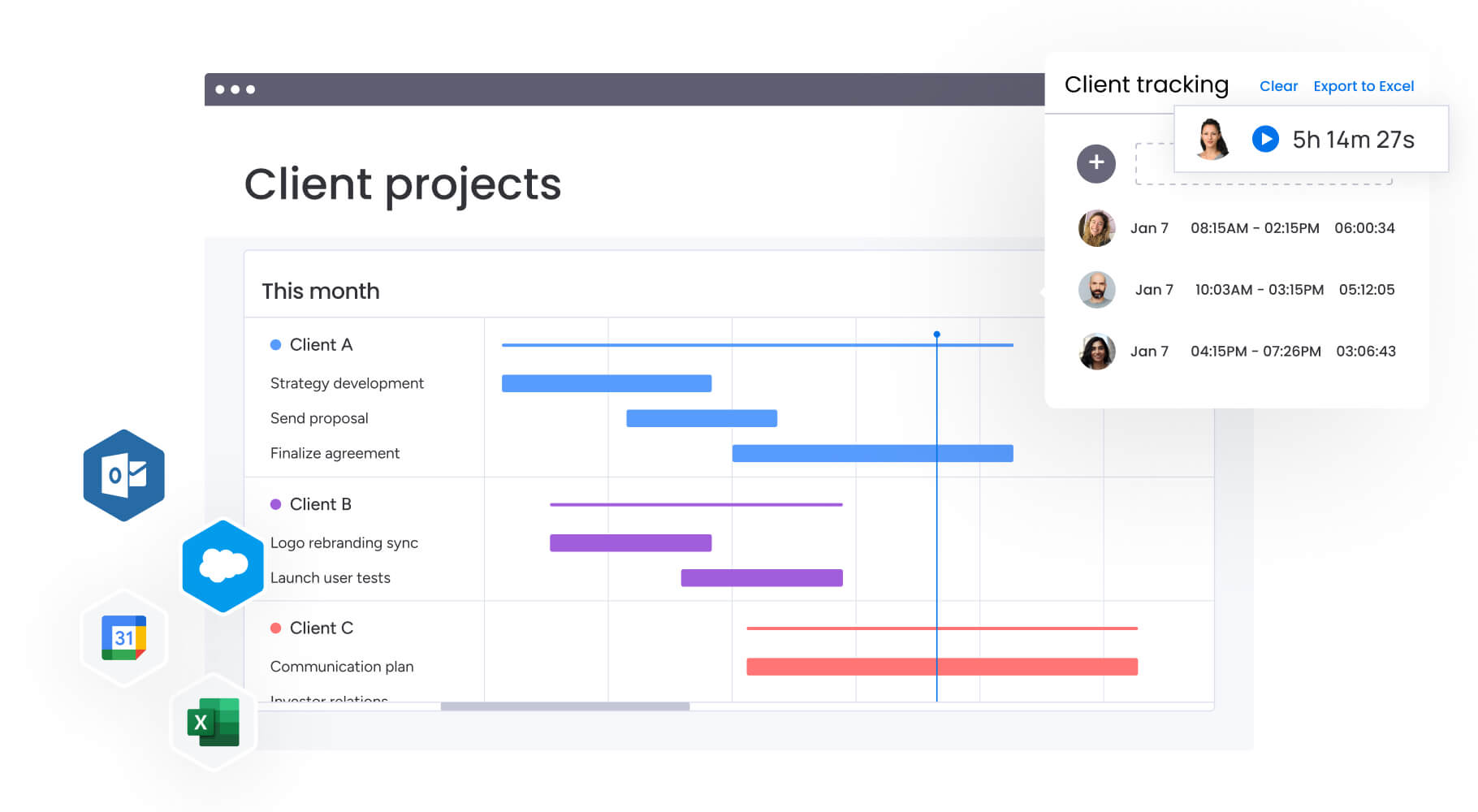
Services organizations see the biggest improvements when they replace scattered reporting tools with a centralized platform that brings every project update, metric, and workflow into one place. This shift reduces manual work, strengthens visibility, and supports more predictable project delivery.
A gaming software company’s PMO illustrates this transformation well. Their team previously managed numerous client projects through spreadsheets, emails, and handwritten notes. This fragmented setup created visibility gaps, slowed response times, and made it difficult to give clients accurate or timely updates. As reporting demands grew, project managers spent hours assembling information from disconnected systems.
By implementing monday work management as a unified reporting and project delivery platform, the PMO introduced structure and automation across their workflows. Their setup included boards for initiation, approvals, and active project portfolios, supported by:
- Automated cost calculations: formula columns standardized financial reporting across projects.
- Streamlined approvals: mirrored data reduced duplicate updates and minimized errors.
- Faster project setup: customizable templates allowed teams to duplicate proven structures quickly.
This move toward automation reflects broader industry trends. Research shows that AI agents now resolve more than 80 percent of customer interactions without human involvement, demonstrating the efficiency gains possible when repetitive tasks are automated.
Integrations with development tools further improved accuracy by connecting real-time technical progress with PMO reporting, ensuring stakeholders saw up-to-date information without requiring manual updates.
The outcomes were significant:
- Efficiency increase: 26% improvement through standardized, automated workflows.
- Time savings: 3 hours saved per person each week on reporting activities.
- Collaboration gains: 49% improvement in cross-team communication and alignment.
- KPI performance: 23% increase in meeting key delivery targets due to clearer visibility.
Streamline reporting with monday work management
The right reporting software transforms how service industry PMs operate, helping you anticipate tomorrow’s issues and proactively address them instead of reacting to past data. The right platform centralizes scattered work, automates routine reporting tasks, and provides real-time visibility that drives faster, more informed decisions.
Success comes down to finding a platform that nails three things: powerful reporting that shows what matters, easy connections to the tools you already use, and customization that doesn’t require a PhD to figure out. Teams that implement unified reporting experience immediate time savings, improved accuracy, and enhanced stakeholder satisfaction — benefits that compound over time as processes mature and automation expands.
Ready to ditch those manual reports and finally see your entire portfolio clearly? Your next move is finding a platform that works on day one but can also grow with your team for years to come. Invest in the right reporting tools now, and you’ll see the returns everywhere — faster project delivery, happier clients, and teams that spend their time on work that matters.
The content in this article is provided for informational purposes only and, to the best of monday.com’s knowledge, the information provided in this article is accurate and up-to-date at the time of publication. That said, monday.com encourages readers to verify all information directly.
Try monday work managementFrequently asked questions
How quickly can reporting software be implemented in a services organization?
Reporting software typically deploys in two to four weeks for services organizations, with many teams achieving value within the first week. monday work management's intuitive interface requires minimal training, and pre-built templates for services industry reporting accelerate initial setup. The platform's no-code customization allows Project Managers to configure workflows without IT support.
Can reporting software track both billable and non-billable hours?
Yes, reporting software includes built-in time tracking that distinguishes between billable and non-billable hours at the task level. Project managers can assign hourly rates to team members, automatically calculate project costs, and generate client-ready billing reports. The platform tracks time against budgets in real-time, providing instant visibility into project profitability.
How do reporting tools handle external stakeholder and client access?
Reporting tools provide granular permission controls that allow project managers to share specific boards, dashboards, or reports with external clients without exposing internal project data. Guest users can view assigned content, comment on deliverables, and track progress without accessing the broader organizational workspace.
What security certifications should reporting software have for client data?
Enterprise-grade reporting software maintains SOC 2 Type II certification, ISO 27001 compliance, and GDPR adherence. monday work management offers IP restrictions, two-factor authentication, multiple SSO options, and tenant-level encryption. These security protocols ensure compliance with industry-specific regulations while protecting confidential project information.
How do these tools handle custom KPIs specific to services industries?
Reporting platforms allow Project Managers to create unlimited custom fields and formulas to track industry-specific KPIs. These might include utilization rates, project margin percentages, client satisfaction scores, or service delivery SLAs. The platform's formula column supports complex calculations, while custom dashboards visualize these metrics alongside standard project management data.
What are the key features of a reporting tool? or How do you create a project management report?
Project Managers typically save three to five hours per week on reporting activities after 90 days of using reporting software. Organizations document specific time savings per person weekly, with some teams saving 1.6 hours per person per week. These savings compound as teams optimize automation recipes, refine dashboard configurations, and eliminate redundant manual processes.

 Get started