

Financial project reporting demands accuracy, speed, and complete confidence in the numbers. Yet many project managers in finance still spend hours each week pulling data from spreadsheets, financial systems, and scattered project tools just to answer basic questions about budget status or delivery risks. With every update living in a different place, producing a clear report becomes a manual, time-consuming process.
This isn’t only inefficient. Fragmented data makes it harder to spot early budget variances, allocate resources effectively, or maintain audit-ready documentation. When your financial information finally comes together in one system, reporting shifts from a reactive chore to a reliable source of insight that actually supports faster, smarter decisions.
This guide walks through what to look for in project management software built for financial reporting. You will discover how unified data, automated reporting workflows, and real-time visibility help finance teams reduce manual work, strengthen compliance, and improve overall project outcomes. We’ll also compare leading platforms and highlight real examples of how teams are achieving measurable results.
Key takeaways
Financial project reporting demands precision, compliance, and real-time visibility — yet most project managers in finance waste hours consolidating data from scattered systems. The right reporting software transforms this fragmentation into unified financial intelligence that drives confident decision-making.
These insights will reshape how you approach financial project reporting:
- Centralized financial data improves accuracy: unifying budgets, timelines, and resource details prevents inconsistencies across scattered systems.
- Automation removes manual consolidation: routine reporting tasks become hands-off, giving teams more time for analysis and decision-making.
- Real-time visibility strengthens control: live dashboards help project managers detect variances early and respond before issues escalate.
- Seamless system integrations protect compliance: connecting financial tools keeps data consistent and maintains complete audit history.
- monday work management transforms reporting workflows: the platform automates updates, surfaces insights, and unifies financial project data in one trusted workspace.
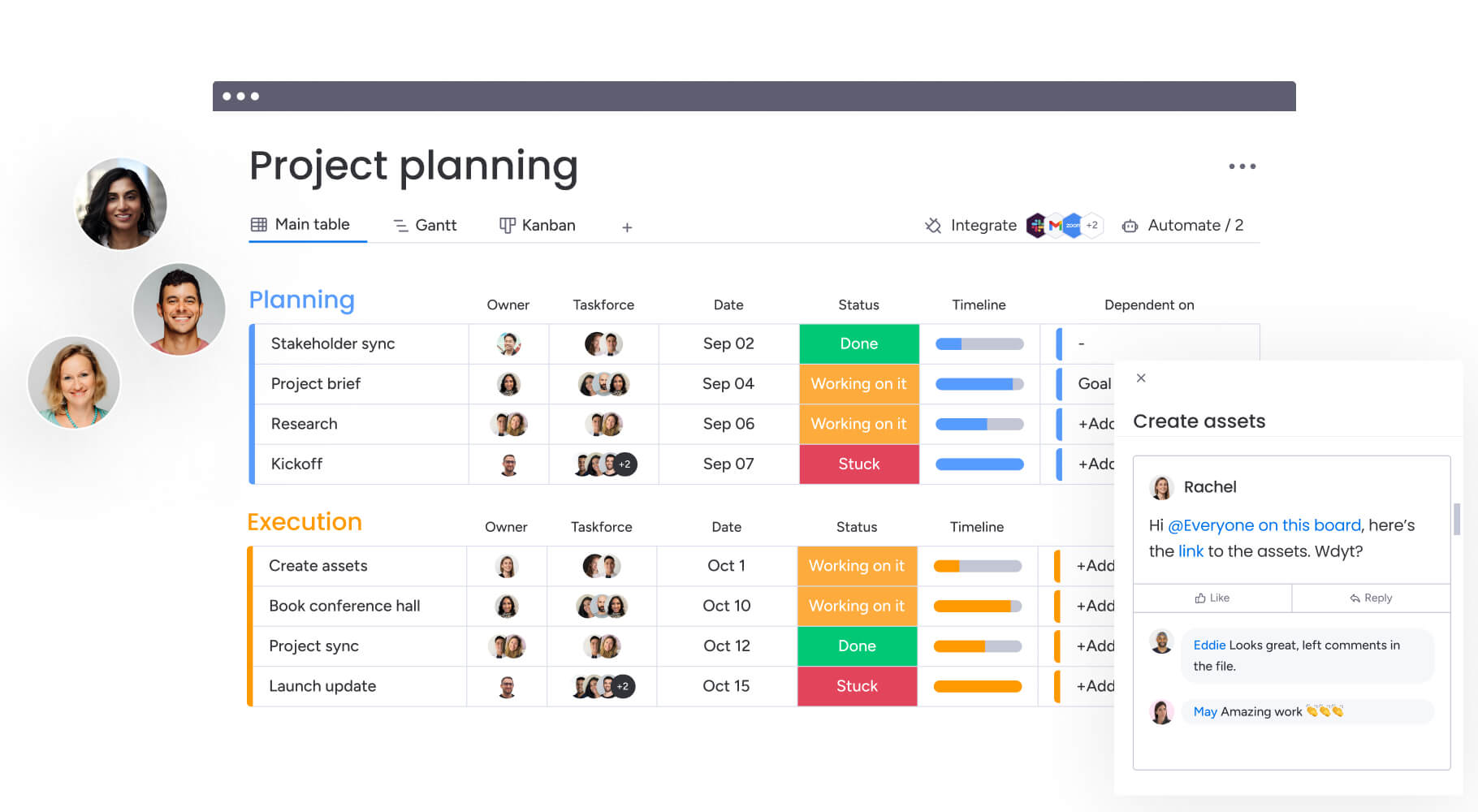
What makes project managers choose monday work management for financial project reporting?

Financial project managers often work across a maze of systems — accounting tools, spreadsheets, project trackers, and communication platforms — each holding pieces of critical information. This fragmentation creates blind spots that make budget control, variance tracking, and timely reporting far more difficult than they should be.
A connected work platform solves these challenges by bringing project tracking, budget management, and financial reporting into one place that everyone trusts. With timelines, budgets, approvals, and compliance documentation unified, project managers gain real-time clarity instead of hunting for answers across multiple systems.
Finance teams rely on this approach because it enables them to:
- See financial and project performance together: timelines, budgets, and resource allocations update in one shared workspace.
- Reduce the back-and-forth between departments: progress and cost updates stay aligned without manual follow-up.
- Strengthen compliance: approvals, changes, and documentation stay traceable and audit-ready.
- Connect day-to-day work to organizational goals: clearer financial reporting ensures decisions are based on accurate, up-to-date information.
- Scale complex initiatives with confidence: the Cartier PMO, for example, achieved twice the speed of digital project delivery using this approach.
monday work management top features for financial project reporting
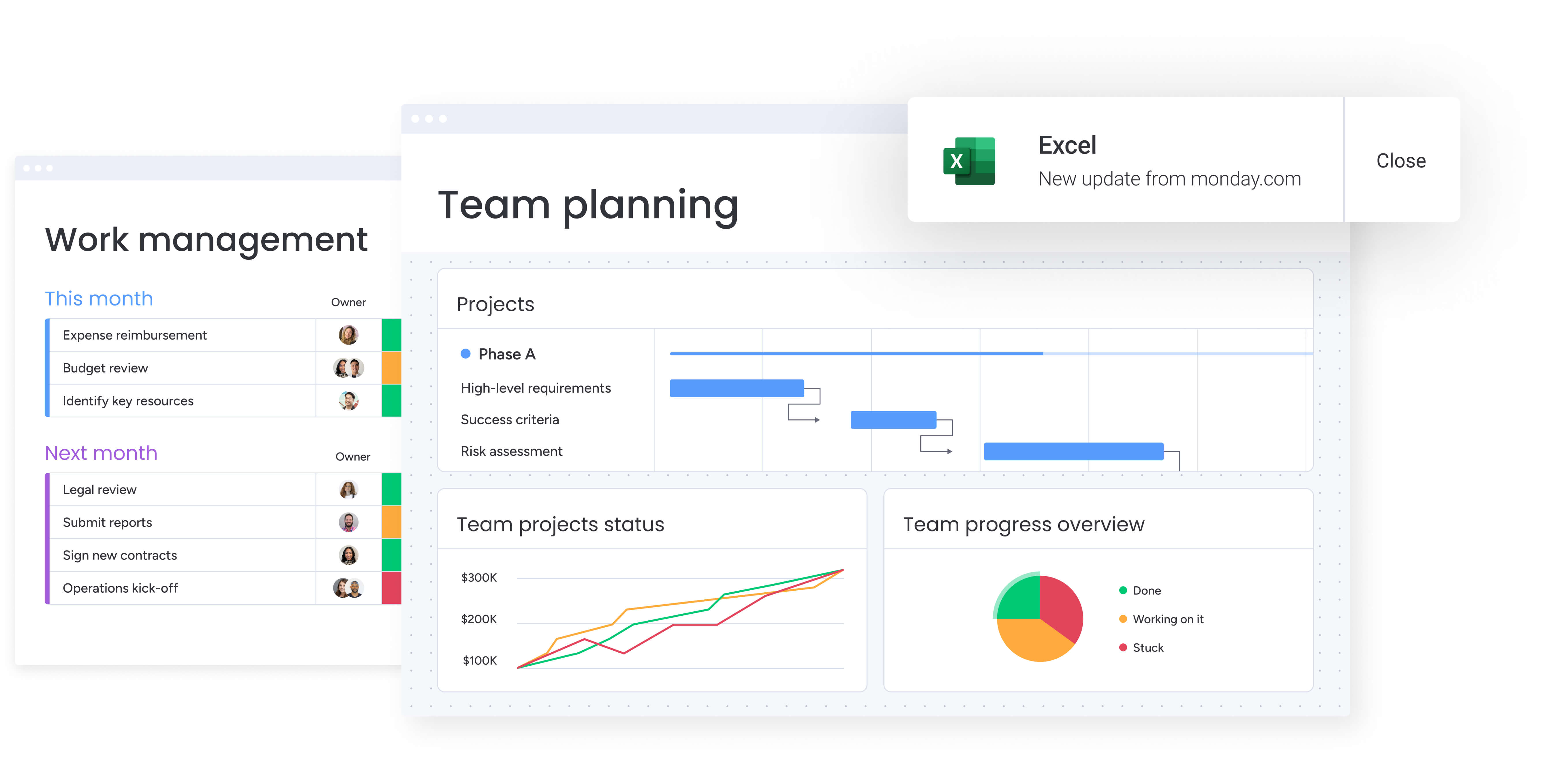
Let’s look at exactly what makes monday work management so effective for financial teams. These five core features provide the foundation for comprehensive financial project management and reporting.
1. Dashboards & reporting
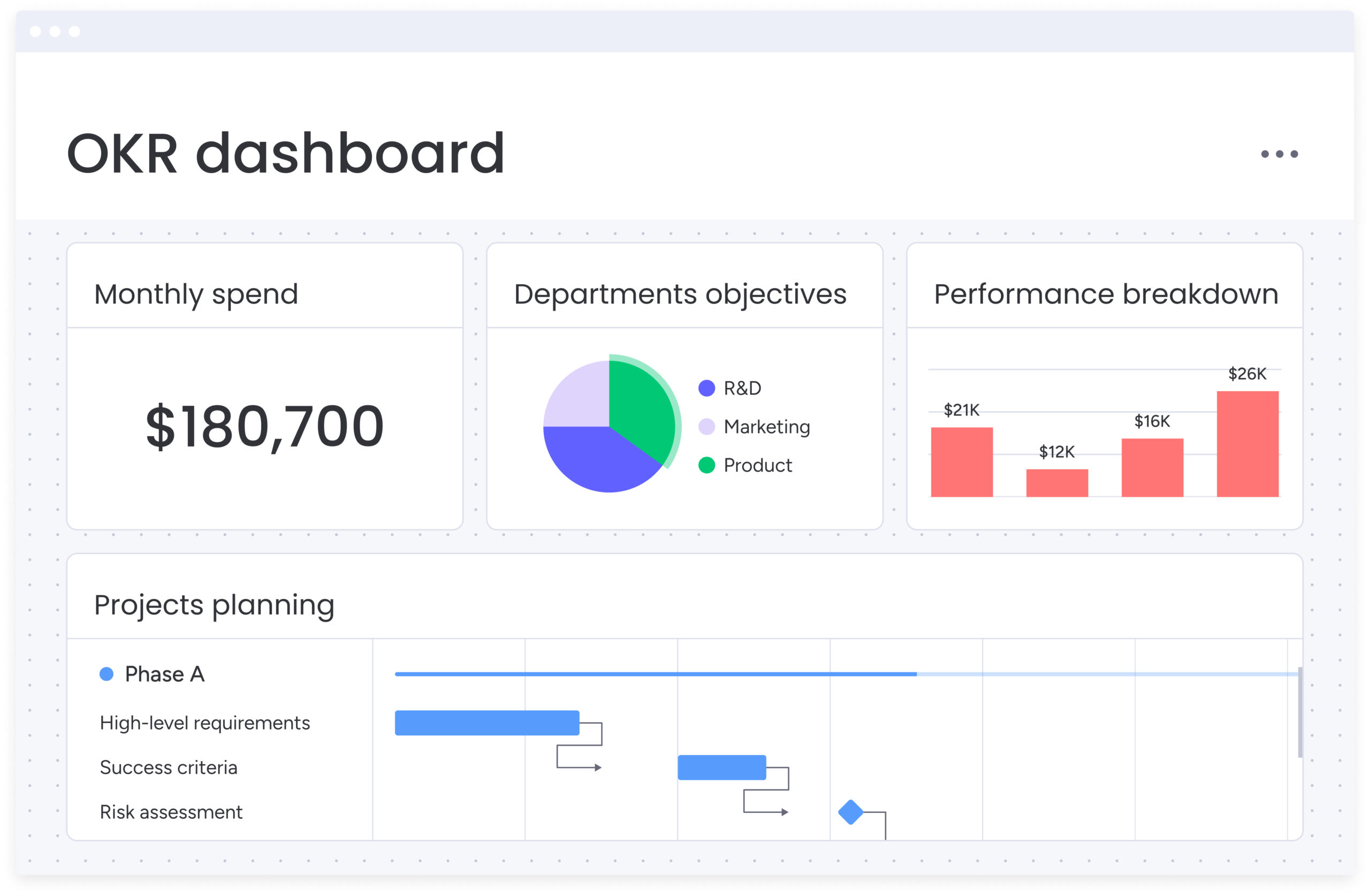
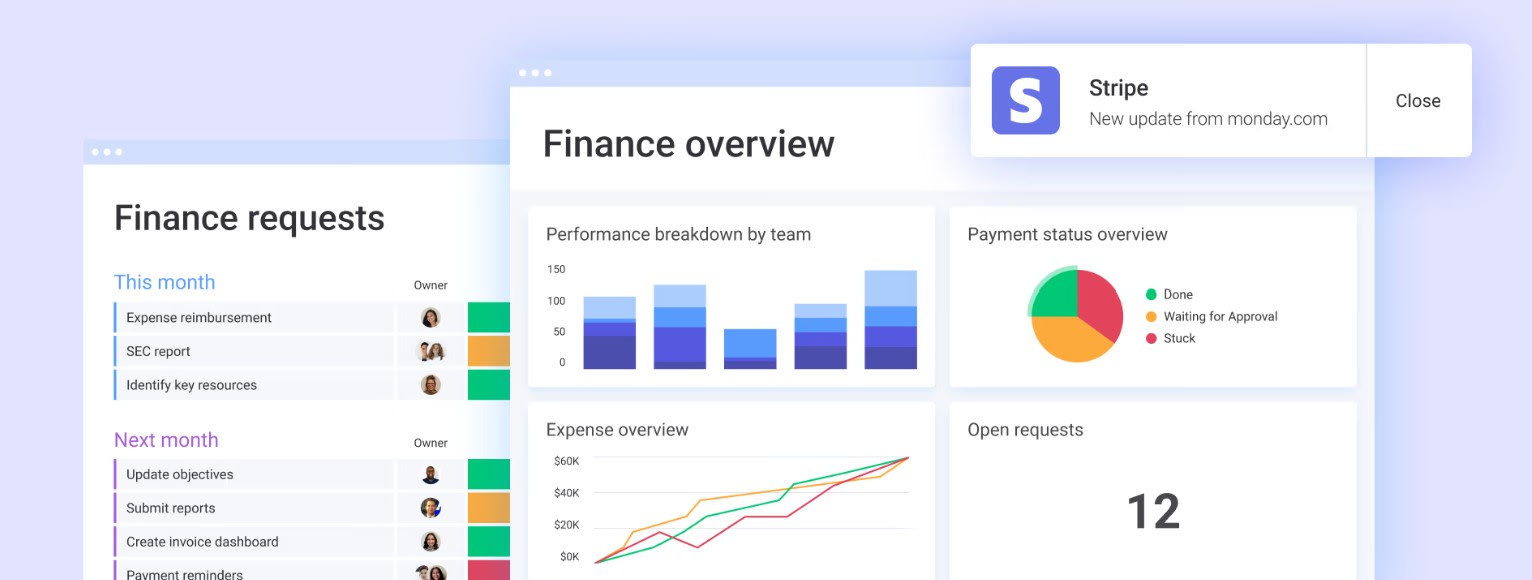
Dashboards within the intelligent platform pull all your financial project data into intuitive visuals that help you spot trends and make decisions. The platform offers pre-built widgets for budget tracking, resource utilization, project timelines, and financial performance metrics, with the ability to create custom views tailored to different stakeholder needs.
For project managers in finance, this feature directly addresses the pain point of inconsistent reporting formats across teams. Instead of spending multiple hours weekly consolidating data from multiple systems into presentation-ready reports, you can configure role-based dashboards that automatically update as project data changes.
Key dashboard capabilities include:
- Executive views: high-level portfolio financial health with summary metrics.
- Project team views: detailed budget variance and resource allocation metrics.
- Live data updates: automatic refresh as project data changes.
- Custom widgets: over 10+ drag and drop widgets for personalized data visualization.
Budget tracking and financial columns
The platform includes dedicated financial columns that track budgeted costs, actual spend, and variance analysis at the project and item level. Formula columns enable automatic calculations for cost projections, burn rates, and profitability metrics. Timeline columns link financial data to project schedules for integrated budget-to-delivery visibility.
This matters because you’ll catch budget issues before they become expensive problems, while keeping a clean audit trail without extra work. By tracking financial data alongside project progress, you can identify cost variances early and adjust resource allocation before issues escalate.
Financial tracking capabilities include:
- Multi-currency support: handle international projects with automatic currency conversion.
- Complex calculations: overhead allocation and resource cost modeling.
- Real-time variance analysis: immediate visibility into budget performance.
- Timeline integration: budget tracking synchronized with project progress.
By using these financial tracking capabilities, Playtech’s PMO department achieved a 26% increase in efficiency.
Automations for financial workflows
monday work management offers 200+ automation recipes that eliminate manual work in financial project management. These automations transform how project managers handle routine financial tasks while maintaining compliance and stakeholder communication.
Essential automation types include:
- Budget threshold alerts: automatically notify stakeholders when spending reaches predetermined limits.
- Approval workflow triggers: route financial approvals to the right decision-makers based on project value.
- Recurring report generation: schedule and distribute weekly financial summaries without manual intervention.
- Status updates: change project status automatically based on budget consumption percentages.
When you’re juggling multiple projects, these automations save you hours of manual compliance checks and status updates, meaning you can also get new projects started faster by automating crucial elements of your work.
Integration with financial systems
The clever platform connects with 200+ applications including SAP, Oracle Financials, QuickBooks, and other financial systems through native integrations and open APIs. Two-way data sync ensures project financial data flows between monday work management and your accounting systems, maintaining consistency across platforms.
These integrations eliminate the Friday afternoon scramble to reconcile project costs with your accounting system — while maintaining the audit trail your compliance team demands. Rather than manually exporting data between systems, integrations enable automatic synchronization of budget data, actual costs, and financial approvals.
Integration benefits include:
- Automatic data synchronization: eliminate manual data entry between systems.
- Audit trail maintenance: complete change history for compliance requirements.
- Error reduction: consistent data across all financial platforms.
- Real-time accuracy: immediate updates across integrated systems.
Using these capabilities, Citizens Bank processed $50 million in PPP loans while saving 28,000 manual actions per month.
Resource management and capacity planning
The platform’s resource management features provide visual workload views, capacity planning tools, and skills-based resource allocation. Project managers can see team availability, track utilization rates, assign resources based on expertise and capacity, and forecast resource needs across project portfolios.
Get resource management wrong, and your projects bleed money and miss deadlines. Get it right, and your margins improve while projects finish on time. The Workload View helps balance team resources and quickly adapt to changing priorities.
Resource management tools include:
- Resource Directory: centralized talent data including department, job roles, and expertise.
- Resource Planner: project-level resource planning and allocation.
- Capacity Manager: live views of resource capacity across portfolios.
- Workload visualization: team capacity and project demands in one view.
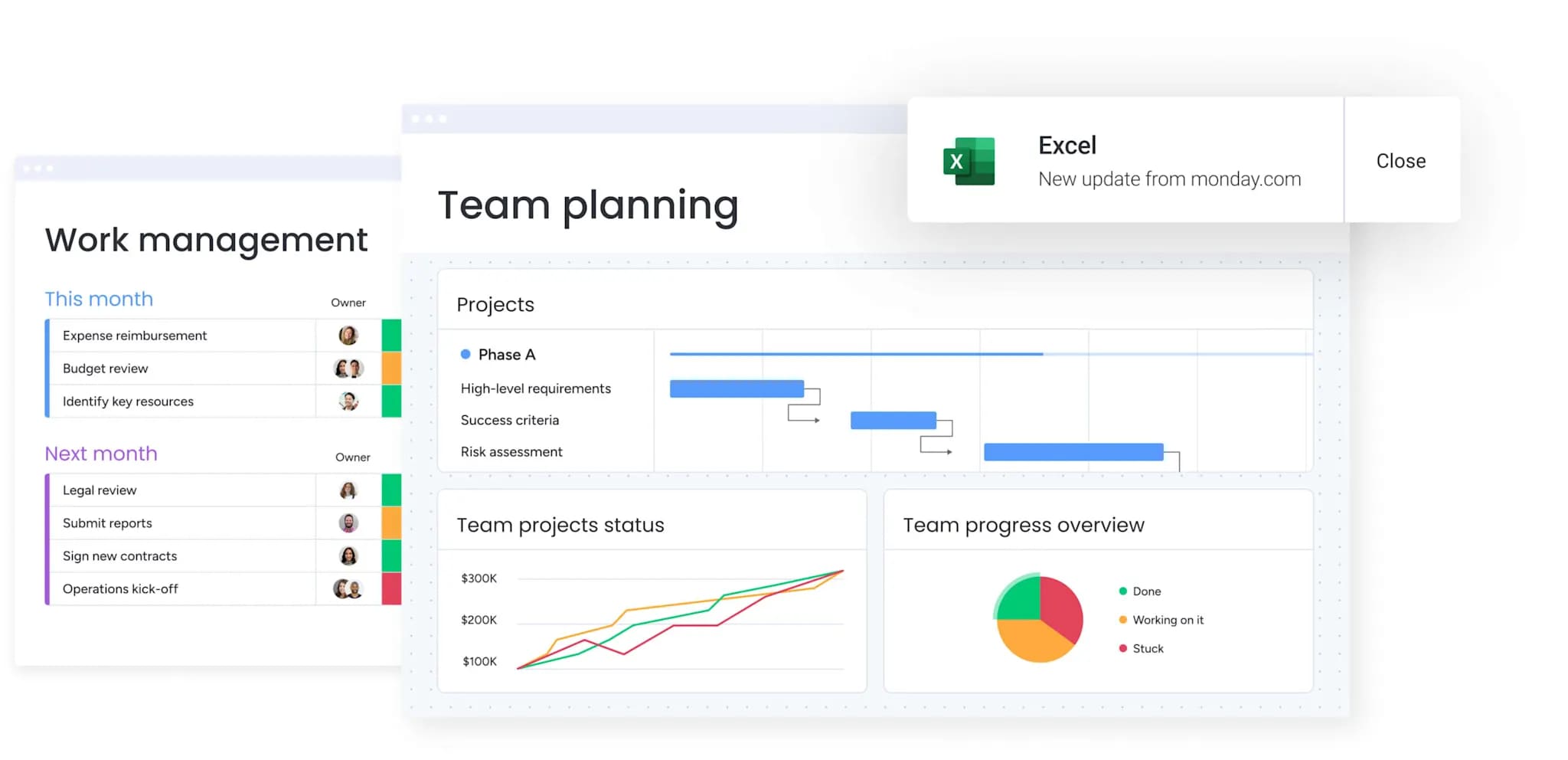
How a project manager in finance benefits from monday work management
Teams using monday see concrete improvements in exactly the areas finance cares about most. These benefits translate directly into time savings, cost efficiency, and improved project outcomes for finance teams.
The platform provides specific advantages in these critical areas:
- Time savings: eliminate over three hours per person (per week) spent on manual report consolidation and data gathering across scattered tools
- Cost efficiency: prevent budget overruns through real-time budget tracking and automated variance alerts.
- Compliance and accuracy: maintain audit-ready documentation with automated approval workflows and complete change history.
- Productivity improvements: centralized workflows eliminate context-switching between tools, reducing cognitive load on project teams.
- Output quality improvements: consistent project templates and standardized financial tracking improve reliability of project deliverables.
- Visibility and tracking improvements: real-time dashboards provide instant visibility into project financial health across entire portfolios.
How to manage financial project reporting with monday work management
Getting financial reporting right takes more than just good software — you need a clear plan for setting it up correctly. These six steps will help you establish a robust financial reporting system that scales with your organization’s needs.
Step 1: set up your financial project workspace
Create a centralized workspace for financial projects using a project portfolio structure. This ensures all financial data flows through one organized system.
Key setup activities include:
- Configure financial columns: budget, actual costs, variance, and forecast to completion.
- Set board permissions: control who can view and edit sensitive financial data.
- Establish compliance standards: align your boards with financial governance requirements.
- Create reusable templates: ensure consistent data structure across initiatives.
Step 2: configure budget tracking and financial formulas
Add formula columns that calculate budget variance, cost performance index, projected final cost, and other essential metrics. These automated calculations reduce errors and provide real-time insights.
Essential configurations include:
- Status automations: flag projects approaching budget thresholds.
- Resource rate card connections: calculate labor costs automatically through time tracking.
- Multi-currency support: manage international projects with accurate conversions.
- Variance thresholds: trigger alerts when spending exceeds predefined limits.
Step 3: build stakeholder-specific dashboards
Create dashboards tailored to each stakeholder group so everyone receives information suited to their needs. Role-based dashboards improve decision speed and clarity.
Dashboard types to create include:
- Executive summaries: portfolio health and high-level financial metrics.
- Finance team dashboards: detailed cost categories and variance tracking.
- Project team views: task progress, resource allocation, and delivery status.
- Client dashboards: transparent progress updates for external stakeholders.
Step 4: integrate with your financial systems
Connect the platform to ERP, accounting, and financial planning systems through native integrations or APIs. This ensures budgets, actuals, and forecasts stay aligned across platforms.
Integration steps include:
- Two-way data sync: ensure budgets and costs remain consistent everywhere.
- Scheduled data refresh: maintain real-time accuracy without manual exports.
- Data mapping: align fields between systems for seamless information flow.
- Integration testing: verify accuracy, timing, and reliability of syncs.
Step 5: establish automated reporting workflows
Automated workflows generate and distribute financial reports on schedule, keeping stakeholders updated without manual effort.
Automation setup includes:
- Conditional notifications: alert project and finance teams when budgets exceed limits.
- Approval workflows: route budget or scope changes to the right decision-makers.
- Recurring reports: send weekly or monthly summaries automatically.
- Escalation procedures: raise critical financial milestones to senior leaders.
Step 6: monitor and optimize financial performance
Use portfolio views to track financial performance across all projects. Continuous monitoring enables proactive management and long-term improvement.
Performance monitoring activities include:
- Analyze variance trends: identify recurring estimation or spending issues.
- Leverage historical data: refine forecasting and resource planning.
- Use AI-powered insights: surface risks with urgency, owners, and mitigation options.
- Review resource patterns: improve utilization and strengthen project profitability.
Comparison table: monday work management vs competing platforms
When evaluating reporting software for financial project management, understanding how platforms compare across critical capabilities helps inform your decision. The following info in the comparison table below examines features that matter most for project managers in finance.
| Feature | monday work management | Microsoft Project | Wrike | Smartsheet |
|---|---|---|---|---|
| Real-time budget tracking | ✓ Built-in financial columns with auto-calculations | ✓ Available with Project for the web | ✓ Budget tracking in Business+ plans | ✓ Via formulas and integrations |
| Customizable financial dashboards | ✓ Unlimited custom dashboards | Limited dashboard customization | ✓ Custom dashboards available | ✓ Dashboard widgets available |
| Financial system integrations | ✓ 200+ integrations including SAP, Oracle, QuickBooks | Limited to Microsoft ecosystem | ✓ QuickBooks, Harvest integrations | ✓ Via third-party connectors |
| Automated financial reporting | ✓ Scheduled reports with 200+ automation recipes | Manual report generation | ✓ Automated reports in higher tiers | ✓ Via premium add-ons |
| Resource cost tracking | ✓ Built-in with rate cards and time tracking | ✓ Resource rates available | ✓ In Business and Enterprise plans | ✓ Via formulas |
| Multi-currency support | ✓ Native multi-currency columns | ✓ Available | ✓ Available | Limited |
| Implementation time | 2 weeks to 1 month typical | 1-3 months typical | 4-6 weeks typical | 2-4 weeks typical |
| Price per user/month | From $10 (billed annually) | From $10 (billed annually) | From $10 (billed annually) | From $9 (billed annually) |
| G2 rating | 4.7/5 (12,000+ reviews) | 4.0/5 | 4.2/5 | 4.4/5 |
How Playtech's PMO transformed their financial project management
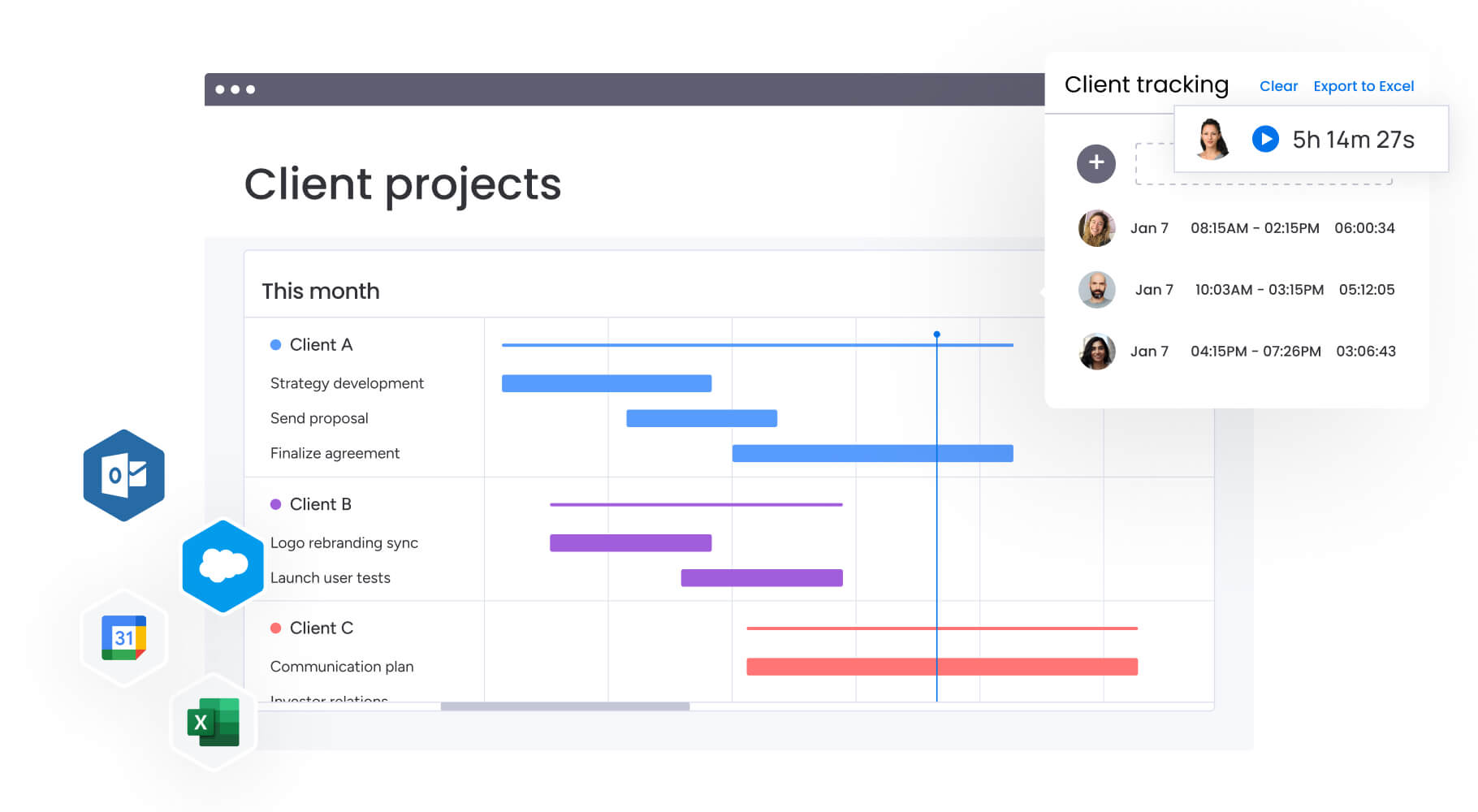
This real-world case study demonstrates how monday work management addresses the specific challenges facing project managers in finance. Playtech’s transformation really demonstrates the measurable impact of centralizing financial project data and automating reporting workflows.
The challenge
When Yossi Shamir joined Playtech as Head of Projects, the PMO department managed countless client projects using spreadsheets, email, and notepads. As the online gaming industry underwent digital transformation, clients demanded more frequent updates and faster results.
The team faced several critical obstacles:
- Limited cost visibility: no understanding of how projects reached their current financial state.
- Fragmented tracking: couldn’t easily track preliminary project discussions.
- Manual reporting: no effective way to present management with week-by-week project cost analysis.
- Missed opportunities: unable to identify cost reduction opportunities due to poor visibility.
This fragmentation resulted in challenging situations with no understanding of how projects reached their current state. Without centralized financial tracking, the PMO couldn’t provide executives with the cost visibility needed for strategic decision-making.
The solution
Playtech implemented monday work management to manage projects from initiation to closure in one centralized platform. The PMO created separate boards for preliminary project discussions and active projects to prevent premature resource booking.
Key implementation elements:
- Management Approval board: integrated with a Project Budgeting board using formula columns for automatic cost calculations.
- Customized templates: quickly duplicated for new projects with external stakeholder collaboration capabilities.
- Jira integration: technical development progress visibility for non-technical team members.
- Custom notifications: alerts for potential bottlenecks affecting project scope, schedule, or cost.
The results
The transformation delivered measurable financial and operational improvements across the entire PMO department. These results demonstrate the tangible value of centralized financial project management.
Quantified improvements:
- 26% increase in efficiency across the department.
- 49% increase in collaboration and transparency with stakeholders.
- 23% improvement in meeting KPIs.
- Three hours per week saved per person on project management activities.
For the first time, the team could present management with effective week-by-week project cost analysis. Automatic notifications for resource release resulted in significant cost savings. The Projects department now uses monday work management to significantly improve communication and coordination with all stakeholders, internally and externally, around projects.
Try monday work managementRevamp financial project reporting with monday work management
Financial reporting becomes far more effective when all your data, processes, and insights live in one place. The challenges most finance teams face — scattered information, manual consolidation, and limited visibility — turn into opportunities for stronger control and faster decision-making once reporting is centralized and automated.
With centralization, automation, and real-time visibility working together, project managers in finance can deliver accurate, timely insights while meeting compliance and governance requirements. Features such as AI-powered risk alerts, portfolio dashboards, managed templates, and cross-project dependencies give leaders the clarity they need while helping teams work with consistency and confidence.
Bringing financial data closer to day-to-day project execution removes the fragmentation that leads to delays, errors, and budget surprises. Instead, teams gain the insight needed to make decisions quickly, improve project outcomes, and shift the role of financial project managers from gathering data to guiding the business with it.
The content in this article is provided for informational purposes only and, to the best of monday.com’s knowledge, the information provided in this article is accurate and up-to-date at the time of publication. That said, monday.com encourages readers to verify all information directly.
Try monday work managementFrequently asked questions
How does monday work management handle multi-currency financial projects?
monday work management includes native multi-currency column types that allow you to track budgets, costs, and financial metrics in different currencies within the same project. The platform automatically displays currency symbols and supports currency conversion for consolidated reporting. You can set default currencies at the board level while allowing individual items to use different currencies as needed.
What is the typical learning curve for finance project teams adopting monday work management?
Most finance teams become comfortable with monday work management within two weeks to one month. The platform's intuitive interface requires minimal training for basic project and budget tracking functionality. For advanced features like custom automations and complex financial formulas, teams typically need four to siz weeks to reach full proficiency.
Can monday work management integrate with SAP financial modules and Oracle Financials?
Yes, monday work management integrates with SAP and Oracle financial systems through native connectors and API-based integrations. These integrations enable two-way data synchronization between project budgets and your ERP financial data, ensuring consistency across systems. You can automatically pull budget allocations from SAP into projects and push actual project costs back to your financial system.
How does monday work management support audit compliance and financial governance?
monday work management maintains complete audit trails with automatic logging of all changes to financial data, including who made changes, when, and what was modified. The platform supports role-based access controls to restrict financial data visibility and editing permissions based on user roles. Approval workflows create documented approval chains for budget changes, scope adjustments, and financial sign-offs.
Can I track project profitability and ROI on monday work management?
Yes, monday work management enables comprehensive project profitability tracking through formula columns that calculate profit margins, ROI percentages, and earned value metrics. You can compare budgeted versus actual costs at the project and portfolio level, track revenue against project expenses for client projects, and analyze profitability by client, project type, or business unit.
What financial reporting templates are available for project managers in finance?
monday work management offers pre-built templates specifically designed for financial project management, including project budget tracking templates, portfolio financial dashboards, resource cost allocation templates, and financial approval workflow templates. These templates include pre-configured financial columns, formulas for common calculations like variance analysis and burn rate, and dashboard widgets for visualizing budget performance.

 Get started