


Tech project managers (PMs) face a reality that spreadsheets and fragmented platforms can’t solve: managing complex portfolios across Jira, Asana, GitHub, and countless other systems while maintaining visibility into what’s actually happening.
When your project data lives in silos, you lose the ability to spot resource conflicts, track dependencies, or make informed decisions about priorities. This leads to delayed projects and budget challenges, preventing teams from focusing on strategic execution.
Effective portfolio management software addresses this challenge by centralizing all project data into a unified view that connects with your existing tech stack. Rather than forcing teams to abandon their preferred development tools, effective platforms integrate seamlessly with GitHub, Azure DevOps, and other technical systems while providing the portfolio-level visibility that project managers need to coordinate complex initiatives.
Let’s dig into what actually works for tech teams when it comes to portfolio management software, see how the top platforms stack up for integration and implementation ease, and look at how Playtech completely transformed their project delivery with a centralized approach.
Key takeaways
- Eliminate portfolio chaos by centralizing all project data: stop losing hours to manual reporting across Jira, Asana, and spreadsheets — unify everything in one view for instant visibility.
- Connect your entire tech stack automatically: monday.com syncs with GitHub, Azure DevOps, and developer tools so teams update once and stakeholders see progress everywhere.
- Spot resource conflicts before they derail projects: visualize team capacity and workload distribution to prevent over-allocation and keep critical initiatives on track.
- Save multiple hours weekly with automated portfolio reporting: generate executive dashboards and stakeholder updates automatically instead of manually pulling data from multiple systems.
- Support mixed methodologies without losing visibility: run Scrum, Kanban, and Waterfall projects simultaneously while maintaining unified portfolio oversight across all teams.
What makes project managers choose monday.com for portfolio management?
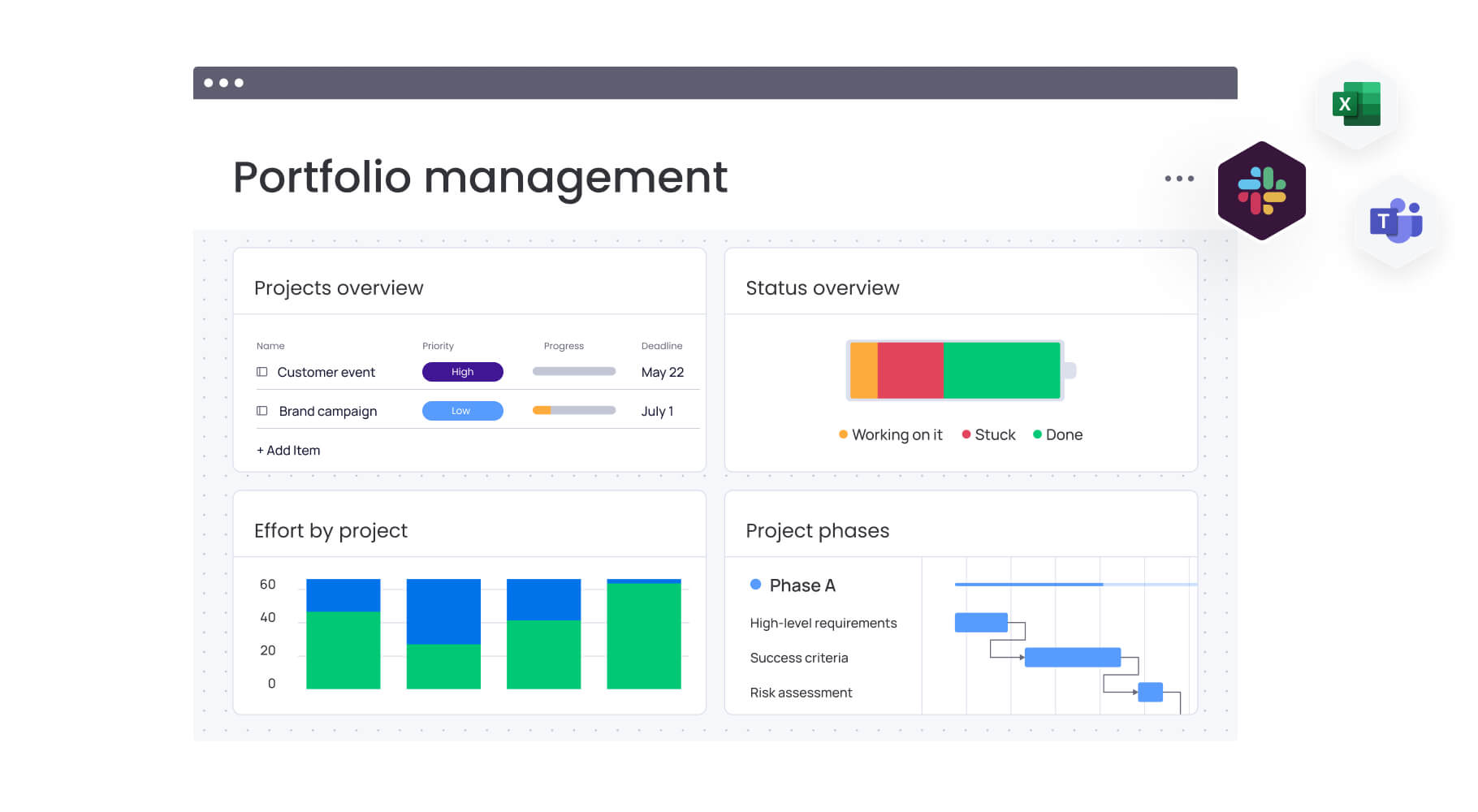
Project managers in tech choose monday.com because it eliminates the chaos of managing portfolios across disconnected tools. When your project data lives in Jira, Asana, Trello, and countless spreadsheets, you lose visibility into what’s actually happening across your portfolio.
The sophisticated platform solves this by creating a single source of truth where all projects, resources, and timelines connect in real-time. For project managers in PMO departments, this centralized approach directly addresses the pain point of work scattered across different systems.
Instead of spending hours each week consolidating status reports, you get automated portfolio dashboards that pull data from every project automatically.
The platform’s value for tech teams extends beyond simple consolidation. With native integrations to GitHub, Slack, Azure DevOps, and other developer tools, monday.com connects your entire tech stack. This gives you unified visibility into both business projects and technical delivery, ensuring nothing falls through the cracks when managing complex, cross-functional portfolios.
monday.com top features for portfolio management

Here’s how monday.com tackles the exact challenges you face when juggling multiple projects, teams, and stakeholders. Each feature has been built with a view to cutting manual work while giving you complete visibility and control over your portfolio.
Portfolio dashboards
Portfolio dashboards give you a comprehensive, real-time view of everything happening—status updates, budget tracking, and resource allocation across all projects. Customize what you see by adding widgets for the metrics you actually care about, and filter by department, client, or business unit when you need to focus.
Key benefits for tech teams:
- Instant visibility: eliminates three to five hours weekly spent pulling reports from multiple tools.
- Real-time updates: dashboards refresh automatically as teams log progress.
- Stakeholder transparency: current data available without constant status meetings.
Resource management
With intelligent resource management tools, you’ll see exactly who’s available and who’s overbooked before it becomes a problem. The Workload View compares each team member’s scheduled hours against their actual capacity, so you can spot conflicts and fix them before they derail your timeline.
Here’s how this helps you achieve proactive conflict resolution:
Proactive conflict resolution:
- Capacity visualization: see when senior developers are booked at 120% capacity across sprints
- Rebalancing tools: adjust workloads before conflicts impact delivery.
- Improved estimates: track planned versus actual hours for better future planning.
Integration with developer tools
The connected platform plugs right into Jira, GitHub, Azure DevOps, GitLab, and your other dev tools with native, two-way syncing. Your developers keep working in their preferred systems while you see code commits, sprint progress, and development updates automatically — no double-entry required.
Seamless tech stack connectivity:
- Two-way syncing: updates flow between development tools and portfolio view.
- Unified visibility: engineering, product, and business stakeholders see consistent data.
- Reduced duplicate work: developers update once, stakeholders see progress everywhere.
Automated reporting
Say goodbye to manual reporting. Set up automated portfolio status reports, budget summaries, and resource utilization breakdowns that generate themselves on your schedule. Customize what data shows up, create different views for different stakeholders, and have everything delivered automatically to email or Slack.
Reporting automation benefits:
- Time savings: eliminates three to five hours weekly on manual report generation.
- Consistent delivery: reports sent automatically to stakeholders on schedule.
- Customized content: different data views for different stakeholder groups.
Agile and hybrid methodology support
Run Scrum, Kanban, Waterfall, or mix-and-match methodologies — monday.com support them all. Your teams keep working the way they want while you maintain complete portfolio visibility, no matter which methods they prefer.
You can set up sprint boards for agile teams, Gantt charts for waterfall projects, and custom workflows for hybrid approaches.
Methodology flexibility:
- Mixed approaches: development teams run Scrum while business projects follow Waterfall.
- Unified visibility: portfolio view works regardless of individual team methodologies.
- Process adaptation: platform adapts to your workflows, not the reverse.
How project managers in tech benefit from monday.com
Tech PMs who bring their portfolios into monday.com see immediate gains that only get better over time. As your teams embrace the platform and data starts flowing smoothly between projects, you’ll build a foundation that transforms how you deliver work.
Time savings and efficiency gains:
- Automated consolidation: save three to five hours per person weekly on manual reporting.
- Strategic focus: reinvest saved time into planning and risk mitigation.
- Streamlined processes: eliminate version control issues from multiple tools.
Financial visibility and control:
- Early budget alerts: flag variance in week three instead of month three.
- Proactive adjustments: time to modify scope or reallocate resources.
- Stakeholder communication: data-driven conversations about budget impacts.
Data accuracy and trust:
- Single source of truth: standardized templates ensure consistent data collection.
- Executive confidence: reliable portfolio data supports strategic decisions.
- Reduced conflicts: eliminate conflicting reports from different systems.
Delivery optimization:
- Dependency visibility: see how delays cascade across your portfolio.
- Informed trade-offs: make strategic decisions about priority initiatives.
- Critical path management: keep essential projects on track.
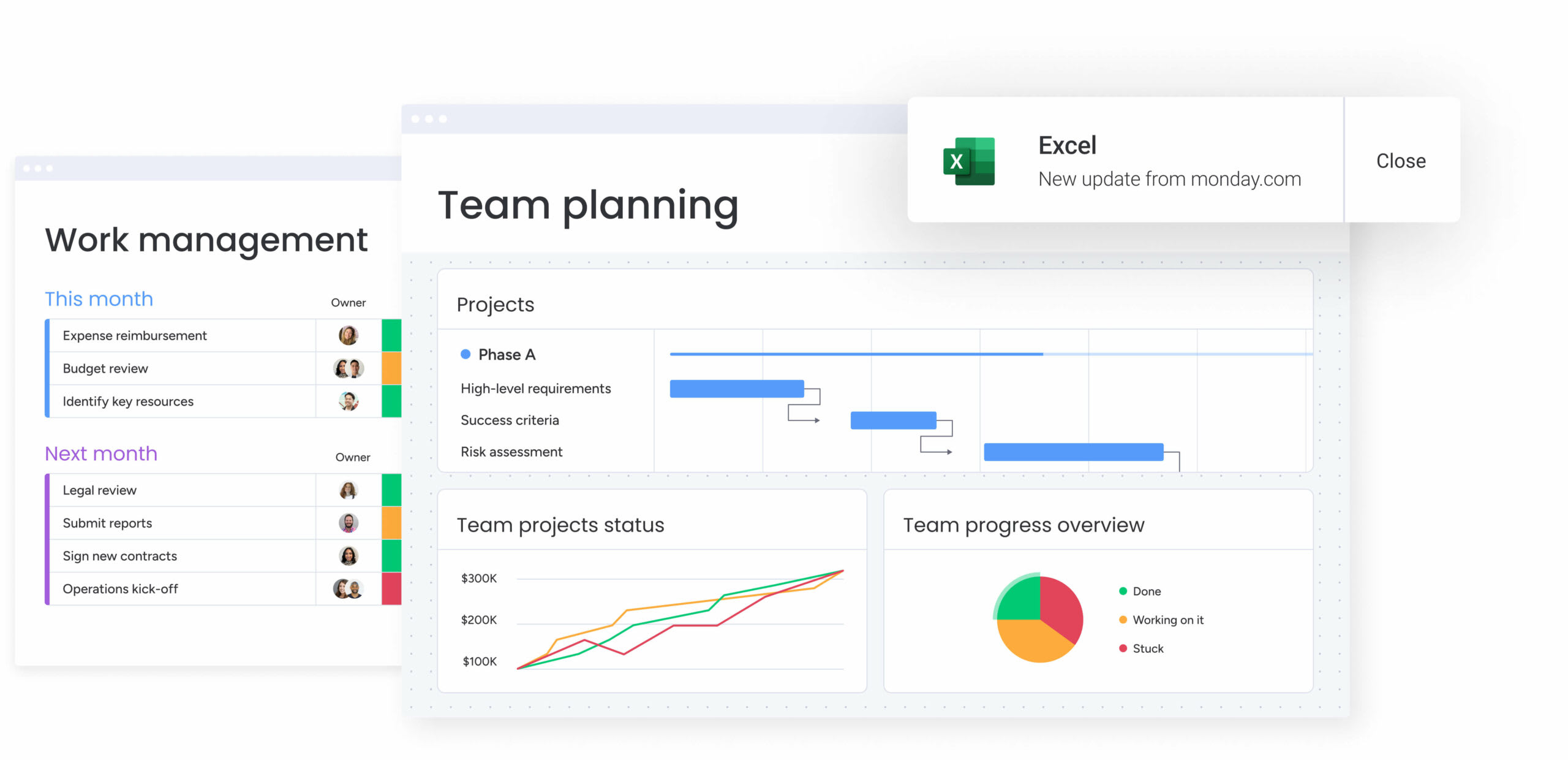
How to manage tech project portfolios with monday.com
Managing tech portfolios requires a systematic approach to portfolio planning, consolidation, integration, and optimization. The following steps guide you through transforming scattered project data into a unified portfolio management system that delivers visibility, control, and measurable results.
Step 1: centralize all project data
Start by consolidating every active and upcoming project into one source of truth. Import work from Jira, Asana, Trello, spreadsheets, or internal tools using native integrations or CSV import. Then create a master portfolio board with standardized fields for status, budget, owner, timeline, and department. This becomes the foundation for accurate reporting and cross-project visibility.
Implementation actions:
- Use native integrations for real-time syncing between systems.
- Standardize field formats across all projects for consistent reporting.
- Create a master portfolio board for leadership and PMO visibility.
- Categorize projects by department, business unit, or strategic initiative.
Step 2: connect your tech stack integrations
Set up two-way syncing with GitHub, Jira, Azure DevOps, Slack, and other developer tools. Configure integration rules to automatically update project status based on code commits, sprint completion, or issue resolution.
Integration configuration:
- Enable automatic status updates from development tools.
- Configure notification rules for stakeholder groups.
- Set up data flow between technical and business systems.
- Test integration accuracy before full deployment.
Step 3: map resources across all projects
Use the resource directory and capacity manager to visualize team capacity and identify over-allocation. Assign team members to projects based on skills and availability, setting planned hours for each assignment.
Resource optimization steps:
- Import team member profiles with skills and capacity.
- Assign people to projects based on availability and expertise.
- Set up capacity alerts for over-allocation scenarios.
- Enable resource conflict notifications for proactive management.
Step 4: set up automated portfolio reporting
Create dashboard widgets showing portfolio health, budget variance, timeline adherence, and resource utilization. Configure automated reports to send weekly portfolio summaries to executives and monthly detailed reports to stakeholders.
Reporting automation setup:
- Design executive dashboard with key portfolio metrics.
- Configure weekly summary reports for leadership.
- Set up detailed monthly reports for project stakeholders.
- Use AI-powered portfolio reports for trend analysis and insights.
Step 5: define dependencies and critical paths
Link related tasks across projects using cross-project dependencies to show connections between teams and initiatives. Enable critical path visualization on Gantt charts to identify which work directly impacts delivery timelines.
Dependency management:
- Map cross-project dependencies between teams.
- Enable critical path visualization for timeline impact.
- Set up dependency alerts for upstream delay notifications.
- Create dependency reports for stakeholder communication.
Step 6: align projects with strategic OKRs
Create company-level objectives and key results in the goals module. Link each project to relevant OKRs to show strategic contribution. Use OKR progress tracking to evaluate which initiatives deliver the most value toward business goals.
Strategic alignment process:
- Define company-level OKRs in the goals module.
- Link individual projects to relevant strategic objectives.
- Track OKR progress through project delivery.
- Use strategic contribution data for future prioritization decisions.
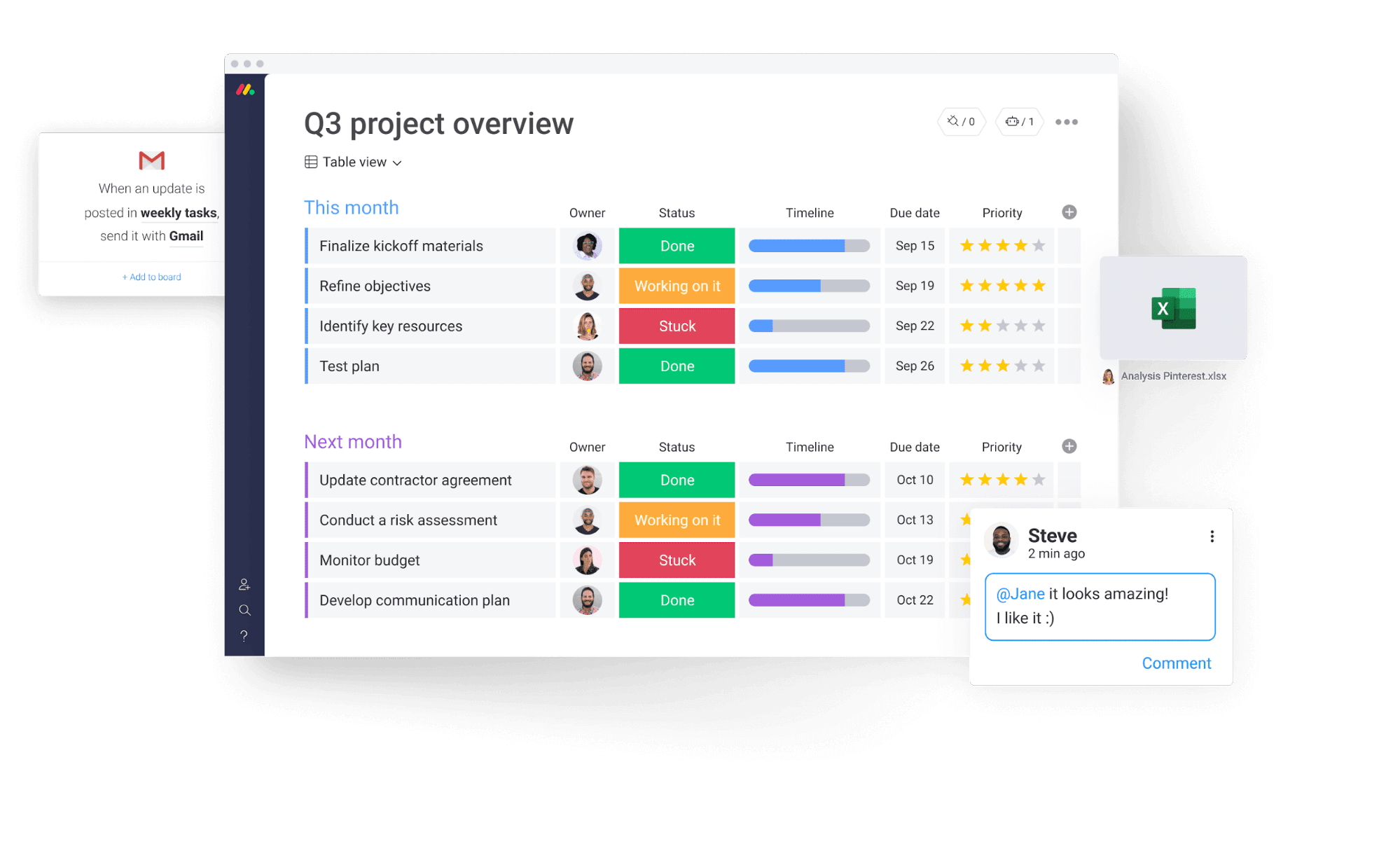
Comparison: monday.com vs competing platforms
Let’s cut through the noise and see how monday.com stacks up against other portfolio solutions. Every platform has its strengths, but there are major differences in features, pricing, and how quickly you can get up and running.
| Feature | monday work management | Jira Align | Smartsheet |
|---|---|---|---|
| Native developer tool integrations | GitHub, Jira, Azure DevOps, GitLab | Jira, GitHub (limited) | Limited technical integrations |
| Resource capacity planning | Built-in Workload View with capacity alerts | Requires additional configuration | Available as paid add-on |
| Automated portfolio reporting | Customizable dashboards with scheduled delivery | Manual report generation | Available with premium plans |
| Agile + Waterfall support | Full support for hybrid methodologies | Primarily Agile-focused | Primarily Waterfall-focused |
| Implementation time | 2 weeks to 1 month | 2-3 months typical | 4-6 weeks typical |
| Price per user/month | From $9/user/month | From $27/user/month | From $9/user/month |
How Playtech's PMO transformed their project delivery
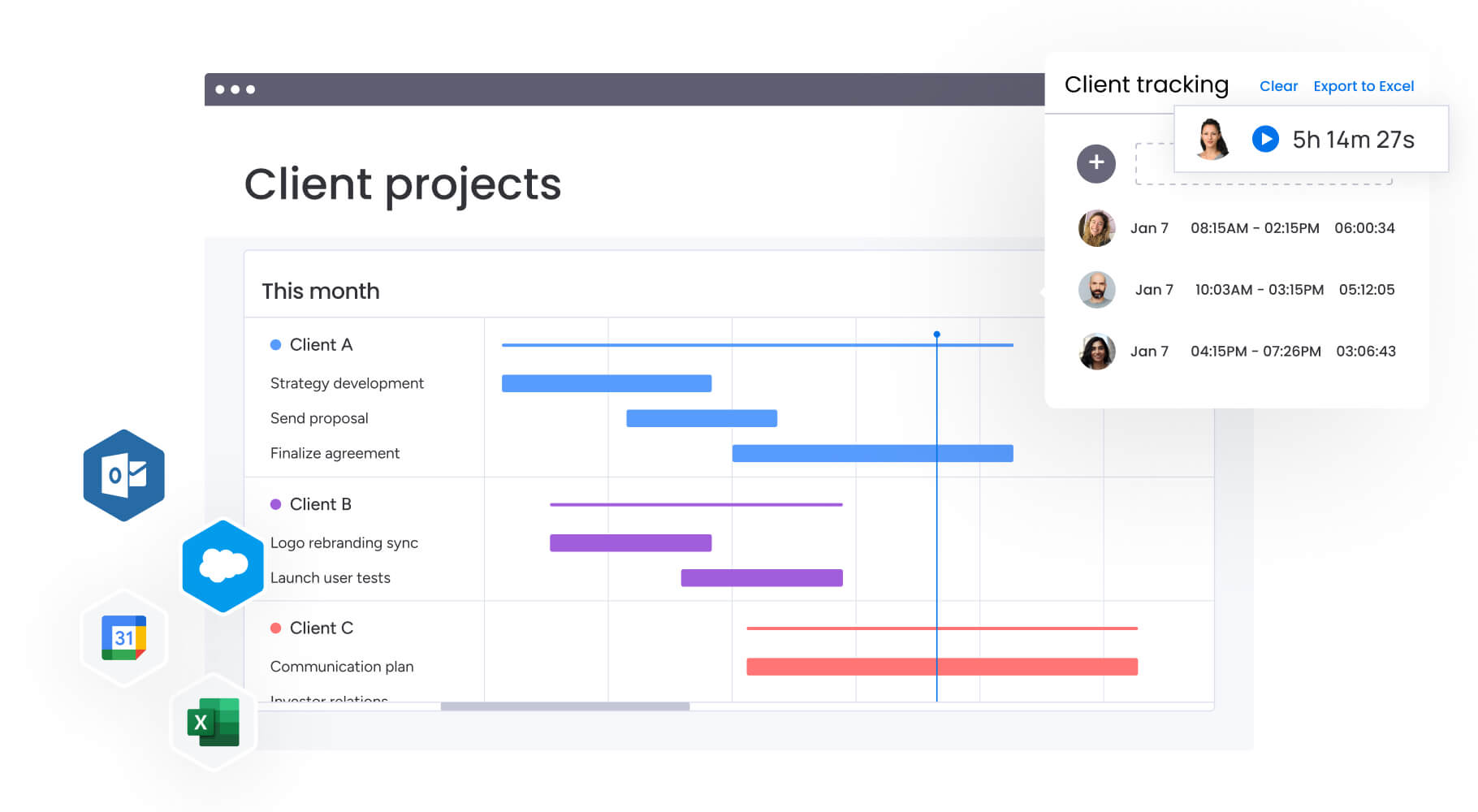
Playtech’s PMO faced the same problem many tech organizations struggle with: scattered project data, inconsistent reporting, and limited visibility across a fast-moving global portfolio. By centralizing their workflows on monday.com, they reshaped how projects were planned, tracked, and delivered.
The challenge
Playtech’s project managers were coordinating work across 60 global licensees using spreadsheets, emails, and handwritten notes. As client expectations accelerated, this fragmented approach created several issues:
- Limited visibility into early project discussions.
- No unified place to track costs, timelines, or resource allocation.
- Slow updates for stakeholders who needed real-time progress insight.
- Manual reporting that consumed hours each week.
The business needed a platform that could align technical and non-technical teams, support fast-moving client work, and create a reliable portfolio-level view.
The solution
monday.com became the foundation for Playtech’s new project delivery process. The PMO:
- Created separate boards for early-stage discussions and active projects.
- Built a Management Approval board to standardize scoping and intake.
- Developed customized templates to streamline setup for each project type.
- Integrated Jira for real-time visibility into development progress.
This centralization gave every stakeholder — from developers to executives — an accurate view of what was happening across the portfolio.
The results
Playtech saw measurable improvements across efficiency, collaboration, and delivery performance:
- 26% increase in efficiency: teams executed work faster with standardized workflows.
- 49% improvement in collaboration: stakeholders gained transparency across departments.
- 23% increase in KPIs met: more projects delivered on time and within expectations.
- 3 hours saved weekly per person: reduced time spent on manual coordination and updates.
Transform your tech portfolio management with unified visibility
Tech project managers who centralize their portfolios on monday.com gain the visibility, control, and efficiency needed to deliver complex projects successfully. The platform eliminates the chaos of fragmented tools while providing AI-powered insights, automated reporting, and seamless integration with your existing tech stack.
Tired of wasting hours on manual reports and jumping between tools? Bring your portfolios into monday.com and get your time back. The platform’s AI spots risks before they become problems, your dashboards update themselves, and your dev tools sync automatically — giving you the control you need to manage complex tech portfolios without the headaches.
The content in this article is provided for informational purposes only and, to the best of monday.com’s knowledge, the information provided in this article is accurate and up-to-date at the time of publication. That said, monday.com encourages readers to verify all information directly.
Try monday.comFrequently asked questions
What is the difference between project management and portfolio management software?
Project management software focuses on planning and executing individual projects with features like task lists, Gantt charts, and team collaboration. Portfolio management software provides a higher-level view across multiple projects simultaneously, enabling resource allocation, strategic alignment, and performance tracking across your entire portfolio, highlighting portfolio vs project management considerations.
How much does portfolio management software typically cost for tech teams?
Portfolio management software pricing varies based on features and team size. monday.com pricing starts at $9 per user per month for the Basic plan, with Professional plans at $12 per user per month and Enterprise plans with custom pricing. Most tech teams with 20-50 users invest between $3,000-$7,500 annually depending on required features.
Can PPM software integrate with developer tools like GitHub and Jira?
Yes, monday.com offers native integrations with GitHub, Jira Cloud, Azure DevOps, GitLab, and other developer tools through two-way syncing. These integrations automatically update project status based on code commits, pull requests, sprint completion, and issue resolution. This eliminates duplicate data entry for technical teams while giving PMs visibility into development progress.
How long does it take to implement portfolio management software?
Implementation timelines for monday.com typically range from two weeks to one month for full organizational adoption. Initial setup and pilot programs can launch within days, with teams becoming comfortable with the platform within two to four weeks. The intuitive interface requires minimal training, though dedicated implementation support is available for enterprise deployments.
What team size benefits most from portfolio management tools?
Portfolio management software delivers value for tech teams managing five or more concurrent projects, regardless of total team size. Small PMOs with 10-20 people benefit from centralized visibility, while enterprise organizations with 100+ team members gain critical resource optimization and strategic alignment capabilities. The platform scales from small business to enterprise effectively.
How do I transition from spreadsheets to portfolio management software?
Start by importing one portfolio or department's projects using CSV import to test the system without disrupting all work. Run monday.com parallel to existing spreadsheets for two to four weeks, allowing teams to adapt while maintaining backup data. Use managed templates for common project types to accelerate setup and ensure standardization across the organization. Most organizations complete full migration within 30-60 days with minimal disruption.

 Get started