


Gantt charts are essential for mapping timelines, but tech project managers (PMs) need more than a visual schedule. Work often lives in Jira, Slack, Excel, and email, which makes even simple updates harder than they should be. When dependencies are scattered across tools and status reports require manual collection, it’s easy to lose hours each week just trying to understand where things stand.
Modern Gantt chart software solves this by connecting your timelines to the systems your teams already use. Instead of stitching updates together from different tools, project managers get real-time visibility into progress, dependencies, and risks, all in one place. This shift creates space for actual project leadership rather than constant administration. It’s the reason teams like Playtech have seen meaningful efficiency gains and several hours saved per person every week after moving to a unified platform.
The following article explore the capabilities that matter most for tech project managers, including interactive timelines, dependency tracking, critical path analysis, and portfolio-level visibility. You’ll also see how connected Gantt charts help teams deliver more predictably while reducing the effort required to keep everyone aligned.
Key takeaways
- Centralized project visibility: replace disconnected timelines and ad-hoc updates with one workspace that shows progress, risks, and dependencies in real time.
- Automation that saves hours: eliminate 3–5 hours of weekly manual reporting through automated status updates and scheduled summaries.
- Interactive Gantt charts: adjust timelines easily, track dependencies, and view critical paths without rebuilding or duplicating work.
- Integrated workflows: sync Jira, GitHub, Slack, and other tools so updates flow directly into your project plan without manual collection.
- monday work management advantage: gain dynamic Gantt charts, portfolio-level oversight, and real-time sync across your tech stack in one unified platform.
What makes project managers choose monday work management for Gantt chart project planning?

Project managers in tech often struggle with the same obstacle: work spread across Jira, Slack, Excel, and email makes it difficult to maintain a clear, up-to-date view of project status. This fragmentation leads to duplicated effort, slow reporting, and limited visibility into dependencies that influence delivery timelines.
monday work management removes these barriers by centralizing all project data into one workspace where Gantt charts, dependencies, and status updates sync automatically. Instead of compiling information from multiple tools, teams work from a shared source of truth that updates in real time.
Key reasons teams gravitate toward the platform include:
- Unified workflows: tasks, timelines, budgets, and communication live in one structured environment, reducing administrative overhead.
- Gantt charts that sync with existing tools: updates made in Jira or other integrated systems flow directly into the project timeline.
- Clear dependency and resource visibility: project managers can see at a glance where risks, bottlenecks, or conflicts might occur.
- Fast team adoption: intuitive views make it easy for technical and non-technical users to track work without long onboarding cycles.
- Proven efficiency gains: organizations report saving several hours each week and improving delivery speed after consolidating into one platform.
monday work management top features for Gantt chart project management
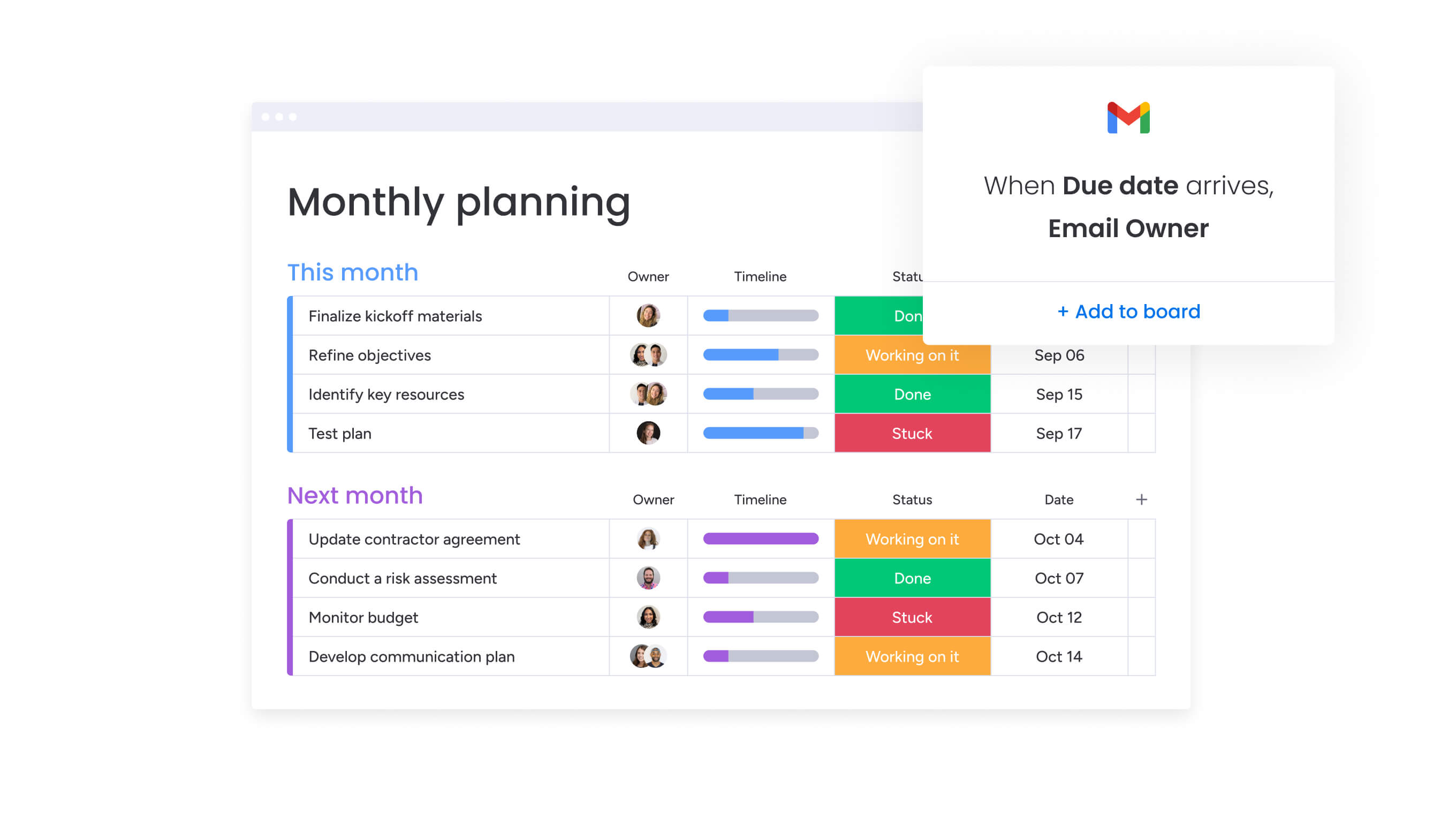
These core capabilities within monday work management address the specific challenges that project managers in tech organizations face when coordinating complex projects across multiple teams and tools.
Each feature below is designed to eliminate manual work while providing the visibility and control needed for successful project delivery.
Interactive Gantt charts with real-time sync
The Gantt chart view within the intuitive platform helps teams visualize project items, milestones, and dependencies within a set timeline, giving you instant understanding of project status and details. What makes these Gantt charts truly powerful is that you can:
- Drag and drop tasks: to adjust timelines instantly.
- See changes reflected immediately: across all connected views and integrations.
- Switch between multiple view types: without duplicating work.
If you’re a PM bouncing between agile sprints and waterfall planning, you’ll find this flexibility isn’t just nice, it’s non-negotiable. You can switch between Gantt, Kanban, Calendar, and Timeline views without duplicating work, creating different perspectives for different stakeholders from the same underlying data.
The Gantt charts also automatically update when work items change on connected platforms like Jira, ensuring your timeline always reflects current reality.
Dependencies and critical path analysis
Identify delays that prevent projects from being completed on time by quickly seeing which tasks are behind schedule. monday work management’s dependency tracking provides comprehensive relationship management:
- Four dependency types: finish-to-start, start-to-start, finish-to-finish, and start-to-finish relationships.
- Visual indicators: when dependencies are broken or at risk.
- Critical path overlay: identifies tasks that must complete on time to meet project deadlines.
The critical path overlay cuts through the noise, showing you exactly which work items will make or break your deadline — no more guessing what deserves your attention first. This is particularly valuable for PMs coordinating cross-functional teams where missed dependencies cause cascading delays.
You can instantly see which tasks have zero slack time and require immediate attention. For a real-life example, Playtech’s PMO department achieved a 26% increase in efficiency by using these features to monitor for risks and issues with ease.
Baseline comparison and progress tracking
Define your baseline to easily compare your planned vs actual project schedules so you can keep to deadlines or adjust as necessary. The platform’s baseline functionality includes:
- Multiple baselines: set throughout the project lifecycle to capture snapshots at key decision points.
- Visual variance tracking: overlay baseline on current Gantt chart to see deviations
- Color-coded indicators: show tasks that are ahead of schedule, on track, or delayed.
For PMs who need to demonstrate progress to executives without time-consuming report creation, baseline comparison provides instant visual proof of variance. You can overlay your baseline on the current Gantt chart to see exactly where the project has deviated from the original plan.
Portfolio management across multiple projects
Gain immediate visibility into where projects stand across the company, and manage the team resources needed for project completion and success. The portfolio management capabilities address critical visibility challenges:
- Consolidated portfolio view: multiple projects in a single Gantt chart
- Cross-project dependencies: see how initiatives connect and impact each other.
- Resource allocation visibility: identify overallocated team members instantly
This addresses the specific challenge of project managers who can’t see project status, dependencies, or resource allocation without multiple check-ins. The portfolio Gantt automatically rolls up data from individual projects, showing you which team members are overallocated, which projects are at risk, and where dependencies exist between different initiatives.
For real-world context, McDonald’s Australia achieved a 25% reduction in project management timelines using this capability.
Automated workflows and status updates
Run projects more efficiently by automating manual aspects of your work; create templated project boards, set approvals and reminders — designed to help PMOs maintain standardized processes. Key automation capabilities include:
- Status updates: automatically update task statuses when dependencies complete.
- Risk notifications: send alerts when milestones are at risk.
- Stakeholder reporting: generate weekly status reports automatically.
- Escalation workflows: route blocked tasks to appropriate team members.
monday work management’s automation eliminates the three to five hours weekly that project managers spend compiling reports from different sources. These no-code automations require no technical expertise to configure and can be customized to match your specific workflow.
By utilizing this automation, companies like Falkbuilt saved 40,000+ human actions each month.
How a project manager in tech benefits from monday work management
The platform delivers measurable improvements across key performance areas that matter most to tech project managers. These benefits translate directly into time savings, cost reductions, and improved project outcomes:
- Time savings: eliminate three to five hours weekly spent compiling status reports from scattered tools.
- Cost efficiency: reduce tool sprawl by consolidating Excel, standalone Gantt tools, and status tracking into one platform.
- Compliance and accuracy: maintain a single source of truth for project data with automatic synchronization across integrated tools.
- Productivity improvements: teams deliver projects 25–50% faster by eliminating context switching and communication delays.
- Output quality improvements: identify and resolve risks earlier through critical path analysis and dependency tracking.
- Visibility and tracking improvements: gain instant visibility into progress and risks across all projects without scheduling status meetings.
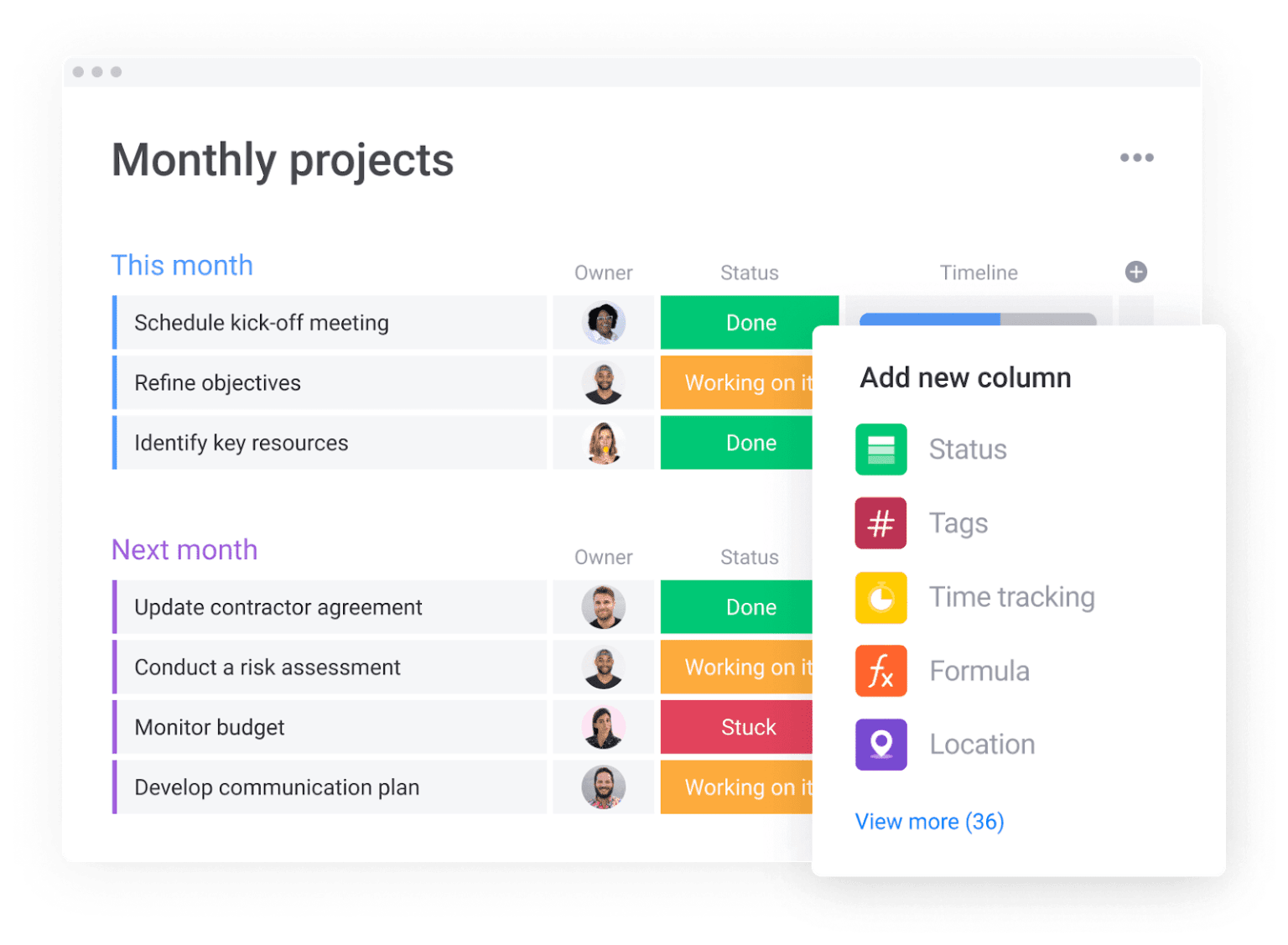
How to manage tech projects with Gantt charts using monday work management
Here’s how to get up and running with Gantt charts that actually talk to your existing tech stack: no more information silos! Each step below builds on the previous one to create a comprehensive project management system that eliminates tool sprawl while providing advanced capabilities.
Step 1: set up your project structure and integrate your tech stack
Create your project workspace on monday work management and connect your existing platforms using two-way integrations. This foundation ensures all project data flows seamlessly between platforms:
- Create your project workspace: using a tech project template.
- Connect Jira, GitHub, and Slack: using native integrations.
- Import existing project data: or start fresh with pre-built task structures.
- Configure automation recipes: for common workflows.
Step 2: build your Gantt timeline with tasks and dependencies
Add your project phases, tasks, and milestones to the Gantt view to create a comprehensive project timeline. The visual interface makes it easy to establish relationships between tasks:
- Add project phases and milestones: structure your timeline effectively.
- Create individual tasks: with durations and assignments.
- Define task dependencies: by dragging connections between related tasks
- Set relationship types: finish-to-start, start-to-start, etc…
Step 3: allocate resources and balance workloads
Assign team members to tasks and switch to Workload view to ensure no one is overallocated. This prevents resource conflicts before they impact project delivery:
- Assign team members: to specific tasks based on skills and availability.
- Switch to Workload view: to visualize capacity across all team members
- Adjust assignments: drag tasks between team members.
- Account for availability: including current commitments across all projects.
Step 4: set your baseline and configure automated reporting
Once your initial plan is complete, save it as a baseline for future comparison. Configure automation to eliminate manual reporting tasks:
- Save your initial plan: a baseline for variance tracking.
- Configure automation recipes: for weekly status updates.
- Set up risk alerts: when tasks or milestones are at risk.
- Create stakeholder notifications: for key project events.
Step 5: monitor progress with critical path and dashboards
Enable critical path view to identify which tasks directly impact your delivery date. Create customized dashboards for different stakeholder groups:
- Enable critical path view: to identify timeline-critical tasks.
- Create executive dashboards: showing portfolio health and budget variance.
- Build team dashboards: focused on milestone progress and resource utilization.
- Set up automated dashboard sharing: for regular stakeholder updates.
Step 6: iterate and optimize based on real-time insights
Use baseline comparison to identify where actual progress deviates from plan. This continuous improvement approach helps you refine your project management process:
- Compare actual vs. planned progress using baseline overlays
- Adjust timelines and resources based on real-time insights
- Update stakeholders using the same platform where work happens
- Save successful configurations as templates for future projects
Comparison table: monday work management vs competing platforms
Let’s cut through the marketing noise and compare what really matters when choosing Gantt software for your tech teams. This comparison highlights the essential features, integration capabilities, and implementation considerations that matter most to project managers in tech organizations.
| Feature | monday work management | Microsoft Project | Smartsheet |
|---|---|---|---|
| Interactive Gantt charts | Yes, with drag-and-drop | Yes, complex interface | Yes, spreadsheet-based |
| Jira integration | Two-way sync | Limited | Add-on (extra cost) |
| GitHub integration | Native | Via Power Automate | Limited |
| Slack integration | Native | Via third-party | Native |
| Auto-scheduling | Yes | Yes | Limited |
| Critical path | Yes | Yes | Yes |
| Baseline tracking | Multiple baselines | Up to 11 baselines | Yes |
| Resource leveling | Yes | Advanced | Basic |
| Portfolio Gantt | Yes | Yes | Limited |
| Hybrid agile-waterfall | Yes | Limited | Yes |
| Learning curve | Low (days) | High (weeks-months) | Medium (weeks) |
| Price per user/month | From $10 | From $30 | From $9 |
| Implementation time | Days to 2 weeks | 4–12 weeks | 2–4 weeks |
| G2 rating | 4.7/5 | 4.0/5 | 4.4/5 |
How Playtech's PMO transformed their project delivery process

This real-world case study demonstrates how monday work management addresses the specific challenges that tech PMOs face when managing multiple client projects. Playtech’s transformation shows the measurable impact of consolidating scattered tools into a unified platform.
The challenge
When Yossi Shamir joined Playtech over a decade ago, project managers used spreadsheets, email, and notepads to manage countless client projects. As the gaming software industry underwent digital transformation, clients’ expectations changed, wanting more frequent updates and faster results.
The team was losing opportunities to reduce costs, save time, and improve efficiency while struggling to keep up with client expectations. The fragmented approach made it impossible to gain visibility across projects or provide stakeholders with real-time updates.
The solution
Playtech implemented monday work management to bring their well-established methodology to life and manage projects from initiation to closure in one place. Their implementation strategy included:
- Project structure: separate boards for opportunities, management approvals, and active projects.
- Automated workflows: connect project stages to ensure smooth handoffs and consistent execution.
- Financial accuracy: formula columns calculate costs using baselines and estimation scenarios.
- Development visibility: Jira integration provides real-time insight into technical team progress.
The Jira integration provided real-time visibility into technical team progress for non-technical stakeholders, solving a critical communication gap between development teams and project managers.
The results
The implementation delivered significant measurable improvements across multiple performance areas:
- Efficiency gains: 26% increase in operational efficiency across the PMO department.
- Stronger collaboration: 49% improvement in transparency and cross-team alignment.
- KPI performance: 23% increase in meeting key performance indicators through enhanced coordination.
- Time savings: three hours saved per person per week on project management activities.
- Financial visibility: first-time ability to present management with accurate week-by-week project costs.
- Cost reduction: automatic notifications for resource release, preventing unnecessary spend.
Transform your tech project management with unified Gantt charts
Tech project managers need more than basic timeline visualization — they need a platform that eliminates tool sprawl while delivering advanced project management capabilities. monday work management provides the centralized workflows, automated reporting, and seamless integrations that Project Managers require to coordinate complex projects across multiple teams.
With proven results like Playtech’s 26% efficiency increase and three hours saved per person weekly, the platform demonstrates measurable ROI for tech organizations. The combination of interactive Gantt charts, critical path analysis, and portfolio management capabilities addresses the core challenges that project managers face when coordinating three to five concurrent projects with teams of 5–20 people.
Stop juggling scattered platforms and start delivering projects with complete visibility and confidence. Join 245,000+ teams who trust monday work management to centralize their workflows, eliminate manual status updates, and achieve significantly faster project delivery.
With a 14-day free trial, you can experience interactive Gantt charts, automated workflows, and seamless tech stack integration with no risk.
The content in this article is provided for informational purposes only and, to the best of monday.com’s knowledge, the information provided in this article is accurate and up-to-date at the time of publication. That said, monday.com encourages readers to verify all information directly.
Try monday work management
Frequently asked questions
What is the learning curve for non-technical stakeholders?
The learning curve for non-technical stakeholders is minimal with monday work management. Most organizations report that stakeholders become comfortable within 2 weeks to 1 month, with some achieving 90%+ adoption rates across departments through simple onboarding.
How do Gantt charts support hybrid agile-waterfall methodologies?
Gantt charts in monday work management accommodate both agile sprints and traditional waterfall planning in the same workspace. You can create sprint-level Kanban boards that feed into long-term Gantt timelines, allowing development teams to work in agile while project managers maintain waterfall visibility for stakeholders.
Can Gantt chart software track technical debt alongside features?
Yes, monday work management allows you to create custom task types for technical debt, features, bugs, and any other work category. These different task types can coexist on the same Gantt chart with distinct color-coding and filtering options.
What happens to our data if we need to migrate away?
Your data remains accessible and portable with monday work management. You can export Gantt charts as PDF or PNG for archival purposes, and the platform's open API allows you to programmatically extract all tasks, dependencies, time tracking, and custom field data.
How much time do project managers save with automated Gantt charts?
Project Managers typically save 3–5 hours weekly on status report compilation and manual updates. Playtech's PMO saves 3 hours per person per week, while organizations report saving 40,000+ manual actions monthly through automation recipes.
Which Gantt chart tools integrate best with developer workflows?
monday work management offers the strongest integration ecosystem for tech teams, with two-way sync for Jira, GitHub, GitLab, Bitbucket, and Azure DevOps. Unlike competitors that require expensive add-ons, monday work management includes these integrations in standard plans.

 Get started