


Finance project managers carry an enormous load. Leadership demands real-time budget visibility, teams rely on fast approvals, and every project decision has financial consequences. Yet many finance departments still lose nearly two workdays each week reconciling spreadsheets, switching between systems, and chasing missing information. It slows progress at the exact moment accuracy and precision matter most.
Automation is reshaping that reality. The right platform replaces manual effort with connected workflows that keep budgets accurate, approvals transparent, and compliance fully documented. The results can be remarkable. Citizens Bank processed fifty million dollars in PPP loans while eliminating 28,000 manual actions each month, all by relying on intelligent automation to handle the heavy lifting.
This article highlights the finance-ready automation tools that consistently deliver these kinds of outcomes. Expect a clear look at the features that matter most to financial workflows, examples of how leading organizations streamline approvals and budget tracking, and a comparison of top platforms built to support regulatory needs and multi-currency operations.
Key takeaways
Before exploring the platforms and features in depth, it helps to anchor the core principles that define effective automation in a financial environment. These takeaways highlight what finance project managers can expect when the right workflows and technology come together.
- Reduce weekly manual work: consolidate financial data, approvals, and project updates to eliminate hours spent switching systems.
- Strengthen budget accuracy: track spending in real time with automated alerts that prevent overruns before they escalate.
- Improve approval reliability: route requests through multi-level paths that maintain full audit trails and eliminate email bottlenecks.
- Connect financial ecosystems: integrate ERP, accounting, and project data to create a single source of truth for decisions.
- Scale confidently with monday work management: use finance-ready templates, AI insights, and automated workflows to support complex financial operations.
Why finance project managers need specialized automation software

Finance project managers face unique challenges that generic automation platforms can’t address, highlighting the nuances of work management vs project management. You’re navigating complex approval hierarchies, regulatory compliance requirements, and multi-currency tracking while maintaining real-time budget visibility.
Standard project management platforms weren’t built for these financial complexities.
When your financial systems don’t talk to your project tools, everything slows to a crawl. Your team spends nearly two full workdays each week manually transferring data, reconciling spreadsheets, and chasing approvals through email chains. This fragmentation doesn’t just waste time — it increases error rates, delays project delivery, and makes it nearly impossible to maintain accurate financial reporting.
What makes this particularly challenging for finance teams? You’re dealing with:
- Compliance requirements: every transaction needs documentation and audit trails.
- Multi-stakeholder approvals: budget changes require multiple sign-offs at different thresholds.
- Real-time accuracy demands: financial data can’t wait for monthly reconciliation cycles.
- Cross-system dependencies: project decisions impact financial systems and vice versa.
Essential features for financial project automation
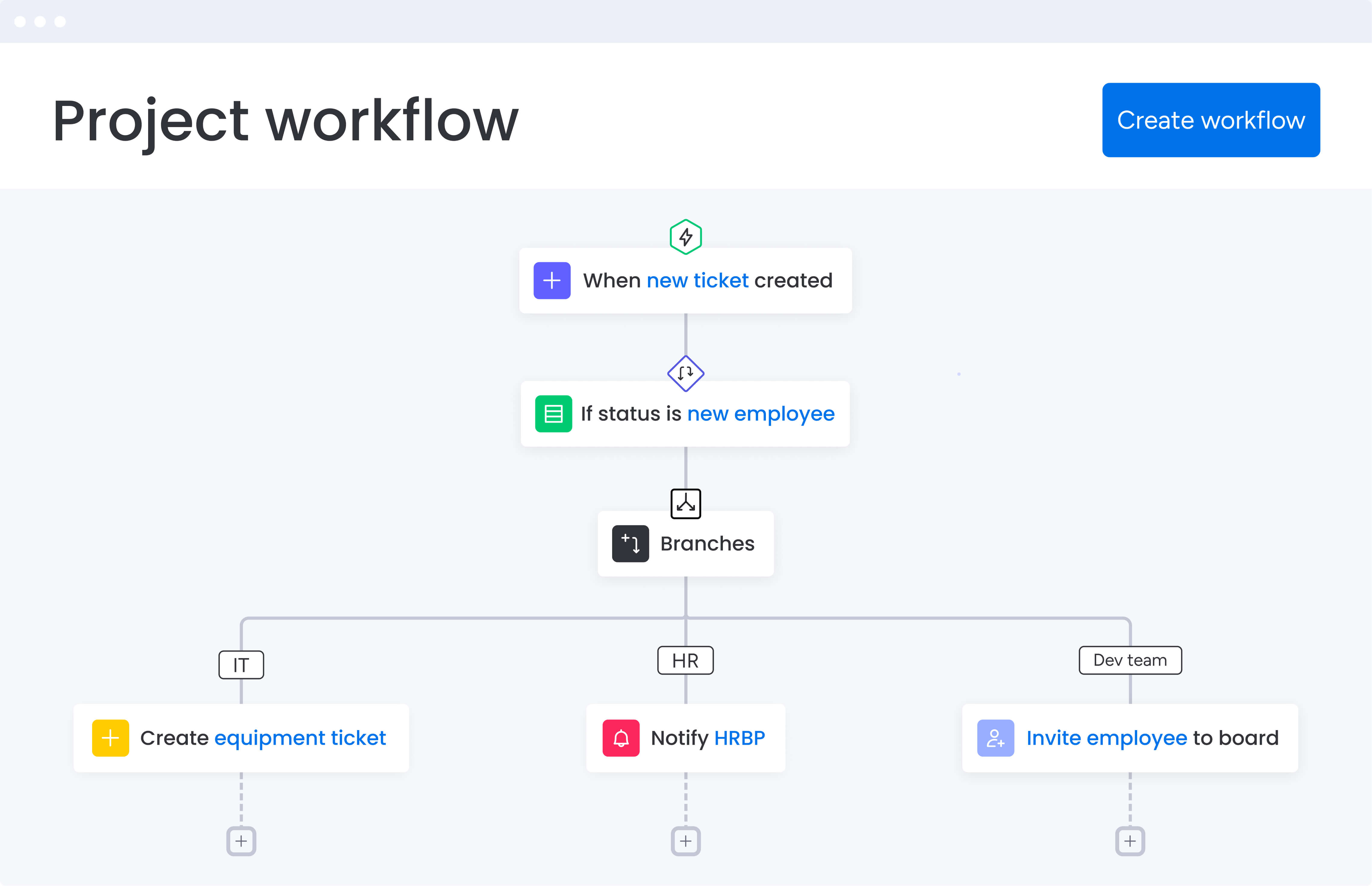
Forget basic task managers — finance teams need platforms that understand both project timelines and financial controls. Let’s explore what actually moves the needle for finance project managers.
Feature 1: unified financial and project workflows
Look for platforms that bring everything together—budget approvals, expense tracking, timelines, and stakeholder updates: all in one place. This means configurable boards that match your organization’s financial workflows — whether you’re managing capital projects, operational initiatives, or compliance programs.
The best platforms provide:
- Financial field automation: automatic calculation of costs, fees, and profitability across tasks.
- Custom workflow templates: pre-built processes for common financial projects.
- Role-based access controls: ensuring sensitive financial data stays secure.
When Playtech implemented this approach with monday work management, they achieved a 26% increase in efficiency and saved three hours per person weekly. Their Head of Projects noted they could finally present management with project costs effectively week-by-week.
Feature 2: real-time financial visibility
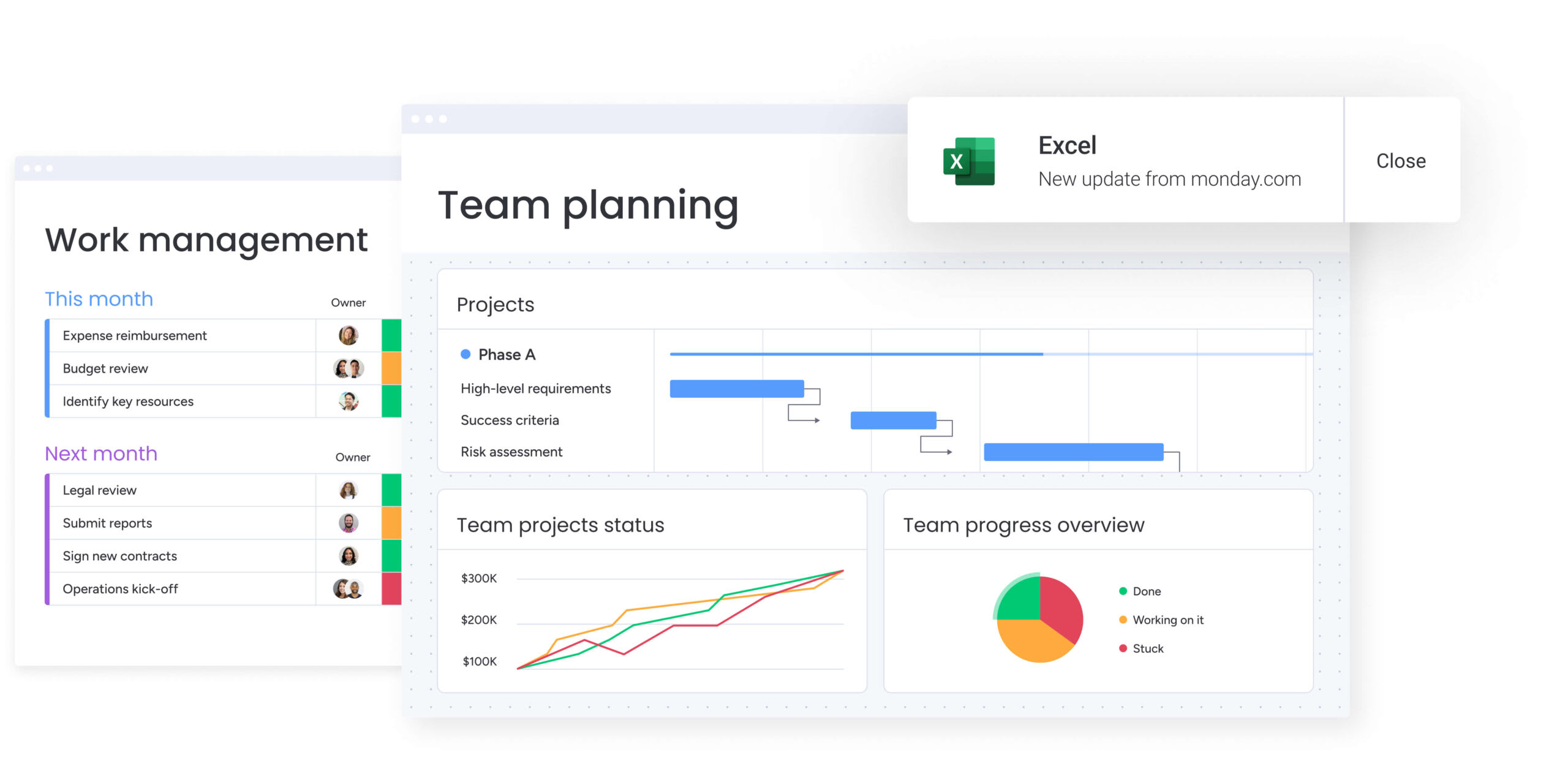
Static monthly reports don’t cut it anymore. You need dashboards that display budget utilization, variance analysis, and cost forecasting as they happen. Effective automation platforms provide:
- Budget threshold alerts: automatic notifications when spending approaches limits.
- Portfolio-level insights: aggregated financial data across multiple projects.
- Visual financial reporting: translating complex data into accessible formats.
As we touched on above, Citizens Bank leveraged these capabilities to process $50M in PPP loans while protecting 8,000+ jobs. They saved 28,000 manual actions per month through automated financial workflows.
Feature 3: intelligent approval automation
Complex approval processes are where finance projects typically stall. The right automation software transforms email-based approvals into transparent, trackable workflows. Here’s what to look for:
- Multi-level approval routing: based on amount thresholds and department rules.
- Automatic notifications: with full context for approvers.
- Complete audit trails: documenting every decision and change.
This automation eliminates the scenario where approvals disappear into email chains without accountability. Playtech uses automated notifications to prevent bottlenecks that could cause projects to stall, contributing to their 23% increase in meeting KPIs.
How automation software transforms finance operations
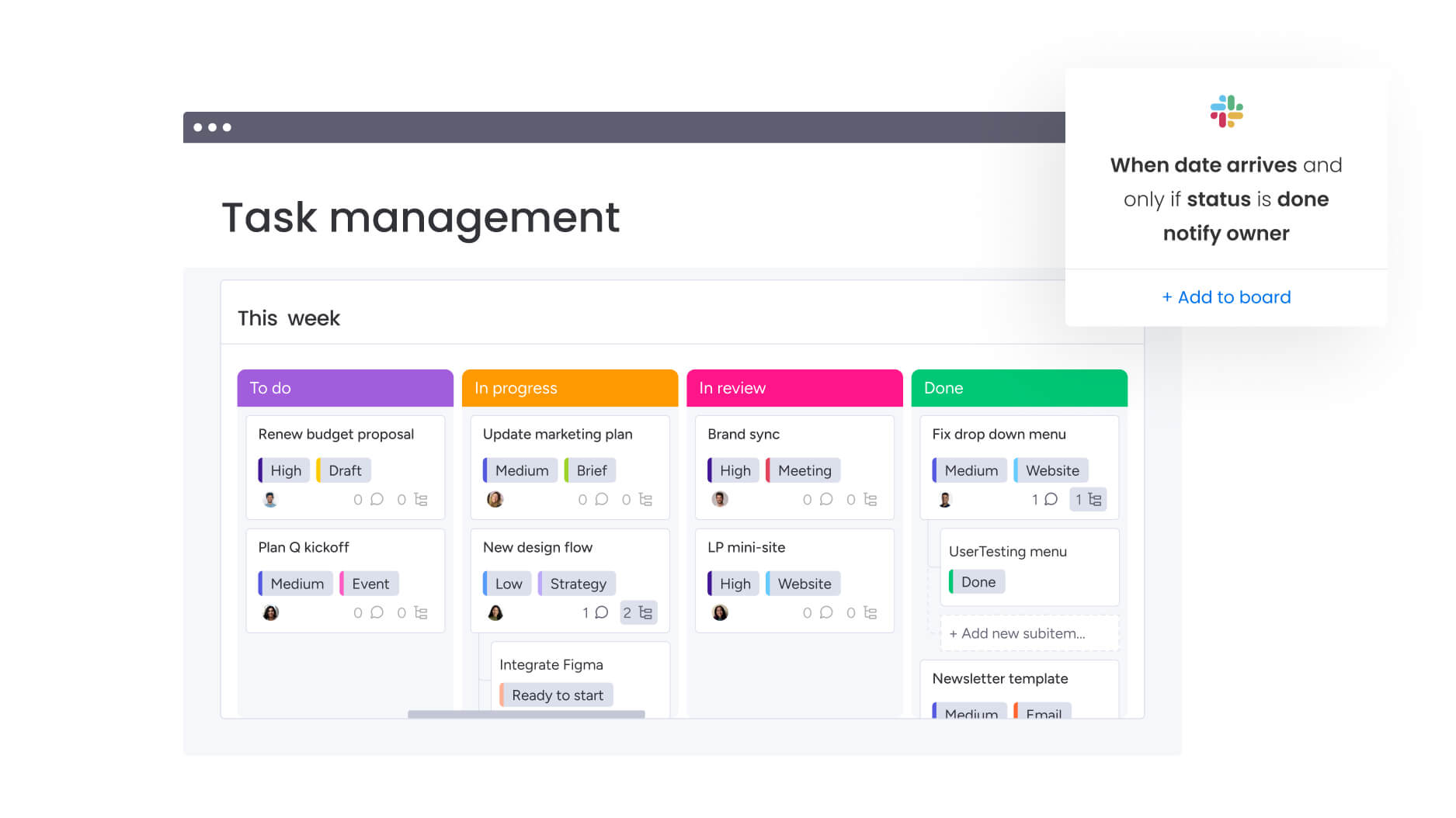
Being aware of the features is an important first step, but let’s examine the transformative benefits that finance teams experience when they implement the right automation platform.
Benefit 1: time and cost savings
Automation directly impacts your bottom line through measurable efficiency gains. Finance project managers typically reclaim 3+ hours weekly from eliminated manual tasks. But the benefits extend beyond time savings:
- Reduced software costs: consolidating multiple platforms into one.
- Decreased project overruns: through improved budget visibility.
- Optimized resource allocation: better utilization of team capacity.
Organizations like Oscar save $50,000 monthly through improved resource management, while Indosuez Wealth Management documents $139,000+ in annual savings.
Benefit 2: enhanced compliance and accuracy
Business process automation creates inherent compliance advantages that manual processes can’t match. Every action generates an audit trail, version control prevents unauthorized changes, and standardized workflows ensure consistent adherence to financial controls.
The automation advantage shows up in:
- Automated documentation: every approval, change, and decision logged automatically.
- Permission-based workflows: controlling data access based on roles.
- Regulatory alignment: built-in compliance with financial regulations.
Benefit 3: improved team productivity
When automation handles repetitive tasks, your team focuses on strategic work. Teams experience 26% efficiency increases through streamlined communication and faster approval cycles. The productivity gains come from:
- Reduced email volume: up to 55% decrease in internal emails.
- Faster decision-making: real-time data eliminates waiting for reports.
- Better resource allocation: clear visibility into team capacity.
Comparing top automation platforms for finance teams
Let’s cut through the marketing and see how these platforms actually handle finance workflows. Each platform brings distinct capabilities (outlined in the table below) to financial project automation, and the right choice depends on your team’s specific requirements and existing technology stack.
| Feature | monday work management | Wrike | Smartsheet |
|---|---|---|---|
| Financial field automation | Built-in with automatic calculations | Custom fields require configuration | Formula-based calculations |
| Budget tracking | Real-time monitoring with alerts | Available in higher tiers | Manual tracking |
| Approval workflows | Multi-level automated approvals | Business tier and above | Limited automation |
| ERP integrations | 200+ including major systems | Strong ecosystem | Good connectors |
| Time tracking | Native with cost allocation | Built-in | Third-party apps |
| Audit trails | Automatic logging of all changes | Enterprise plans | Version history |
| Multi-currency | Tracking and reporting | Higher tiers | Manual management |
| Implementation | Less than 4 months payback | Varies | Moderate timeline |
What stands out across the leading platforms
After comparing the core features side by side, certain strengths become clear. Each platform supports financial work differently, and understanding these distinctions helps teams choose the option that aligns with their goals.
monday work management
A flexible choice for finance teams that need automated calculations, financial fields, and customizable workflows that mirror real approval paths.
Wrike
A solid fit for teams already invested in Wrike who want to layer financial tracking onto existing project processes.
Smartsheet
Ideal for teams comfortable with spreadsheet-style layouts, though its automation for complex approvals and financial controls is more limited.
5 steps to implement financial automation successfully
Want automation that actually works? Follow this five-step roadmap we’ve seen succeed repeatedly with finance teams. Here’s a proven framework that helps finance teams achieve rapid value while building sustainable automation practices.
Step 1: map your current workflows
Document your existing financial project processes before automating them. Identify where manual handoffs occur, which approvals take longest, and where data lives across systems. This baseline helps you prioritize which workflows to automate first.
Step 2: start with high-impact processes
Begin automation with processes that deliver immediate value. Common starting points include:
- Budget approval workflows: eliminating email-based approvals.
- Project intake forms: standardizing how projects enter your pipeline.
- Financial reporting: automating dashboard creation and distribution.
Step 3: connect your financial systems
Integration is where automation multiplies its value. Connect your automation platform to:
- ERP systems: for bidirectional budget data flow.
- Accounting software: to sync project costs with financial records.
- Communication platforms: for automated notifications and updates.
Step 4: build in governance
Establish clear ownership and oversight from day one. Define who can approve budgets at different levels, create templates for common project types, and set up automated compliance checks. This governance framework ensures consistency as you scale.
Step 5: measure and optimize
Track key metrics to prove ROI and identify improvement opportunities. Monitor time saved on manual tasks, reduction in approval cycle times, and accuracy improvements in financial reporting. Use these insights to refine and expand your automation.
Maximizing ROI from your automation investment
Getting the most from your automation software requires ongoing optimization. Finance teams that see the highest returns focus on continuous improvement and adoption. Here’s how to ensure your automation investment delivers maximum value over time.
Strategy 1: building adoption across teams
Your automation is only as good as the people actually using it. To drive engagement:
- Start with willing early adopters: let enthusiasm spread organically.
- Provide role-specific training: show each team member how automation helps them.
- Celebrate quick wins: share time savings and efficiency gains publicly.
- Iterate based on feedback: adjust workflows based on user input.
Strategy 2: scaling automation gradually
Expand automation systematically rather than all at once. After proving value with initial workflows, gradually add:
- Additional project types: from capital expenditures to operational improvements.
- More complex approvals: multi-currency or cross-department workflows.
- Advanced analytics: predictive budgeting and resource forecasting.
- AI-powered insights: risk identification and intelligent task routing.
Strategy 3: measuring success metrics
Track both quantitative and qualitative improvements to demonstrate automation value:
Quantitative metrics:
- Hours saved weekly per team member.
- Reduction in project cycle times.
- Decrease in budget overruns.
- Improvement in on-time delivery rates.
Qualitative benefits:
- Increased stakeholder satisfaction.
- Better cross-team collaboration.
- Reduced stress from manual work.
- Improved data confidence for decisions.
Transform financial project delivery with monday work management
Finance project managers need tools that reduce complexity, improve visibility, and keep every decision grounded in accurate data. A connected platform like monday work management brings these elements together so finance teams can move faster with confidence.
Its enterprise capabilities give finance teams three major advantages:
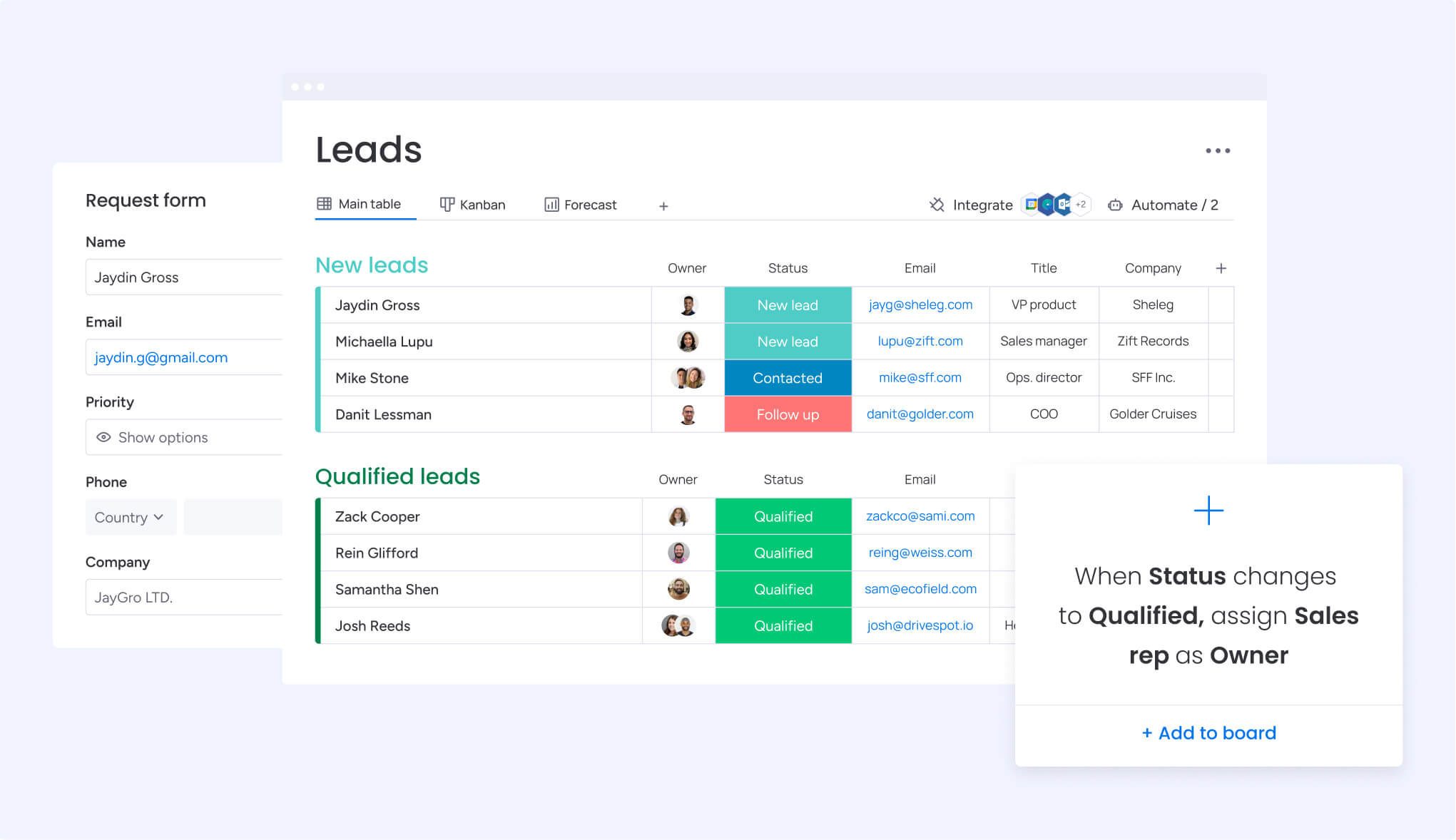
- Leadership visibility: AI-driven portfolio insights and real-time dashboards provide executives with a clear view of project status and financial performance.
- Process consistency: Managed templates and cross-project dependencies help teams standardize financial workflows while keeping room for departmental flexibility.
- Resource clarity: The resource directory and capacity manager simplify staffing decisions by showing who is available and where skills are needed most.
When these capabilities work together, everyday financial operations become smoother and more reliable. AI Blocks can categorize incoming requests, extract data from documents, and summarize complex financial information. Digital Workers monitor project health in the background and flag budget risks early. With more than 200 integrations, financial data stays synchronized across systems without manual effort.
Teams looking to reclaim time, reduce errors, and operate with greater clarity often find that this type of automation marks a meaningful turning point in their workflow.
The content in this article is provided for informational purposes only and, to the best of monday.com’s knowledge, the information provided in this article is accurate and up-to-date at the time of publication. That said, monday.com encourages readers to verify all information directly.
Frequently asked questions
What is the best automation software for finance project managers?
The best automation software for finance project managers is one that combines project management with financial workflow automation. monday work management leads this category by offering built-in financial fields, multi-level approval workflows, real-time budget tracking, and seamless integration with ERP and accounting systems.
How long does it take to implement automation software in finance?
Implementation timelines vary, but most finance teams see initial value within days using templates. The Forrester Total Economic Impact study shows organizations achieve full payback in less than four months with platforms like monday work management.
Can automation software handle complex financial approval hierarchies?
Yes, modern automation platforms support sophisticated multi-level approvals with conditional routing based on amounts, departments, and compliance requirements. These systems maintain complete audit trails and can handle parallel approval paths when needed.
What ROI can finance teams expect from automation software?
Finance teams typically save over three hours per person weekly through automation. Organizations report 26% efficiency increases, 28,000+ manual actions eliminated monthly, and annual savings ranging from $50,000 to $139,000+ depending on team size.
How does automation software ensure financial data security?
Enterprise automation platforms provide SOC 2 Type II certification, ISO 27001 compliance, role-based access controls, and encryption. Features like audit trails, permission management, and IP restrictions ensure financial data remains secure and compliant.
What integrations are essential for financial automation?
Critical integrations include ERP systems (SAP, Oracle NetSuite), accounting software (QuickBooks, Xero), communication platforms (Slack, Teams), and document management systems. Look for platforms offering 200+ native integrations plus API access for custom connections.

 Get started