

Growth rarely feels like a problem until the tools that once felt effortless start slowing everything down. A simple board turns cluttered, updates get buried, and suddenly it takes more time to track work than to actually move it forward. What worked perfectly for a small team begins to crack under the weight of more people, more projects, and higher expectations.
That’s where choosing between Airtable and Trello becomes a real decision, not just a preference. Both promise simplicity and flexibility, but they scale in very different ways. Below, we break down how each platform handles growth, complexity, and everyday collaboration, so it’s easier to understand which one keeps work moving and which one quietly holds it back.
Key takeaways
- Align platform capabilities with growth stage: Trello supports simple workflows, while Airtable fits structured data use cases, but scaling organizations require systems that handle cross-functional complexity.
- Look beyond surface simplicity to long-term scalability: Platforms that feel easy early on can introduce limitations in hierarchy, reporting, and multi-team visibility as operational demands increase.
- Account for total cost of ownership, not just pricing tiers: Integration layers, training requirements, and data migration efforts can significantly increase overall investment as teams expand.
- Prioritize advanced automation and AI capabilities: Intelligent features like predictive insights and workflow automation reduce manual effort and improve decision-making at scale.
- Adopt unified work management for cross-department visibility: Platforms like monday work management enable connected workflows, streamline collaboration, and reduce fragmentation across teams.
Quick comparison for growing teams
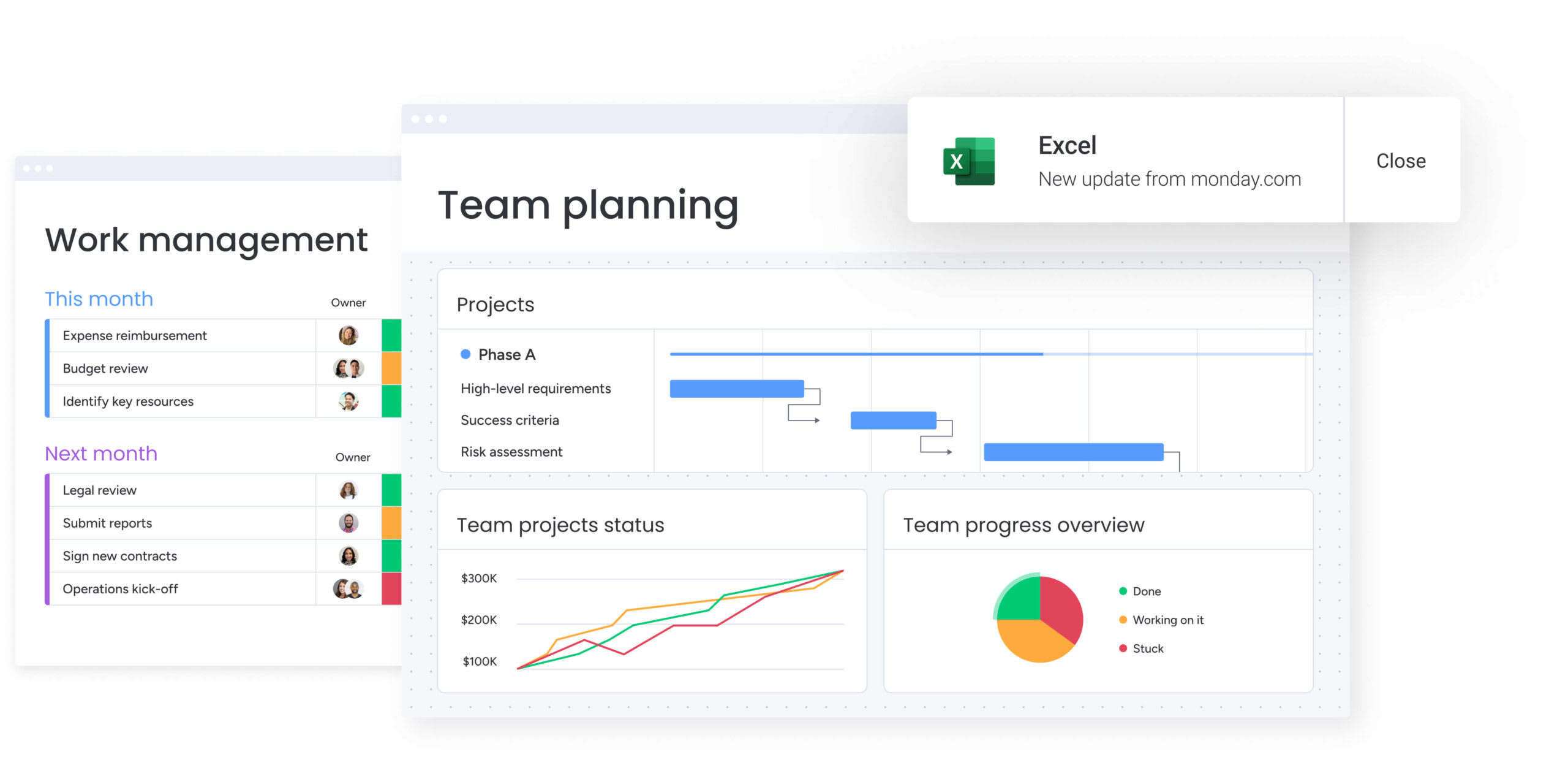
When growth picks up speed, waiting weeks for demos or digging through spreadsheets just isn’t realistic. What actually helps is quickly understanding how each platform is built. That clarity makes it easier to choose something that fits both current needs and what’s coming next.
At the same time, not every platform is designed the same way. Some focus on structured data, others on visual simplicity, while a few aim to connect everything in one place. Because of this, knowing what drives each one helps avoid friction later as work becomes more complex.
The table below gives a clear snapshot of how each platform performs as teams expand:
| Platform | Use case | Scalability strength | Key limitation |
|---|---|---|---|
| Airtable | Database-driven workflows and structured data management | Powerful data relationships and custom interfaces | Becomes complex and costly for non-technical users at scale |
| Trello | Visual project tracking and linear task management | Extreme simplicity and rapid team adoption | Lacks native hierarchy for complex, multi-team portfolios |
| monday work management | Complete Work OS for unifying strategy and execution | Enterprise-grade scalability with cross-departmental visibility | Requires strategic implementation to leverage full platform power |
Airtable works more like a flexible database than a traditional project tracker. It’s especially useful when workflows depend heavily on structured data, such as content calendars or inventory systems. Additionally, linking records across tables adds depth, though it often requires a more technical mindset to manage efficiently.
On the other hand, Trello keeps things simple and visual. Its Kanban-style boards make it incredibly easy to get started, even for non-technical teams. However, as more boards and contributors come into play, it becomes harder to maintain a clear, high-level view across projects.
Meanwhile, monday work management connects everyday assignments to broader business goals in a more unified way. Instead of separating work across multiple spaces, it brings teams into one shared environment. As a result, even as operations grow more complex, visibility stays consistent without constant switching.
Airtable for business growth
Airtable sits somewhere between a spreadsheet and a database, which makes it appealing for teams that rely on structured information. If operations revolve around connected data points, it offers the flexibility to build custom workflows without writing code. However, as complexity increases, that flexibility can become harder to manage.
Core capabilities and strengths
Airtable offers several features that work well for data-focused teams. Below are the capabilities that define how it operates in day-to-day workflows:
- Relational database structure: Records can be linked across tables, so updates in one place automatically reflect across connected workflows.
- Interface designer: Custom dashboards can be created to present only relevant data, making it easier for stakeholders to focus on what matters.
- API and scripting support: Technical teams can extend functionality using APIs or JavaScript-based scripting for more advanced use cases.
- Flexible field types: Fields support attachments, checkboxes, formulas, and more, turning simple rows into interactive data points.
- Multiple views: Data can be visualized through grid, calendar, gallery, or Kanban views, depending on what the workflow needs.
Where scalability becomes challenging
As teams grow, Airtable’s database-style setup can start creating friction. These challenges become more noticeable when multiple departments rely on the same workflows.
- Complexity for non-technical users: As bases become more advanced, linked records and dependencies can confuse team members who aren’t familiar with database logic.
- Record limits and pricing jumps: Data caps often force teams to archive records or split workflows, which can break continuity over time.
- Limited project structure: Features like dependencies or resource planning aren’t built-in, so teams rely on workarounds for more structured planning.
- Disconnected data across bases: Linking multiple bases usually requires external integrations, which can lead to fragmented workflows as teams expand.
Airtable offers several features that work well for data-focused teams.
Trello for team collaboration
Trello stands out for its simplicity. Its card-and-column layout mirrors how teams naturally think about assignments, which is why it’s so easy to adopt. That said, simplicity can become a limitation once workflows grow beyond basic tracking.
Core capabilities and strengths
Trello works best when speed and clarity matter. The features below make it effective for straightforward workflows:
- Visual Kanban interface: Boards, lists, and cards make it easy to track progress and spot bottlenecks instantly.
- Built-in automation: Butler allows simple rules and actions to be set up without technical effort.
- Power-Up ecosystem: Additional features like calendars or integrations can be added to extend functionality.
- Mobile-friendly experience: Teams can update tasks, add comments, and track progress from anywhere.
- Visual customization: Covers, labels, and backgrounds help organize work more engagingly.
Where growth challenges emerge
As organizations expand, Trello’s simplicity can start working against it. What feels intuitive early on may not hold up under more complex demands.
- Limited cross-board visibility: There’s no easy way to view multiple boards together, which makes tracking across teams difficult.
- Basic reporting capabilities: Advanced insights like performance metrics or forecasting require additional add-ons.
- No native dependency management: Complex project planning, especially with timelines, becomes harder to manage.
- Performance at scale: Large boards with thousands of cards can become cluttered, making navigation slower and less efficient.
Trello works best when speed and clarity matter.
monday work management for scalable workflows

monday work management positions itself as a flexible solution for managing both daily execution and broader strategy. It allows teams to build workflows without coding, while still supporting more advanced use cases as operations grow. As a result, it adapts alongside the organization instead of needing replacement later.
Core capabilities and AI-powered features
The platform combines work management with higher-level planning. Additionally, built-in AI supports faster decision-making by analyzing ongoing work.
- Cross-functional workflows: Different teams can connect their work in one place, creating better alignment across departments.
- Advanced automation: Multi-step automations handle repetitive updates, notifications, and process flows.
- AI-driven insights: Risk detection and resource allocation help identify issues before they escalate.
- Flexible views: Data can be visualized through timelines, Kanban boards, calendars, or dashboards.
- AI agents: Built-in digital assistants can analyze projects, generate content, and support planning tasks.
- Enterprise security: Compliance standards and permission controls ensure data stays protected at scale.
- Extensive integrations: Connections with other systems allow teams to centralize work without losing flexibility.
Built to scale with your team
The platform is designed to grow alongside the organization. Teams can start with simple workflows and gradually add layers like automations, dashboards, and cross-team coordination.
At the same time, its modular structure allows workflows to be customized without breaking consistency. Additionally, features like multi-level permissions and real-time dashboards help maintain control and visibility as more teams and projects come into the picture.
Feature comparison for scaling organizations
Choosing the right solution becomes clearer when you look at how features perform under real pressure. As your workload grows, small gaps turn into daily friction. So, this comparison focuses on the areas that directly impact long-term efficiency and scalability.
Automation and AI capabilities
Automation empowers your team to accomplish more without risking burnout. While all three platforms offer automation, their logic depth and AI integration vary significantly, which is where the key differences emerge for scaling teams.
Below is how each platform handles automation and intelligence:
| Feature | Airtable | Trello | monday work management |
|---|---|---|---|
| Rule-based automation | Basic logic focused on record updates | Butler automation for simple card movements | Advanced multi-step automations with cross-board dependencies |
| AI-powered insights | Limited to generative text within interfaces | None | Portfolio Risk Insights and predictive resource allocation |
| Workflow intelligence | Scripting required for complex logic | Power-Ups required for advanced logic | Native AI Blocks and Digital Workforce agents |
| Predictive analytics | None | None | Project forecasting, risk detection, and trend analysis |
While Airtable and Trello cover basic automation, their capabilities often stop at simple triggers. In contrast, monday work management goes further by analyzing project data and identifying risks early. As a result, you spend less time reacting and more time staying ahead of issues.
Integration depth and flexibility
As your stack grows, connectivity becomes critical. If your platform cannot sync with other systems smoothly, gaps start forming across teams. That’s why integration depth plays a major role in scalability.
Here’s how integration capabilities compare:
| Feature | Airtable | Trello | monday work management |
|---|---|---|---|
| Native integrations | ~30 native extensions | 200+ Power-Ups (many third-party) | 200+ native apps and integrations |
| API robustness | Strong API, rate-limited on lower tiers | Standard REST API | Enterprise-grade GraphQL API |
| Custom integration | Requires scripting or middleware | Requires custom Power-Up development | Low-code integration builder |
| Enterprise connectivity | Salesforce/Jira via extensions | Limited deep two-way syncs | Deep, two-way syncs with ERP/CRM/dev systems |
Airtable offers flexibility through APIs, but scaling often requires technical effort. Trello relies heavily on third-party add-ons, which can fragment workflows over time. Meanwhile, monday work management connects systems more directly, allowing data to move across departments without constant manual syncing.
Learning curve and user adoption
Even the most powerful platform fails if your team avoids using it. Ease of adoption, therefore, plays a huge role in long-term success.
- Trello: Is the easiest place to start. You can set up a board in minutes, and most users understand it instantly. However, as workflows grow more complex, that simplicity starts to limit how much structure you can add.
- Airtable: Offers more flexibility but comes with a steeper learning curve. Understanding linked records and database logic can slow adoption, especially for non-technical teams. Because of this, many organizations rely on a dedicated admin to manage it.
- monday work management: Strikes a more balanced approach. You can begin with simple workflows and gradually add layers like automations, dashboards, and dependencies. This makes it easier for teams to adopt quickly while still supporting more advanced use cases over time.
Automation empowers your team to accomplish more without risking burnout. While all three platforms offer automation, their logic depth and AI integration vary significantly, which is where the key differences emerge for scaling teams.
How does pricing evolve as you scale?
At first glance, pricing often looks straightforward. However, as your team expands, additional costs start to surface. So, it’s important to look beyond base pricing and consider long-term expenses.
Platform pricing structures
Each platform approaches pricing differently, and that directly impacts how costs grow with your team.
- Airtable: Charges per user, with strict feature limits tied to each tier. As your data grows, record limits often force upgrades, even if your functional needs stay the same. That’s where costs start increasing unexpectedly.
- Trello: Keeps entry costs low with a generous free plan. However, as you add Power-Ups for reporting, tracking, and customization, costs stack up across multiple subscriptions per user.
- monday work management: Takes a broader approach. While pricing is also per seat, the value comes from consolidation. Instead of managing multiple disconnected platforms, you bring workflows into one place, which can reduce overall software spend over time.
Hidden costs that impact growth
Subscription fees are only part of the equation. As your operations expand, indirect costs begin to add up.
Consider these factors as your operations expand:
- Integration overhead: Relying on middleware like Zapier adds recurring costs and requires ongoing maintenance.
- Training and administration: Platforms with higher complexity often need dedicated specialists to manage workflows.
- Data fragmentation: When information is spread across systems, teams lose time reconciling updates and fixing inconsistencies.
- Migration effort: Moving away from rigid setups later can require significant time and technical resources.
AI and automation in real-world use
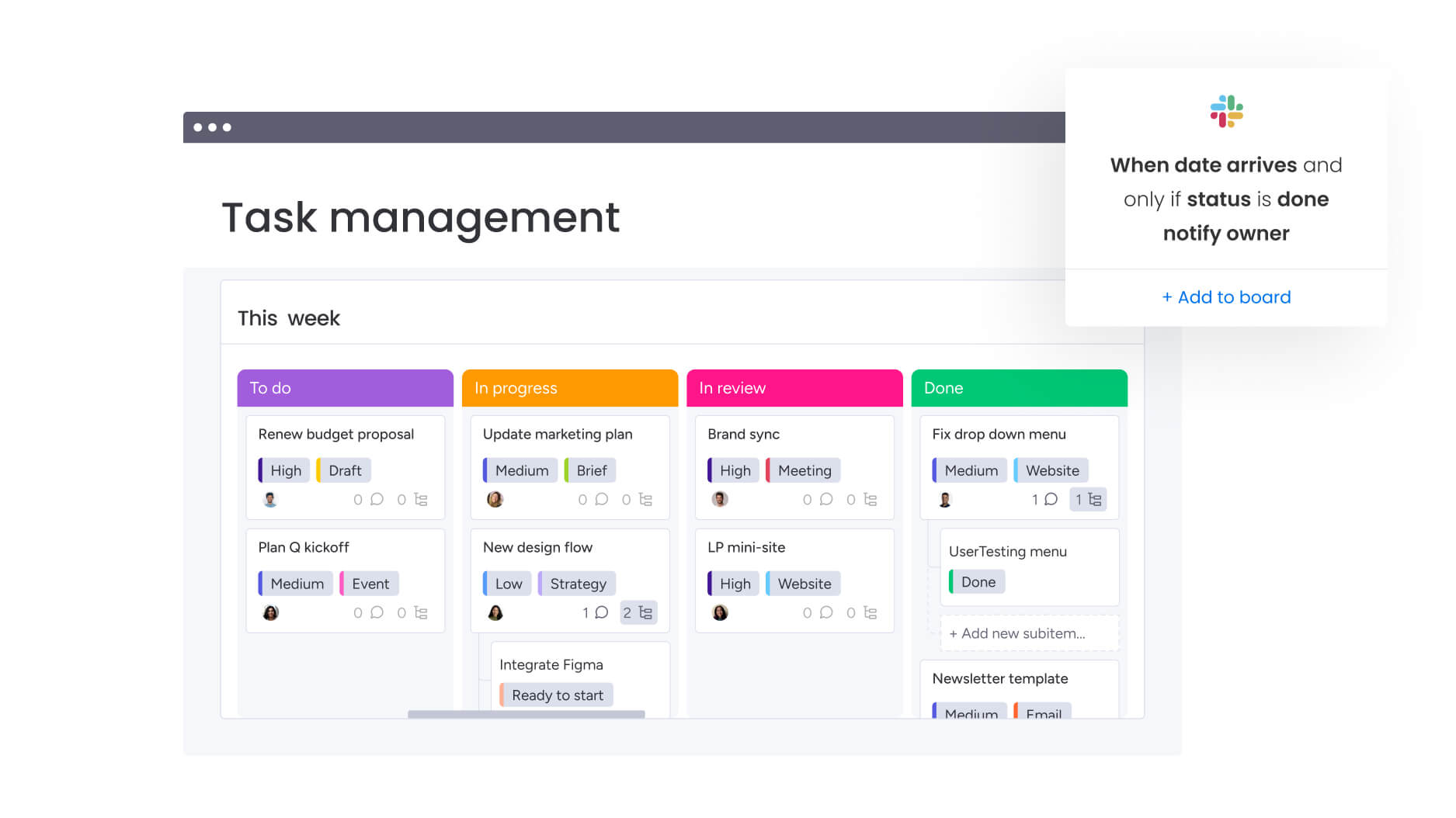
AI is no longer limited to generating text. Instead, it now plays a direct role in managing workflows and reducing manual effort.
Below is how each platform handles AI and automation, and what that means for your growing team.
Rule-based automation basics
Rule-based automation handles “if this, then that” logic. All three platforms support changing a status when a date arrives or notifying a manager when a budget is exceeded. This saves clicks but doesn’t fundamentally change how work is processed.
AI-powered workflow intelligence
More advanced AI works with context, not just rules. For instance, monday work management can analyze updates, categorize feedback, and extract action points from unstructured data. Because of this, your team spends less time organizing information and more time acting on it.
Digital Workforce capabilities
AI agents take this a step further by handling specific responsibilities. For example, one agent can review project timelines and flag risks, while another can assist with campaign planning. Over time, these agents adapt to your workflows, helping you manage increasing workloads without expanding headcount.
Enterprise security and governance
As your team grows, so does the need for tighter control over data. Security, therefore, becomes a core requirement rather than an afterthought.
Compliance standards and certifications
Enterprise organizations require adherence to global standards. monday work management maintains comprehensive compliance, including ISO 27001, ISO 27017, ISO 27018, SOC2 Type II, HIPAA, and GDPR.
While Airtable and Trello offer security features, the depth of compliance documentation and dedicated enterprise support for security audits position monday work management as the preferred choice for regulated industries.
Access control and permissions
Managing who can see and edit data becomes more complex as teams expand.
Trello keeps permissions simple, which works for small teams but lacks depth for larger organizations. Airtable offers more control, though configurations can become difficult to manage at scale.
In contrast, monday work management provides detailed permission layers across workspaces, boards, columns, and individual items. This allows you to manage sensitive and general workflows within the same environment without risking data exposure.
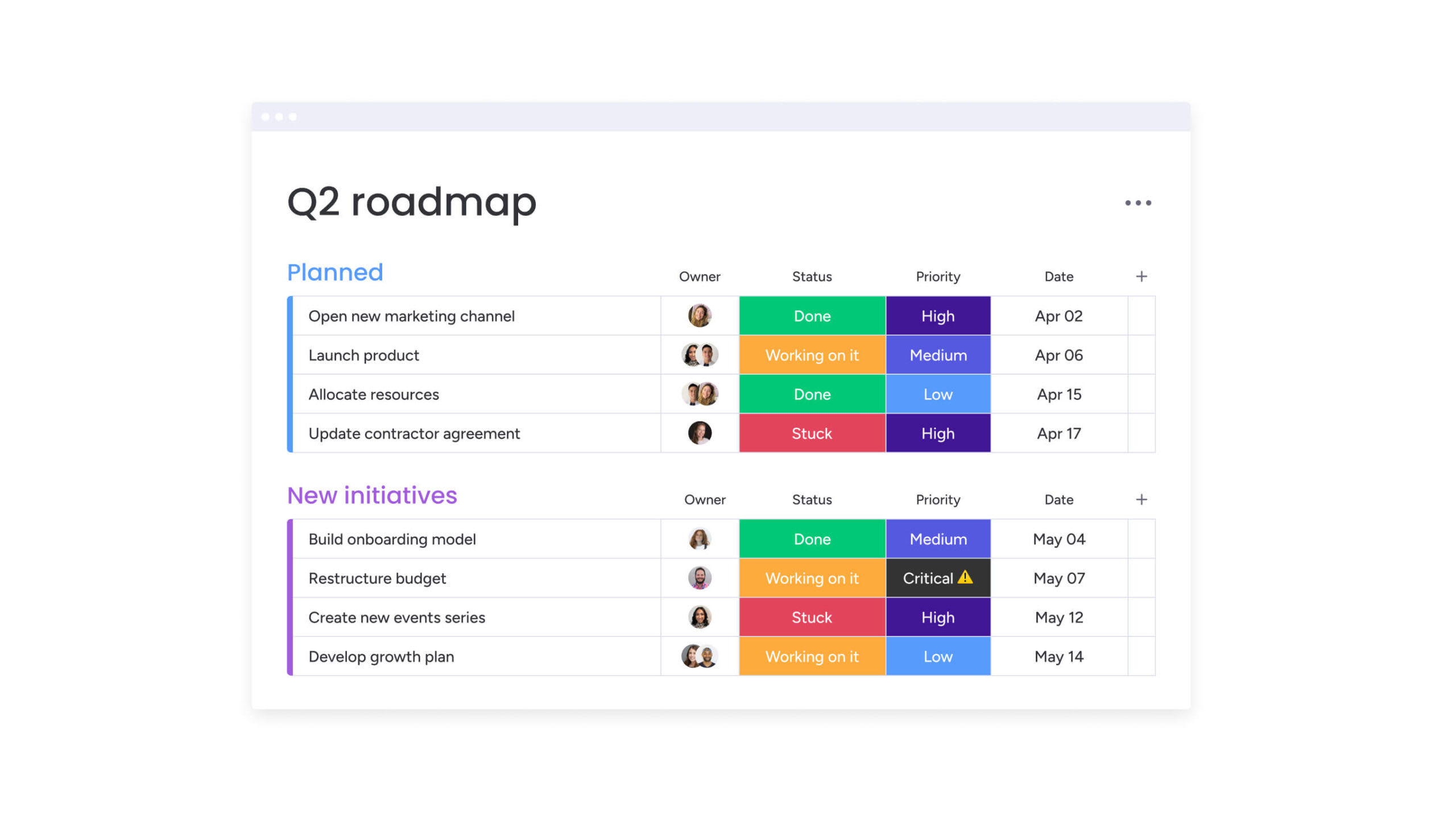
Best platform based on team size
The right choice often depends on where your organization stands today. As your needs evolve, the platform should support that growth without forcing constant changes.
Startups and teams under 10
For very small teams or startups finding their footing, Trello often provides the logical starting point. Its free tier is generous, and the visual nature aligns well with rapid, unstructured brainstorming typical of early-stage companies.
Growing teams of 10-50
As teams expand and departments form, monday work management becomes the strongest contender. This stage requires standardized processes. The platform’s templates and automations help growing teams establish consistent workflows without stifling agility.
Scaling organizations of 50-500
Mid-market organizations require cross-departmental coordination. By connecting marketing, sales, and product teams in one environment, monday work management excels at this stage. The ability to mirror data and automate handoffs eliminates silos that typically form during this growth phase.
Enterprise operations (500+)
Larger organizations need advanced security, governance, and integrations. Built to handle this level of complexity, monday work management supports global teams and large-scale operations without losing visibility.

“monday.com has been a life-changer. It gives us transparency, accountability, and a centralized place to manage projects across the globe".
Kendra Seier | Project Manager
“monday.com is the link that holds our business together — connecting our support office and stores with the visibility to move fast, stay consistent, and understand the impact on revenue.”
Duncan McHugh | Chief Operations OfficerManage growing workloads better with monday work management
Scaling teams face challenges that go beyond simple activity tracking. Disconnected workflows, limited visibility, and manual processes can slow progress and reduce alignment across departments.
Addressing these challenges, monday work management connects daily execution to strategic objectives, providing a single platform where teams can plan, collaborate, and automate effectively.
- Fragmented workflows create inefficiency: Unify assignments, projects, and processes across teams into a single workspace.
- Manual updates and repetitive work waste time: Leverage multi-step automations and AI-driven insights to reduce manual effort.
- Limited cross-team visibility hinders decision-making: Real-time dashboards and cross-functional views keep all stakeholders informed.
- Complexity slows adoption and alignment: Intuitive, no-code interface ensures fast onboarding and high engagement across technical and non-technical users.
- Scaling increases risk and data management challenges: Enterprise-grade security, permissioning, and AI-powered forecasting maintain control as teams grow.
By centralizing work, automating processes, and enabling cross-departmental visibility, monday work management allows teams to operate efficiently while staying aligned with broader business goals. Teams gain measurable productivity, clear accountability, and strategic impact without adding unnecessary complexity.
Frequently asked questions
Is monday work management more powerful than Airtable?
The platform offers broader operational capabilities as a complete Work OS, whereas Airtable focuses specifically on relational database management. While Airtable excels at structured data, monday work management provides superior project management, collaboration, and workflow automation features.
How does monday work management compare to Trello for growing teams?
monday work management scales more effectively than Trello by offering advanced features like cross-board dashboards, robust automation, and multi-departmental permissioning. Trello works well for simple, linear tasks, but becomes cluttered as project complexity increases.
What is the main difference between Trello and Airtable?
The fundamental difference lies in structure. Trello is a visual Kanban board designed for linear process tracking, while Airtable is a relational database designed for organizing and linking structured data.
Can you integrate Trello with Airtable and monday work management?
Yes, all three platforms support integrations. Integrating Trello and Airtable often requires third-party middleware like Zapier, while monday work management offers native integrations, allowing you to import data from both platforms, consolidating them into a single unified system.
Which platform offers the most advanced AI features?
monday work management offers the most comprehensive AI suite, featuring AI blocks for workflow automation, Product Power-ups for content generation, and a Digital Workforce of AI agents. Airtable has introduced generative AI for interfaces, but monday work management integrates AI deeply into risk analysis and resource management.
How quickly can teams migrate from Trello or Airtable?
Teams migrate rapidly using monday work management's native import capabilities, transferring boards and data in just a few clicks. The intuitive interface enables fast user adoption, with many teams fully operational within days of migration.

 Get started