


Endless discussions are common in business. Multiple stakeholders each put forward their viewpoint, but with competing priorities, the result is often chaos and no obvious decision. The solution is to use a pros and cons template that cuts through the noise and gives teams a structured way to evaluate their options.
This guide walks through 5 types of pros and cons templates for different scenarios, shows you how to build weighted frameworks that reflect real priorities, and explores how the right work management platform can turn static documents into workflows that connect decisions to action.
Try monday.comKey takeaways
- Move beyond simple lists to weighted analysis: Assign numerical values to different factors based on their importance to your organization, so critical elements like security or compliance get proper emphasis over minor preferences.
- Connect decisions directly to execution with monday.com: Transform your analysis into active project workflows where decision factors become assigned action items with owners and deadlines, eliminating the gap between choosing and doing.
- Structure stakeholder input for organized collaboration: Use standardized templates to collect feedback from multiple departments simultaneously, avoiding version conflicts and ensuring all perspectives shape the final decision systematically.
- Build reusable decision frameworks that improve over time: Create templates your team can deploy repeatedly for similar choices, refining criteria and scoring based on actual outcomes to make future decisions faster and more accurate.
- Document everything for compliance and learning: Maintain audit trails showing what was decided and why, protecting your organization during reviews while building institutional knowledge that survives employee turnover.
What is a pros and cons template?
A pros and cons template gives you a systematic way to evaluate options and make decisions. That means organizing positives and negatives into categories, weighting what matters, and building a repeatable way to compare choices, whether you’re selecting vendors, allocating resources, or planning strategy.
Traditional templates treat this as a simple two-column exercise. Draw a line down the middle, list advantages on one side, disadvantages on the other. But that approach falls apart when:
- You need input from multiple departments
- You’re balancing security against cost
- Your decisions must connect to real execution
The real value? Turning static lists into workflows that drive action. When you can gather stakeholder input systematically, apply weighted scoring, and automatically trigger next steps, you move from documenting choices to driving action.
Key components of effective templates
Professional templates build in accountability and give you repeatable results. Understanding the following components helps you craft templates that stand up to scrutiny.
- Decision criteria definition: Establishes the specific standards for judging options, so all possibilities face the same evaluation metrics rather than shifting goalposts
- Factor categorization systems: Groups related points (financial, operational, cultural) to prevent one category from overwhelming the analysis through volume alone
- Impact scoring mechanisms: Assigns numerical values to qualitative arguments, allowing you to weigh the severity of a disadvantage against the magnitude of an advantage mathematically
- Stakeholder input fields: Creates structured sections for departmental contributions, preventing blind spots and ensuring all perspectives shape the final decision
Pros and cons template vs. basic lists
Here’s how basic lists and professional templates compare.
| Feature | Basic list | Professional template |
|---|---|---|
| Consistency | Varies by creator; often subjective | Standardized criteria applied uniformly |
| Collaboration | Difficult with multiple inputs; version conflicts | Supports simultaneous input with tracked changes |
| Scoring | Binary (good/bad); lacks nuance | Weighted scoring reflects relative importance |
| Documentation | Often discarded after decision | Creates permanent audit trail for governance |
| Complexity | Limited to simple either/or choices | Handles multi-variable, multi-stakeholder scenarios |
Why teams need structured pros and cons templates
Structured pros and cons templates solve 3 core challenges teams face when making decisions. The right template allows you to:
Accelerate complex business decisions
Decision paralysis is more about missing structure than missing information. Templates give you a ready-made evaluation path, so teams can skip the methodology debates and get straight to the substance.
Standard evaluation criteria cut meeting time and speed up the move from analysis to action. Whether you’re selecting vendors or allocating resources, speed matters; digital templates let stakeholders evaluate options at the same time. This cuts feedback time without sacrificing thoroughness.
Create transparency across departments
When teams work in silos, they don’t trust decisions made by other departments. Transparent templates show everyone why a choice was made, cutting down on politics and second-guessing.
When criteria and scoring are documented, it becomes apparent why a specific option won — even if it wasn’t everyone’s preference, making a decision-making template invaluable for transparency. This creates an audit trail that supports accountability and lets teams review past decisions objectively. You learn from actual outcomes instead of relying on institutional memory, which is often incomplete or biased.
Build compliance-ready documentation
If you’re in a regulated industry or enterprise environment, you need documentation that shows not just what was decided, but why. Structured templates give every critical decision a standard evaluation record that protects you during audits.
Consistent evaluation standards across teams ensure you meet governance requirements systematically. This documentation proves due diligence by showing you assessed risks and considered alternatives before committing resources.
5 types of pros and cons templates that drive results
Different business scenarios need different analytical approaches. Picking the right template matches your analysis to how complex the problem is. Think about which format fits your current decision.
Simple list template for quick decisions
Simple list templates work best for straightforward yes-or-no choices where trade-offs are obvious. This format suits routine operational decisions like selecting meeting times or renewing standard subscriptions where variables are few and risk is low.
The focus is speed: keep factors actionable and concise so you don’t overthink minor issues. List your pros, list your cons, make your choice, and move forward.
Weighted pros and cons template for complex analysis
When some factors matter more than others, you need weighted templates. This format assigns numerical values to different criteria based on organizational priorities. For instance, you might weight security compliance higher than user interface aesthetics in software purchases.
This format works for high-stakes decisions like strategic partnerships or platform migrations, where a simple tally would mislead you. The weighting system ensures critical factors receive appropriate consideration.
Visual pros and cons chart for presentations
Visual templates turn complex analysis into insights executives can digest quickly. Charts, color-coding, and graphs turn dense data into visuals that communicate trade-offs fast.
This format matters most when you’re presenting to secure buy-in, not to analyze. Leadership needs to understand implications fast, without digging through detailed scoring sheets.
Comparison table for multiple options
You need matrix-style comparison tables when you’re evaluating three or more options at once. This format lets you compare multiple vendors or strategies side-by-side using the same criteria.
It works especially well in procurement and strategic planning, where you need to differentiate options based on capabilities, costs, and risks. The structured comparison keeps you from overlooking important factors.
Collaborative decision matrix for teams
Collaborative matrices are engineered for group decision-making, synthesizing input from diverse stakeholders. These templates collect and combine individual scores, showing where people agree and where they don’t.
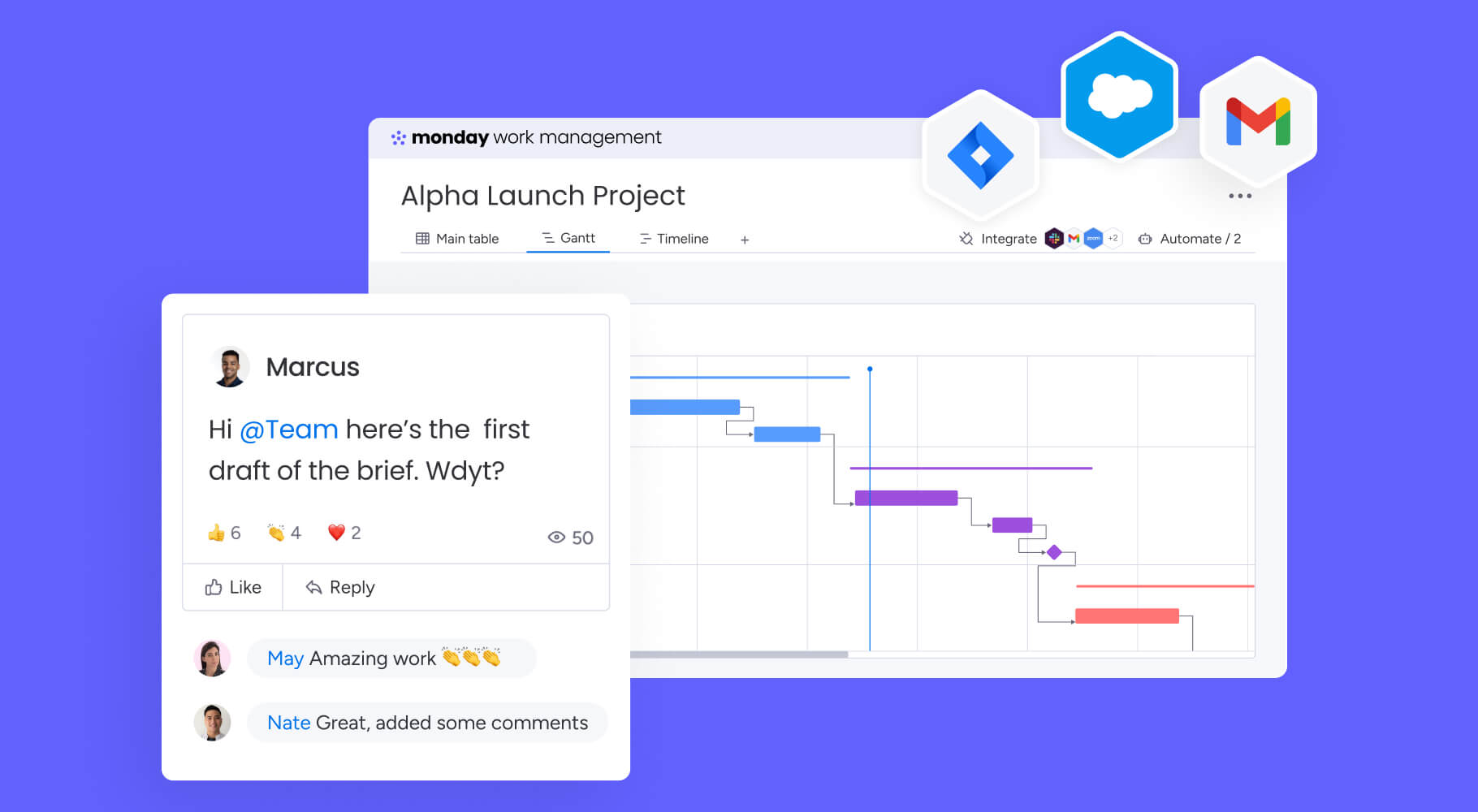
Perfect for distributed teams, this matrix lets people collaborate on their own time. Team members share their expertise without needing to meet at the same time, speeding up decisions while keeping everyone included.
6 steps to build your pros and cons template
Creating a reusable decision template takes upfront planning, but it pays off in speed and consistency. Follow these steps to build templates your organization can use again and again.
Step 1: Define your decision criteria
Start by identifying what makes this type of decision successful. Talk to relevant stakeholders to make sure technical, financial, and operational needs are all covered.
Balance being thorough with being practical. Your criteria should capture what’s critical without overwhelming people with too many factors.
Step 2: Select the optimal format
Match your template to how complex the decision is and who’ll use it. A simple list works for internal team choices, but executive decisions need weighted matrices or visual dashboards.
Think about who’ll use the template and how they’ll work with it. The right format makes your process easier, not harder.
Step 3: Collect stakeholder input
Different perspectives reduce bias and catch risks a single decision-maker would miss. Structure how you collect input so feedback is organized and comparable, not scattered across emails and messages.
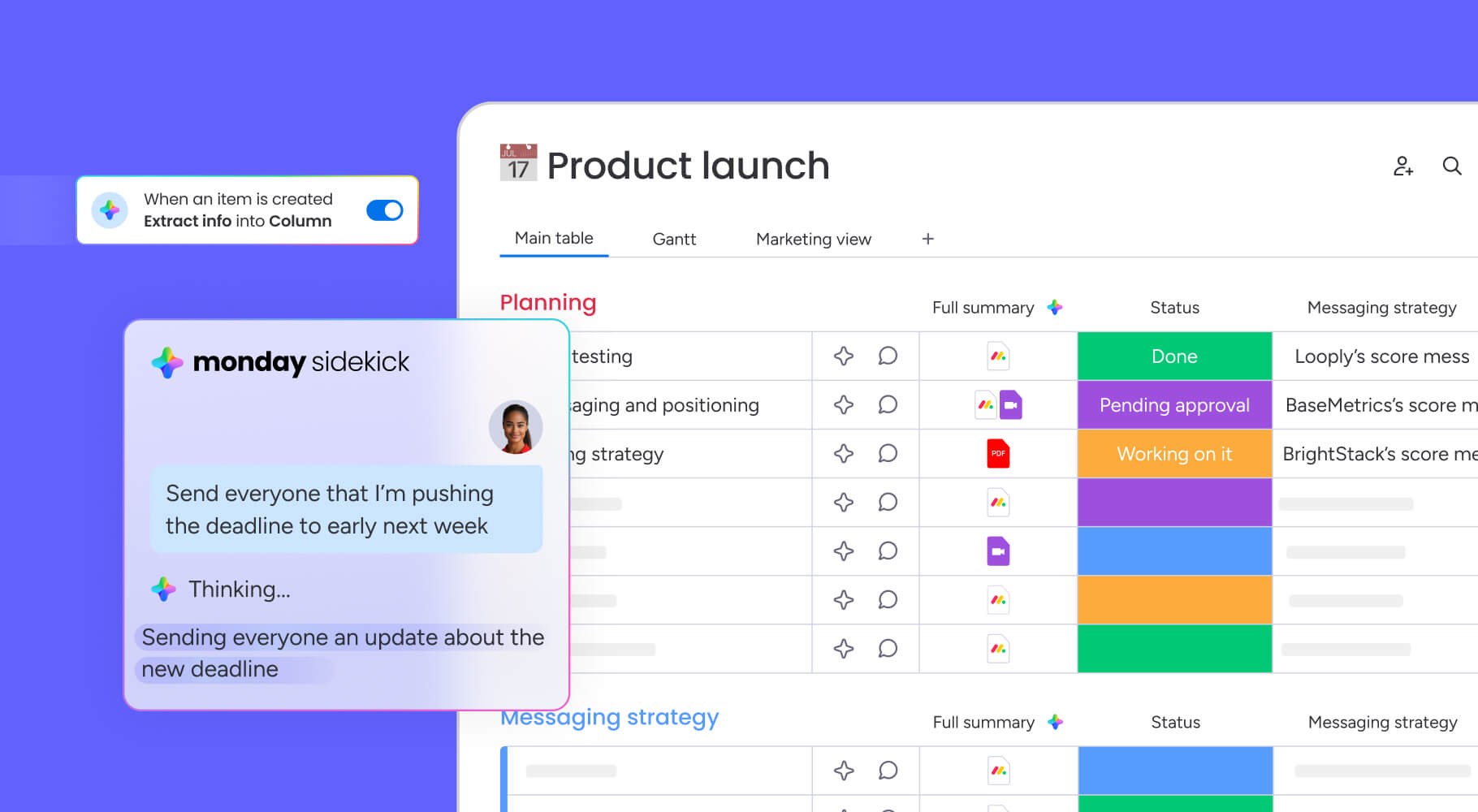
Teams using monday.com can use WorkForms to collect standardized input from stakeholders. Responses automatically fill decision boards for quick synthesis, cutting out manual data entry while keeping everything consistent.
Step 4: Organize factors by impact
Categorize and prioritize factors based on their potential effect on outcomes using methods like MoSCoW prioritization. Group related points so you’re not repeating yourself. Separate critical deal-breakers from minor preferences. A consistent way to assess impact keeps teams focused on what drives success.
Step 5: Apply objective scoring
Cut down on subjectivity by using a scoring system that puts a number on each factor’s value. Whether you use a 1-5 scale or something more complex, calibration matters.
Scoring rubrics give evaluators the guidance they need to interpret scales the same way. A “4” from engineering should mean the same as a “4” from finance.
Step 6: Validate with your team
Review template results with your team to make sure they match what your gut tells you. This tests whether the template works and flags any spots where the data doesn’t match your intuition.
Refine your template based on how it performs in the real world. Each refinement builds team confidence in the template and makes future decisions better.
Master weighted pros and cons analysis
Weighted analysis turns subjective evaluation into numbers you can compare, giving you a data foundation for complex choices. Not all factors deserve equal weight. Weighted scoring makes sure critical elements get the emphasis they deserve.
Assign impact scores to each factor
Systematic weighting means assigning specific values to criteria based on how strategically important they are. Stakeholders work together to set priorities. For example, they might decide implementation speed is twice as important as initial cost.
Set weights upfront so no one can game the system later. Teams can’t adjust criteria to favor preferred outcomes after seeing initial results.
Calculate weighted results
Multiply each factor’s score by its weight to get total values. This lets you compare options numerically and identify the best choice objectively.
Sensitivity analysis builds confidence. Adjust weights slightly to see if winners change. Strong decisions stay stable even when priorities shift slightly.
Transform scores into actions
Numbers need to turn into recommendations stakeholders can use. Your final analysis should explain which option won and why, based on the data.
Using scores to back up your reasoning builds leadership confidence and gives implementation teams clear direction. The numbers tell a story that drives action.
How AI transforms pros and cons templates
AI improves decision-making by processing huge amounts of data to spot patterns, risks, and insights you’d miss manually. AI doesn’t replace human judgment, but it does identify information that makes judgment more informed.
Automated risk detection
AI algorithms analyze historical project data to flag potential risks associated with specific decision paths. By recognizing patterns from past failures, AI provides early warning systems.
Smart categorization at scale
Natural Language Processing (NLP) automates the organization of unstructured feedback from dozens of stakeholders. AI scans comments, emails, and documents to extract key themes and categorize them automatically.
Predictive decision insights
AI offers predictive analytics forecasting likely outcomes of different choices. By modeling scenarios based on historical performance, AI helps teams understand probable consequences regarding timelines, budgets, and resource utilization.
These insights inform the weighting process, ensuring analysis reflects reality rather than optimism. Teams make decisions grounded in data patterns, not just current assumptions.
Share your analysis for maximum impact
Rigorous analysis loses value if it can’t be communicated effectively to resource controllers. Executive stakeholders need rapid translation of decision data into formats they’ll review.
Executive dashboard views
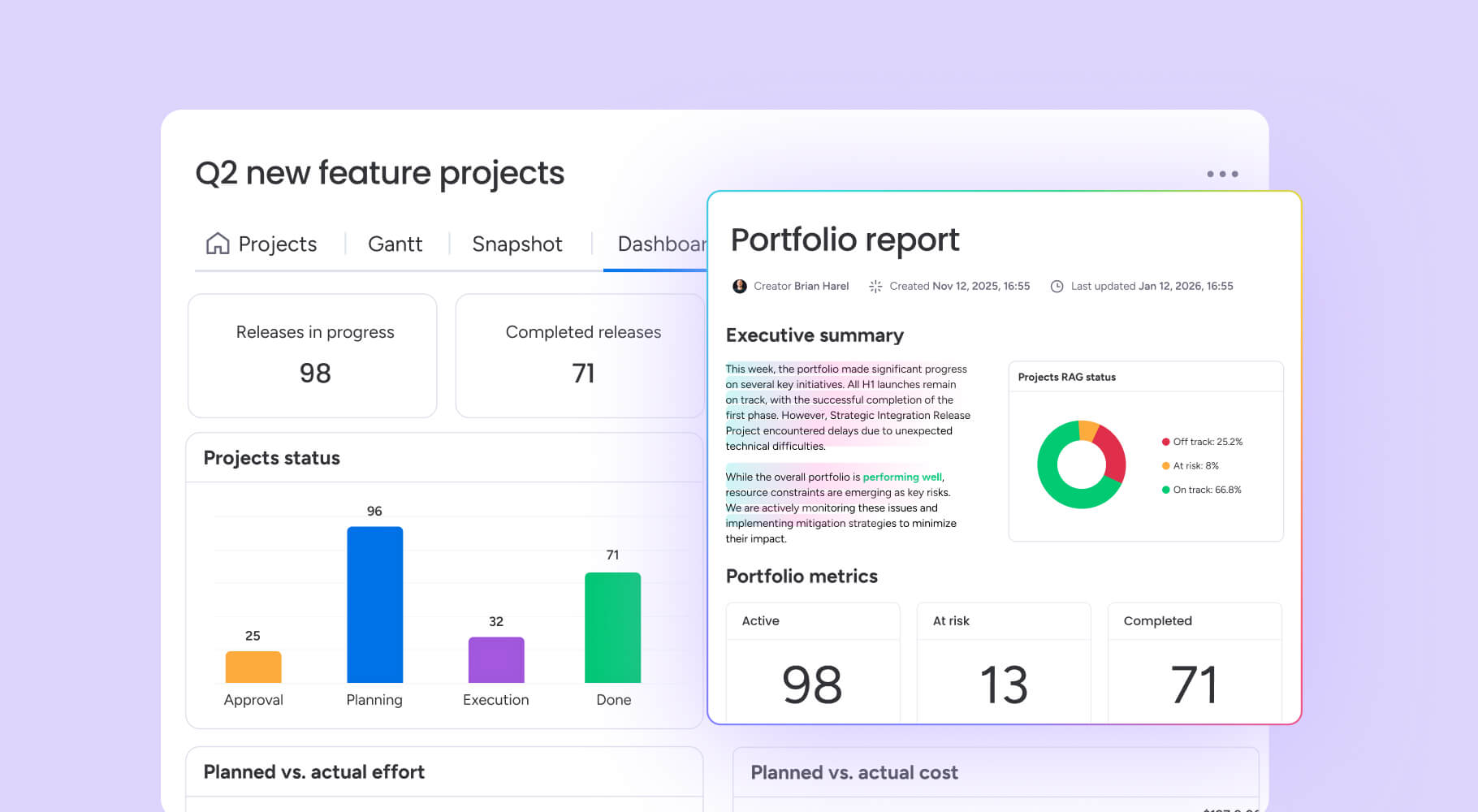
Executive dashboards distill complex weighted analyses into high-level visual summaries. These views focus on strategic alignment, financial impact, and risk profiles while stripping away granular scoring details.
The goal is providing leaders with confidence that due diligence was thorough without overwhelming them with mechanics. Visual clarity drives faster approvals.
Stakeholder presentation templates
Tailored presentations adjust information depth based on audience needs. Technical teams see architectural implications. Finance teams see ROI calculations. Operations teams see implementation timelines.
Structuring presentations this way builds consensus by addressing each group’s specific concerns directly. Everyone understands how the decision affects their domain.
Integrated action planning
The transition from decision to execution proves critical. Effective communication connects analysis directly to implementation roadmaps, assigning ownership and timelines immediately.
This ensures decision rationale — the “why” — is preserved and communicated to teams responsible for the “how.” Alignment maintains throughout the project lifecycle.

Move from analysis to execution with monday.com
Static templates create a fundamental gap: decisions live in documents while work happens in systems. This disconnect means even well-analyzed choices struggle to become reality. monday.com bridges this gap by transforming decision boards into active workflows. Here’s the value you’ll experience.
Maintain strategic alignment with connected project workflows
The platform converts decision boards directly into project workflows. Once a choice is finalized, specific factors identified in the analysis become actionable items instantly.
This maintains a digital thread between strategic decisions and daily work. Requirements identified during evaluation don’t get lost in handoffs; they become assigned tasks with owners and deadlines. monday’s agentic AI can even suggest optimal task assignments based on team capacity and past performance patterns, ensuring the right work reaches the right people.
Validate your decision models with real-time performance tracking
Dashboards track decision outcomes long after choices are made. By connecting initial evaluation criteria to live performance metrics, teams visualize whether projected benefits materialize.
This feedback loop validates decision-making models. Teams learn which criteria predictions prove accurate and adjust future templates based on actual performance data. monday sidekick, your AI work assistant, can analyze these patterns and proactively alert you when outcomes deviate from projections, helping you course-correct before small issues become major problems.
Eliminate execution delays with intelligent automation
Automation reduces lag between decision and action. When a decision board status changes to “Approved,” automation recipes instantly create project boards, assign managers, and notify stakeholders.
This eliminates delays and ensures momentum continues from the moment decisions finalize. Teams move from analysis to execution without friction. monday’s AI capabilities extend this further by learning from your workflows and suggesting new automation opportunities that save even more time as your processes evolve.
Try monday.com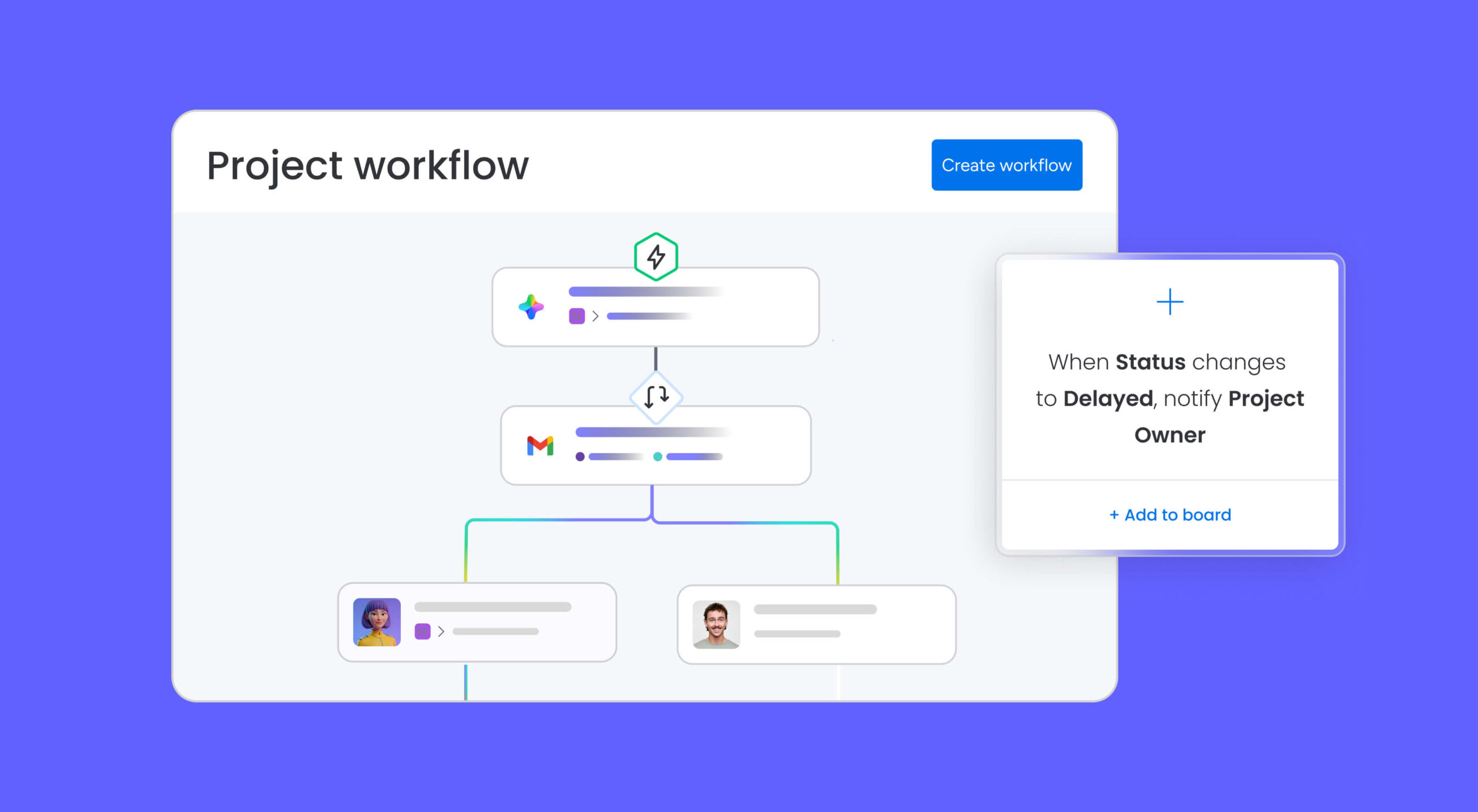
Build your decision-making advantage
Structured decision-making separates guessing from strategizing. When you move beyond ad-hoc lists to professional templates, your organization gains speed, transparency, and accountability. The right platform elevates this further, turning static analysis into workflows that drive competitive advantage. Teams that standardize decision frameworks make more informed choices with greater confidence and alignment, building decision-making playbooks that improve with each use.
The principle behind pros and cons lists remains powerful. What needs evolution is the infrastructure supporting it. With collaboration tools, weighted scoring, AI insights, and execution connectivity built into monday.com, your decisions become drivers of progress rather than bottlenecks to action.
Try monday.comFrequently asked questions
How do I choose the right pros and cons format for my decision?
To choose the right pros and cons format for your decision, you should consider its complexity and stakeholder involvement. Simple lists serve routine operational choices well, while weighted matrices are necessary for complex organizational decisions requiring nuanced trade-offs between multiple criteria.
Can multiple team members collaborate on a pros and cons template?
Collaborative templates allow multiple stakeholders to contribute input simultaneously, ensuring diverse perspectives are captured. Digital platforms like monday.com facilitate real-time editing and synthesis of feedback across distributed teams.
What software works best for creating pros and cons lists?
Platforms offering template customization, robust collaboration features, and workflow integration suit professional environments best. monday.com provides specialized decision-making workflows that connect analysis phases directly to project execution.
How many factors should I include in a pros and cons analysis?
An effective analysis typically includes 5-10 key factors per side to ensure comprehensiveness without inducing analysis paralysis. Focus remains on factors that genuinely differentiate options rather than exhaustive listing.
When should I use weighted scoring in my pros and cons template?
Weighted scoring becomes essential for complex decisions where factors vary significantly in organizational impact. This method proves most valuable when stakeholders hold different priorities that must be systematically reconciled.
How do I turn my pros and cons list into an action plan?
Decision outcomes should generate implementation items with assigned ownership and timelines. Using monday.com, teams transform approved options directly into project workflows with built-in accountability and progress tracking.

 Get started