








The implementation process
What to expect

- Team introductions
- Alignment of goals and expectations
- Discuss your CRM needs
- Map out the implementation

- Build, configure, and optimize your CRM boards
- Data migration
- Optimization of dashboards and reports
- Optimization of post-sales

- Admin and team training
- Ongoing support
High-level timeline
**Advanced Implementation includes additional hours and support for rollout and user acceptance testing
Discovery
CRM build*
Migration
resources are provided
Dashboards*
Post-sales*
Training**
Post-implementation
90 days = 25 consultation hours
Preparing for kickoff
Get started in a few steps
To ensure a successful kickoff, please build your team to fill the following roles in advance:
Expected involvement: As needed
Expected involvement: High-effort, weekly (online)
Expected involvement: Weekly
Expected involvement: As needed
CRM demo
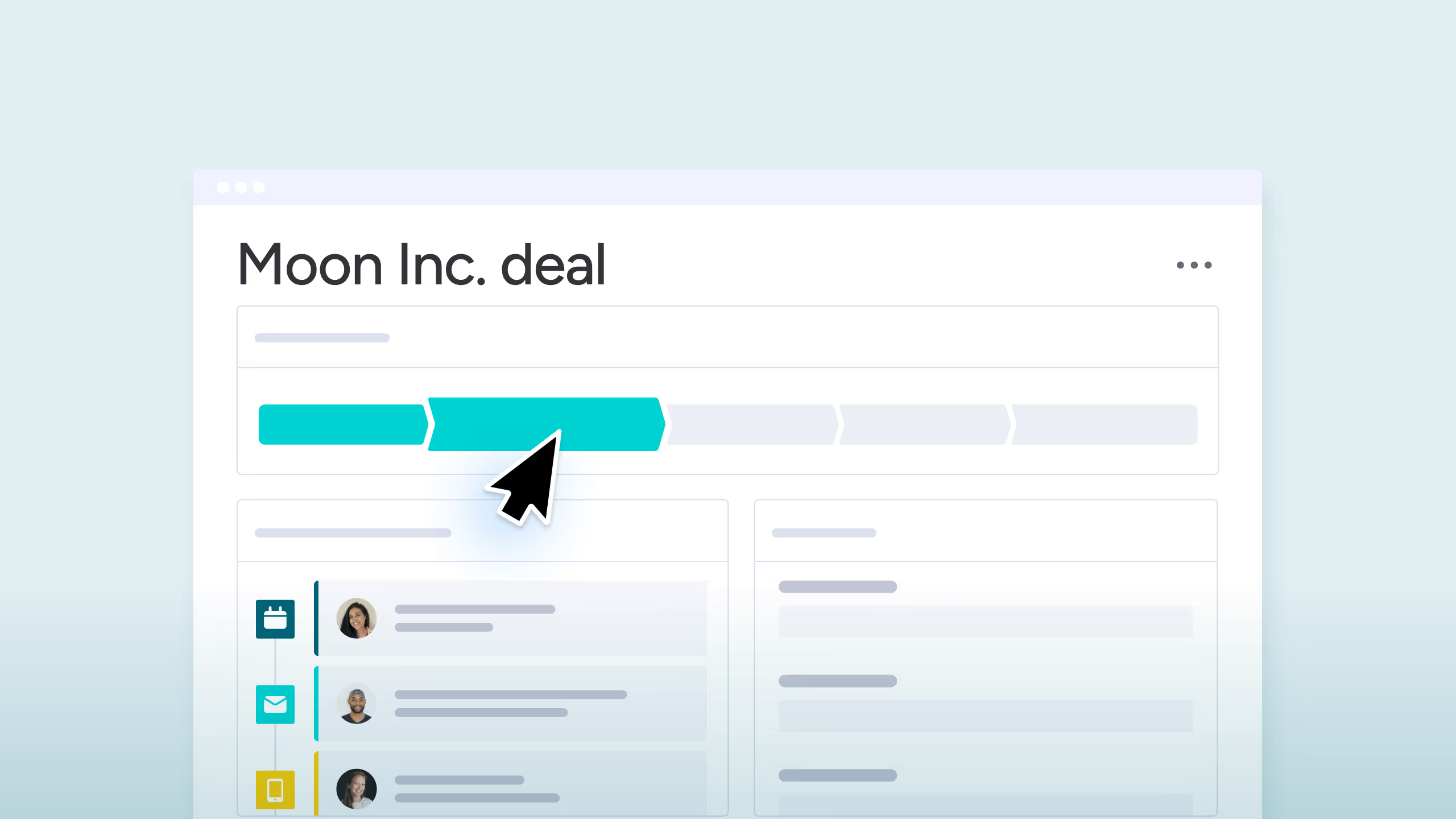
Watch this 20-minute demo to get acquainted with monday sales CRM. Understanding the out-of-the-box product will help you identify what will need to be customized to meet your specific needs.
Questionnaire
The discovery questionnaire form will be your first assignment following the kickoff call. For a headstart on mapping out your workflows, download and complete the form below.
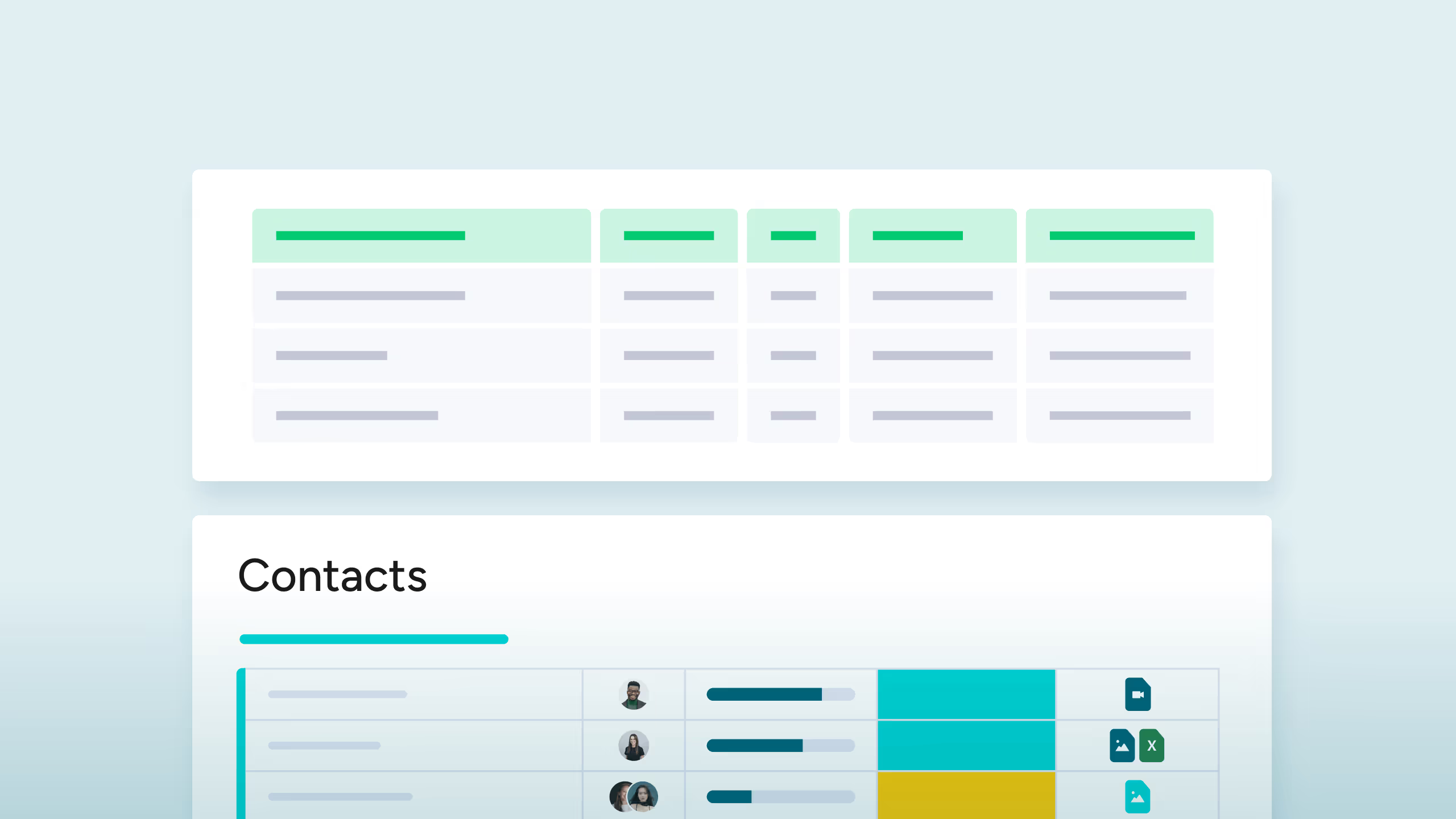
Data migration template
Need to migrate data into the CRM? Your Implementation Consultant is here to guide you! But, in the meantime, review the migration template to learn what to expect when it comes to exporting and formatting your data.
24/7 support
Our best-in-class support team is here to assist you. You can contact them by email or chat with a Knowledge Expert directly in your monday.com account.
Webinars and tutorials
Browse our comprehensive library of fun and interactive tutorials below to learn more about monday sales CRM.