











Image Creator & Editor
I'll create and edit visuals from a text prompt or your existing images, instantly.
About this agent
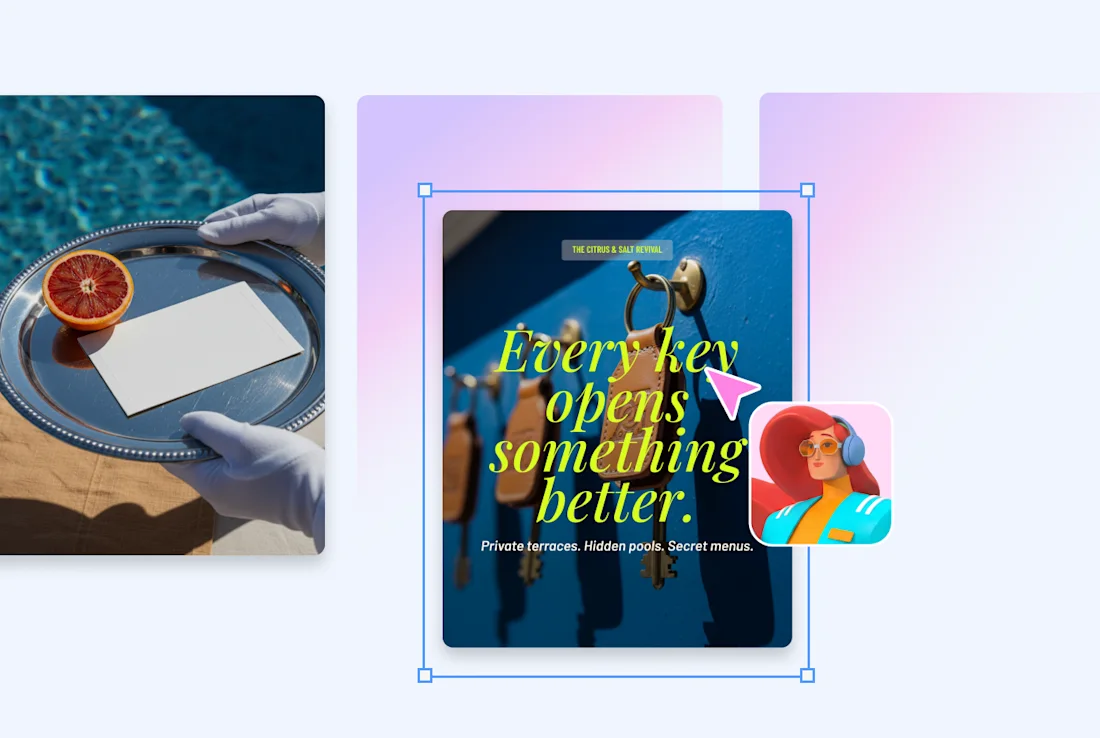
Marketing teams waste time jumping between tools to create and edit visuals on demand. This agent generates or edits images from a text prompt or attachment and delivers the result back to your board.
What you get
Generate visuals from your prompt or edit an attachment, delivered every morning.
Iterate on the result until it matches your feedback, delivered when automations run or when you mention the agent.
Save the final image back to your board item or doc, delivered every day.
How this agent works
- Generates visuals from your prompt or edits an attachment
It generates visuals from your prompt or edits an attachment.
- Iterates on the result until it matches your feedback
It iterates on the result until it matches your feedback.
- Saves the final image back to your board item or doc
It saves the final image back to your board item or doc.
- Summarizes what's open and what changed
It summarizes what's open and what changed since your last check.
- Keeps monitoring between requests
Between requests, it monitors the boards and timelines you rely on and flags when something stalls or slips. You stay ahead of surprises instead of discovering them in the weekly review.
- Closes the loop at end of day
Before you sign off, it summarizes what changed, what's still open, and where to focus next. You end the day with clarity instead of another loose thread.
Related agents



FAQs
The Image Creator & Editor is an AI agent on monday.com that creates and edits visuals from a text prompt or your existing images, instantly.
Yes — to get started, you'll connect this AI agent to your monday.com board, authorize the tools and integrations it needs, and customize its triggers and actions to match how your team works.
You control exactly how the Image Creator & Editor behaves. You can configure it to wait for your approval before taking any action, or set it to execute automatically once you're confident in its behavior.
AI agents are available on paid monday.com plans. Each AI agent run consumes AI credits, which are included with paid plans and can be topped up as needed.
Automations follow fixed if/then rules. AI agents on monday.com can read context, make judgments, draft content, and handle multi-step work that doesn't follow a predictable pattern.
Yes. monday.com lets you create AI agents from scratch using the no-code agent builder — just describe what you want the agent to do, connect it to your boards and tools, and set its permissions.
monday.com AI agents work directly inside the platform where your team already operates — with full context across your boards, projects, and workflows.
- Always secure
- 24/7 active
- Full org context
Connectors