


Visual content calendar powered by AI
Plan and manage your content in one place — with AI that ensures the right content reaches the right audience at the right time.
No credit card needed



Join over 250,000+ startups and enterprises


From planning to publishing, power your content with AI.
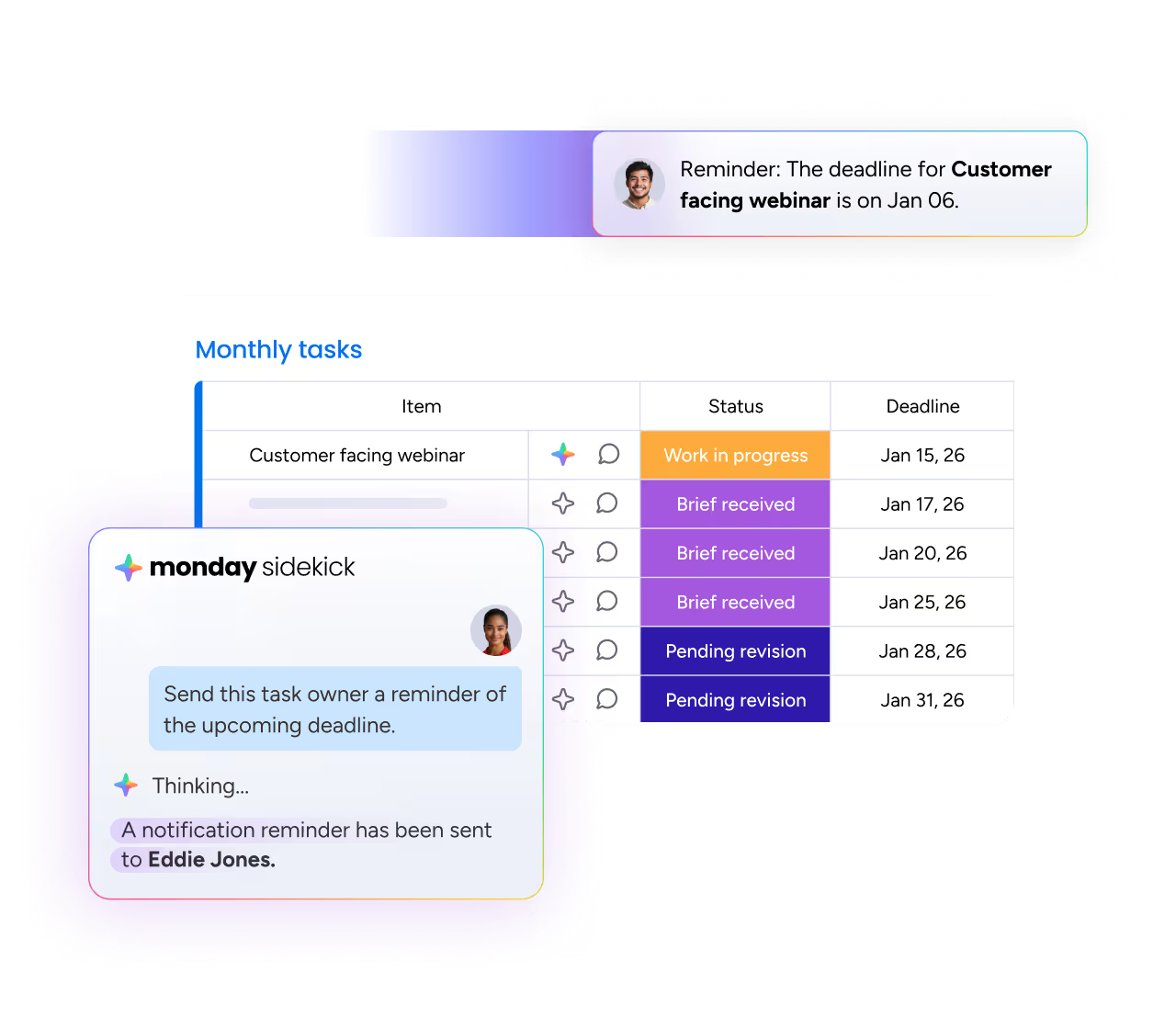
Put day-to-day work on autopilot
Let AI handle status updates, reminders, and timeline changes — so content strategy stays on track, with everything written, reviewed, approved, and published on time.
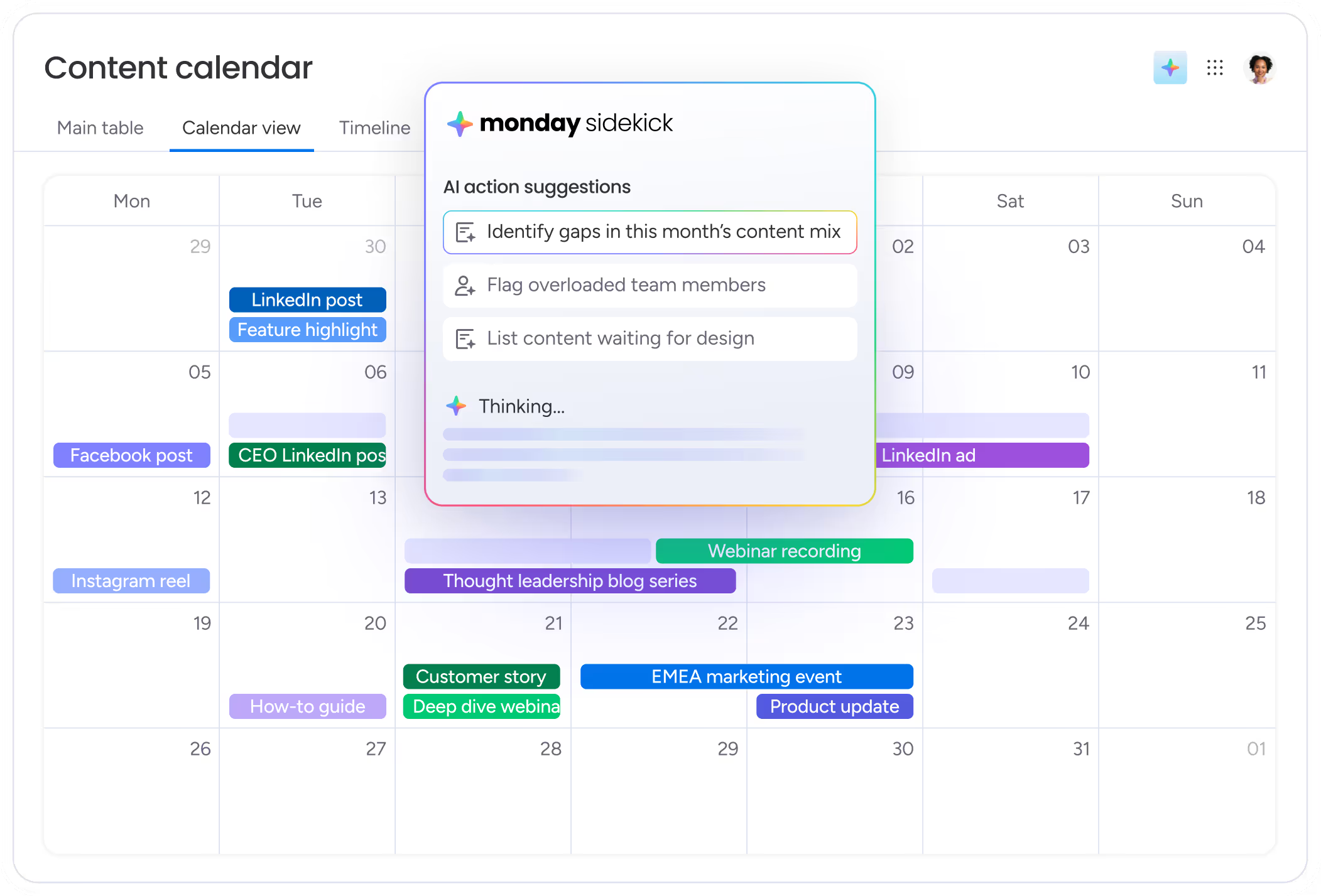
View your entire content plan at once
See what’s planned, in progress, and coming next across every channel — so every piece of content tells a consistent story and reaches the right audience.
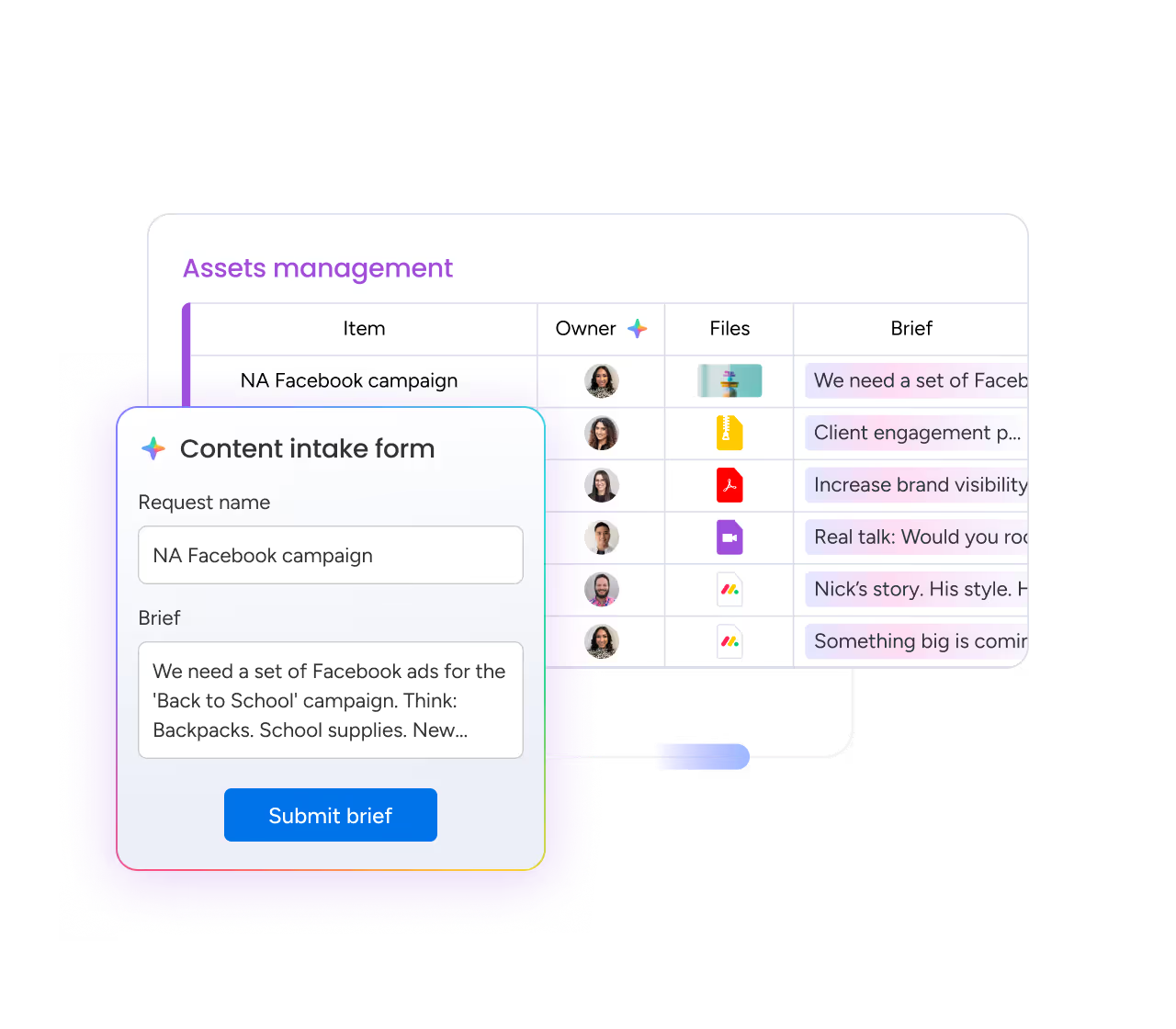
Centralize briefs, assets, and feedback
Keep every detail connected so content flows smoothly from idea to publish — without losing clarity, intent, or brand voice.
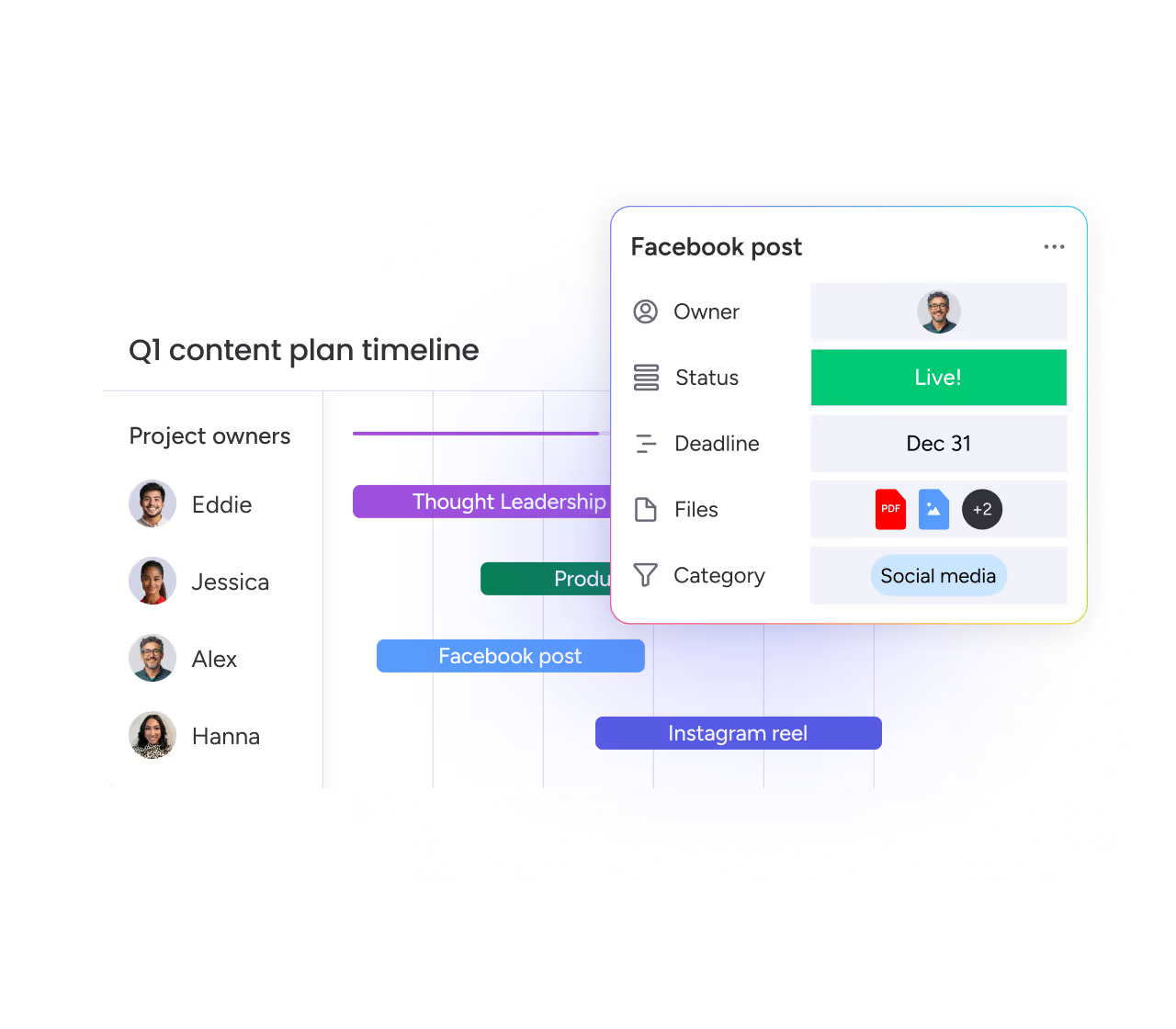
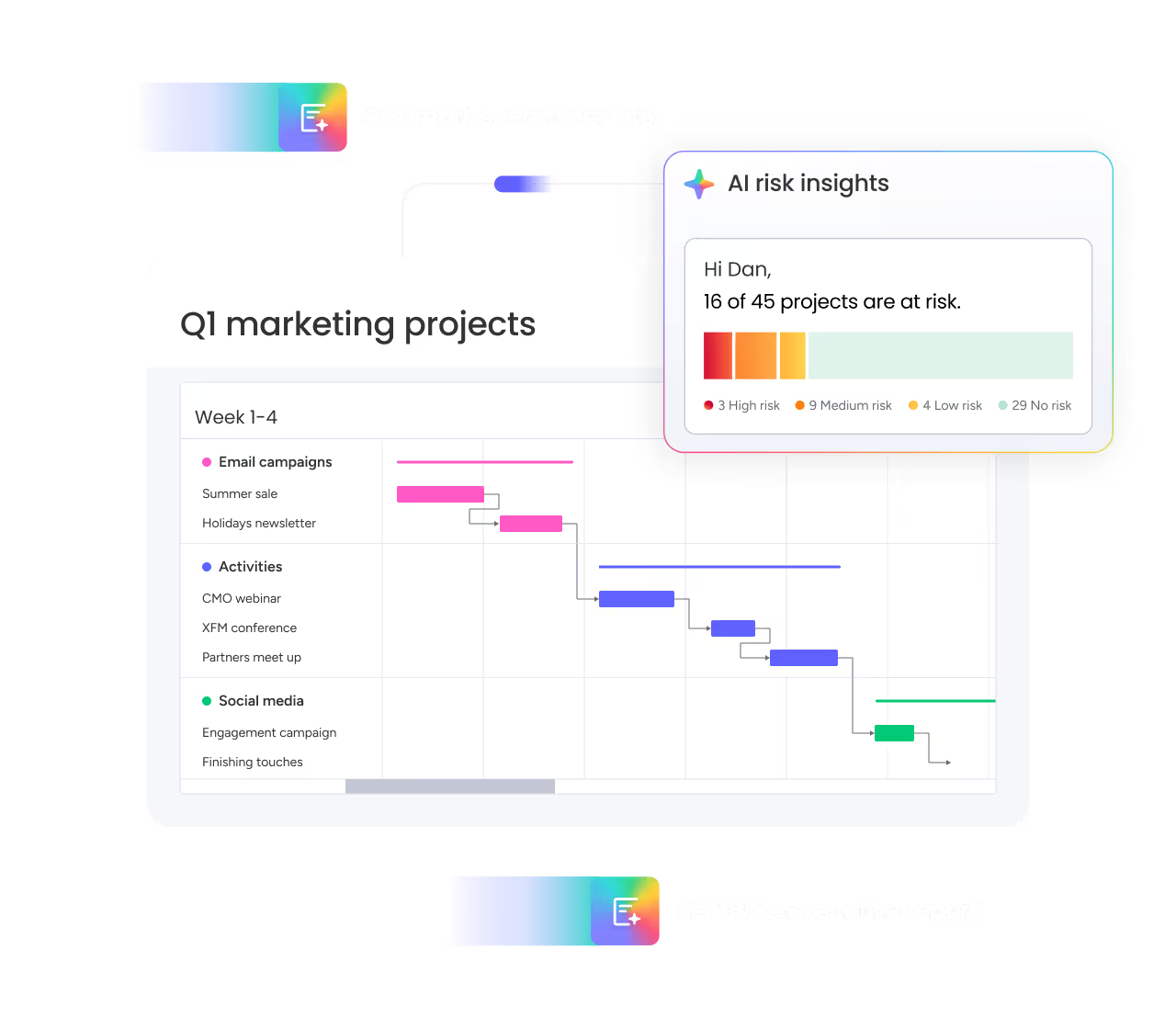
Catch risks and bottlenecks early
AI proactively surfaces risks, overload and delays, helping you stay on track across campaigns and launches.
Loved by customers. Backed by results.


cross-team collaboration
“Since adopting monday.com, our global marketing department has seen a 40% improvement in cross-team collaboration for successful end-to-end campaign planning and execution.”



reinvest




to market



Market leader across
24 categories

Voted best feature set, relationship and value

Shortlisted in over
8 software categories
Works with the tools your team already uses
Speed up your team's work by integrating the apps and tools they know and trust.


Why do marketing teams choose monday.com?

When teams love it, content stays on track.
Experience an intuitive platform people love to use — boosting engagement and ensuring data accuracy.

Awarded Highest User Adoption for Enterprises by G2

Turn plans into business impact, fast.
Quickly launch and iterate on processes and projects to meet changing needs for operational efficiency.

The Total Economic Impact™ Forrester study reports less than 4 month payback period

Always flexible, always on-brand.
Customize automations, reports, and processes to your needs without compromising on governance and control.

monday.com supports over 200 use cases in 190 different industries
Frequently asked questions
A content calendar in monday.com is a centralized system for planning, tracking, and delivering marketing content across channels. Teams use it to see what content is planned, in progress, or scheduled next, who owns each piece, and when it will be published — all in one shared calendar.
Marketing teams use monday.com to plan campaigns, coordinate writers and designers, manage reviews and approvals, and track content deadlines. Each piece of content lives on a board with clear ownership, status, assets, and timelines, making it easy to keep content moving from idea to publish.
Yes. monday.com lets teams manage blog posts, social content, email campaigns, and other marketing assets in a single content calendar. Teams can group, filter, or color-code content by channel, audience, or campaign to keep plans balanced and consistent.
monday.com keeps briefs, feedback, assets, and approvals tied to each content item. Teams can assign reviewers, track approval status, and collaborate directly in context, so content moves faster without losing the original intent or brand voice.
Yes. monday.com uses AI to help manage content calendars by updating statuses, sending reminders, adjusting timelines, and flagging risks like overload or delays. This helps teams keep content plans accurate as work changes.
Yes. monday.com makes deadlines, owners, and dependencies visible for every piece of content. Teams can see who is responsible for what, how work is connected, and where potential bottlenecks might impact timelines.
Most marketing teams can set up a content calendar in minutes using ready-made templates. Teams can then customize views, workflows, and automations to match how they plan and deliver content.


