Trello got your team started. Now what?
When sticky notes on a board aren't enough anymore, teams graduate to the platform built for how real work actually scales.

Why choose monday.com over what your team uses today?
What are you currently using?
- Trello boards stop scaling. monday.com doesn't.
Boards get cluttered as projects grow. monday.com stays clear at 5 users and 5,000.
- Trello gates features behind Power-Ups
monday.com includes them. Gantt, timeline, dashboards — all built in. No power-ups, no extra cost.
- Trello's AI is basic. monday.com's AI gets work done.
AI assistant, risk analyzer, and agents live where the work happens — helping your team get work done.
- Spreadsheets have no ownership. monday.com does.
Ownership, status, and context built in — so nothing gets lost in a cell.
- Spreadsheets break when shared. monday.com is built for teamwork.
No version chaos. Real-time collaboration at all times.
- If your team lives in v12_final_FINAL.xlsx, it's time.
monday.com keeps everyone on the same page. Always.
- The patchwork era is over.
One system connects your work, your teams, and your AI.
- Most tools bolt AI on top. monday.com builds it in.
Built-in AI that does the busy work for your teams.
- Most tools force you to fit their structure.
monday.com's flexibility ensures that it fits yours.
You outgrew Trello. That's a good thing.
Board clutter
Simple boards work well early on, but larger projects can quickly turn into a sea of cards, lists, and hard-to-find context.
Power-Up dependency
Teams often need add-ons for timelines, dashboards, automations, and reporting, turning a simple setup into a patchwork.
Limited big-picture visibility
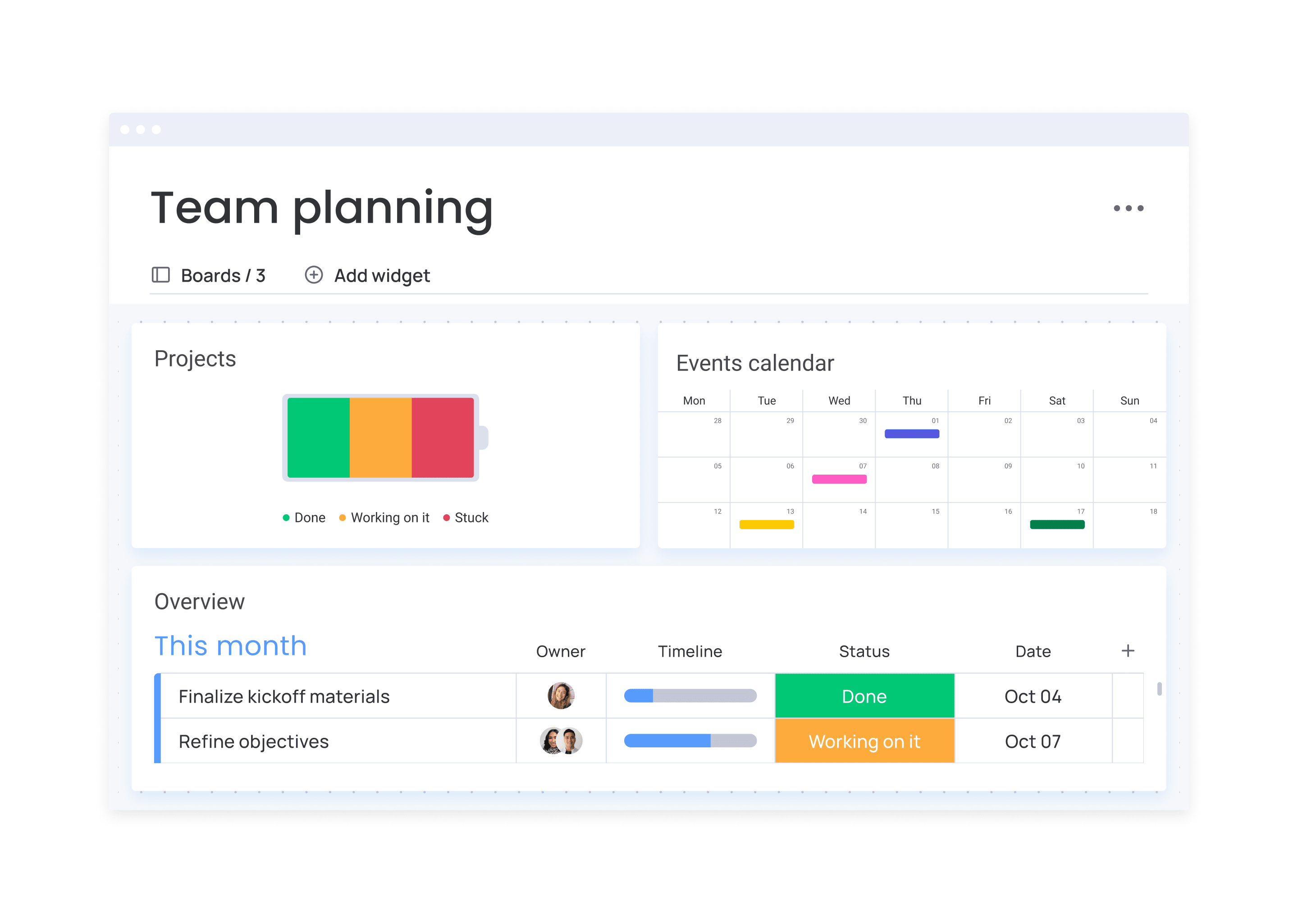
As work spreads across boards, it gets harder for teams and leaders to see dependencies, ownership, and progress in one place.
See how monday.com stacks up against Trello
When teams compare monday.com and Trello, they're not counting features — they're asking: "Will this still work when we double in size?"
![]() Get Started No credit card needed ✦ Unlimited time on Free plan | ![]() | |
|---|---|---|
See your work the way your team thinks Board, Kanban, Timeline, Gantt, Workload, Dashboard — each built for the job, not a card in disguise | ||
Anyone can set up automations themselves No IT ticket, no Power-Up required. If you can describe it, you can build it | Partial | |
Connect work across every team, not just one Portfolio views and cross-board dashboards so leadership always knows what's happening | ||
Dependencies and timelines that just work Plan complex projects without a third-party add-on or a workaround | ||
Built-in resource management Workload and capacity planning are native to how work runs, not dependent on extensions | ||
AI that understands your work, not just your text Context-aware AI flags risks, connects live work, and helps plan and execute in real time | ||
AI agents that keep work moving 24/7 Always-on agents monitor work, decide what matters, and take action autonomously within guardrails | ||
Build any work app without code Generate secure, enterprise-grade apps from a prompt, connected to real workflows | ||
Dashboards your whole team can build and trust Live data, no exports, no manual refresh. Just open and see what's happening | Partial | |
Enterprise security you don't have to think about SOC 2, HIPAA, ISO 27001, GDPR. Covered | Partial | |
24/7 support across all plans Live support anytime, without upgrading to an enterprise tier to get it |
Hear what teams like yours say about monday.com
Project management that scales. AI that actually works.
Trello keeps work visible. monday.com keeps it moving — with AI that handles the coordination, follow-through, and reporting your team shouldn't be doing manually.
Frequently asked questions
Many teams find monday.com easier to adopt at scale. Trello is simple to start, but as teams grow, maintaining consistency requires discipline — boards become cluttered and new members struggle to follow the structure. monday.com builds ownership, status, and timelines into every board from day one, so teams stay aligned without extra effort.
Yes. monday.com covers everything Trello does — Kanban boards, card-level detail, team collaboration — and adds timelines, Gantt charts, dependencies, cross-board dashboards, automations, and AI. The migration is straightforward: export your Trello boards as JSON and import into monday.com in minutes.
Trello's base price is lower — but most growing teams need Power-Ups for Gantt charts, time tracking, automations, and reporting. Those add up quickly. monday.com includes all of that in the base plan. When you factor in the full stack, many teams find monday.com is comparable in cost — with significantly more capability and no integration overhead.
Most teams complete the migration in under an hour. Export your Trello boards as JSON, import into monday.com using our migration tool — your cards, lists, labels, and due dates map over automatically. We also offer migration support and dedicated onboarding for larger teams, so there's no disruption while you make the switch.
Not at all. monday.com works for teams of 2 and teams of 2,000. The free plan supports up to 2 seats. Many small teams choose it specifically because it gives them the infrastructure to grow without having to switch platforms again in a year. Start simple — add complexity only when you need it.
Yes — significantly. monday.com includes a context-aware AI assistant, AI risk analyzer, AI-powered board builder (monday Magic), AI note-taker, automated workflow suggestions, and support for custom AI agents. Trello has no native AI features as of 2025. For teams that want AI to be part of how work gets done — not just a writing assistant — monday.com is in a different category.
Yes. monday.com offers a free plan with unlimited time, and a 14-day trial of paid features — no credit card required. You can test it with your real projects, invite your team, and see how it performs before committing to anything.
Dashboards in monday.com update in real time, giving leaders a live view of progress, workload, risks, and budgets across every team. AI can proactively flag delays and surface blockers — so managers don't need to chase updates, and executives don't need a 20-slide deck to understand project health.
When work and complexity increases, your platform shouldn’t be the weak link.