monday.com brings together people and AI agents so your team spends less time coordinating work and more time doing it. Automate tasks, track progress in real time, and hit goals faster.
Trusted by over 60% of the Fortune 500



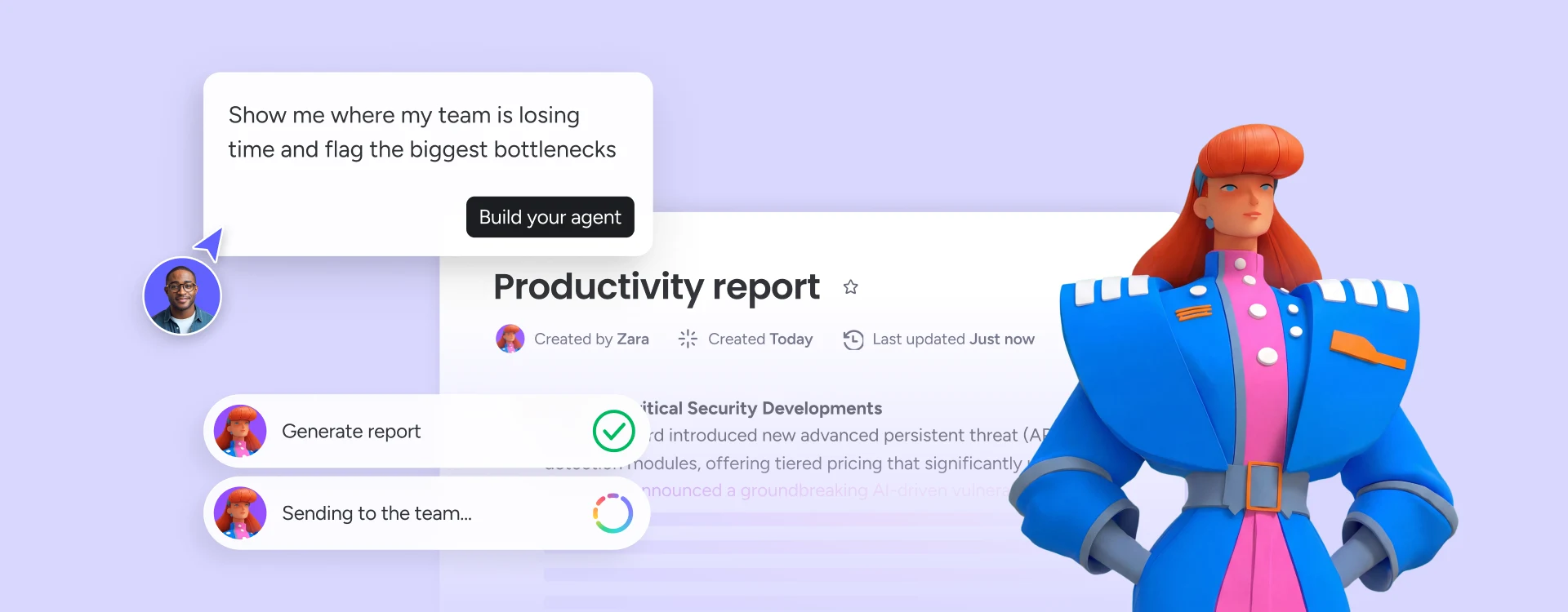
monday.com gives AI agents full visibility across departments, so nothing falls through the cracks when work moves between marketing, ops, and product.

Describe your team's workflows to our built-in AI assistant, the monday sidekick, and it builds your boards, automations, and dashboards automatically.

Agents handle the repetitive, coordination-heavy work so your team can focus on the decisions that require human judgment.
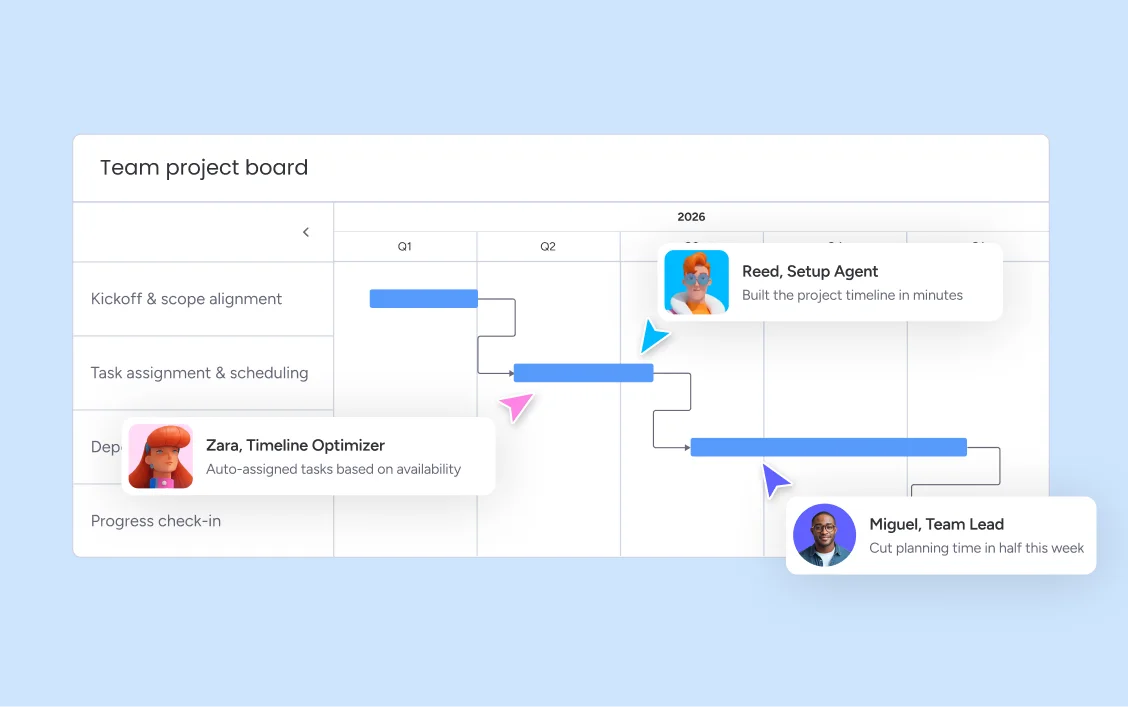
Teams on monday.com report cutting project planning time in half, because AI handles the coordination overhead that used to consume hours each week. When tasks, timelines, and communication all live on one AI Workspace, work moves forward without the constant back-and-forth.
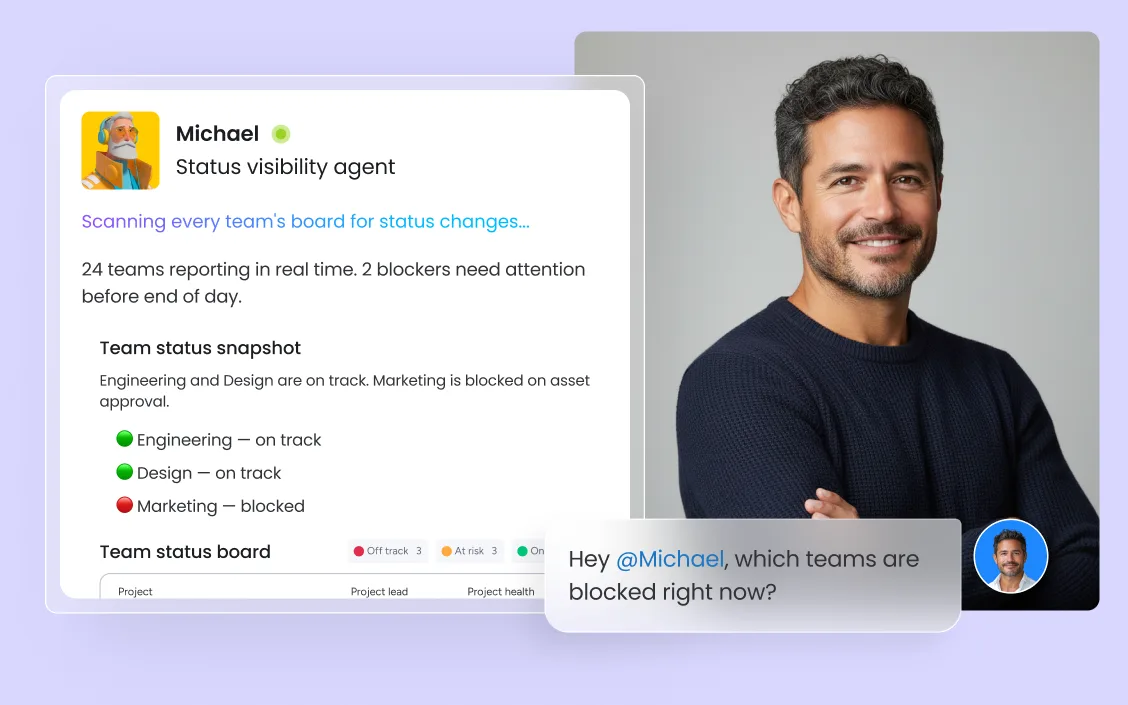
When teams have real-time visibility into progress, productivity compounds — managers catch bottlenecks early, individual contributors know what to prioritize, and stakeholders get accurate updates without chasing anyone for a status report. monday.com's real-time productivity dashboards make that visibility the default, not the exception.
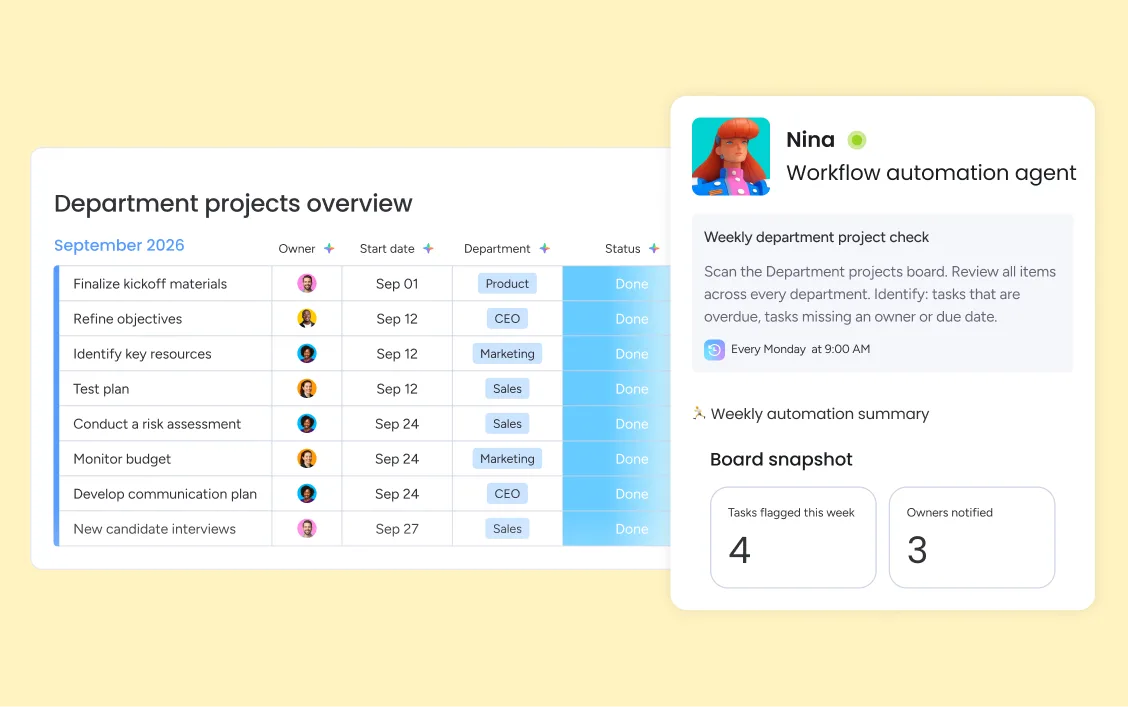
Stop spending time on the work that should run itself. Status update emails, approval routing, recurring task creation, data entry between tools — automate all of it in minutes with monday's no-code workflow builder, without writing a line of code.
monday.com connects your AI workflow automation software to the tools every team runs on. With 850+ integrations - including Slack, Jira, Microsoft Teams, Google Calendar, GitHub, and Salesforce - and MCP support for Claude, ChatGPT, and Copilot, your portfolio data stays connected wherever your teams work.



The Request Intaker agent categorizes and routes incoming legal requests automatically, ensuring every matter is picked up and logged from day one. The Contract Drafter agent generates first-draft agreements from templates and requirement inputs, and the Matter Reporter agent keeps stakeholders informed on legal workload status without requiring your team to manually update trackers.

The Candidate Sourcer agent finds qualified candidates based on role requirements and pipes them directly into your pipeline. The Resume Screener agent scores and ranks applicants so your recruiters focus on the most promising fits, and the Interview Scheduler agent coordinates calendars automatically — eliminating the back-and-forth that slows every hiring process.

The Intake and Triage Agent categorizes and routes every incoming request to the right team member the moment it arrives, cutting response times significantly. The Knowledge Agent surfaces relevant documentation instantly when agents are handling tickets, and the Incident Agent coordinates response steps across teams so critical issues get resolved without coordination overhead.

The Risk and Delivery Agent flags projects that are drifting before they miss a deadline, while the Portfolio Reporting Agent consolidates status across every workstream into a single executive view. The Status Reporter generates weekly updates automatically, so your PMO team spends less time writing reports and more time solving real problems.

The Feedback Synthesizer collects and categorizes user feedback from every channel so your product team always knows what to build next. The Sprint Planner translates priorities into a ready-to-execute sprint, and the Spec Writer generates draft specifications from requirements — so engineers spend more time building and less time in pre-work.

monday.com's Competitive Intelligence Agent monitors market signals and surfaces insights before your next planning cycle. The Campaign Setup Agent drafts briefs, assigns tasks, and builds timelines automatically, while the Performance Agent tracks results and flags when a campaign needs attention — all without a single status meeting.
Bring your tasks, projects, and team communication onto monday.com so the AI Workspace has the full picture of your team's work. AI can only improve what it can see — connecting your workflows takes minutes, and gives monday.com's agents the context they need to start saving you time immediately.
Use monday.com's no-code workflow builder to identify the manual steps that repeat week after week — approval routing, status updates, task assignment, recurring reports — and automate them in minutes. monday.com AI Blocks can categorize work and trigger actions automatically, so your team stops spending cognitive energy on coordination and redirects it toward execution.
Use monday.com's real-time productivity dashboards and workload view to measure the impact of every workflow change. When you can see exactly where time goes, what is getting done, and where capacity is tight, you can make fast, confident decisions about where to invest next — and grow your team's productivity continuously, not just once at setup.
Built-in time tracking lets team members log time directly on monday.com, giving managers and finance teams accurate data on how hours are spent. Time data feeds directly into dashboards and reports, connecting effort to output in a single view.
Workload view displays every team member's capacity at a glance, making it easy to spot who is overloaded before deadlines slip. Redistribute work with a single drag, and keep your team consistently productive without burning anyone out.
Custom dashboards give every stakeholder a live view of progress, output, and blockers — without anyone having to manually compile a report. Data updates as work is completed, so your team operates on accurate information at every moment.
Any team member can build powerful automations without writing a single line of code. Define a trigger, choose your conditions, and set your action — monday.com handles the rest. From simple notifications to multi-step cross-department processes, the builder scales with your complexity.
monday.com analyzes each team member's current workload and work patterns to assign new tasks to the right person automatically. Managers no longer have to manually distribute work — the platform keeps assignments balanced and ensures nothing sits unattended.
AI Blocks automate repetitive decisions inside your workflows — categorizing incoming tasks, routing requests to the right owner, and triggering follow-up actions based on the content of the work. Teams that use AI Blocks reclaim hours of manual triage time each week.

AI agents that execute multi-step work automatically, so your team focuses on decisions, not coordination.

Your team's built-in AI assistant instantly summarizes work, drafts content, and surfaces context across every project.

Agentic workflows that connect your tools and automate processes end-to-end, without writing code.

Build custom apps and automations on top of monday.com to fit your team's exact way of working.
We replaced a 15-minute screening call with an AI agent that does it in 5 minutes.





It’s the first time we’ve seen a real AI solution that is actually useful.



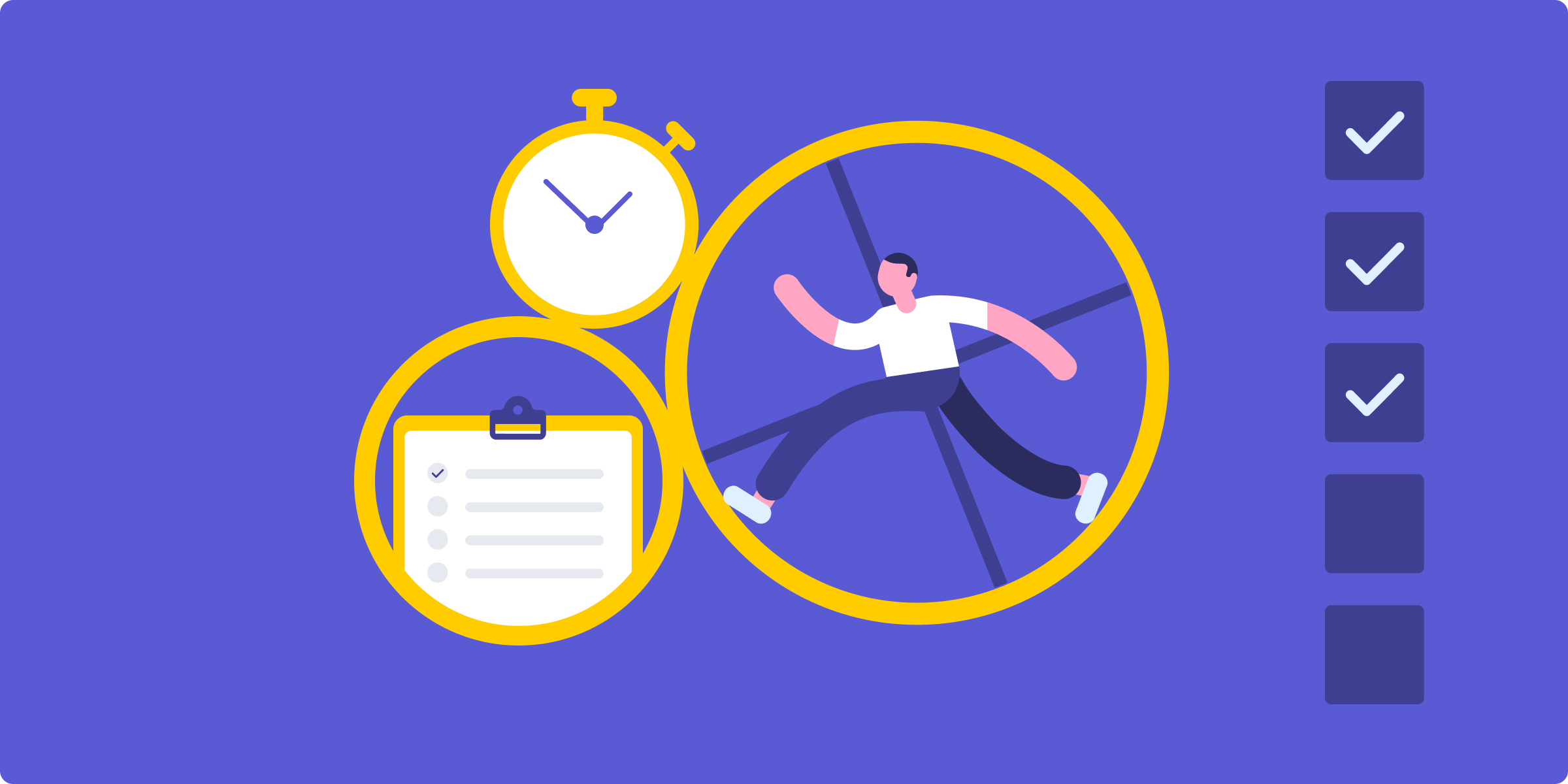
Time management strategies help you focus on high-value work, reduce distractions, and build habits that last — not just hacks that fade in a week.
Deep work is focused, distraction-free effort on cognitively demanding tasks — and it's becoming one of the most valuable skills in the modern workplace.
Productivity metrics help managers and teams track output, spot inefficiencies, and make data-driven decisions about how to work better.

Practical productivity tips for teams looking to work smarter — covering how to prioritize, communicate, and use AI tools to reduce busywork.
Yes, the monday.com app is available for download on the iOS and Android app stores.
monday.com's pricing starts at $0 for the Free plan (up to 2 seats), $9 per seat/month for Basic, $12 per seat/month for Standard, and $19 per seat/month for Pro — all billed annually. Enterprise pricing is custom and available on request. All paid plans include access to monday.com's AI features, no-code workflow builder, and integration library.
monday.com offers a free plan for up to 2 seats, which includes core task management and collaboration features. Paid plans start at $9 per seat per month and unlock AI features, advanced automations, real-time dashboards, and integrations with tools like Slack, Microsoft Teams, Salesforce, and more. An Enterprise plan is available for organizations that need custom security, compliance, and support configurations.
monday.com's real-time productivity dashboards pull live data from every board and project, giving managers and team members an accurate view of progress, output, and blockers at any moment. Workload view shows capacity distribution across the team, and time tracking connects hours logged to the work completed. Because all data updates automatically as work progresses, you always see the current state — not yesterday's snapshot.
monday.com's no-code workflow builder lets any team member create automations by defining a trigger, conditions, and an action — no technical background required. Common examples include automatically assigning new tasks based on category, sending notifications when a deadline approaches, updating a status when a form is submitted, or creating recurring tasks on a schedule. Once built, automations run in the background without any manual intervention.
With around 250,000 customers worldwide, 60%+ of the Fortune 500 trusting monday.com, and the #1 ranking on G2, monday.com combines enterprise-grade reliability with the ease of adoption that keeps teams actually using it. Features like AI Blocks, automated task assignment, real-time dashboards, and a no-code workflow builder work together in a single platform — so you are not managing a stack of disconnected productivity tools.
AI improves team productivity by taking over the coordination overhead that consumes hours each week — categorizing incoming requests, routing tasks to the right person, flagging at-risk projects, and generating status updates automatically. When teams spend less time on manual coordination, they deliver more with the same headcount. monday.com's AI agents and AI Blocks handle these tasks continuously, so productivity compounds over time.
AI productivity software uses artificial intelligence to help teams plan, execute, and track work more efficiently. It automates repetitive tasks like status updates, task assignment, and report generation — freeing people to focus on the work that requires human judgment. monday.com is the AI Workspace where people and AI agents work together across every department.