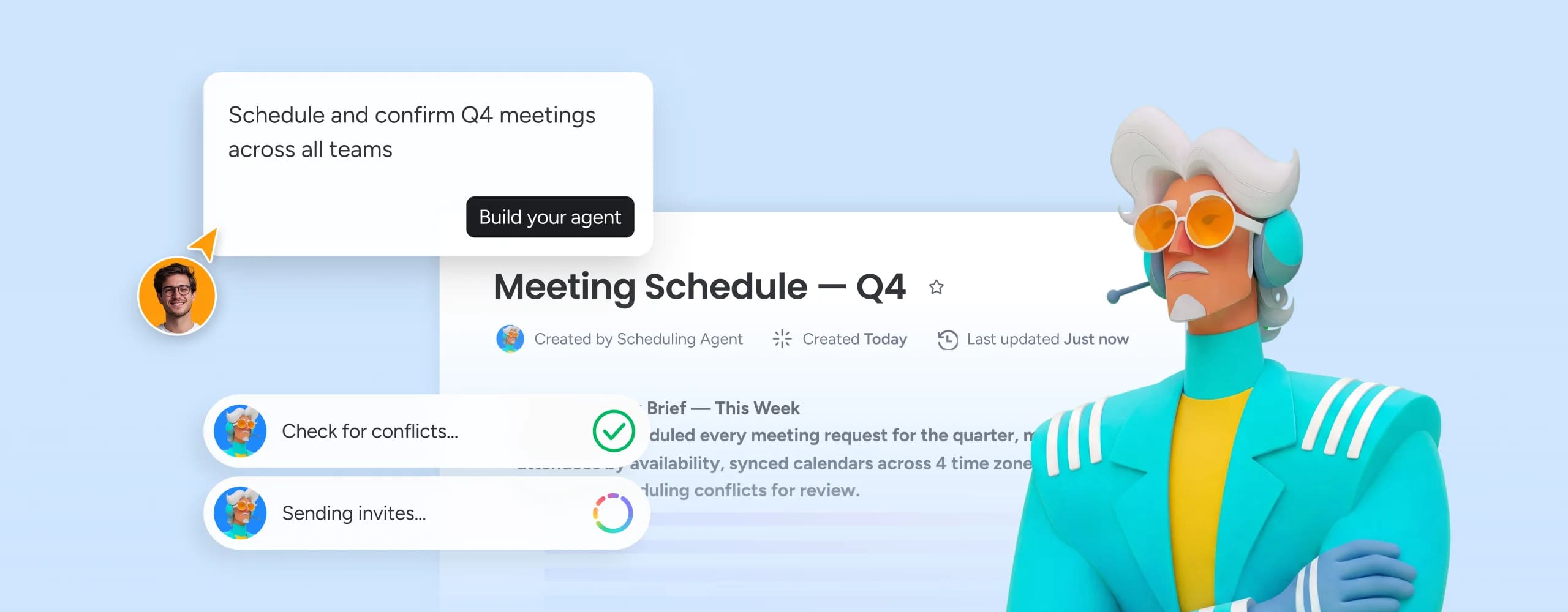
Your schedule and your work live on the same platform. AI workflows coordinate interview pipelines, campaign kickoffs, sprint ceremonies, and cross-team planning sessions - connected to all your boards and projects.
Trusted by over 60% of the Fortune 500



When a milestone shifts, every dependent meeting moves with it - automatically. Your interview pipeline, campaign kickoff, and sprint planning all stay aligned.

AI workflows route scheduling across time zones, working hours, and team capacity - triggering the right reminders, updates, and confirmations for each participant.

Bi-directional sync with Google Calendar and Outlook means every schedule change in monday.com appears in your calendar immediately.
When a candidate advances a stage, an interview invite fires. When a brief is approved, the kickoff meeting is scheduled. When a change request is confirmed, the maintenance window gets booked. AI workflows on monday.com connect work events to calendar actions automatically - so the right meetings happen at the right moment without anyone manually checking availability or sending an invite.
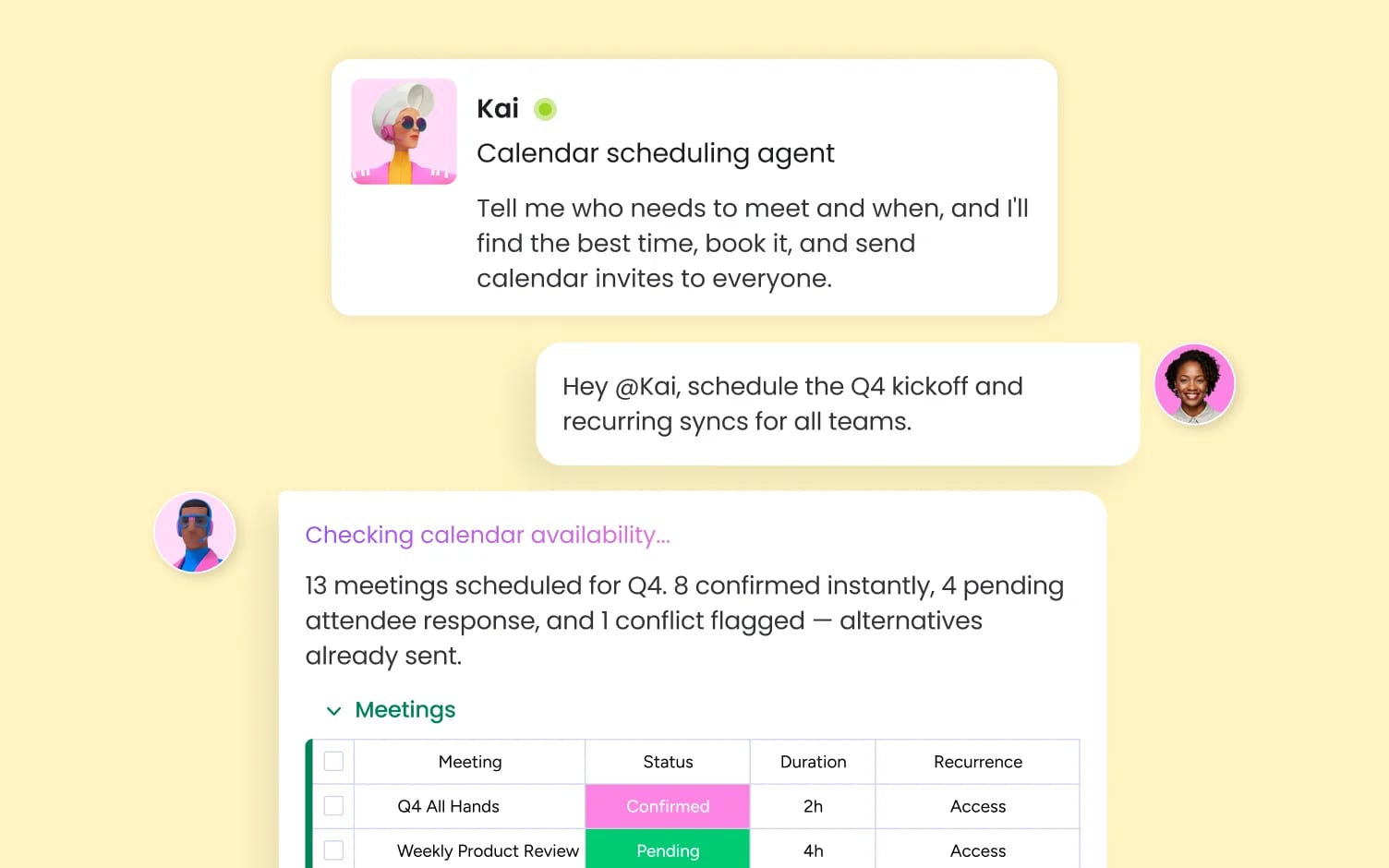
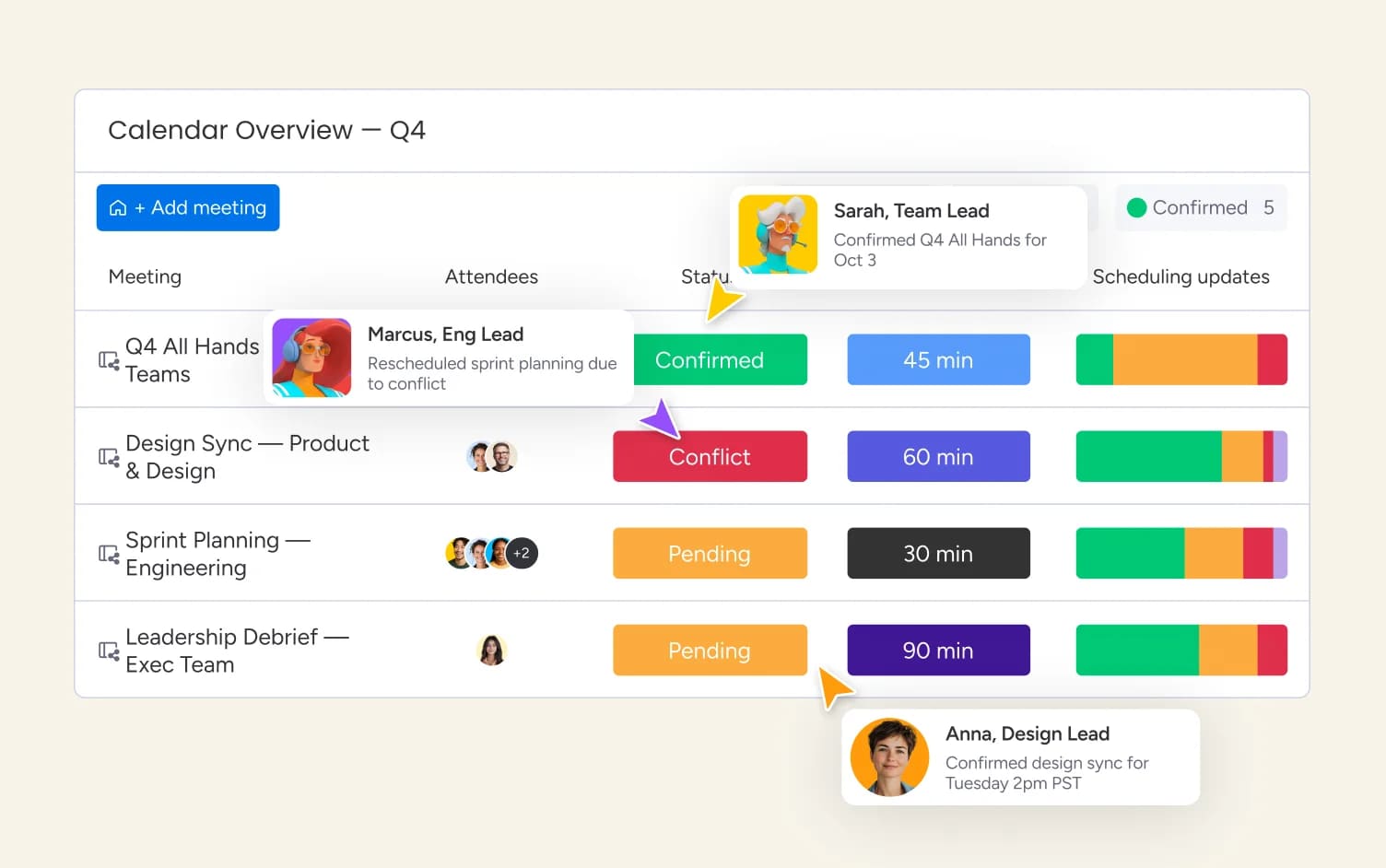
Campaign kickoffs live on campaign boards. Sprint ceremonies live on sprint boards. Client syncs live on deal boards. When a milestone shifts in monday.com, every dependent meeting adjusts with it automatically - no manual rescheduling, no calendar that's two days behind the project it's supposed to support.
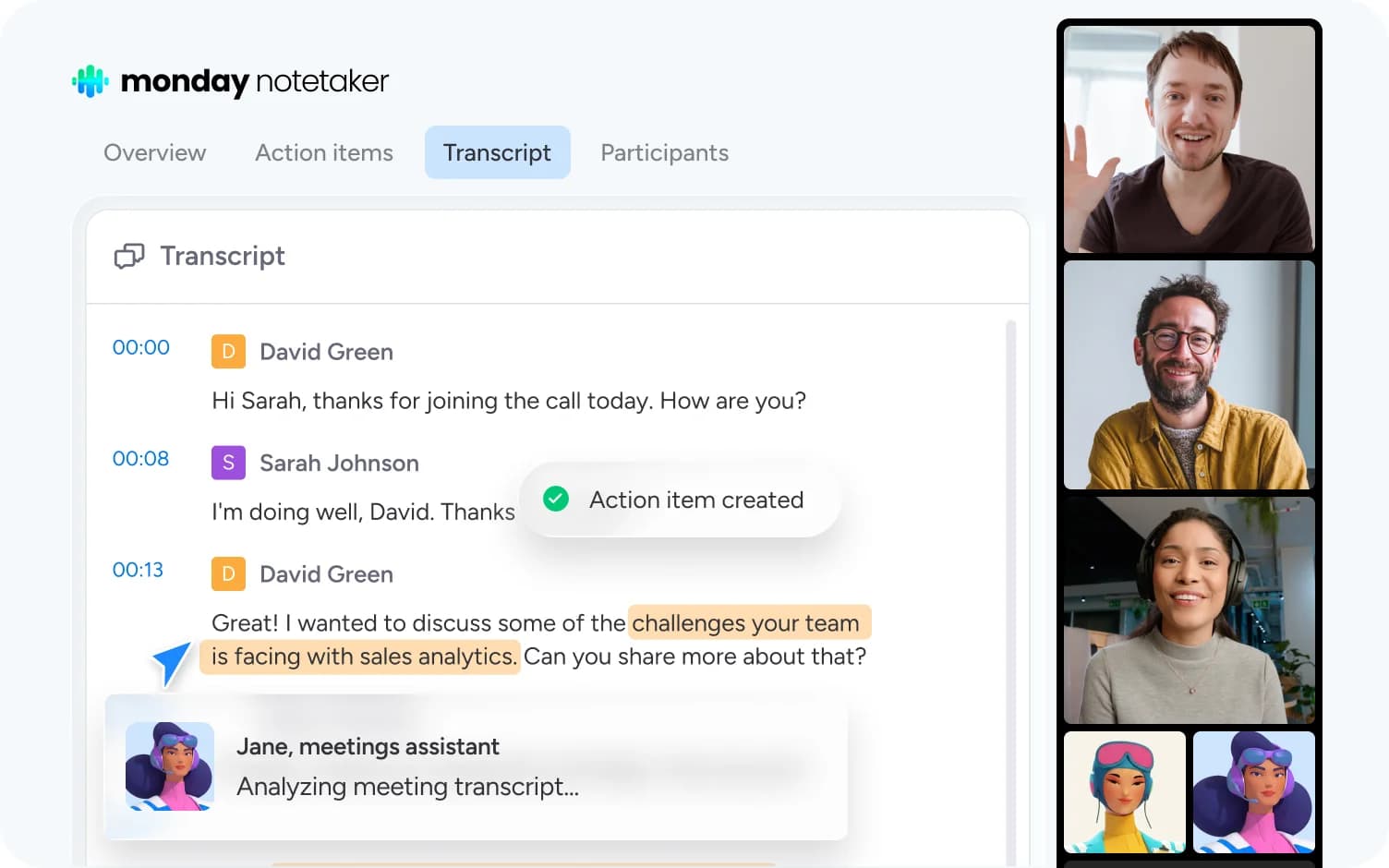
monday AI Notetaker joins your meetings, captures a full transcript, and generates a structured summary with action items assigned to the right people on your board - automatically, without anyone taking notes or chasing follow-ups after the call. Every decision made in the meeting becomes a tracked item in monday.com the moment the meeting ends.
monday.com connects your AI workflow automation software to the tools every team runs on. With 850+ integrations - including Slack, Jira, Microsoft Teams, Google Calendar, GitHub, and Salesforce - and MCP support for Claude, ChatGPT, and Copilot, your portfolio data stays connected wherever your teams work.



Marketing teams plan campaign timelines, coordinate review meetings, and schedule launch events on monday.com - with AI workflows sending reminders, routing approvals, and keeping every milestone connected to the campaign calendar it drives.

Product and engineering teams schedule sprint planning, standups, retrospectives, and release reviews on monday.com - with recurring meeting workflows connected to the sprint board, so every ceremony is triggered by the work, not a manual calendar entry.

PMO and operations teams coordinate steering committee meetings, quarterly business reviews, and program planning sessions from monday.com - with scheduling automation connected to portfolio dashboards so every meeting reflects current project status.

IT teams coordinate maintenance windows, change advisory board meetings, and post-incident reviews on monday.com - with scheduling workflows that flag capacity conflicts, trigger participant notifications, and connect every meeting to the incident or change request it addresses.

HR teams manage multi-round interview schedules, onboarding session coordination, and training calendar planning on monday.com - with AI workflows routing invites, sending reminders, and keeping every scheduling change connected to the hiring or onboarding board it belongs to.

Legal teams schedule client meetings, matter review sessions, and compliance calendar milestones on monday.com - with scheduling workflows connected to matter boards so every meeting is documented automatically and deadline coordination stays visible to the whole team.
Link Google Calendar or Outlook to monday.com in minutes - bi-directional sync keeps both sides current automatically. Then map your scheduling workflows to the boards they belong to: interview pipelines to recruiting boards, campaign kickoffs to marketing boards, sprint ceremonies to product boards.
Set up scheduling automation that fires when work moves - interview invites triggered when a candidate advances, campaign kickoff meetings scheduled when a brief is approved, maintenance windows booked when a change request is confirmed. AI workflows handle the reminders, routing, and rescheduling without anyone managing a calendar manually.
Real-time calendar views across every board give your team, your stakeholders, and your leadership a single place to see what's scheduled, what's shifting, and what depends on what - with AI surfacing conflicts and capacity issues before they delay the work they're attached to.
Structured boards that coordinate candidates, hiring managers, and panels across every round - with scheduling automation triggering invites, reminders, and rescheduling notifications connected to the candidate pipeline board.
Scheduling workflows that fire based on real work events - a stage change, an approval, a milestone - so the right meetings get booked at the right time without anyone manually checking a calendar.
Bi-directional sync keeps monday.com boards and your calendar in alignment at all times - so every scheduling change in your workspace appears in participants' calendars instantly, and every calendar event stays connected to the project it supports.
Schedule meetings across multiple internal and external participants from one board - with availability-based routing, automated confirmations, and rescheduling workflows that notify all parties and update all calendars when plans change.
AI workflows account for time zones automatically when scheduling across global teams - showing each participant their local meeting time, avoiding extreme-hours bookings, and suggesting windows that work for distributed teams.
When a meeting is rescheduled or cancelled, automation notifies all participants, updates connected board items, and triggers the next scheduling step - so rescheduling a single meeting doesn't create a chain of manual follow-ups.
Plan and track events - webinars, trade shows, training sessions, client workshops - on dedicated event boards with milestone calendars, vendor coordination timelines, and registration deadline tracking connected to all your campaigns.
Set rules for meeting types, buffer times, and capacity thresholds - then let AI apply them to every scheduling request automatically, so your team's calendar reflects actual capacity rather than who responds to an invite fastest.

Purpose-built AI agents that coordinate scheduling sequences, route meeting invites, and keep calendars aligned to the work they support.

Automate scheduling sequences, reminder chains, and post-meeting action item creation across your entire team operation.

Your AI assistant that surfaces scheduling conflicts, drafts meeting agendas, and answers questions about your calendar boards instantly.

Build custom scheduling portals, availability booking pages, and team calendar dashboards in minutes - no engineering required.
We replaced a 15-minute screening call with an AI agent that does it in 5 minutes.





It’s the first time we’ve seen a real AI solution that is actually useful.




Looking for better team coordination? Discover top team calendar software, key features, and templates built for modern teams.

Interactive calendar for teams and projects with real-time updates, automation, and collaboration features.

Discover how an event management calendar keeps your team organized, on schedule, and stress-free.

Online calendar for teams and individuals. Share schedules, avoid conflicts, and sync across devices and teams.
AI calendar scheduling software uses artificial intelligence to automate meeting coordination, scheduling workflows, and calendar management. monday.com positions scheduling as a coordination layer connected to the work itself - so interview pipelines, campaign kickoffs, sprint ceremonies, and cross-team planning sessions all live on the same platform as the projects they belong to, rather than floating in a disconnected calendar.
monday.com has dedicated interview scheduling boards that coordinate candidates, hiring managers, and panels across every round - with AI workflows triggering invites, sending reminders, and routing rescheduling requests automatically when a conflict arises. Every stage change on the recruiting board can trigger the next scheduling step without HR touching a calendar manually.
Yes - scheduling workflows on monday.com account for time zones automatically, showing each participant their local meeting time and surfacing windows that work across distributed teams. When global teams coordinate quarterly reviews, cross-functional kickoffs, or multi-region planning sessions, the platform flags capacity conflicts and suggests timing that respects each team's working hours.
monday.com integrates natively with Google Calendar, Outlook, Calendly, Slack, Microsoft Teams, Gmail, and Zoom - with 850+ integrations total and MCP support for Claude, ChatGPT, and Copilot. Bi-directional sync keeps your monday.com boards and calendar aligned at all times.
monday.com is the only AI Workspace where your schedule lives alongside the work it coordinates. Standalone scheduling tools book meetings; monday.com connects every meeting to the project, pipeline, or campaign it belongs to - so when the work shifts, the schedule shifts with it. G2 #1 ranking, Gartner Magic Quadrant Leader, and nearly 250,000 customers across every department and industry.
monday.com offers a free plan with boards, multiple views, calendar sync, and core automations. Paid plans that unlock AI agents, advanced workflows, and enterprise security start at $9/mo per seat.
Yes, the monday.com app is available for download on iOS and Android app stores.