

Unless you’re a software developer, the thought of coding your own platform is pretty daunting; thankfully, that’s why we have no-code tools.
If you’re not familiar with no-code tools, don’t worry. In this article, we will explain what a no-code tool is and outline the benefits of using them. We’ll also look at the difference between no-code and low-code before sharing 6 no-code tools you can use to grow your business.
So let’s start from the top.
What are no-code tools?
A no-code tool is a piece of software you can visually customize without using coding or even looking at machine learning frameworks.
Take monday.com, for example. If you use our work management software, you can design an entire workflow without entering a single piece of code. You can customize templates, create automations, and integrate with third-party platforms.
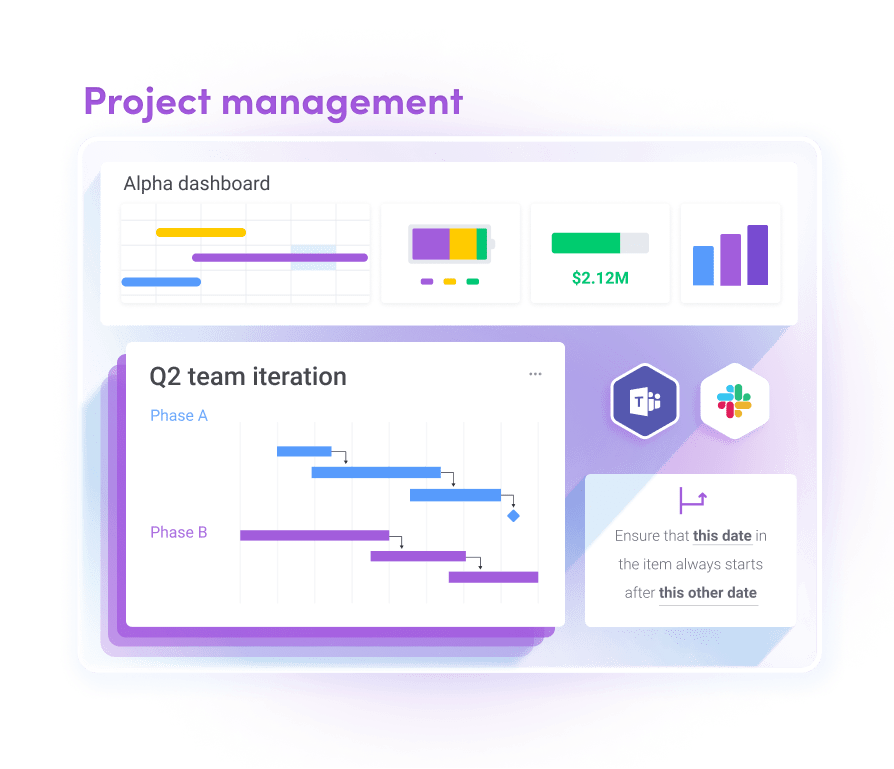
Of course, it doesn’t mean there’s no coding at all. There is, but as the team member or team leader, you won’t have to use it. The coding has already been done for you by a software developer. All you have to do is customize the user interface.
Let’s circle back to the very beginning of this blog where we mentioned the term ‘low-code.’ It’s often associated with no-code, but what does it mean exactly?
No-code vs. low-code: what’s the difference?
If you’ve already heard of no-code, you might’ve also heard the term low-code. The two are often thought of as pretty similar, but they’re not quite the same. The difference lies in the target user groups.
No-code platforms are for those without developer experience. Low-code platforms are used by people with some understanding of coding.Let’s break it down.
Despite what the name implies, a no-code platform does have coding.
The phrase is simply a marketing term that describes a platform for non-professional developers. It means there’s a lot of coding behind the scenes; you just can’t see it.
But low-code isn’t as simple as no-code.
With low-code, there’s still some coding involved. Usually, it’s relatively simple. For this reason, it’s more often used by those who already understand coding.
Aside from ease of use, there are plenty of other reasons us non-developers would familiarize ourselves with no-code softwares. But we’ll start with the obvious.
What are the benefits of no-code tools?
Let’s take a look at some of the benefits of using no-code tools.
Easy to use
Whether you’re a seasoned developer or a complete technophobe, no-code tools are easy to use, because they’re designed with the user in mind.
The developer has made it easy for you to use on purpose. No-code tools are made to be as user-friendly as possible so anyone can use the tool (and get the most out it) with little to no friction.
Quicker to get going
No-coding tools are ready to use. All you have to do is sign-up and you’re good to go. Typically when there’s coding involved, it’s going to take time to get moving. You’ll have to learn the ins and outs of the software and understand the language, which means you won’t be able to hit the ground running like you can with no-code tools.
If you want to save yourself time and money developing custom code, consider using a no-code platform. The hard part is done. You just have to customize it.
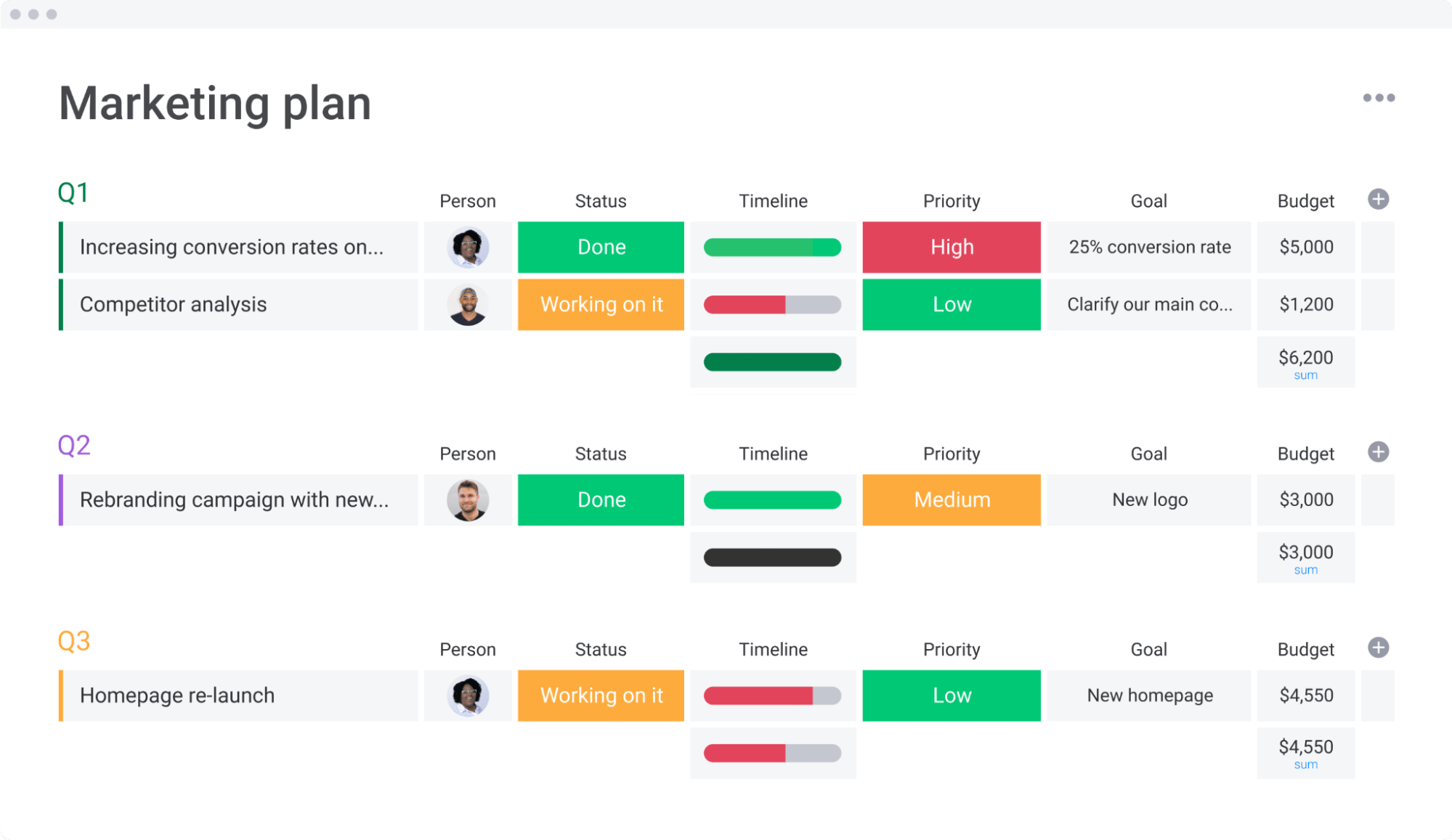
If you want to see a no-code platform in action, have a look at our customizable templates. They’re pre-designed for you to use, but you can chop and change them however you like. Take the board below.
Members of this board can change add or delete any column, add members, change the view, add automations, and dozens of other customizations that fit your specific team.
Maximize your resources
With a no-code tool, you spend less time managing the platform and more time using it. You don’t need to spend time reading the manual.
This means you can put your focus elsewhere and maximize the use of your resources.
If you need to create a new platform with code, you or a team member will have to spend time and money writing it out. If you’re not up to the coding challenge, you’ll need to outsource it to a freelance developer who’s going to charge you for their time.
But with a no-code tool? The only resource will be the cost of the platform and any time spent learning to understand the interface. And robust platforms like monday.com are extremely intuitive and easy-to-use.
Easily make changes
No-code platforms are easy to customize. Some platforms offer a variety of features that allow you to customize the interface quickly and easily.
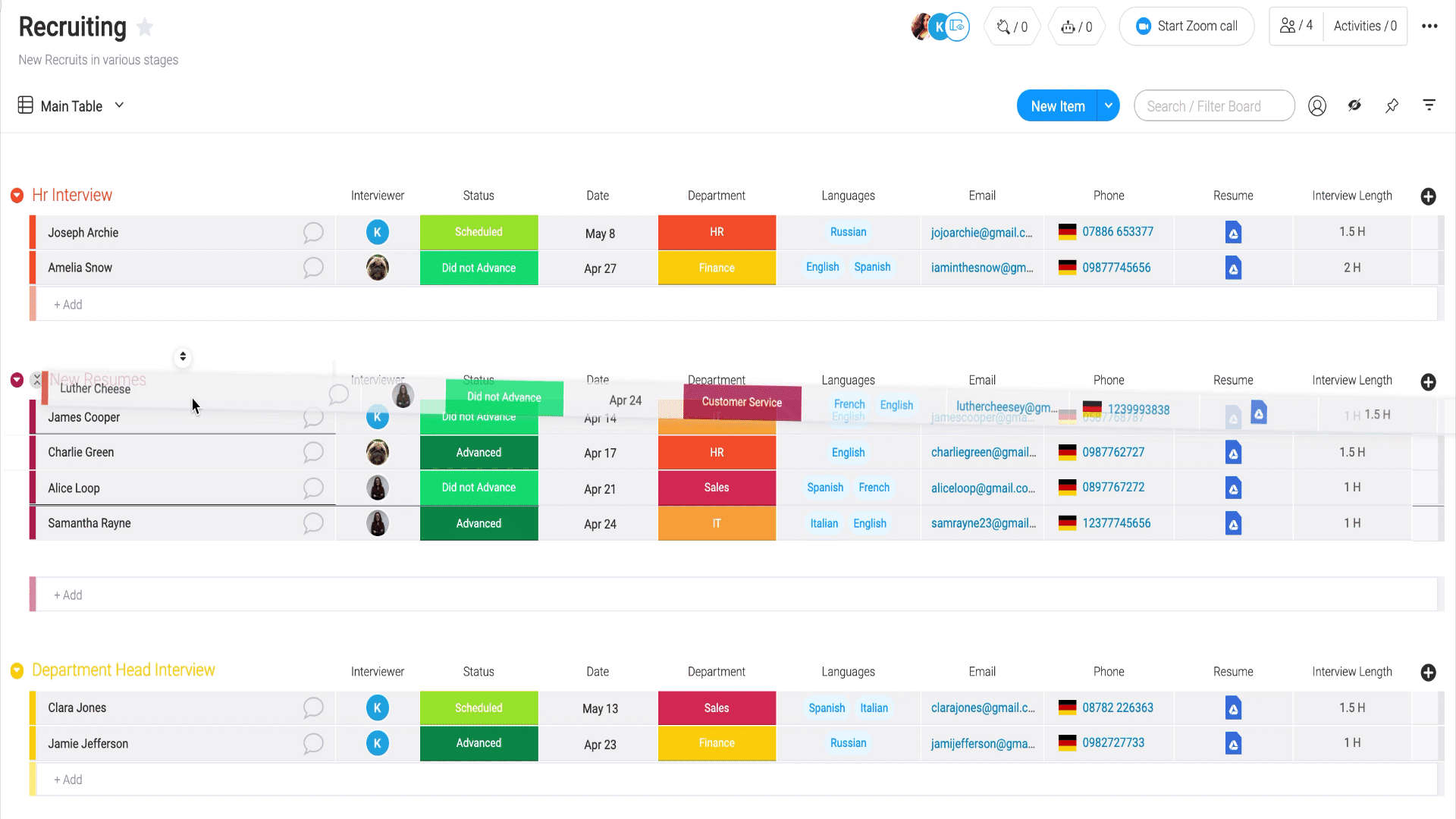
At monday.com, we provide a drag-and-drop function on our boards, allowing users to quickly move things around and customize their workflow.
6 no-code tools and what they can do for your business
Now that we’ve covered the benefits, you’re probably wondering what no-code tools are out there and how they can help your business.
Well, look no further. We’ve outlined 6 business-ready no-code tools that will change the way you work.
1. monday.com
monday.com is a Work Operating System (Work OS) that helps teams build, manage, and customize their workflow. With our software, teams can create a workflow perfectly catered to their needs.
Deadlines are easy to manage, project progress is easy to track, and team communication is straightforward. Not to mention, with monday.com, everyone on a team can collaborate and work from one source of truth, making it easier for teams to work together. Below are just a few of the ways (we call them building blocks) you can customize your workflow.
Dashboards, integrations, automations and more all empower teams to optimize their work and achieve full transparency.
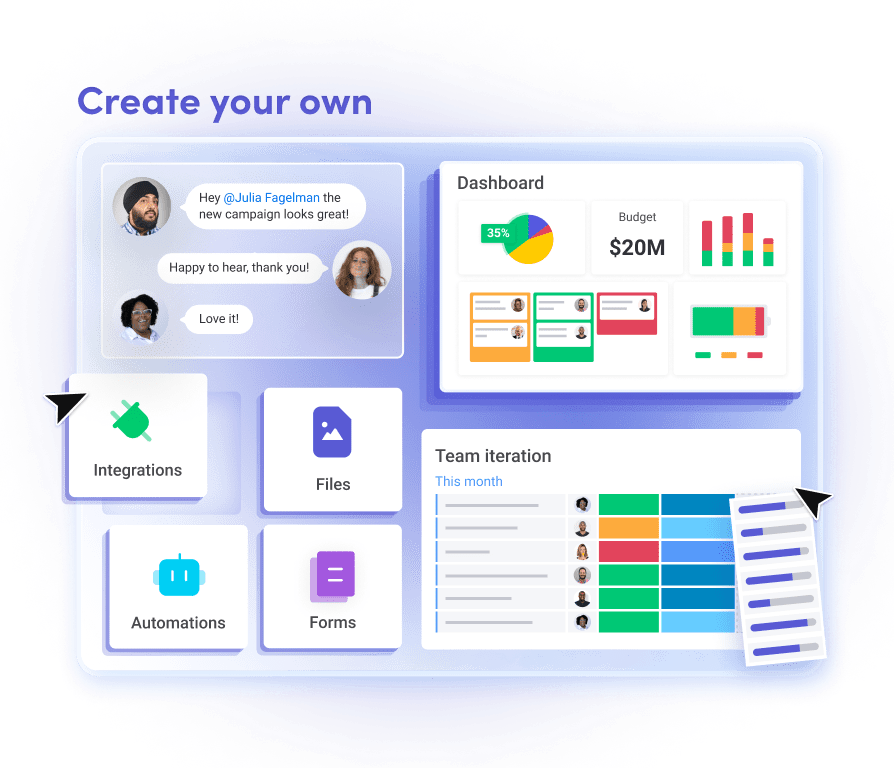
Now let’s take a look at some of our features in more detail:
- Automations: with monday.com, you can automate your entire workflow. Whether that’s moving a task along when a certain action is taken or automatically notifying a team leader when a task is complete, we’ve got you covered. You can use any of our pre-made automations or create your own from scratch.
- Integrations: With our software, you can easily integrate any existing platform you use in your tech stack. From Slack and Zoom to Google Sheet and Mailchimp, we’ve got various integrations for you to choose from so all of your work lives in one place.
- Customizations: as we’ve already mentioned, we’re pretty big on customization here at monday.com. As a result, you can customize your workflow in more ways than one. We let you change the way you view your project, add new columns to your board, and even create custom dashboards. And this is all without a single piece of coding.
2. Bubble
Bubble is an app builder that allows businesses to create a web app without using code.
The website provides users with total design freedom for the application development process. And you don’t need any knowledge of CSS or HTML.
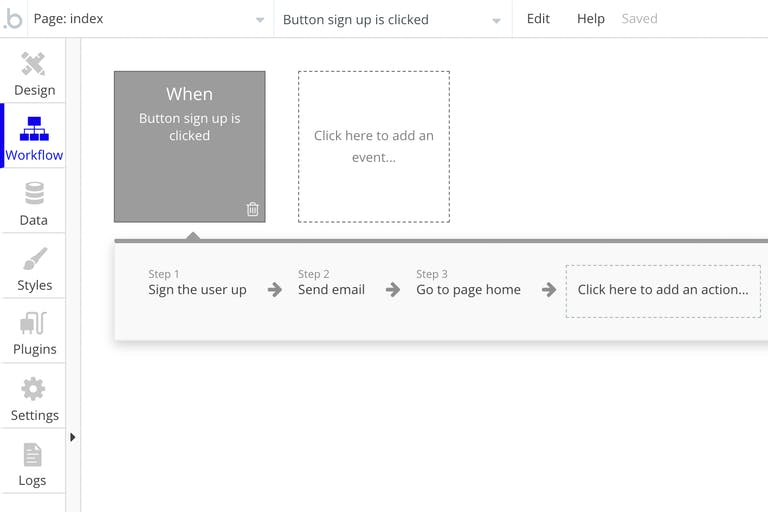
And just like a lot of no-code platforms out there, Bubble uses a responsive editor to help you structure the layout. This includes the simple drag-and-drop feature, which allows you to move sections around easily.
3. Webflow
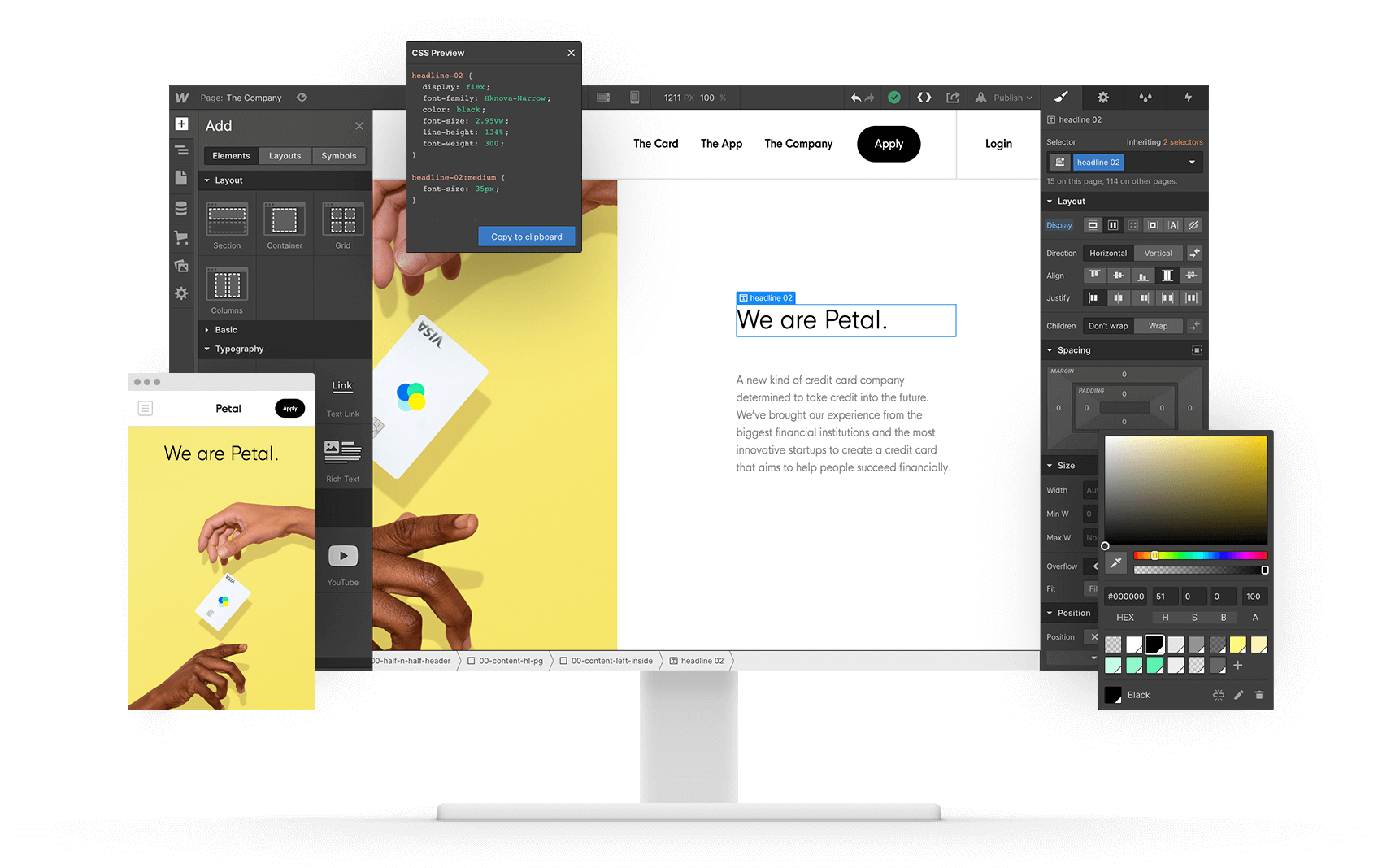
Webflow is a website builder. It helps businesses build and customize your website from scratch, without the hassle of having to use any coding.
Here are some of the features the platform offers:
- Built-in SEO tools: with Webflow, you can manage the technical SEO elements of your website. This includes metadata, XML sitemaps, redirects, and canonical tags.
- Integrations: integrate your external marketing tools to track the performance of your website.
- Easily update content: Webflow provides users with an internal tool for editing website content. This makes it super easy for you to update content quickly. All you have to do is launch the editor and make edits right on the page.
4. Memberstack
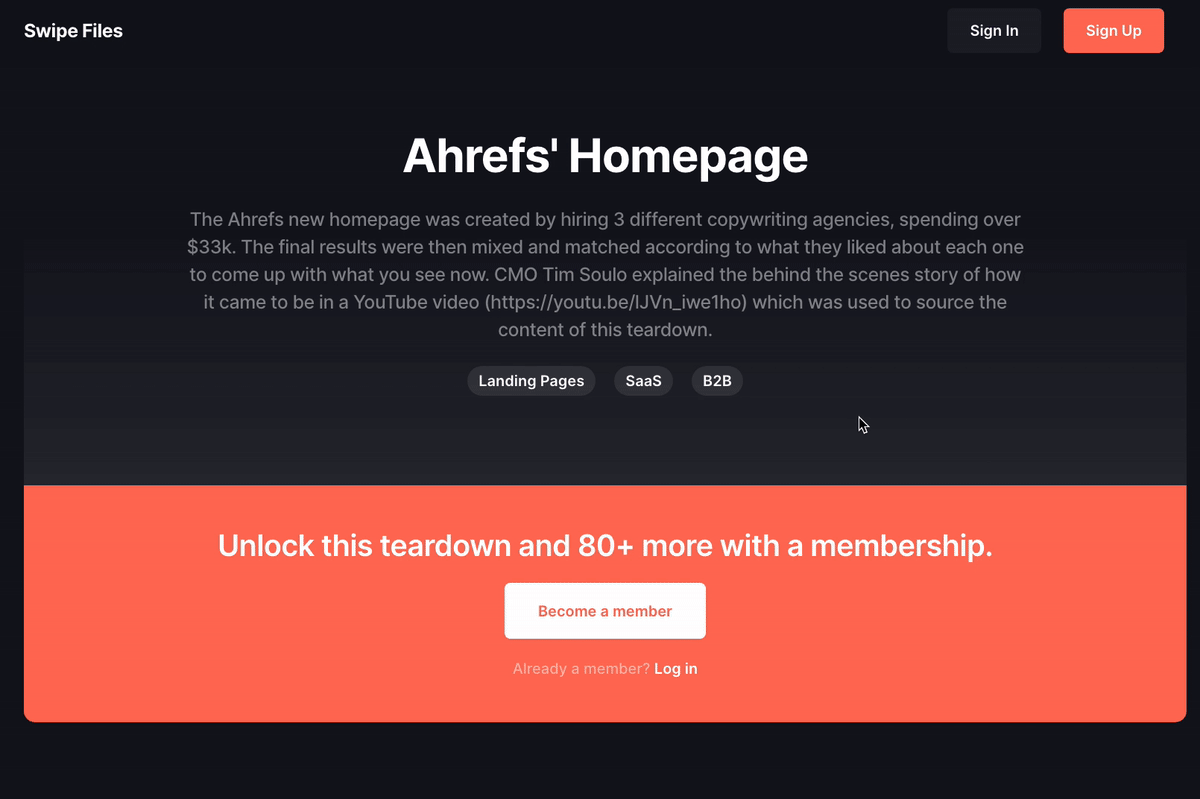
Memberstack is a website development platform that helps businesses manage membership plans, pricing, and permissions. As a result, you control what your consumers see and when they see it. This is pretty helpful if you’re trying to nurture consumers down the sales funnel.
Here’s a bit more information about the features it provides:
- User sign-up and log in: add user authentication to your website so business users can log in to their accounts.
- Gated content: encourage users to sign-up for your website by restricting their access. For example, if you’ve created an industry report, you can ask users to provide their contact information to gain access.
- Secure payments: add secure subscription payments for users to pay for your product, service, or digital content. This includes recurring payments, one-time payments, and coupons. You can choose from over 150 currencies as well.
5. Obviously AI
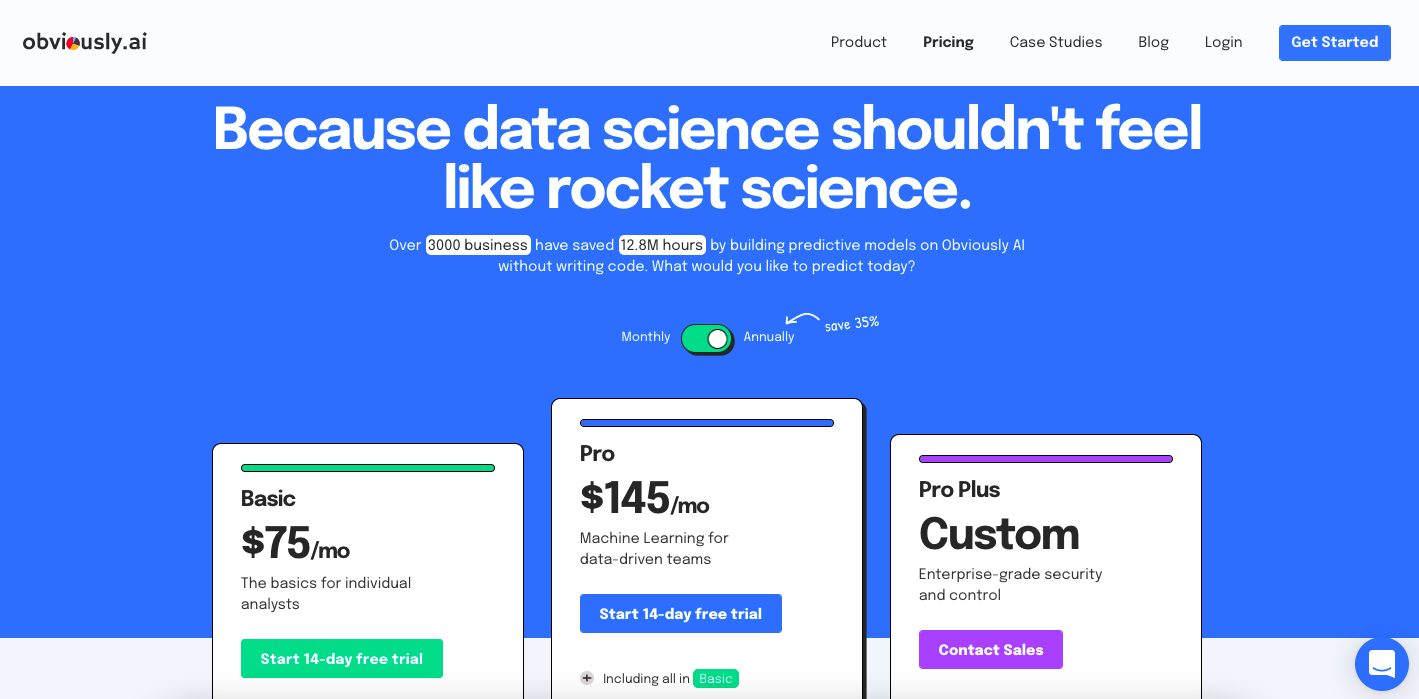
With the help of artificial intelligence, Obviously AI allows businesses to analyze data and make informed business decisions. The platform also allows you to customize the data you see.
Here are a few of its customizable features:
- Drag-and-drop columns: With this capability, Obviously AI allows you to move and change information easily.
- Filters: Filters allow you to customize the data you see.
- Create automations: with Obviously AI, you can save yourself time reviewing data and automate predictions.
6. Zapier
Zapier helps businesses automate work and integrate different platforms. The website allows you to link your web apps and pass information between platforms. You can also create your own ‘Zaps’ to automate the process.
Here’s an example of a Zap:
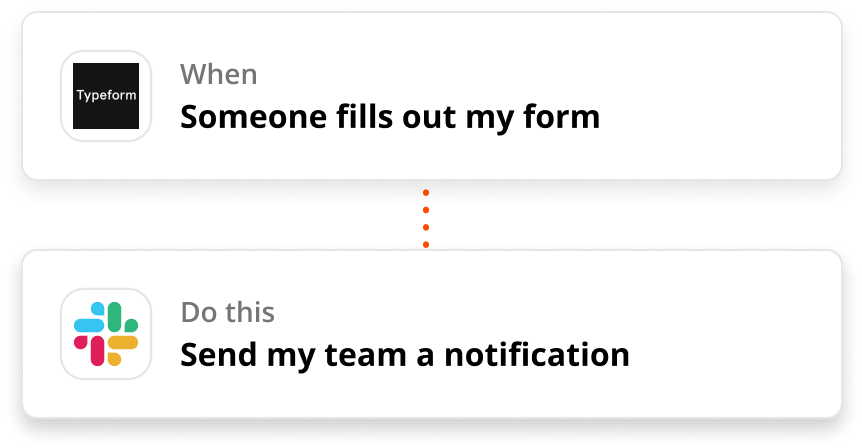
Put simply, Zapier allows you to build automations between platforms without any coding. Not to mention the platform integrates with over 3,000 apps. So you can pretty much guarantee that you’ll be able to automate processes between all the platforms you use.
Let’s take a look at some more of the features Zapier offers:
- Pre-made templates: Zapier has created thousands of pre-made automation templates for you to choose from. All you have to do is select the ones you want to use.
- Customize Zaps and templates: if the Zapier templates don’t quite suit your needs, you can tweak them or create your own.
- Automate multiple tasks: you can automate multiple tasks with a single trigger.
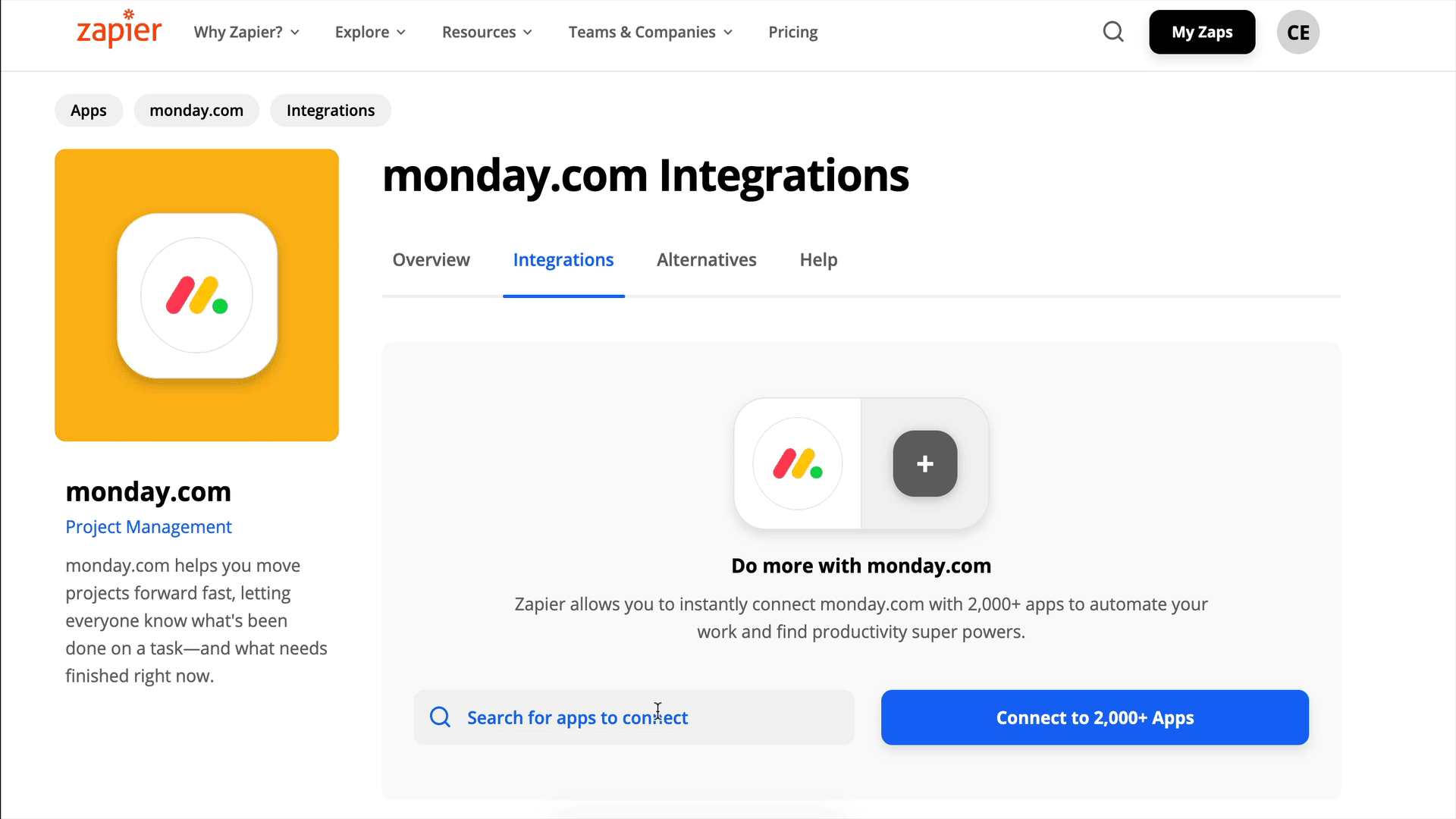
Here’s a fun fact: monday.com offers a Zapier integration.
7. BrandCrowd
Brandcrowd is a free logo maker tool that has over 97.000 premium logo designs you can choose from. You can browse and select a unique logo that’s most suitable for your brand style and vision. You can also make business cards, covers, and stories for your social media channels.
Here are a few of its other key features:
- Free Logo Maker – browse and choose your own logo from over 97.000 premium designs.
- Business Card Maker – Create a unique business card in minutes.
- Facebook and YouTube Cover Maker – Easily create covers for your Facebook and YouTube Channels
- Facebook and Instagram Post Maker – Create unique templates for your social media accounts
Take control of your workflow with monday.com
By now, you (hopefully) understand the ins and outs of no-code tools, how they work, the benefits of using them, and a list of platforms to take your workflows to the next level.
Whether your team is big or small, choosing an accessible platform saves your company time and resources. A low-code/no-code platform like monday.com lets you manage any kind of work in a matter of minutes.
Need a hand getting started? Check out one of our many no-code tools right in our template center.
 Get started