


Choose a platform you can trust for the long run.
Airtable is built for where you start. monday.com is built for where you're headed — secure, stable, built to last.











Why teams are migrating from Airtable to monday.com
What are you currently using?
- monday.com is more than a just database
No database skills or steep learning curve needed.
- monday.com is not just for technical users
Any team member can use and configure monday.com.
- Airtable needs setup, monday.com ready to go
Get team member on board and working instantly.
- Spreadsheets have no ownership. monday.com does.
Ownership, status, and context built in.
- Spreadsheets breaks when shared.
monday.com is for teamwork.No version chaos. Real-time collaboration at all times.
- If your team lives in v12_final_FINAL.xlsx, it's time.
monday.com keeps everyone on the same page. Always.
- The patchwork era is over.
One system connects your work, your teams, and your AI.
- Most tools bolt AI on top. monday.com builds it in.
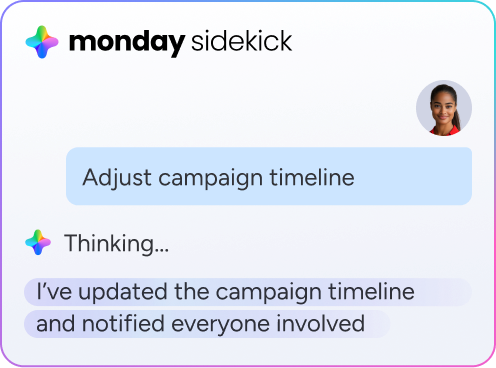
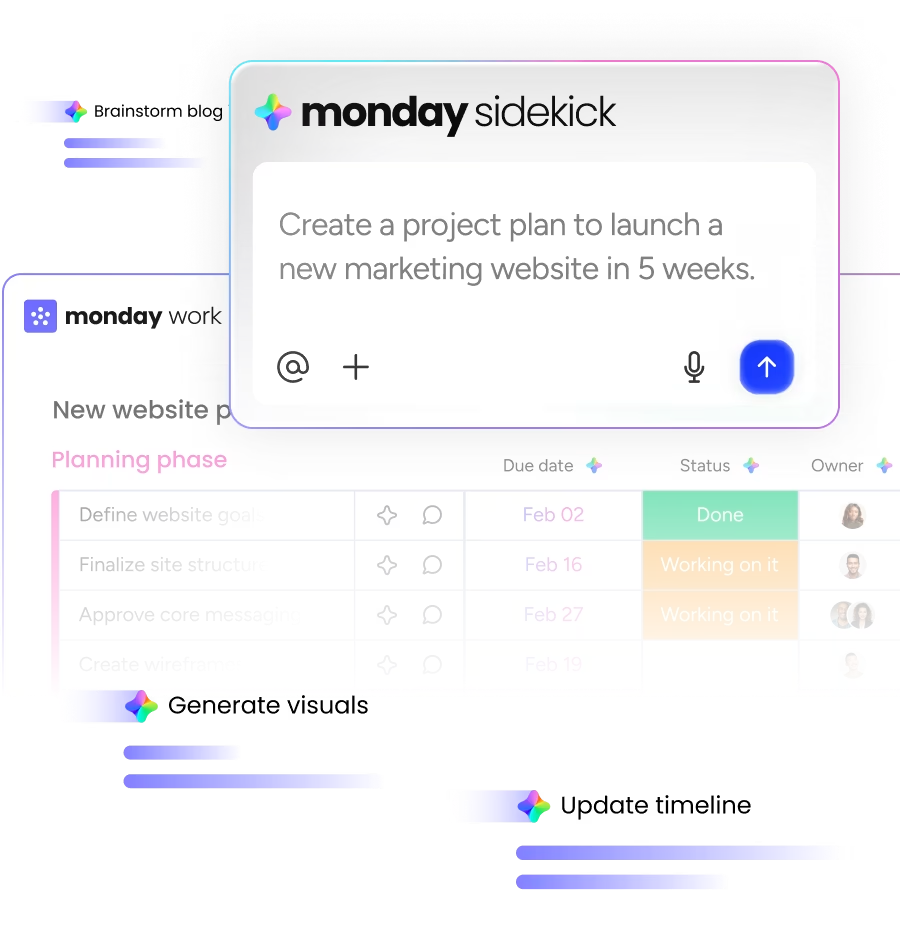
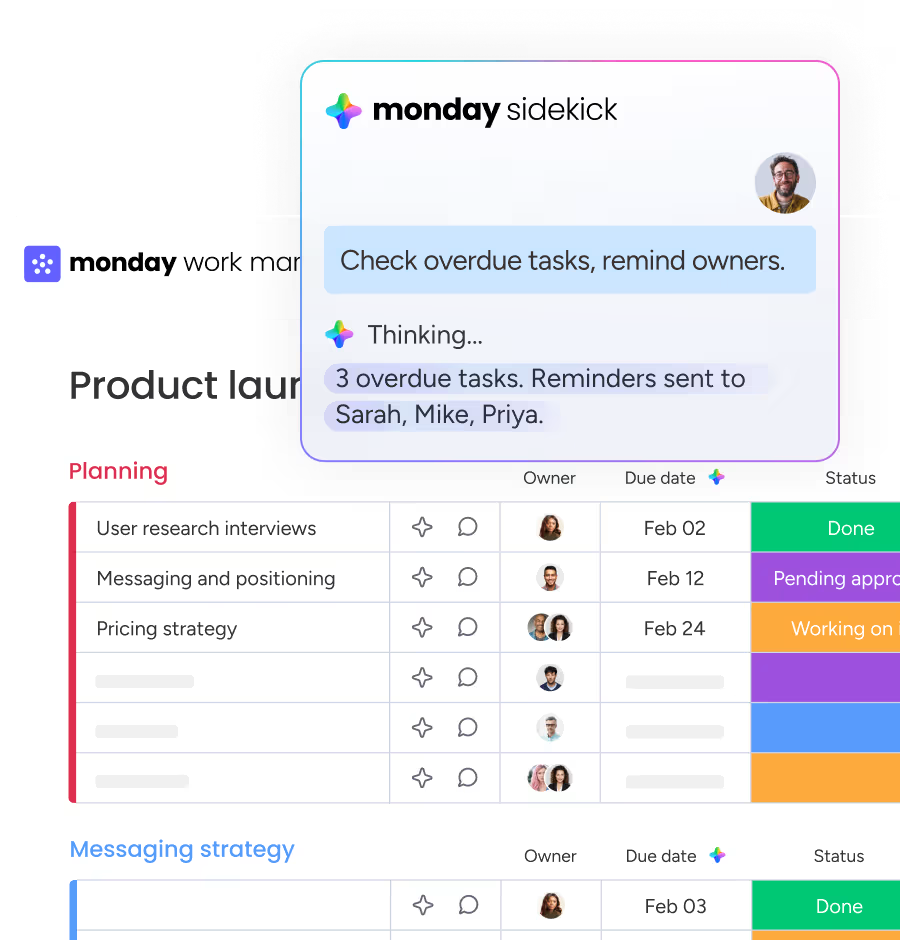
Built-in AI that does the the busy work for your teams.
- Most tools force you to fit their structure.
monday.com’s flexibility ensures that it fits yours.
Airtable is great for some. monday.com is great for everyone
Built for the long run
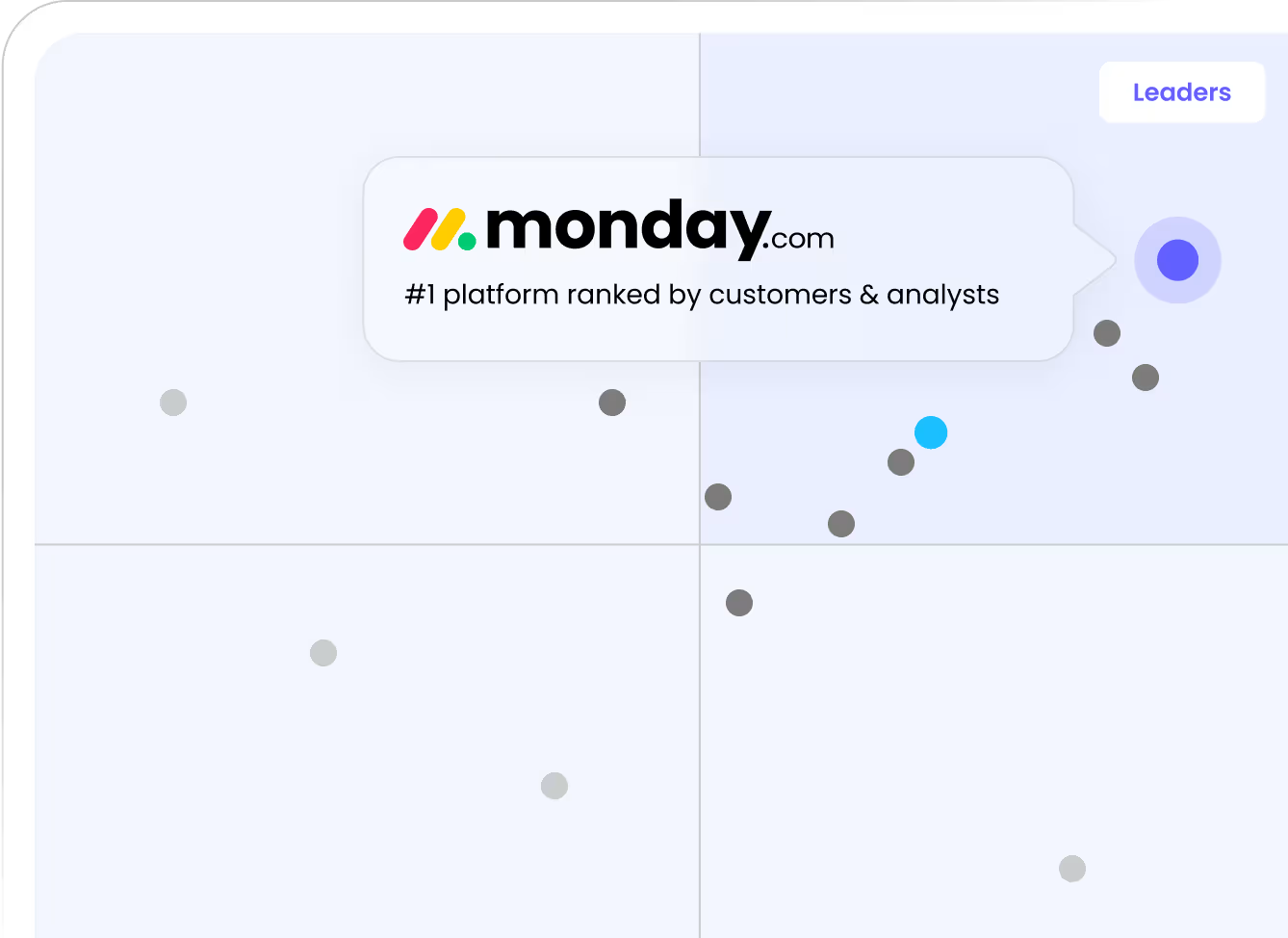
A proven platform trusted by 250,000+ customers — so you can commit with confidence, not worry about what's next
Migrate without the risk
Bring your data and workflows over in minutes, with dedicated support — so the switch doesn't slow your team down
Built to scale with AI
Run and integrate any model, agent, or tool your team chooses — all working from the same data.
See how monday.com stacks up against Airtable
Here's how monday.com and Airtable compare on cost, functionality and ease of use for your teams.
 Get Started No credit card needed ✦ Unlimited time on Free plan |  | |
|---|---|---|
Ease of use Not just the person who built it, but for everyone on the team. | ||
Project views out of the box Timeline, Gantt, Kanban, Calendar — included in monday.com. | ||
200+ native integrations monday.com has 200+ built-in integrations instead of relying on Zapier and Make. | ||
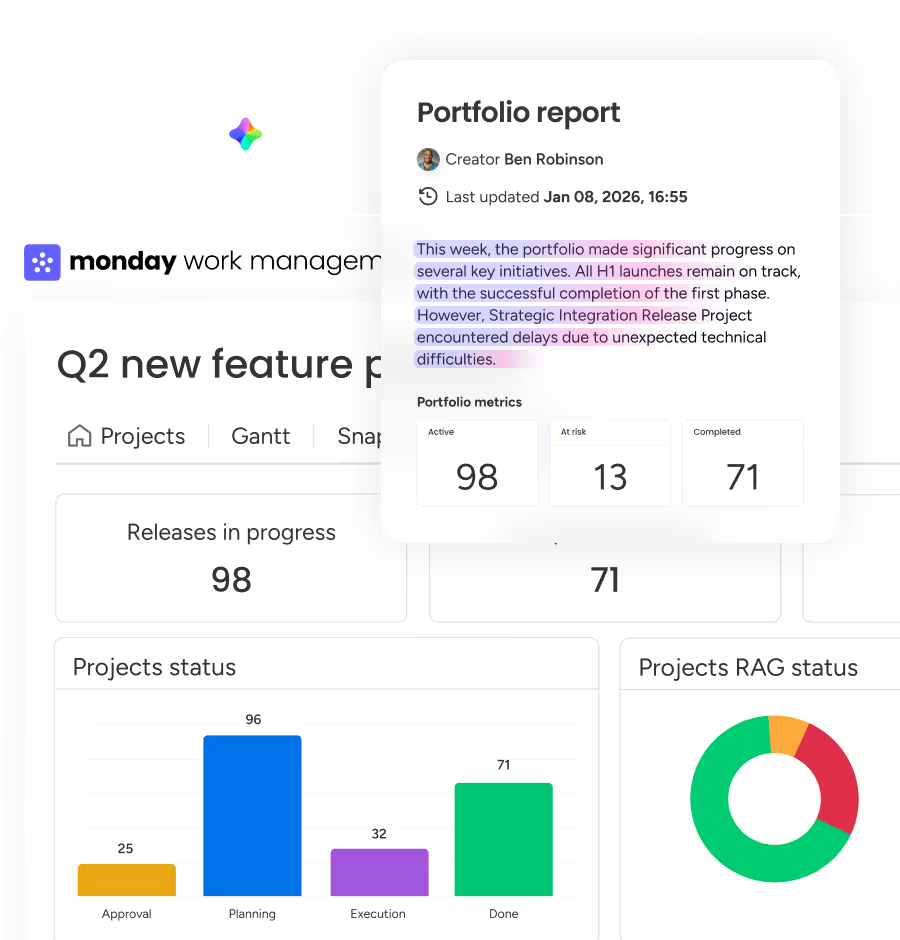
Portfolio and resource management Robust and built-in portfolio and resource capabilities in monday.com. | ||
Dashboards your whole team can build Instant cross-board data, live without complex setup. | Partial | |
Guest users Collaborate with guests on monday.com, at no extra cost. | ||
24/7 customer support Airtable offers email-based and community-driven support only. | ||
Enterprise security you don't have to think about SOC 2, HIPAA, ISO 27001, GDPR. Covered. |
Hear what teams like yours say about monday.com














monday.com is where work actually happens
One platform for every step of your work. Easy enough for everyone to use, powerful enough to run it all — with AI alongside every team.
Frequently asked questions
Yes — significantly so for non-technical teams. Airtable is built around a database model that requires understanding tables, fields, views, and relational logic. monday.com uses visual boards, color-coded statuses, and drag-and-drop workflows that any team member can navigate from day one — no database background required.
That's one of the clearest differences. Airtable tends to stay with the technical person who built it — the rest of the team avoids it or relies on them for every change. monday.com is designed so any team member can build, configure, and update their own boards without any help. High adoption across the whole org, not just one person
Yes. Any team member can create boards, set up automations in plain language, and adjust workflows without any technical knowledge. With Airtable, more complex changes often require someone who understands the database structure to step in.
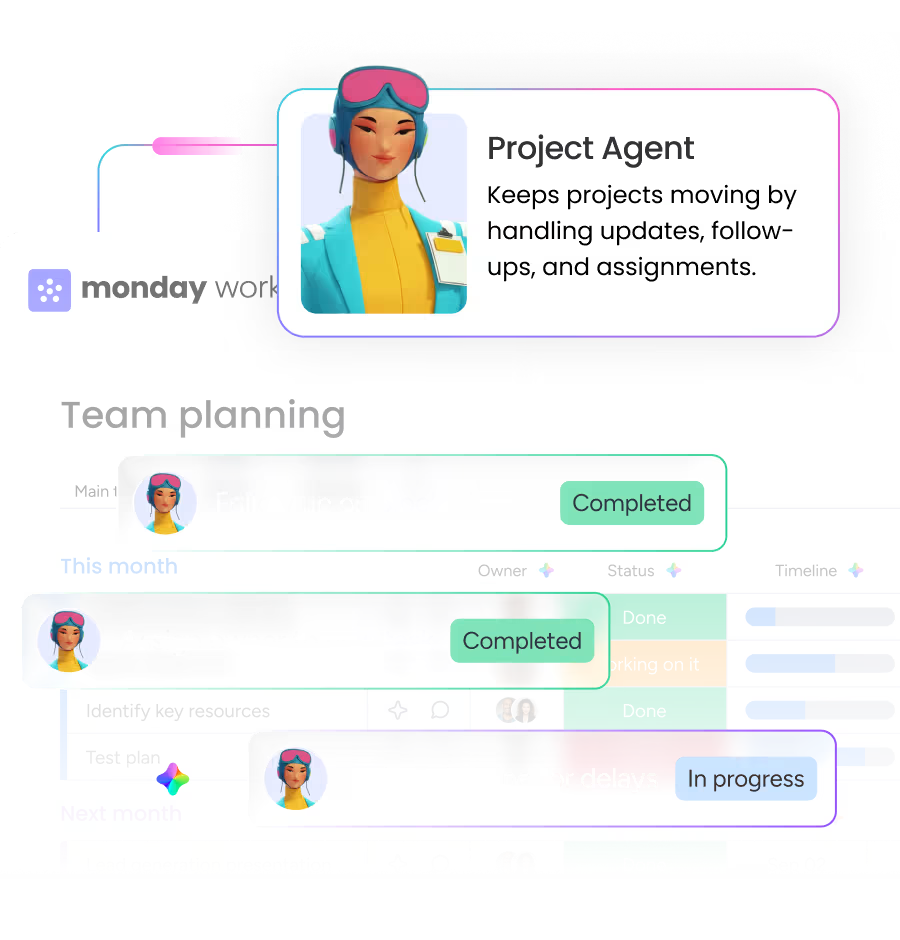
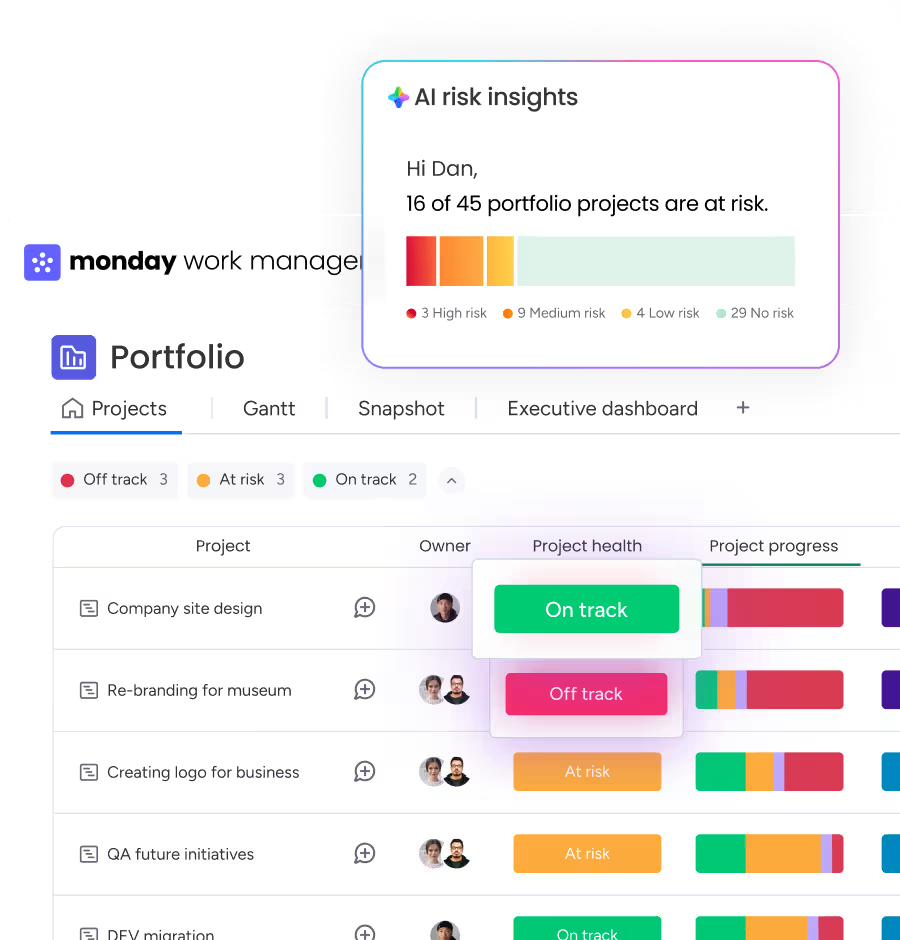
Airtable has invested in AI and if you have the technical chops to configure it, it's capable. But like the rest of Airtable, getting real value from its AI still requires setup, structure, and someone who knows the system. monday.com's AI is built for every team member from day one. It surfaces risks, automates workflows, and with AI Agents that execute tasks autonomously 24/7, work keeps moving without anyone needing to build a base or configure an agent first. The difference isn't what the AI can do. It's who on your team can actually use it.
Not on standard plans. Airtable requires paid extensions for Timeline and Gantt views. monday.com includes Timeline, Gantt, Kanban, Calendar, and Workload views on Standard plans and above, no add-ons needed.
Airtable often appears affordable at first glance. But costs scale quickly — seat-based pricing charges for every editor, usage limits push teams into higher tiers as they grow, and Airtable has raised prices significantly in recent years. monday.com gives you more out of the box at every tier, without the upgrade pressure every time your team or data grows.
Yes. monday.com offers a free trial so teams can explore boards, dashboards, automations, and AI capabilities in real workflows before committing. You can test how it performs with your actual projects, invite teammates, and see how quickly adoption happens — without a credit card.
monday.com offers 24/7 support on every plan. Airtable relies on email and community support. The difference shows up the moment something breaks at the wrong time — or when you have a billing question and need a real answer, not a forum thread.
monday.com makes it easy to bring over your data, workflows, and teams — so you start seeing value right away. You can import your data in minutes, preserve your existing structure, get dedicated migration support, and keep your team running with zero downtime throughout the move. Talk to our team.
Choose the platform you won’t replace next year.

When everyone can use the platform, work actually moves.


