Your team always knows where capacity stands. AI agents surface workload risks, model headcount scenarios, and keep HR, finance, and operations aligned - without the spreadsheet chasing.
Trusted by over 60% of the Fortune 500



HR, finance, and operations see headcount, capacity, and resource allocation in one shared view, AI agents automating the busy work.

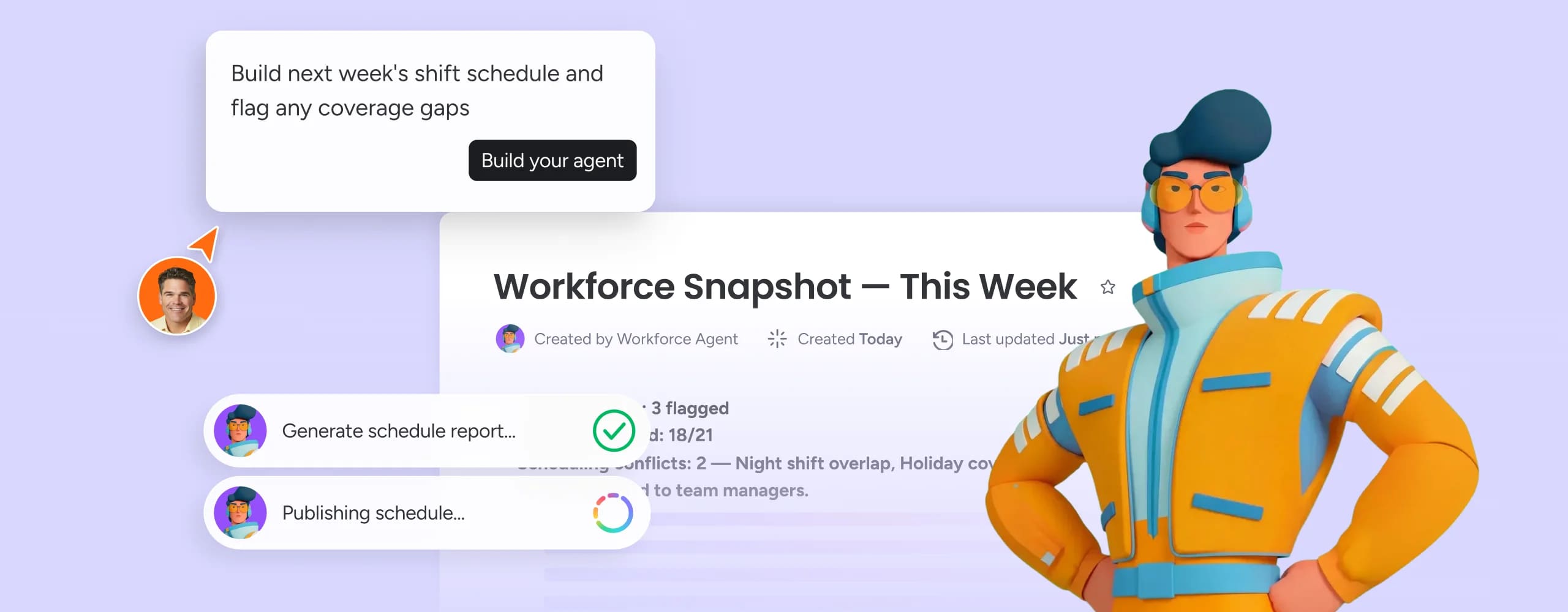
AI agents scan your workforce boards continuously, catching capacity gaps and workload imbalances.

Model hiring freezes, reorgs, or growth scenarios in real time - with every department working from the same numbers.
AI agents generate structured headcount plans from your workforce data - assigning ownership across HR, finance, and business leaders, tracking hiring status in real time, and surfacing gaps before they affect project delivery. Finance and HR see the same numbers, with no manual reconciliation between systems.
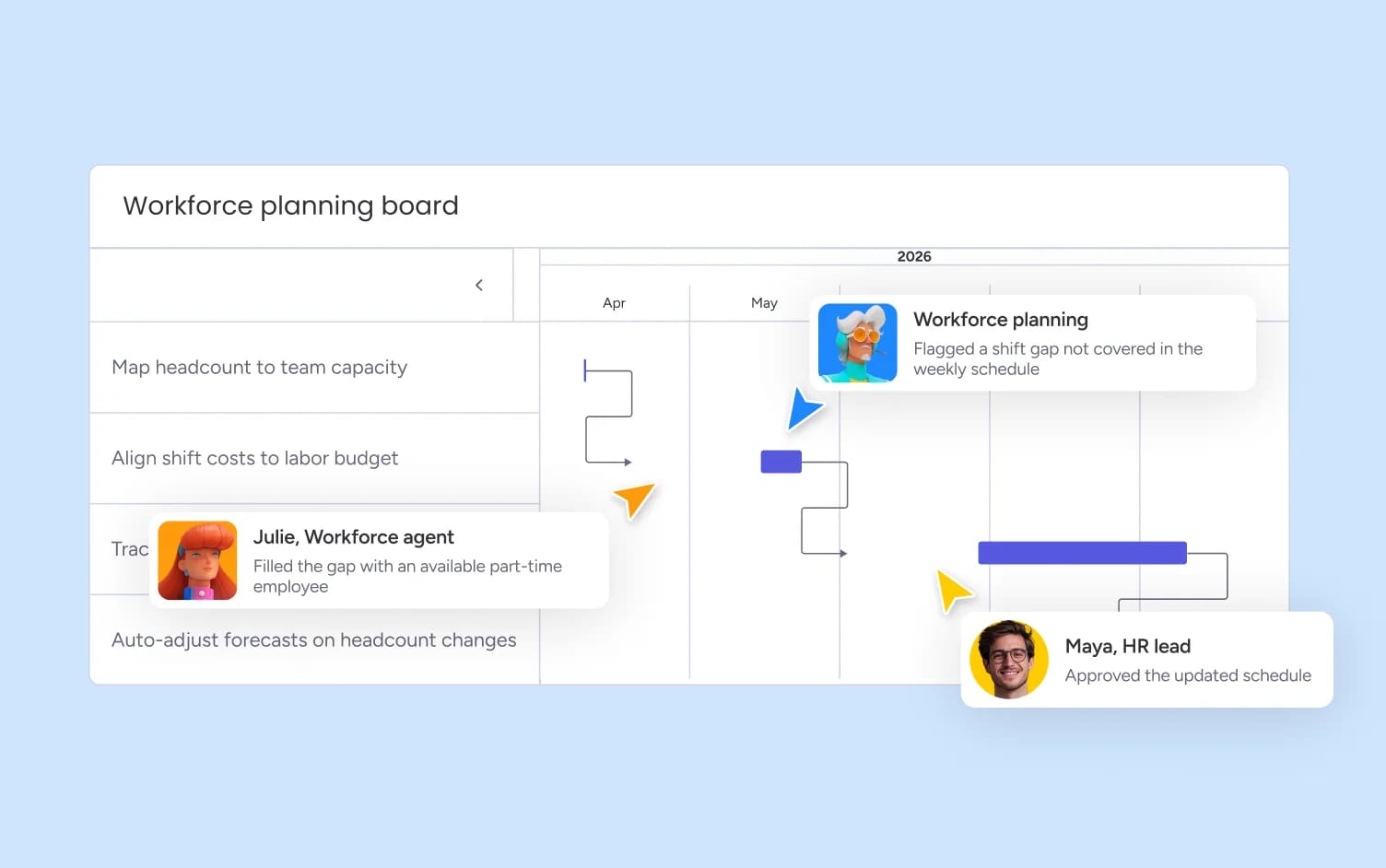
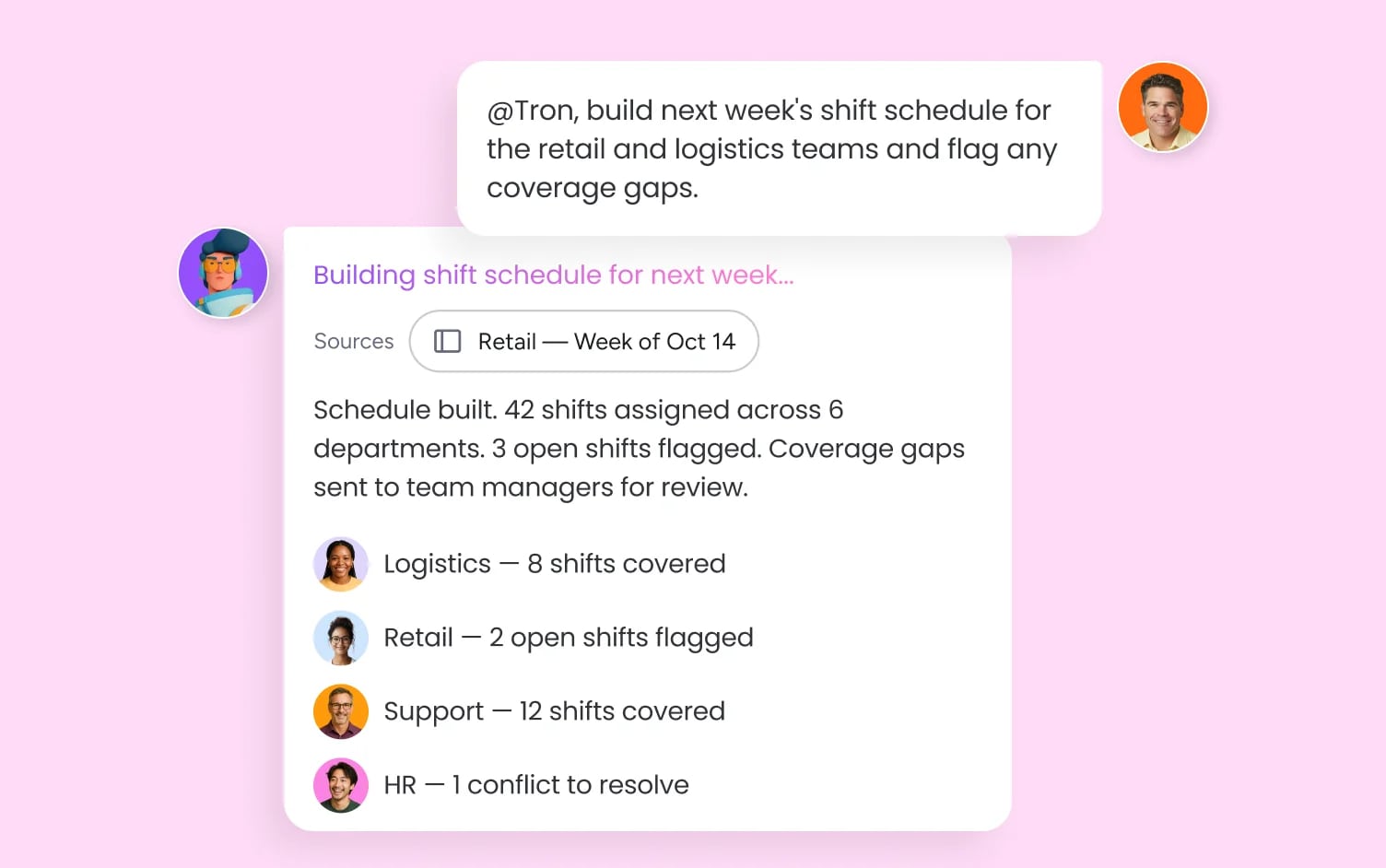
AI agents match people to projects based on skills, availability, and current workload - surfacing conflicts before they become blockers and routing reallocation decisions to the right manager automatically. Project leads and HR see capacity in real time, across every active initiative.
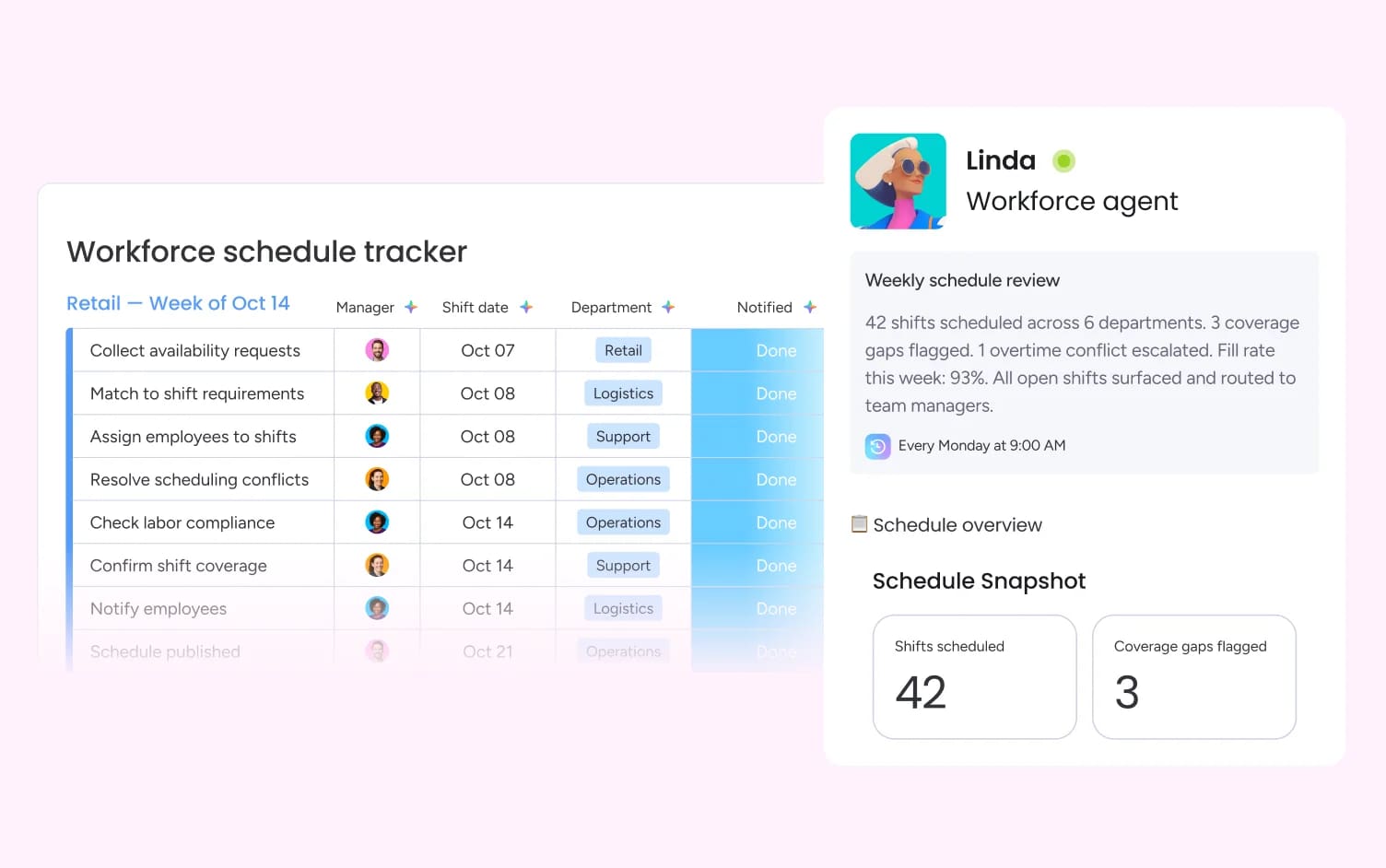
AI agents monitor workload distribution across every board - identifying who is over capacity, who has bandwidth, and where a rebalance would have the most impact. Managers get actionable recommendations, not just data, and every adjustment is logged so HR has a full picture of how work is distributed.
monday.com connects your AI workflow automation software to the tools every team runs on. With 850+ integrations - including Slack, Jira, Microsoft Teams, Google Calendar, GitHub, and Salesforce - and MCP support for Claude, ChatGPT, and Copilot, your portfolio data stays connected wherever your teams work.



Marketing teams track resource allocation across campaigns, flag over-capacity before launch dates slip, and model contractor needs - with AI surfacing conflicts before they stall delivery.

Engineering and product teams track capacity across sprints, surface skill gaps before planning cycles, and rebalance workloads when priorities shift mid-quarter.

PMO teams maintain a real-time view of capacity, headcount, and resource allocation across all active programs - with AI flagging conflicts and surfacing reallocation options before they escalate.

IT teams track agent capacity against ticket volume, model staffing scenarios for peak periods, and surface resource conflicts before service levels are affected.

HR teams maintain a real-time headcount plan connected to finance and operations - with AI surfacing gaps, flagging attrition risk, and keeping every stakeholder working from accurate data.

Legal teams monitor matter volume against available counsel, flag overallocation before deadlines are affected, and surface capacity data for resourcing decisions.
Pull live data from Workday, Excel, or your existing HR tools into monday.com - no-code connectors bring headcount, hiring pipeline, and capacity data into one shared board that HR, finance, and operations all work from, on day one.
The People Analytics Tool analyzes your workforce data and surfaces risks - flagging over-allocated teams, modeling headcount scenarios, and generating recommendations your leadership can act on. Your team makes every decision; agents handle the analysis.
Whether it's a quarterly headcount review, a reorg, or a capacity crunch, your agents operate on the same platform with shared context - so every team gets the same visibility without building a separate planning process.
An AI agent that unifies hiring, onboarding, and review signals in one board - answering ad-hoc workforce questions, drafting leadership updates, and surfacing the capacity data HR and finance need to make confident headcount decisions.
Analyzes your workforce data to generate headcount plans, model what-if scenarios, and surface workforce insights - with every recommendation tied to the real data your teams are working from.
Real-time dashboards that track headcount plan vs. actuals, broken down by team, level, and location - giving HR and finance a shared view of where the organization stands at any moment.
Visual capacity boards that show team utilization, open seats, and over-allocation at a glance - with workload view highlighting who has bandwidth and who needs relief before it affects delivery.
A unified view of every active assignment across your organization - with AI recommending rebalancing options when workload shifts and full visibility into each person's capacity in real time.
Model the impact of hiring plans, attrition, or reorgs before committing - compare scenarios side by side and share them with stakeholders without waiting for a spreadsheet rebuild.
Your built-in AI assistant for workforce management. Summarize headcount status, draft leadership updates, answer questions about your boards, and surface capacity insights - all from within your workspace.
AI flags over-allocated team members and surfaces rebalancing recommendations based on current priorities and available capacity - so managers act on data, not instinct.

Ready-made and custom agents that surface workforce insights, model headcount scenarios, catch resource gaps, and keep HR, finance, and operations working from the same data.

Build automated workforce planning workflows that trigger headcount requests, route approvals, and surface capacity alerts across HR, finance, and operations - without writing a line of code.

Your AI assistant that summarizes workforce status, drafts leadership updates, and answers questions about your headcount and capacity boards - in seconds, inside your workspace.

Create custom headcount dashboards, workforce planning portals, and capacity trackers in minutes, without engineering support - shaped to exactly how your team plans and operates.
We replaced a 15-minute screening call with an AI agent that does it in 5 minutes.





It’s the first time we’ve seen a real AI solution that is actually useful.




Resource allocation is the process of assigning people, time, and budget to projects to meet goals efficiently and avoid resource conflicts.

Workload management helps teams plan, prioritize and balance tasks based on capacity - preventing burnout and improving delivery projects.
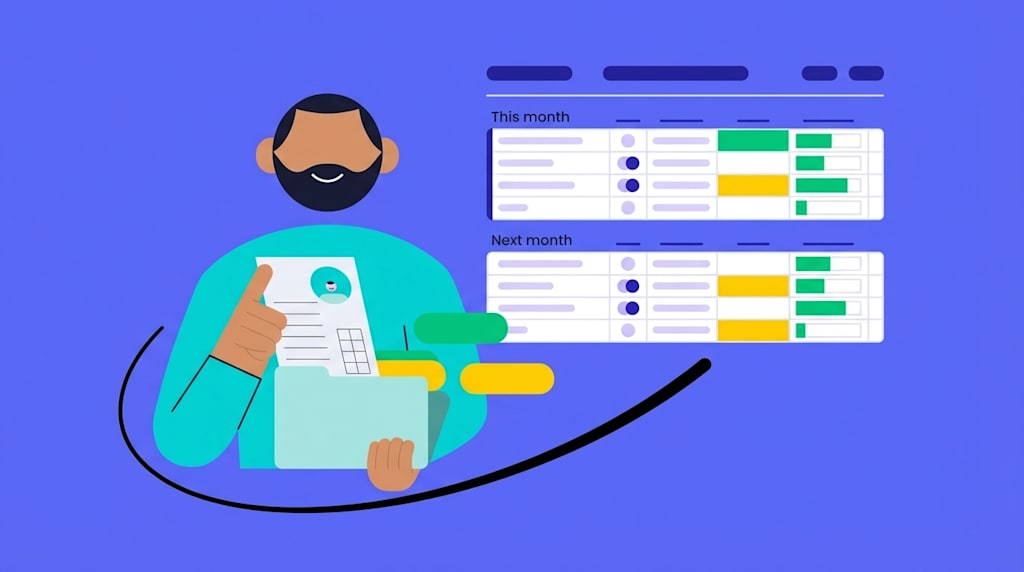
Help teams plan, allocate, and track work. Compare top tools with features, pricing, and use cases to find the best fit. Read the guide now.
Compare 2026's leading workforce planning software and uncover tools that build stronger, more agile teams. Get started today.
AI workforce management software uses artificial intelligence to automate and improve how organizations plan headcount, allocate resources, and manage workforce capacity. monday.com focuses on the planning and coordination layer - where HR, finance, and operations work together with AI agents to keep workforce plans current, capacity visible, and decisions grounded in real data. It works alongside your existing HRIS, not as a replacement for it.
monday.com uses AI agents to unify hiring, capacity, and performance data in one shared platform - surfacing workforce insights, modeling headcount scenarios, and flagging capacity risks before they affect delivery. HR and finance work from the same boards, with agents handling the analysis and people making every strategic decision.
monday.com's AI agents operate across HR, finance, and operations simultaneously - with cross-department context that single-domain workforce tools can't match. G2 #1 ranking and Gartner Leader recognition across four quadrants. 250,000+ customers already run their operations on monday.com, which means AI workforce management integrates into the way your teams already work, with no separate system to implement and no steep learning curve.
An HRIS is your system of record for employee data - monday.com is where that data becomes a working plan. monday.com connects to your existing HRIS (Workday and others) and layers AI-powered planning, cross-department collaboration, and real-time capacity visibility on top, so HR and finance can act on workforce data rather than just store it.
Yes - the what-if scenario modeling capability lets teams model any workforce scenario and compare outcomes side by side in real time, without waiting for a spreadsheet to be rebuilt. Every scenario lives on the same board your leadership already uses.
monday.com offers a free plan with boards, multiple views, and core automations. Paid plans that unlock AI agents, advanced workflows, and enterprise security start at $9/mo per seat.
Yes, the monday.com app is available for download on iOS and Android app stores.