Capture meeting notes automatically to your CRM
Let AI create meeting summaries, prepare next steps, and log them all directly where your deals live.


estate

software

media


services

gooads

services


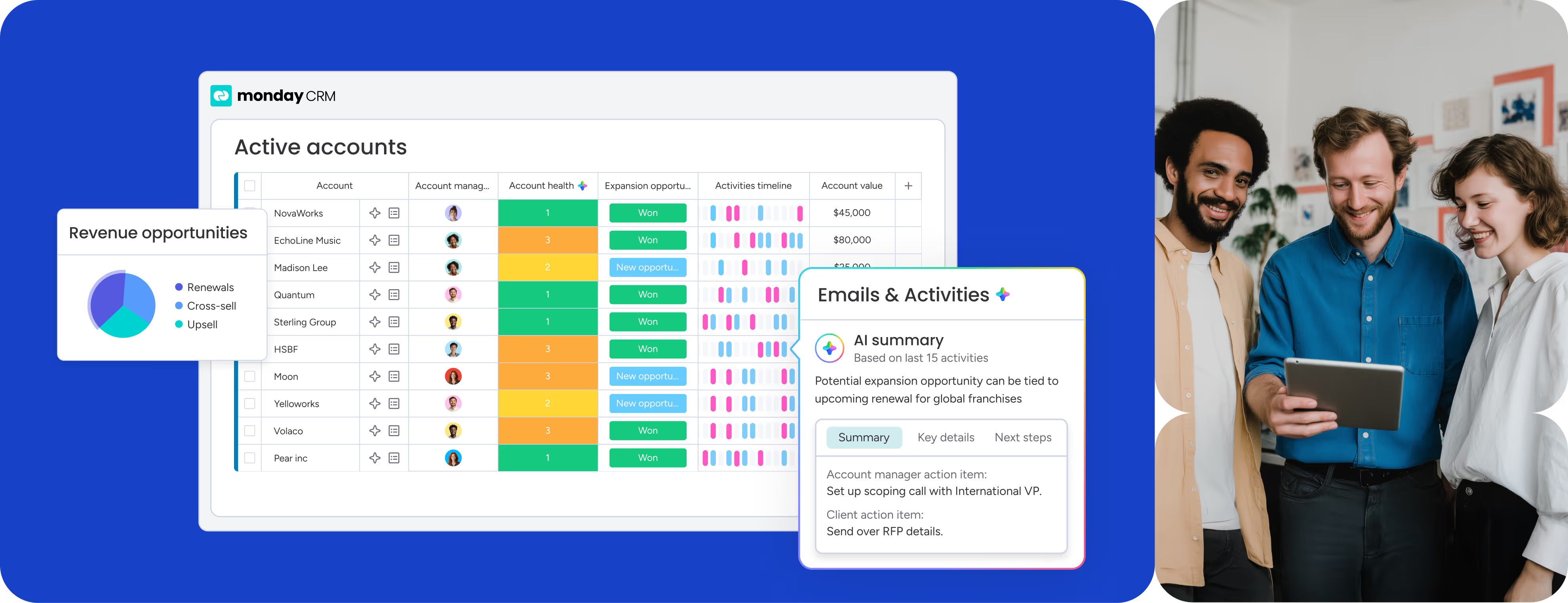


Speed up every step of your sales cycle with AI


monday CRM uses AI to capture what’s happening, understand what matters, and take action automatically so execution never slows down.

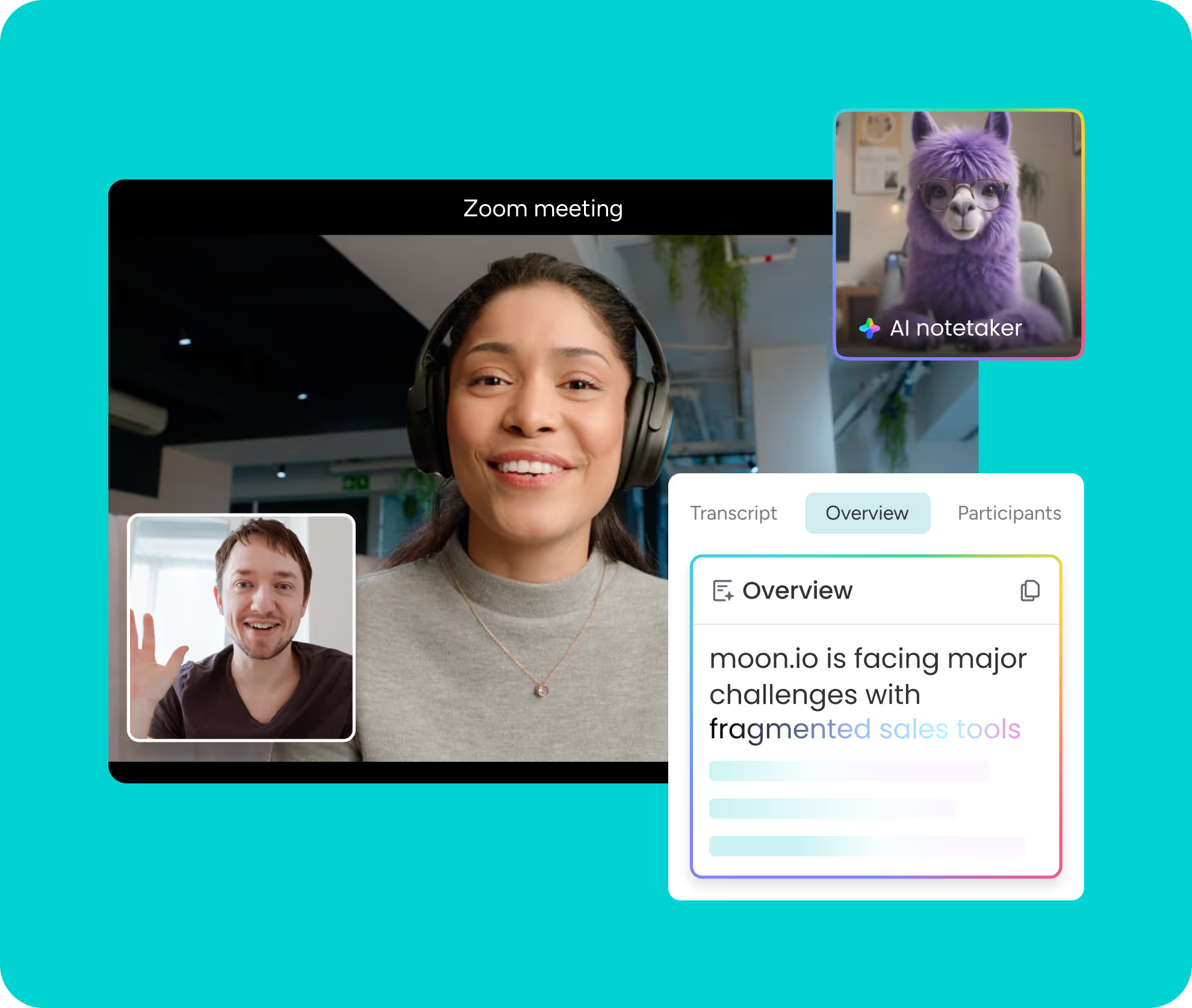
Let AI turn calls into action
AI summarizes calls and meetings, and logs everycustomer interaction, so your CRM stays accuratewithout manual updates.

Spot deal, risk and priorities automatically
Use AI to analyze deals in real time, flag risks,surface priorities, and recommend next bestactions, so nothing slows selling down.

AI agents keep dealsrunning 24/7
Agents generate and call leads, while automationshandle follow-up, even when your team isn’tactively working.

Work with any AI tool or agent inside your CRM

Run monday CRM from your favorite AI tools

Divcover 900+ integrations and apps
Connect the entire sales cycle from pre to post-sales


Connect your sales cycle from first touch to closed won
Capture and qualify every lead in one shared workspace. Every conversation and insight lives in a single, AI-enriched record, giving your team the clarity they need to prioritize top opportunities and win faster.

Smooth handoff to your client team
Stop losing details in the handoff. AI-summarized sales context flows right into your client records, ensuring your onboarding and ongoing projects stay perfectly aligned from day one.

Connect 500+ apps and tools your team already trusts
Integrate your tech stack to cut admin time and improve team flow.


I really like how intuitive and easy monday CRM is to use – it’s very visual and straightforward, so our whole team can jump in without much training. I love that we can all collaborate in real time, track every stage of our leads and clients, and see at a glance who’s responsible for what and what’s coming next.

I like monday’s flexibility and automation power: if we spot a recurring task, we can automate it- e.g., a qualified lead automatically spawns a deal, contact, and account, cutting manual entry. The leads/deals structure is clear, with statuses like “live” “qualified” “unqualified” and “lost” that keep focus and follow-ups tight.
It is the source of truth in our small company. With a team of only 3 people, we work with a minimum number of roughly 60 accounts simultaneously, and we have 100s of clients and contact information to keep track of; monday.com is instrumental in helping our small team operate at a high level of efficiency.
I’ve been using monday CRM primarily for sales tracking, client management, and communications, and it’s been a solid tool for keeping everything organized and accessible in one place.
The integration features are outstanding; we managed to connect monday CRM to our marketing automation platform using the API. As a result, whenever a campaign status changes in monday, it automatically triggers the appropriate sequences in our external systems, removing the need for manual data entry.
The mass email feature is a convenient tool for reaching out to clients and makes communication much easier, as it's already built into the program. Furthermore, I find the system easy to train on due to its simplicity, which enables rapid onboarding for most people.
What I like most is how easy it is to use once everything is set up. The interface is clean, intuitive, and makes day-to-day tasks like updating client info or tracking progress straightforward.
Try monday CRM for 14 days free
Talk to a monday
CRM expert


Frequently asked questions
An AI CRM notetaker automatically summarizes sales meetings and stores the notes in your CRM. In monday CRM, AI-generated summaries are saved directly in the Emails & Activities timeline, keeping all customer context in one place.
monday CRM uses AI to generate meeting summaries and automatically logs them in the Emails & Activities timeline. This ensures notes are linked to the correct deal, contact, or account without manual effort.
AI removes the need for reps to write notes after meetings. It captures key discussion points, action items, and next steps, helping teams stay aligned while reducing admin time.
Yes. Because summaries are saved in the Emails & Activities timeline, sales reps, managers, and post-sale teams can review meeting context instantly. This improves follow-ups, handoffs, and collaboration across teams.
monday CRM’s AI notetaker is built for SMB and mid-market teams that need speed and simplicity. Teams can start using AI meeting summaries without complex setup or additional tools.
Unlike CRMs that store notes in separate tools or attachments, monday CRM saves AI-generated meeting summaries directly in the deal timeline. This keeps conversations, activities, and next steps connected in one system.
monday CRM is a strong fit for teams that want control over their sales process without heavy setup or long onboarding. Built-in automations and AI reduce manual updates, so reps spend less time managing the CRM itself. Teams shape the system around how they sell, not the other way around.
monday CRM stands out by giving teams full control over how their sales process is built and evolves. Instead of forcing a fixed structure, teams customize pipelines, automations, and dashboards to match how they actually sell, with AI and AI agents reducing manual work along the way. This balance of flexibility, clarity, and ease of use is why teams often choose monday CRM over more rigid CRMs.
Yes, monday CRM has a mobile app that sales teams use to manage deals, update statuses, and follow up on the go. Reps can view pipelines, get notifications, and act on AI-powered insights directly from their phone. This makes it easier to keep deals moving even when teams aren’t at their desks.


